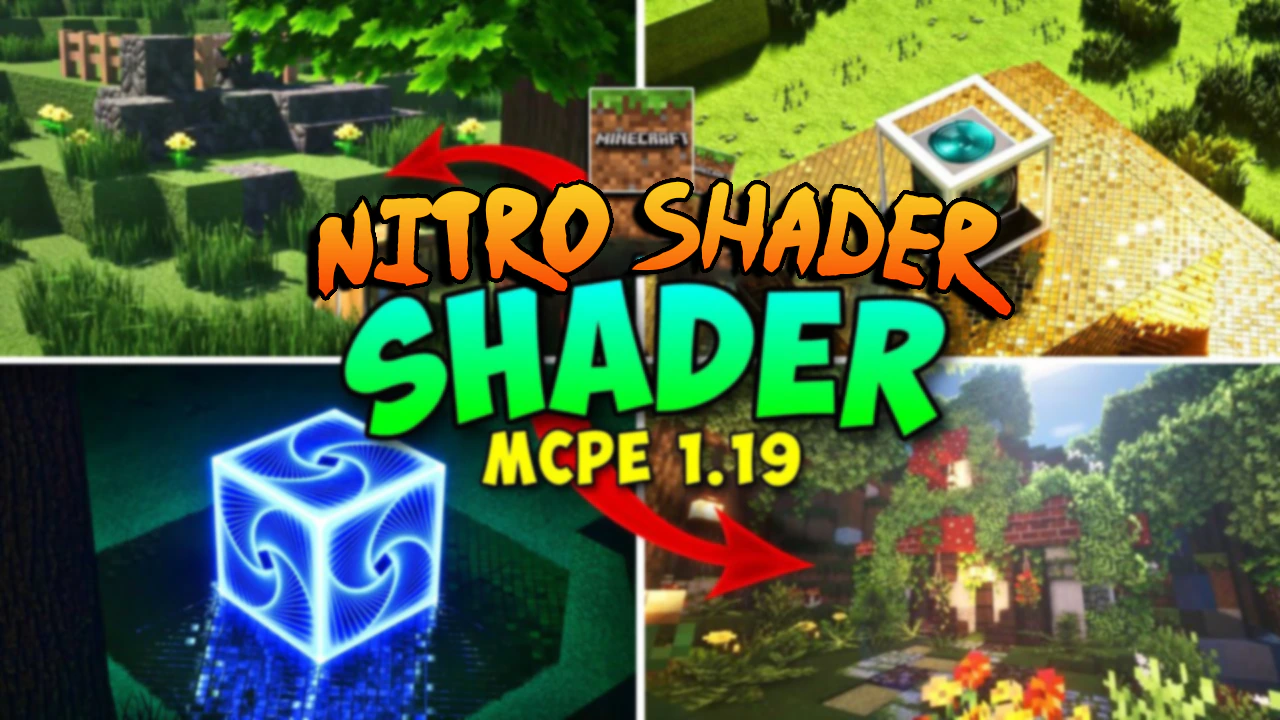
Nitro Shader (1.26+) – RenderDragon Support
Bedrock texture pack listed for Minecraft 26.x. File opened and checked on 22 Sep 2026; installs from the MC Bedrock Mods app on Android.
⬇ Download
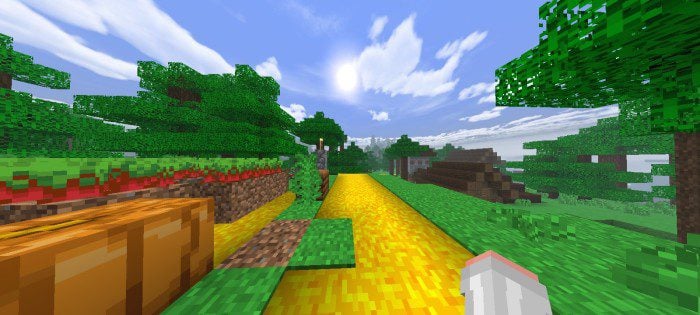
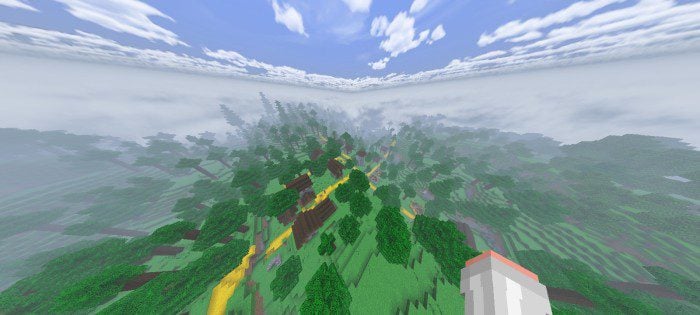
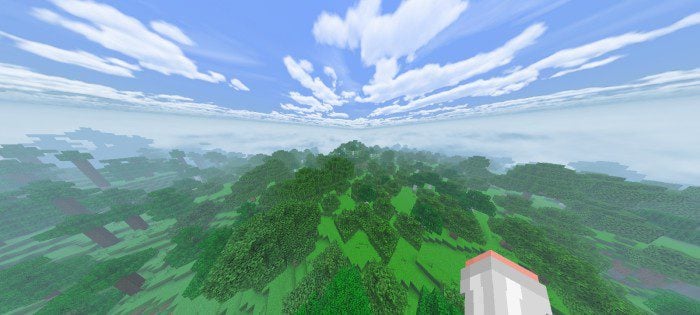
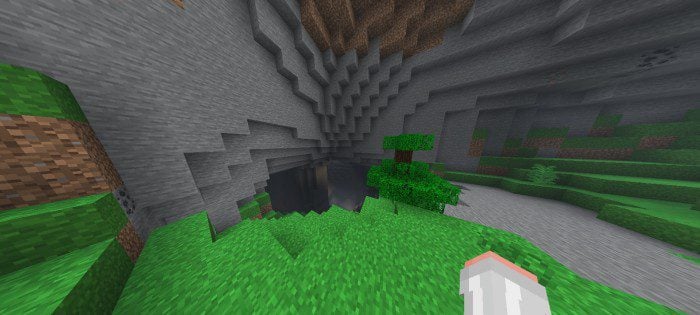

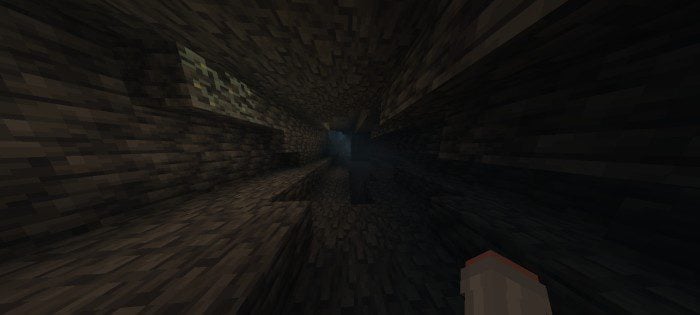
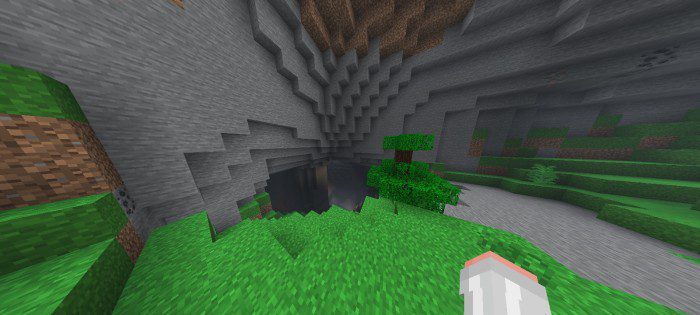
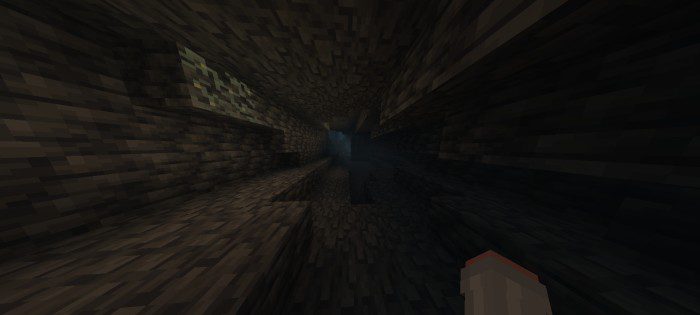
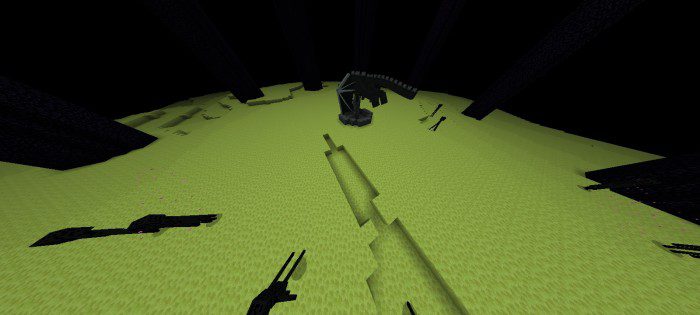
Nitro Shader is a new RenderDragon support shader that features fog, bright textures, bright colormap, bright nether, bright end, full grass, connected glass, waving animation, and more. The shader also includes subpacks for different environments such as Jungle, Savanna, and others, each with its own unique visual enhancements. This shader pack is compatible with the Render Dragon engine, which is used in the Bedrock Edition of Minecraft.
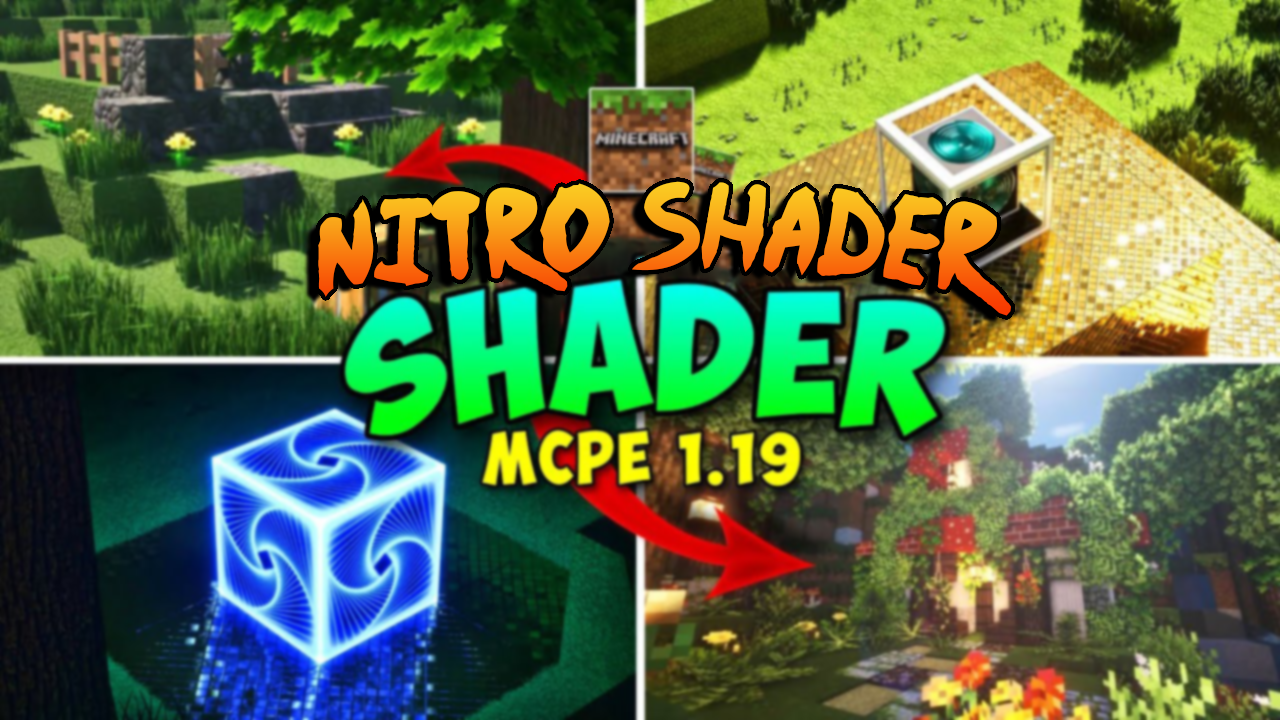
Features:
- The Nitro Shader has been updated to version 3, which includes a beautiful cherry grove, more fog, more subpacks, and hill textures. The shader pack also provides tips on how to adjust the settings for different visual effects, such as increasing the fog or creating a darker atmosphere.
🎛️ Compare Bedrock Shaders Side by Side →
Drag across real in-game scenes — find YOUR perfect MCPE shader.
Screenshots:


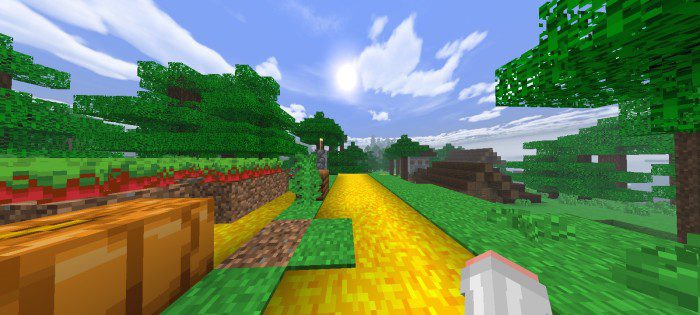
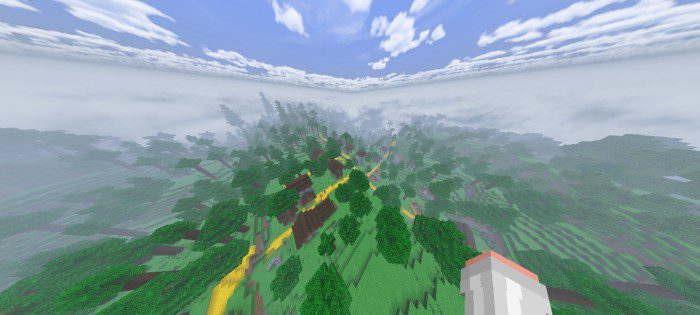
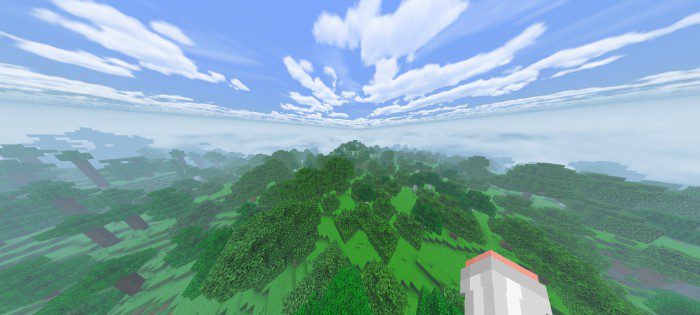



Nitro Shader Download Links
You may also like
For Minecraft PE/Bedrock 1.21, 1.20
mcpack: Download from server 1 – Download from server 2
For Minecraft PE/Bedrock 1.19
mcpack: Download from server 1 – Download from server 2
- Edition: Minecraft Bedrock
- File type: .mcpack
- Minecraft version listed: 1.26
- How to install: Download the .mcpack. → Open it — Minecraft imports it under Resource Packs. → Activate it in Global Resources, or for one world under Resource Packs → Available.
- Where to get it: In MCModsHub, or directly above on this page.
Install steps are the general flow for this file type — How to install Minecraft Bedrock texture packs walks through it step by step.
- Pack type: .mcpack — a single pack
- Complete pack — everything it depends on is inside the file
- Download link checked 17 Jun 2026 — working
- Mirrored on our own servers — the download does not depend on the original host
These come from our own check of the pack file, not from the source page.