Radiant Glowing Ores
Bedrock texture pack listed for Minecraft 1.21–26.x. File opened and checked on 23 Oct 2026; installs from the MC Bedrock Mods app on Android.
Radiant Glowing Ores makes every ore glow so you never miss a vein again. Vibrant, eye-catching textures that light up the dark and make caving a whole…
⬇ DownloadThe author built this one for Minecraft 1.21–26.50. On other versions it may install and then do nothing.
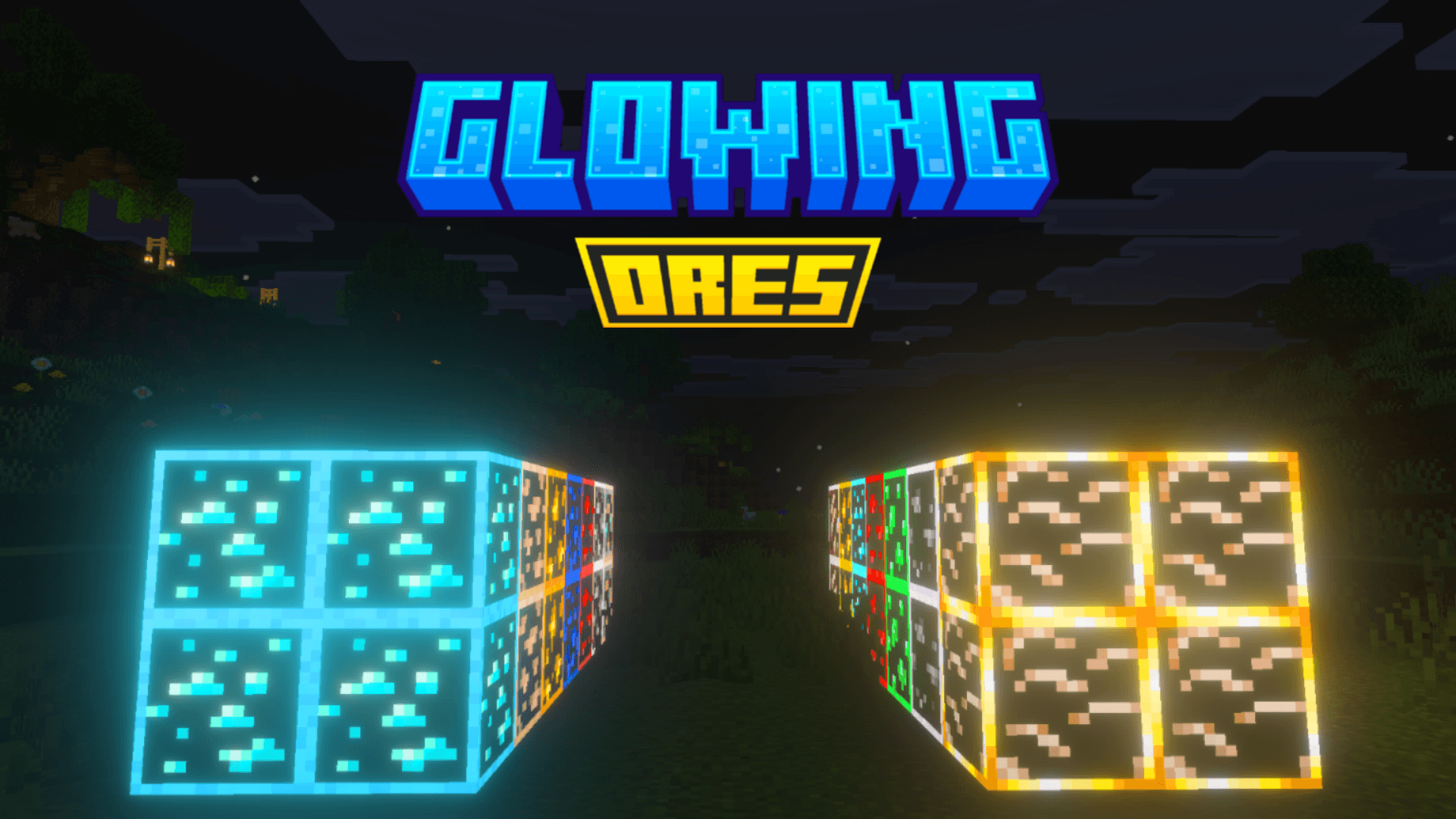
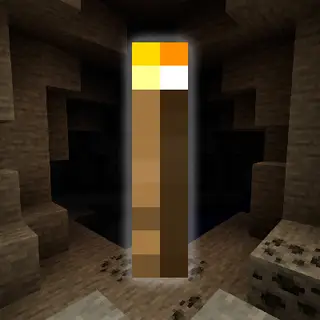
Radiant Glowing Ores completely transforms the way you mine. Say goodbye to walking past hidden veins in the dark — every single ore now radiates a vivid, eye-catching glow that makes them impossible to miss, no matter how deep you go.

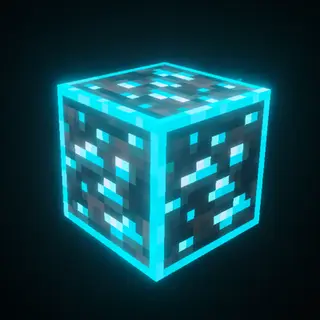
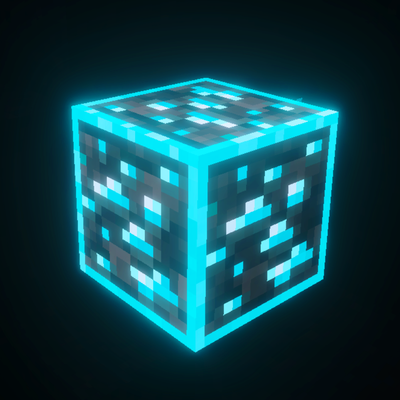
Whether you're spelunking through massive cave systems, carving tunnels at bedrock level, or exploring the fiery depths of the Nether, every ore lights up with a brilliant radiance that feels like it's truly alive. Diamonds shimmer with an icy blue gleam, redstone pulses with a deep crimson light, gold gleams warmly through the stone, and ancient debris burns with a fierce nether glow. Every ore has its own unique personality — and now you can actually see it.
This pack doesn't just make ores easier to find. It makes the entire underground feel more alive, more atmospheric, and more rewarding. There's something genuinely satisfying about rounding a corner in a pitch-black cave and seeing a cluster of emeralds radiating green light through the rock.
Designed for players who want both beauty and function, Radiant Glowing Ores is perfect for survival players tired of missing veins, content creators who want stunning cave footage, and anyone who thinks the underground deserves to look as epic as it feels.
✅ Vivid glowing textures for every ore.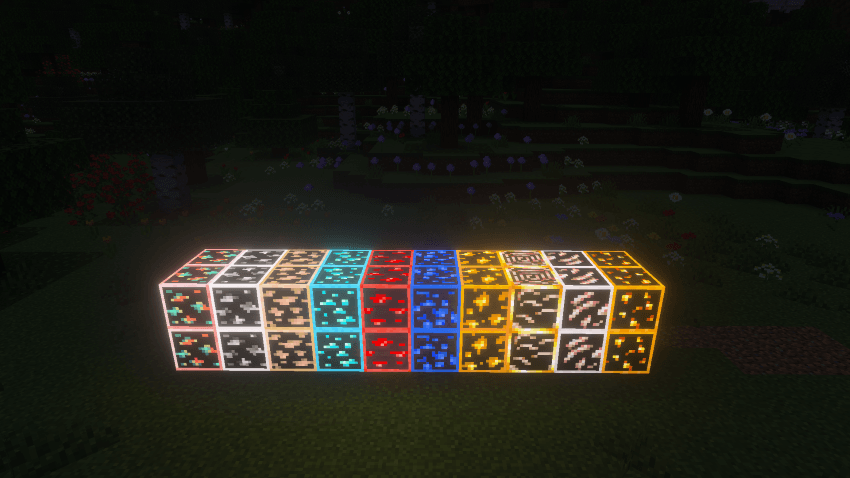
✅ Works in caves, mines, and the Nether.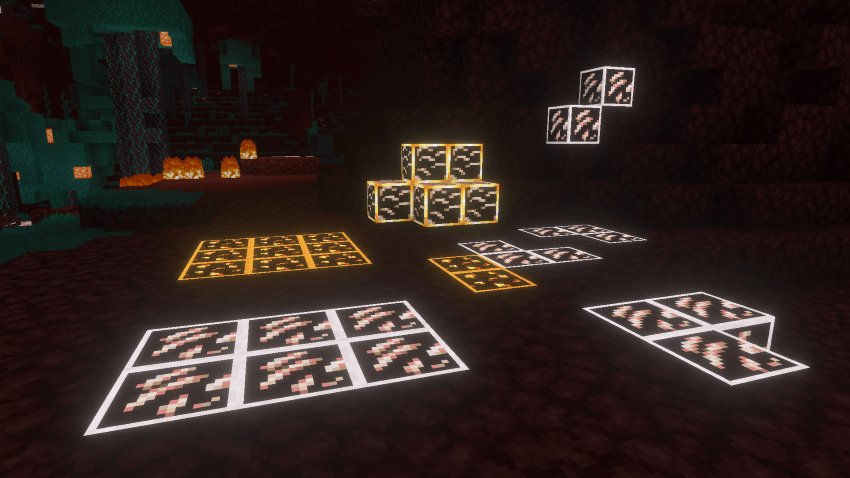
✅ Without vibrant visuals.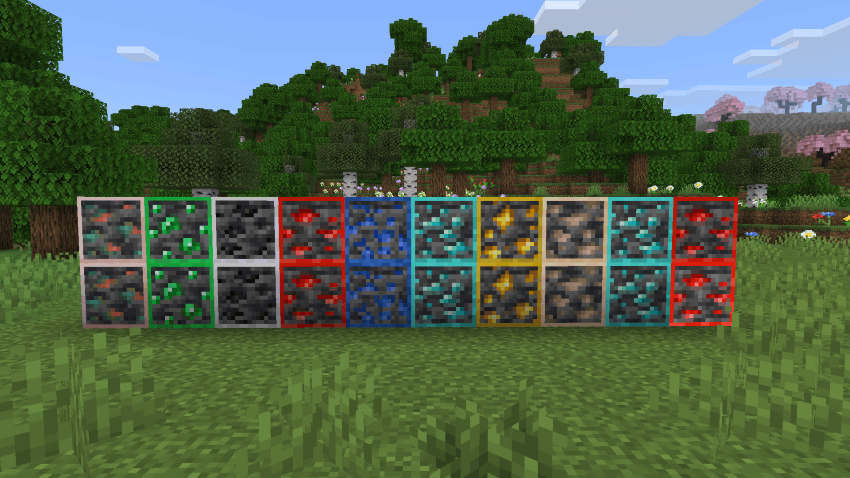
✅ Perfect for survival, hardcore & content creation.
✅ Added animated textures to ores for a dynamic glowing effect.
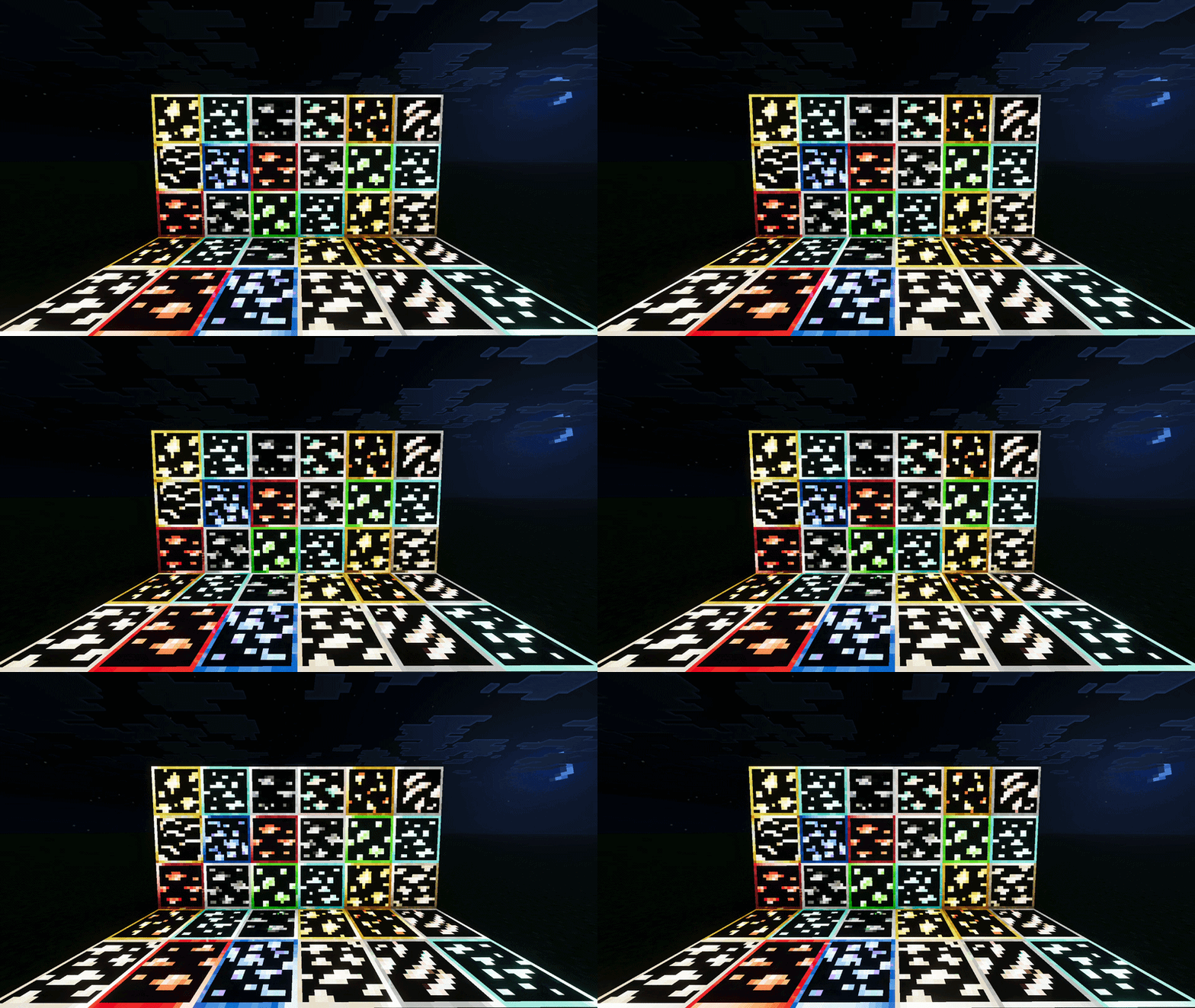
✅ Lightweight and easy to install.
Mine smarter. Mine brighter. Mine with Radiant Glowing Ores.
- Edition: Minecraft Bedrock
- File type: .mcpack
- Minecraft versions listed: 1.21.90, 1.21.101, 1.21.94
- How to install: Download the .mcpack. → Open it — Minecraft imports it under Resource Packs. → Activate it in Global Resources, or for one world under Resource Packs → Available.
- Where to get it: In MCModsHub, or directly above on this page.
Install steps are the general flow for this file type — How to install Minecraft Bedrock texture packs walks through it step by step.
- Pack type: .mcpack — a single pack
- Complete pack — everything it depends on is inside the file
- Download size: 2.4 MB
- Download link checked 25 Aug 2026 — working
These come from our own check of the pack file, not from the source page.