
PEYN Shader (1.26+) – MCPE/Bedrock
Bedrock texture pack listed for Minecraft 1.0–26.x. File opened and checked on 5 Oct 2026; installs from the MC Bedrock Mods app on Android.
⬇ Download

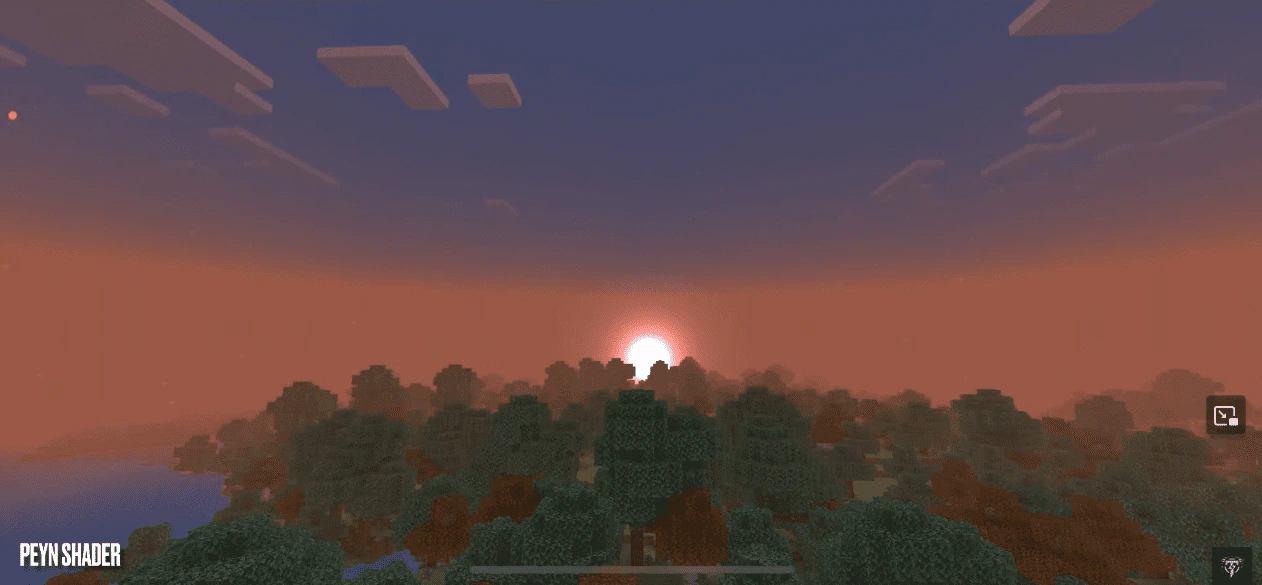


Are you ready to explore the vast world of Minecraft Bedrock Edition? How about taking it up a notch with a little something extra? We’re offering you the chance to bring your world to life with just the push of a button, and in a matter of seconds. PEYN Shader is a pack that aims to provide a smooth deferred PBR experience for low-end devices. It is a great choice for those who want to enhance their Minecraft experience without compromising on performance.
Features:
Minimum Requirements:
- MCBE versions 1.20.30 and above.
- At least 2/3 GB of RAM.
- Octa-core processor.
How to get this graphics pack to work:
- You need to create a new world, then go to experimental toggles and turn on the Render Dragon Features for Creators.
- Once you have entered your world, go to your settings and look for the video, then scroll down and enable the Deferred Technical Preview from the graphics mode section.
- Enjoy and have fun!
🎛️ Compare Bedrock Shaders Side by Side →
Drag across real in-game scenes — find YOUR perfect MCPE shader.
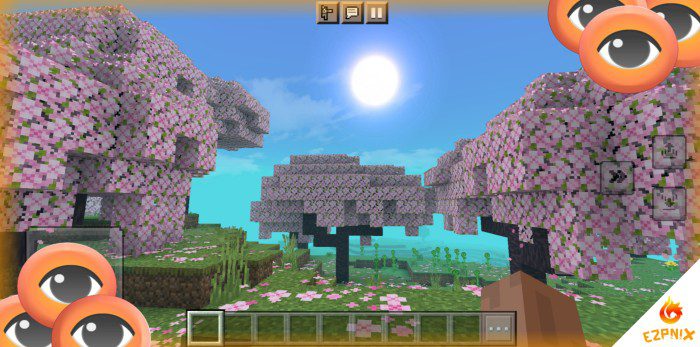
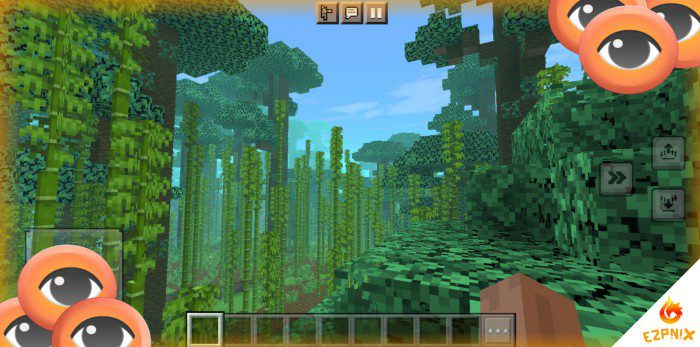
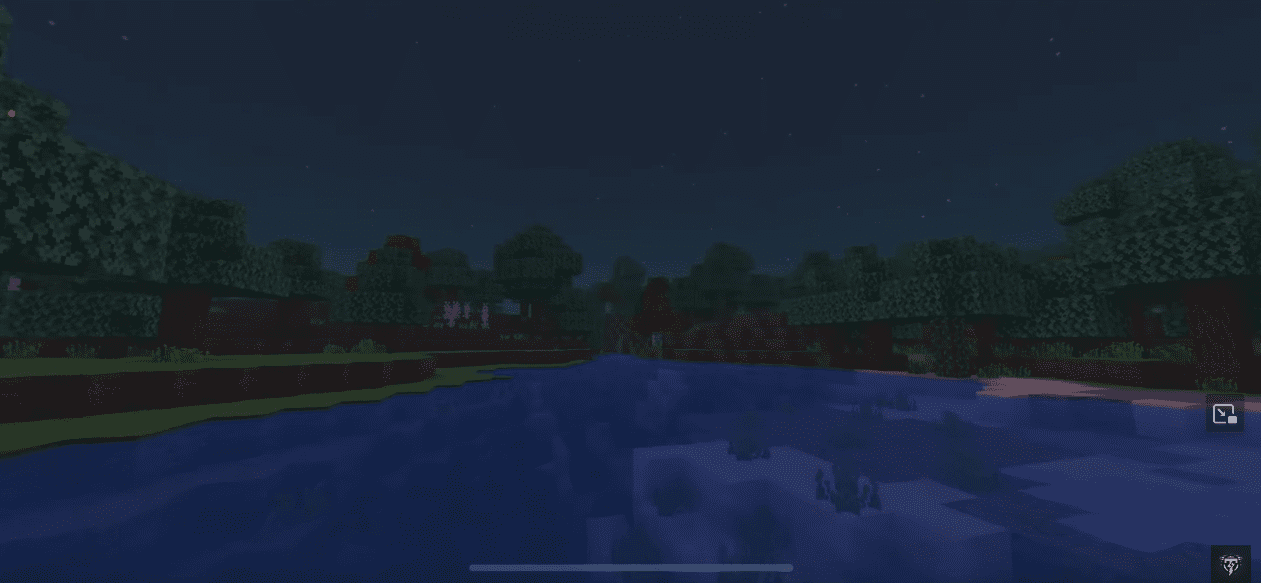
Screenshots:
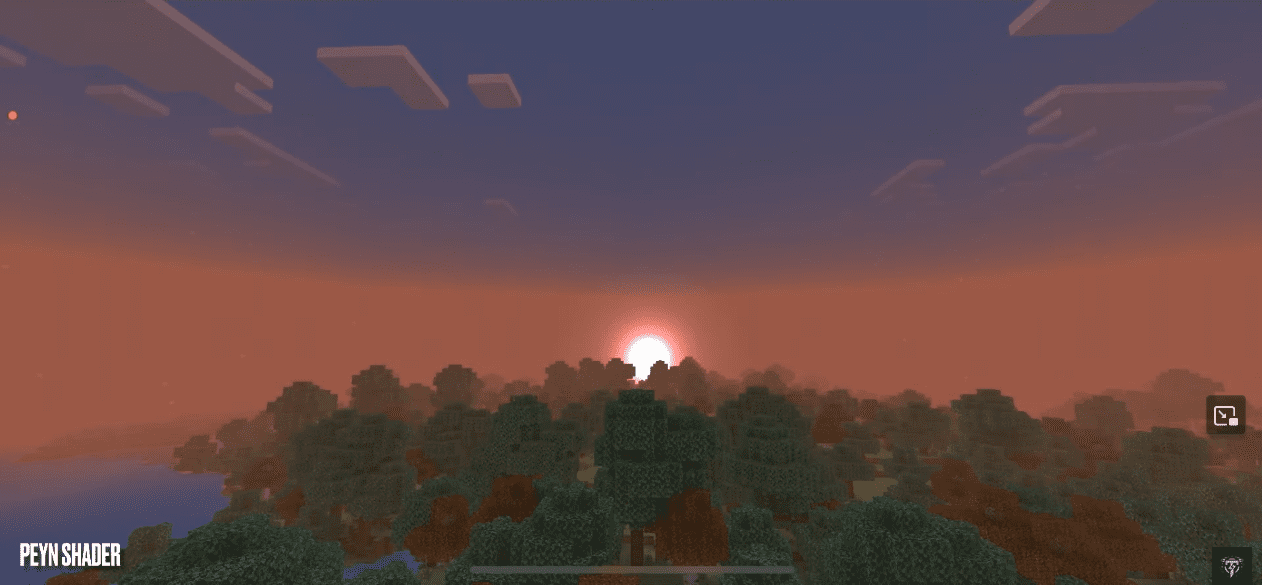
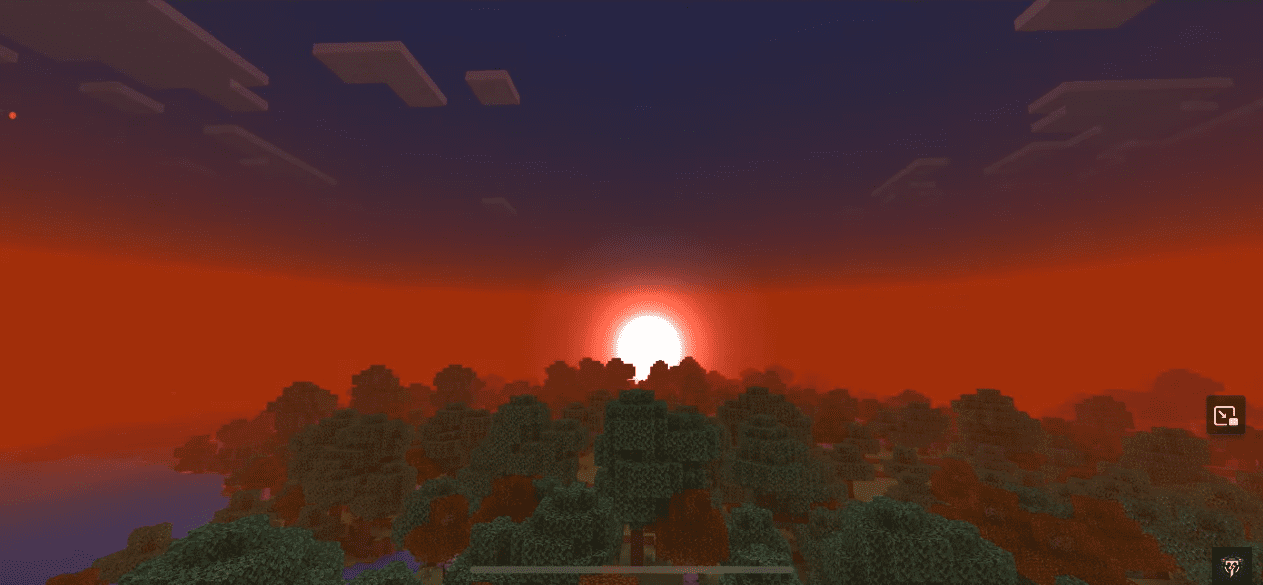
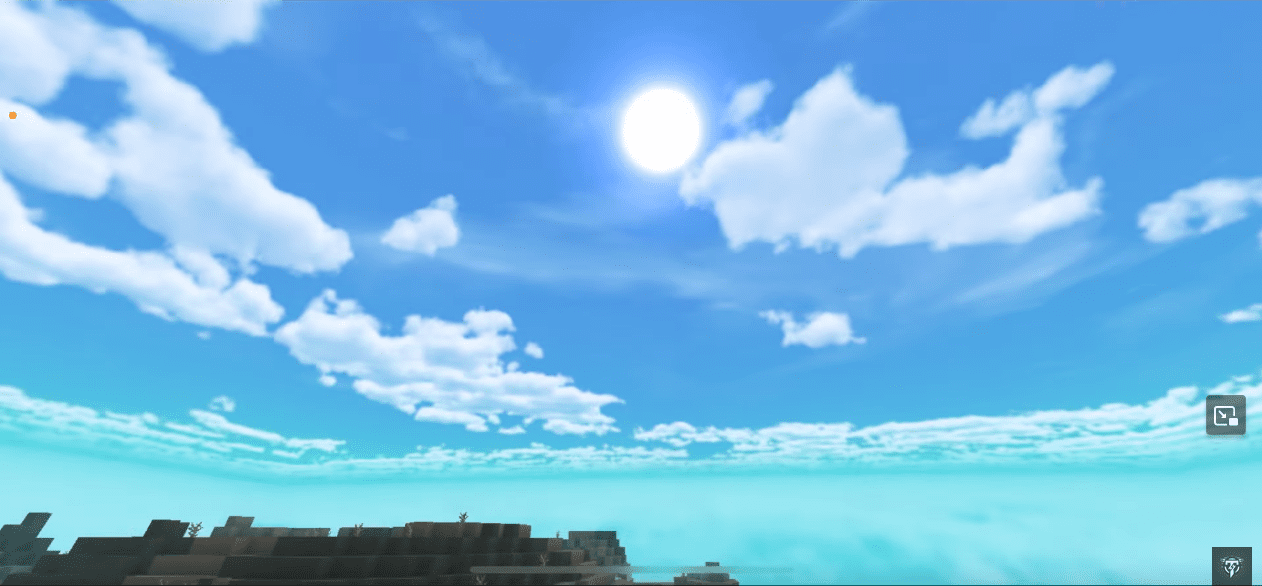
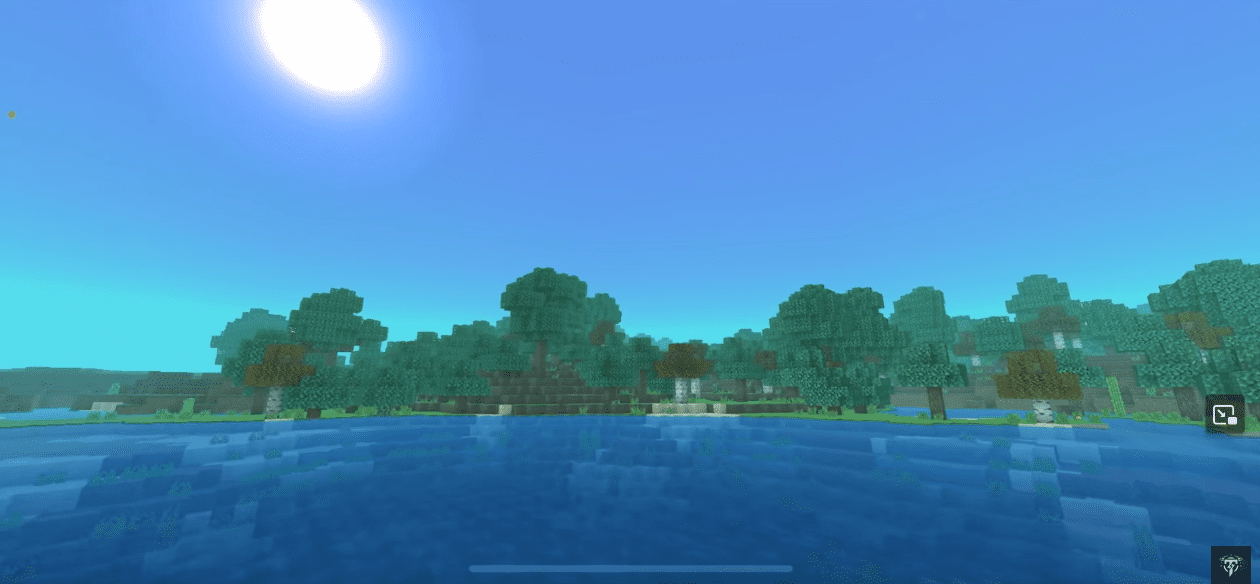
Installation Note:
- Make sure you turn on the Render Dragon Features for Creators.
PEYN Shader Download Links
For Minecraft PE/Bedrock 1.20
Non PBR version: Download from server 1 – Download from server 2 (Only for 1.20.30.20 and above)
PBR version: Coming soon
- Edition: Minecraft Bedrock
- File type: .mcpack
- Minecraft version listed: 1.26
- How to install: Download the .mcpack. → Open it — Minecraft imports it under Resource Packs. → Activate it in Global Resources, or for one world under Resource Packs → Available.
- Where to get it: In MCModsHub, or directly above on this page.
Install steps are the general flow for this file type — How to install Minecraft Bedrock texture packs walks through it step by step.
- Pack type: .mcaddon — behaviour and resource pack in one file
- Manifest requires Minecraft 1.0.0 or newer
- Complete pack — everything it depends on is inside the file
- Download link checked 17 Jun 2026 — working
- Mirrored on our own servers — the download does not depend on the original host
These come from our own check of the pack file, not from the source page.