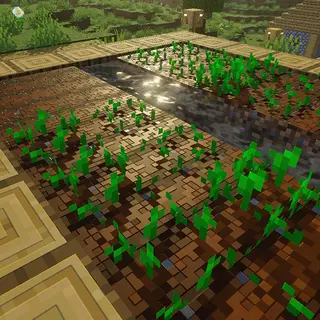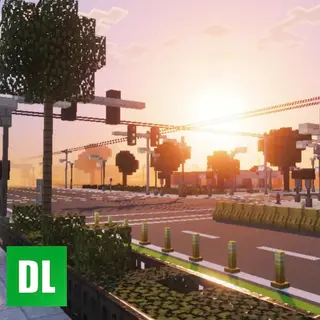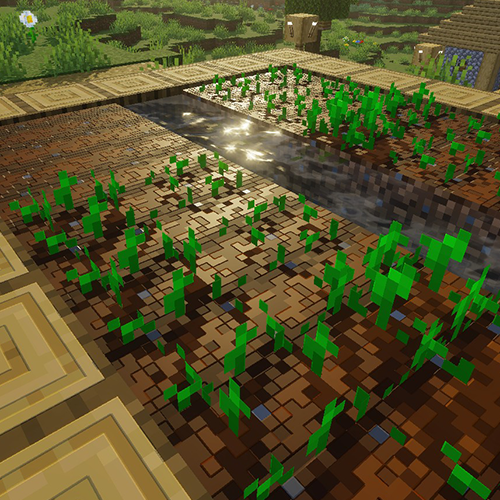
Lunac Shaders 3D 2.1.2 | RTX, Heightmaps, High - Q Lighting And Shadows
Bedrock texture pack listed for Minecraft 1.20–26.x. File opened and checked on 11 Oct 2026; installs from the MC Bedrock Mods app on Android.
Lunac Shaders 3d is a another version of The Lunac Shaders with Heightmaps and MERS textures. This PBR (Physically Based Rendering) version is much better…
I don't know my version
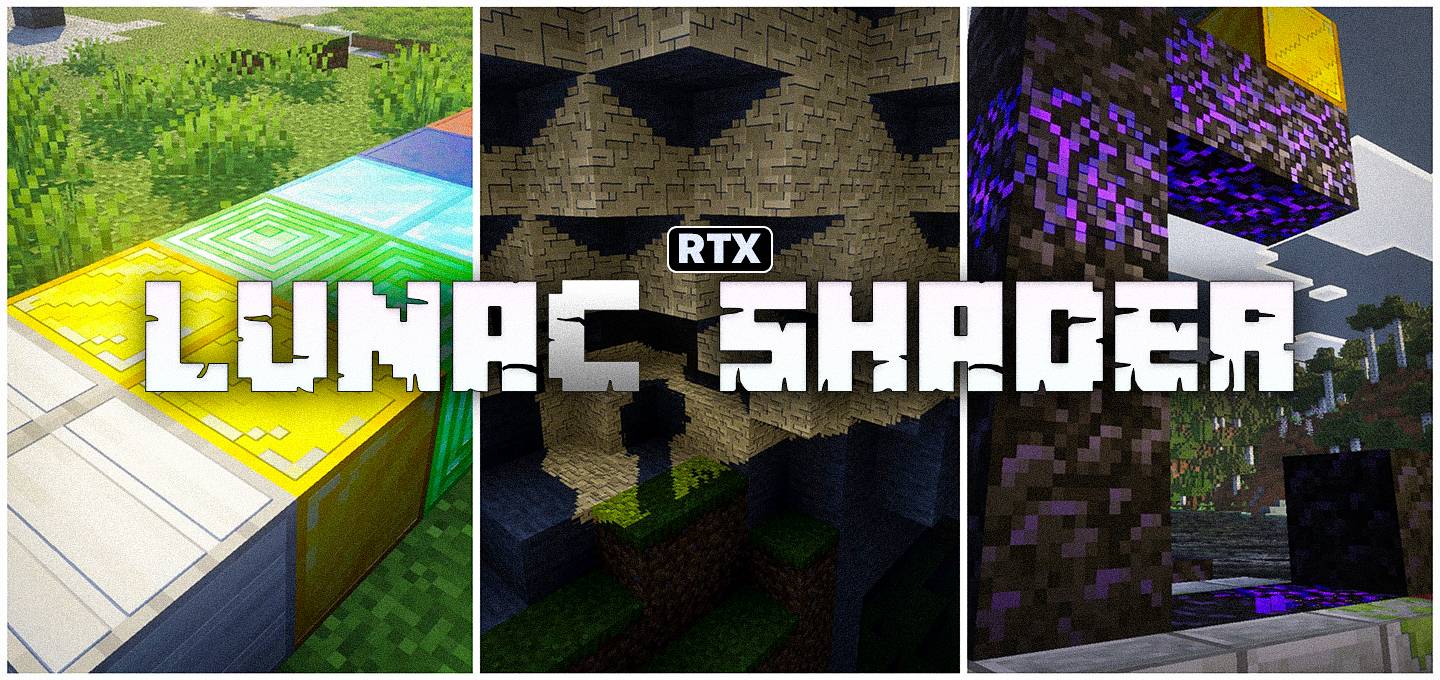
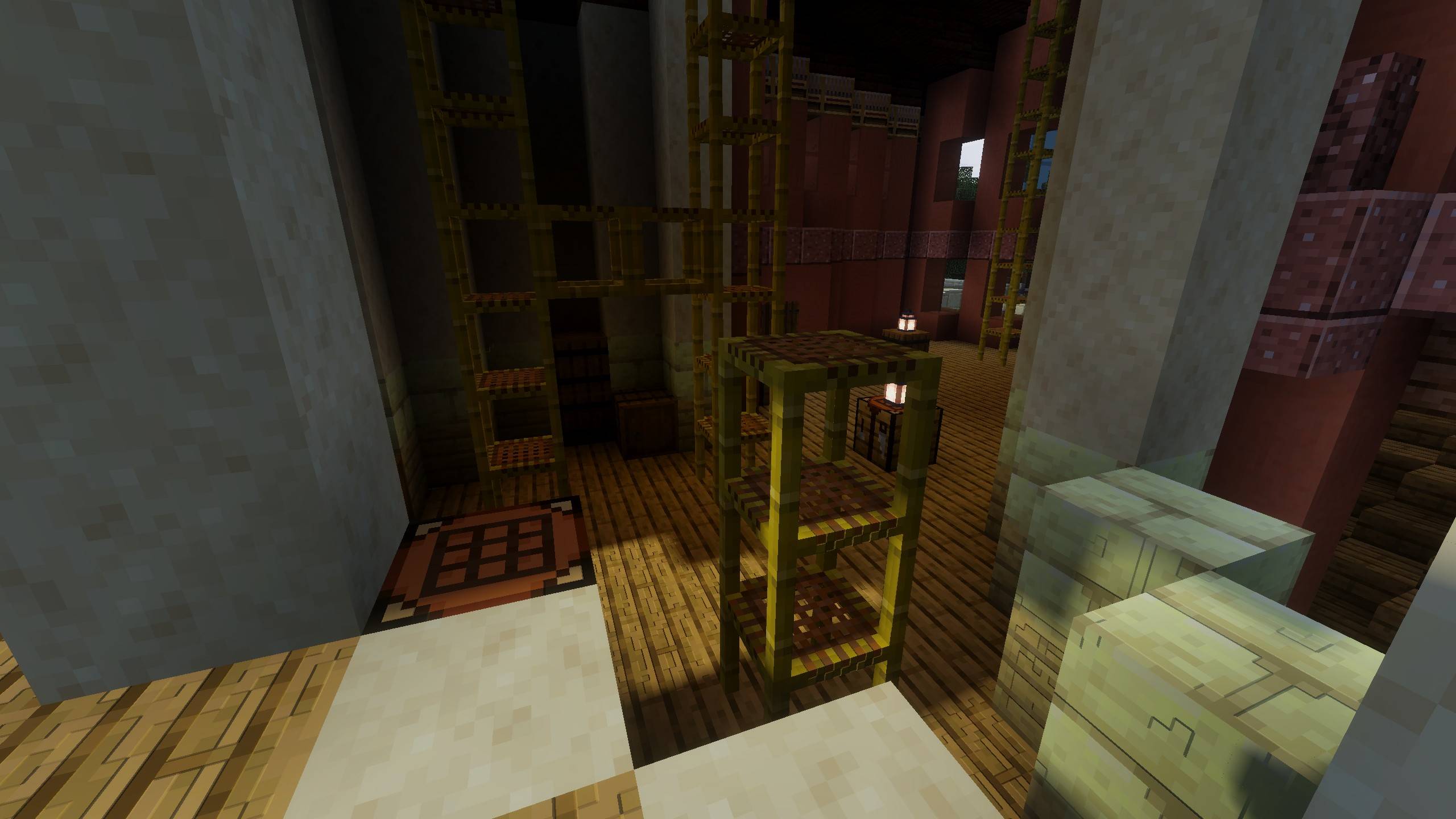
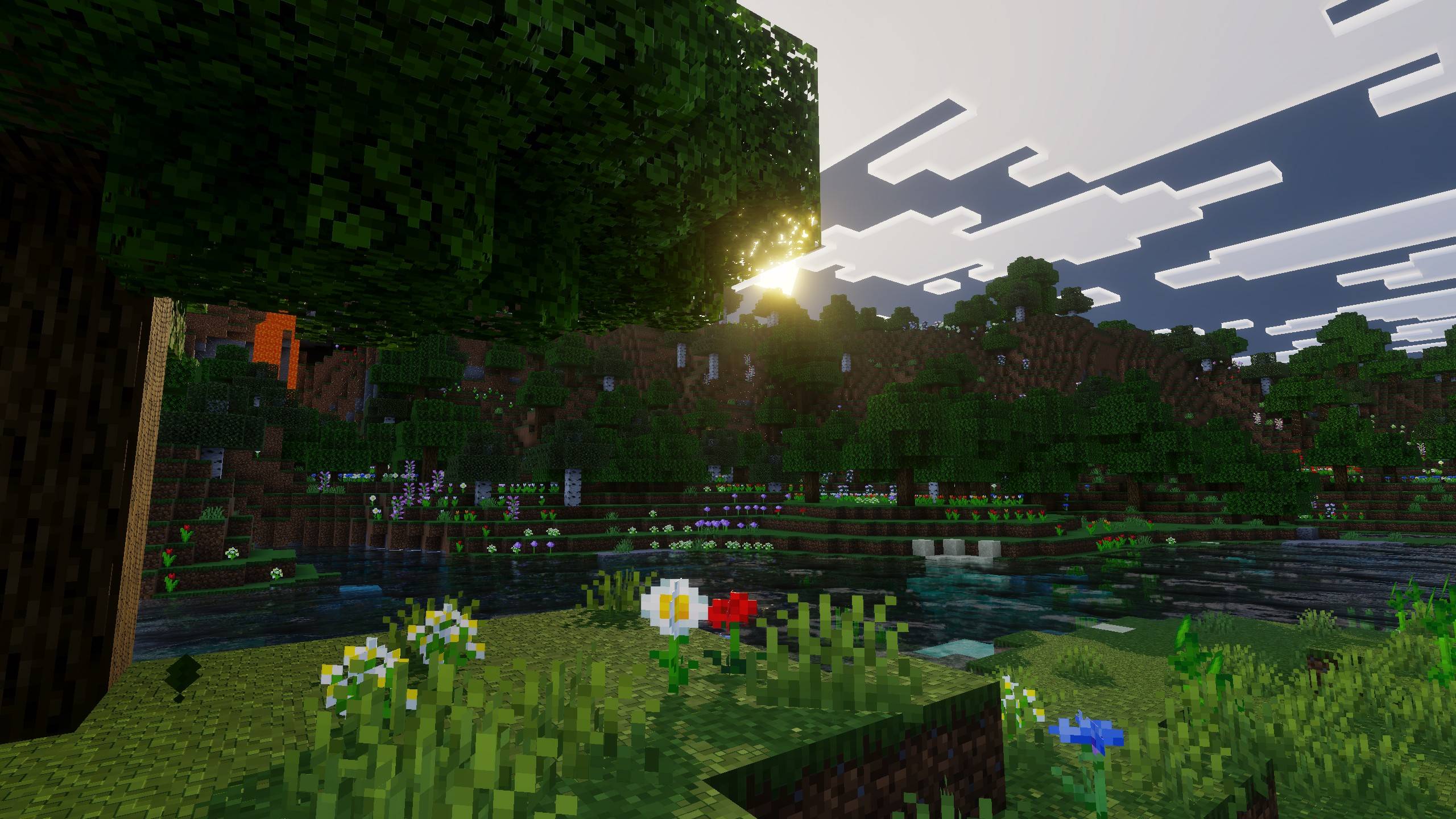
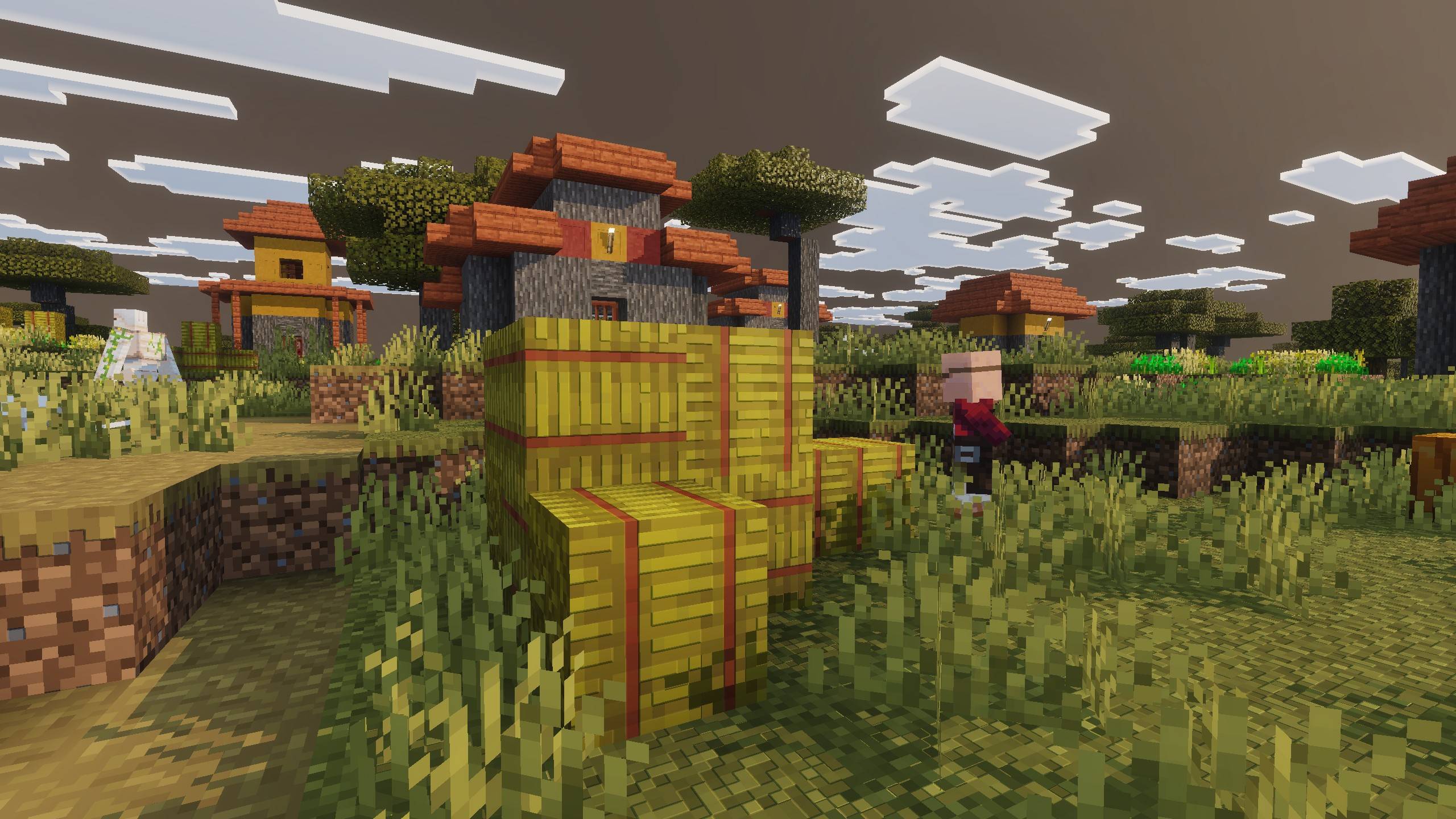
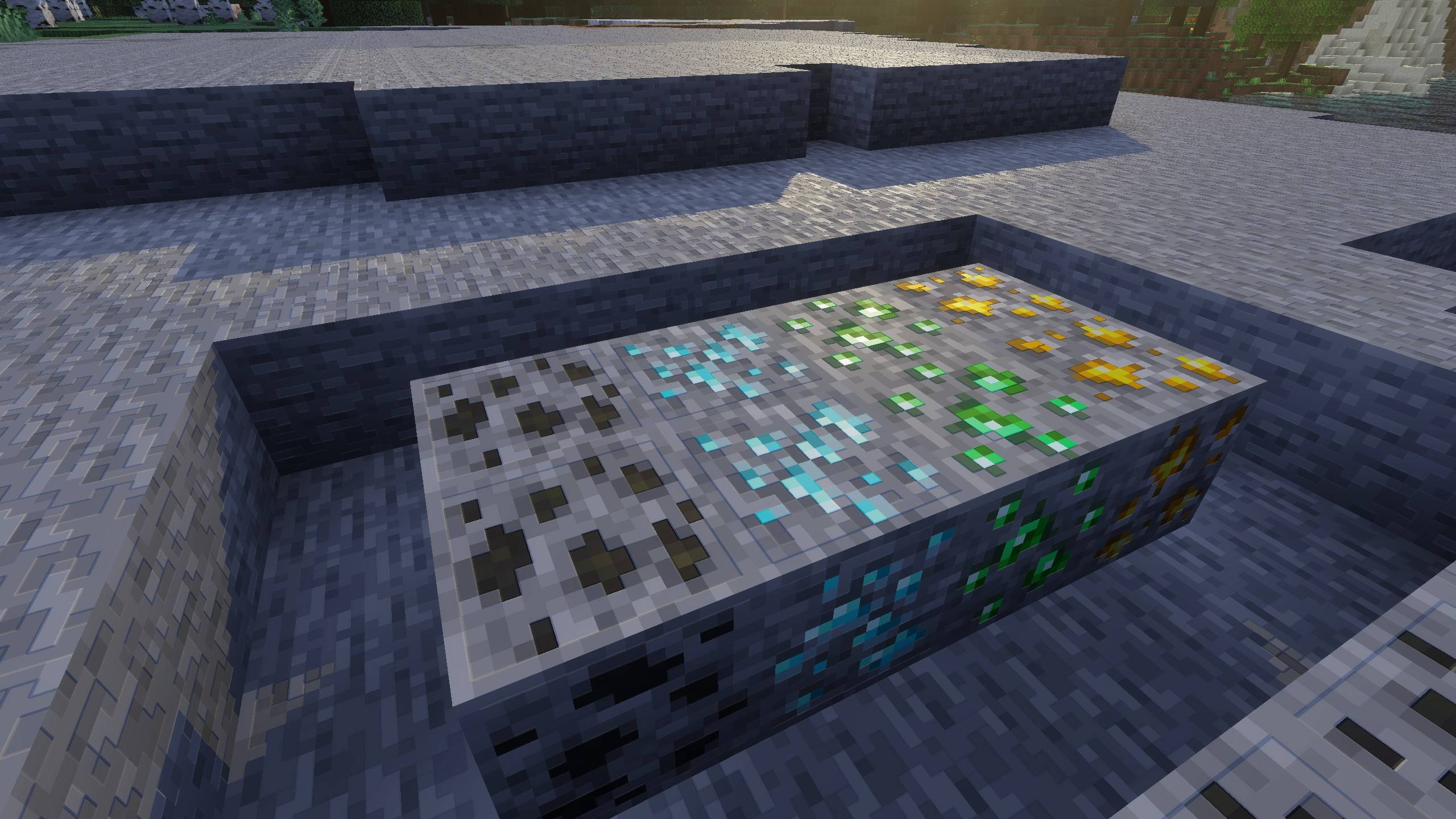
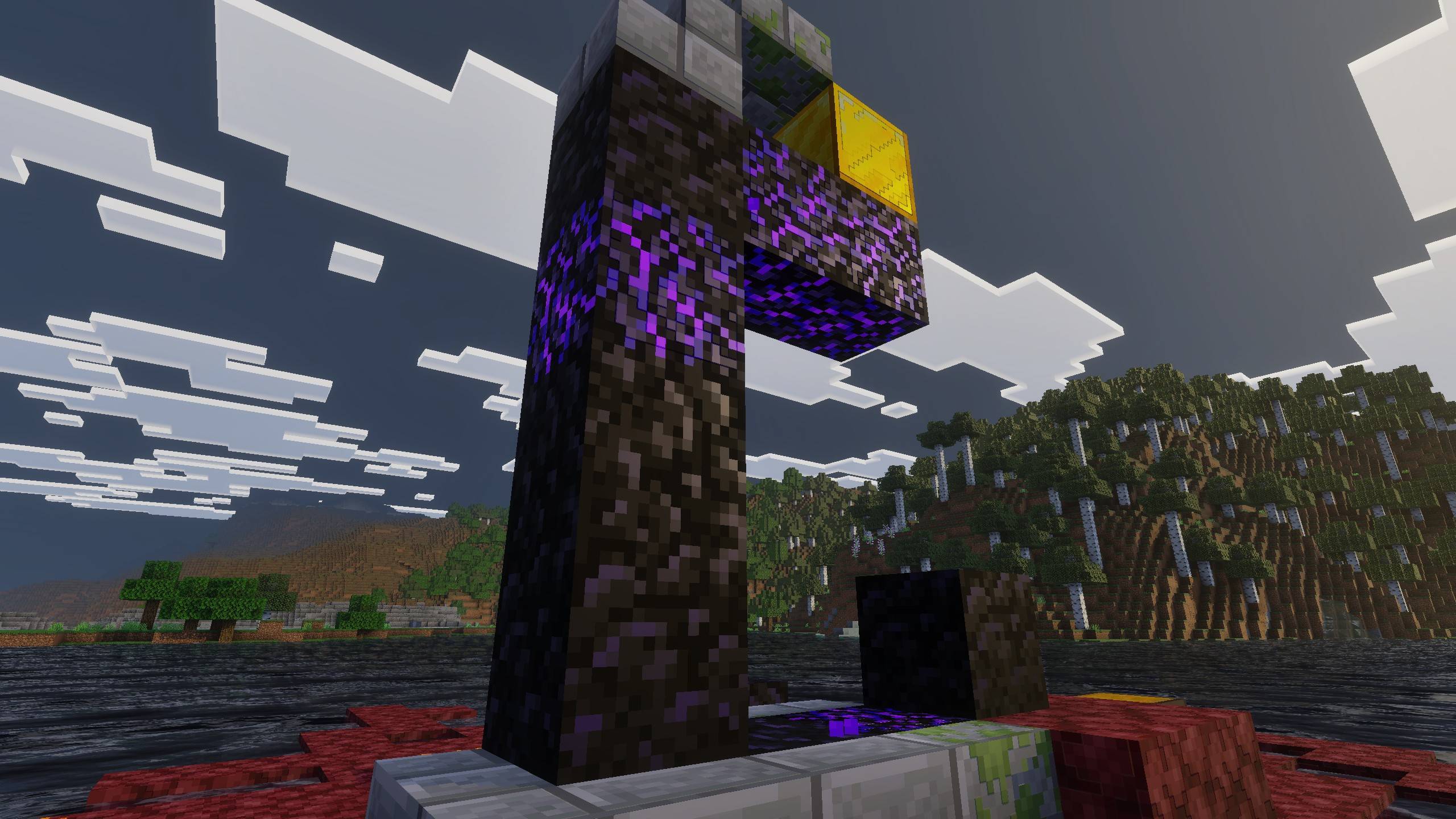
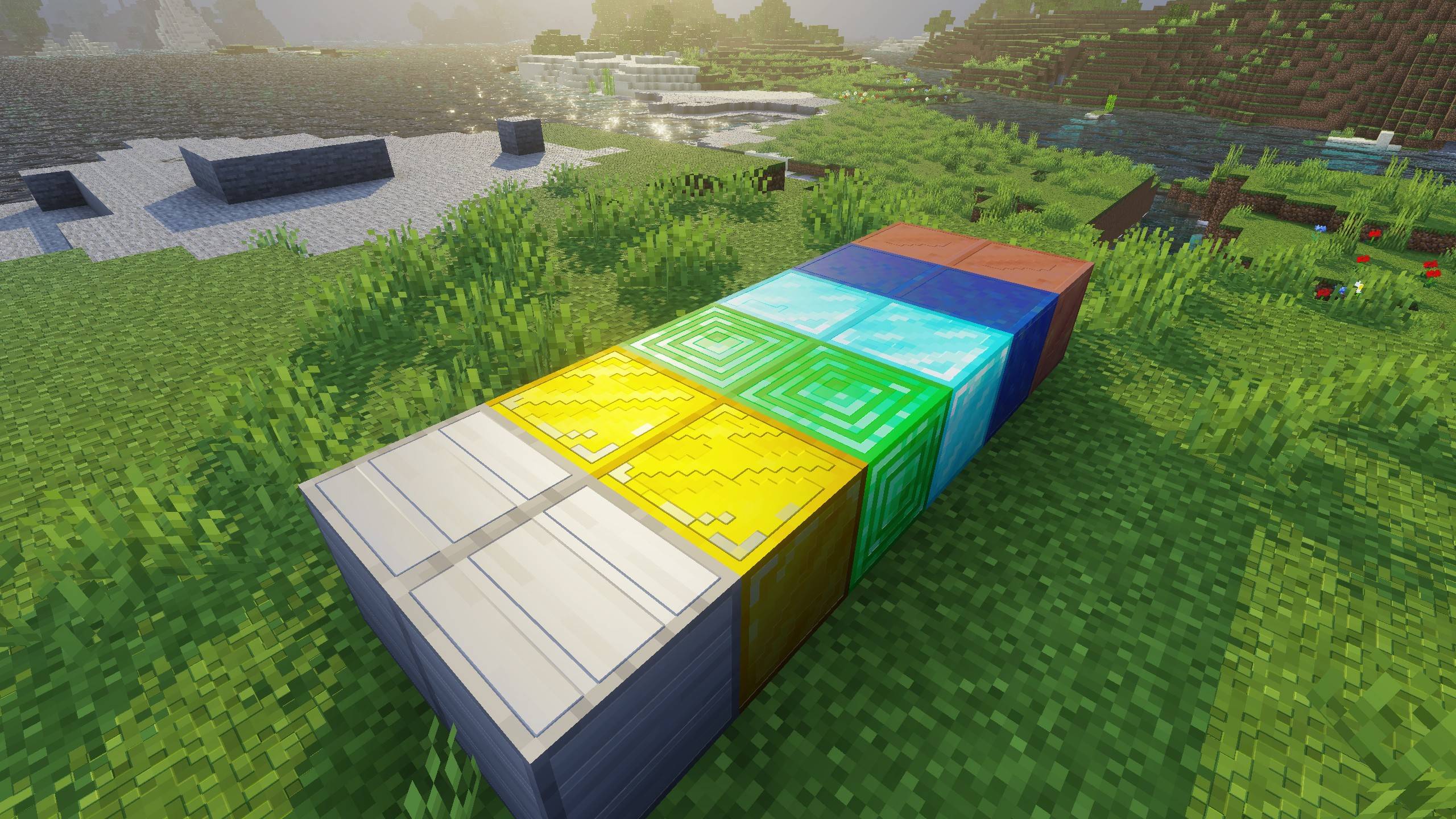
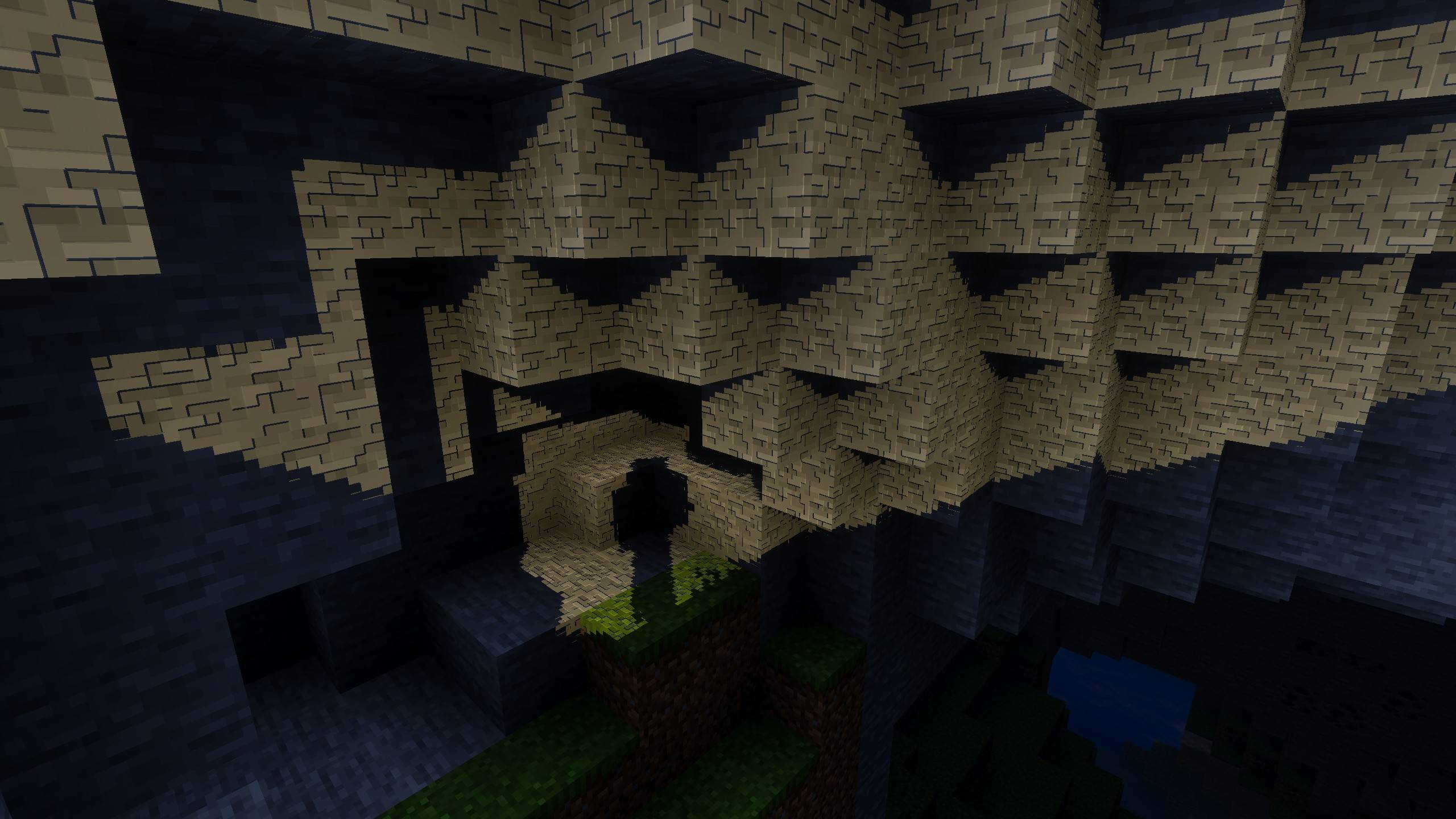

Welcome to Lunac Shader 3d's page. Lunac Shader3d Adds realistic RTX like graphics to the Base Lunac Shaders. It Adds 3d realistic textures, shadows, reflections, and lighting.
Want to host a powerful and reliable Minecraft or Hytale server?
Get started with Godlike click here
This is a Complete Shader + Textures (heightmaps & mers) Shader. This is more superior to The raw Lunac Shaders. This Shader has better details, shadows, lightning etc. Though this shader also work on same Vibrant Visual feature and not the RTX toggle. So This will work on every device that supports Vibrant visual.
✨ Depth
With heightmaps, every block now has actual depth and definition. Surfaces pop out, grooves look real, and builds feel more solid than ever. you'll actually see the ridges, bumps, and cuts in blocks like stone, wood, and bricks, etc.
💎 Realistic Materials!
Thanks to MERS, blocks now react to light exactly like the real-world. Metals shine naturally, polished surfaces reflect just enough, and rough textures absorb light instead of glowing like grass. Now each block has a it's own properties like metalness, reflectiveness, emisive described, giving more detailed and realistic look to blocks.
🔦 Lighting & Reflections!
This Version makes lighting and materials work together in harmony. When sunlight moves across a wall, you’ll notice tiny shadows in the cracks from the heightmaps and realistic light scatter from the MERS. You''ll also notice Light going through pixels of leaves and other blocks. Metal , Glass, etc blocks has better and more prominent reflections.
🌊 Water, Shadows, and Atmosphere
The ultra-realistic water and blocky shadows from the base shader are still here, but they now interact with MERS and heightmaps for extra realism. Water ripples look richer when catching reflections, and shadows now have more character because they fall across textured surfaces instead of flat ones
Recommended Video Settings:
- First, activate the Lunac shaders in your world.
- Make sure you're inside the world, then go to Settings > Lunac Settings.
- In Graphics Mode, make sure "Vibrant Visuals" is selected.
Use "Favor Performance" mode for If you lacking behind interms of performace, And use "Favor Quality" Mode When you have extra head room for quality.
Set The Resolution as "Native" for best quality and least performance. Or set it to "Auto" for best performance and decent quality.
Video Showcase
1. You are allowed to make video on the texture but give credits in video description. Please Only give original MCPEDL/CurseForge link.
2. You are not allowed to edit and publish it on the internet.
3. You are not allowed to publish the texture on any other website and claim it as yours
Join My Discord Server: https://discord.gg/Wvst4znsgk
Download the New Bedrock Manager application to easily install and manage your minecraft addons, worlds and more!
Download Now! (Windows only, android in future) 
Enjoy!
 👉 Click the banner or [start here] to get going. Use code MODMCPE40 for 40% off!
💬 Curious what players think? Check out the community discussion on [Best Minecraft Server Hosting].
- Edition: Minecraft Bedrock
- File type: .mcpack
- Minecraft versions listed: 1.21.50, 1.21.81, 1.21.93
- How to install: Download the .mcpack. → Open it — Minecraft imports it under Resource Packs. → Activate it in Global Resources, or for one world under Resource Packs → Available.
- Where to get it: Opens on CurseForge — not every file is mirrored on our own servers.
Install steps are the general flow for this file type — How to install Minecraft Bedrock texture packs walks through it step by step.
- Pack type: .mcpack — a single pack
- Manifest requires Minecraft 1.20.40 or newer
- Complete pack — everything it depends on is inside the file
- Download size: 6.6 MB
- Download link checked 26 Oct 2026 — working
These come from our own check of the pack file, not from the source page.