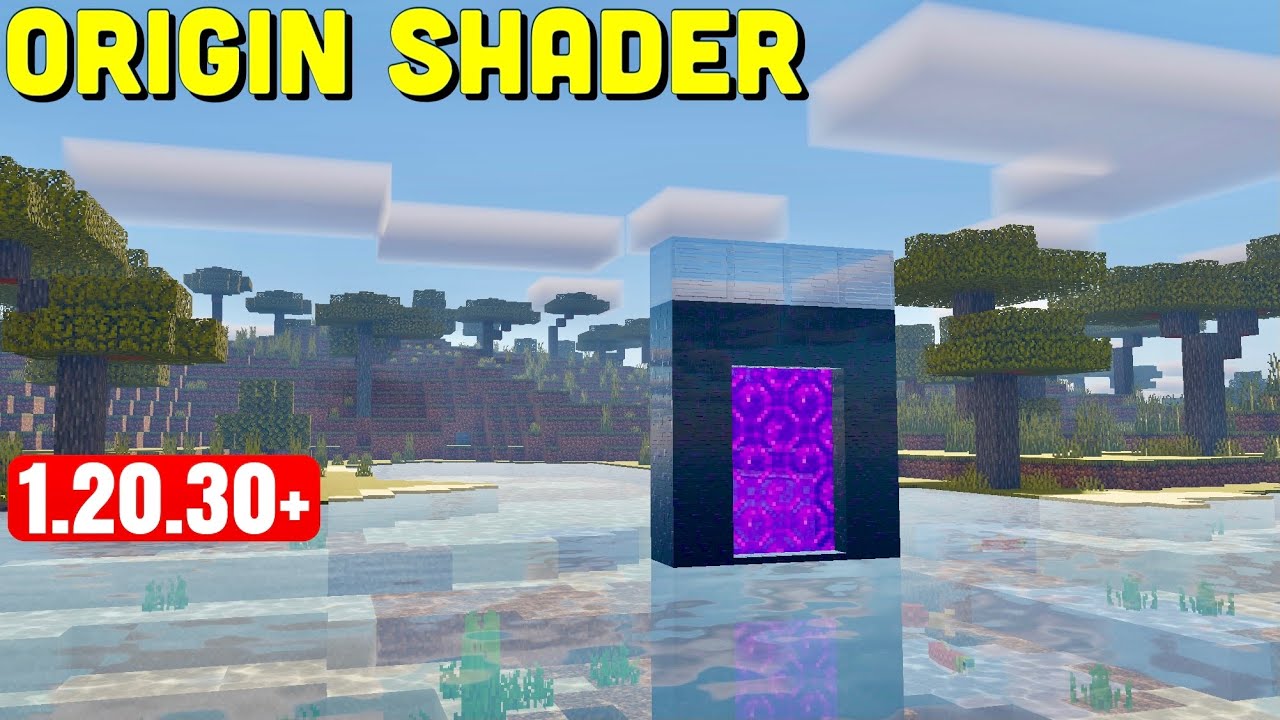
Origin Shader (1.26+) – Ultra Realistic Deferred Rendering Shader
Bedrock shader pack for the Vibrant Visuals mode listed for Minecraft 1.20–26.x. File opened and checked on 14 Oct 2026; installs from the MC Bedrock Mods app on Android.
⬇ Download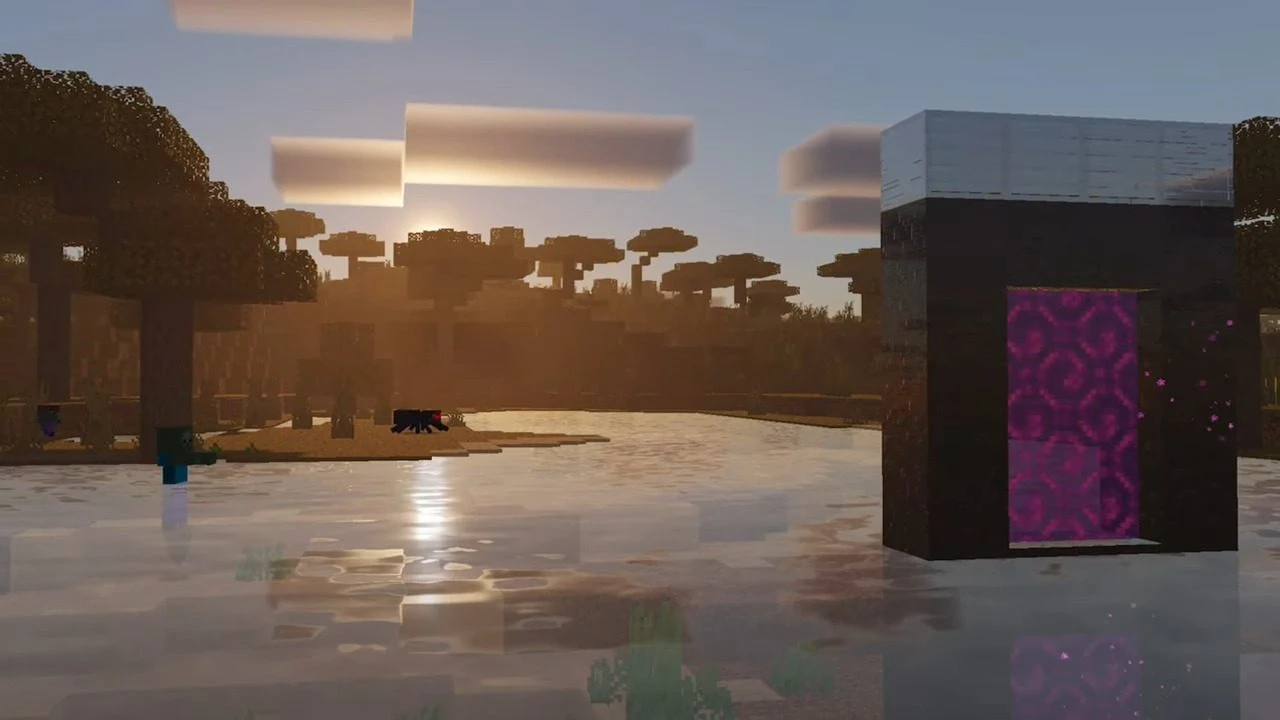
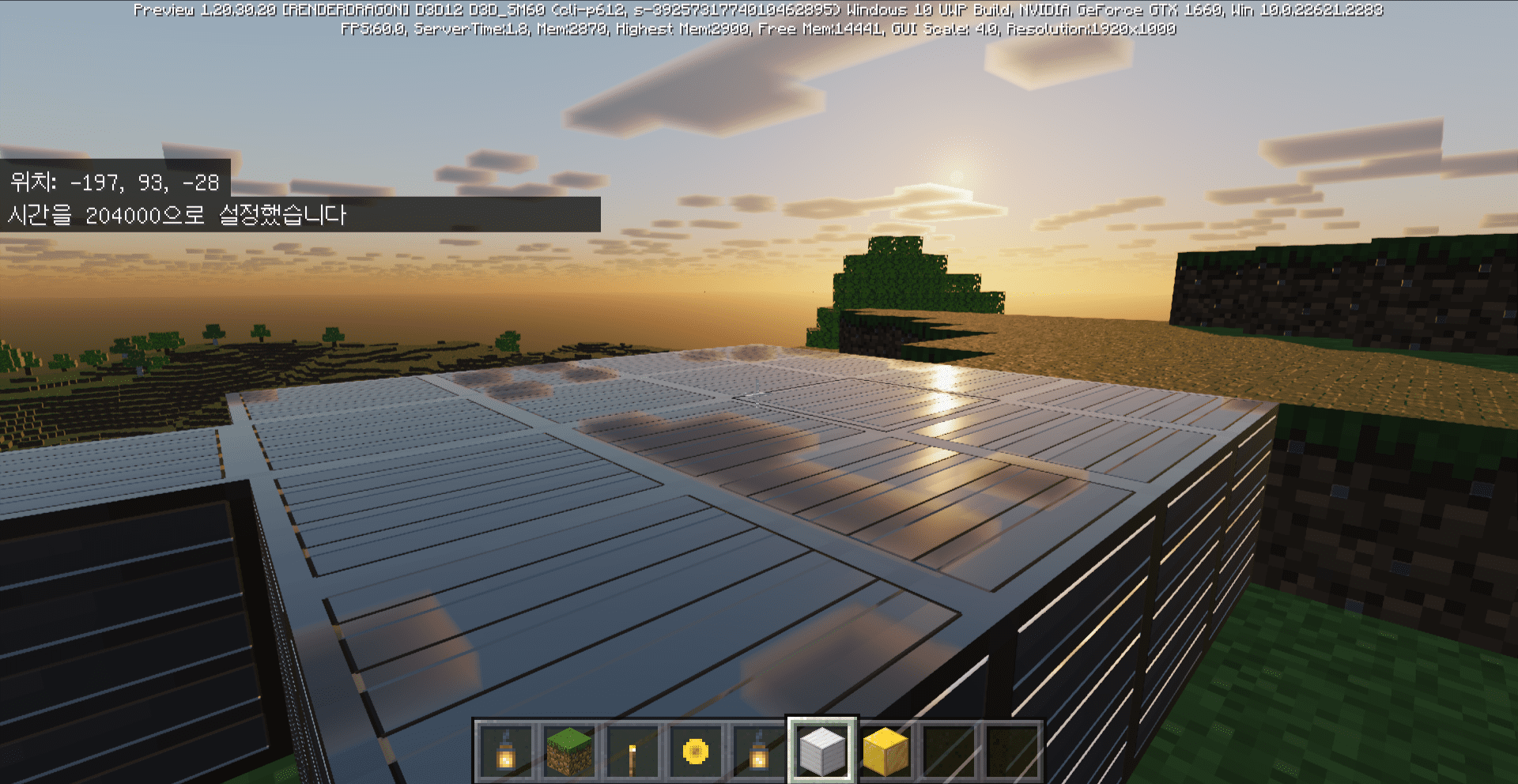
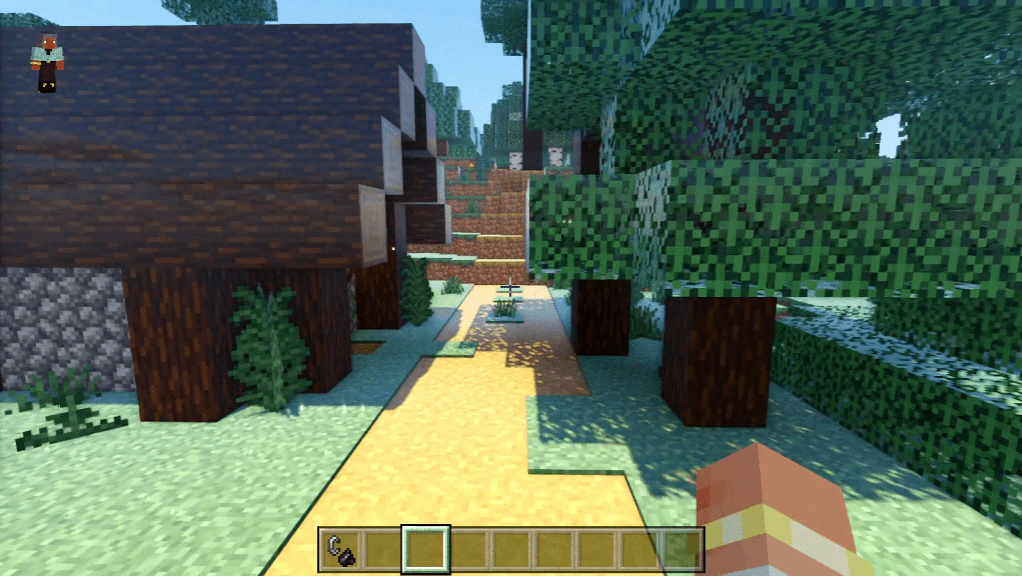
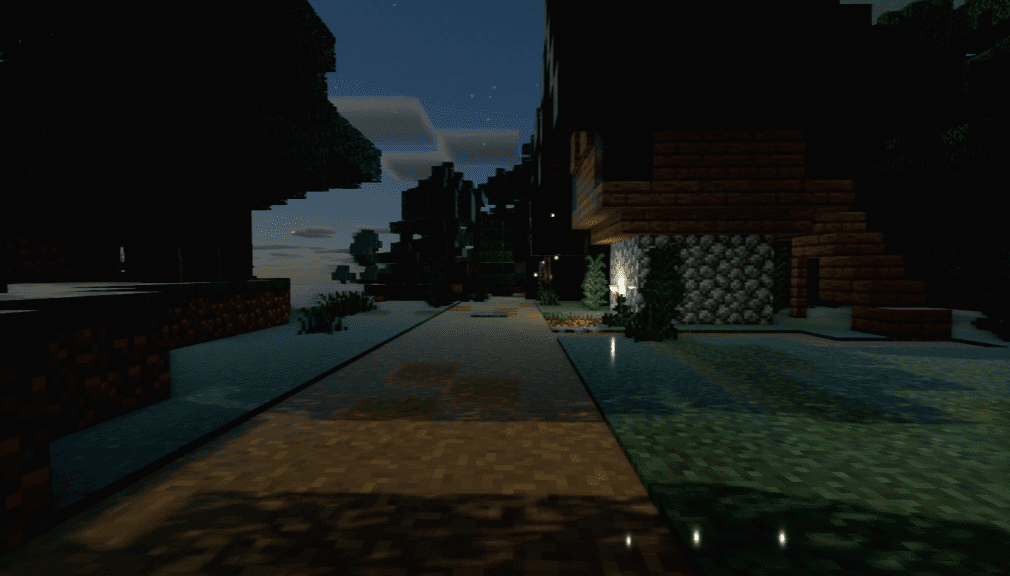
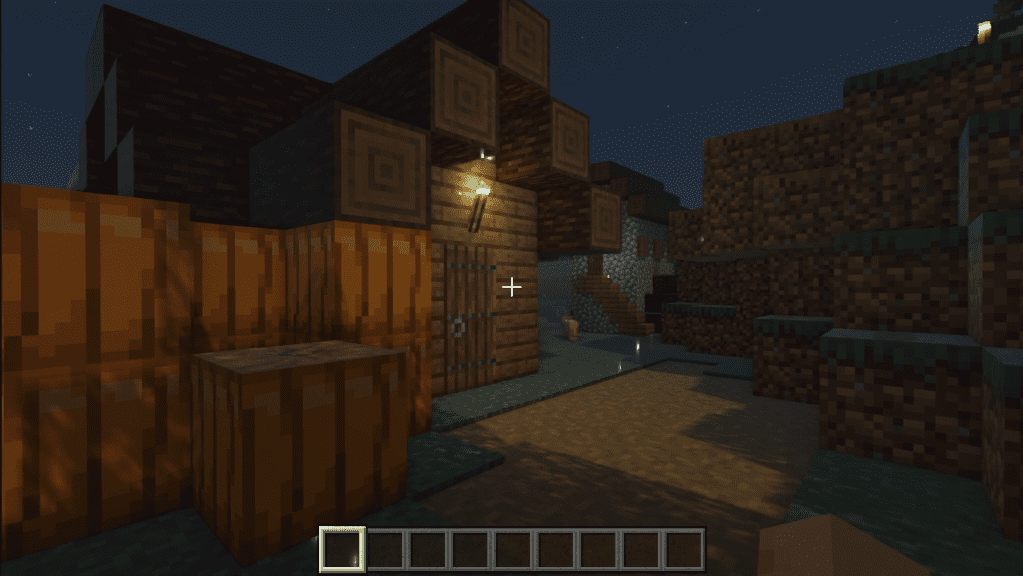
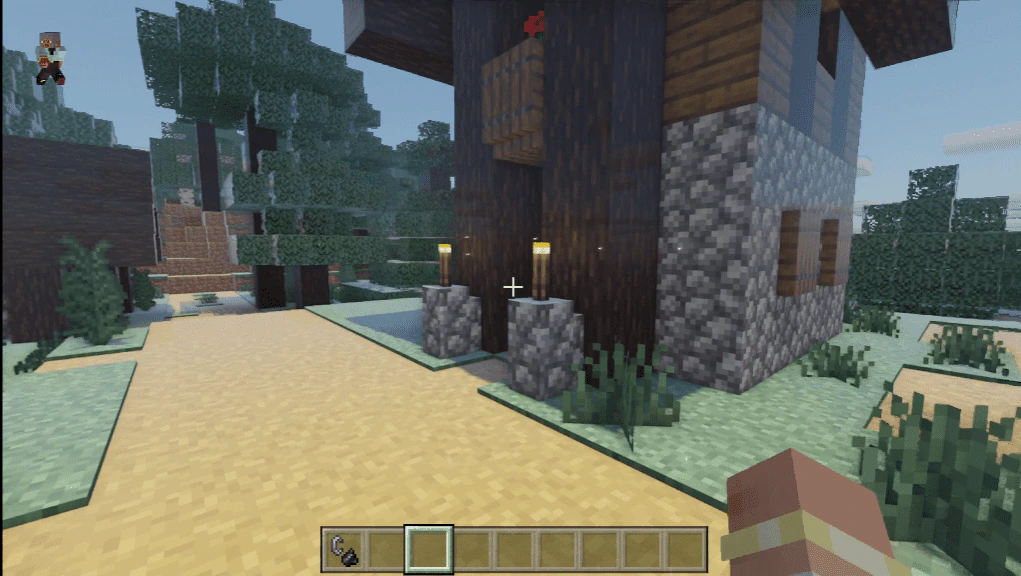
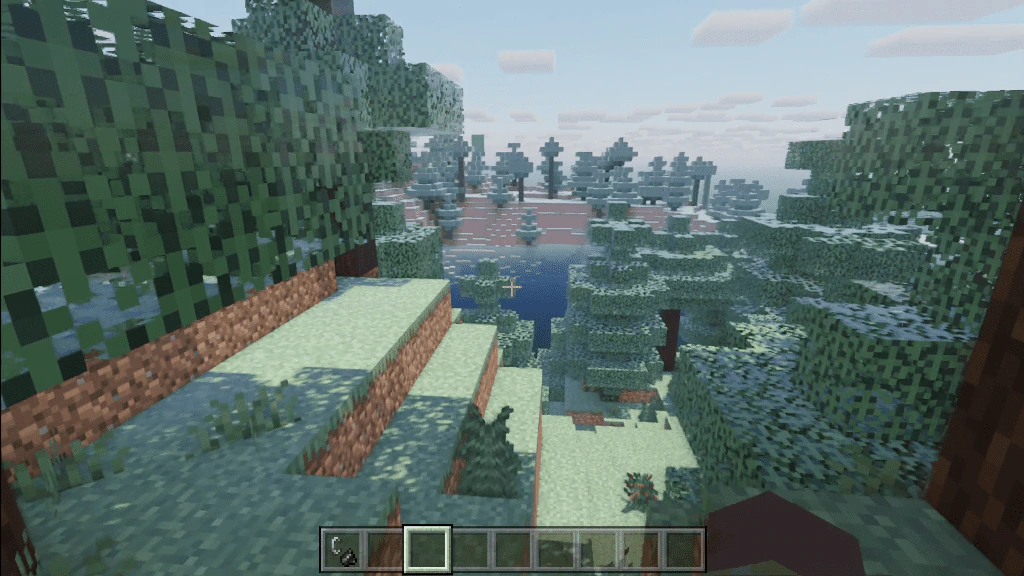
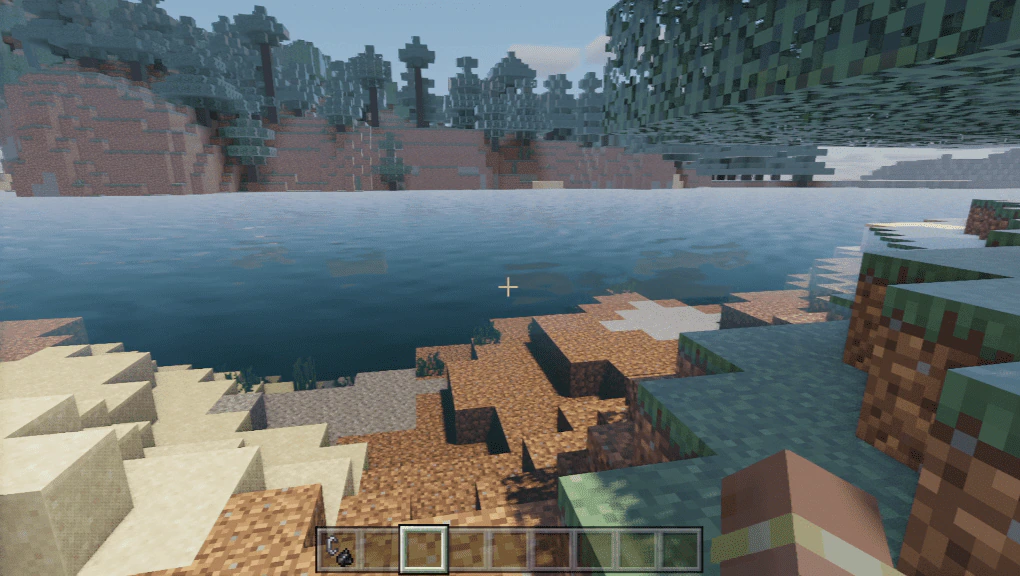
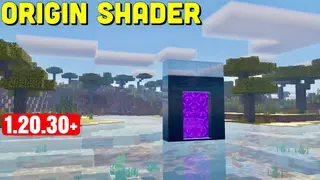
OriginShader is a shader for Minecraft Pocket Edition that enhances the game’s graphics by adding new visual effects. Origin Shader is a fork version of the Origin Shader, which aims to provide a preview of deferred rendering for the existing OriginShader.
Hardware Requirement:
This pack’s lighting effects depend on your device’s GPU. On a capable GPU (e.g. NVIDIA RTX-series or similarly modern hardware), you should see the intended effect. On other devices, this pack may show no visible change from vanilla; that is expected on unsupported hardware, not an installation error.
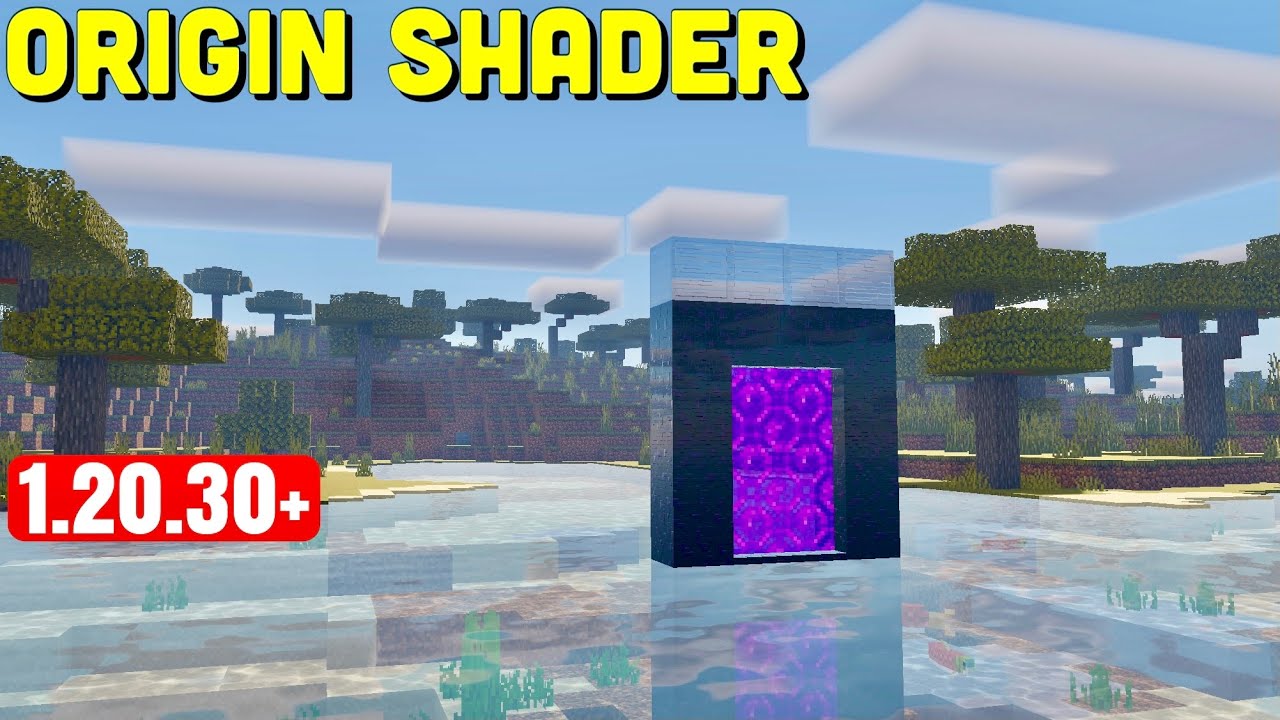
Features:
Features that are in the original:
- Chunk animations
Features that are not in the original:
- Screen Space Ambient Occlusion
- Emissive lighting
Features that are in the original but not here:
- The Milky Way
- Redstone Tools
- Water caustics
- Light / Chunk Borders
Features that are neither in the original nor here:
- Screen Space Reflection
- Volumetric lighting (Crepuscular rays)
🎛️ Compare Bedrock Shaders Side by Side →
Drag across real in-game scenes — find YOUR perfect MCPE shader.
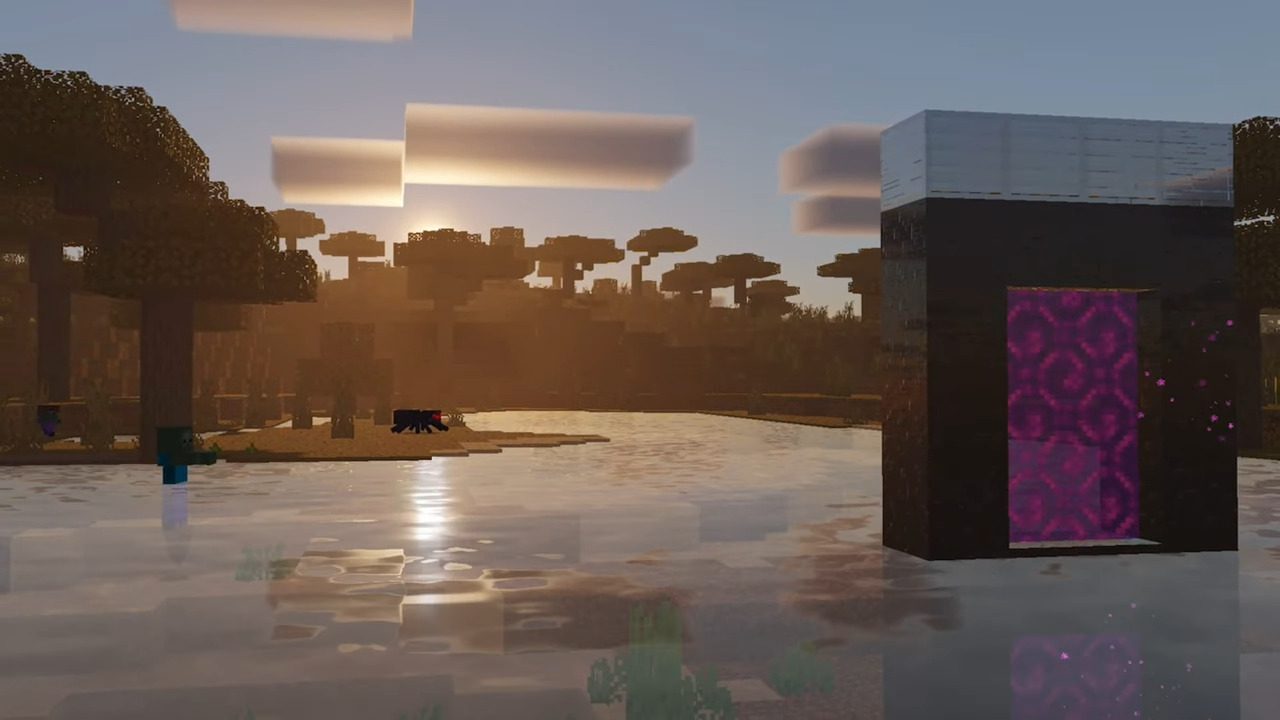
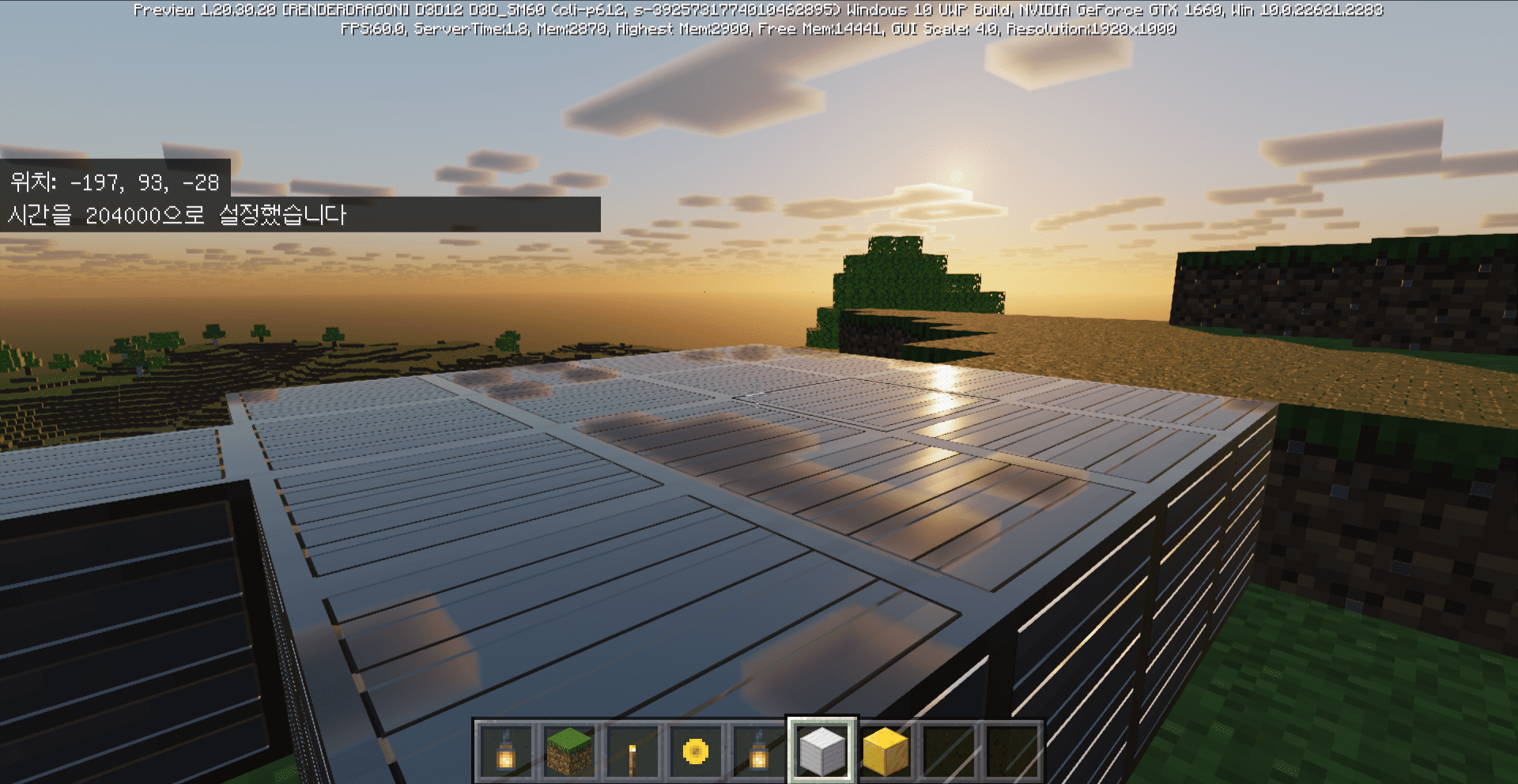
Screenshots:
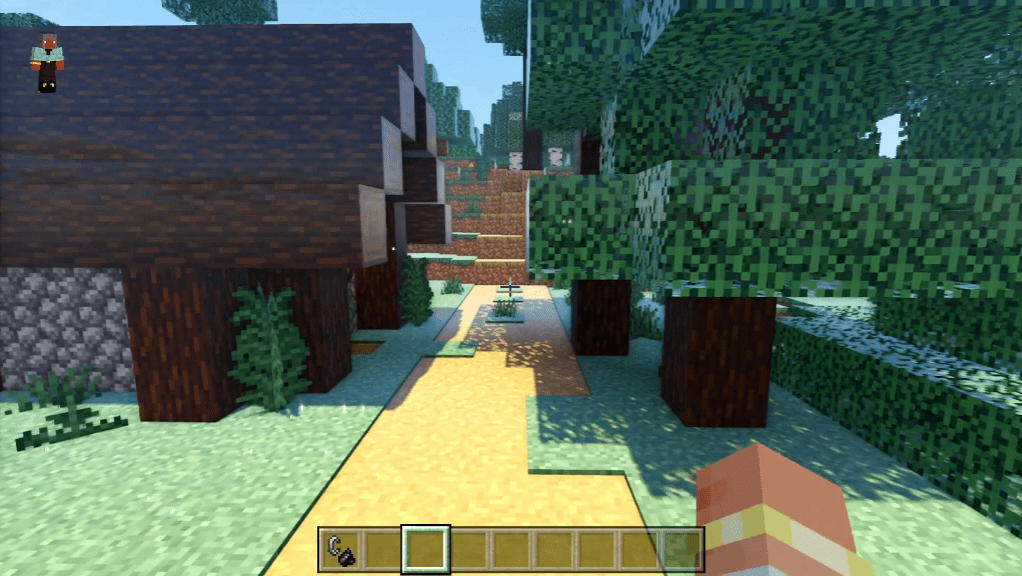
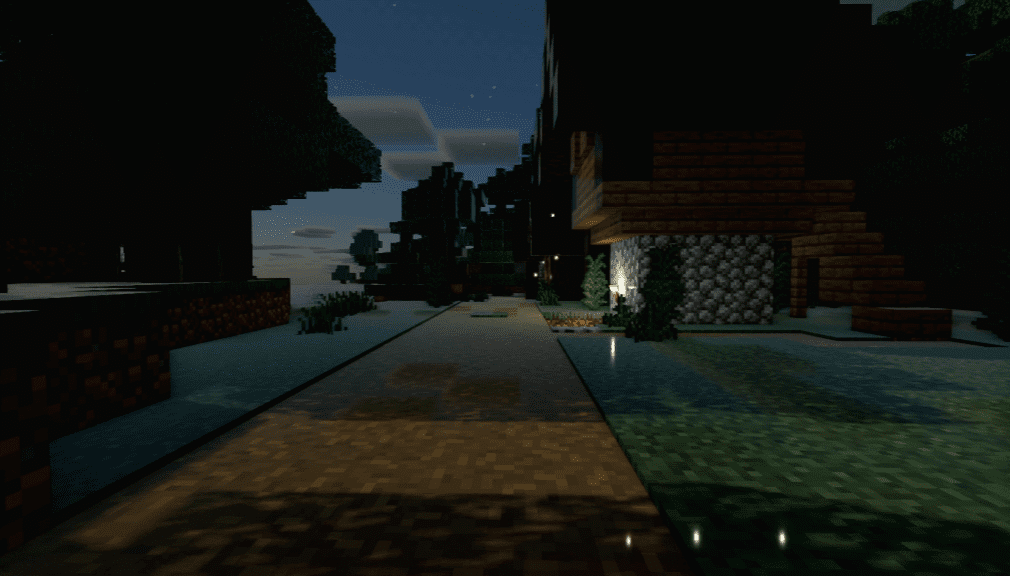
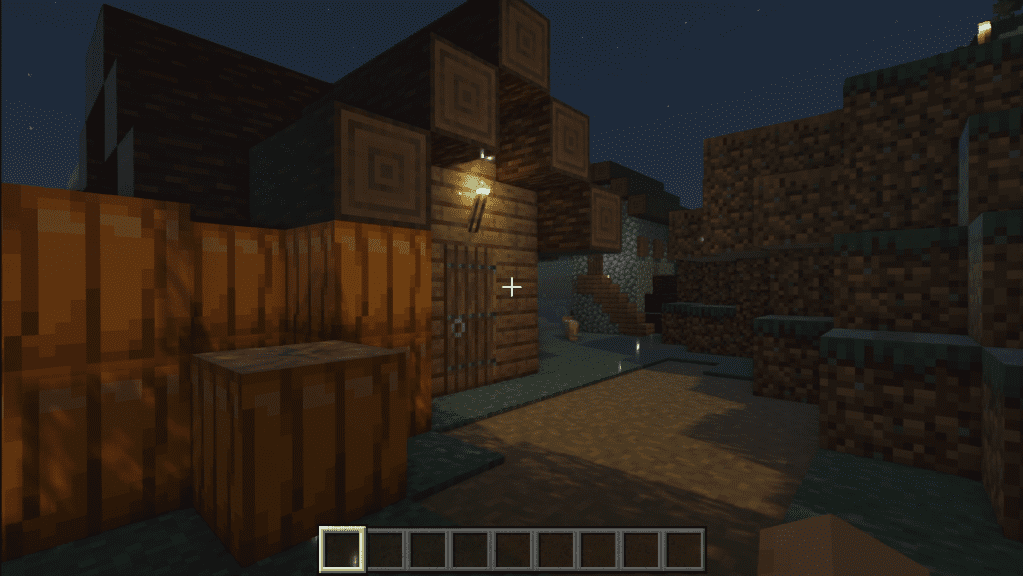
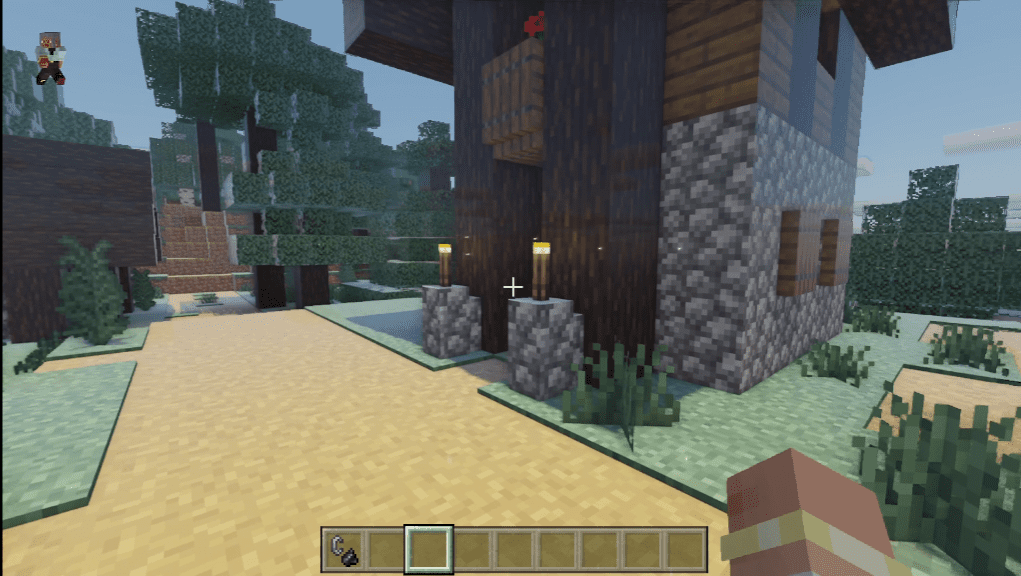
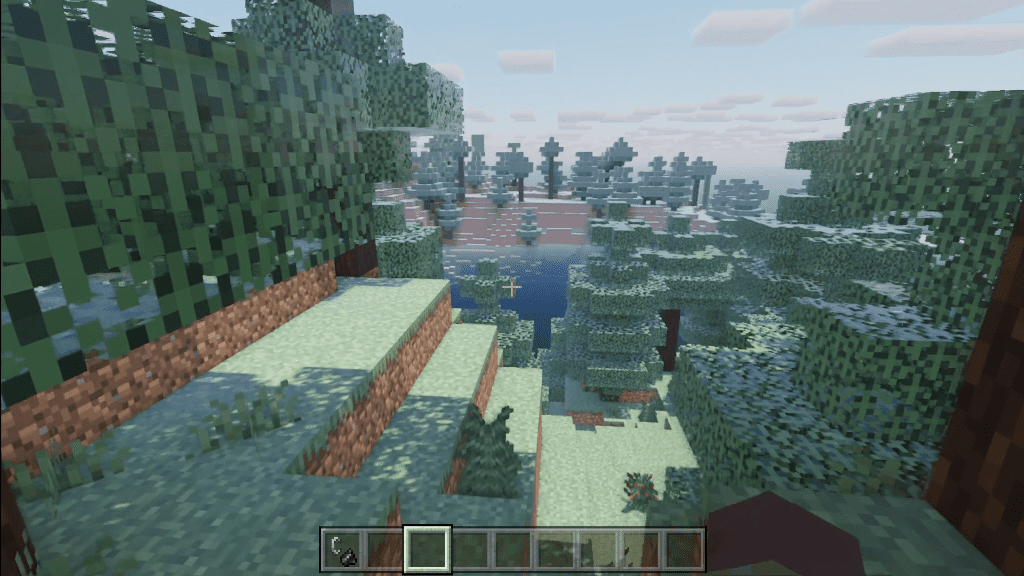
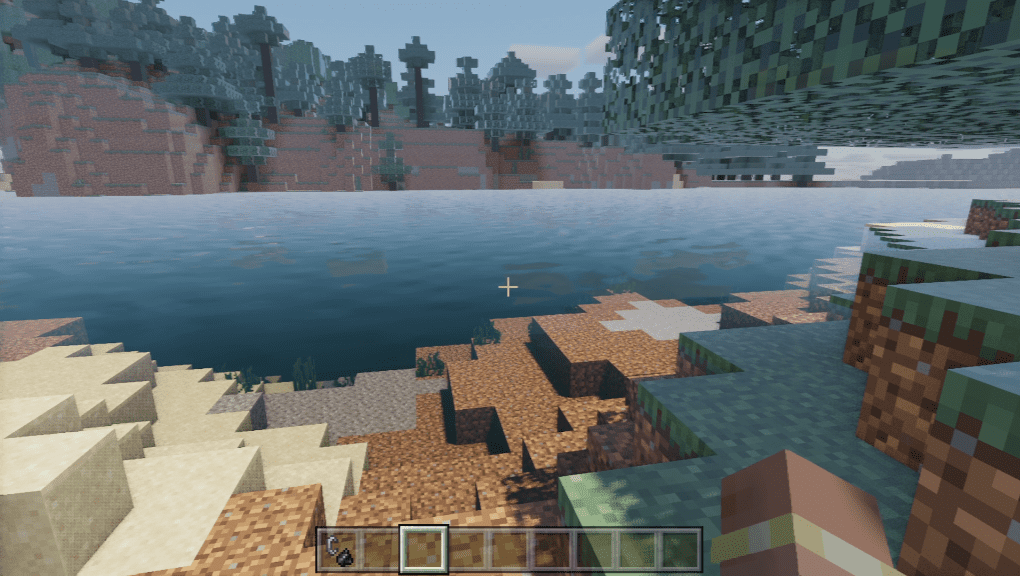
Installation Note:
Tested versions:
- Android: 1.20.40.22 Preview
- Windows: 1.20.30.20 Preview
Tested GPUs:
- Android: Adreno 730 (not tested on Mali GPU)
- Windows: GTX 1660
Please use a texture pack that supports PBR. Make sure that the shader pack is placed above the texture pack. We recommend using Vanilla PBR.
Note: This is still incomplete and there may be several bugs. (And it’s lagging a lot.)
Origin Shader Download Links
For Minecraft PE/Bedrock 1.20
Android: Download from server 1 – Download from server 2
Windows: Download from server 1 – Download from server 2
- Edition: Minecraft Bedrock
- File type: .mcpack
- Minecraft version listed: 1.26
- How to install: Download the .mcpack. → Open it — Minecraft imports it under Resource Packs. → Activate it in Global Resources, or for one world under Resource Packs → Available.
- Where to get it: In MCModsHub, or directly above on this page.
Install steps are the general flow for this file type — How to install Minecraft Bedrock texture packs walks through it step by step.
- Pack type: .mcpack — a single pack
- Manifest requires Minecraft 1.20.30 or newer
- Complete pack — everything it depends on is inside the file
- Download link checked 17 Jun 2026 — working
- Mirrored on our own servers — the download does not depend on the original host
These come from our own check of the pack file, not from the source page.