Lumine Visual Shade
Bedrock texture pack listed for Minecraft 1.20–26.x. File opened and checked on 15 Oct 2026; installs from the MC Bedrock Mods app on Android.
I don't know my version
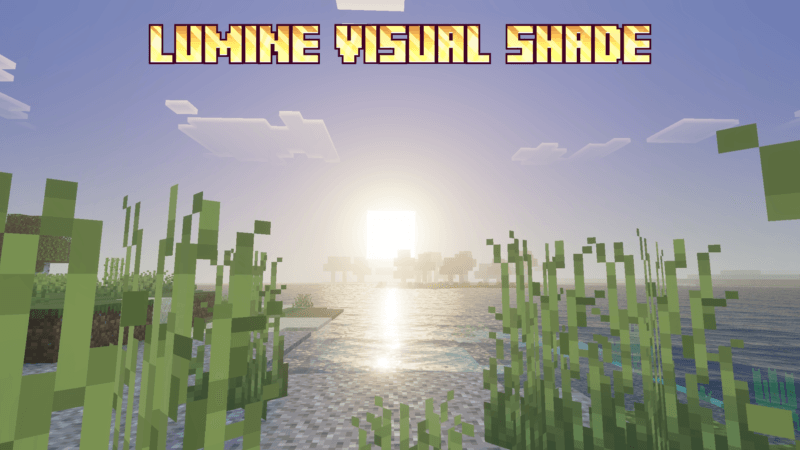

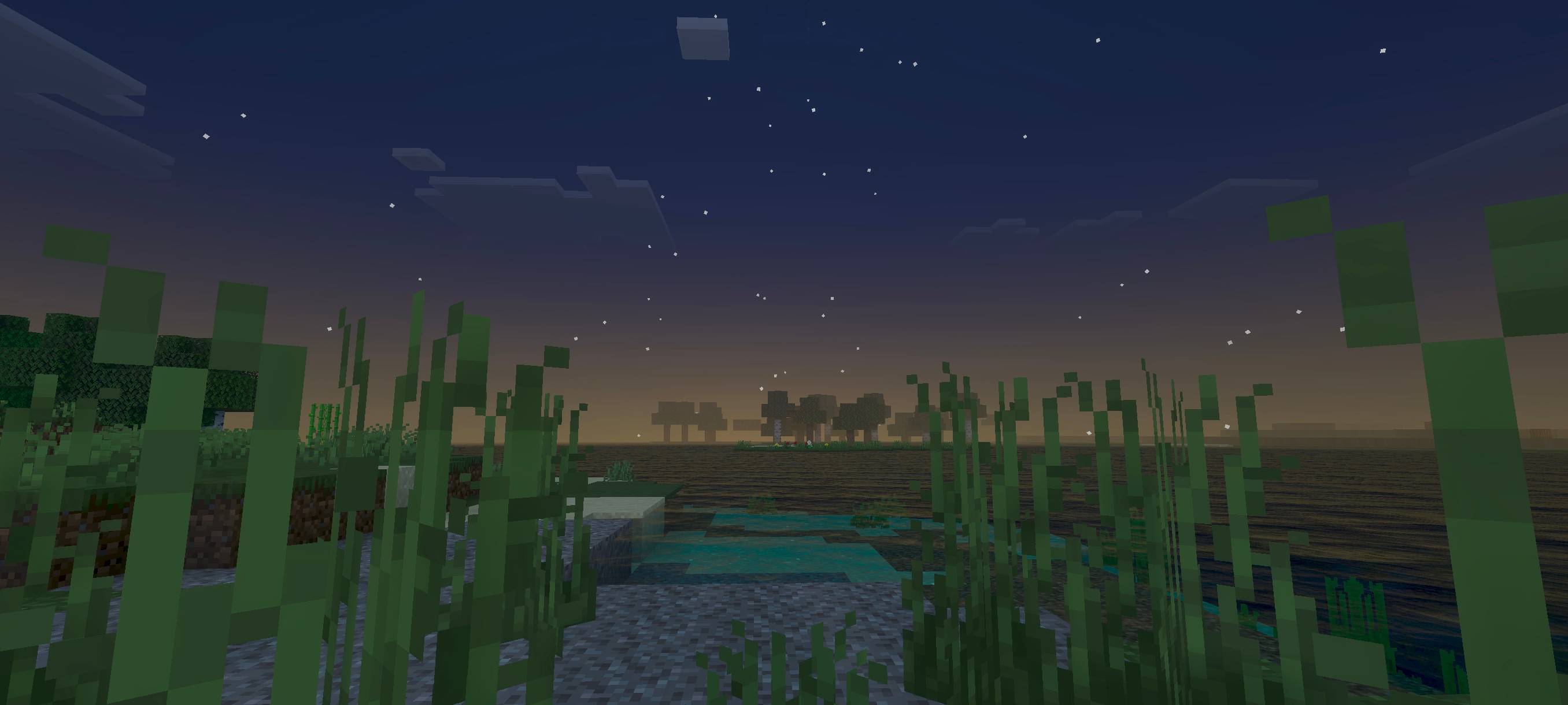

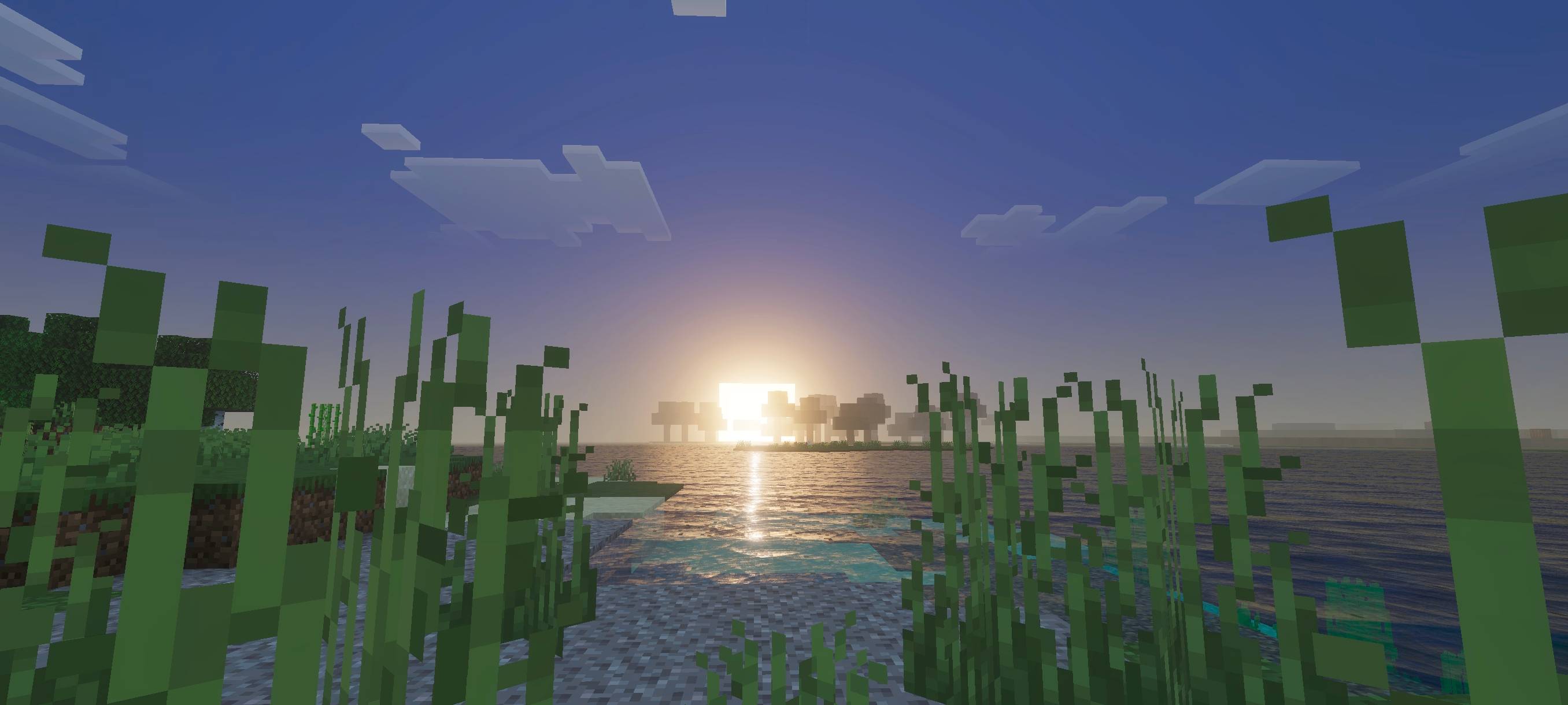
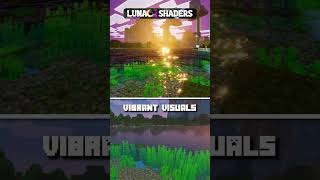
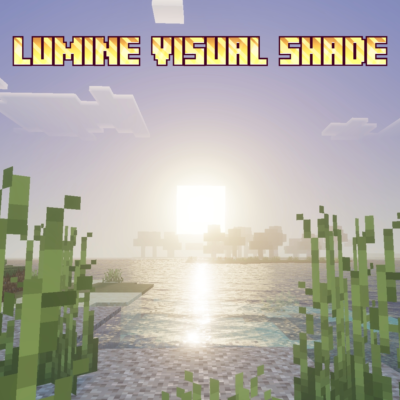
This shader gives your world a classic and lumine vibrant visual style. It enhances the lighting and colors to make the environment feel brighter and more alive while still maintaining a familiar, vanilla-like atmosphere. The sky, terrain, and water appear more radiant and colorful, creating a balanced look that feels both nostalgic and visually refreshing.
This shader will enhance your visuals. It is equipped with PBR, ACE tone mapping, white balance temperature, and complex midtones.
(All photos can be checked in the media or below)
- Edition: Minecraft Bedrock
- File type: .mcpack
- Minecraft versions listed: 26.40, 26.50, 26.30
- How to install: Download the .mcpack. → Open it — Minecraft imports it under Resource Packs. → Activate it in Global Resources, or for one world under Resource Packs → Available.
- Where to get it: Opens on CurseForge — not every file is mirrored on our own servers.
Install steps are the general flow for this file type — How to install Minecraft Bedrock texture packs walks through it step by step.
- Save it as Lumine Visual Shade 1.9.mcaddon before opening — it downloads as .mcpack, but it is a .mcaddon pack
- Manifest requires Minecraft 1.20.30 or newer
- Complete pack — everything it depends on is inside the file
- Download size: 250 KB
- Download link checked 5 Oct 2026 — working
These come from our own check of the pack file, not from the source page.