Texture packsBedrock
Vibrant Lumina Lite Edition
Bedrock texture pack listed for Minecraft 1.21–26.x. File opened and checked on 20 Oct 2026; installs from the MC Bedrock Mods app on Android.
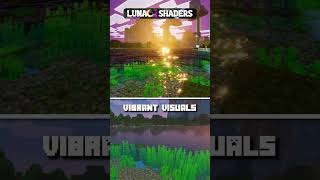
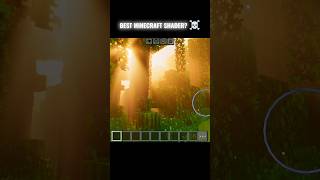
Experience Minecraft like never before with Lumina Lite! This high-end shader brings the iconic Java Lumina aesthetic to Bedrock, featuring vibrant…
I don't know my version
Open Minecraft and look at the bottom-left corner of the main screen — the version is printed there, like v1.26.30.
The game writes a 1. in front; the buttons above leave it off. v1.26.30 in the game is 26.30 here.
BSL Lite: The Ultimate Bedrock Visual Experience
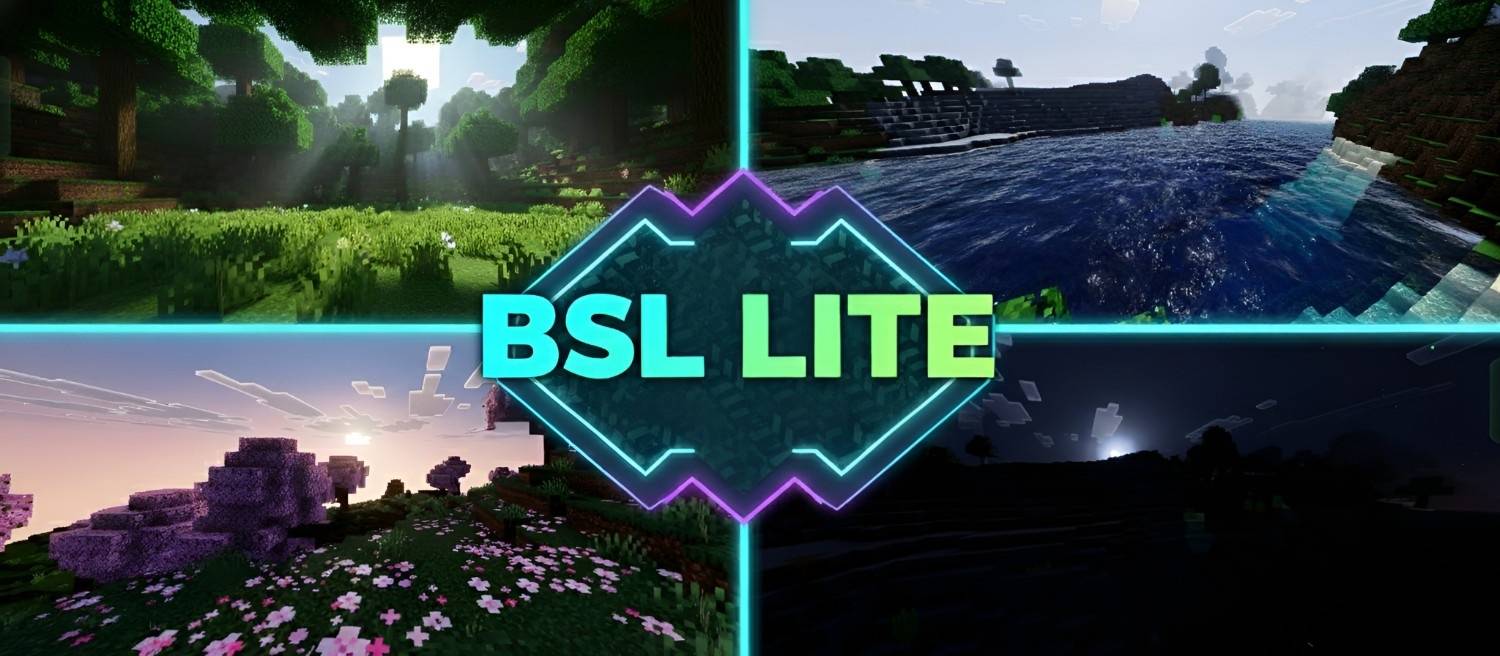
Bring the legendary Java BSL aesthetic to your Bedrock Edition! BSL Lite is designed for players who want a premium, high-contrast, and vibrant look without sacrificing performance. Every setting has been carefully tuned to provide a cinematic atmosphere that feels both natural and breathtaking.
Key Features:
🌊 Realistic Water: Dynamic waves with high-quality depth and reflections.
🌿 Vibrant Colors: Natural greenery and balanced saturation for a fresh look.
☀️ Cinematic Lighting: Enhanced sun/moon illuminance and soft shadows.
☁️ High-End Atmosphere: Premium bloom and fog effects for a dreamy vibe.
🚀 Lag-Free: Optimized to run smoothly on most devices.
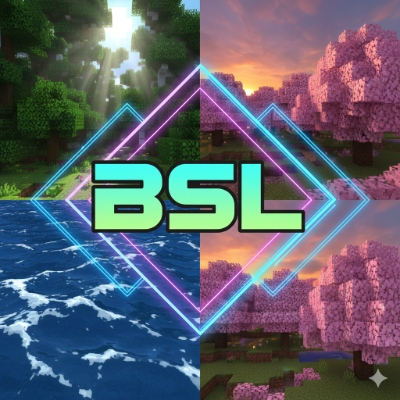
Shader Preview Images 👇👇


Note: This is just the beginning! The even more powerful Vibrant BSL Lite Upgraded Version is coming very soon with even better visuals. Stay tuned!
"Vibrant Lumina Edition (Formerly known as Vibrant BSL Lite)"
"This project has been renamed to Vibrant Lumina Edition to differentiate it from other Java-based shader projects and to avoid any brand confusion. This is a completely independent shader pack, rebuilt and optimized specifically for the Minecraft Bedrock Render Dragon engine. While it is inspired by the vibrant and high-end aesthetic of classic PC shaders, it uses original configuration and code to bring that same beauty to mobile and console players."
Credits:
Created By: BlockCraftAddons
Inspired By: Bsl Shader (Java Edition)
Quick facts
- Edition: Minecraft Bedrock
- File type: .mcpack
- Minecraft versions listed: 26.30, 26.10, 26.3
- How to install: Download the .mcpack. → Open it — Minecraft imports it under Resource Packs. → Activate it in Global Resources, or for one world under Resource Packs → Available.
- Where to get it: Opens on CurseForge — not every file is mirrored on our own servers.
Install steps are the general flow for this file type — How to install Minecraft Bedrock texture packs walks through it step by step.
File checked by MCModsHub
- Save it as Vibrant BSL Lite Edition [ v2.6 ].mcaddon before opening — it downloads as .mcpack, but it is a .mcaddon pack
- Manifest requires Minecraft 1.21.0 or newer
- Complete pack — everything it depends on is inside the file
- Download size: 2.2 MB
- Download link checked 5 Oct 2026 — working
These come from our own check of the pack file, not from the source page.