Texture packsBedrock
VSL Shader
Bedrock texture pack listed for Minecraft 1.21–26.x. File opened and checked on 29 Aug 2026; installs from the MC Bedrock Mods app on Android.
VSL Shader brings a premium cinematic look to Minecraft! Experience breathtaking Golden Hour lighting, ultra-sharp high-contrast shadows, and dreamy…
I don't know my version
Open Minecraft and look at the bottom-left corner of the main screen — the version is printed there, like v1.26.30.
The game writes a 1. in front; the buttons above leave it off. v1.26.30 in the game is 26.30 here.
VSL SHADER
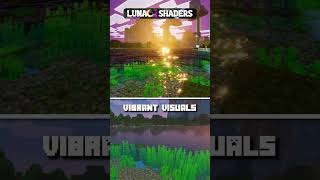
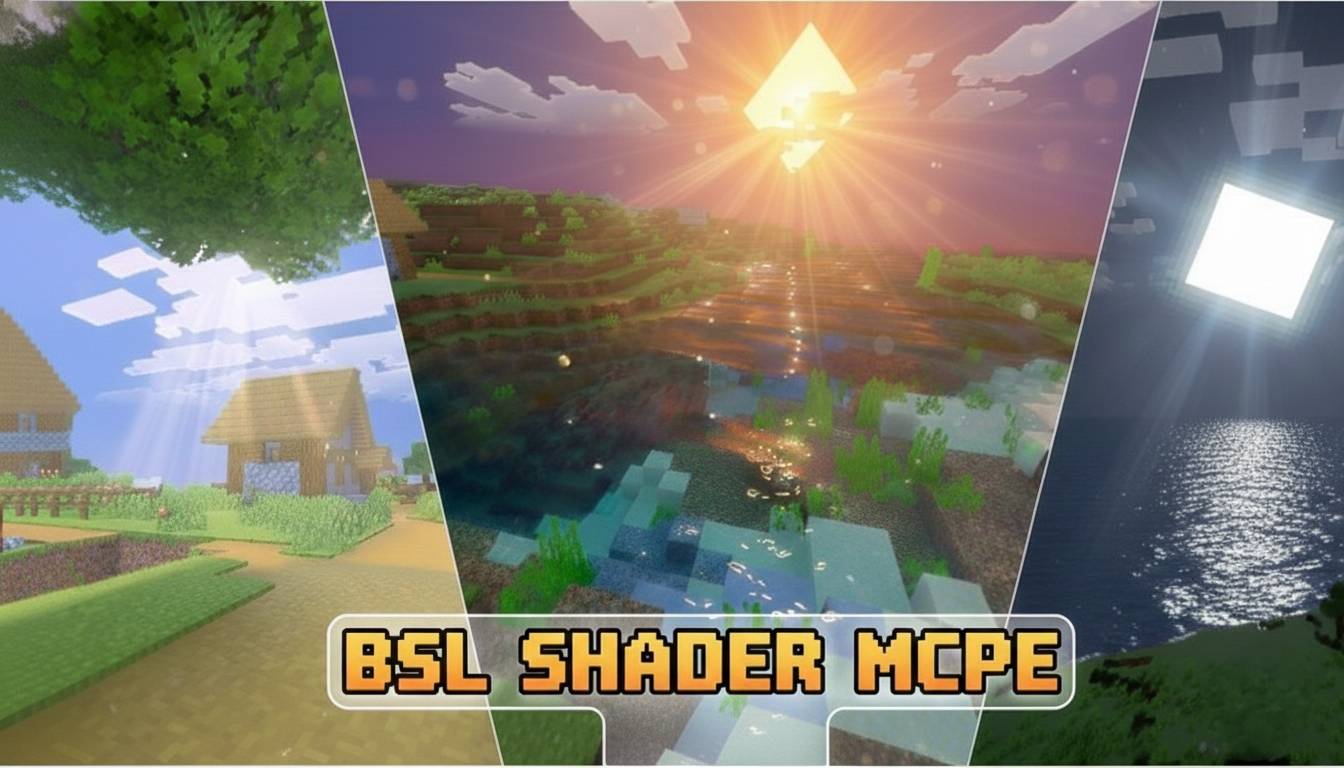
VSL Shader delivers a premium cinematic experience with its signature "Golden Hour" lighting and dreamy deep-blue nights. Experience sharp shadows, vibrant colors, and high-contrast visuals optimized for the latest Minecraft versions.


✨ Key Features:
- Golden Hour Lighting: Warm, sun-kissed world with custom light curves.
- Cinematic Nights: Merged high-saturation teal-blue tones for dreamy nights.
- Ultra Sharp Contrast: Deep shadows and crispy textures for maximum depth.
- Optimized Performance: Premium visuals with smooth frame rates.
- Ore Highlight: Special grading for Adamantite, Mithril, and Ruby.
Important: Make sure to turn ON Deferred Technical Preview and Vibrant Visuals in your game settings for the best experience.
Comment Down Your Suggestions and Bugs
📢 Join Our Community!
Get early access to beta updates and premium textures. Join our Discord!
👉 [Join Our Discord Community]
Quick facts
- Edition: Minecraft Bedrock
- File type: .mcpack
- Minecraft versions listed: 26.30, 26.10, 26.3
- How to install: Download the .mcpack. → Open it — Minecraft imports it under Resource Packs. → Activate it in Global Resources, or for one world under Resource Packs → Available.
- Where to get it: Opens on CurseForge — not every file is mirrored on our own servers.
Install steps are the general flow for this file type — How to install Minecraft Bedrock texture packs walks through it step by step.
File checked by MCModsHub
- Save it as VSL Shader [ v2.1 ].mcaddon before opening — it downloads as .mcpack, but it is a .mcaddon pack
- Manifest requires Minecraft 1.21.0 or newer
- Complete pack — everything it depends on is inside the file
- Download size: 3.0 MB
- Download link checked 26 Oct 2026 — working
These come from our own check of the pack file, not from the source page.