SmooTea Shader | Low End Shader
Bedrock texture pack listed for Minecraft 1.21–26.x. File opened and checked on 7 Oct 2026; installs from the MC Bedrock Mods app on Android.
I don't know my version
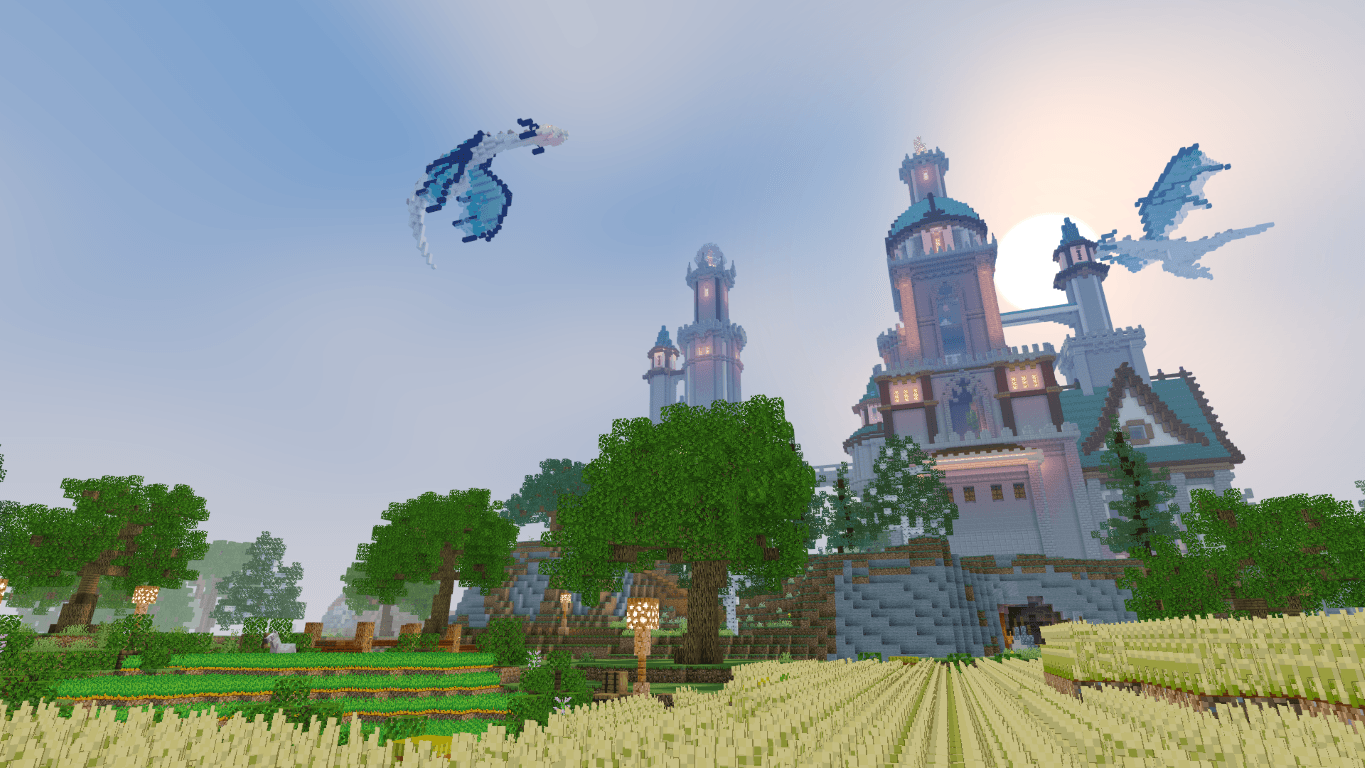
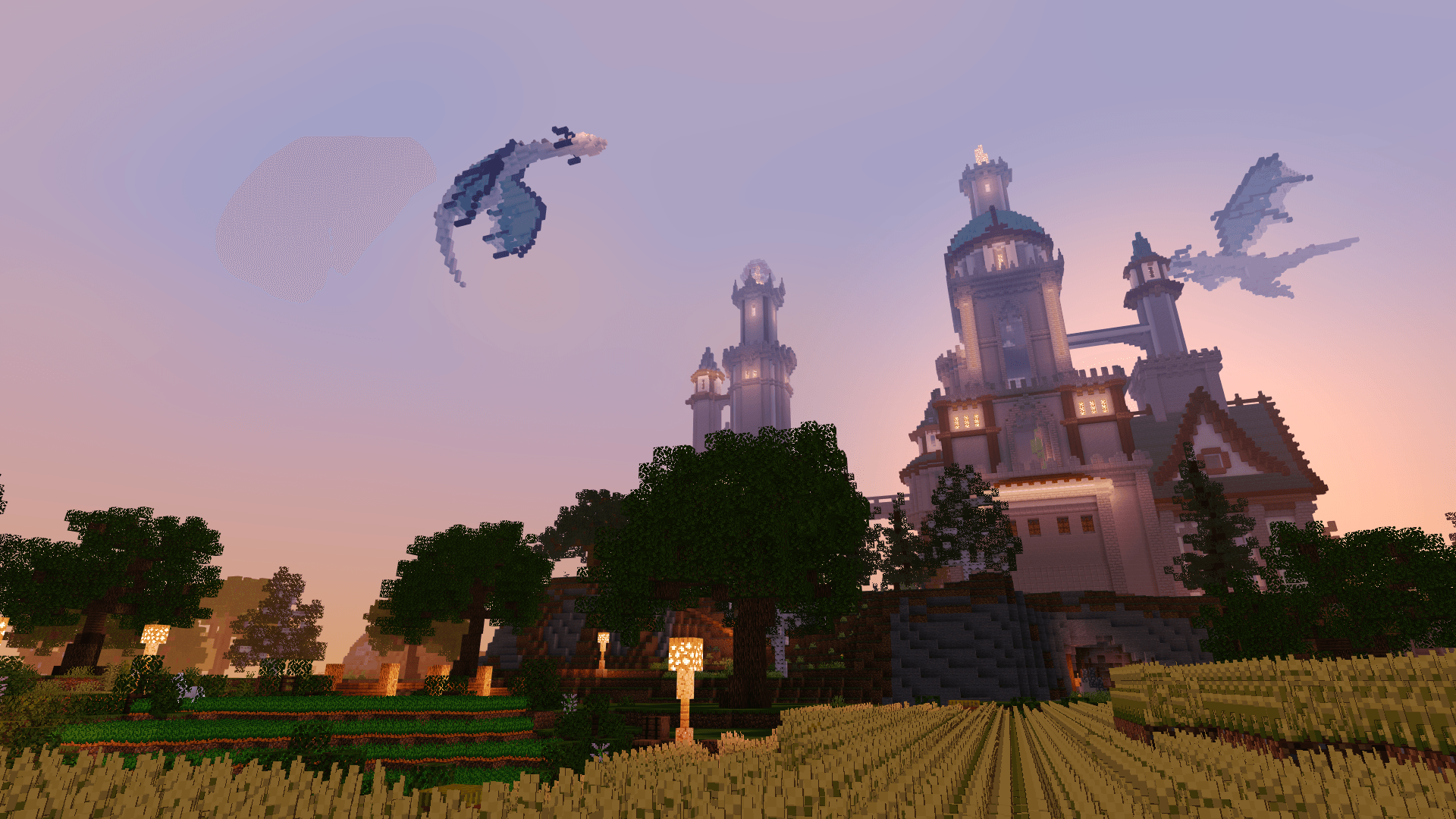

Supports 26.30 (above)
What Is this Shader?
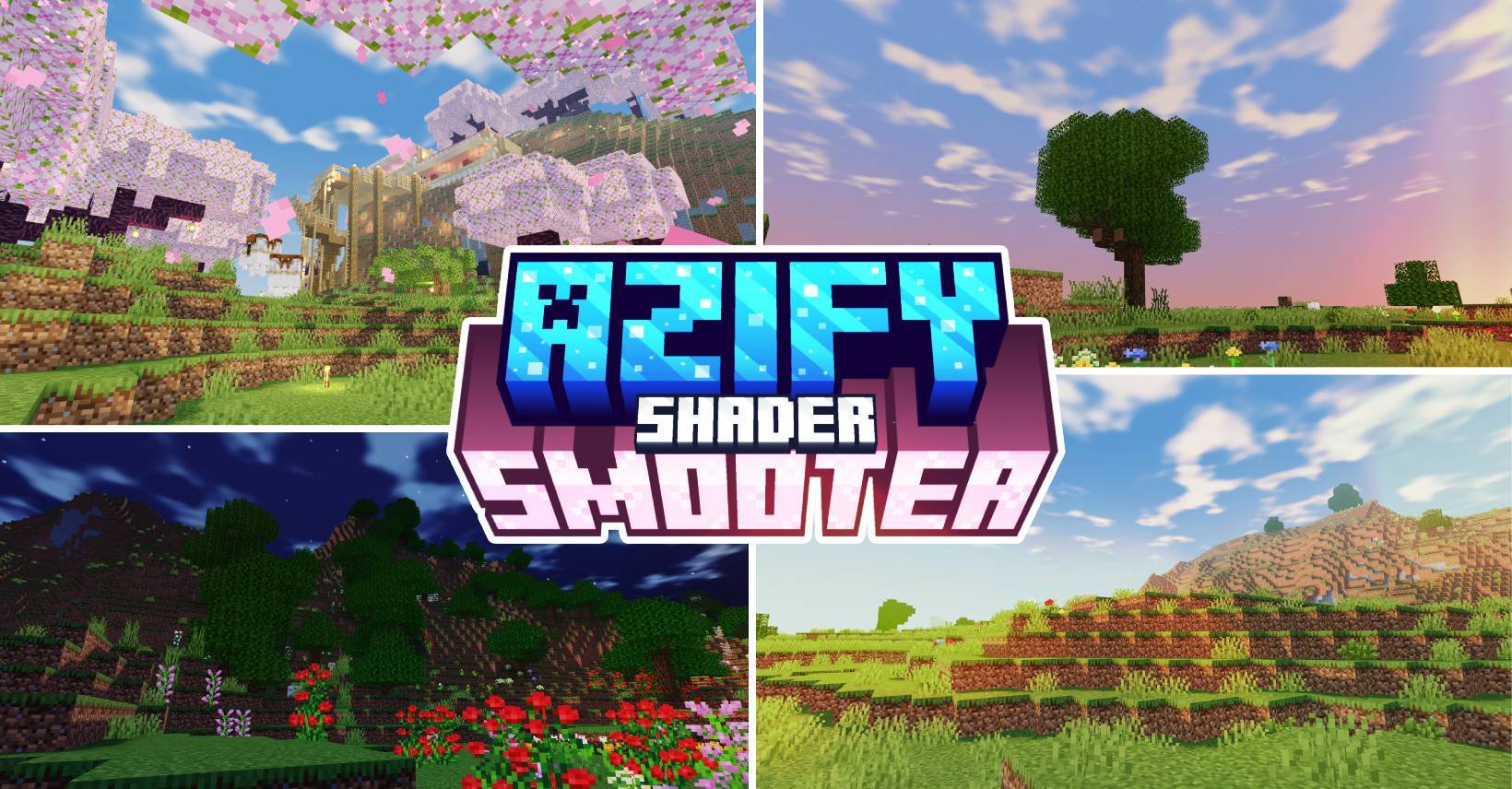
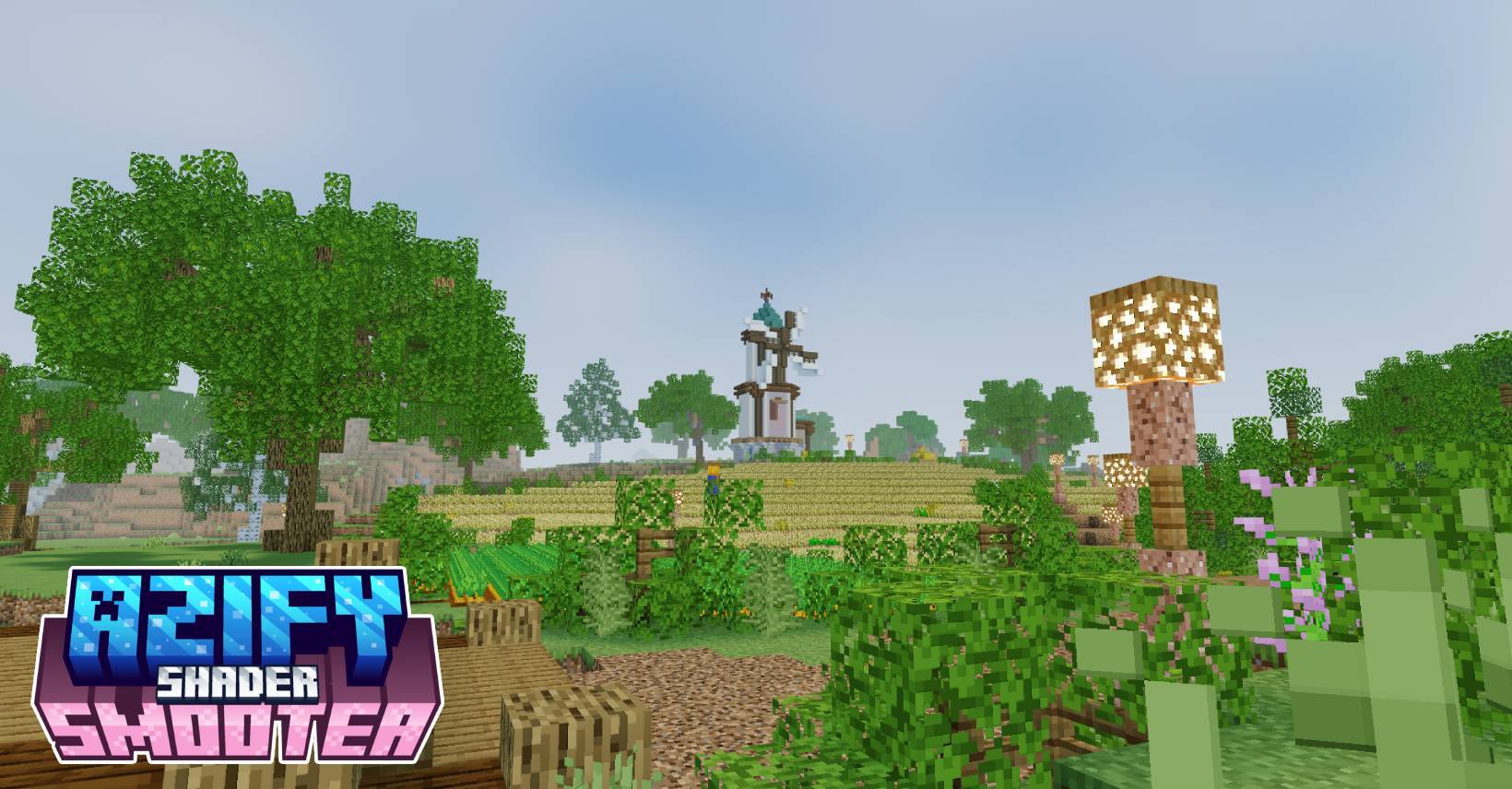
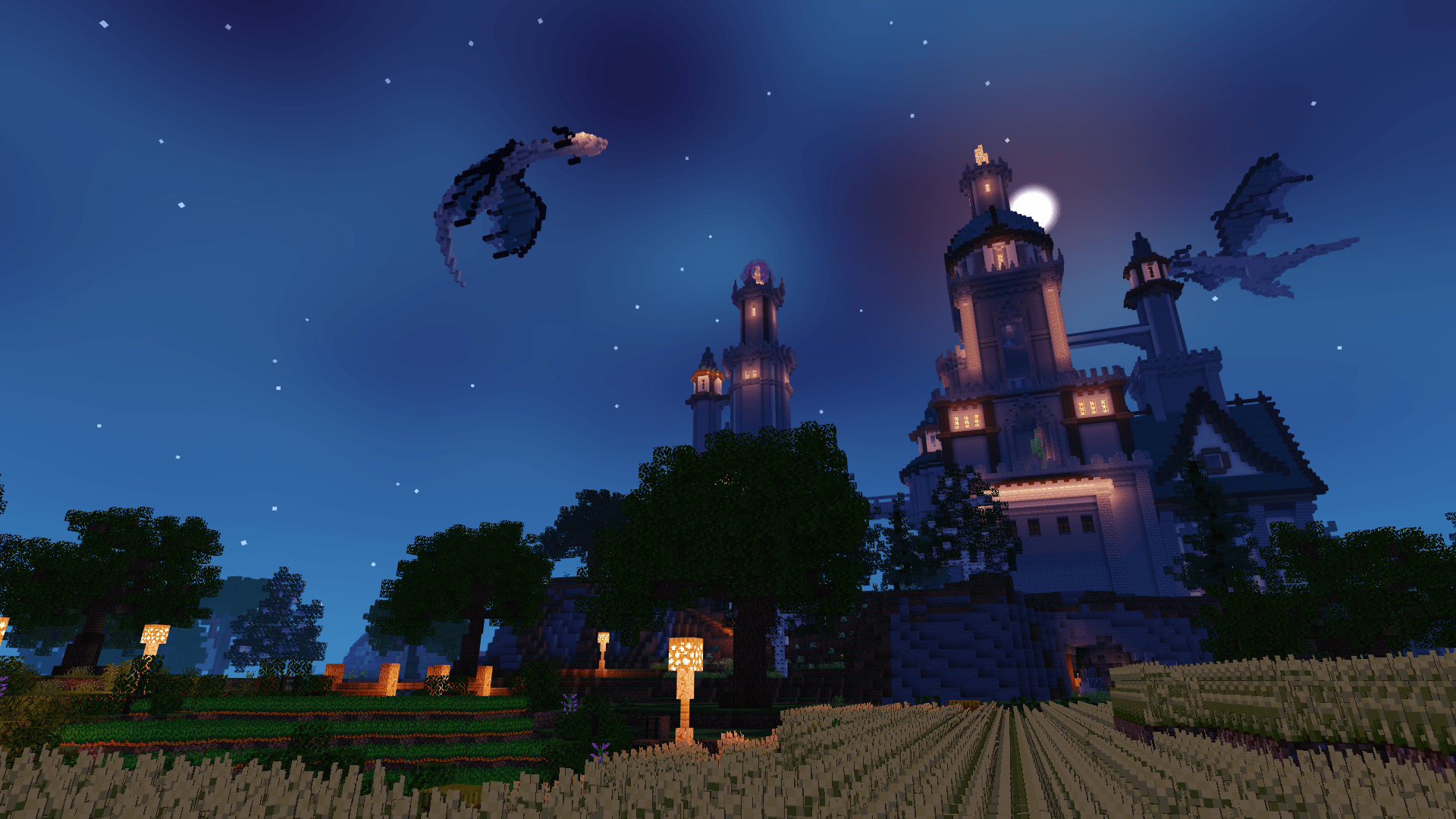
SmooTea Shader is a charming aesthetic shader pack designed to transform your world with a soft, pastel-inspired color palette. It features smooth, subtle clouds and calming water animations that create a peaceful atmosphere for your gameplay.
If you’re looking to give your world a cozy and "cute" vibe, this shader is perfect. It emphasizes a cleaner visuals and gentle lighting, making every biome feel more inviting and aesthetically pleasing for players who love a softer look.
Is This Shader demanding?
Most of the time No. Since SmooTeaShader prioritizes smooth-end graphics and cozy details, it is mostly not that resource-intensive. It is recommended for low-end devices.
Changelog: v4.0
- Optimized static normals
- Optimized Clouds
- Optimized Fogs
- Optimized Enitities
- Optimized TorchLights
- New Water!
- New End Dimension!
- Brighter Nether
- Slightly Re-adjusted the coloring
- Added Performance Mode
- Some Bug fixes*
HOW TO USE?
Disclaimer: Minecraft Bedrock does not officially support loading custom shaders. The following are unofficial methods for loading shaders.
CLICK ME TO REDIRECT TO TUTORIAL!
NOTE:
MERGED - means it contains ios, android and windows in one file.
For "Windows and Android" Download from the link provided!
Downloads:
- AzifySmooTea-v4.4.mcpack (LATEST)
- AziFySmooTea-v4.0.mcpack
- AzifySmooTea-v3.3.mcpack
- AzifySmooTea-v3.5.0-beta
- AziFySmooTea-v3.0.1
.
- Edition: Minecraft Bedrock
- File type: .mcpack
- Minecraft versions listed: 26.40, 26.50, 26.30
- How to install: Download the .mcpack. → Open it — Minecraft imports it under Resource Packs. → Activate it in Global Resources, or for one world under Resource Packs → Available.
- Where to get it: In MCModsHub, or directly above on this page.
Install steps are the general flow for this file type — How to install Minecraft Bedrock texture packs walks through it step by step.
- Pack type: .mcpack — a single pack
- Complete pack — everything it depends on is inside the file
- Download size: 4.8 MB
- Download link checked 3 Aug 2026 — working
These come from our own check of the pack file, not from the source page.