Xiao Sakura Visuals
Bedrock texture pack listed for Minecraft 1.21–26.x. File opened and checked on 4 Sep 2026; installs from the MC Bedrock Mods app on Android.
⬇ DownloadThe author built this one for Minecraft 1.21.120–26.50. On other versions it may install and then do nothing.
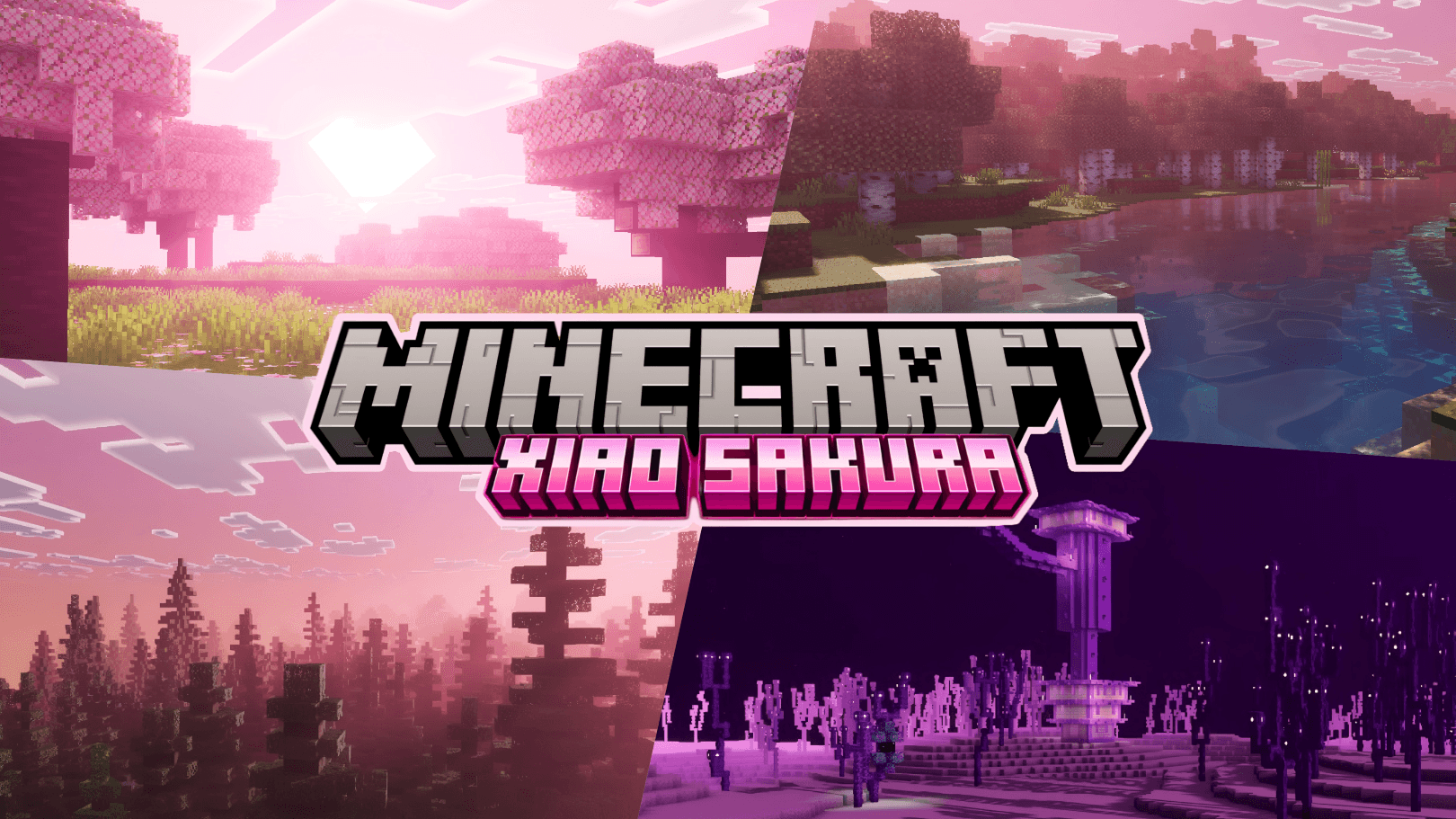
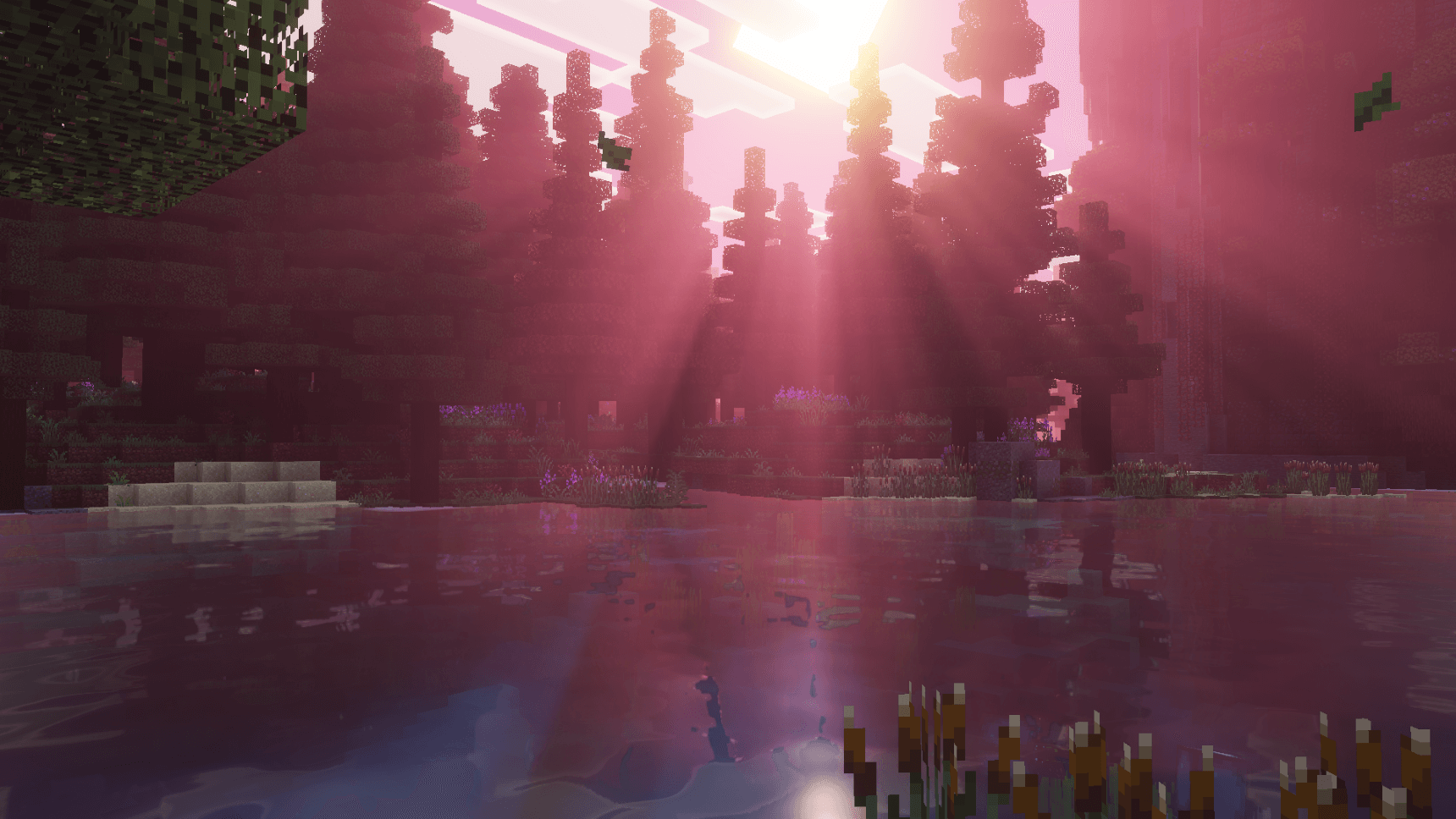
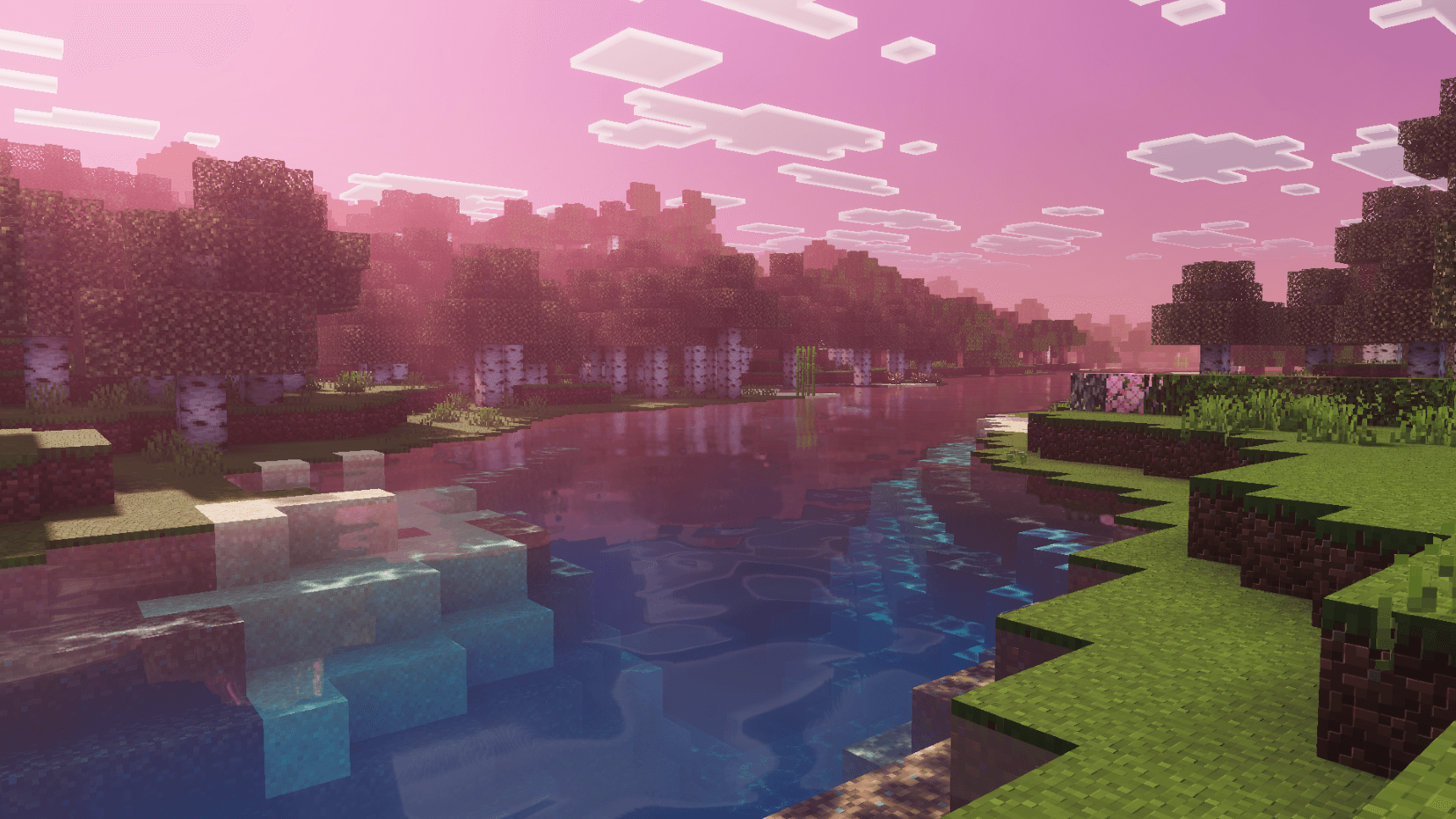
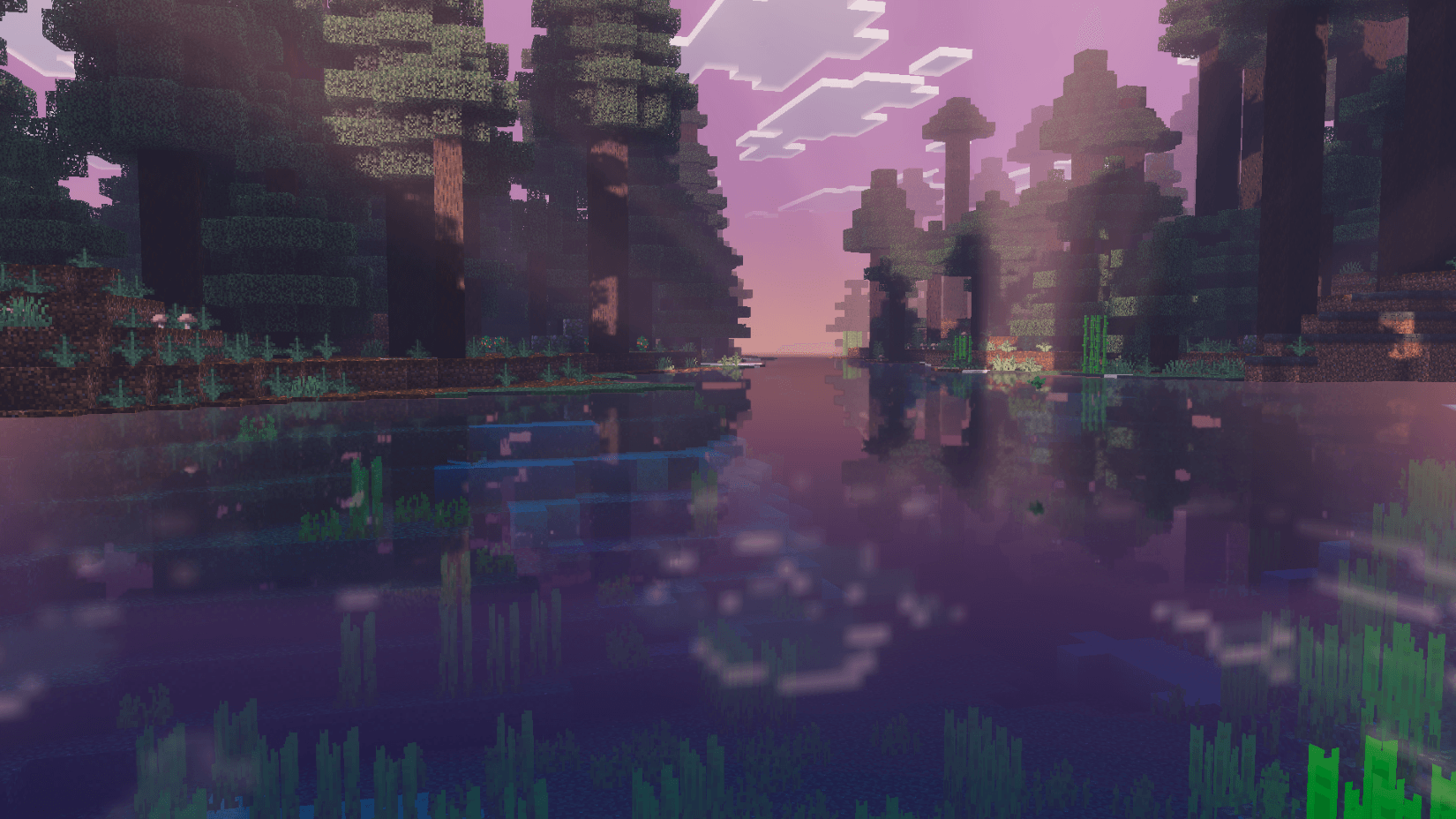
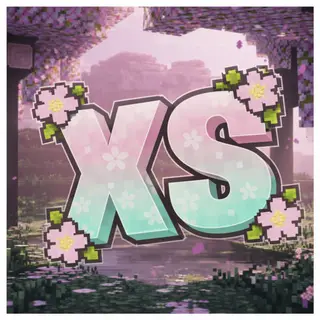
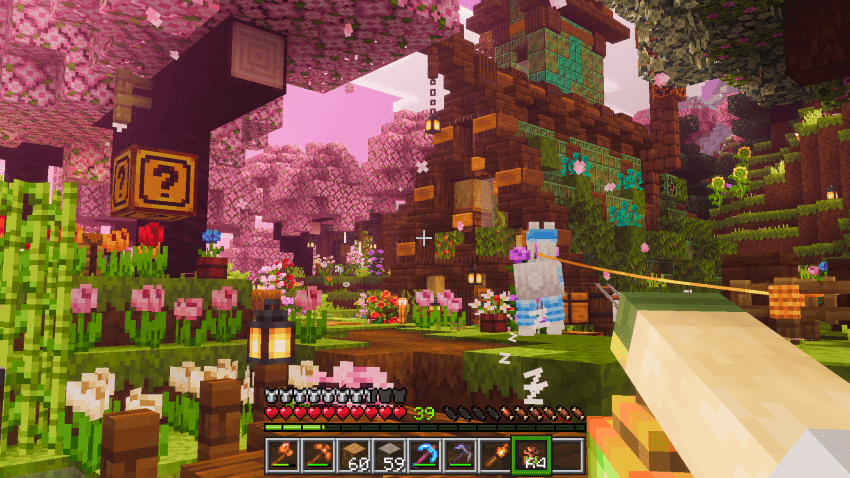
Xiao Sakura is a shader pack for the Vibrant Visuals mode in Minecraft Bedrock, inspired by cherry blossom season. Pink volumetric fog, peach sunlight, drifting petals and soft blue water give every world a calm, dreamy look.
Features
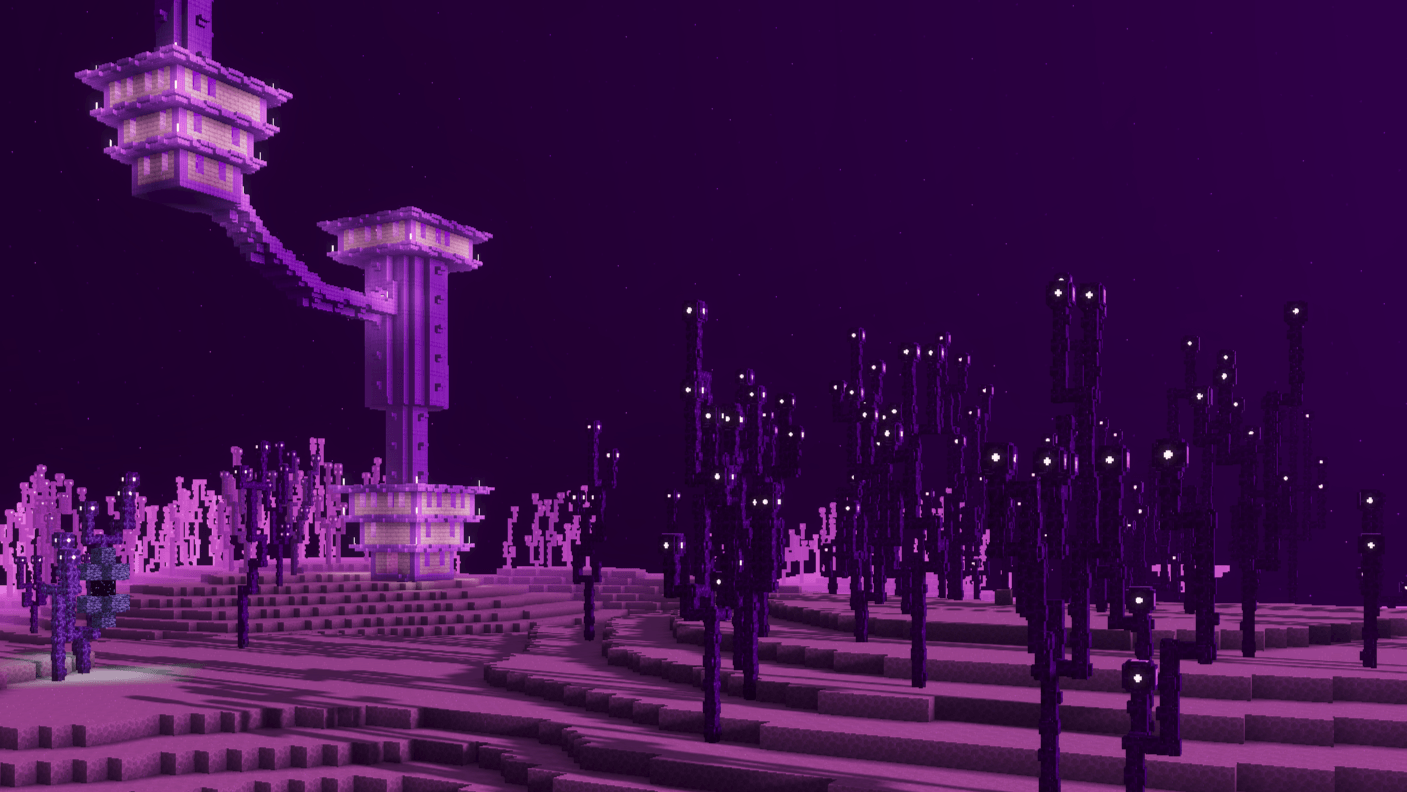
Volumetric fog — 18 hand-tuned fogs for cherry groves, dappled forests, birch forests, plains, taiga, swamps, deserts, badlands, snowy and frozen biomes, mushroom fields, all five Nether biomes and the End.
Every biome covered — all 89 biomes have their own fog, sky colour and water colour, so the mood shifts as you travel. Each Nether biome and the End also get their own lighting and atmosphere.
Sakura sky — peach-pink sunlight, mauve skies, periwinkle moonlight and soft shadows.
Water — custom water with layered waves and animated caustics.
Coloured lighting — fire and lava glow ember-orange, soul fire and sculk glow cyan, amethyst and portals glow violet, glowstone and copper bulbs glow gold, and much more.
Subpacks
Choose a subpack with the gear icon on the pack after activating it:
- Resolution Default — shader only. Keeps vanilla textures or the textures from any other pack you use. Lowest memory use and best compatibility.
- Resolution 32x — adds Xiao Sakura's own PBR textures: heightmap depth and MERS material maps for 1,300+ blocks, plus armor, particles and a custom sun and moon.
Using Actions & Stuff or another texture pack? Place Xiao Sakura on top and choose Resolution Default.
Installation
- Download and open the .mcpack — Minecraft imports it automatically
- Activate Xiao Sakura in Settings → Global Resources (or your world's Resource Packs)
- Click the gear icon on the pack to choose your subpack
- Go to Settings → Video and set Graphics Mode to Vibrant Visuals
- Edition: Minecraft Bedrock
- File type: .mcpack
- Minecraft versions listed: 1.21.120, 1.21.122, 1.21.121
- How to install: Download the .mcpack. → Open it — Minecraft imports it under Resource Packs. → Activate it in Global Resources, or for one world under Resource Packs → Available.
- Where to get it: In MCModsHub, or directly above on this page.
Install steps are the general flow for this file type — How to install Minecraft Bedrock texture packs walks through it step by step.
- Pack type: .mcpack — a single pack
- Complete pack — everything it depends on is inside the file
- Download size: 5.8 MB
- Download link checked 3 Aug 2026 — working
These come from our own check of the pack file, not from the source page.