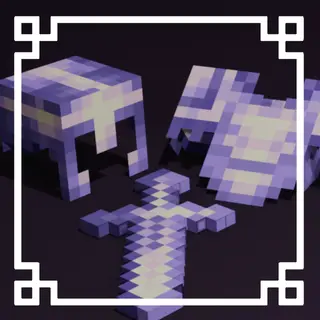
UltimatePvP Overlay
Bedrock texture pack listed for Minecraft 1.21–26.x. File opened and checked on 5 Sep 2026; installs from the MC Bedrock Mods app on Android.
A lightweight texture pack designed to improve PvP visibility and gameplay while keeping Minecraft’s textures clean, simple, and close to vanilla.
⬇ Download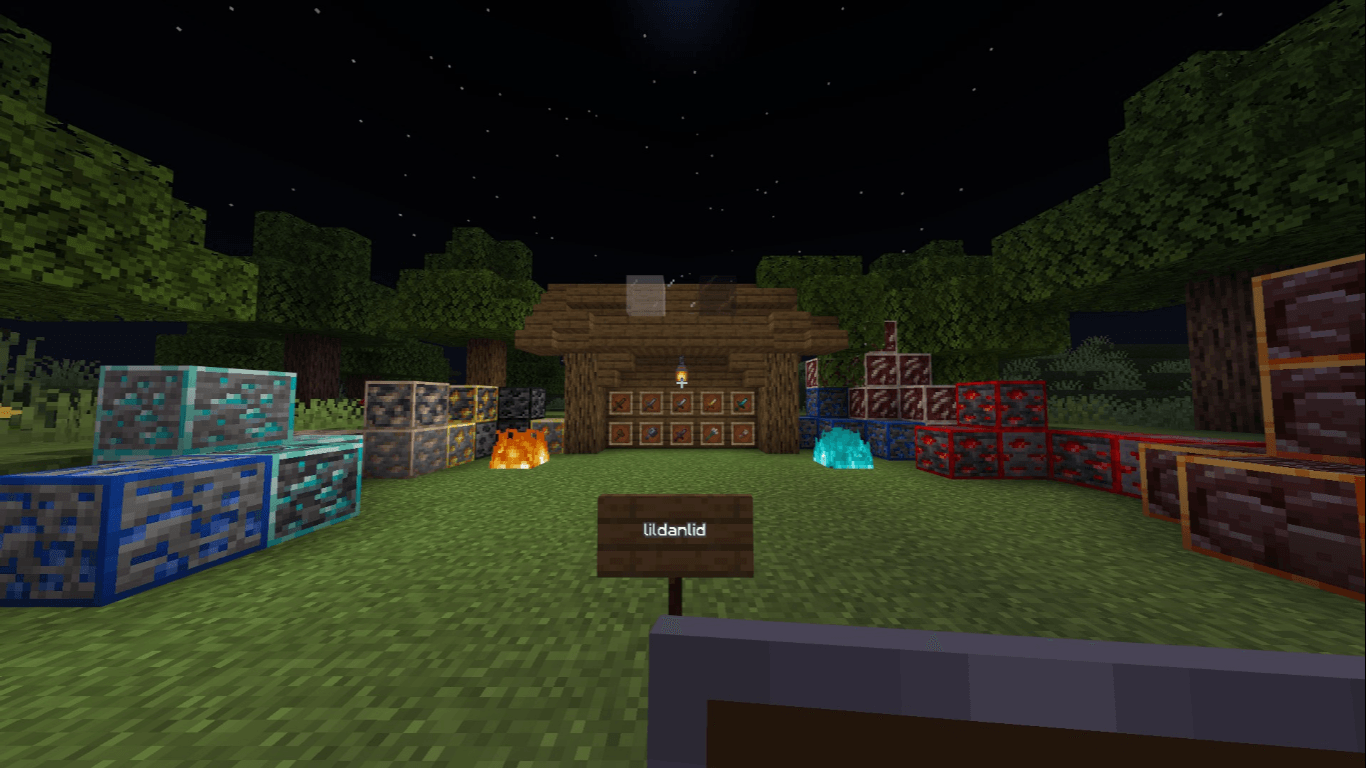
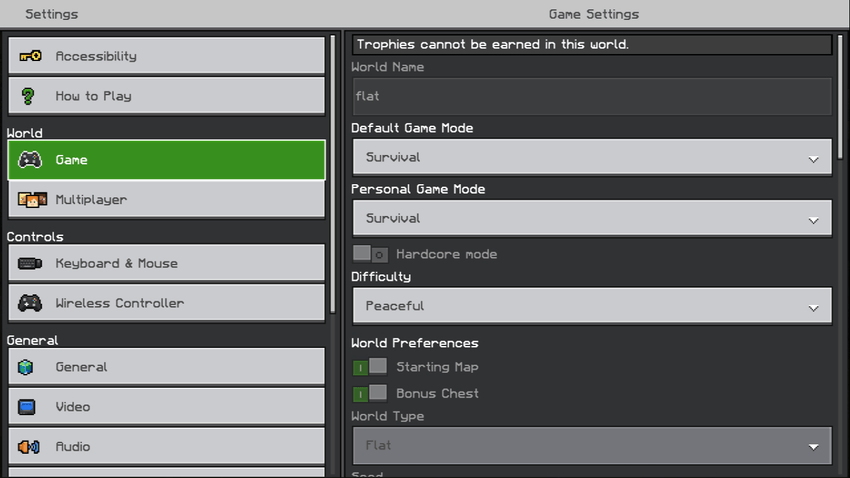
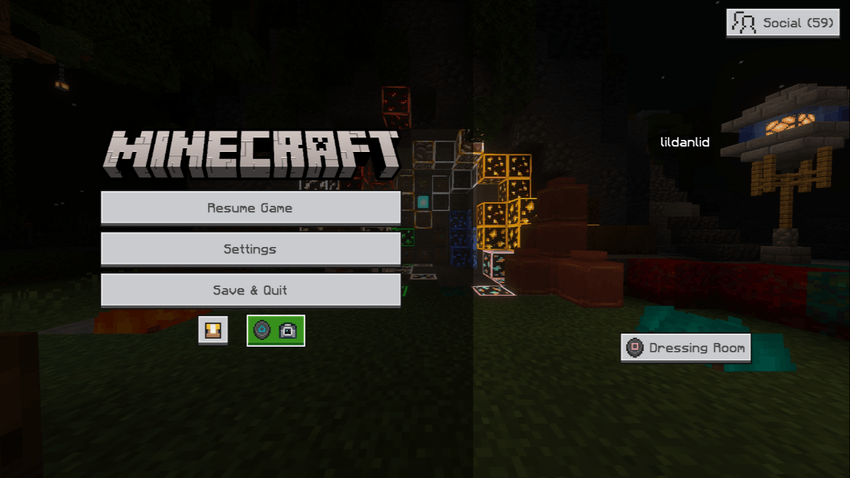
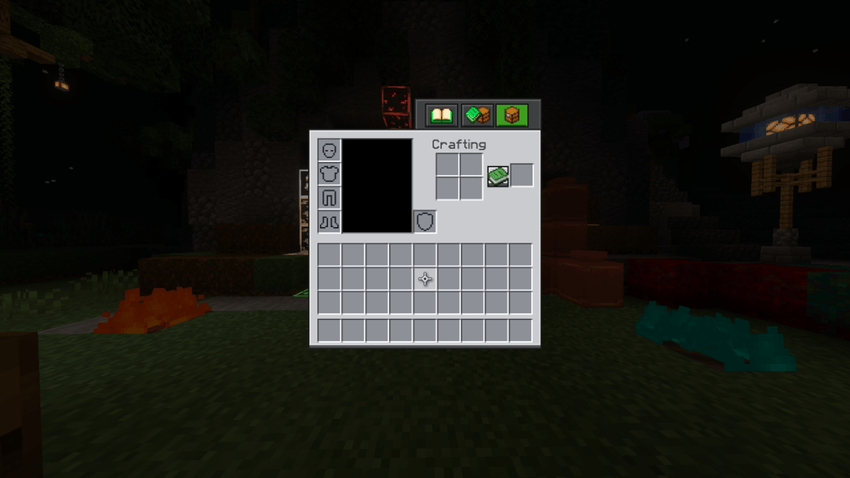
There are a few more videos from qualspec of him using my texture pack.
Have an issue or a suggestion? Join the Discord here.
A lightweight texture pack designed to improve PvP visibility and gameplay while keeping Minecraft's textures clean, simple, and close to vanilla.
Unlike many PvP packs that drastically change the look of the game, this pack focuses on small but meaningful improvements, including updated textures that support the latest versions of Minecraft.
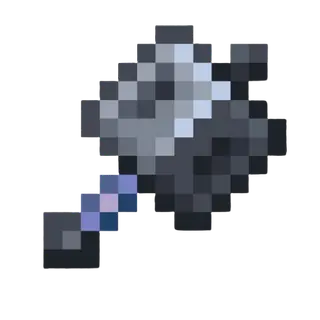
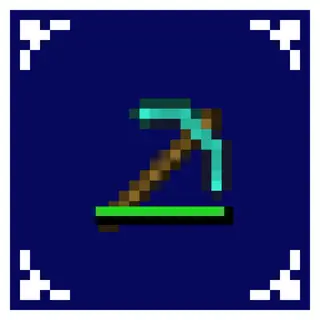
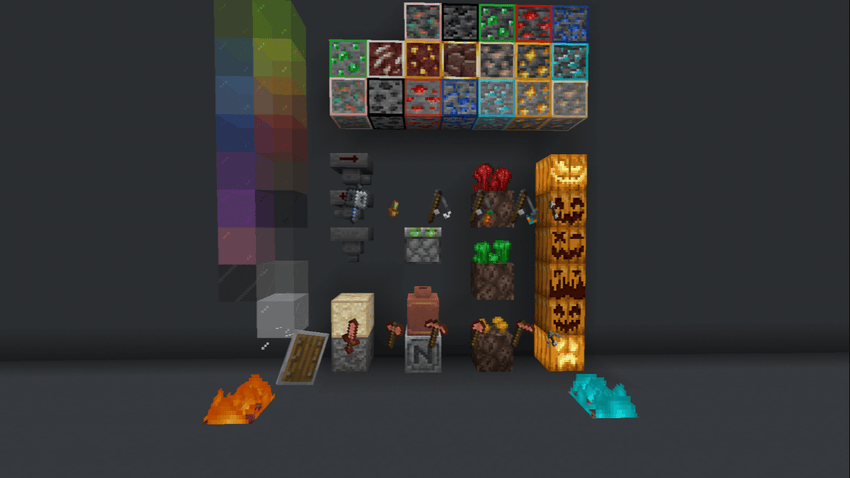
- Smaller Tools – Reduced tool sizes for better screen visibility (includes copper tools).
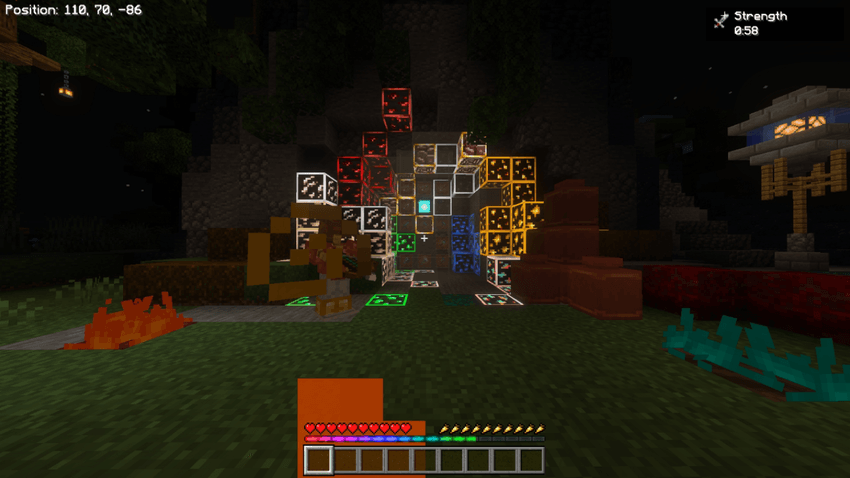
- Visible Ores – Easier-to-spot ores while mining or exploring.
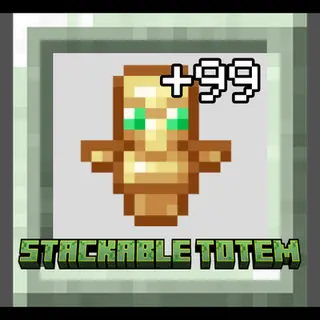
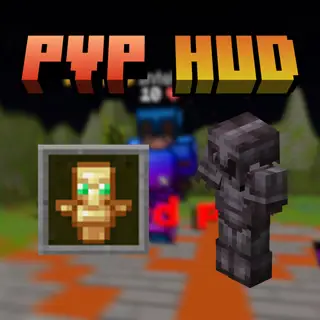
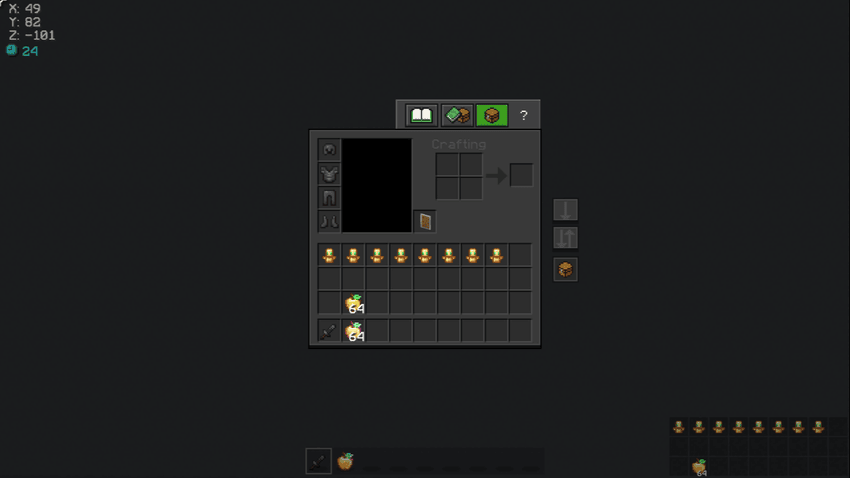
- Inventory HUD – View your inventory while PvPing.
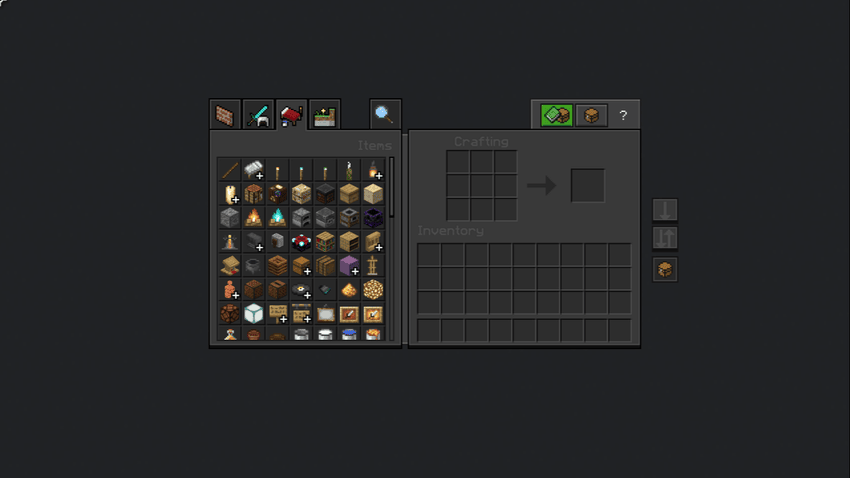
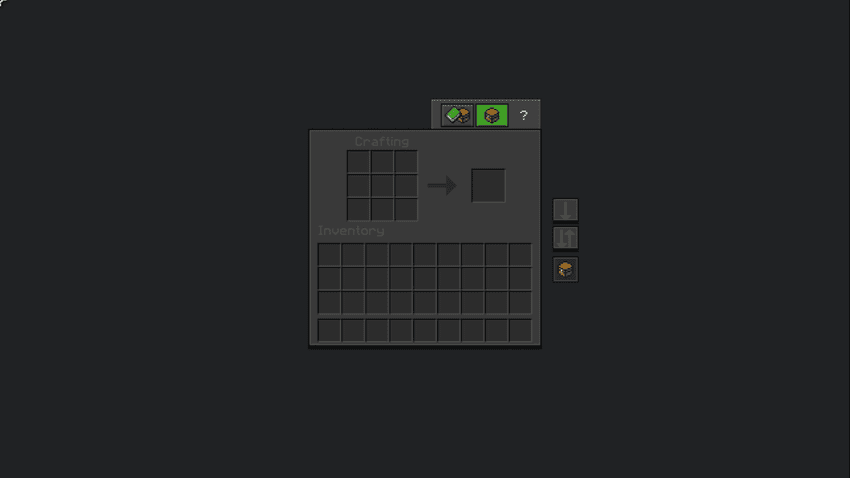
- Quick Container – Quickly drop and move items in your inventory.
Here are subtle tweaks that make gameplay smoother without changing the vanilla feel.
- Improved Redstone Textures – Better visuals for trap-based builds.
- Smaller Shield – Less screen obstruction during combat.
- Transparent Pumpkin – Clear view when wearing a carved pumpkin.
- Clearer Spyglass Overlay – Easier to see when zooming.
- Fixed Settings Padding – Cleaner UI alignment.
- Quick Settings Access – Faster setting changes.
- Low Fire & Shield Overlay – Reduced visual obstruction during fights.
- More small quality-of-life improvements.
This pack focuses on small visual advantages and quality-of-life improvements rather than completely changing Minecraft's style.
If you enjoy clean PvP packs with subtle improvements, this pack is made for you.
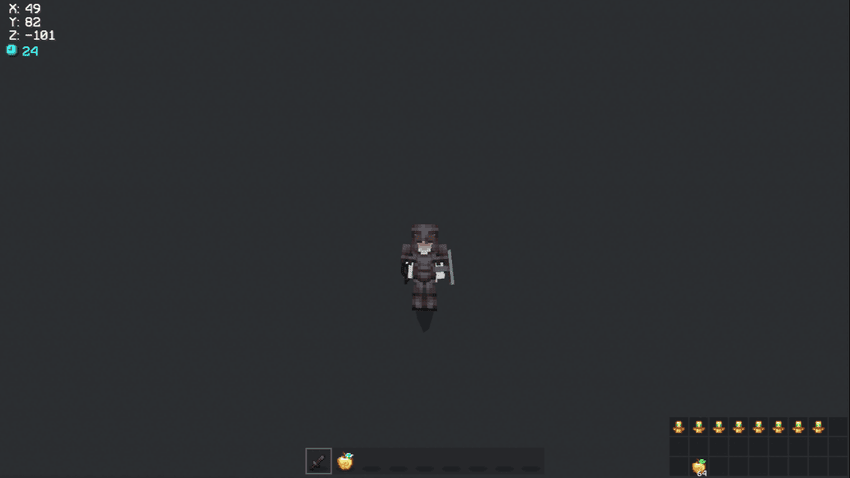
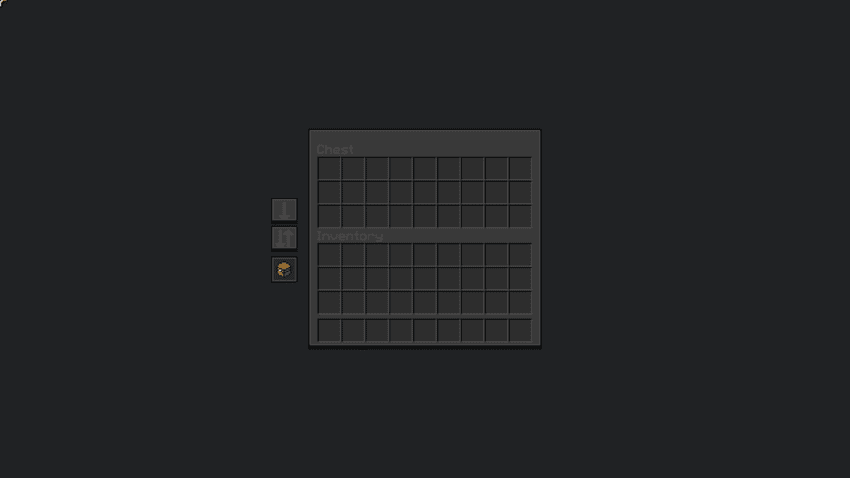
[](https://billing.kinetichosting.com/aff.php?aff=1371)
*Made by **lildanlid***
All display images are outdated. If you would like to update them, send me a DM on Discord with new images.
- Edition: Minecraft Bedrock
- File type: .mcpack
- Minecraft versions listed: 26.40, 26.10, 26.0.02
- How to install: Download the .mcpack. → Open it — Minecraft imports it under Resource Packs. → Activate it in Global Resources, or for one world under Resource Packs → Available.
- Where to get it: In MCModsHub, or directly above on this page.
Install steps are the general flow for this file type — How to install Minecraft Bedrock texture packs walks through it step by step.
- Pack type: .mcpack — a single pack
- Complete pack — everything it depends on is inside the file
- Download size: 7.6 MB
- Download link checked 25 Aug 2026 — working
These come from our own check of the pack file, not from the source page.