Vanilla RTX Normals
Bedrock texture pack listed for Minecraft 1.21–26.x. File opened and checked on 15 Oct 2026; installs from the MC Bedrock Mods app on Android.
The default ray-traced Minecraft graphics, featuring handcrafted 16x normal maps! – Vanilla Resources Made Available for Minecraft with RTX.
I don't know my version
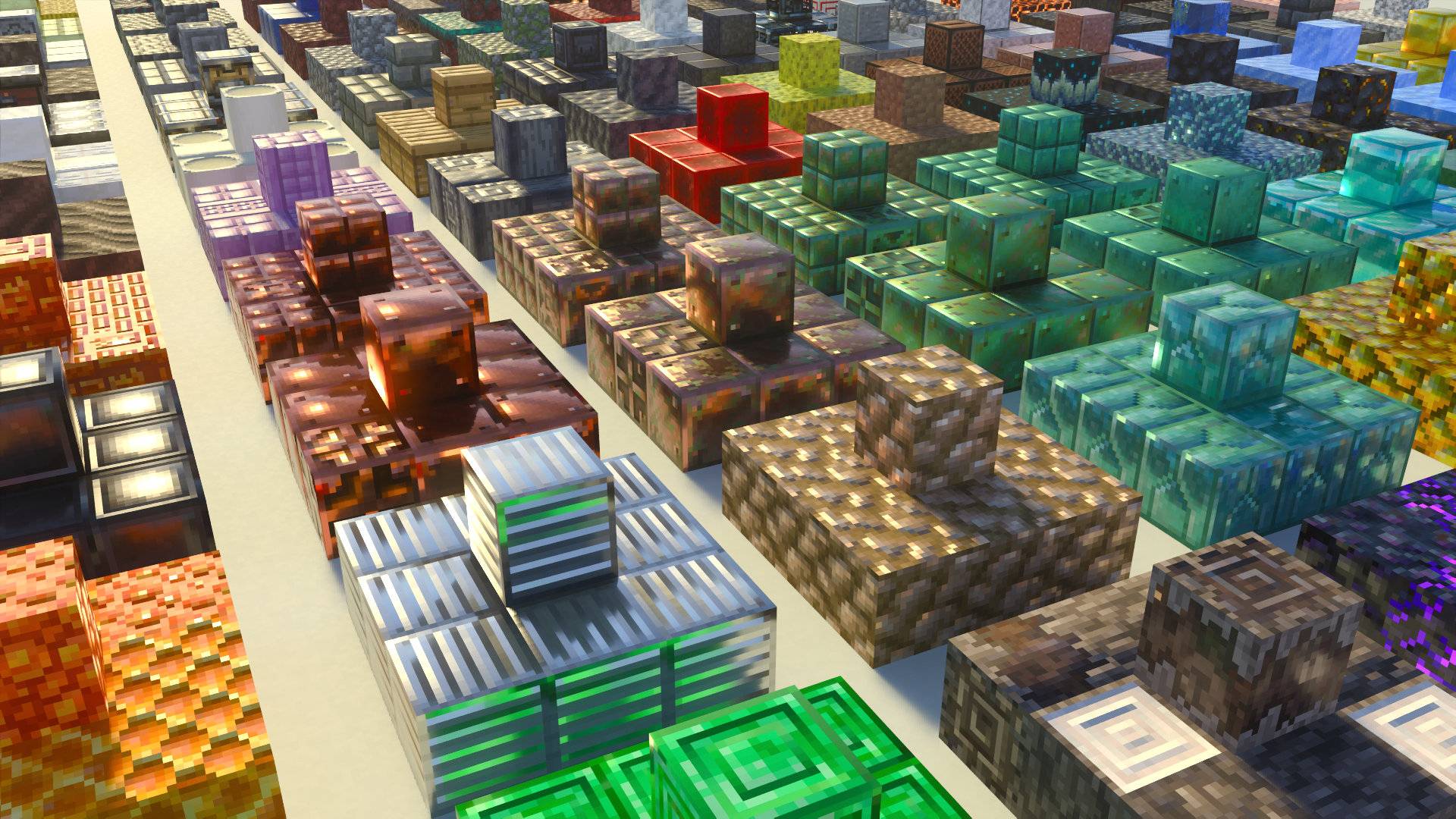
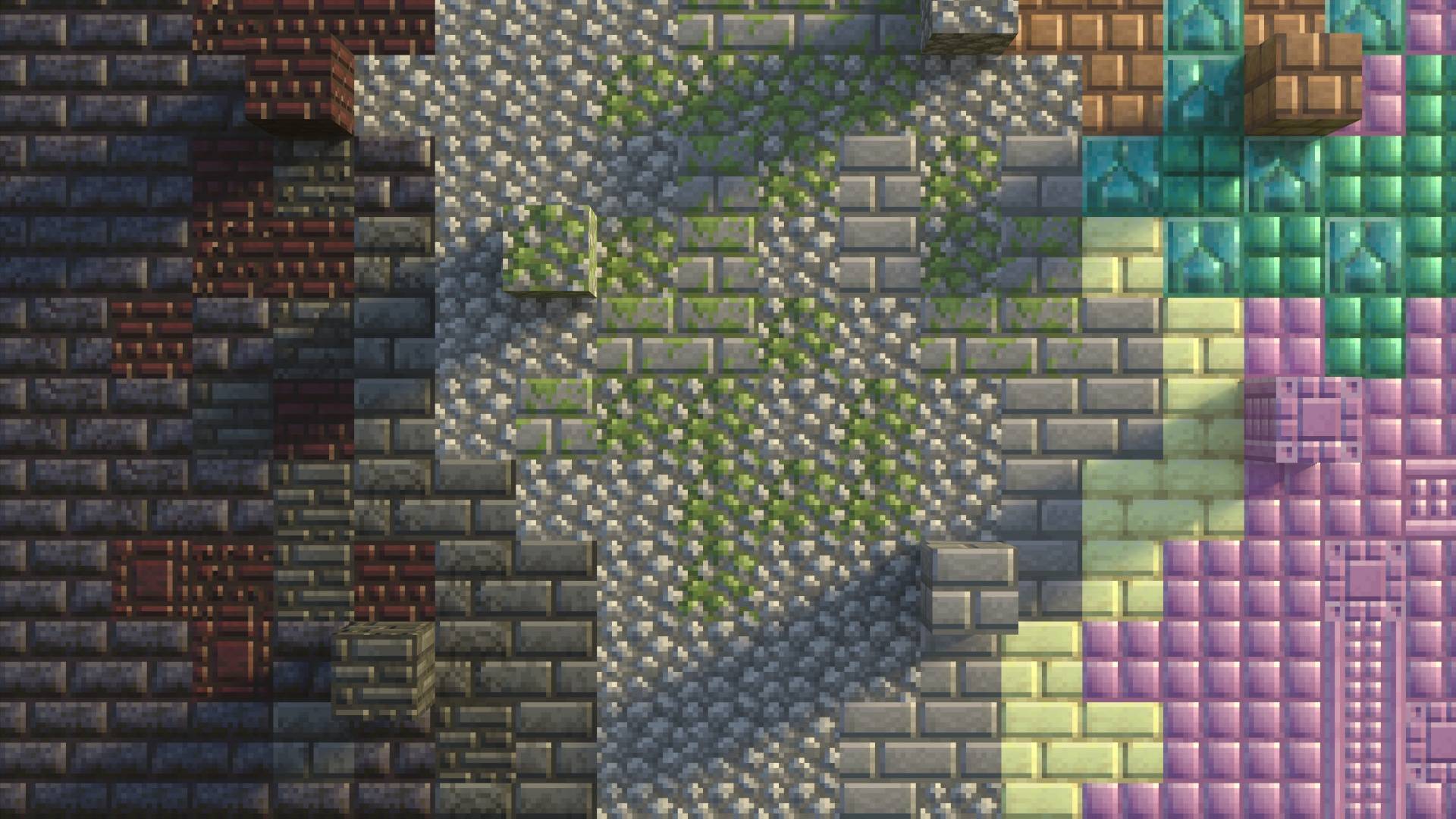
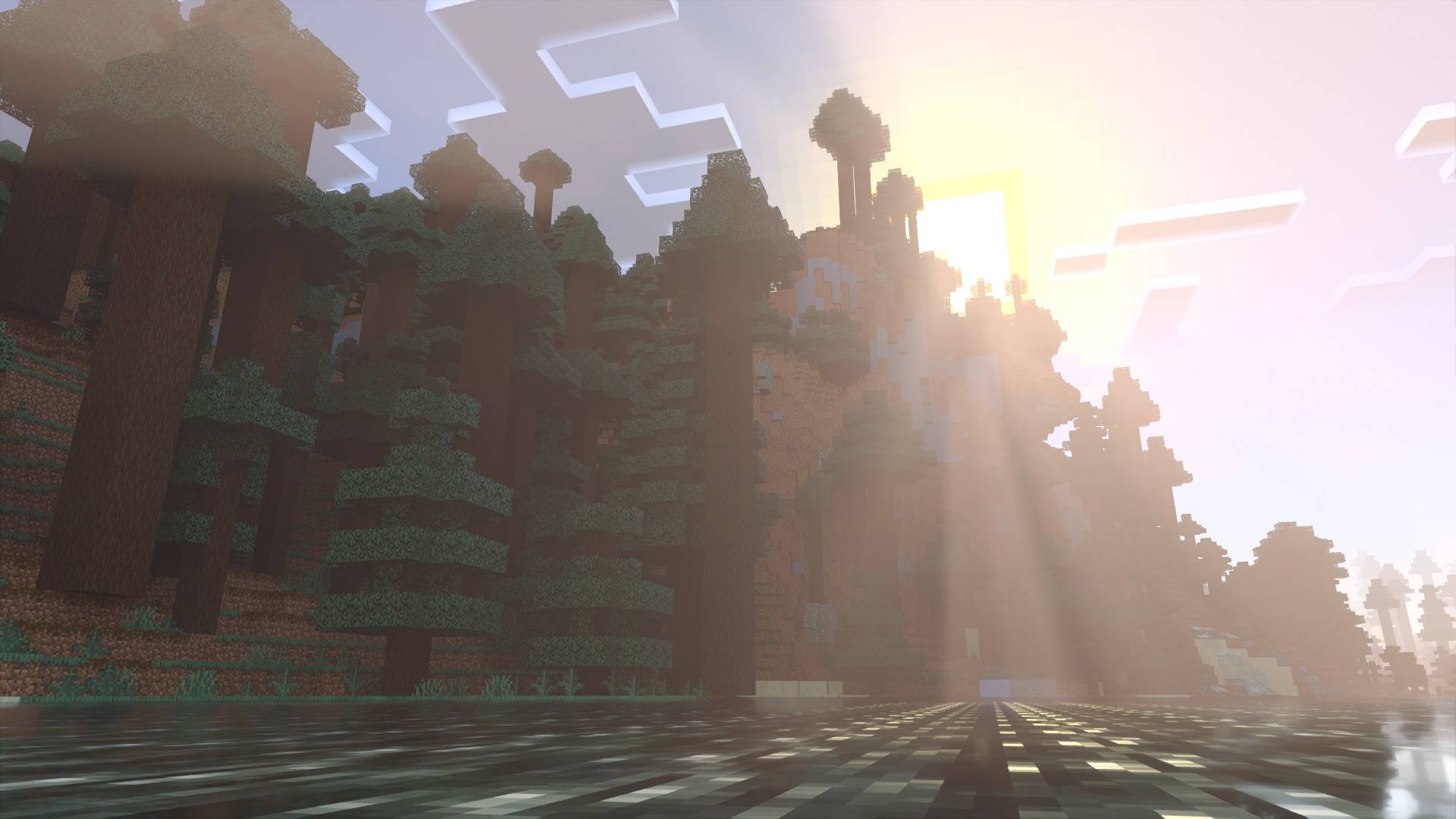
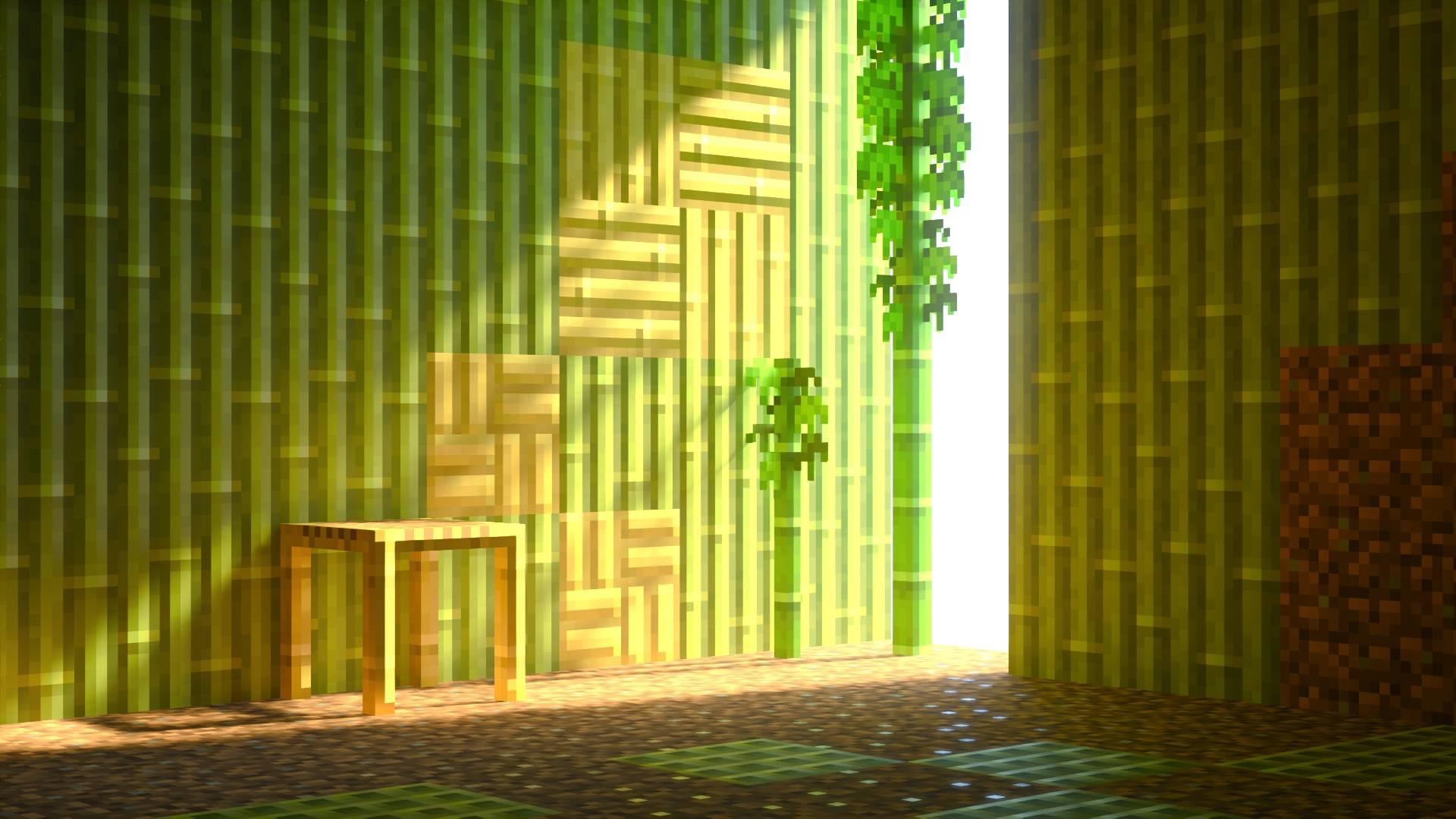
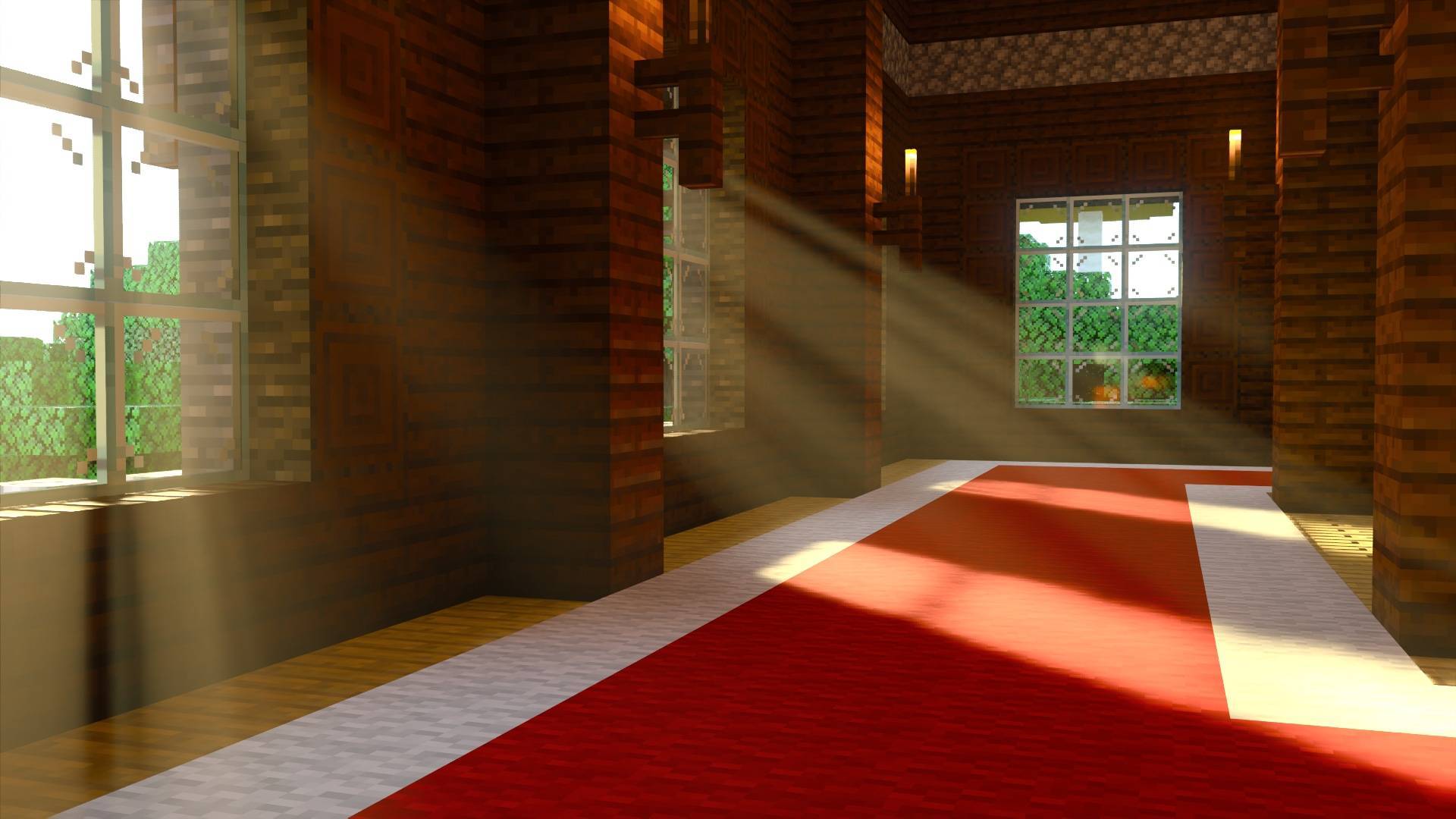
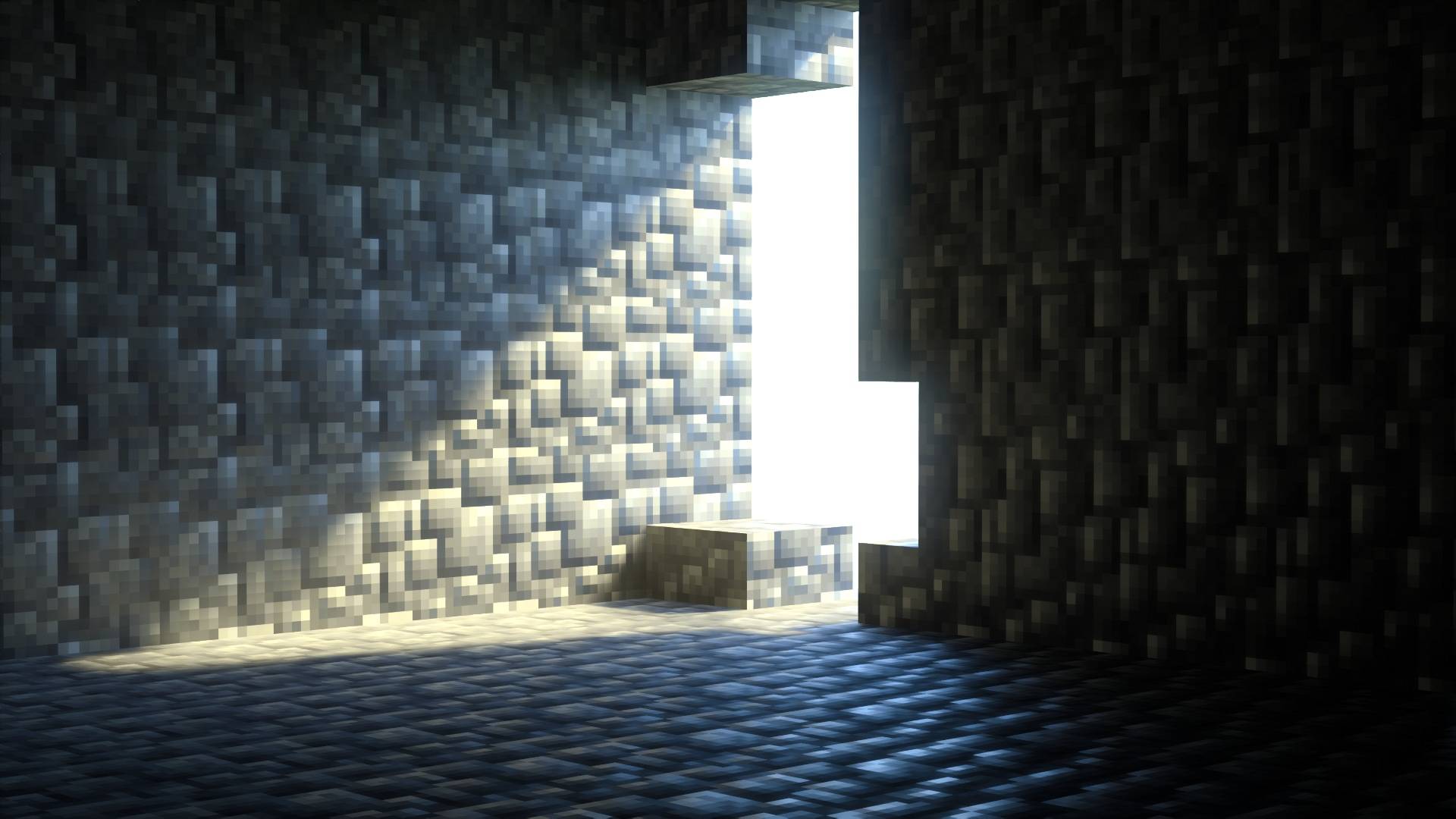
Vanilla Resources Made Available for Minecraft with RTX
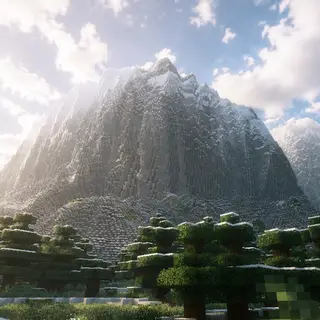
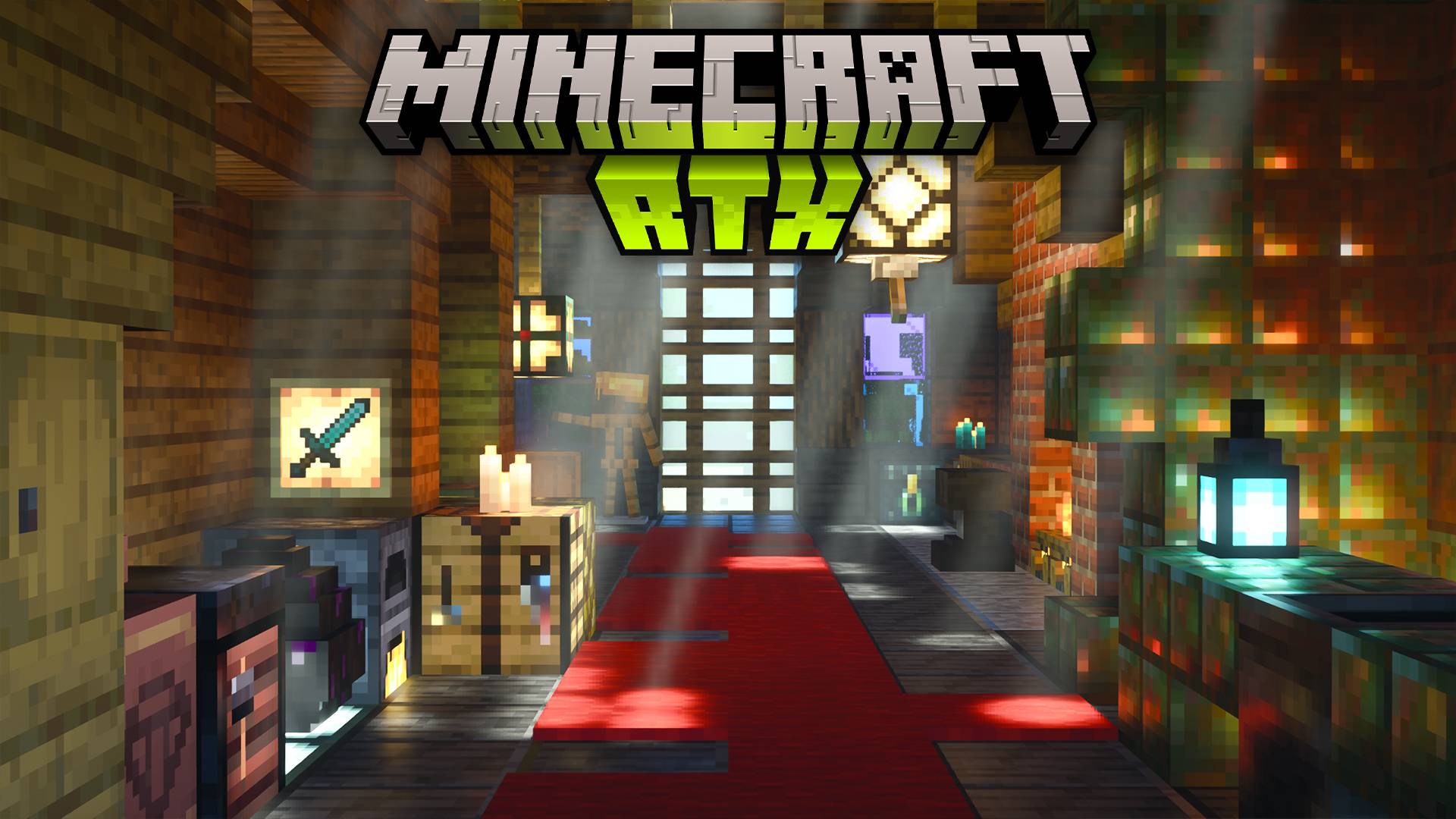
Vanilla RTX is the go-to ray tracing resource pack for Minecraft RTX, bringing together a cohesive art direction for default ray-traced Minecraft graphics since 2020 – Enabling players to use Minecraft's ray tracing features in any world or servers by adding thoughtfully-crafted materials and configurations to the base game without altering the vanilla experience, delivering complete ray tracing support for Minecraft in a manner that integrates seamlessly and maintains a native look and feel.
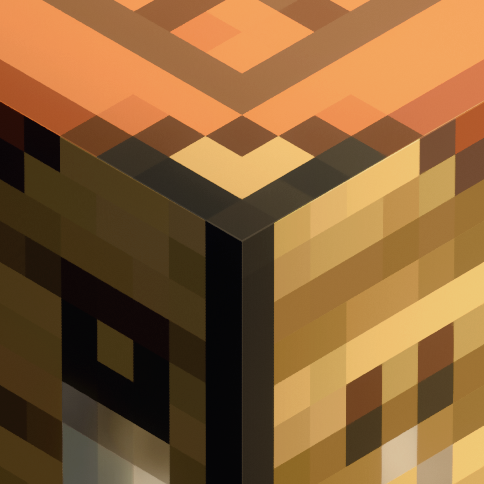
Vanilla RTX Normals, as the name suggests, is the fully normal-mapped version.
- Every possible vanilla block is supported, even secret or unobtainable blocks.
- All blocks feature highly detailed, unique material designs that remain consistent across different blocks made of similar materials.
- Every material has been carefully designed to give each block the character it deserves while preserving its original style and functionality – without diverging from the artist's intent inherent in the texture.
- Everything has been fine-tuned for Minecraft's ray tracing.
- Compatibility errors of vanilla resources with ray tracing are resolved through Enhancements
Vanilla RTX has been relocated! You're currently viewing Vanilla RTX Normals' page, click here to go to the new page. 

Main Resource Packs:
- Vanilla RTX uses 16x heightmaps which define depth on blocks.
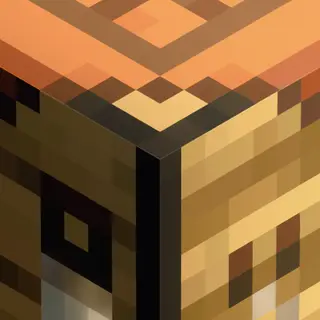
- Vanilla RTX Normals features handcrafted 16x normal maps instead, which simulate curvature by defining the direction each pixel in the texture is facing.
- Vanilla RTX Opus is the composition of both Vanilla RTX & Vanilla RTX Normals, featuring higher resolution normal maps with an unprecedented level of detail.
Related Projects:
- Vanilla RTX App is an installable tool that lets you launch Minecraft RTX without issues in one click, customize fog, lighting or materials in Vanilla RTX, recieve updates automatically, upgrade DLSS, and more...
- Vanilla RTX Add-Ons are a series of smaller packages that give certain blocks interesting properties!
- Chemistry RTX packs are optional extensions to extend support to Minecraft: Education Edition Chemistry content.
- Creative RTX HD Material Pack features a collection of exotic high definition materials for creative builds with ray tracing.

With Vanilla RTX all blocks receives their own custom RTX flavor, elevating their character.
Every texture is meticulously taken care of for the highest level of detail and internal consistency while making sure they preserve or complement their core vanilla style and functionlity.
Vanilla RTX is is the most up-to-date ray tracing resource pack for Minecraft, regular updates add support for newer Minecraft features while improving the appearance of existing ones and adapting to the latest versions of the game.
A wide range of technical and compatibility issues of vanilla resources with ray tracing have also been addressed in this pack, giving all players the ability to continue to enjoy the latest Minecraft features and updates with ray tracing at its best.
Most of fog colors with ray tracing have been made to match vanilla game colors and to complement each biome's intended feel and atmosphere. If you want to control the intensity of fog effects, you can easily do that (and much more!) through the Vanilla RTX App.
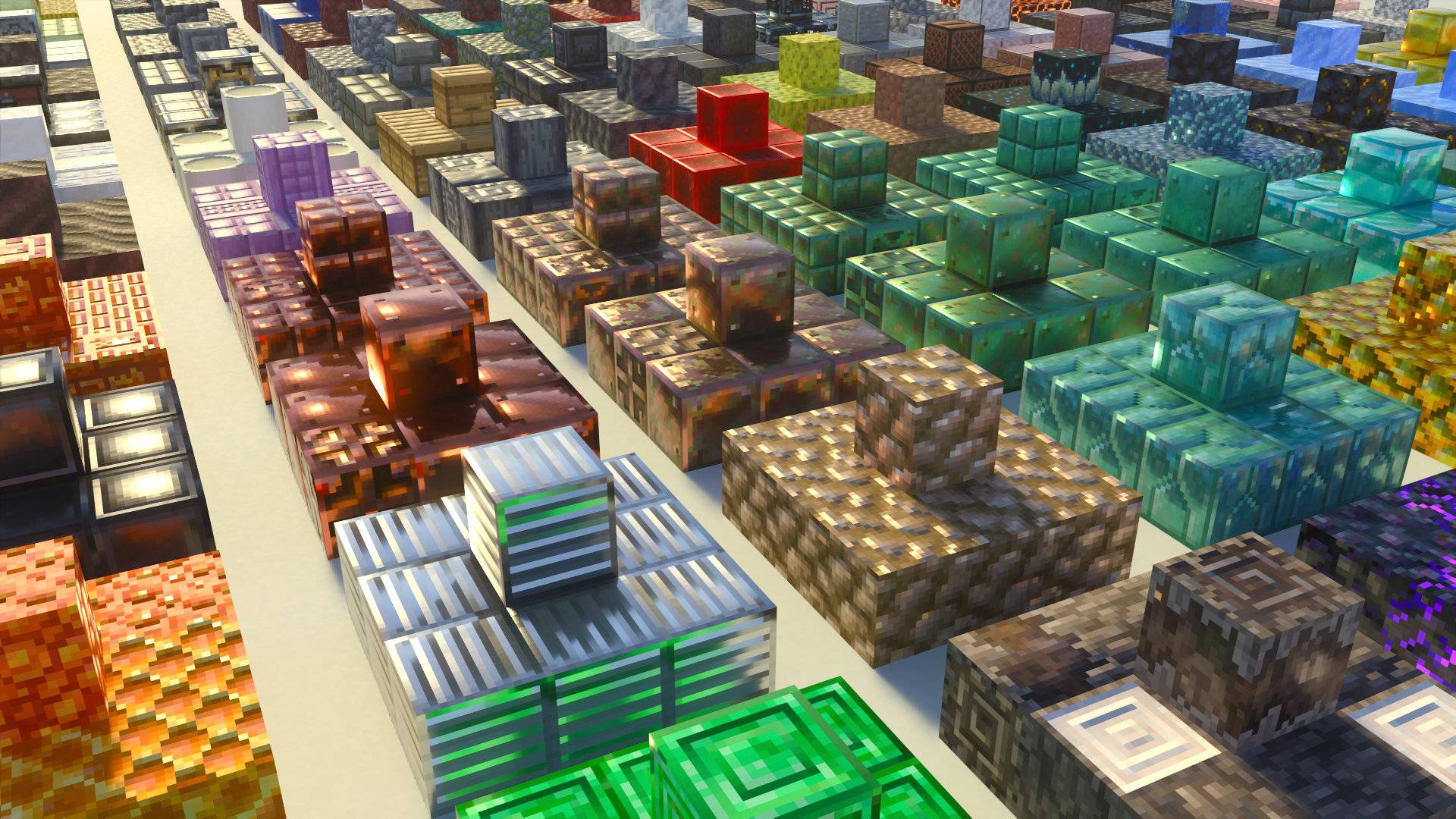
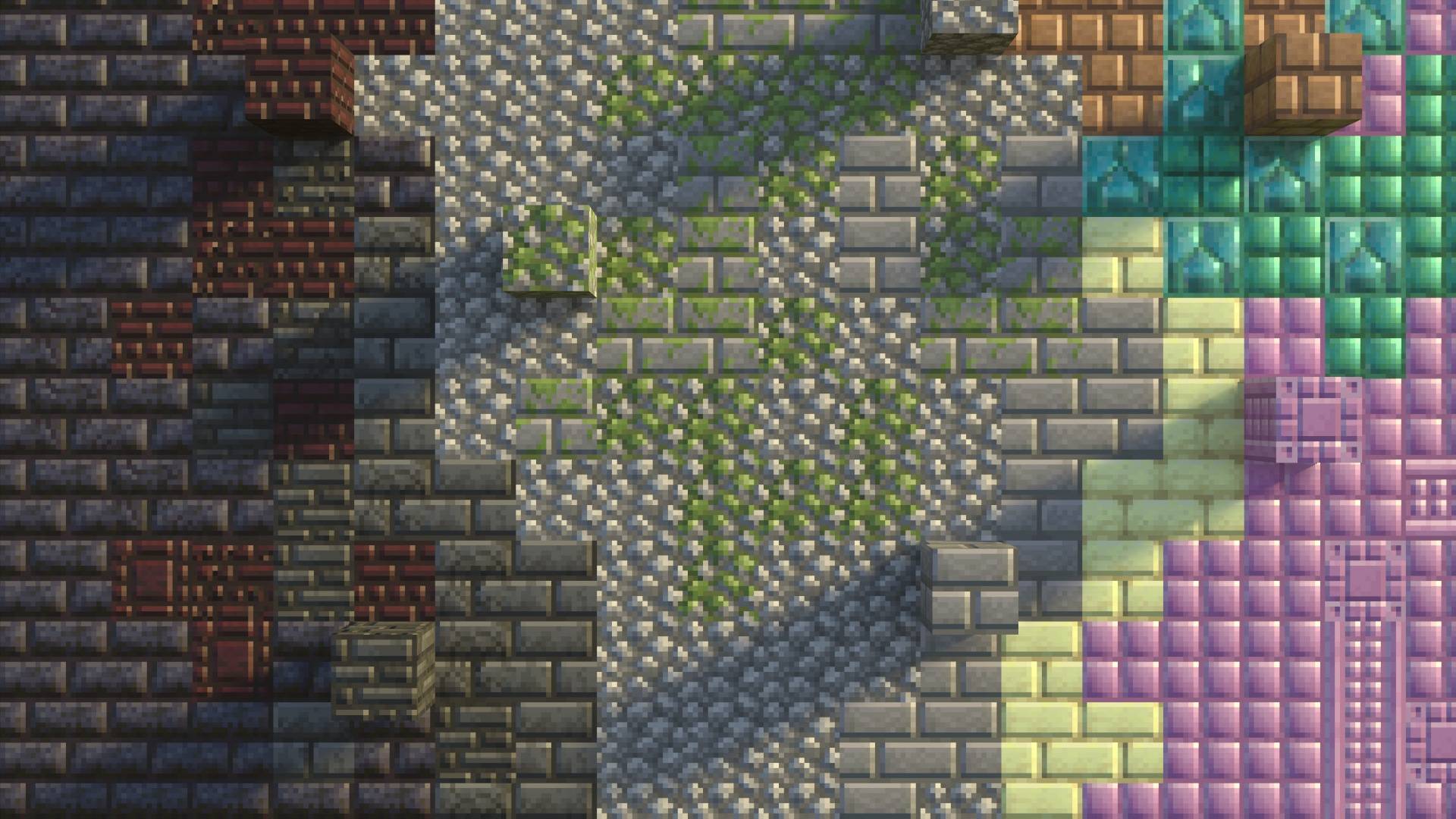
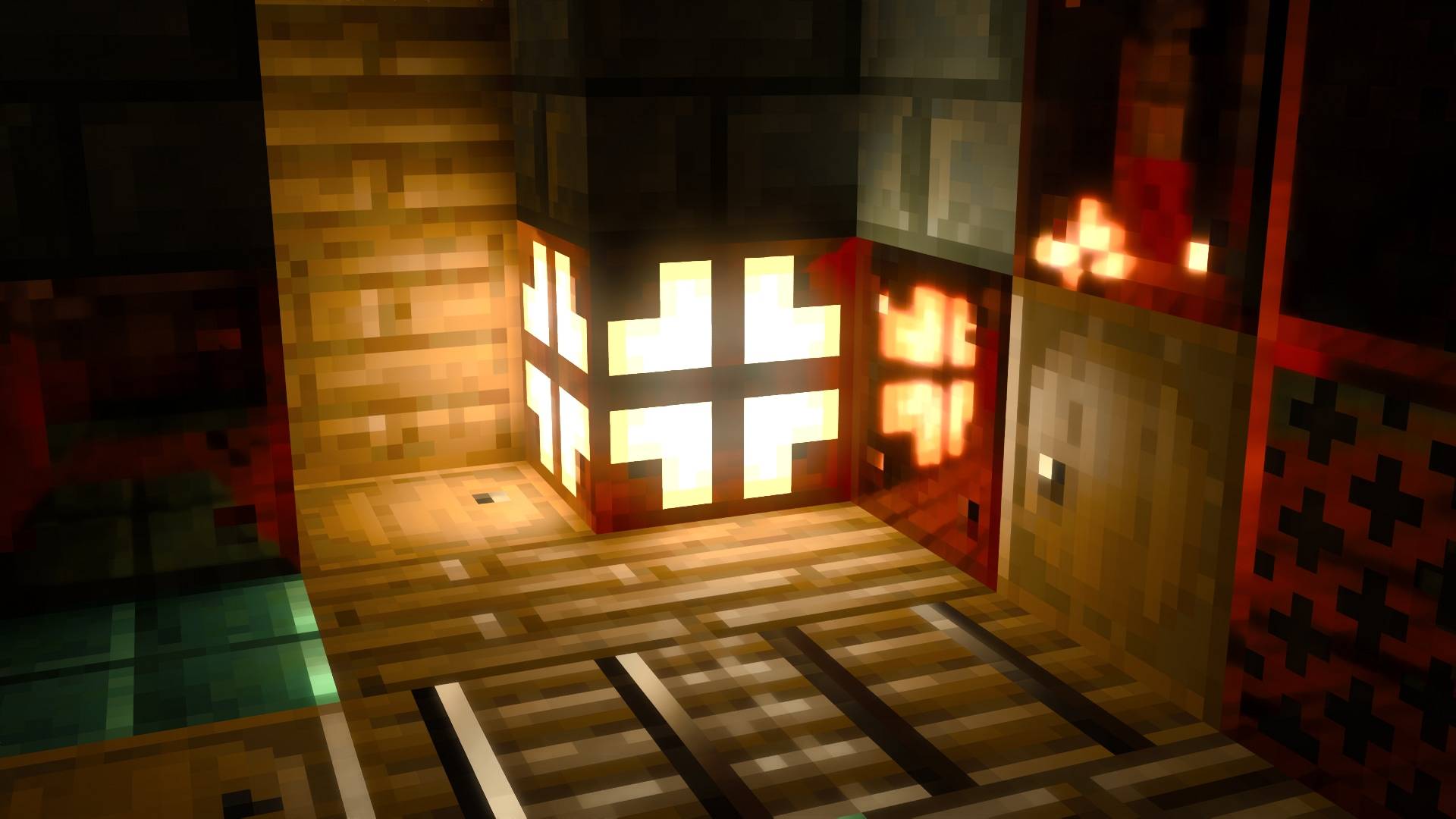
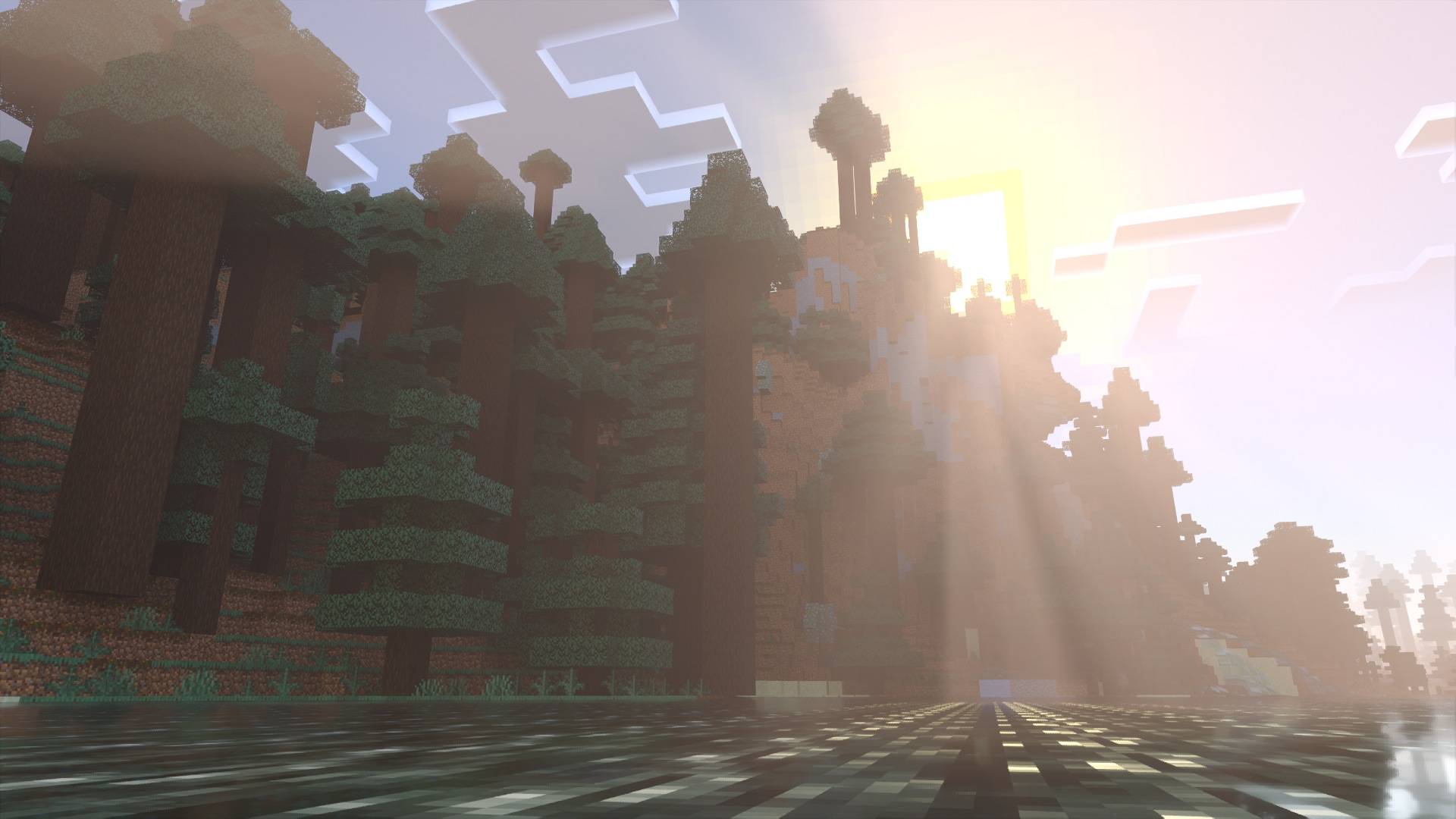

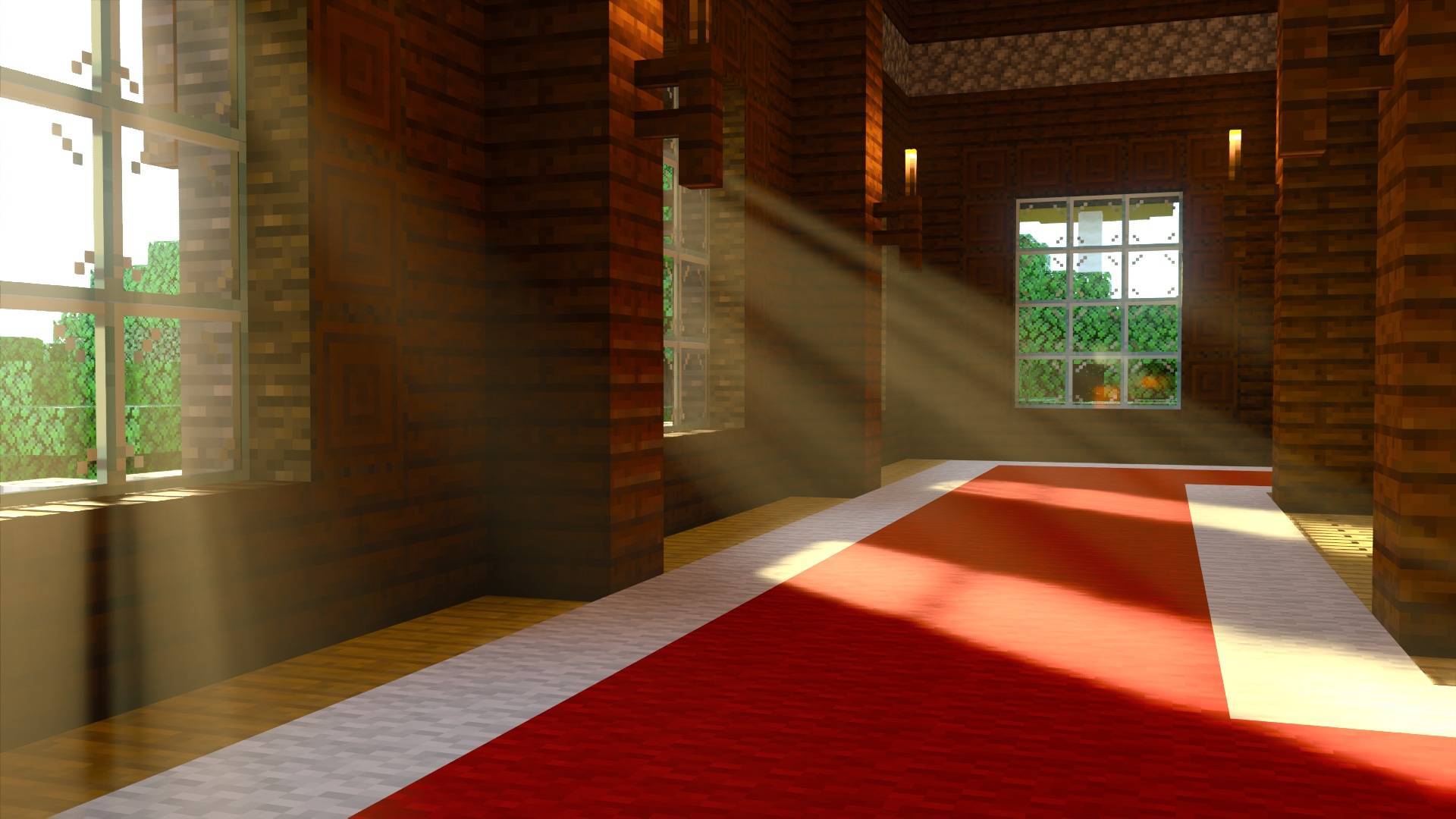
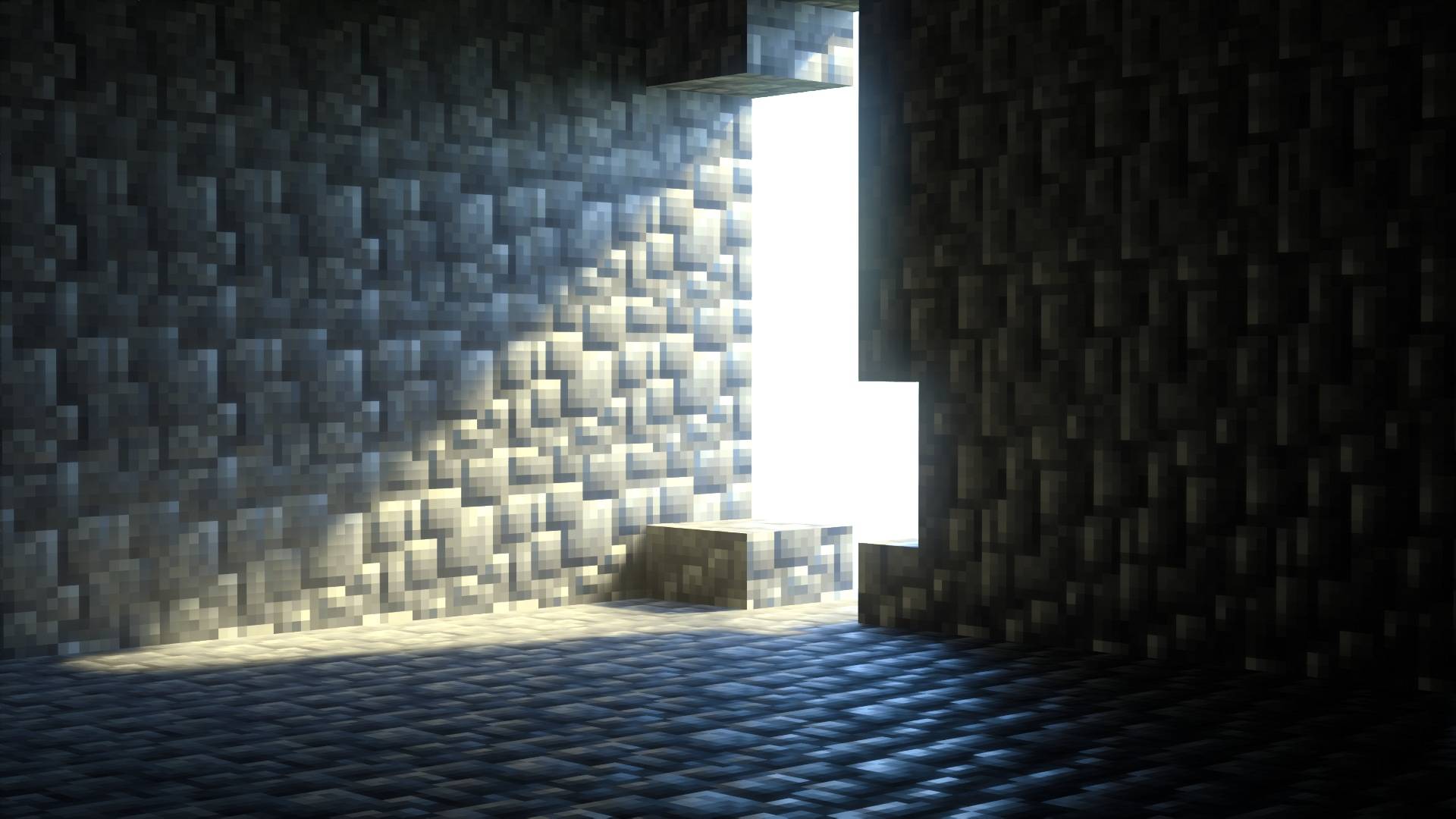
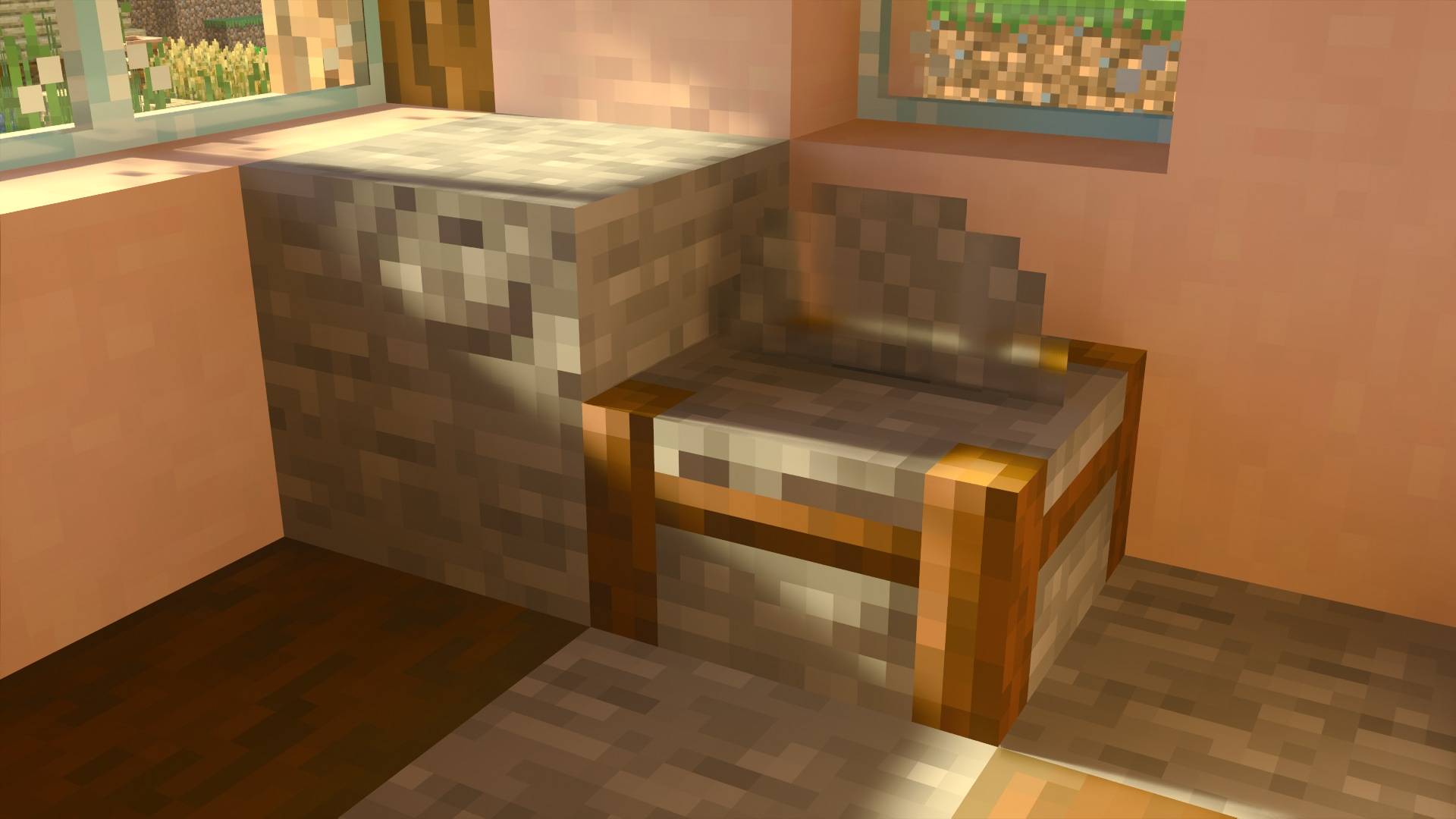
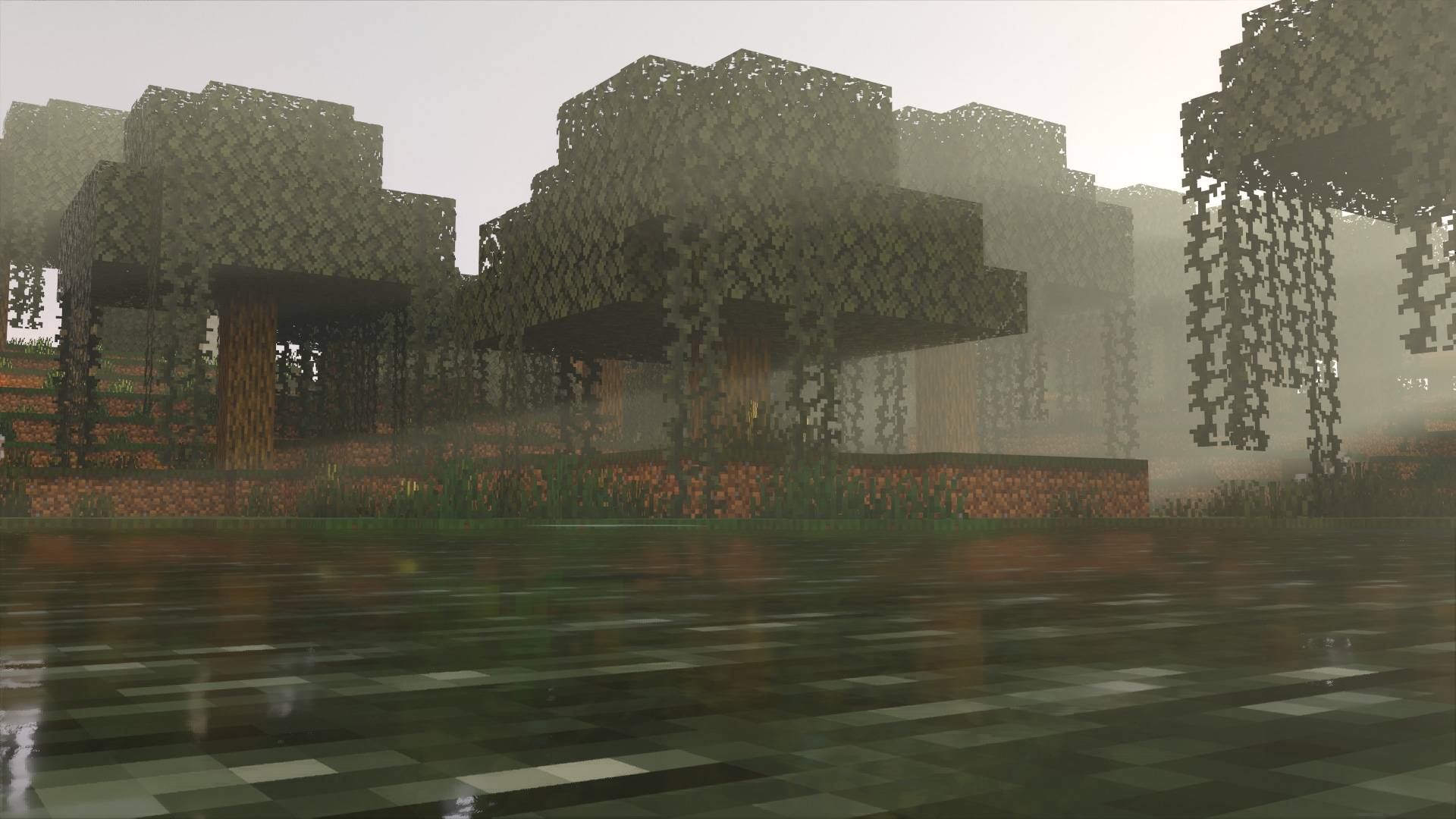
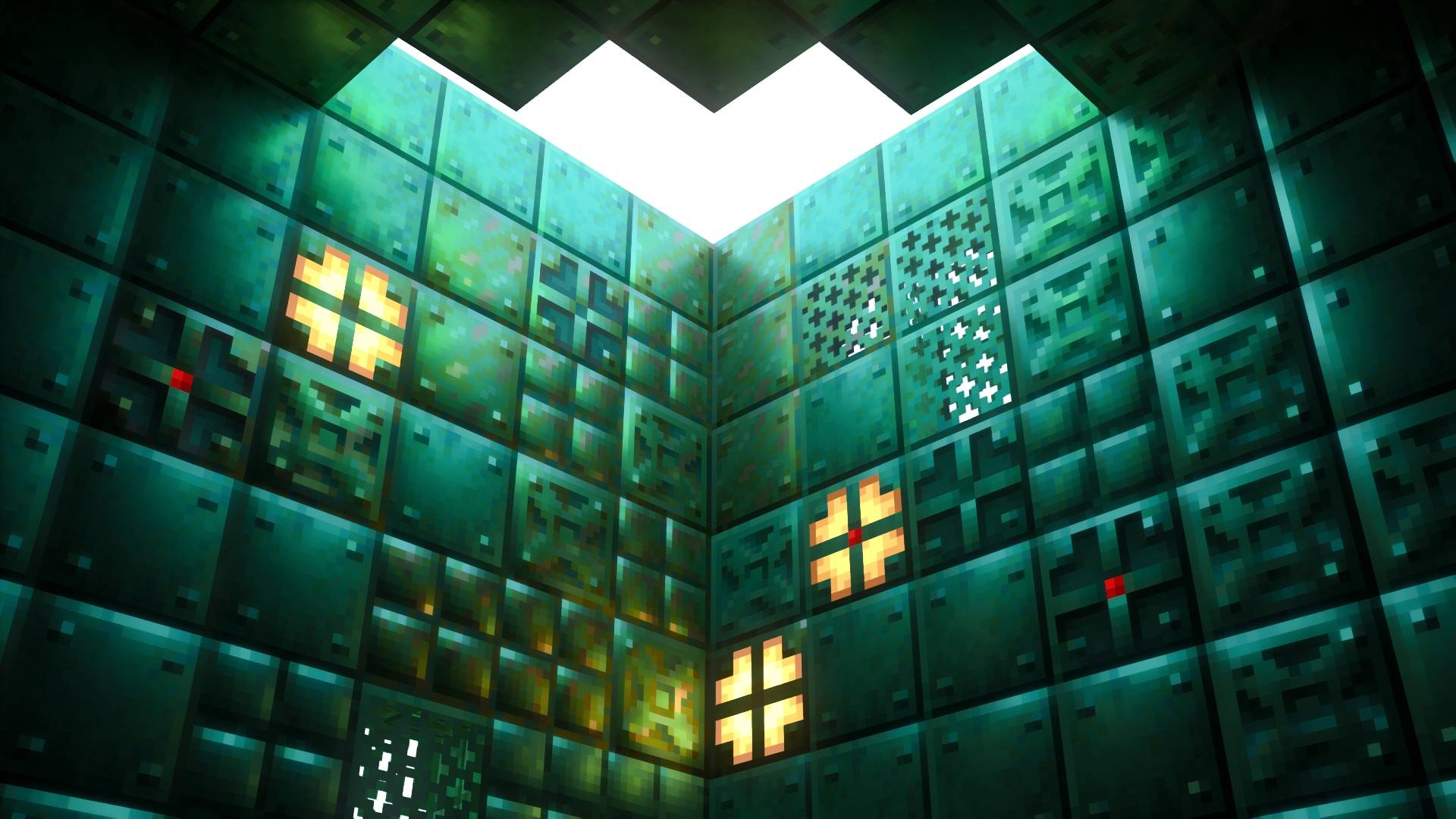
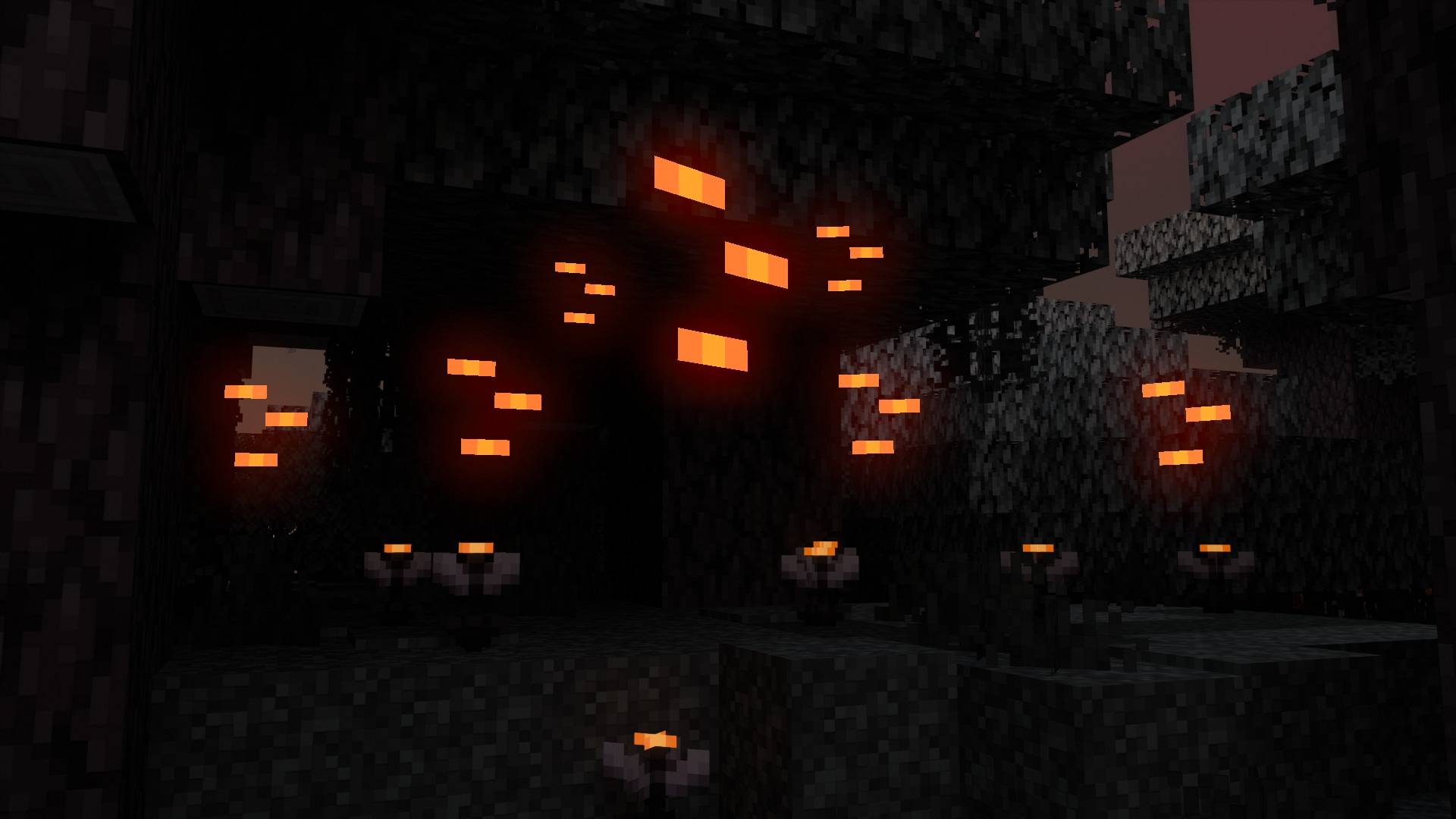
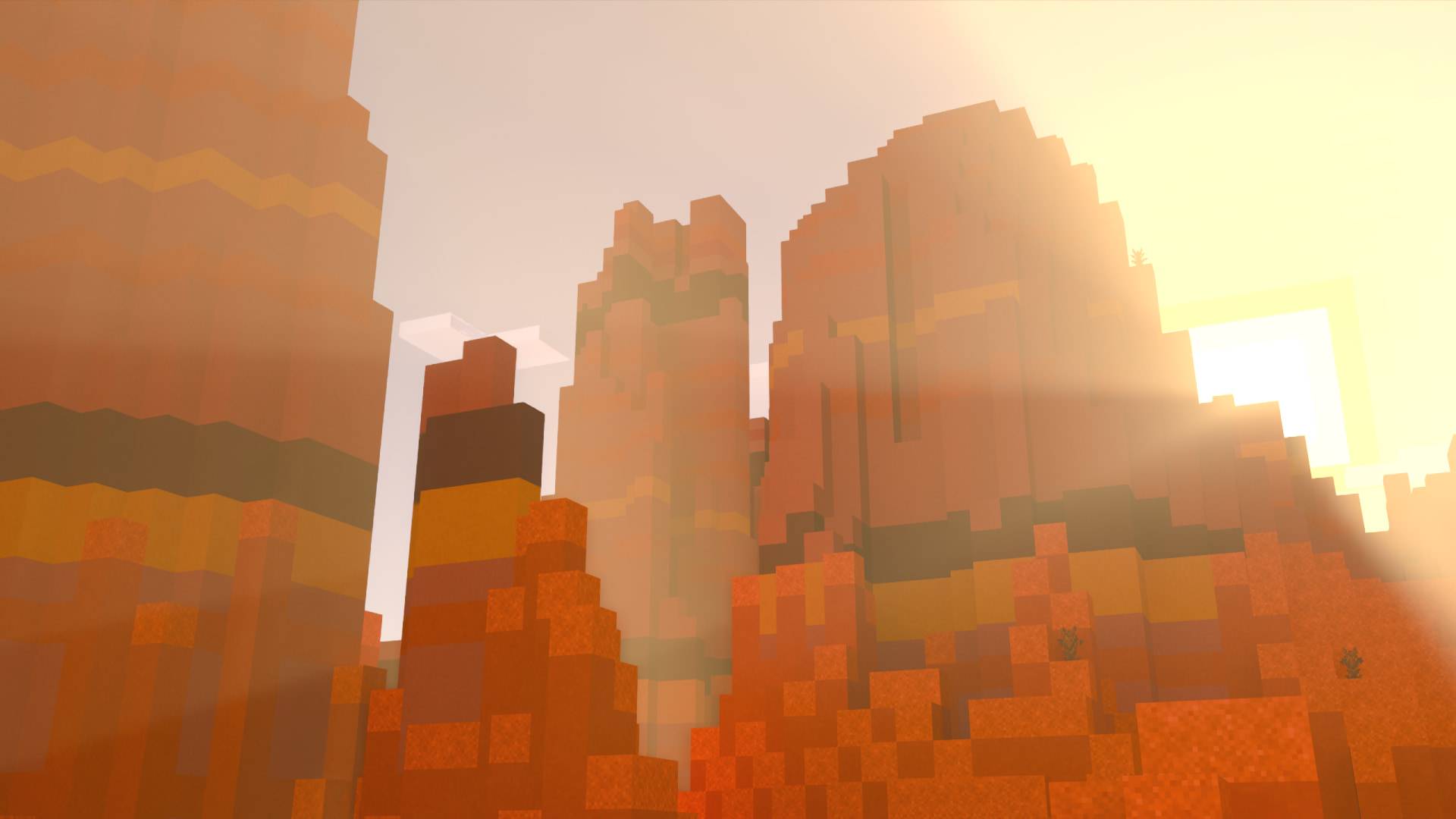
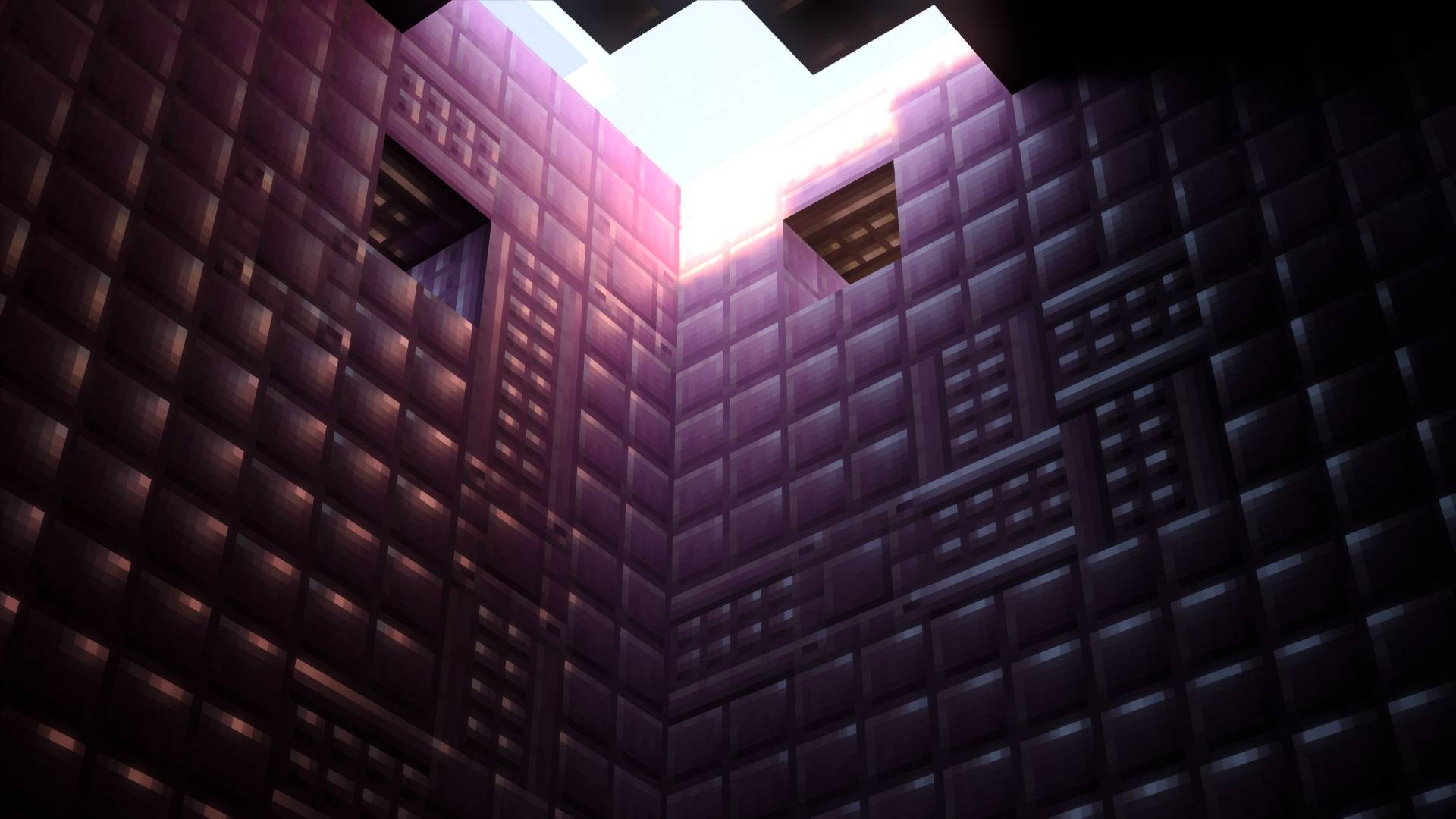
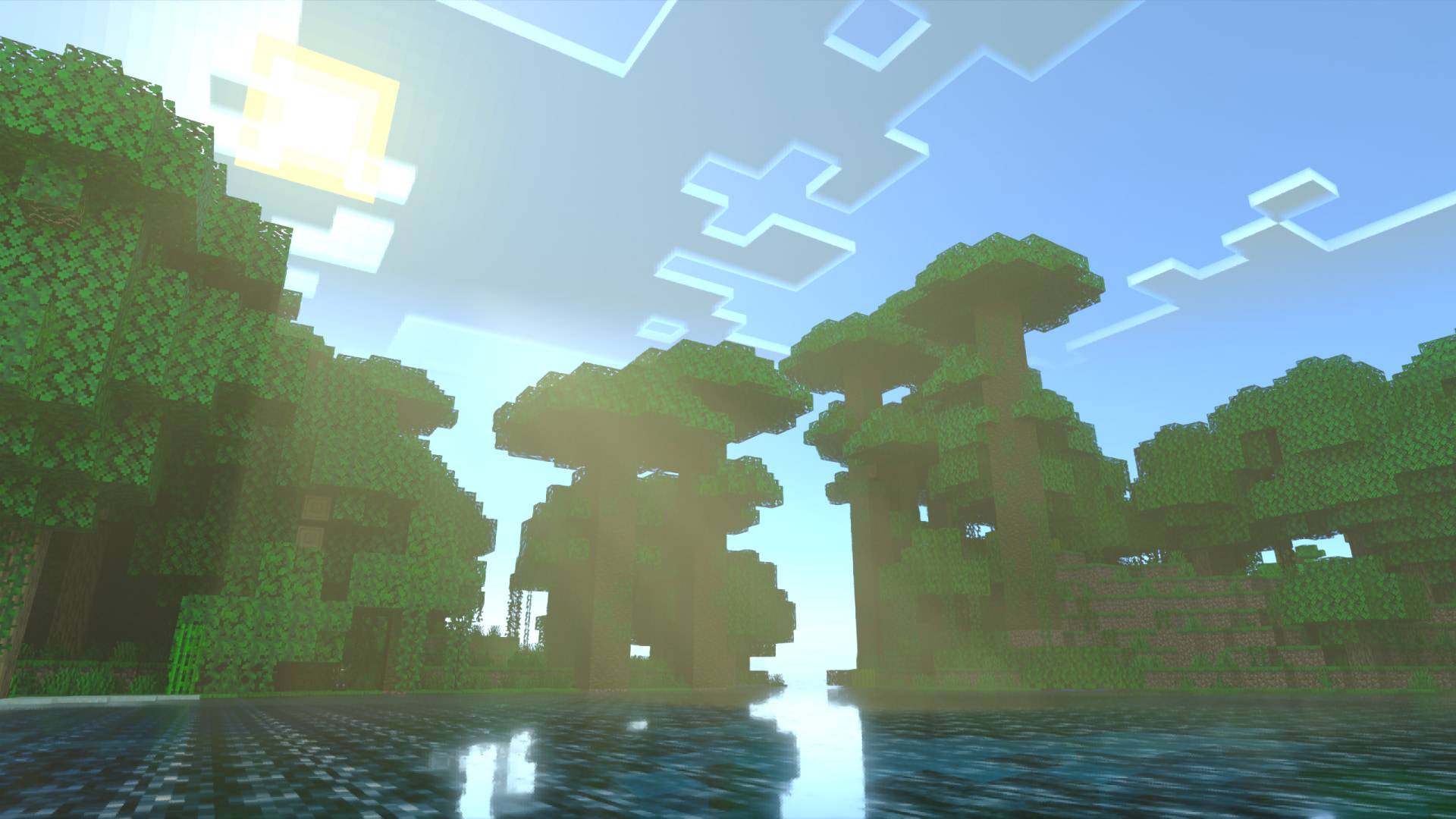
Q: What are the differences between the three different versions of Vanilla RTX?
A: Vanilla RTX uses 16x heightmaps, which are later converted to a higher resolution (192x) normal map to create an impression of depth on otherwise flat surfaces.
Vanilla RTX Normals uses 16x normal maps instead, which define curvature on surfaces and the direction that light will bounce off each individual pixel, also creating a perception of depth and shape–in a different way!
Only one can be used at a time, each will provide a distinct appearance for all blocks.
In a few words, Vanilla RTX Normals provides alternative lighting for surfaces.
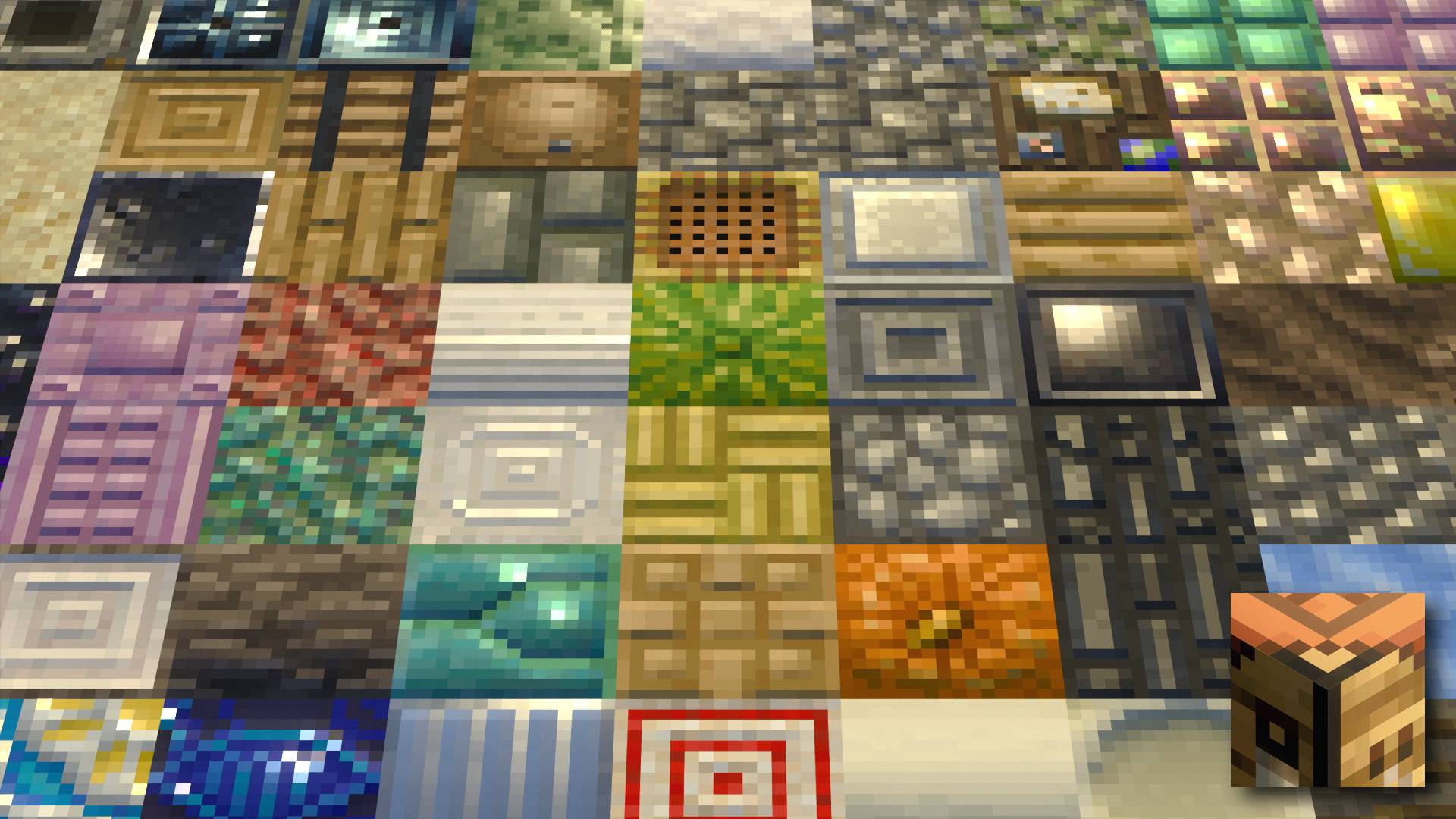
Over 1100 of secondary PBR layers differ between every two Vanilla RTX variant, they are also maintained and updated independently of each other, updates are usually released in parallel, smaller updates might only available through the Vanilla RTX App before camulative updates arrive here. All three are arguably a faithful manifestation of vanilla RTX, they follow the same goals, but which one feels right or "better" is up to you! If you need help deciding, check out the examplse below. First image shows some blocks from Vanilla RTX, second image shows Vanilla RTX Normals. Vanilla RTX Opus would be the composition of the two.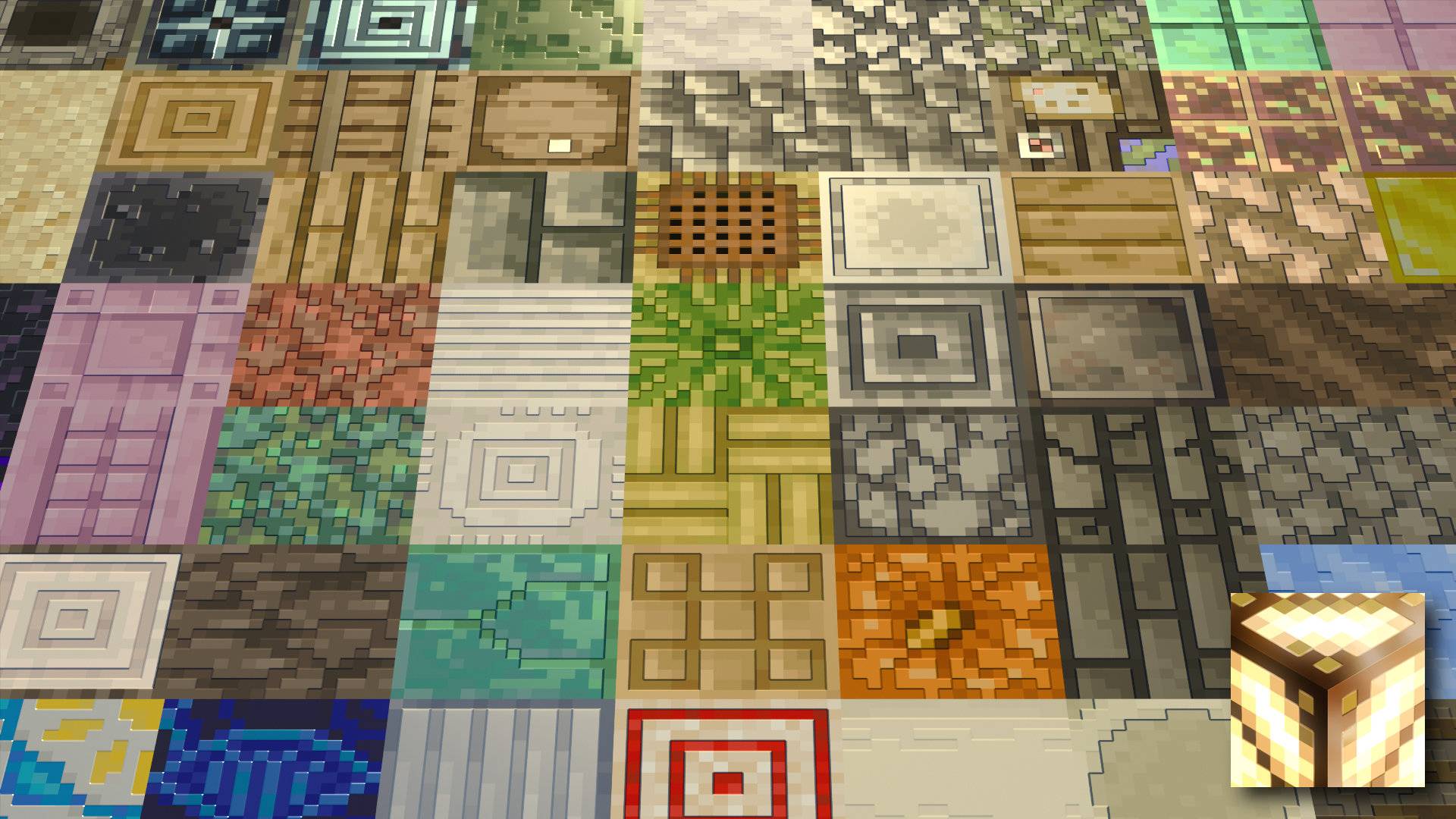
Relevant Links
Github: vanilla-rtx/Vanilla-RTX
License: vanilla-rtx/License
Discord: Discord.gg/A4wv4wwYud
Minecraft RTX Bug Tracking: vanilla-rtx/Minecraft-RTX-Bug-Tracking
Installation
Vanilla RTX is not intended for Android, iOS or gaming consoles such as Xbox Series X|S, PS5, etc...
Windows 10 and Windows 11 Devices Only with NVIDIA GeForce® RTX 20 Series and higher, along with the AMD Radeon™ RX 6000 Series and higher & Intel® Arc™ A380 or better.
If your device can't use ray tracing, Vanilla RTX Normals has a branch dedicated to Vibrant Visuals called Vibrant Normals, check it out!
Guide:
- Ensure your system meets the hardware requirements on a supported platform, install the latest drivers for your graphics card.
- Download and import the pack by right-clicking the .mcpack file and opening with Minecraft (or Minecraft Preview).
- Use the Vanilla RTX App to launch Minecraft RTX.
- In your Minecraft's settings, find Global Resources and activate the pack.
- Join any world, server or realm with ray tracing now enabled correctly.
Tips:
- There is an issue that will keep Vanilla RTX files from loading in properly causing the world to appear glossy. To avoid this, always make sure ray tracing is enabled before you attempt joining a world. In other words, do not enable ray tracing while inside a world! The simplest, most reliable solution to enabling ray tracing in Minecraft is by using the Vanilla RTX App to launch the game, which circumvents all of the activation-related bugs.
- If you're experiencing low and inconsistent frame rate, disable Minecraft's VSync, you can keep VSync on in your graphics card's control panel without drawbacks. This also greatly reduces input latency when compared to Minecraft's VSync.
- If textures appears broken or fail to load, make sure other resource packs from server/realm or world aren't overriding Vanilla RTX's files.
- If you're using a dual-GPU setup (commonly a Laptop with an Integrated GPU) make sure Minecraft is set to use the High Performance GPU preference in Windows' graphics settings.
- If the game window appears black, exit full-screen (press F11), close the game, relaunch the game and continue to play without entering full-screen mode.
- Edition: Minecraft Bedrock
- File type: .mcpack
- Minecraft versions listed: 26.50, 26.40, 26.0.02
- How to install: Download the .mcpack. → Open it — Minecraft imports it under Resource Packs. → Activate it in Global Resources, or for one world under Resource Packs → Available.
- Where to get it: In MCModsHub, or directly above on this page.
Install steps are the general flow for this file type — How to install Minecraft Bedrock texture packs walks through it step by step.
- Pack type: .mcpack — a single pack
- Complete pack — everything it depends on is inside the file
- Download size: 2.8 MB
- Download link checked 3 Aug 2026 — working
These come from our own check of the pack file, not from the source page.