
Quick Container
Bedrock texture pack listed for Minecraft 1.21–26.x. File opened and checked on 21 Oct 2026; installs from the MC Bedrock Mods app on Android.
I don't know my version
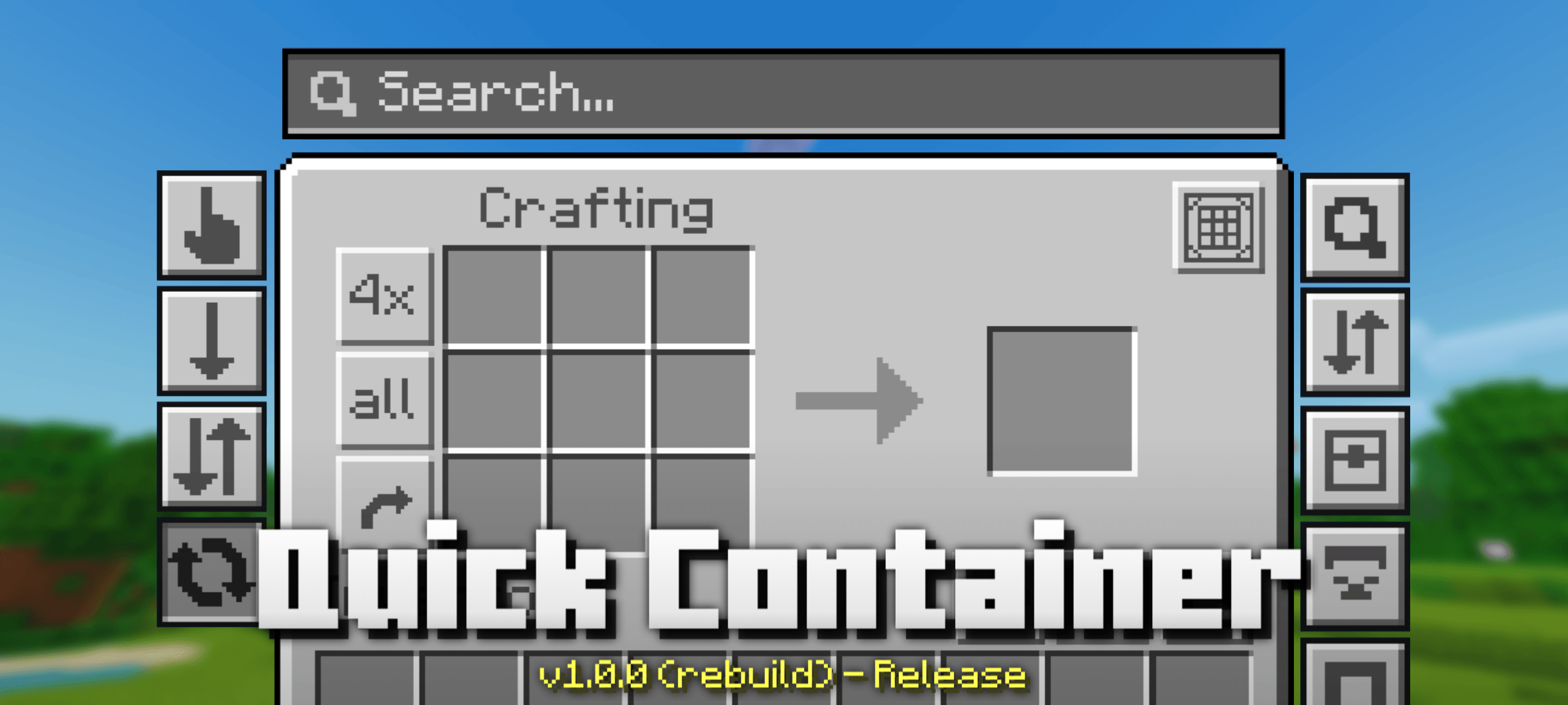
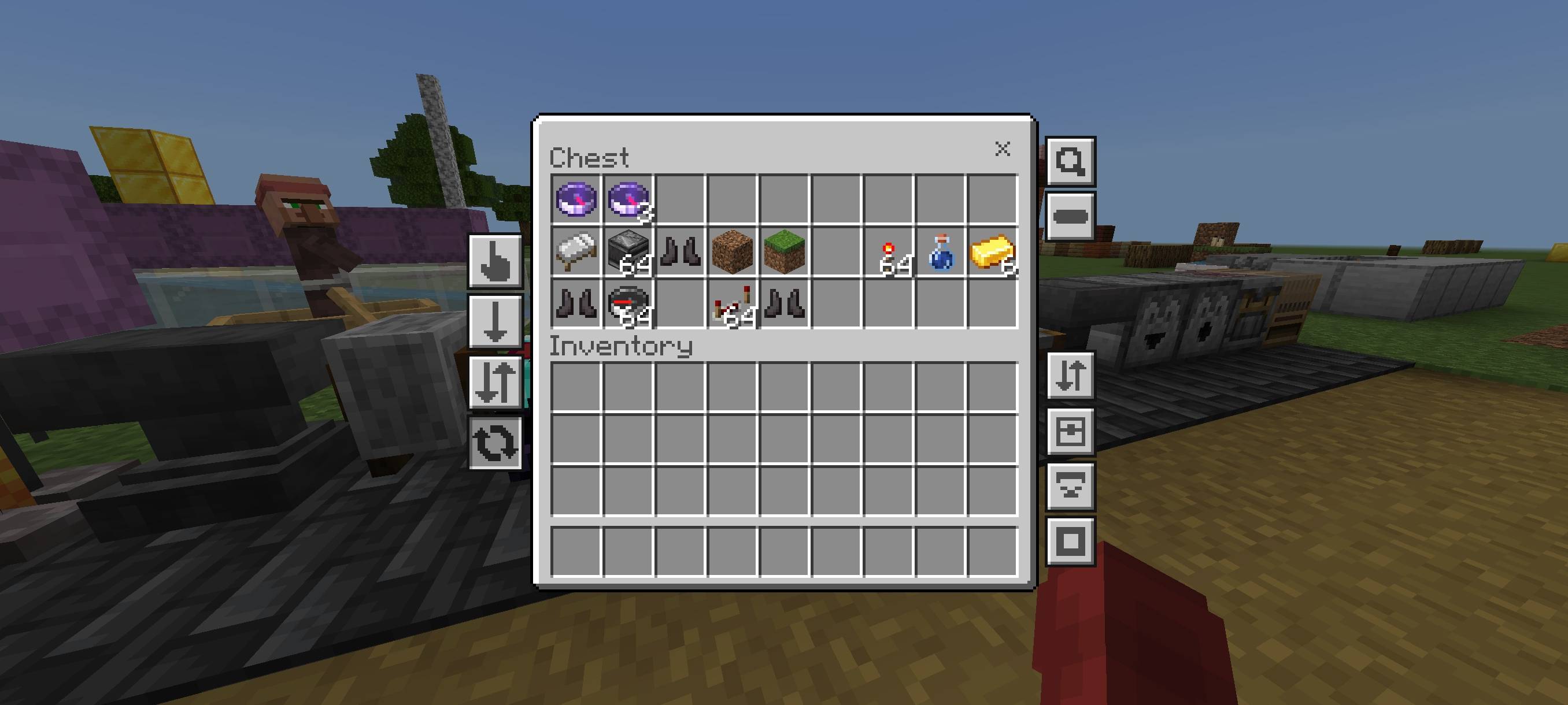
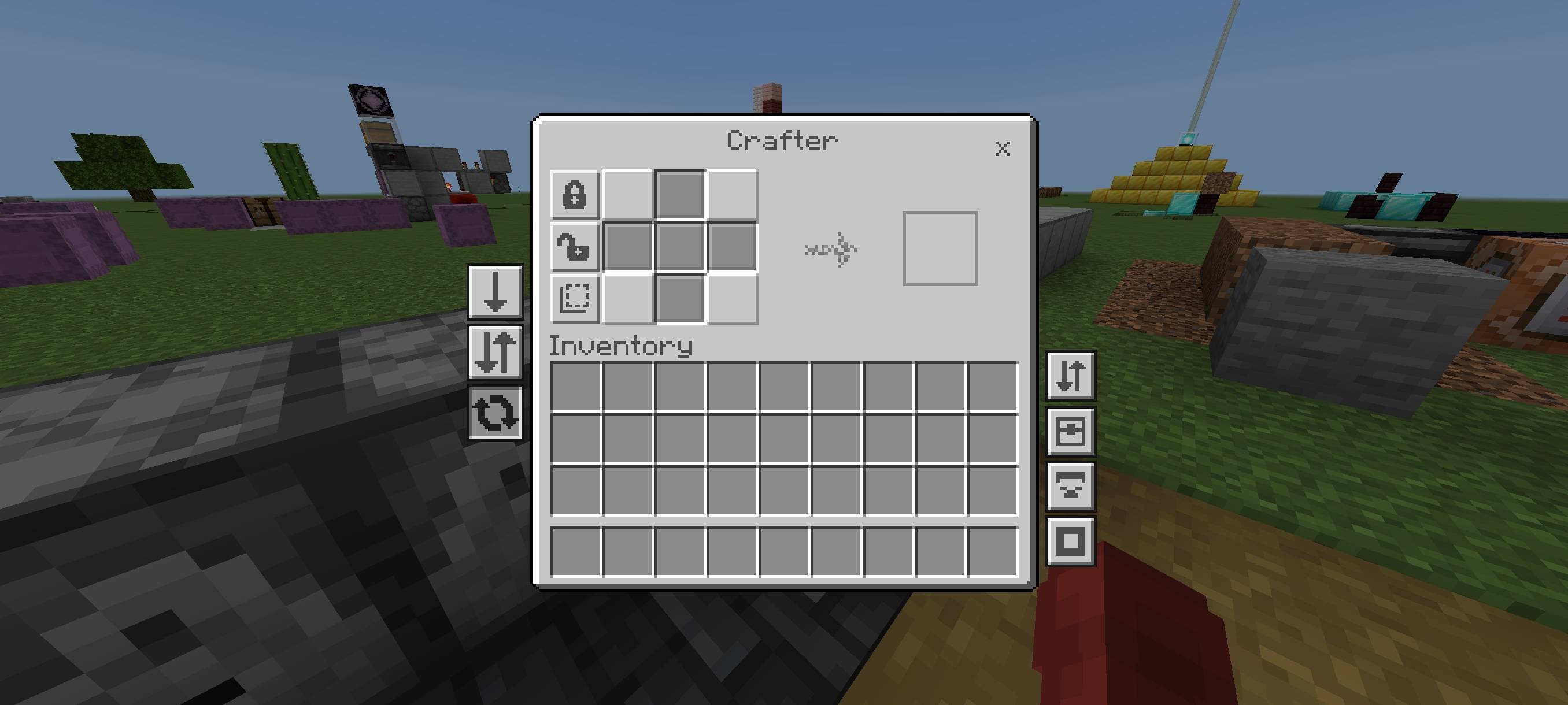
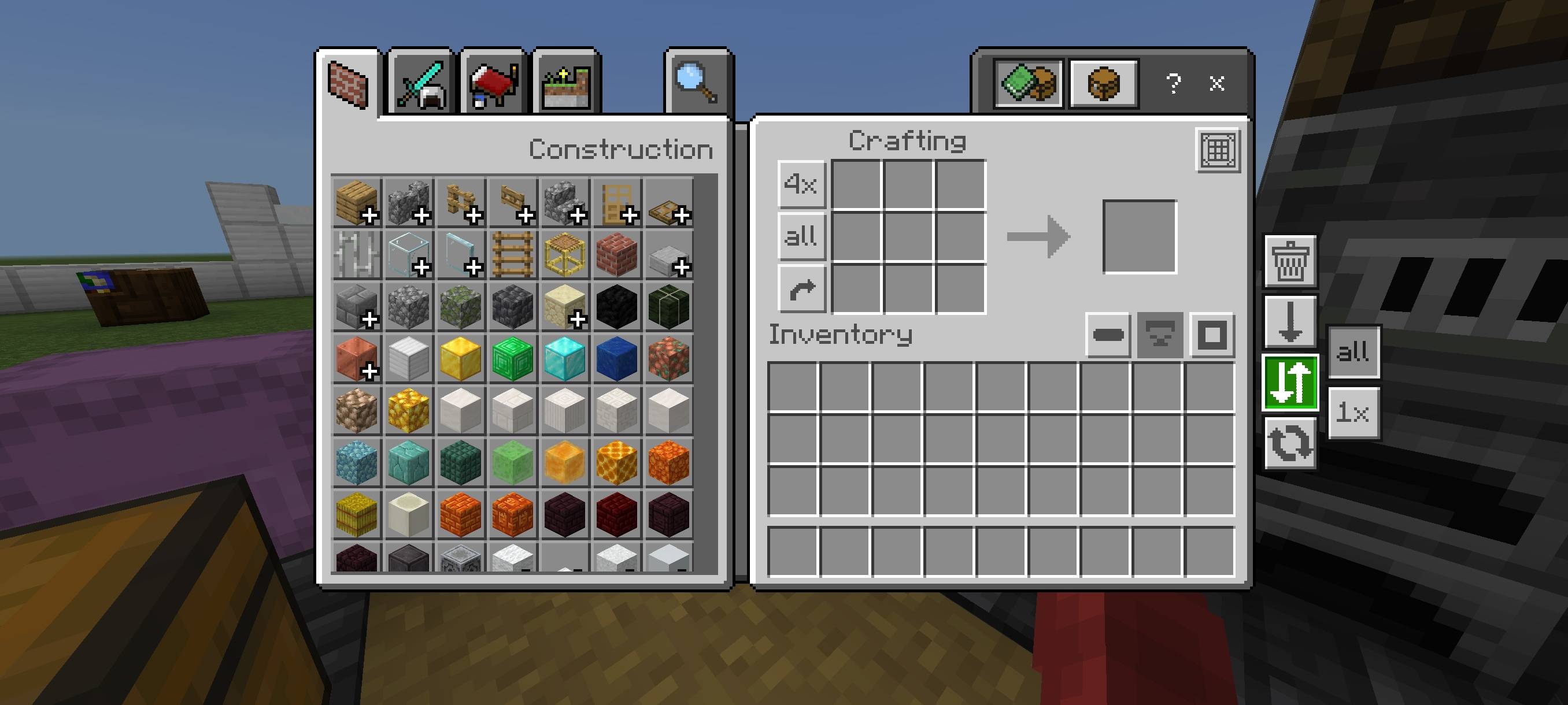
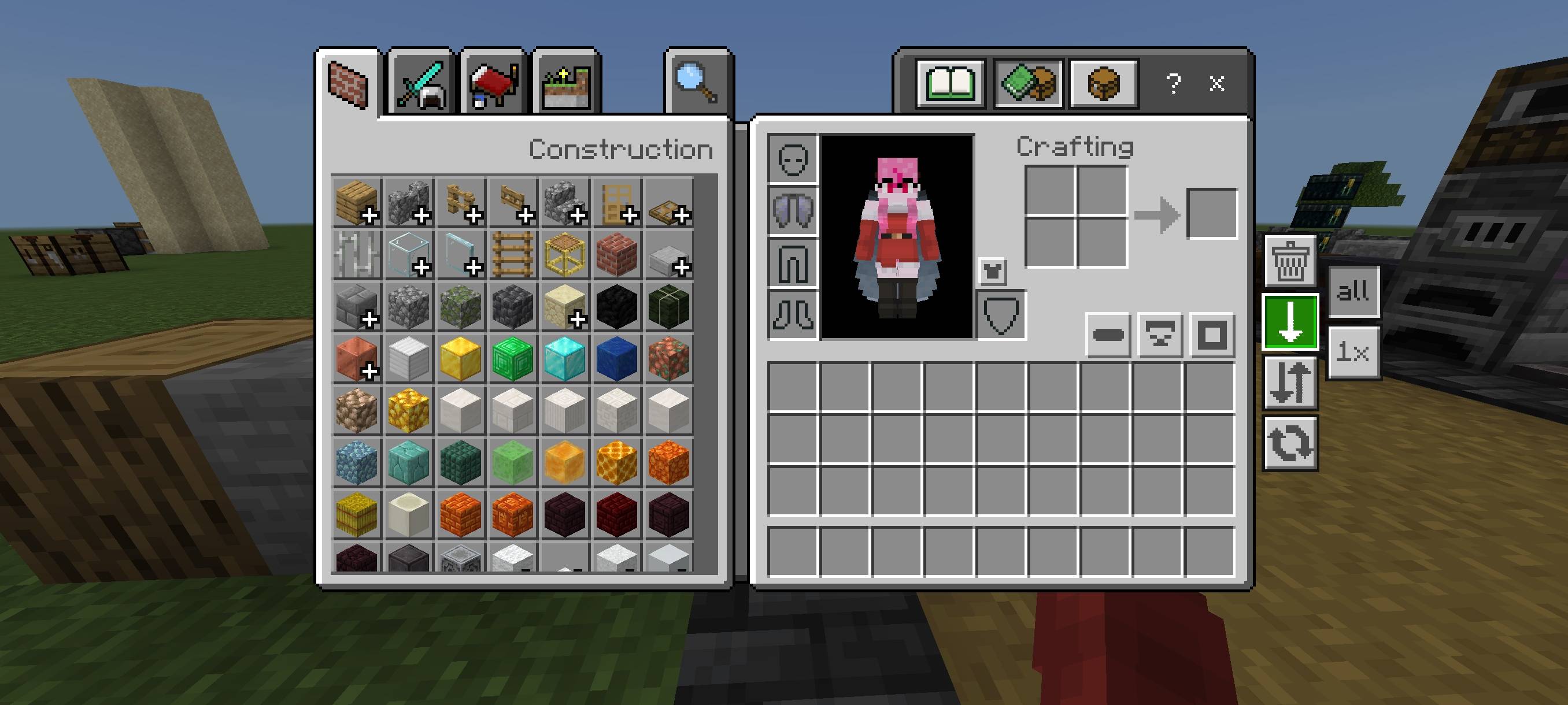
Quick Container is one of the MOST POWERFUL resource packs for managing items in Minecraft Bedrock. It's feature-rich yet lightweight for low-end devices. Quick Container also allows players to customize which features to enable or disable, according to their needs.
NOTICES
- Don't use Bulk Items Buttons feature on server to play Skywars etc. because you can be kicked or banned for looting all the items in the chest instantly.
FEATURES
1. Quick Items
Added 4 new buttons: Auto Place, to move items from inventory to chest or vice versa with one click, either all items (64x) or just one item (1x). Drop, to drop items, either all items (64x) or just one item (1x). Destroy, to remove items from existence (only available for inventory screen), and Default.
2. Quick Craft
Added new button to crafting, stonecutter, and trade screen to craft all items with just one click. Quick Craft button on crafting player will only appear if there is item in crafting input slot!
3. Spam Craft
Now you can spam click to CRAFT ITEMS! which you couldn't do before for some reasons, like there is delay after craft an item.
4. Multiple Craft
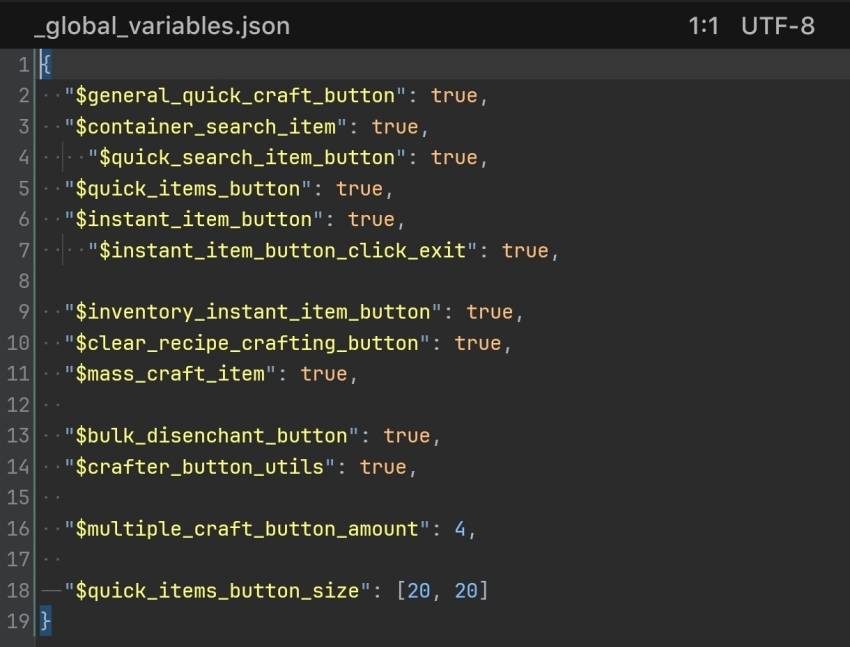
Added a new button to craft a specific number of items to inventory and crafting screen. You can edit the crafting amount in Global Variables.
5. Bulk Items
Added new buttons to move/drop all items with one click to Inventory, Chest, and Redstone screens. Click Switch button to change the button function to Move or Drop mode. But for Bulk Items Buttons in inventory screen, the function depends on which Quick Items Button is selected.
6. Move Matching Items
Now you can move multiple items at once. Simply tap the item you want to move, then press one of Bulk Items Buttons depending on where you want to move it.
7. Search Items
Added a Search Bar to chest screen to highlight items to make it easier to find them. I also added a Quick Search Button to make it easier to highlight items without having to type. You can also move/drop highlighted items with the Bulk Items Buttons.
8. Move Items per Column
Added a new button to the chest and inventory screens to move items by column/row. Useful for arranging items.
9. Clear Recipe Crafting
Added a button to clear crafting slots to crafting and inventory screen.
10. Fast Unequip Armor
Added a button to remove all player armor in one click to inventory screen.
11. Crafter Util Buttons
Added three new buttons to the crafter screen: Disabled All Slot, Enabled All Slot, and Flip All Slot.
12. Bulk Disenchant Item
Added a button to disenchant all items in inventory with just one click to grindstone screen.
13. Mass Craft
Added a button to crafting screen to craft large quantities of items quickly and efficiently (like in Java mods). For a tutorial on how to use it, watch this video and read the description.
You can turn off features you don't need with variables in the /ui/_global_variables.json file.
Credits
@T1M0THY : textbox string input logic.
@realtheoristmc : textbox string input logic.
Terms Of Use:
You are ALLOWED to:
- Modify this pack only for personal uses.
- Make a review about this pack, as long as you put original download link in description (Curseforge or Mcpedl).
You are NOT ALLOWED to:
- Use or claim my codes from this pack without my permission.
- Distribute the modified pack to public.
- Redistribute this pack to other sites (9minecraft, modbay and etc.)
- Share links that are not from original sources (Curseforge or Mcpedl).
- Edition: Minecraft Bedrock
- File type: .mcpack
- Minecraft versions listed: 26.40, 26.30, 1.21.30
- How to install: Download the .mcpack. → Open it — Minecraft imports it under Resource Packs. → Activate it in Global Resources, or for one world under Resource Packs → Available.
- Where to get it: In MCModsHub, or directly above on this page.
Install steps are the general flow for this file type — How to install Minecraft Bedrock texture packs walks through it step by step.
- Pack type: .mcpack — a single pack
- Complete pack — everything it depends on is inside the file
- Download size: 65 KB
- Download link checked 3 Aug 2026 — working
These come from our own check of the pack file, not from the source page.


