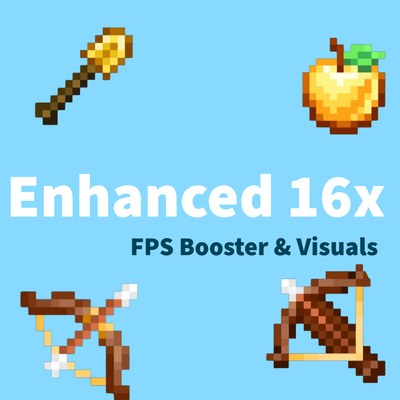
Enhanced 16x - PVP texturepack
Bedrock texture pack listed for Minecraft 26.x. File opened and checked on 24 Oct 2026; installs from the MC Bedrock Mods app on Android.
Enhanced 16x is a PVP texturepack which optimize gameplay by reducing background activity and particles for Maximum FPS .It enhances the designs of items…
⬇ DownloadThe author built this one for Minecraft 26.0–26.50. On other versions it may install and then do nothing.

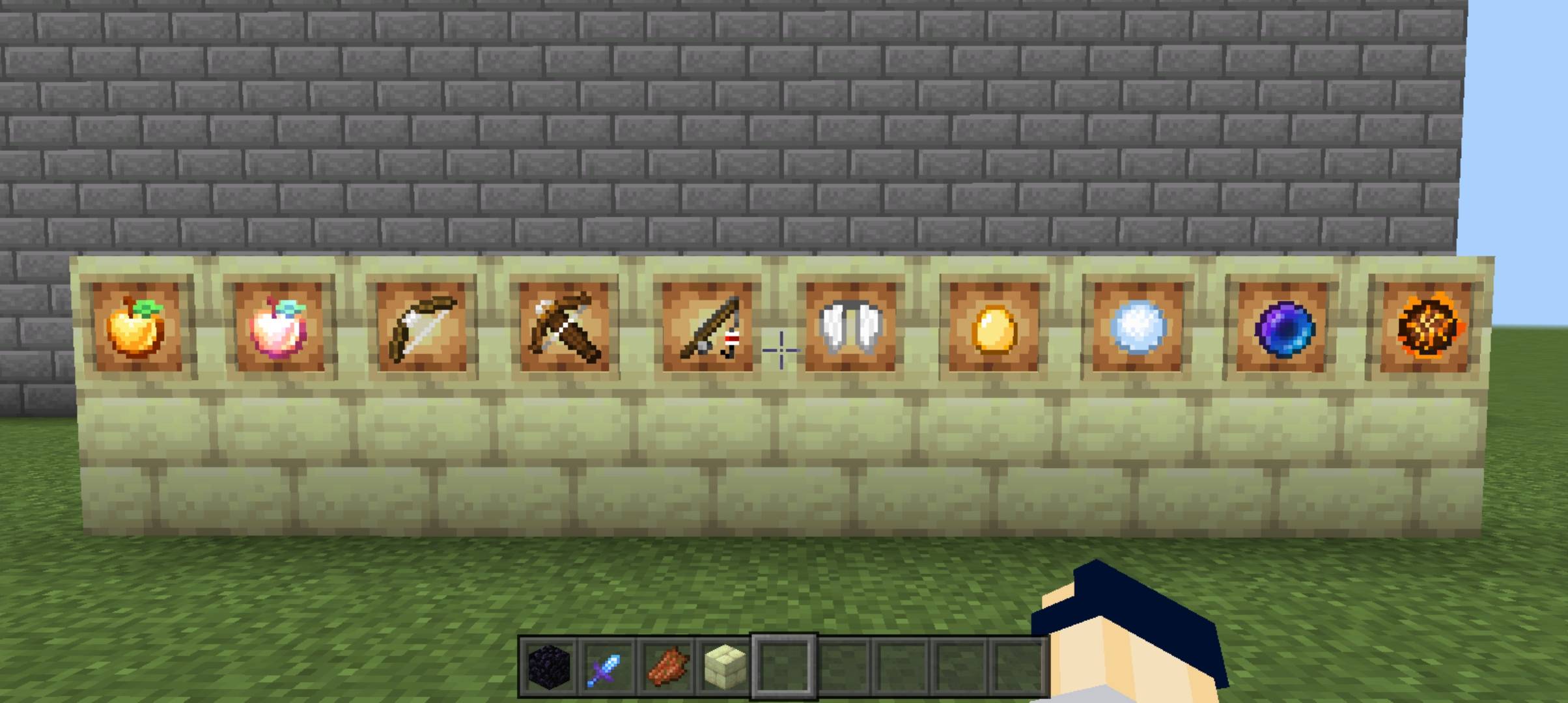
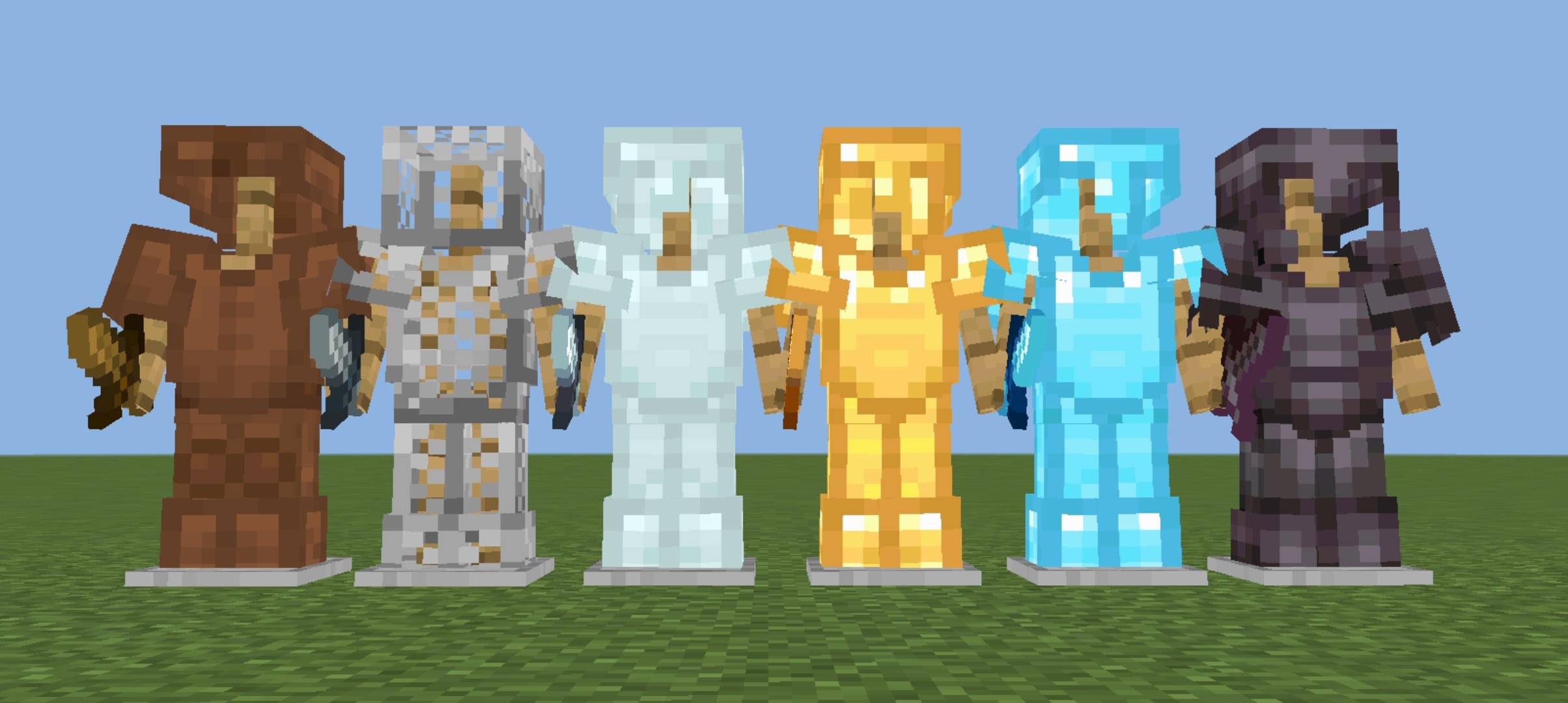
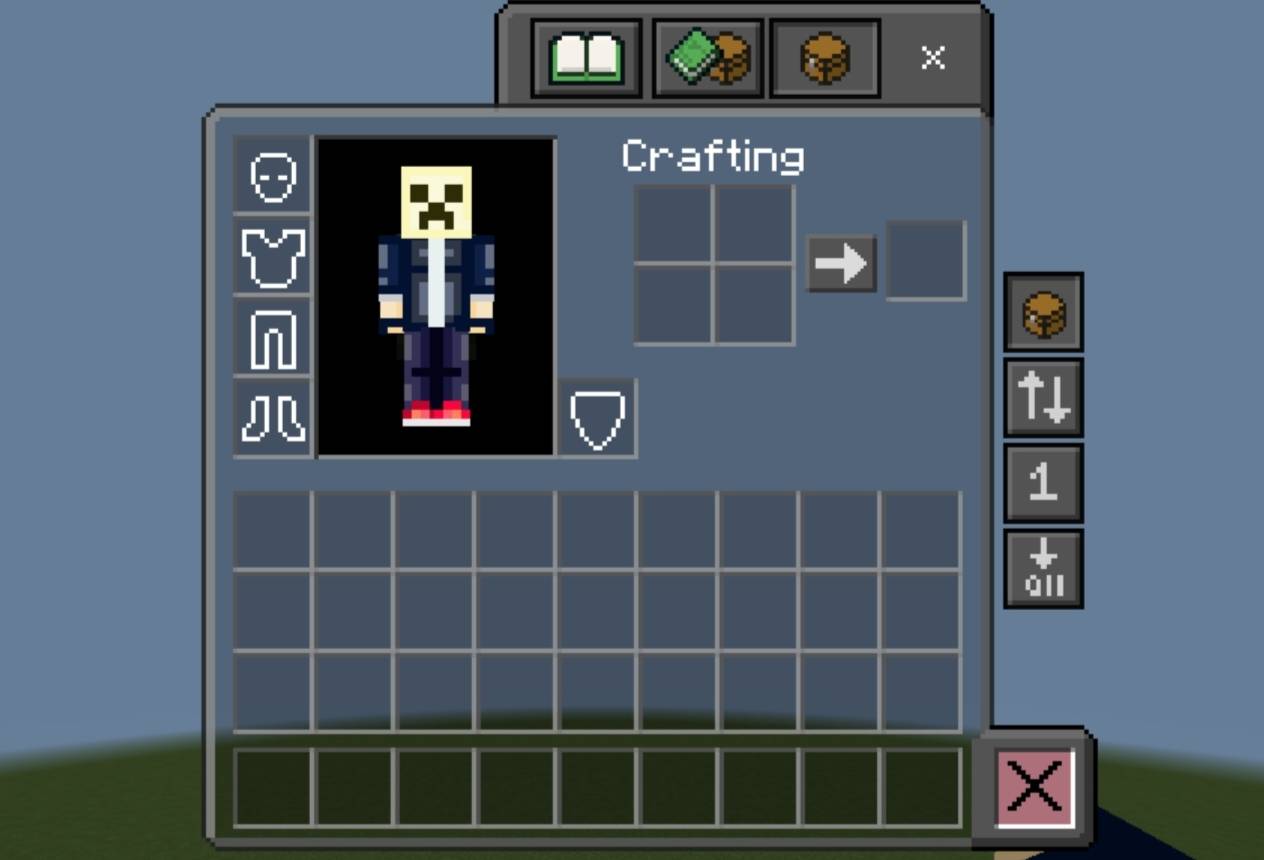
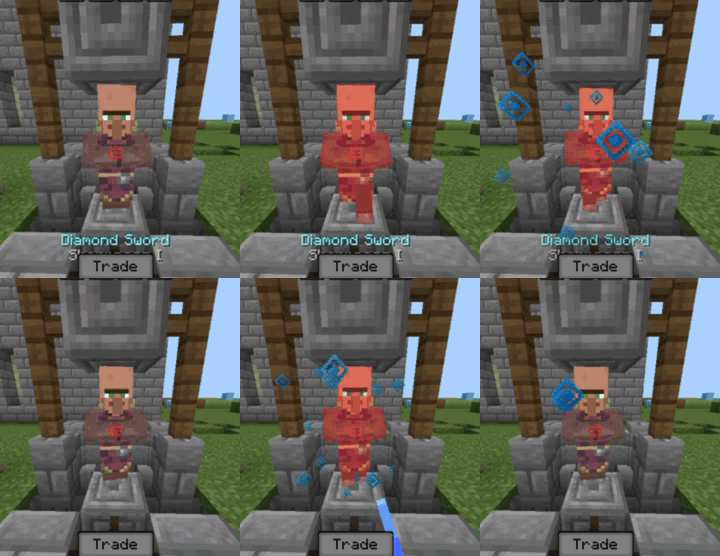
🛡️Enhanced 16x is a Optimised FPS booster texture pack with enhancing textures of essential items.It removes background features to optimize game and visuals and obtaining Max FPS📈📈
It includes tons of features (all mentioned below one by one )
⚙️ Features
PVP
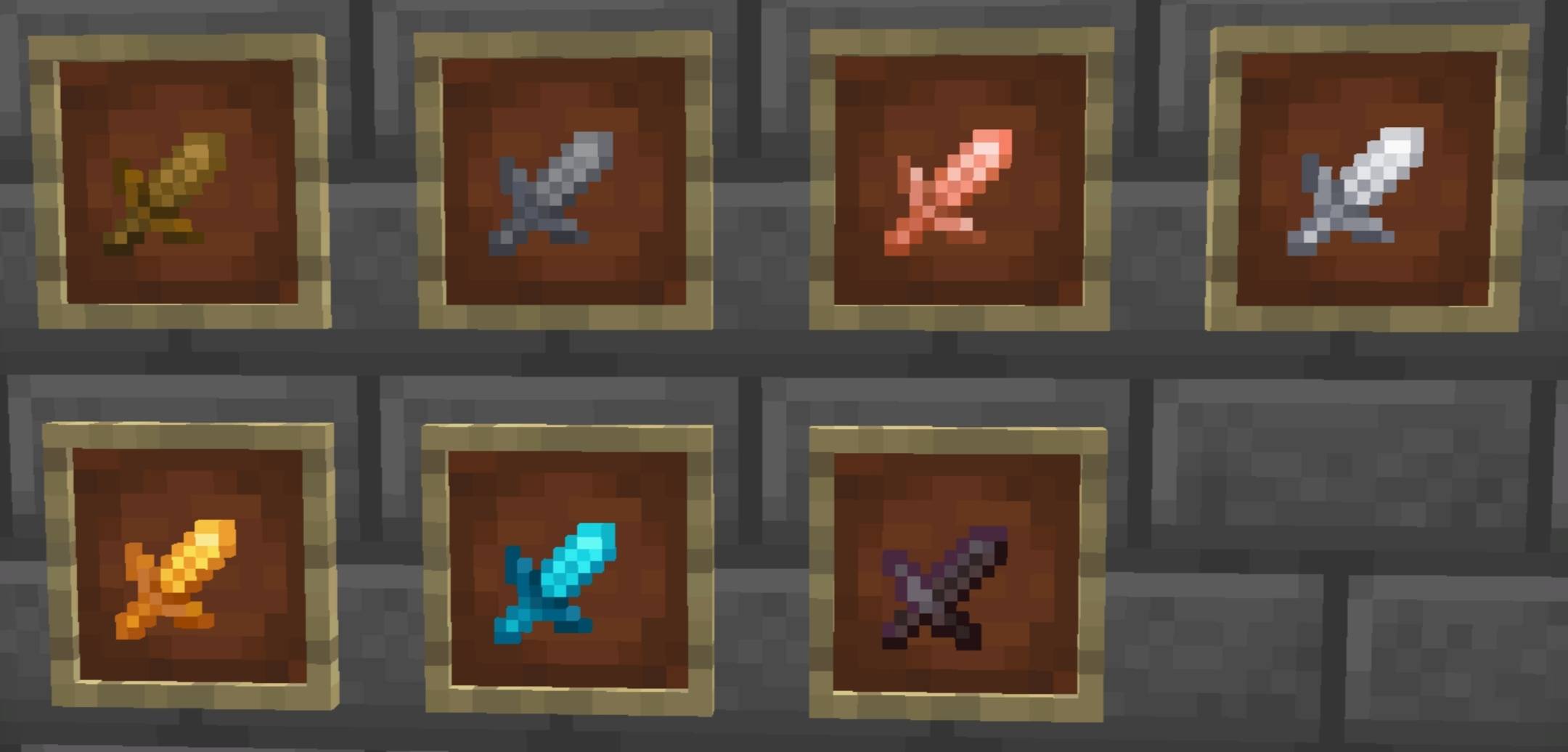
🗡️Short and cleaner swords optimised for pvp with vibrant colours
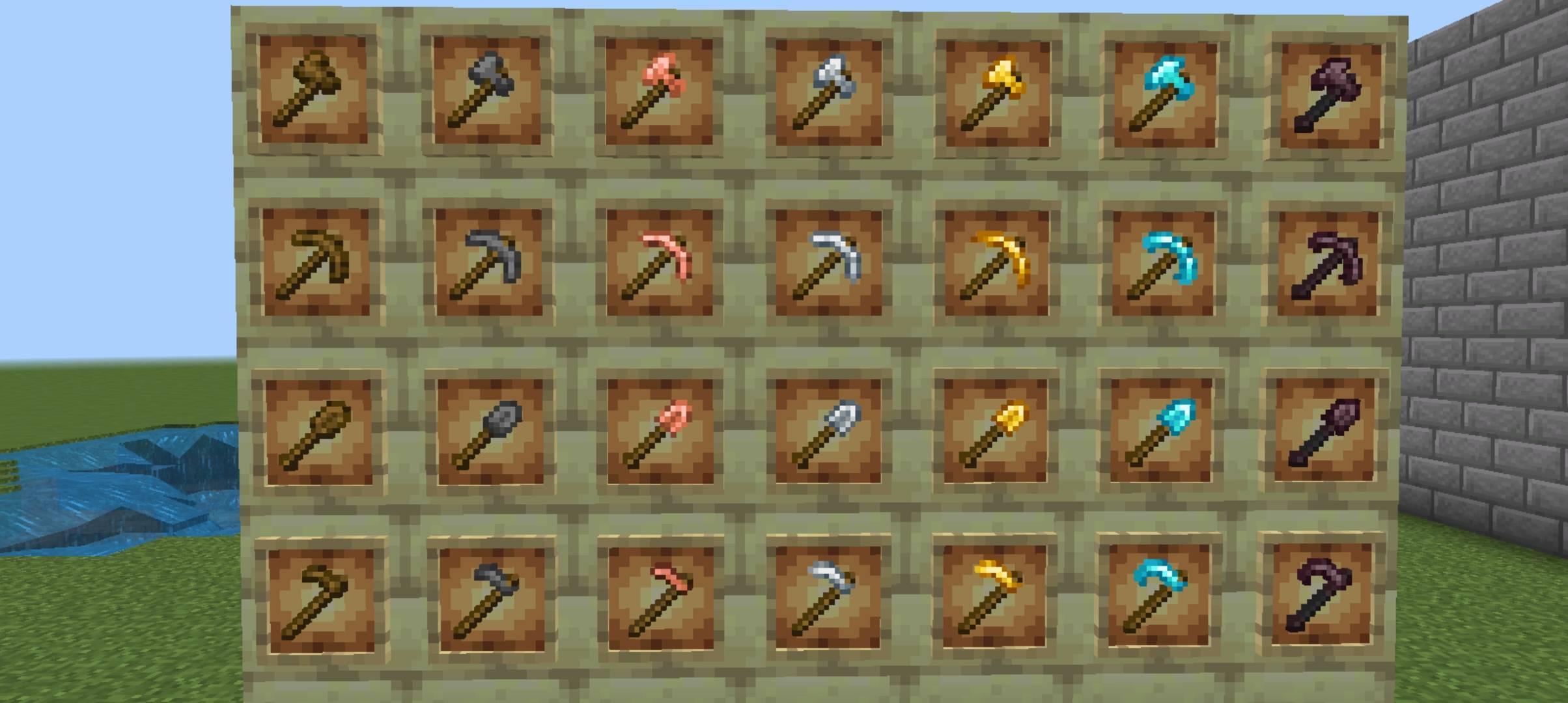
⚒️ Better enhanced tools textures to make cleaner and premium look on screen
🏹 Bow and Crossbow loading and Java Crossbow
🔥Low fire , 🛡️Low shield ,🗿Low totem for unobtrusive view
➕ PVP crosshair for better movement and reach idea with crosshair indicator (Credit : @itzriyo157 )
🛡️ Enhanced Armor design which highlights in surrounding
🍎 Enhanced textures for items like enderpearl ,golden apple, etc.
🥩 Small food for clear visibility
💢 Better hit and critical particles
🎵Satisfying Sounds for Hits , Crits ,block placing and block breaking
🍖 Hunger preview -( show number of hunger bars to be filled after eating this food while holding that food)
🎒 Transparent dark inventory for clear outside view
Special Inventory Features
- Quick Loot 🔃 : Quickly swap items between your inventory and hotbar . Also,🧰 Quickly take items from chest (useful for skywars and bedwars)
- Quick Craft ➡️: Quickly Craft items by a single click (works just as shift key in keyboard)
- Quick Drop ⬇️: Quickly Drop all your trash in inventory by this button
- Bin 🗑️:Put all your trash in bin (Only for creative )
💎 Outlined Ores
⬛ Dark ui for eye comfort
🎯 Blocks features
- Outlined wool texture for bedwars
- Clean and outlined concreates
- Outlines red and blue terracotta for gamemodes like bridges.
For Survival
☘️ Full grass , to reduce lag
🛏️ Beautiful beds containing different patterns
🧰 Suspecious sand and gravel indicator
☢️ Infested blocks indicator
❄️ Powdered snow indicator
🍯 Honey block indicator (For MLG in pillars of Fortune map in Cubecraft games)
MAX FPS 📈
Removed all unnessary particles
Removed water and lava animations
Frequently Asked Questions
Q. How to fix the inventory ,that items are dropping after touching any on mobile ?
Go to settings/video/ui profile and turn it to classic from pocket ,If this doesn't work then switch to disable inventory overlay in pack settings .
Q. How to turn off the PVP sky ?
Go to settings/video/graphics/beautiful skies and turn it off
For any complaints ,bugs and suggessions you can comment
✔️ You are allowed to:
- Use this pack in your worlds and videos
- Showcase/review this pack (credit required)
3. Modify for personal use only
❌ You are not allowed to:
- Re-upload or redistribute this pack anywhere
- Claim this pack as your own
- Share direct download links other than curseforge or mcpedl (use official link only)
- Edit and publish without permission
- Steal my codes for ur pack ,if u did this you will get a strike on your account
- Edition: Minecraft Bedrock
- File type: .mcpack
- Minecraft versions listed: 26.0, 26.10, 26.20
- How to install: Download the .mcpack. → Open it — Minecraft imports it under Resource Packs. → Activate it in Global Resources, or for one world under Resource Packs → Available.
- Where to get it: In MCModsHub, or directly above on this page.
Install steps are the general flow for this file type — How to install Minecraft Bedrock texture packs walks through it step by step.
- Pack type: .mcpack — a single pack
- Complete pack — everything it depends on is inside the file
- Download size: 4.6 MB
- Download link checked 18 Jun 2026 — working
These come from our own check of the pack file, not from the source page.
