Java Item Tooltips
Bedrock texture pack listed for Minecraft 1.21–26.x. File opened and checked on 23 Oct 2026; installs from the MC Bedrock Mods app on Android.
⬇ Download on CurseForgeThe author built this one for Minecraft 26.40. On other versions it may install and then do nothing.
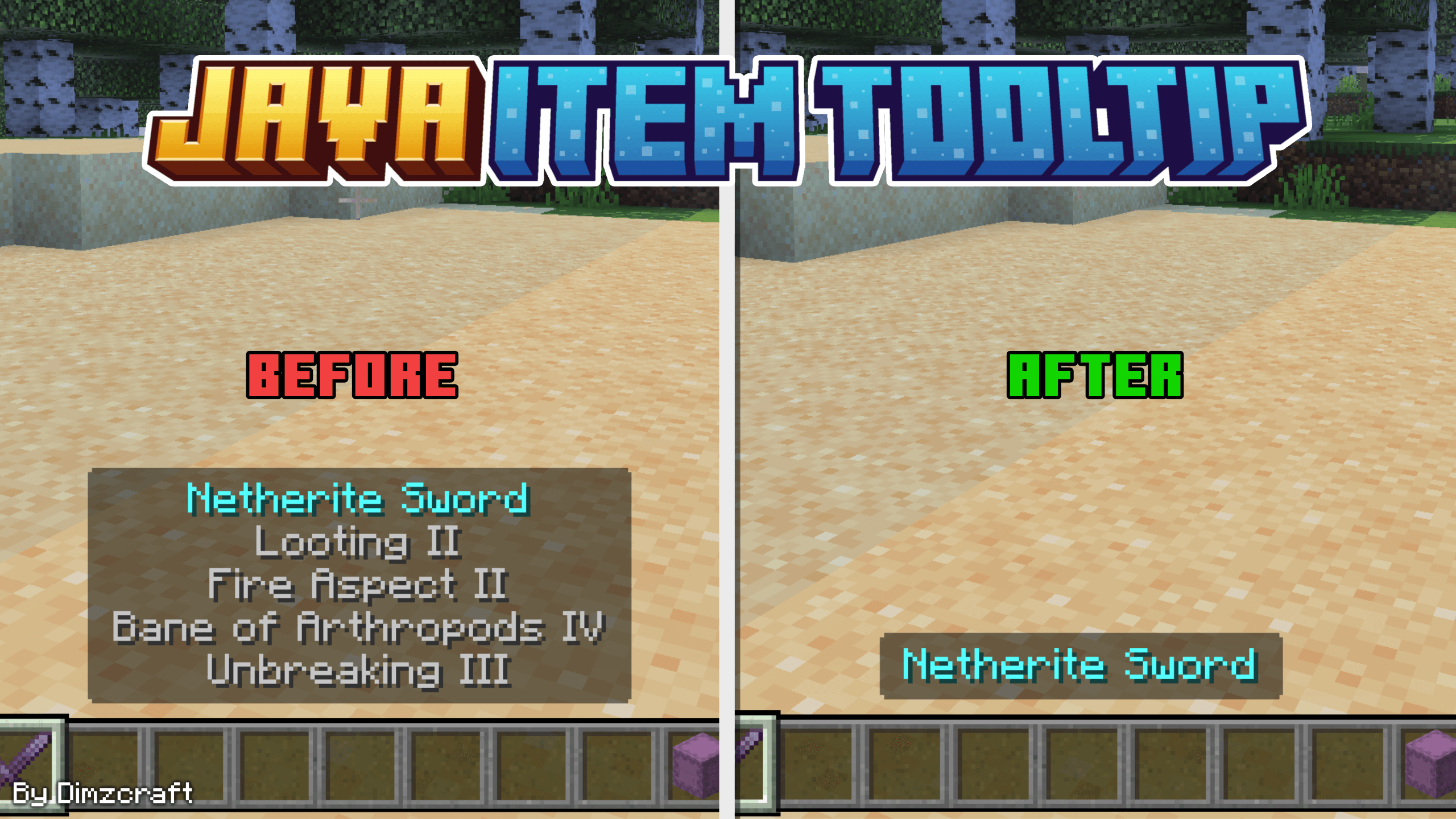
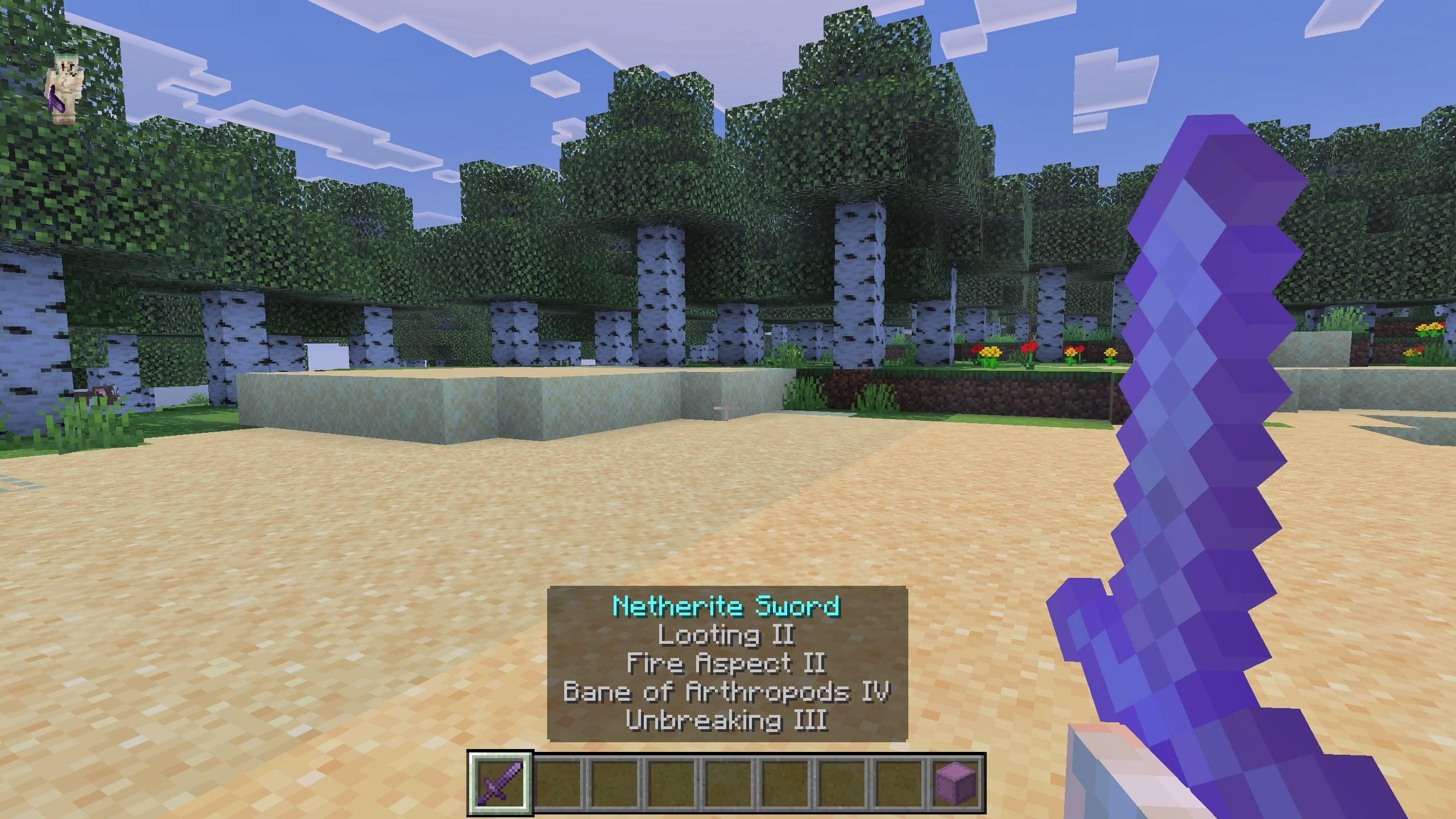
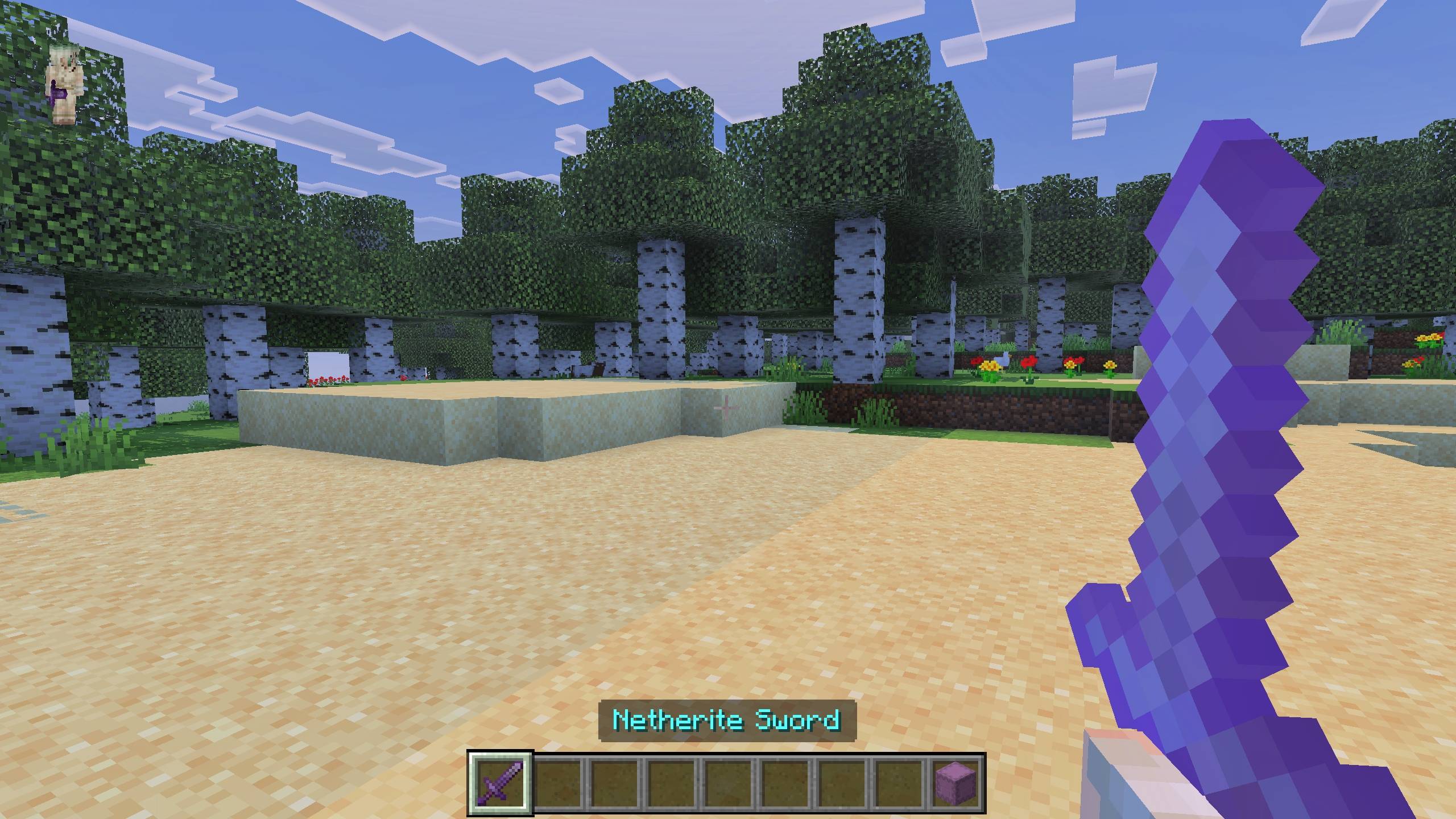


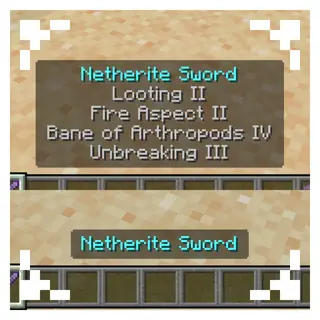
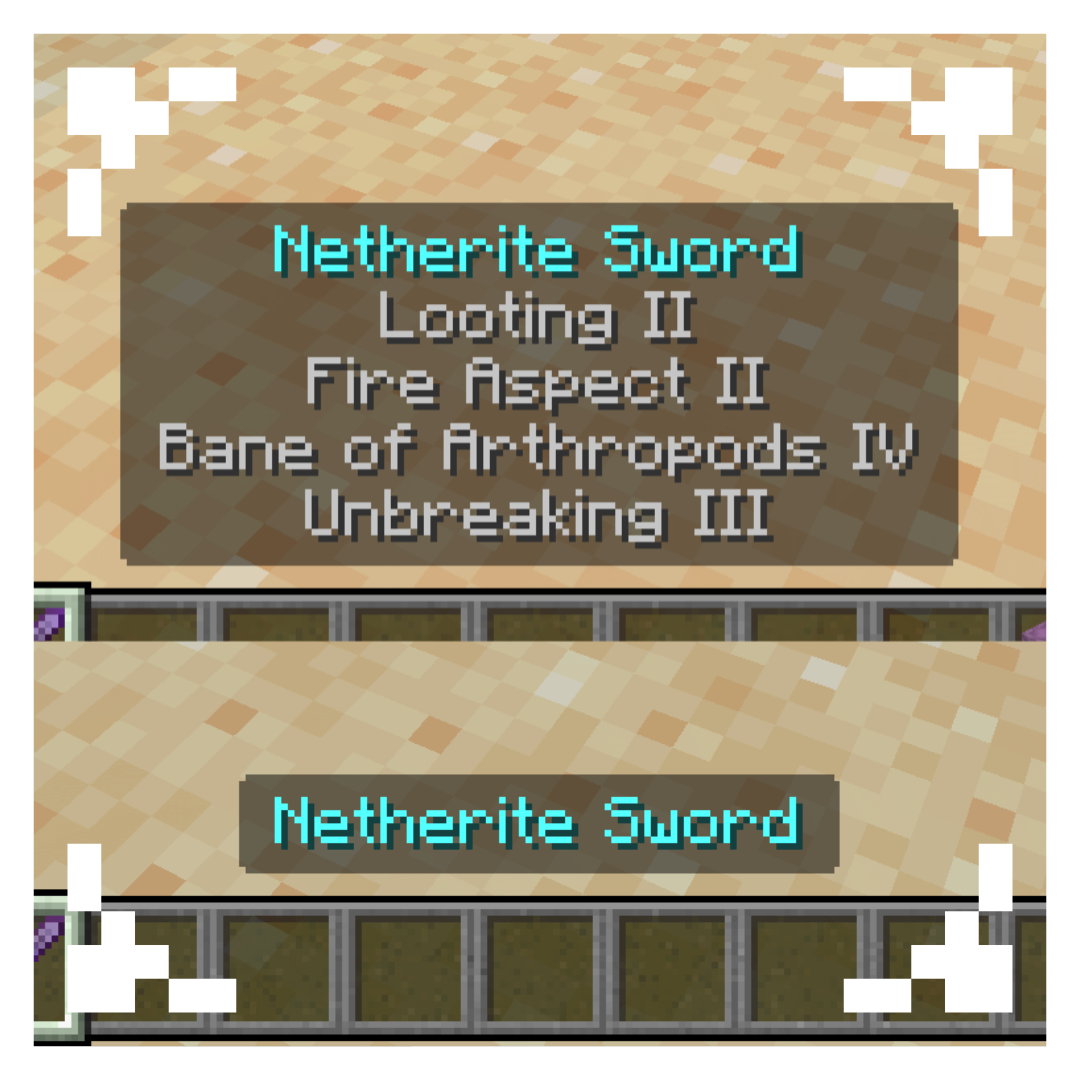
So for those of you who want to change your hotbar but find the item descriptions on the HUD distracting, this pack can solve that problem by hiding the item descriptions on the HUD! You can also exclude Shulkers using subpacks!
So, how do you use it? You can use it in the world or in the global resources. Once it’s installed, you can try it right away in the world or on the server.
Showcase Video
watch if you don't understand or want to know how it works!
(old showcase video)
Other Things
Known issue: If you are using an add-on that contains custom items, there is a possibility that the exclude shulker may encounter an error (it is recommended that you use a type 1 subpack).
Join Our Community
discussions, submit suggestions, report bugs and more
Discord Server | Telegram Group | Whatsapp Group(+62 only)
- Edition: Minecraft Bedrock
- File type: .mcpack
- Minecraft version listed: 26.40
- How to install: Download the .mcpack. → Open it — Minecraft imports it under Resource Packs. → Activate it in Global Resources, or for one world under Resource Packs → Available.
- Where to get it: Opens on CurseForge — not every file is mirrored on our own servers.
Install steps are the general flow for this file type — How to install Minecraft Bedrock texture packs walks through it step by step.
- Save it as (E) Java Item Tooltips v1.2.2.mcaddon before opening — it downloads as .mcpack, but it is a .mcaddon pack
- Manifest requires Minecraft 1.21.0 or newer
- Complete pack — everything it depends on is inside the file
- Download size: 326 KB
- Download link checked 5 Oct 2026 — working
These come from our own check of the pack file, not from the source page.