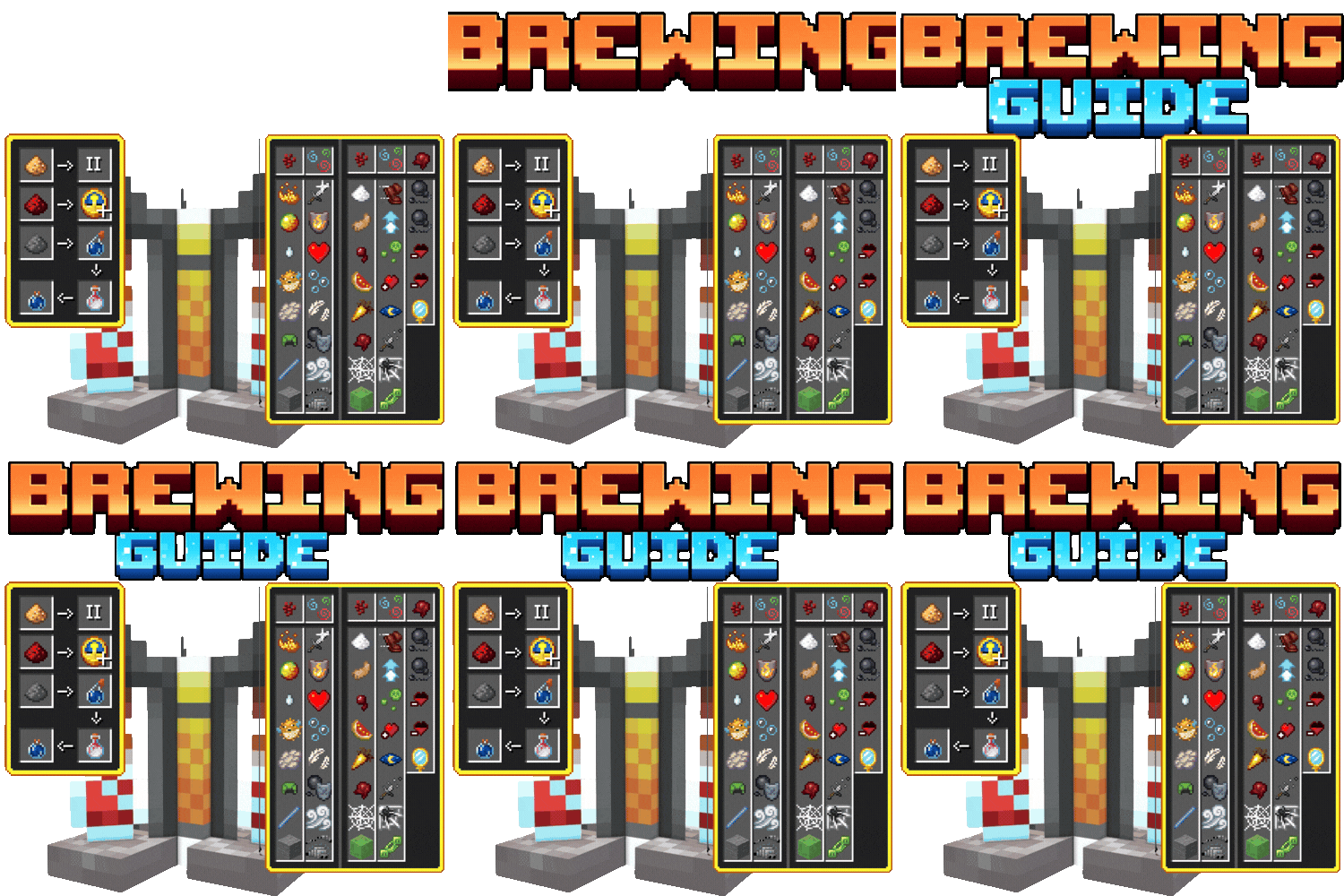
Brewing potions guide
Bedrock texture pack listed for Minecraft 26.x. File opened and checked on 21 Oct 2026; installs from the MC Bedrock Mods app on Android.
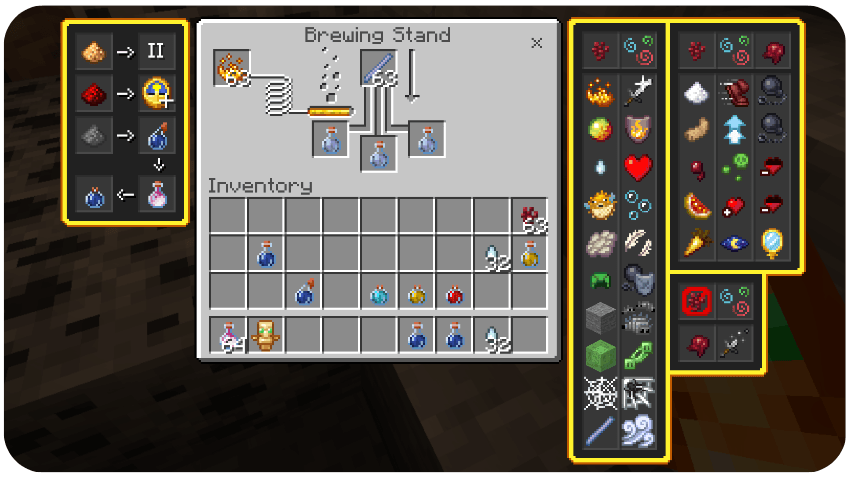
The Potions or Brewing Guide adds a visual UI with all potion recipes, ingredients, and effects, so you no longer need to search how to make, extend, or…
⬇ DownloadThe author built this one for Minecraft 26.10–26.50. On other versions it may install and then do nothing.
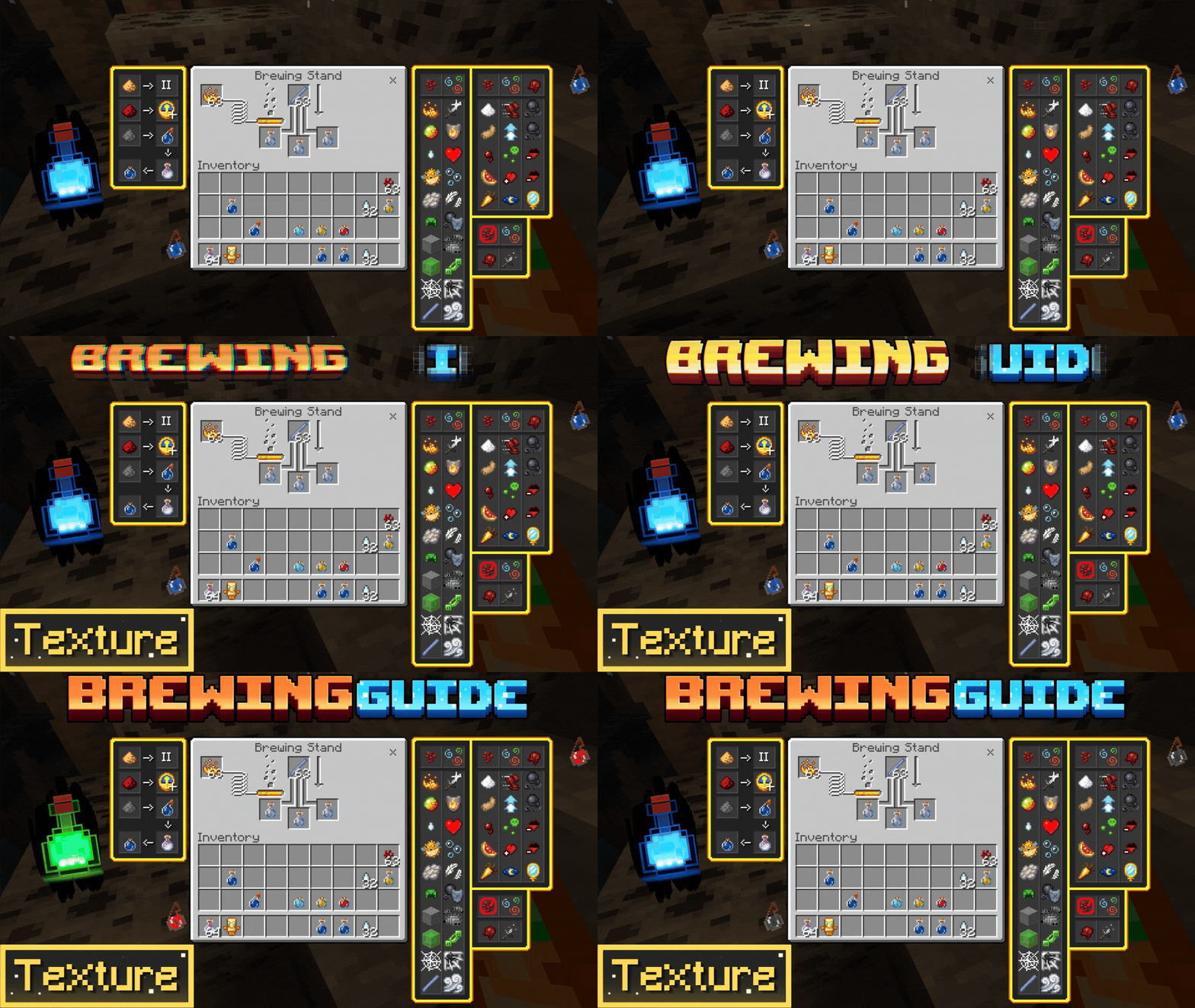






The TexturePack [Achivement Friendly] ;)
The potions or Brewing Guide is missing something that we already have on the crafting table, potions guide, all the necessary ones to make our potions, increase their durability, make them throwable as you know if you are new to Minecraft or always looking for how such a potion is made in Minecraft with this texture pack that adds that information to the UI you will not need it anymore.
Here you can see how it would look when adding the addon to your Minecraft world.
AND MUCH MORE BUT I GOT LAZY 😅
Everything absolutely everything was tested
This Texture Pack is tested on Android and iOS phones also on Windows 10 and 11 and because of how Minecraft Bedrock works it should work on all versions of the on different platforms it works with all addons and texture packs you don't need to activate the experimental features.
DISCLAIMER OF LIABILITUY
If You Are Recording And Show The Texture, Be Sure To Leave The Original MCPEDL Link.
PLEASE DO NOT PUT DIRECT LINK OR CUSTOM LINK.
THANKS A LOT.
⚖️ Credits
This project is a Java Edition Port/Fork inspired by the original Bedrock Tweaks.
✦ Inspired by: bedrocktweaks.

🧡SUPPORT THE CREATOR🧡
If you'd like to support my work, you can complete a quick ad step through Linkvertise. It takes just a few seconds and directly supports future project updates!
This is completely optional — no downloads are required here, just a simple way to show your support if you appreciate the content.

- Edition: Minecraft Bedrock
- File type: .mcpack
- Minecraft versions listed: 26.10, 26.11, 26.12
- How to install: Download the .mcpack. → Open it — Minecraft imports it under Resource Packs. → Activate it in Global Resources, or for one world under Resource Packs → Available.
- Where to get it: In MCModsHub, or directly above on this page.
Install steps are the general flow for this file type — How to install Minecraft Bedrock texture packs walks through it step by step.
- Pack type: .mcpack — a single pack
- Complete pack — everything it depends on is inside the file
- Download size: 198 KB
- Download link checked 3 Aug 2026 — working
These come from our own check of the pack file, not from the source page.


