MultiPixel Texture Pack - Bedrock Edition
Bedrock texture pack listed for Minecraft 1.21–26.x. File opened and checked on 20 Oct 2026; installs from the MC Bedrock Mods app on Android.
MultiPixel is an HD texture pack with new 32x textures that you've never seen before! It's great if you like to improve the look in Minecraft, while…
I don't know my version
MultiPixel Texture Pack - Bedrock Edition
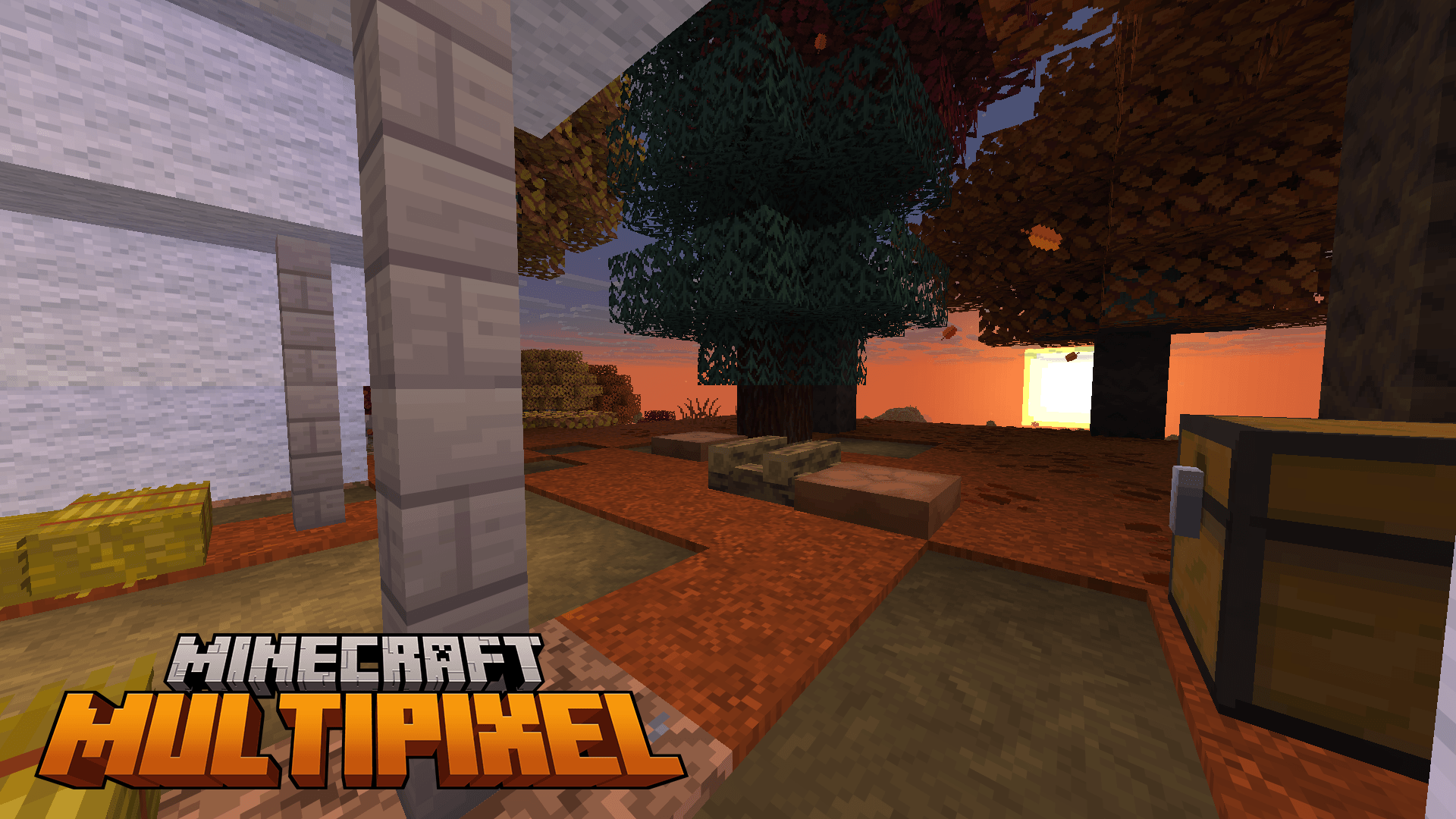
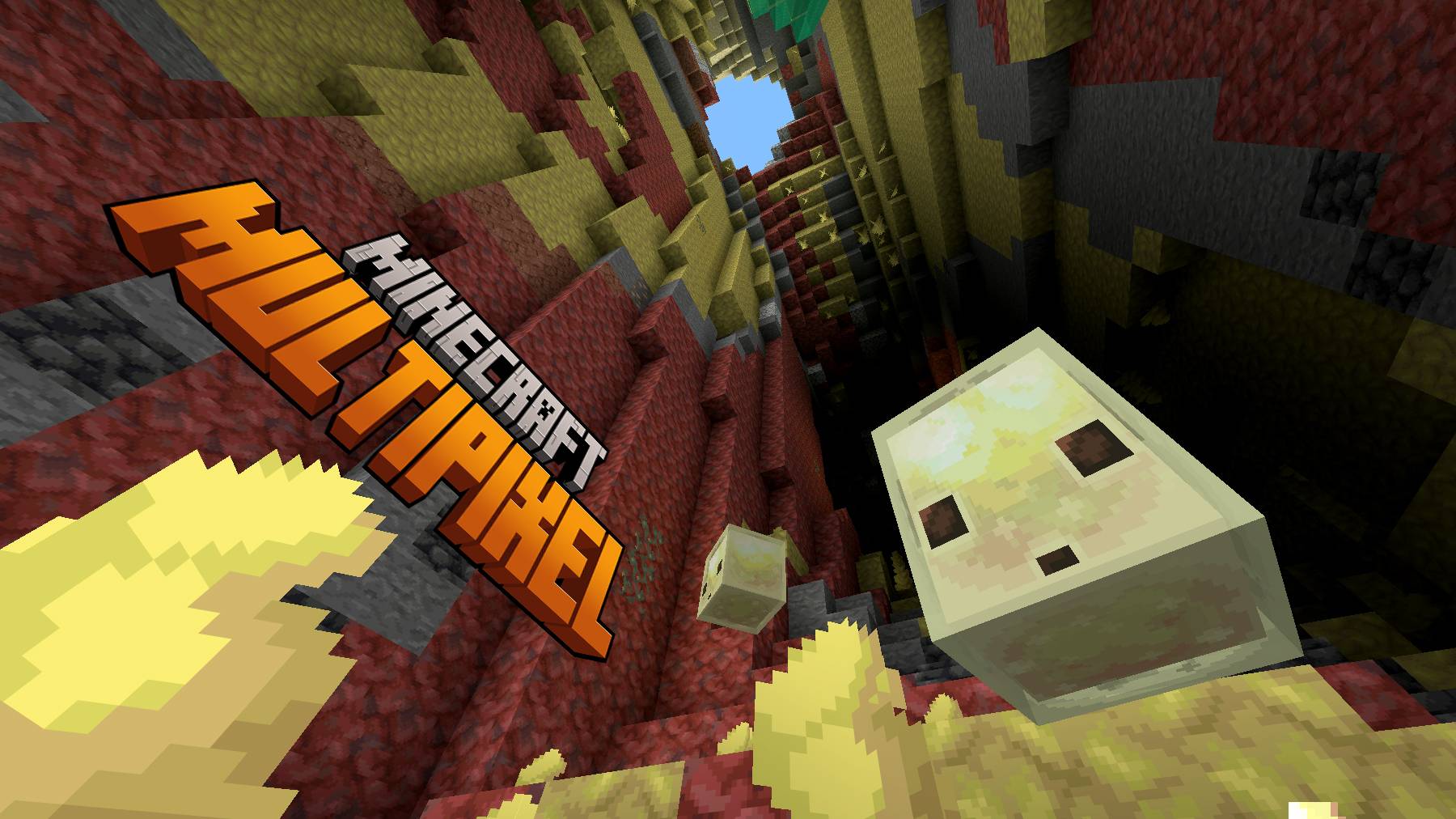
MultiPixel is an HD texture pack with new 32x textures that you've never seen before! It's great if you like to improve the look in MAinecraft, while keeping the vanilla styling.
Pack Creator: Rainvay, All Rights Reserved.
Twitter/X @ZouChenyunfei
Pack Official Twitter: @MultiPixelHD
Follow us to get the newest information at the first time!
Discord: Welcome to MultiPixel channel! (https://discord.gg/6BmSrzJ)
MultiPixel Texture Pack for Minecraft. Making an HD world for you!
32x32 Resolution for All textures!
Subpacks
- Open Global Resources in Settings
- Single Click the MultiPixel Pack
- Click Spanners Icon
- Select the Subpack
- Exit Settings Screen
- Restart Minecraft
Original Subpack: Original Bedrock HD.
Bedrock Subpack: Improved Bedrock HD.
Java Subpack: Added lots of features from Java Edition, like animations, UIs, particles and more.
Fancy Subpack: Added lots of features from Java Edition, Dungeons, Legends and Earth.
[Experimental] Unfinished Normal Map Subpack: Enable the normal map textures for Vibrant Visuals, which is unfinished.
- Edition: Minecraft Bedrock
- File type: .mcpack
- Minecraft versions listed: 1.21.130, 1.21.131, 1.21.132
- How to install: Download the .mcpack. → Open it — Minecraft imports it under Resource Packs. → Activate it in Global Resources, or for one world under Resource Packs → Available.
- Where to get it: In MCModsHub, or directly above on this page.
Install steps are the general flow for this file type — How to install Minecraft Bedrock texture packs walks through it step by step.
- Pack type: .mcpack — a single pack
- Complete pack — everything it depends on is inside the file
- Download size: 30.8 MB
- Download link checked 3 Aug 2026 — working
These come from our own check of the pack file, not from the source page.