Texture packsBedrock
X-Ray Ultimate | Outlined Ores
Bedrock texture pack listed for Minecraft 1.20–26.x. File opened and checked on 22 Oct 2026; installs from the MC Bedrock Mods app on Android.
See every valuable block instantly with Ultimate X-Ray, featuring clearly outlined and glowing ores for maximum visibility. Mine smarter, locate resources…
⬇ DownloadThe author built this one for Minecraft 1.20.70–26.50. On other versions it may install and then do nothing.
X-Ray Ultimate
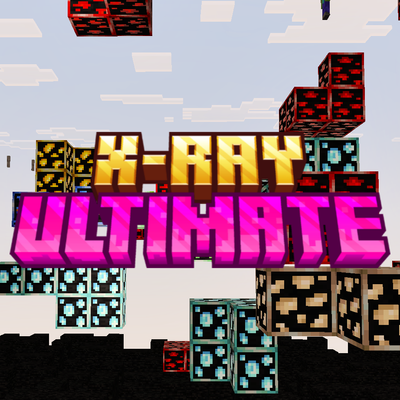
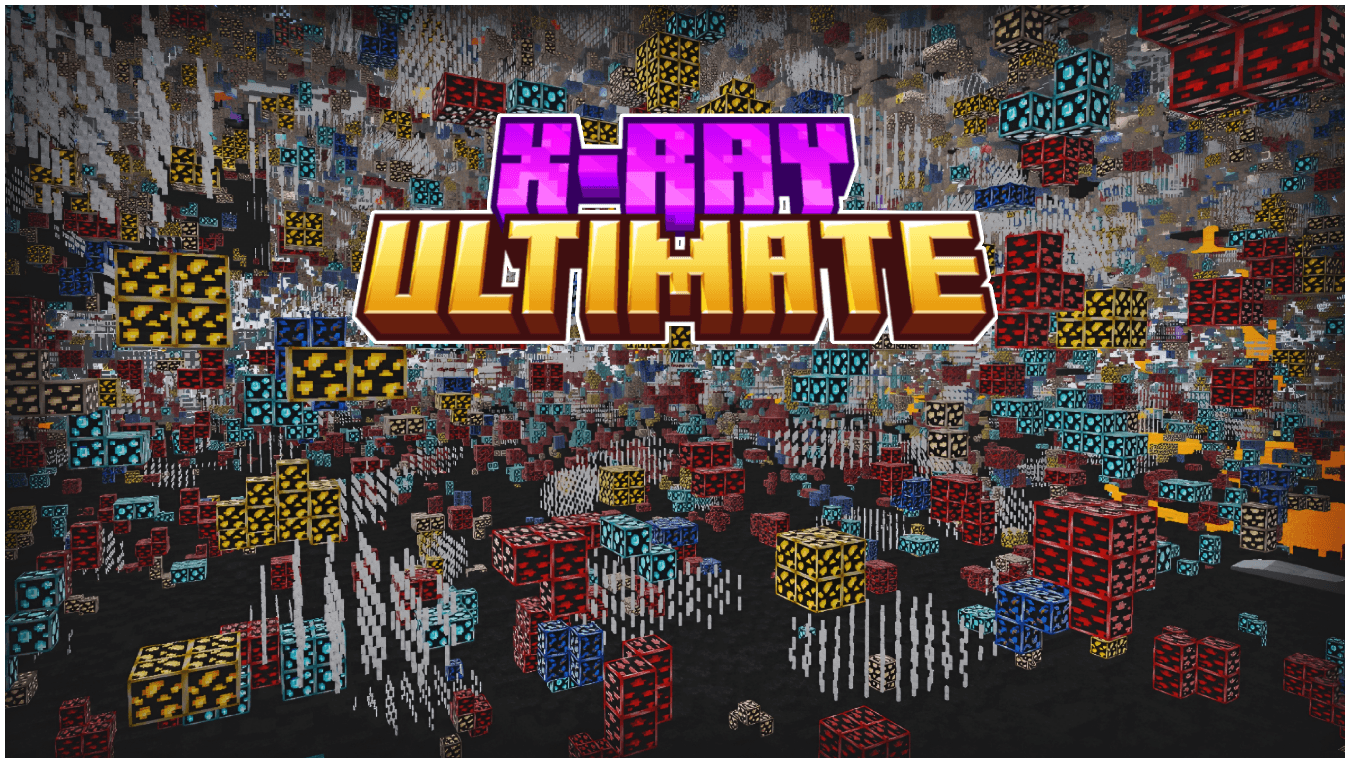
Take your mining and exploration to the next level with a powerful, clean, and efficient X-Ray experience. Designed for players who want instant access to ores, hidden caves, and underground structures—without ruining the natural feel of the game.

Gravel is replaced with redstone torch indicators, making unstable blocks instantly visible. Avoid sudden cave-ins and mine safely with clear, easy-to-spot warnings.

Easily spot hidden caves, mineshafts, and underground structures with clear visibility—no more blind digging or missed discoveries.
![X-Ray Ultimate | Outlined Ores — Minecraft Bedrock texture pack, screenshot 3]()

🔥 Key Features
- Night-vision style visibility for all ores in every graphics mode (Simple, Fancy, etc.)
- Outlined and highlighted ores for instant detection, even in dark caves
- Gravel replaced with redstone torch indicators for safety from falling blocks
- Structure visibility—easily locate caves, mineshafts, and hidden areas
- Clean and minimal design—no clutter, only what matters
- Performance-friendly—smooth gameplay with no lag
⚙️ Recommended Settings
- Turn off Smooth Lighting for the clearest ore visibility
- Use Simple or Fancy graphics—fully supported
- Increase brightness for maximum clarity (optional)
📦 Installation
- Place the resource pack in your
resource_packsfolder or import it directly into the game - Open or create a world → go to Resource Packs
- Enable Texture Pack
- Start your world and enjoy full underground visibility
💎 Mine smarter. Stay safe. Find everything.
The X-Ray Ultimate
Quick facts
- Edition: Minecraft Bedrock
- File type: .mcpack
- Minecraft versions listed: 1.21.30, 1.21.2, 1.21.101
- How to install: Download the .mcpack. → Open it — Minecraft imports it under Resource Packs. → Activate it in Global Resources, or for one world under Resource Packs → Available.
- Where to get it: In MCModsHub, or directly above on this page.
Install steps are the general flow for this file type — How to install Minecraft Bedrock texture packs walks through it step by step.
File checked by MCModsHub
- Pack type: .mcpack — a single pack
- Complete pack — everything it depends on is inside the file
- Download size: 375 KB
- Download link checked 3 Aug 2026 — working
These come from our own check of the pack file, not from the source page.

![How To Get XRay In Minecraft WITHOUT Mods (ANY Version) [Xray Ultimate]](https://i.ytimg.com/vi/RHFbwps3900/mqdefault.jpg)

