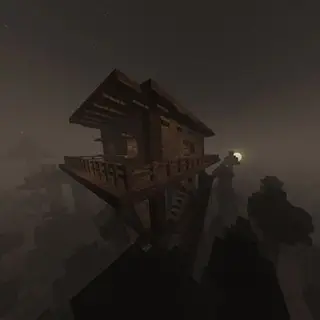
Texture packsBedrock
Spectrum Shader Renewed | Compatible with v26.50+
Bedrock texture pack listed for Minecraft 26.x. File opened and checked on 23 Oct 2026; installs from the MC Bedrock Mods app on Android.
⬇ Download on CurseForgeThe author built this one for Minecraft 26.50. On other versions it may install and then do nothing.
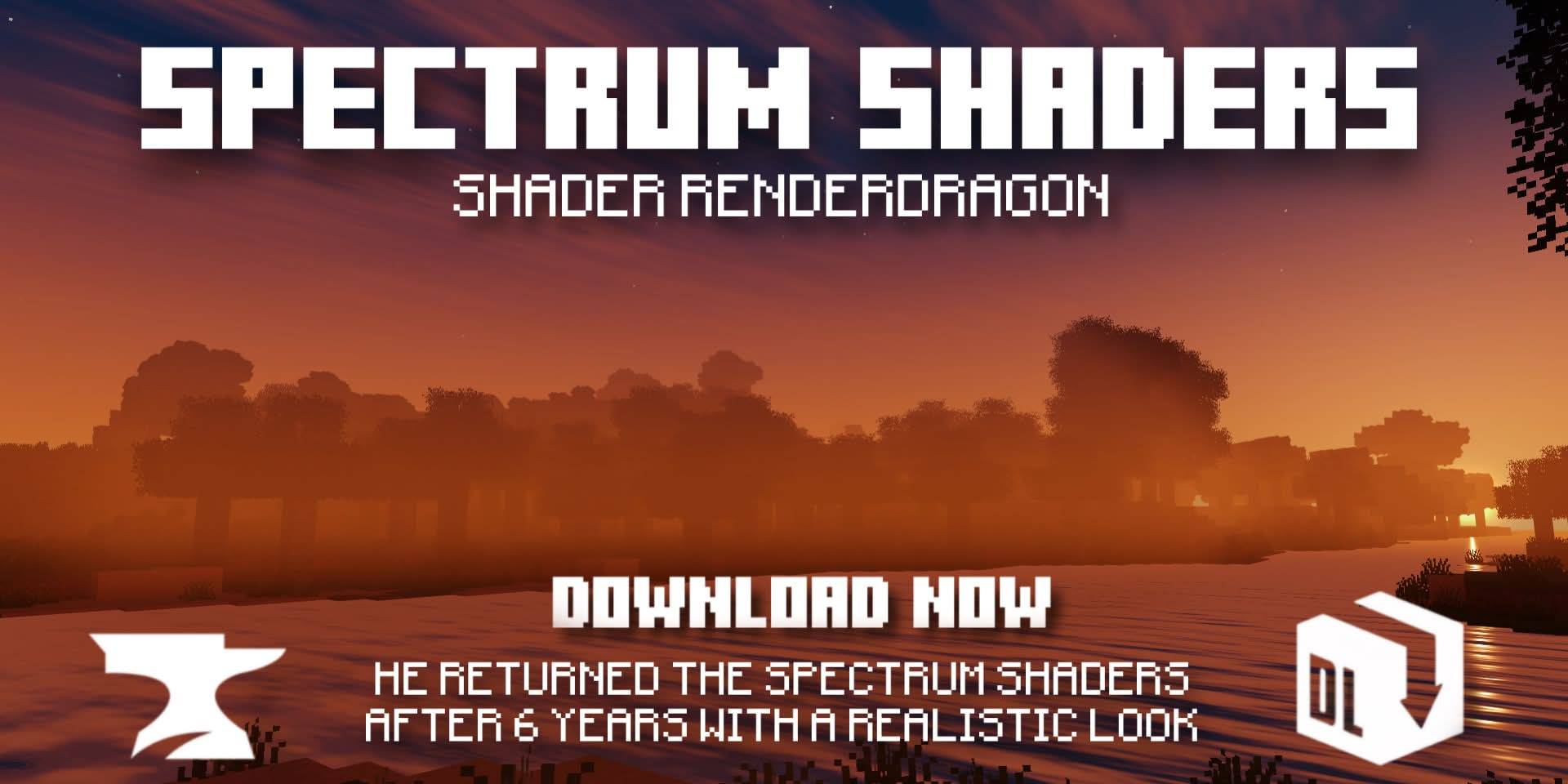
After 6 long years, a much-loved shader has returned. A shader created with the aim of being the most realistic for Minecraft Bedrock
Screenshots
- Day
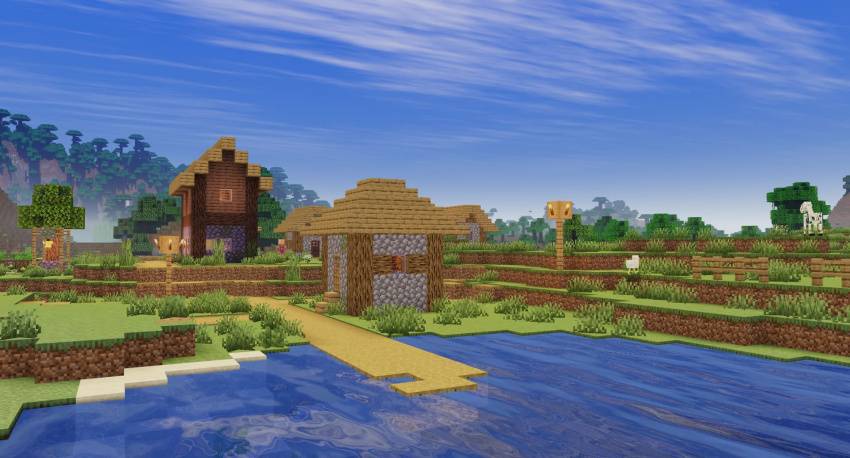
- UnderWater
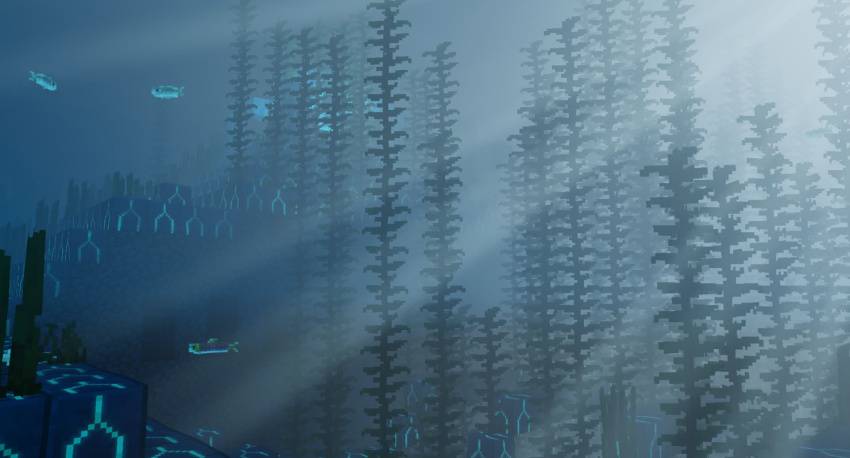
- Sunset
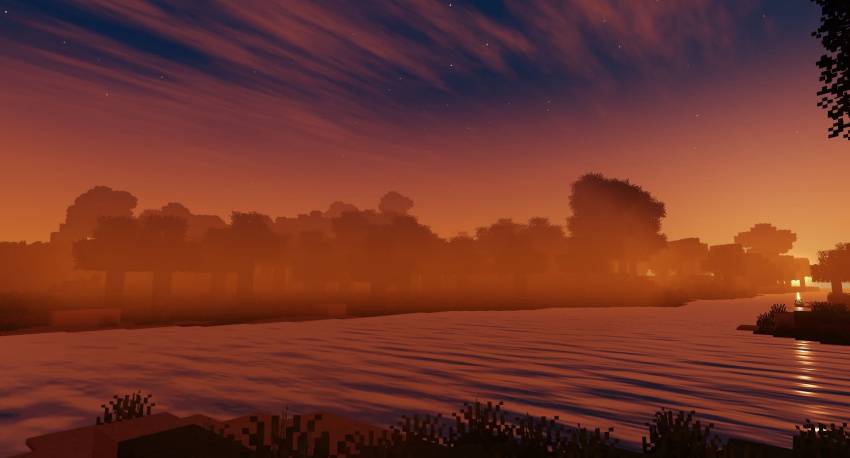
- Sunrise
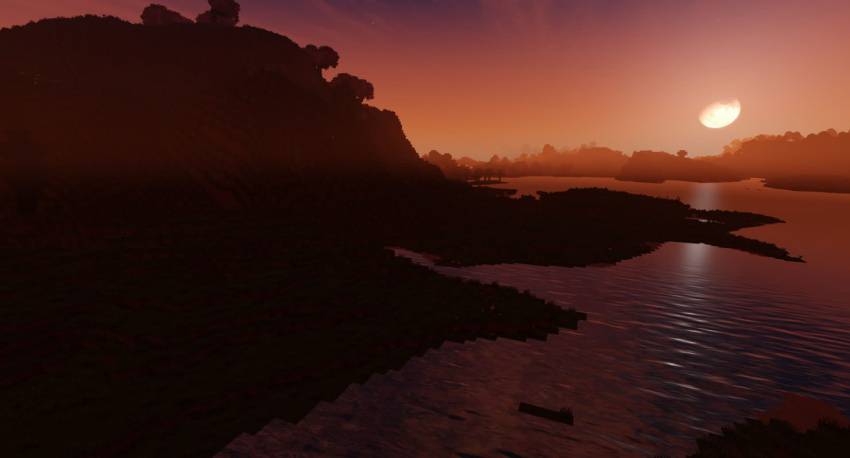
- Night
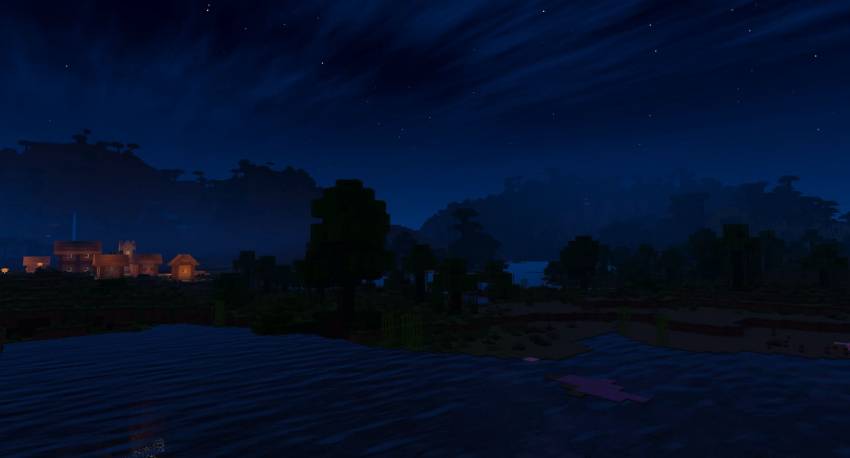
- Lighting
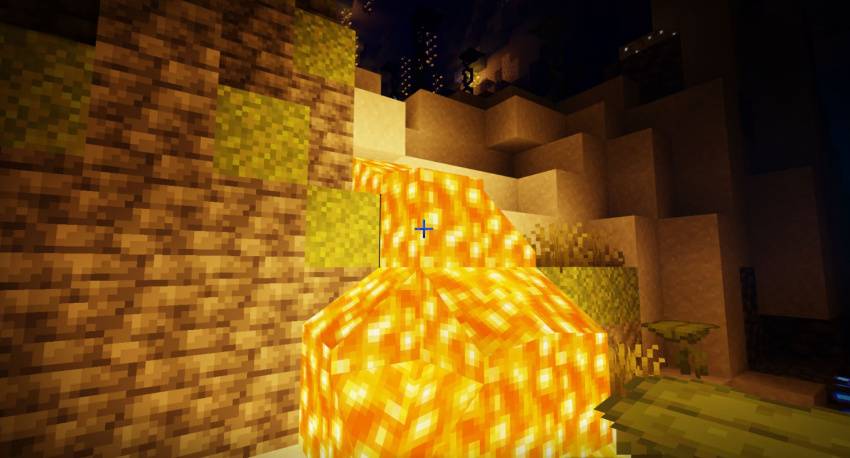
- The Nether
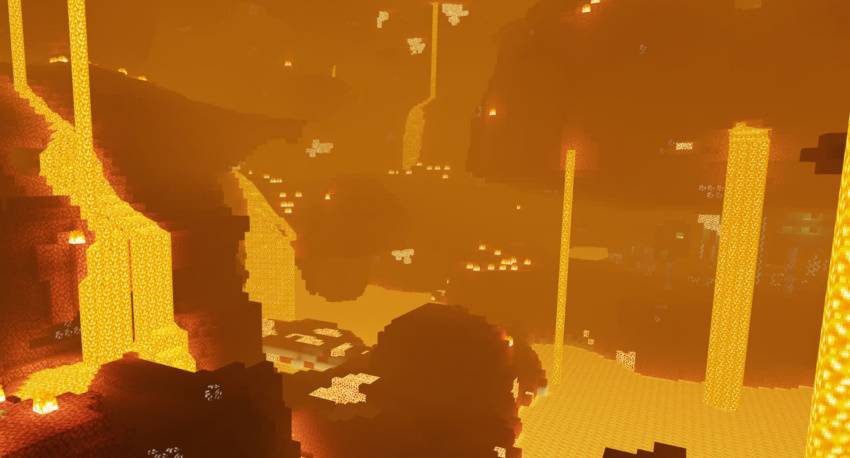
- The End
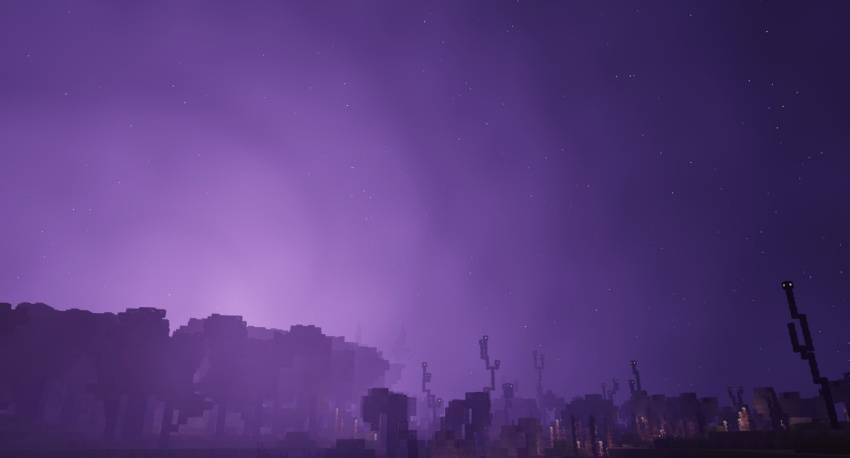
Featured
- Coloration of the world
- Lighting coloring
- Beautiful and realistic sky
- Realistic waters
- Water wave
- Underwater caustic and waves Shaking leaves and plants
- Reflection of the sun in the water and some surfaces (Day / Night)
- Fog like in the nether and end
Notes
- This shader is somewhat demanding, so you need a decent device.
- Need Minecraft v26.50 and MBLoader.
- Need Minecraft Hynis in iOS.
- You need Wyvern for Windows, in case it does not work, use the method of replacing material.bin files with Maject.
- I recommend that you the old version of this shader if you have it installed to avoid errors.
- This shader is only compatible with Android,Windows and iOS
- Use this mcpedl link if you want to share this shader.
- Please do not create another link for this shader.
- This shader may not be supported on some devices, if so tell me about the error on my Discord.
- Credits: Ale
If you want to have better quality content, I invite you to donate your grain of sand

Quick facts
- Edition: Minecraft Bedrock
- File type: .mcpack
- Minecraft version listed: 26.50
- How to install: Download the .mcpack. → Open it — Minecraft imports it under Resource Packs. → Activate it in Global Resources, or for one world under Resource Packs → Available.
- Where to get it: Opens on CurseForge — not every file is mirrored on our own servers.
Install steps are the general flow for this file type — How to install Minecraft Bedrock texture packs walks through it step by step.
File checked by MCModsHub
- Save it as Spectrum Shader Renewed - Android.mcaddon before opening — it downloads as .mcpack, but it is a .mcaddon pack
- Complete pack — everything it depends on is inside the file
- Download size: 10.2 MB
- Download link checked 5 Oct 2026 — working
These come from our own check of the pack file, not from the source page.