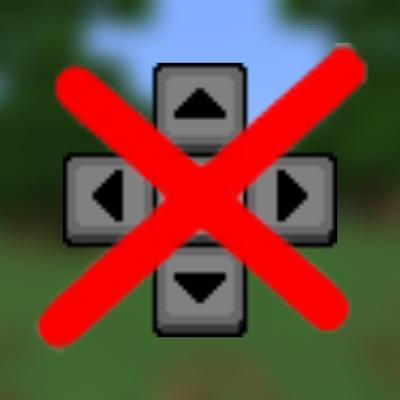
Invisible Touch Buttons v2.0.0
Bedrock texture pack listed for Minecraft 1.16–1.21. File opened and checked on 19 Sep 2026; installs from the MC Bedrock Mods app on Android.
I don't know my version
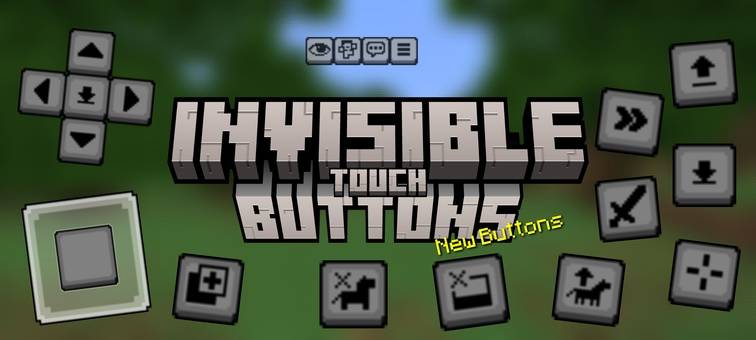
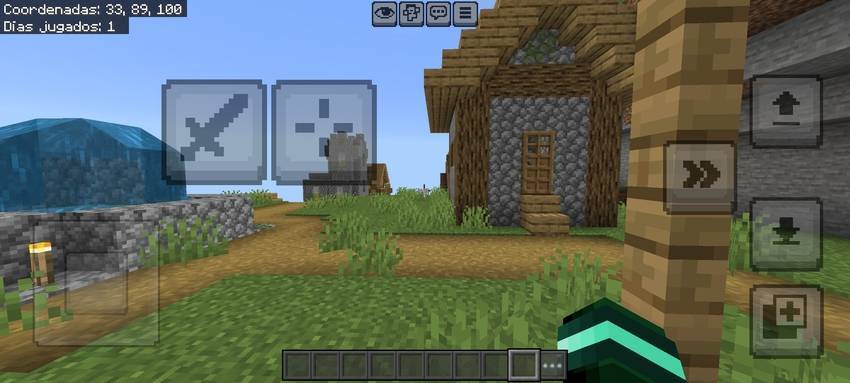
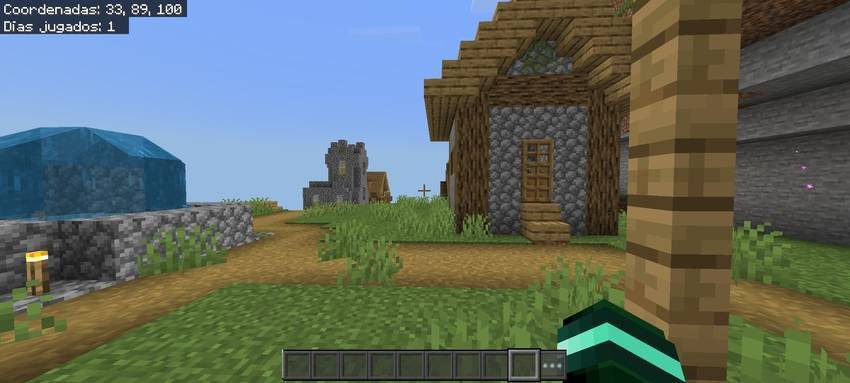
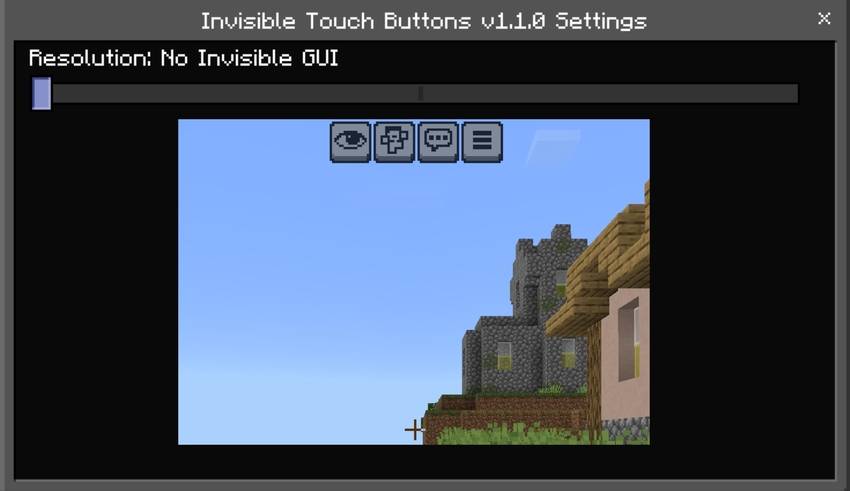
Hey guys my name is Daewron and I'm introducing this texture pack that makes touch buttons invisible.
•I made all the touch buttons invisible, as well as the more recent ones like changing perspective and dismounting the ship or horse.
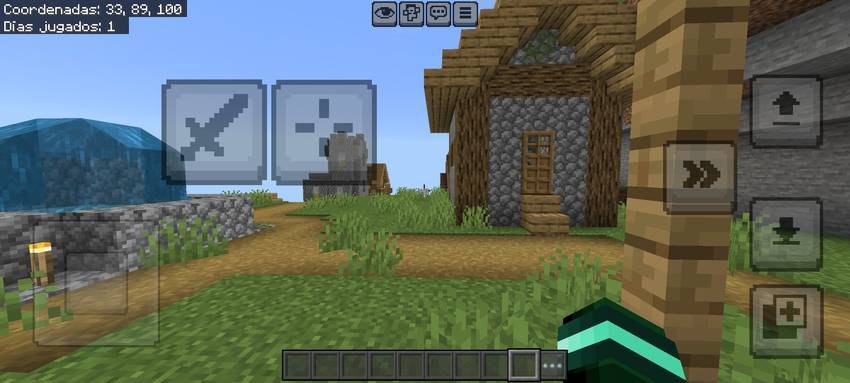
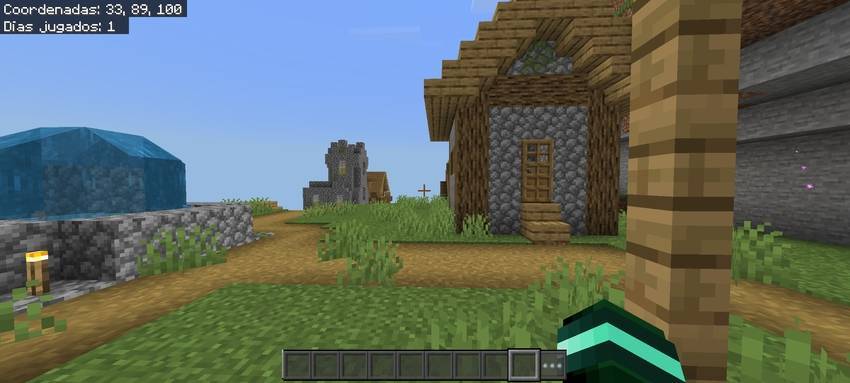
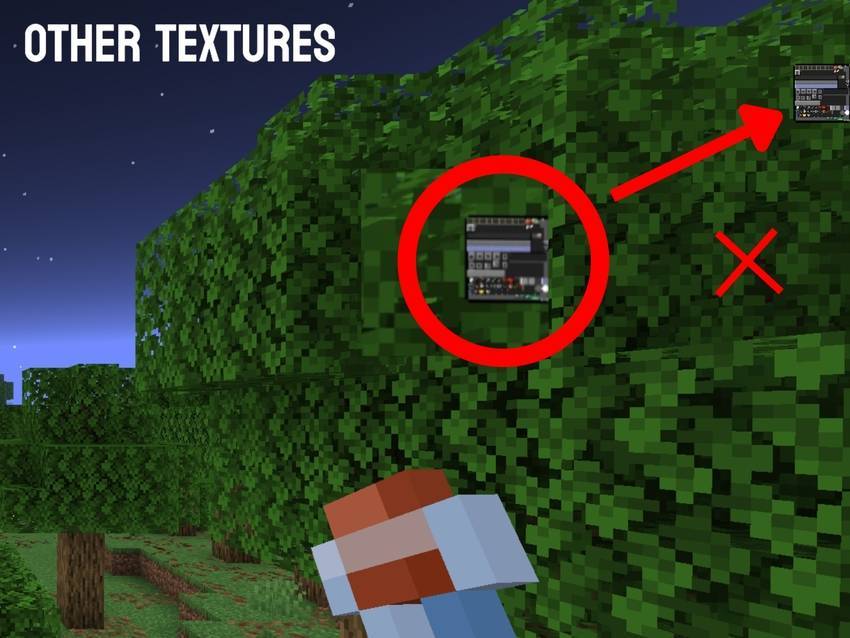
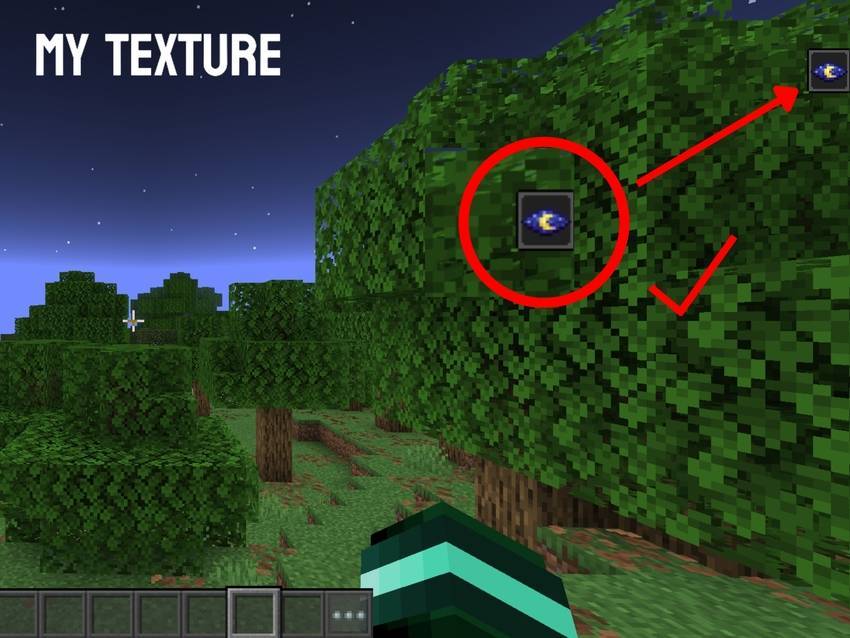
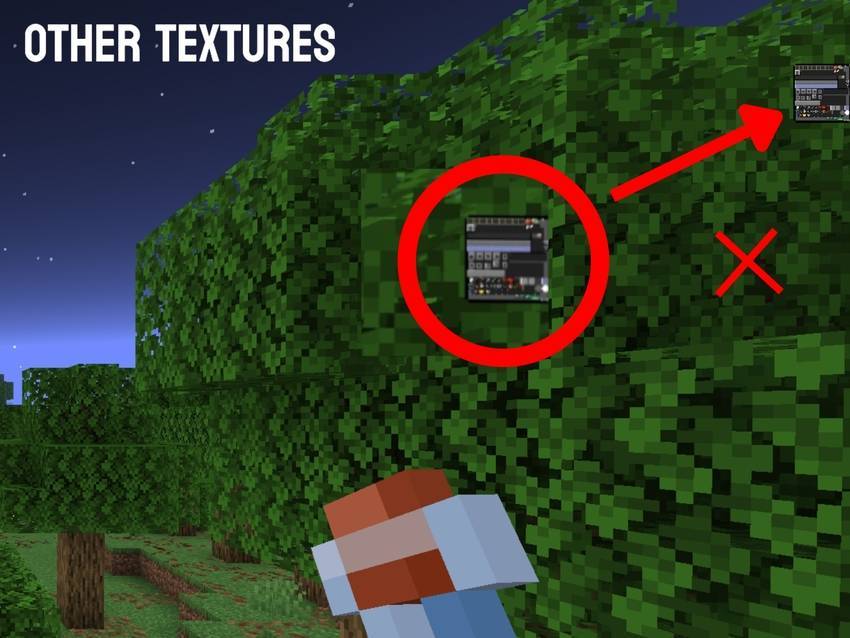
•I was able to fix a bug with other "Invisible Touch Buttons" texture packs that would occur when drinking a potion. This caused another texture to display instead of the effect. Here's an example.
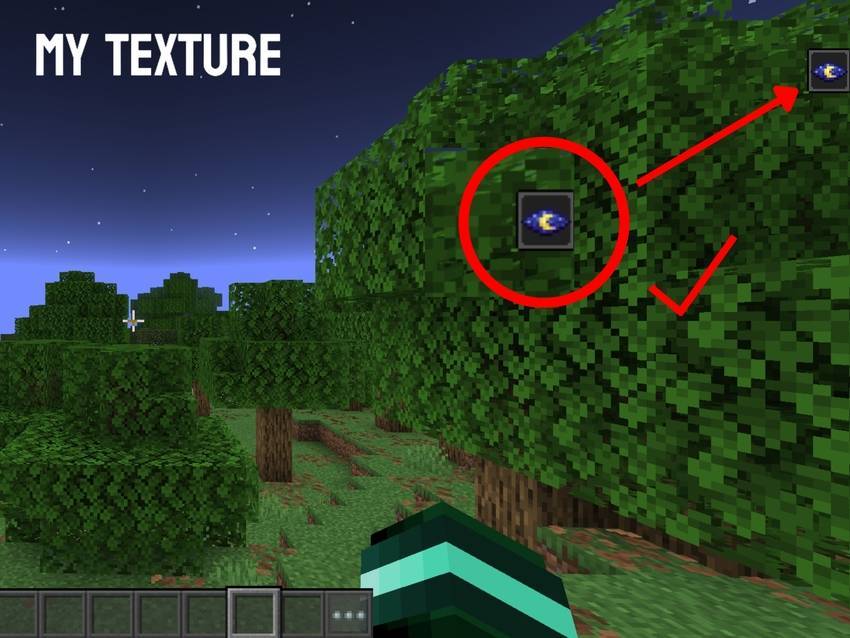
•New:(29/06/25)
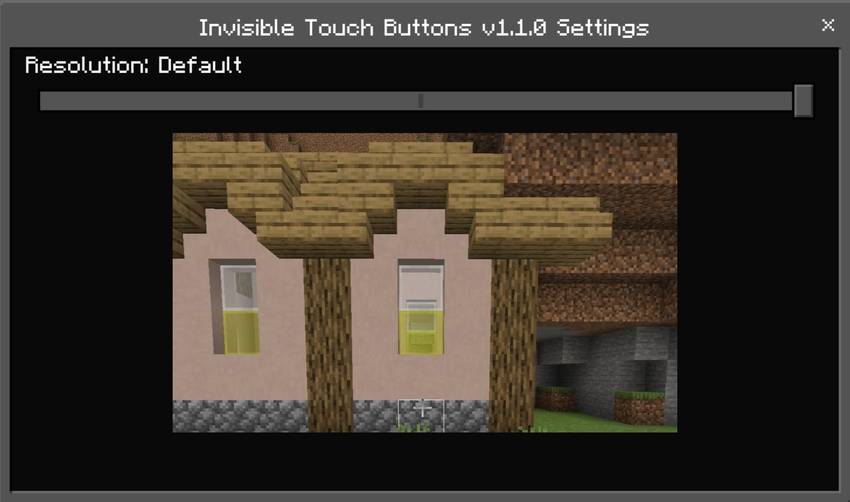
I decided to only add two options because my main idea was to make the texture but not so heavy because of a texture that only eliminates the touch buttons, So I decided to remove two options but you can still use it from version 1.1.0 to 1.1.5.
-Default: This option doesn't change anything.
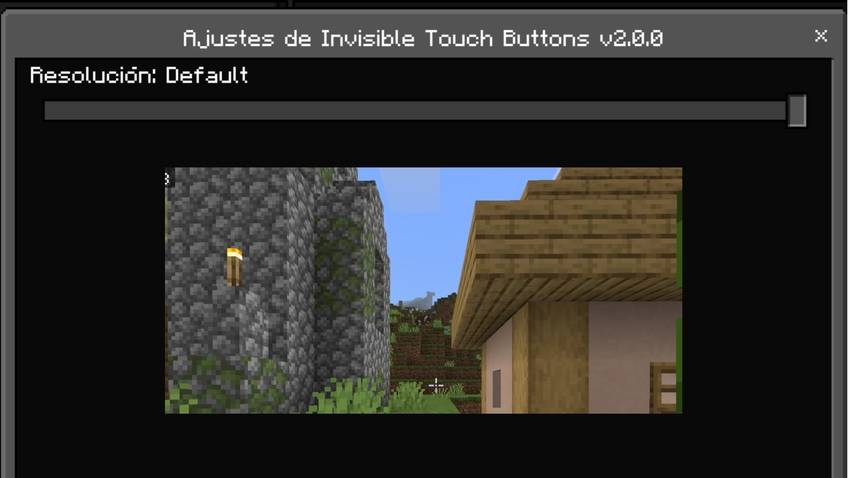
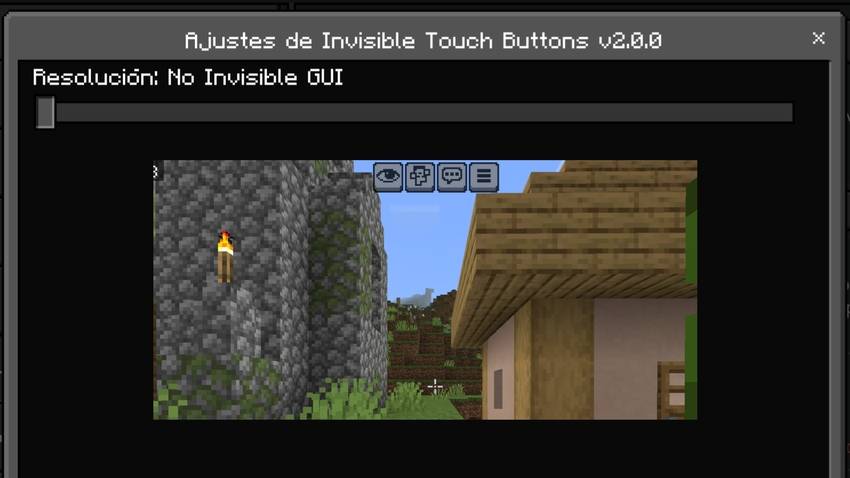
-No invisible GUI: The name itself says it does not remove the menu buttons.
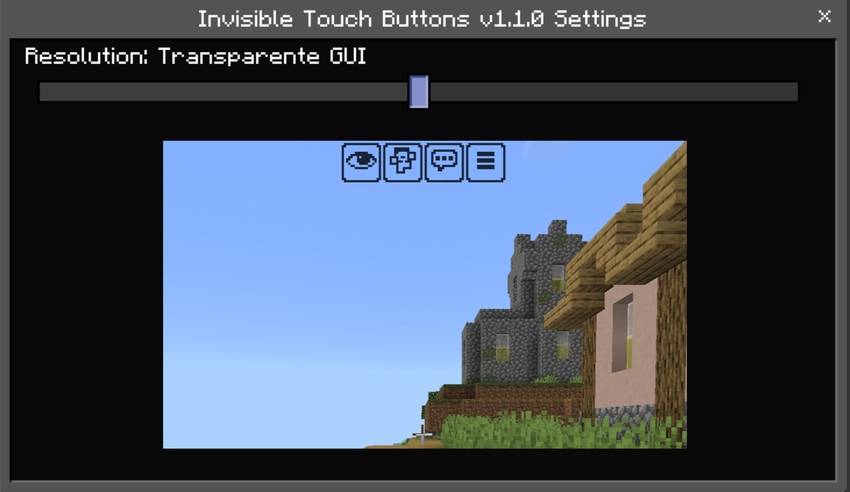
•Available from 1.1.0 to 1.1.5:
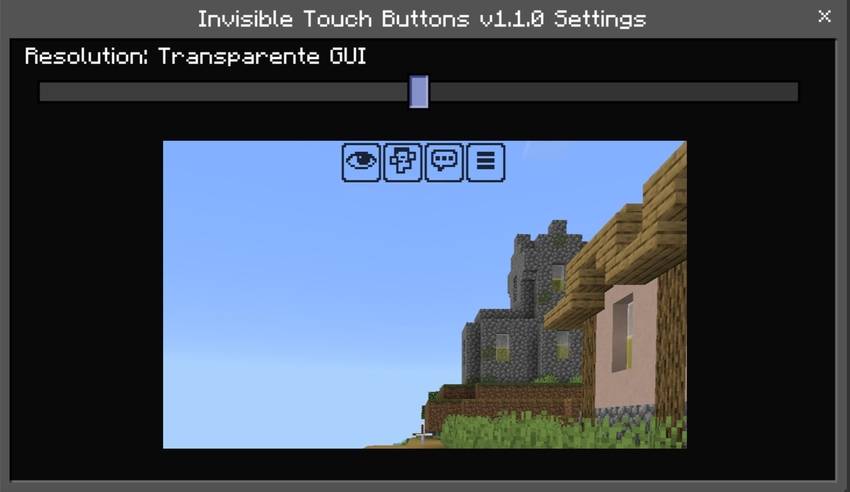
-Transparent GUI: This option removes the background without removing the borders from the menu buttons.
•Available only in 1.1.5:
-Transparent White GUI: Removes the background from the menu buttons and changes the button outline to white.
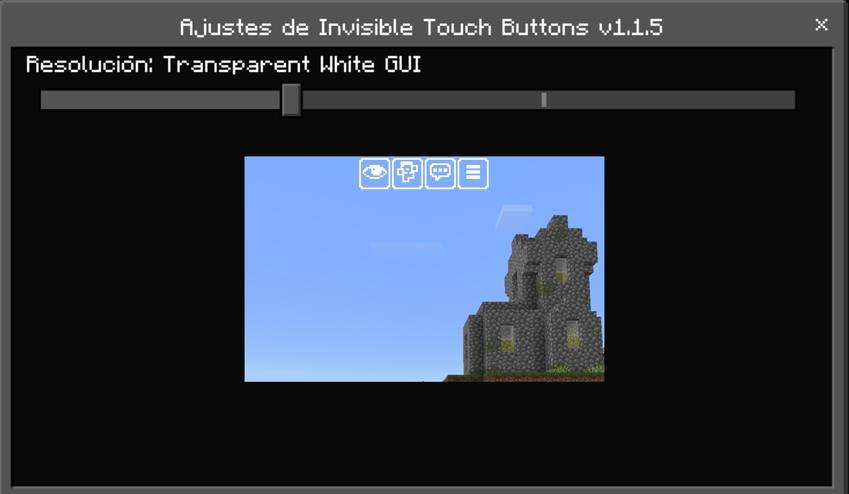
Well, guys, I hope you enjoyed this texture. If you share it, please give me credit and include the original link. If you have any questions or want to report a bug, feel free to leave a comment.
Visit our page at MCPEDL or CurseForge
- Edition: Minecraft Bedrock
- File type: .mcpack
- Minecraft versions listed: 1.21.93, 1.20, 1.21
- How to install: Download the .mcpack. → Open it — Minecraft imports it under Resource Packs. → Activate it in Global Resources, or for one world under Resource Packs → Available.
- Where to get it: Opens on CurseForge — not every file is mirrored on our own servers.
Install steps are the general flow for this file type — How to install Minecraft Bedrock texture packs walks through it step by step.
- Save it as Invisible Touch Buttons v2.0.0.mcaddon before opening — it downloads as .mcpack, but it is a .mcaddon pack
- Manifest requires Minecraft 1.16.100 or newer
- Complete pack — everything it depends on is inside the file
- Download size: 130 KB
- Download link checked 5 Oct 2026 — working
These come from our own check of the pack file, not from the source page.