Custom 3D Totem With Player Skin (RP)
Bedrock texture pack listed for Minecraft 1.20–1.21. File opened and checked on 19 Sep 2026; installs from the MC Bedrock Mods app on Android.
⬇ Download on CurseForge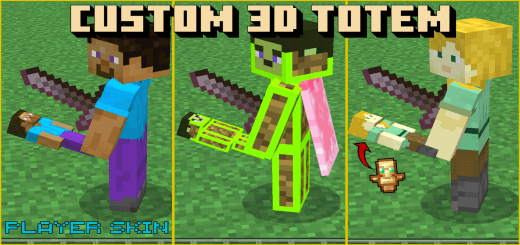

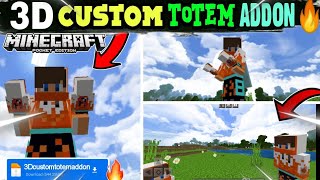
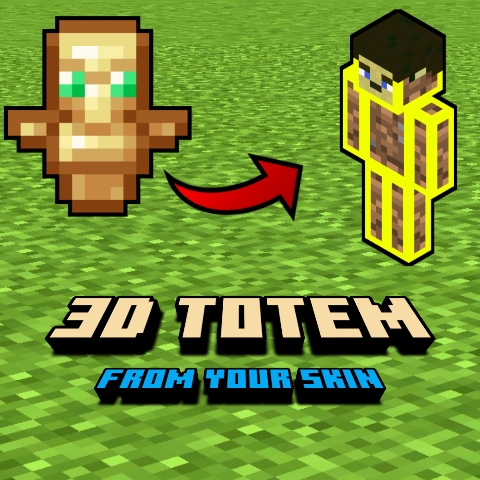
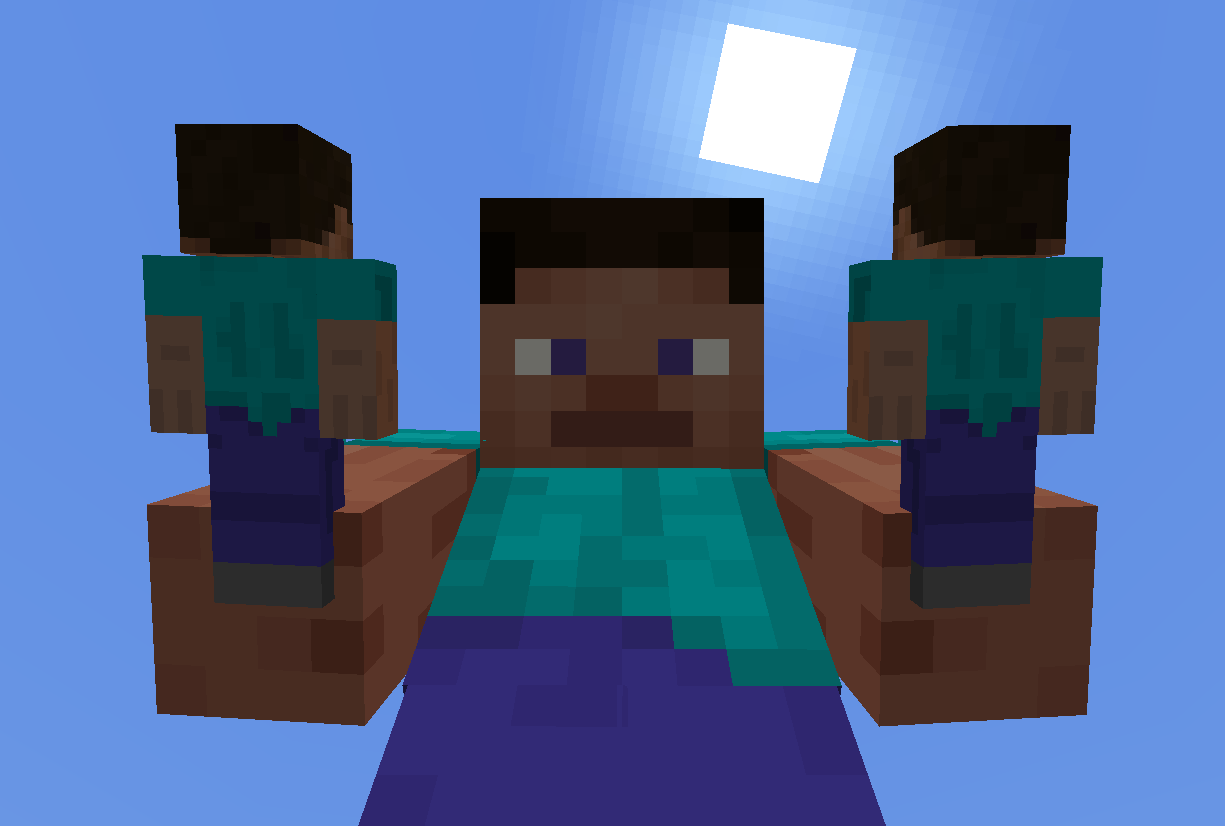
The Custom 3D Totem is the best resource pack, If you want to make custom 3D Totem of undying using your Minecraft skin. This resource pack makes a 3D miniature version of player, which looks much better. It is extremely easy (all steps are given below): All you need to do is just put your skin inside the resource pack & choose settings according to your skin type and it's done, This addon works for both types of skin models (skin types).
Screenshots
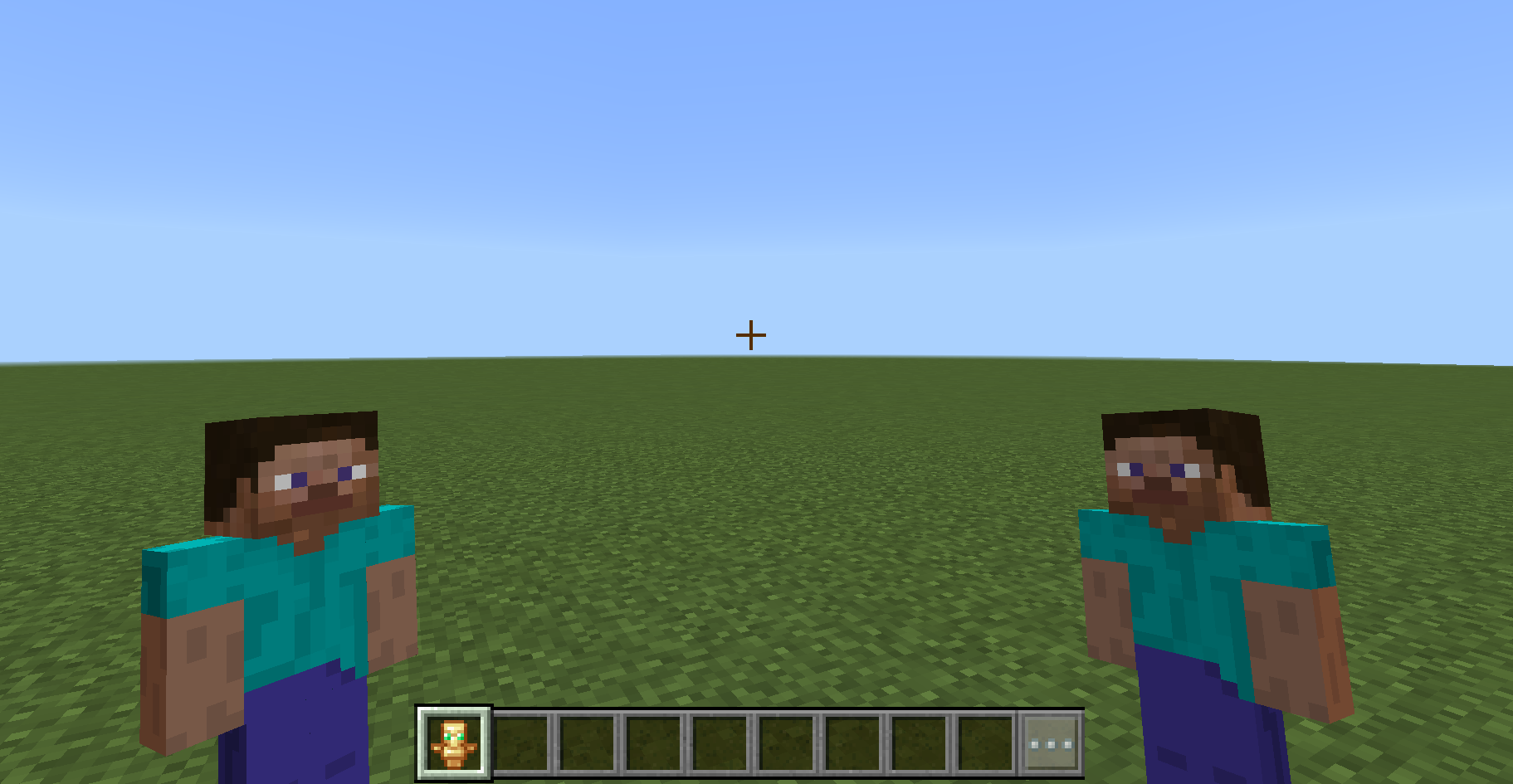
Steve skin (Example)
✅ Installation
- Download the latest Custom 3D Totem
.mcpackfile. - After you download the pack you can either:
- import it in minecraft and then add your skin (if you are in PC)
- or you add your skin then import the pack (if you are on mobile or similar)
- Steps for adding skins are mentioned below.
- Make sure the Resource Pack is applied to your world or Global resources.
📚 Custom 3D Totem Documentation
After downloading the pack as mentioned in the installation section, if you are on PC (Window or Linux) import the pack then add your skin.
Or if you are on Mobile (Android or iOS) first add your skin in the pack then import it in minecraft.
1. For PC
So just import the mcpack directly into Minecraft, after don't activate it in anof your worlds instead follow the steps below and add your skin:
(this is specifically for windows, for linux it is similar.)
Go to this location C:\Users<username>\AppData\Local\Packages\Microsoft.MinecraftUWP_8wekyb3d8bbwe\LocalState\games\com.mojang\resource_packs
Here you will all of your resource packs, open the folder for this pack
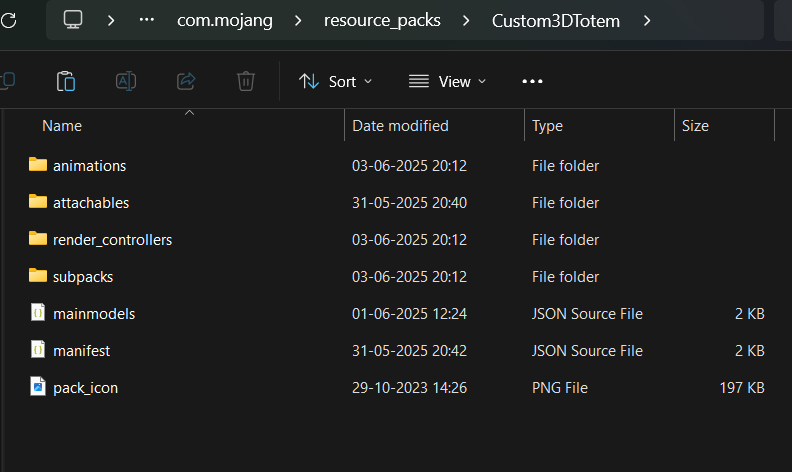
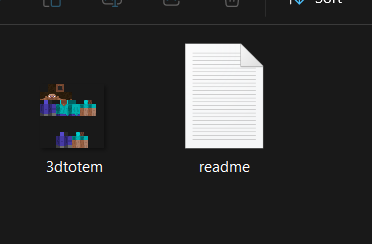
So just take your minecraft skin, rename it 3dtotem.png and put this inside the pack.
Inside here you will see a subpacks folder,
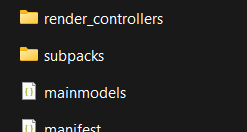
So there are two types of skin or player models in skin (Steve type and Alex type), so depending on your skin type choose the specific folder
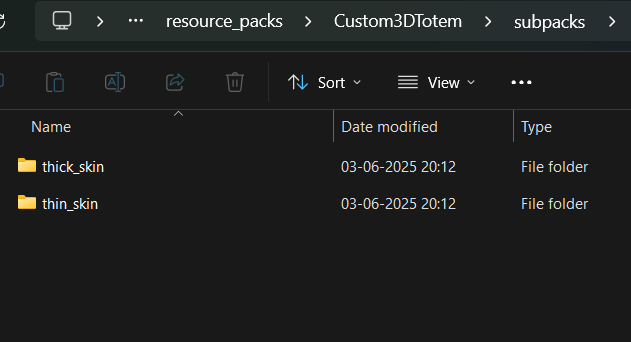
Inside there you will find a textures folder
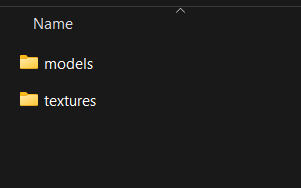
And inside there you will find an fodler named skin_for_totem
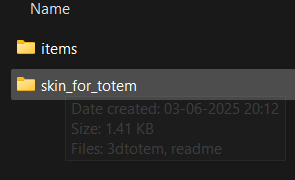
Just put your 3dtotem.png named skin here
2. For Mobile
(this is specifically for Android, for iOS it's similar)
Before importing the pack, download an app that allows you to manage zip and unzip files. For example I'm using an app called Zarchiver.
So just locate the mcpack file you downloaded,
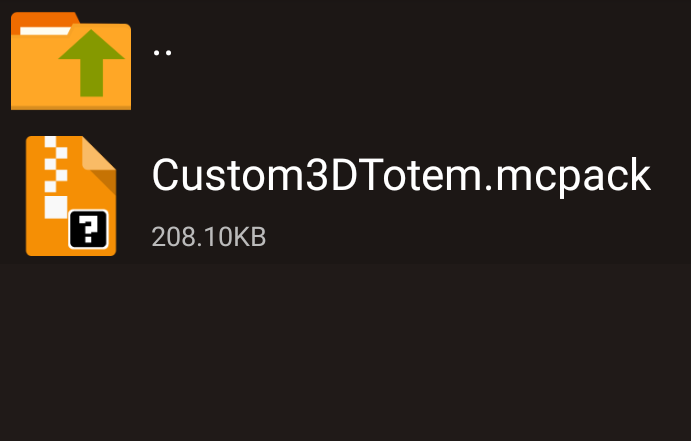
Click on it and extract/unzip it,
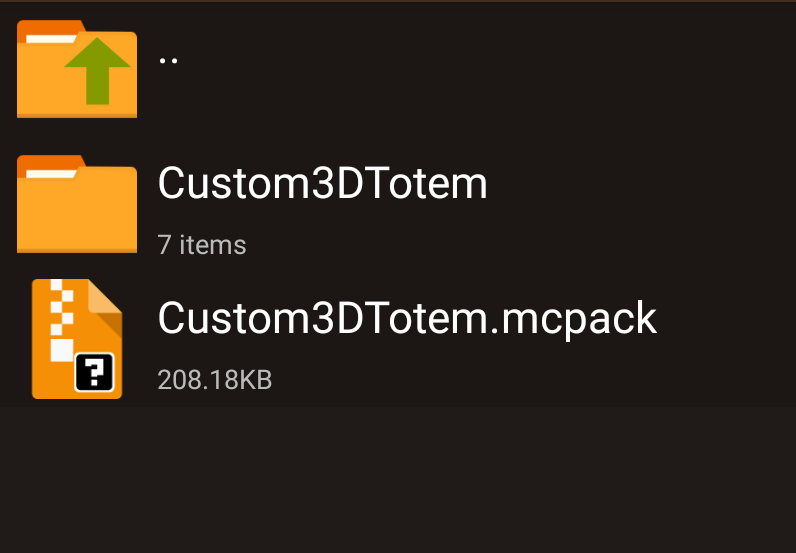
You will get a folder that contains the whole pack,
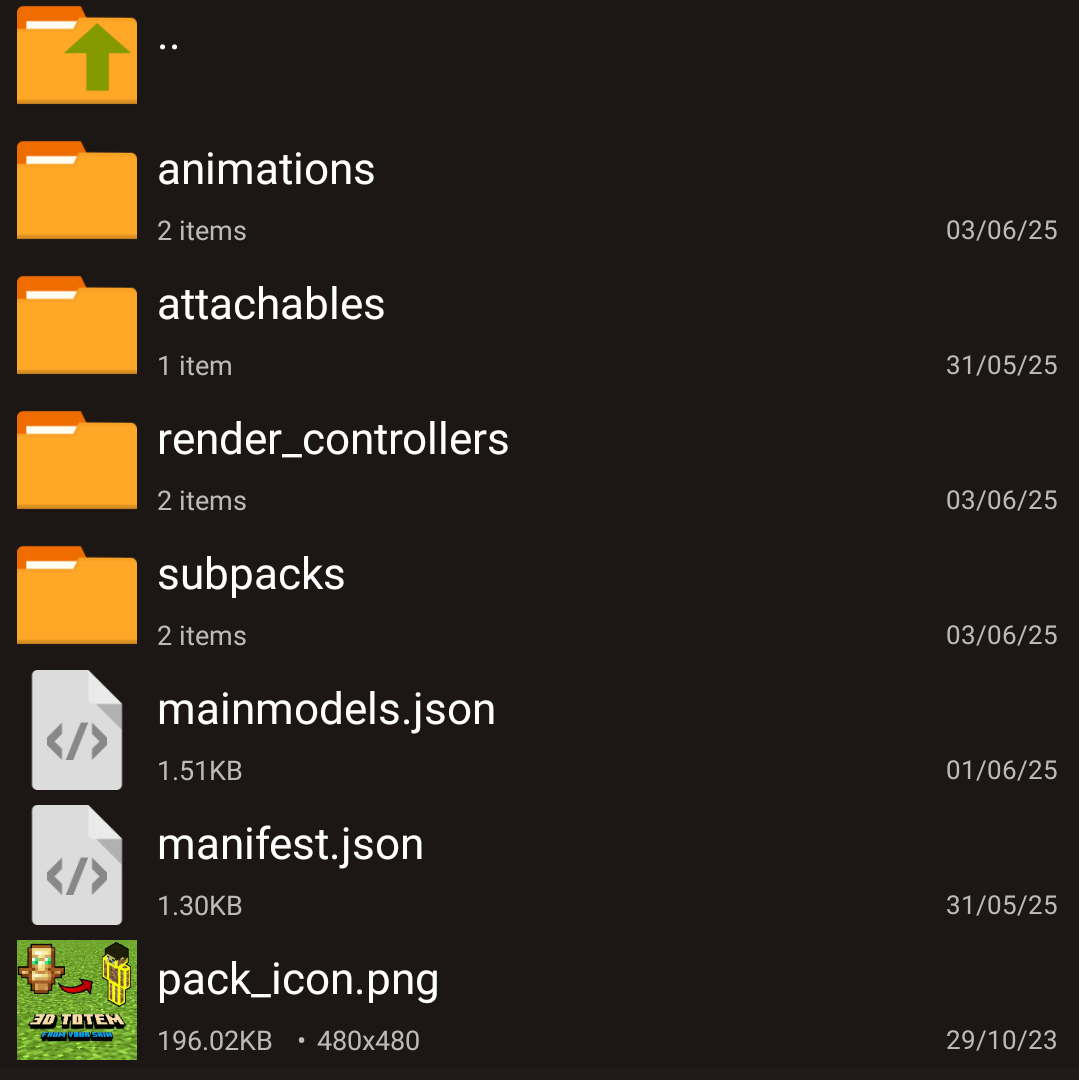
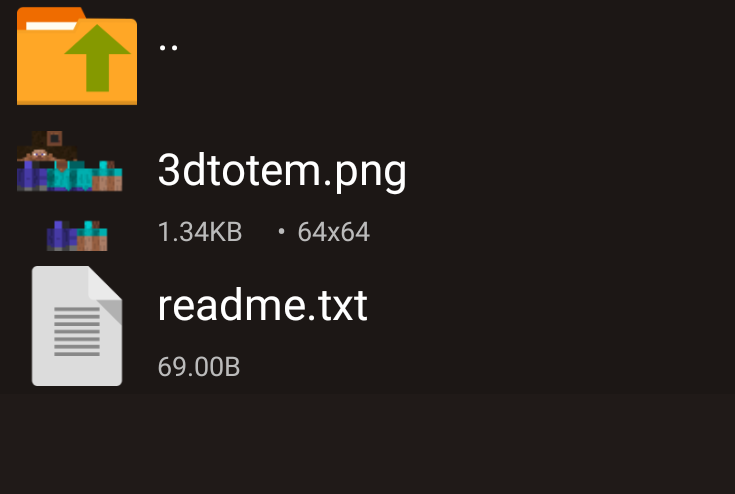
So just take your skin and rename it 3dtotem.png and put it inside
subpacks/<thick or thin skin>/textures/skin_for_totem,
Now come backand select the fodler that we got when we extracted, because now we have added our skin in it.
So select it and compress it into .zip format
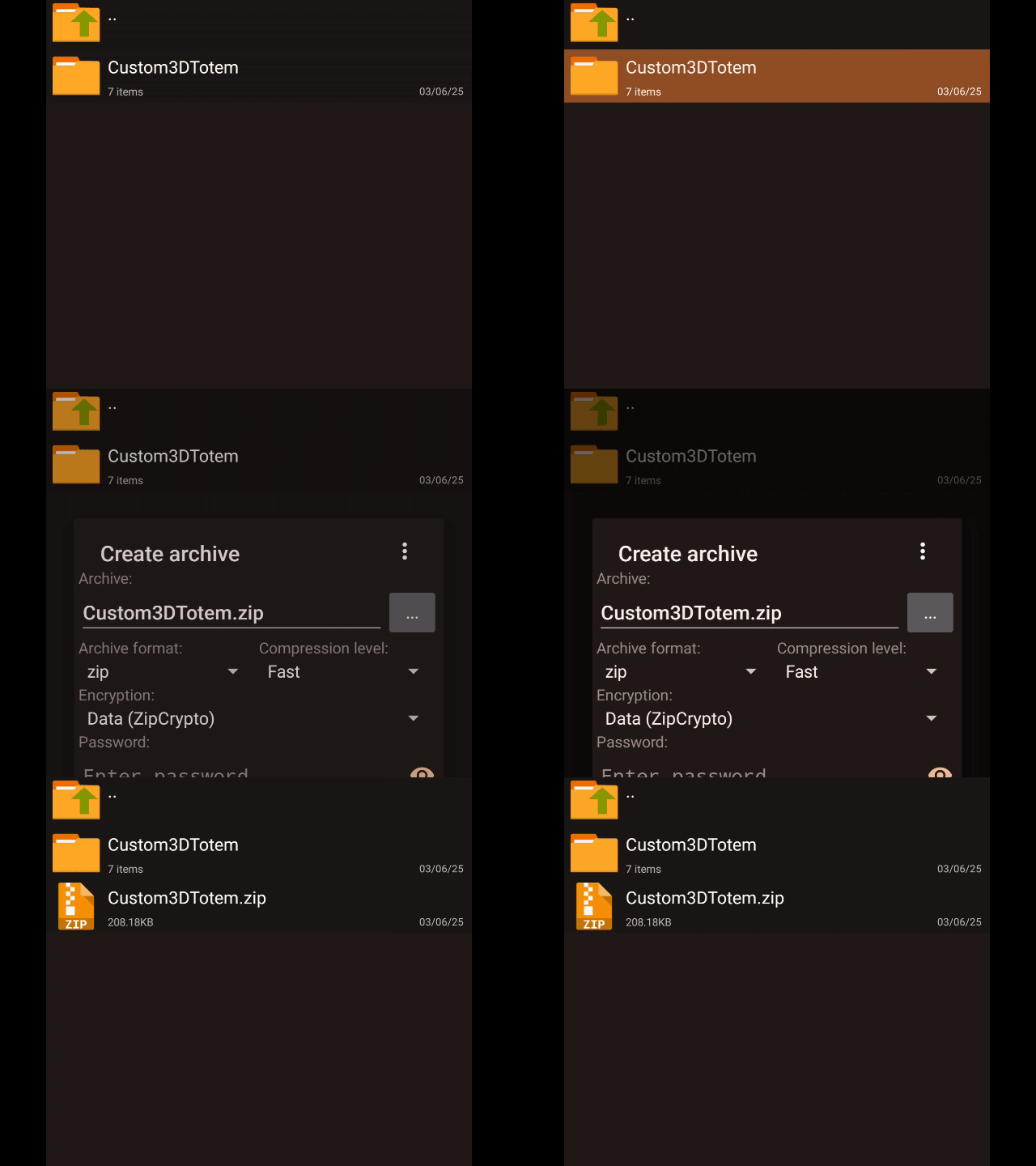
Now click on the zip file and rename it and remove the .zip and add .mcpack
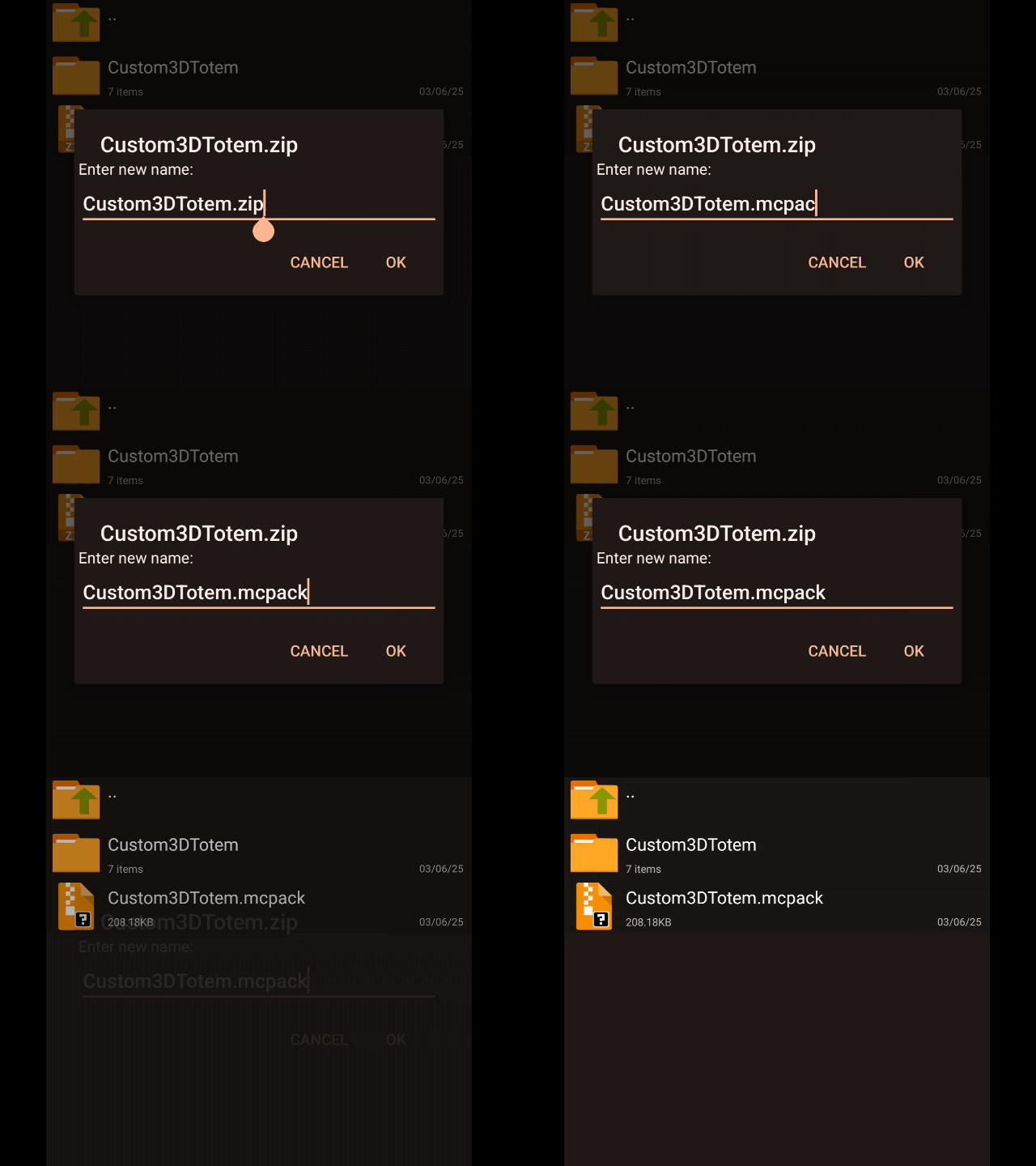
Now the pack is ready with your skin, enjoy it.
Download & Support Me!
Direct download is available but if you want to support me, you can download from here:
Download & Support Me
Feel free to directly download, but if you like it feel free to donate & support me:
Donate Here ❤️❤️
- Edition: Minecraft Bedrock
- File type: .mcpack
- Minecraft versions listed: 1.21.50, 1.21.40, 1.21.60
- How to install: Download the .mcpack. → Open it — Minecraft imports it under Resource Packs. → Activate it in Global Resources, or for one world under Resource Packs → Available.
- Where to get it: Opens on CurseForge — not every file is mirrored on our own servers.
Install steps are the general flow for this file type — How to install Minecraft Bedrock texture packs walks through it step by step.
- Pack type: .mcpack — a single pack
- Manifest requires Minecraft 1.20.0 or newer
- Complete pack — everything it depends on is inside the file
- Download size: 207 KB
- Download link checked 26 Oct 2026 — working
These come from our own check of the pack file, not from the source page.