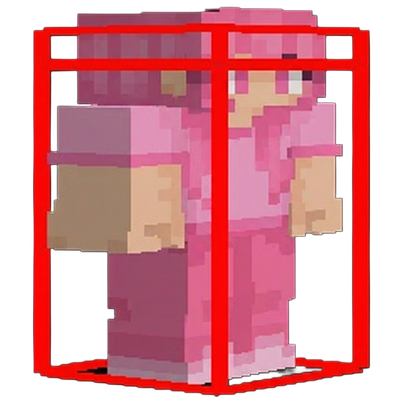
Combat Hitboxes
Bedrock texture pack listed for Minecraft 26.x. File opened and checked on 22 Oct 2026; installs from the MC Bedrock Mods app on Android.
⬇ Download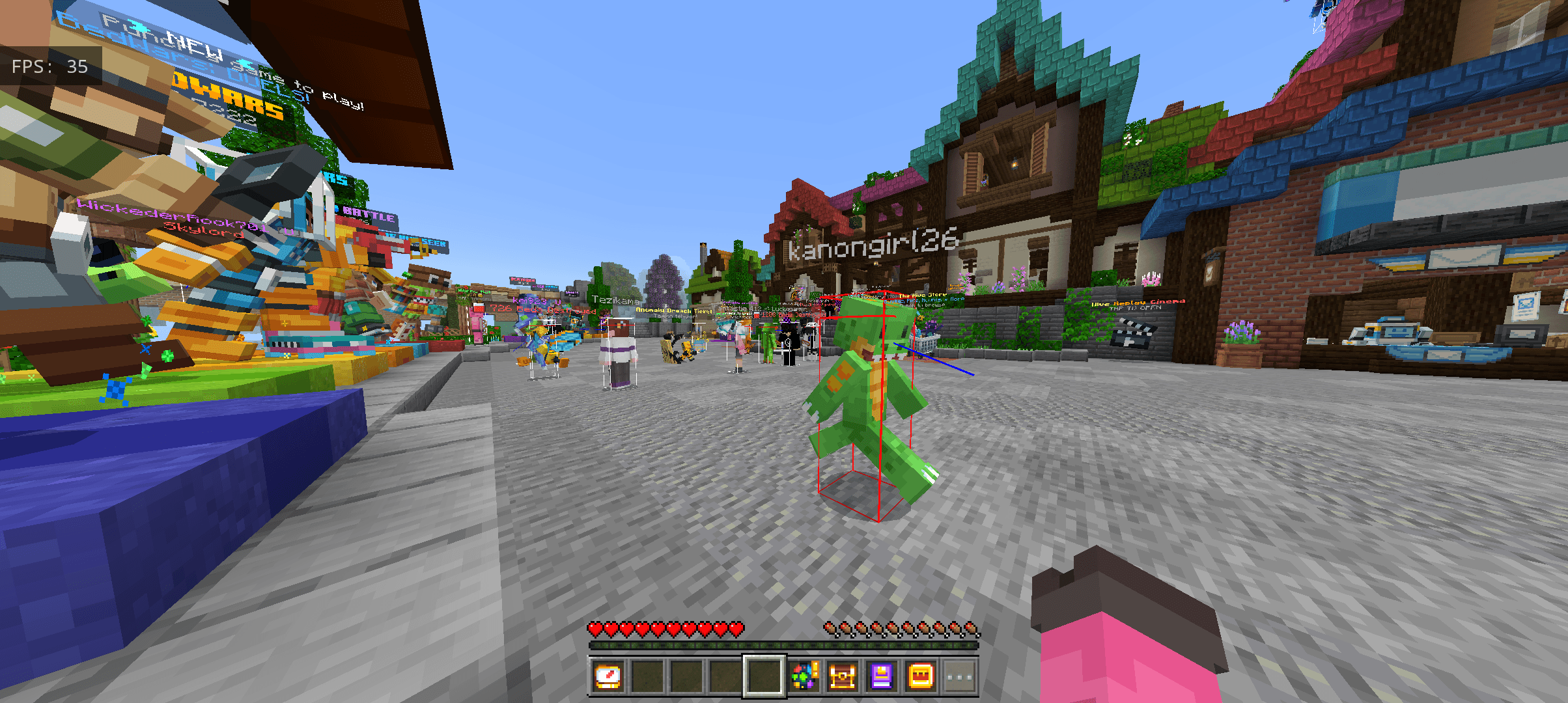
✦ Player Hitbox Indicator
Greetings, this is a simple combat hitbox pack
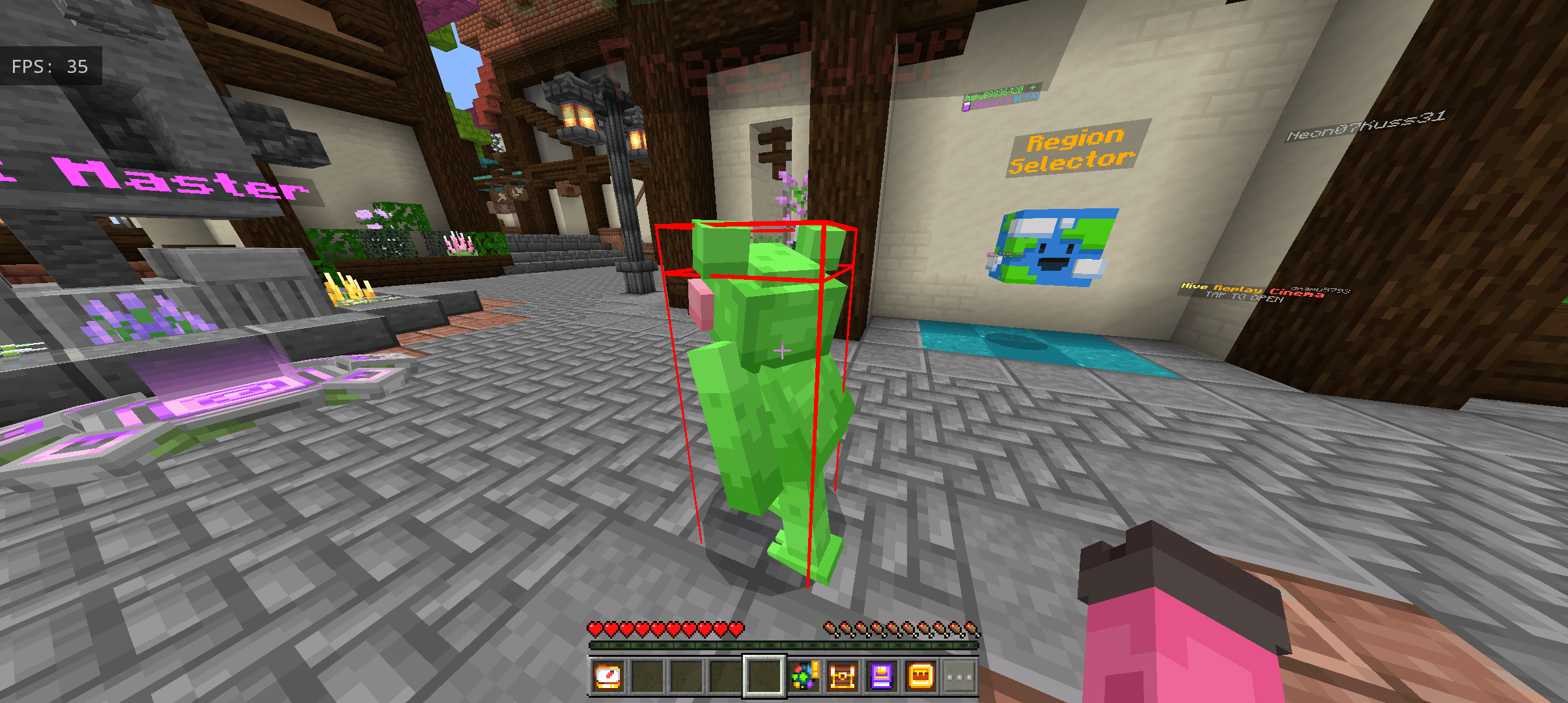
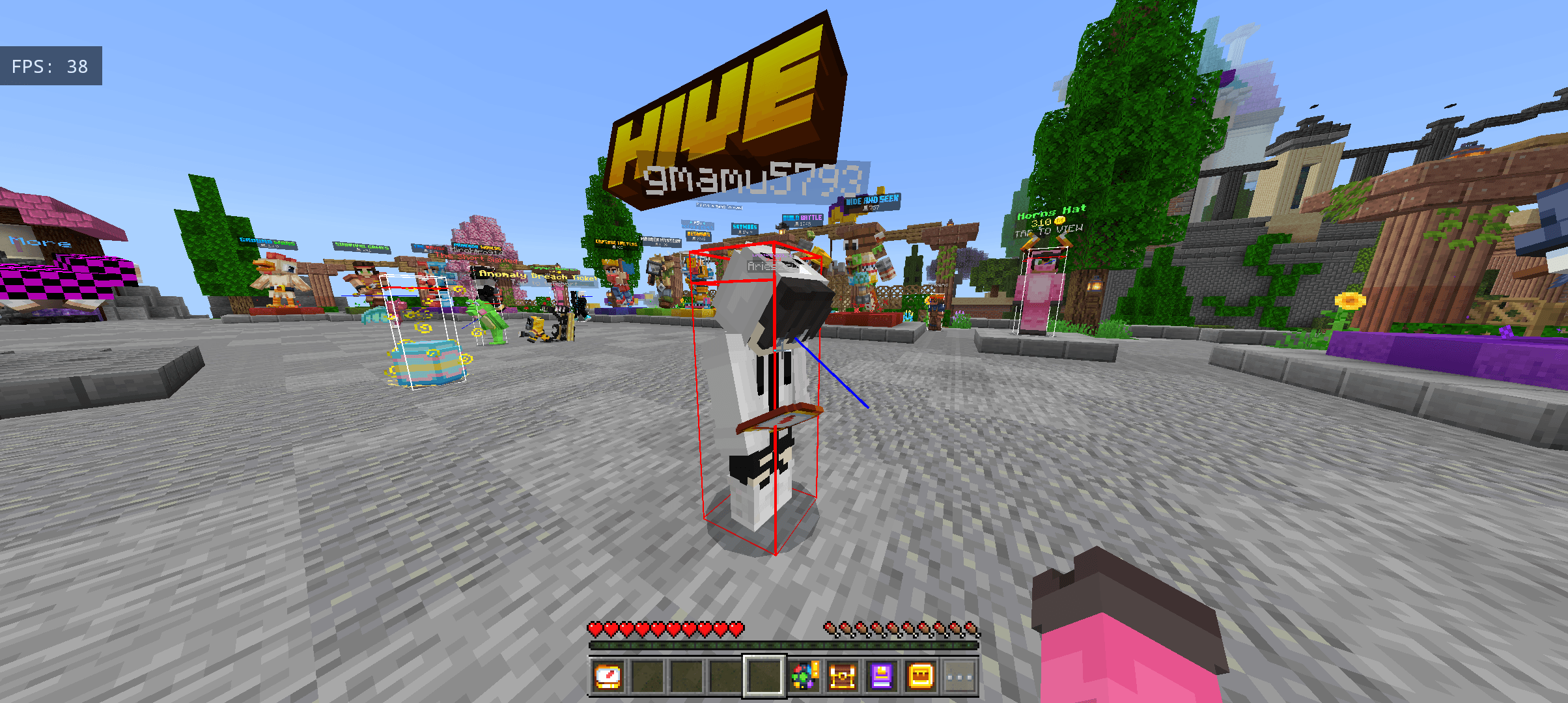
This pack adds a clean wireframe outline around every player. Shifts from white → red when player is in hitrange
✦ Features
⬥ white by default — red when in reach
⬥ Follows player state — crouch, swim, sleep
⬥ Two modes: normal & see through walls
⬥ You can switch the state or on and off the hitbox in middle of the game by pack settings
✦ Install
Download → Open → Apply in Global Resources > done.
✦ Credits
Made by Kaalu xD / yan
For any help or suggestions :
- Edition: Minecraft Bedrock
- File type: .mcpack
- Minecraft versions listed: 26.0.02, 26.0, 26.3
- How to install: Download the .mcpack. → Open it — Minecraft imports it under Resource Packs. → Activate it in Global Resources, or for one world under Resource Packs → Available.
- Where to get it: In MCModsHub, or directly above on this page.
Install steps are the general flow for this file type — How to install Minecraft Bedrock texture packs walks through it step by step.
- Pack type: .mcpack — a single pack
- Complete pack — everything it depends on is inside the file
- Download size: 19 KB
- Download link checked 3 Aug 2026 — working
These come from our own check of the pack file, not from the source page.

