Fluoroscopy Ore Outline, Glow, and X-ray
Bedrock texture pack listed for Minecraft 1.21. File opened and checked on 22 Oct 2026; installs from the MC Bedrock Mods app on Android.
⬇ Download
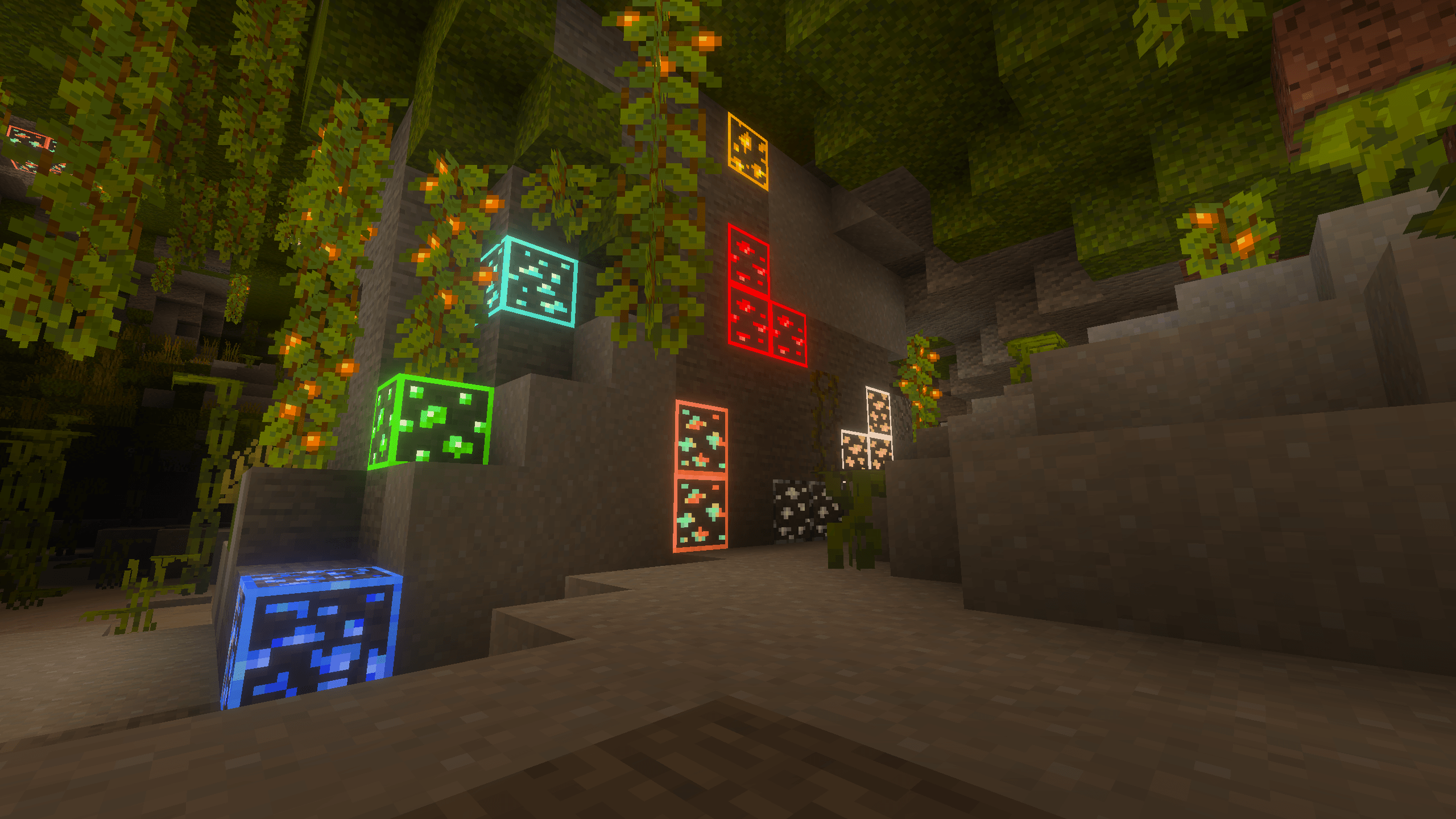
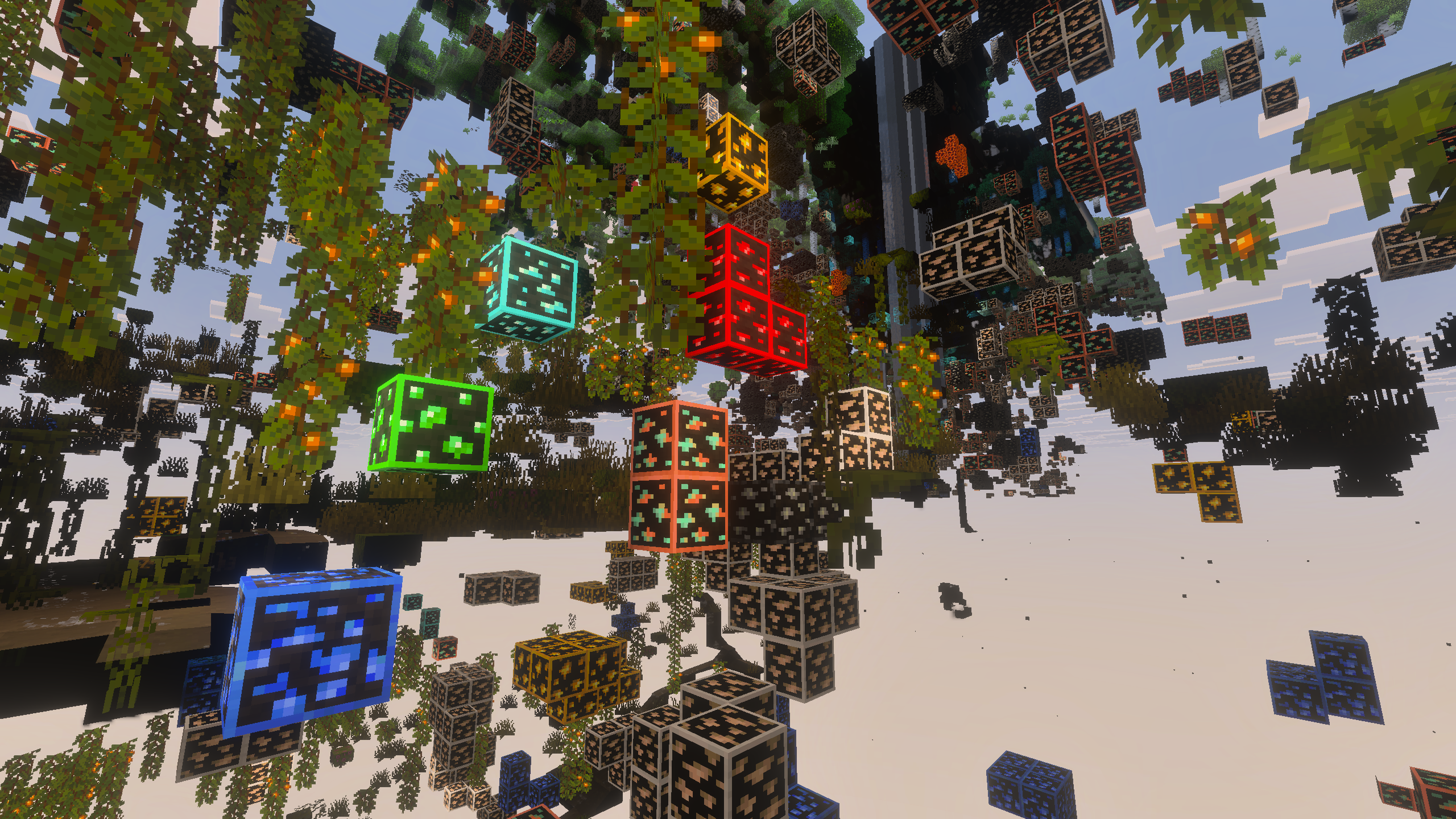
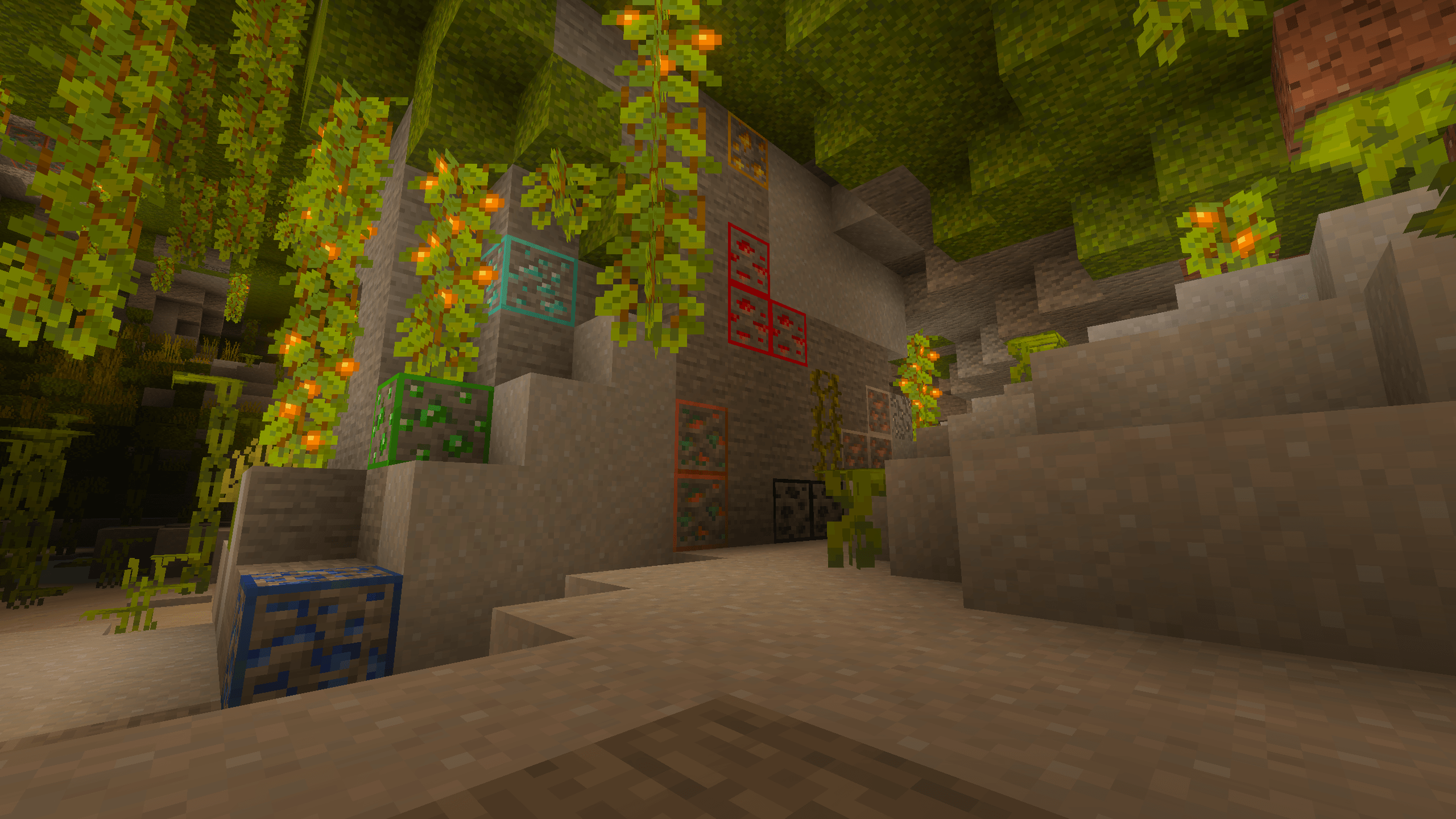
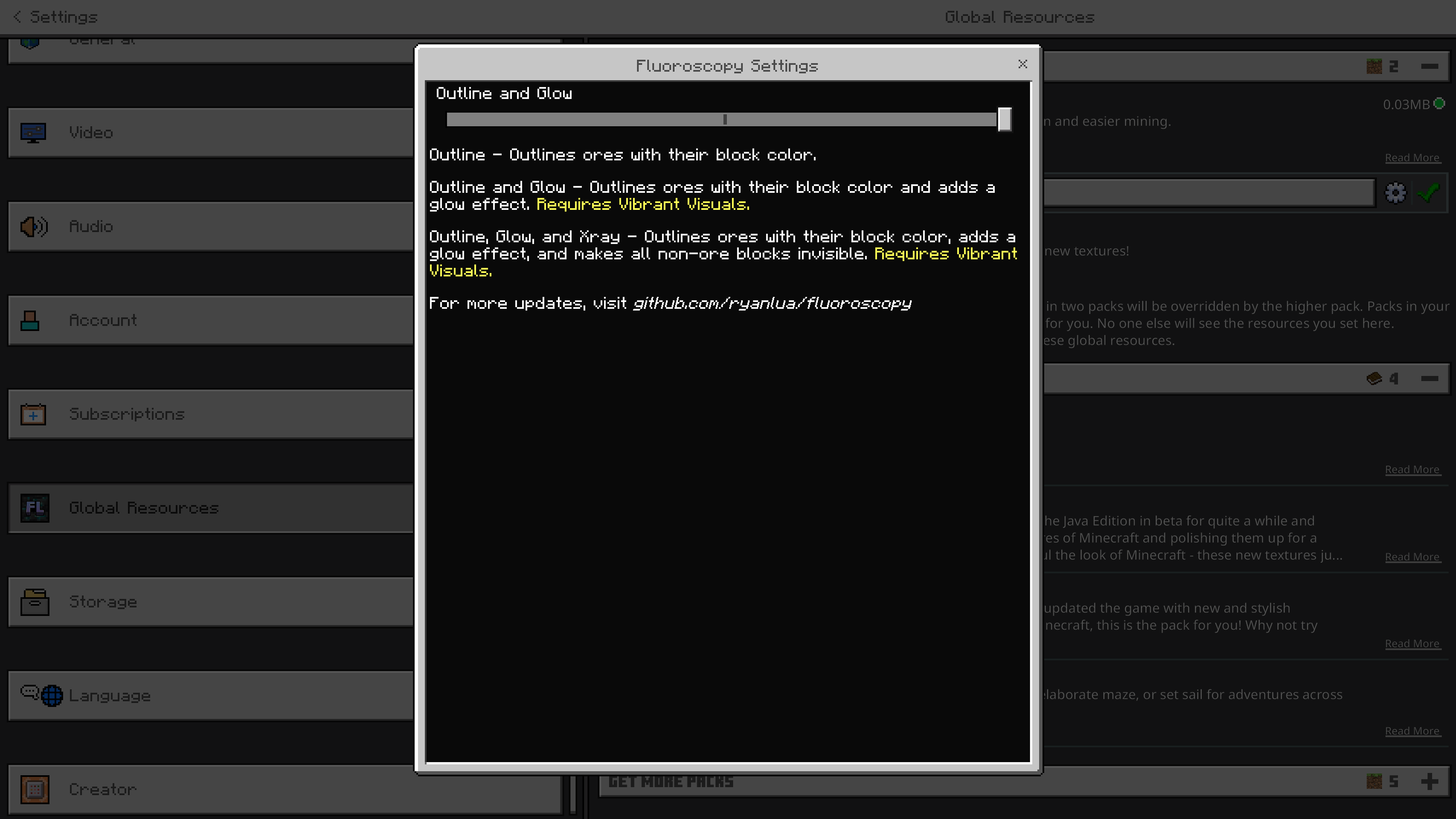



A Minecraft Bedrock Vibrant Visuals resource pack that outlines and glows ores with their block color, with optional x-ray. Fluoroscopy is designed around the new Bedrock Textures to match vanilla as much as possible.
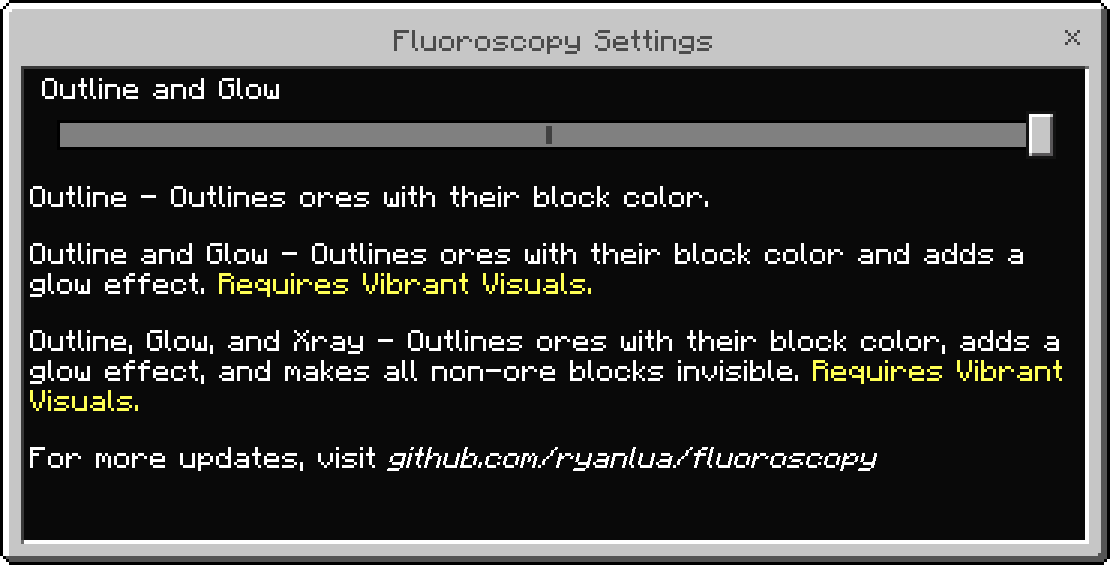
There are three settings to choose from, each providing a different level of visibility for ores:
Warning: Settings other than Outline require Vibrant Visuals to be enabled.
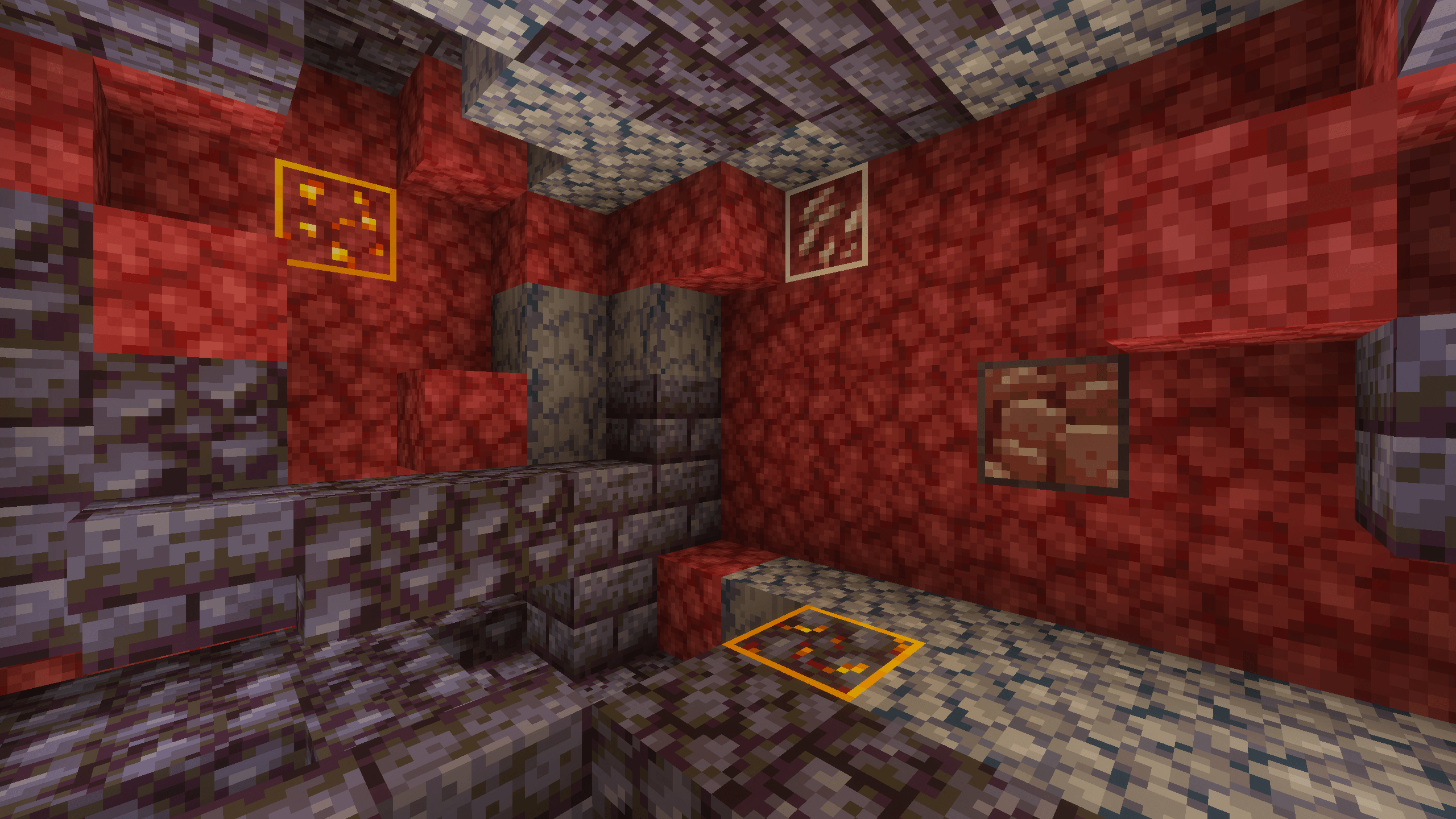
- Outline: Outlines ores with their block color.
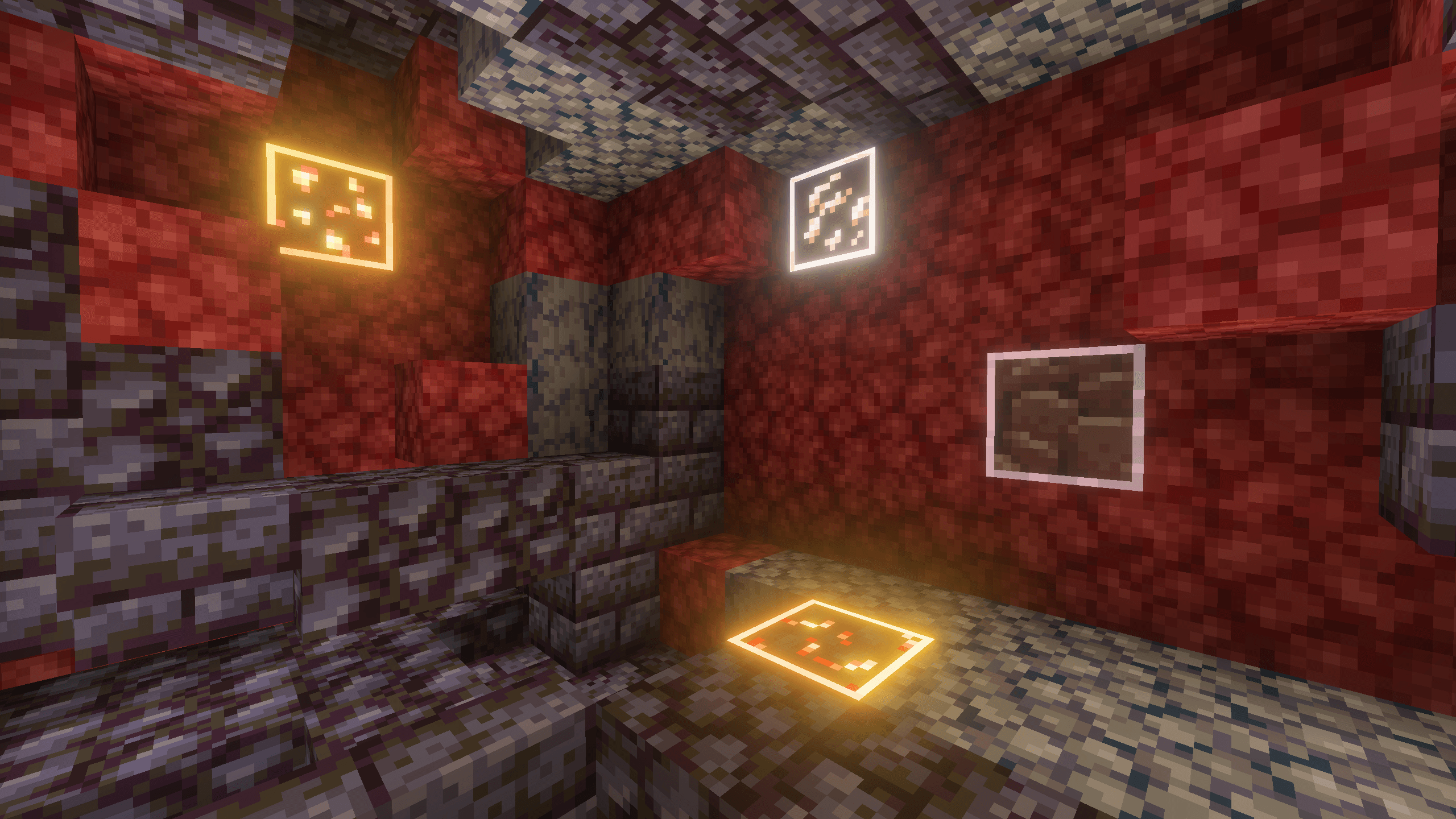
- Outline and Glow (default): Outlines ores with their block color and adds a glow effect.
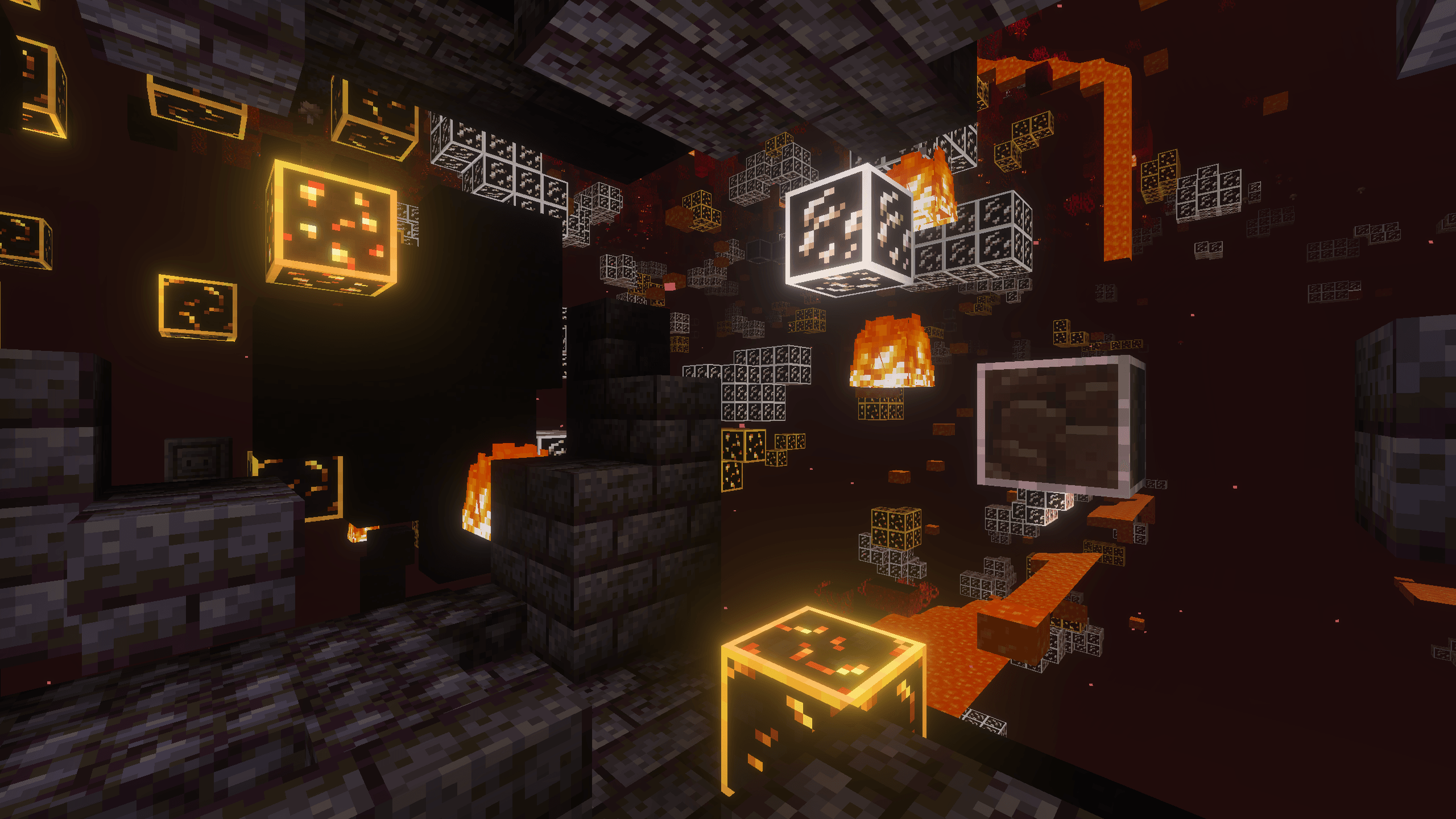
- Outline, Glow, and X-ray: Outlines ores with their block color, adds a glow effect, and makes all non-ore blocks invisible.
Each of the three settings can be seen below in both the Overworld and The Nether:
| Setting | Overworld | The Nether |
|---|---|---|
| Outline | 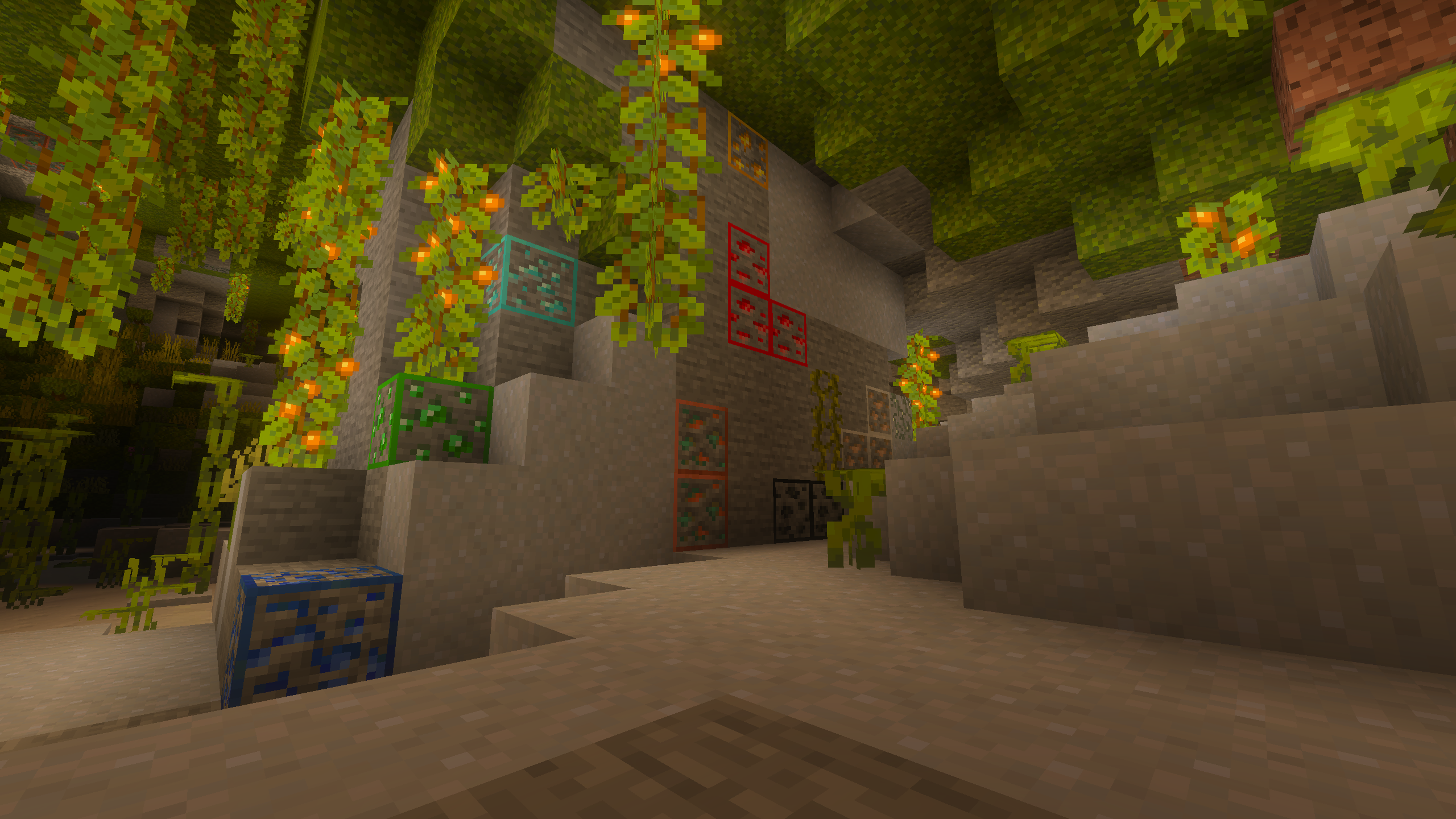 |
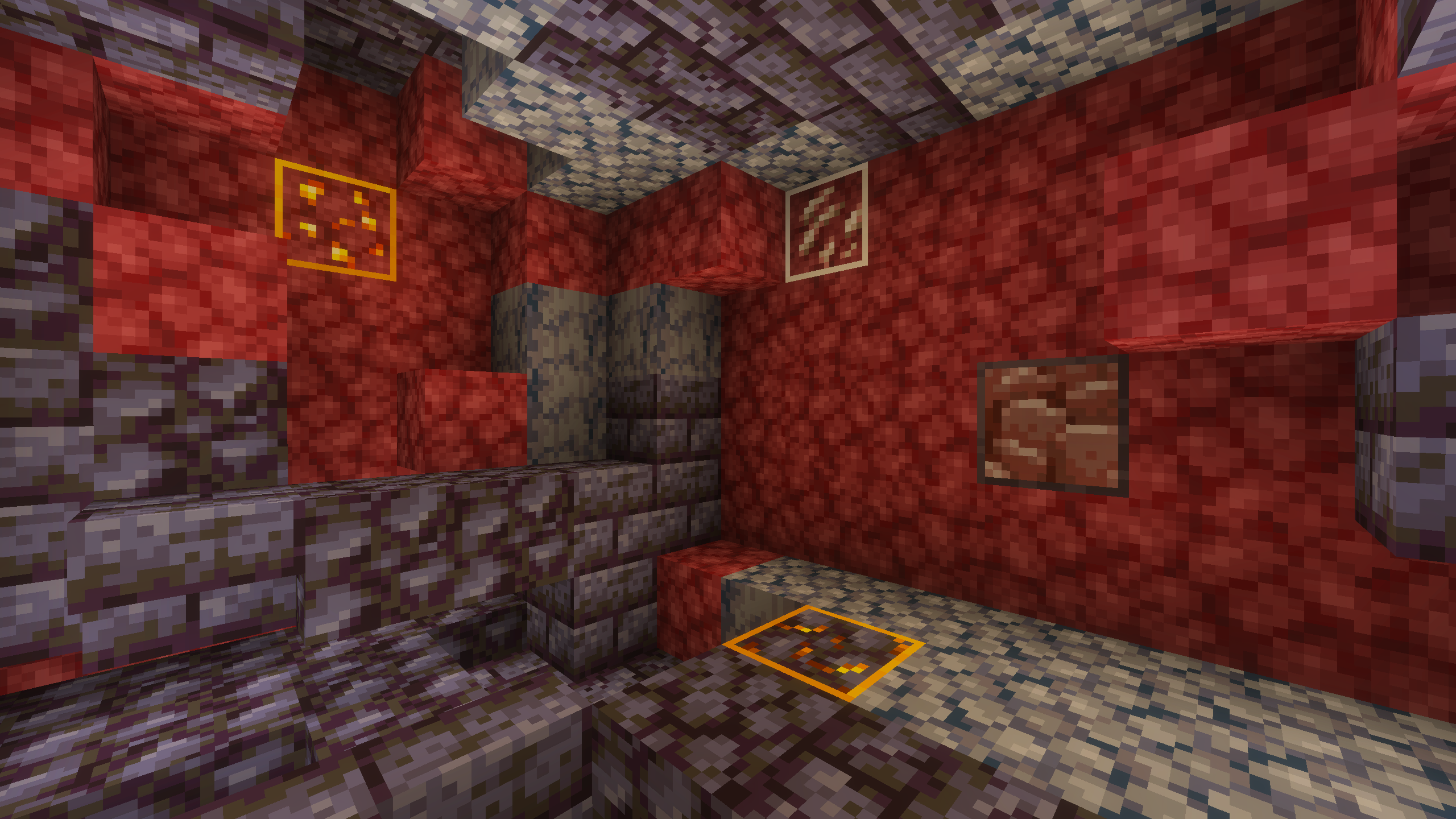 |
| Outline and Glow (default) | 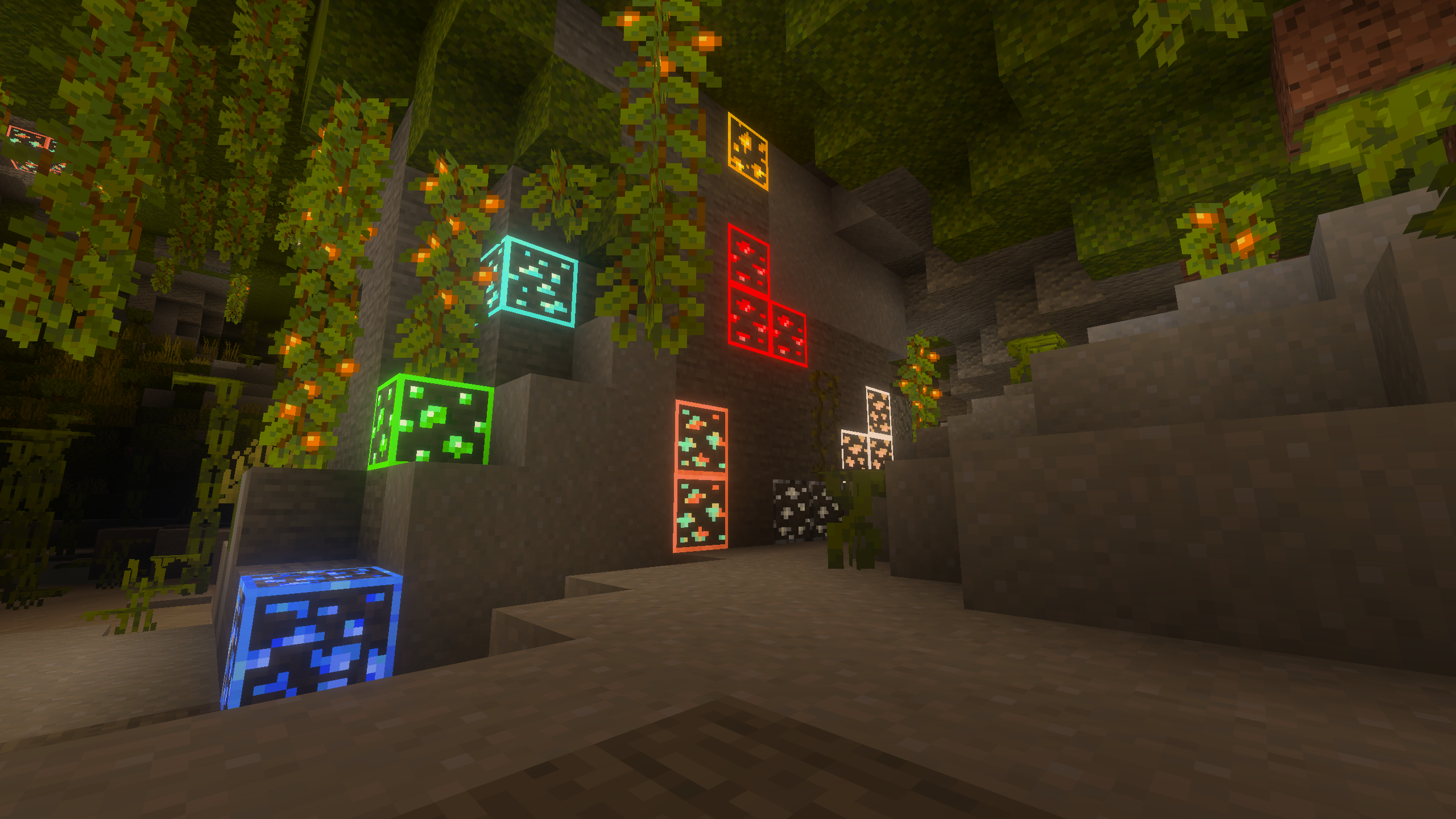 |
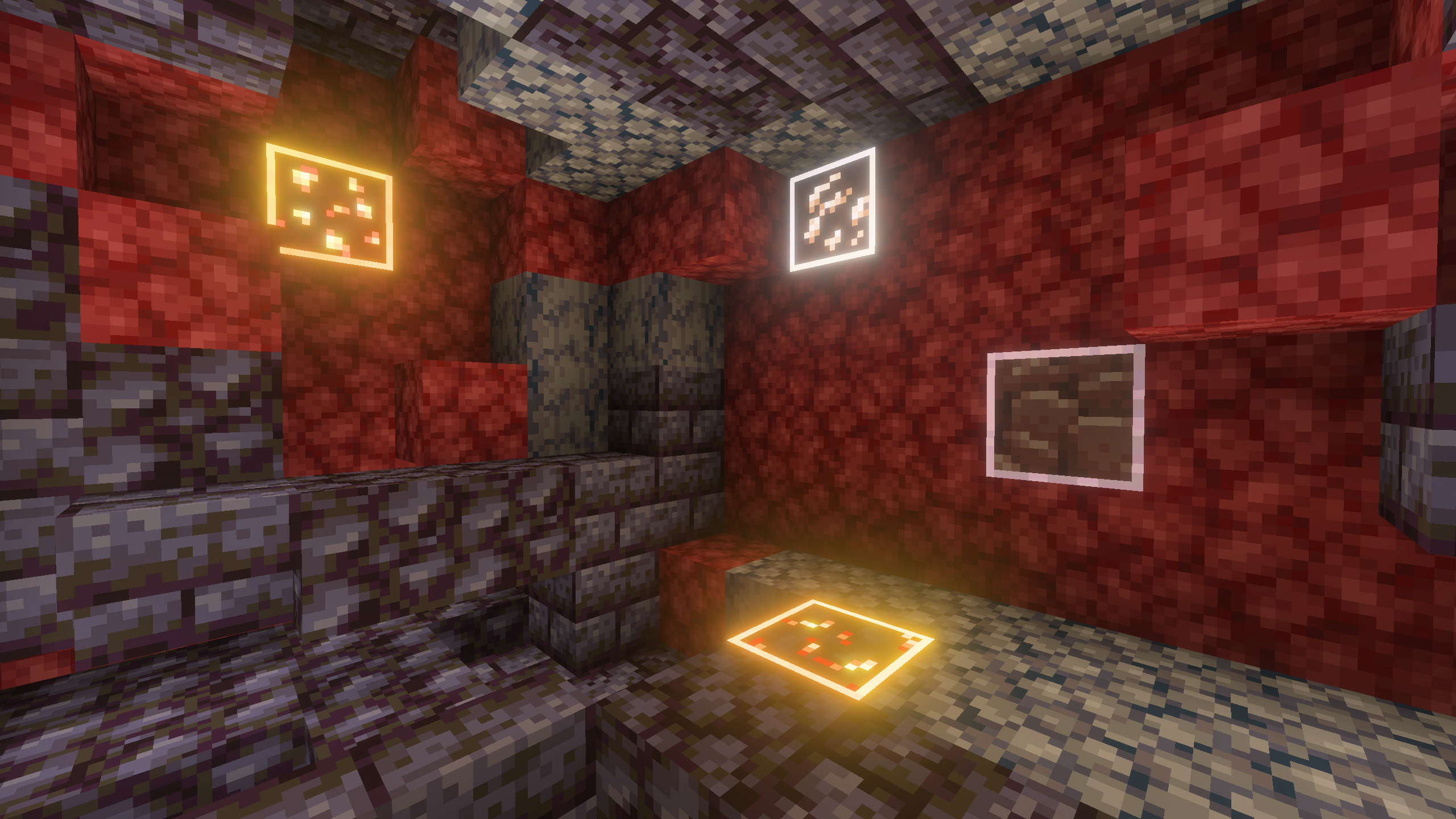 |
| Outline, Glow, and X-ray | 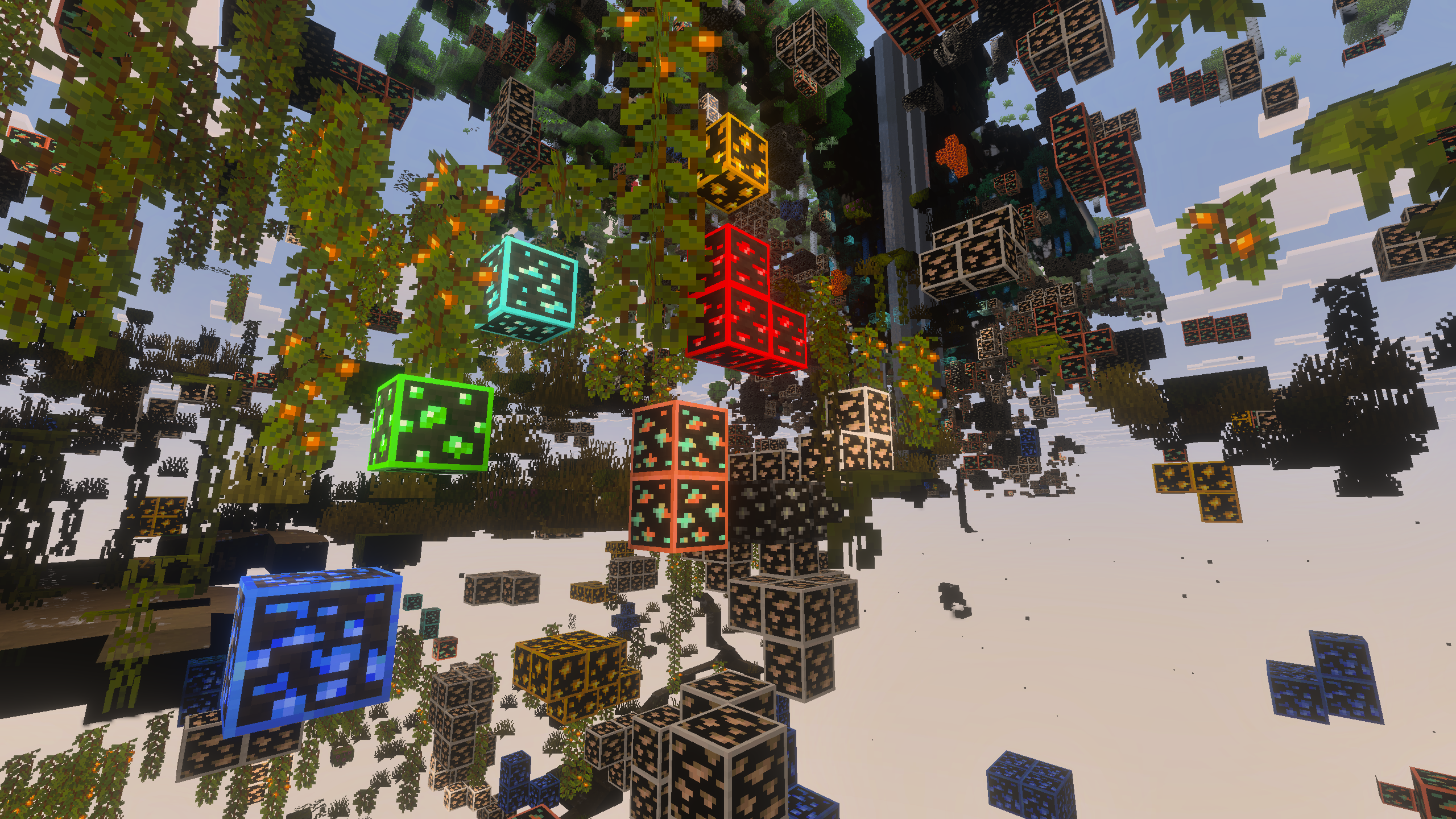 |
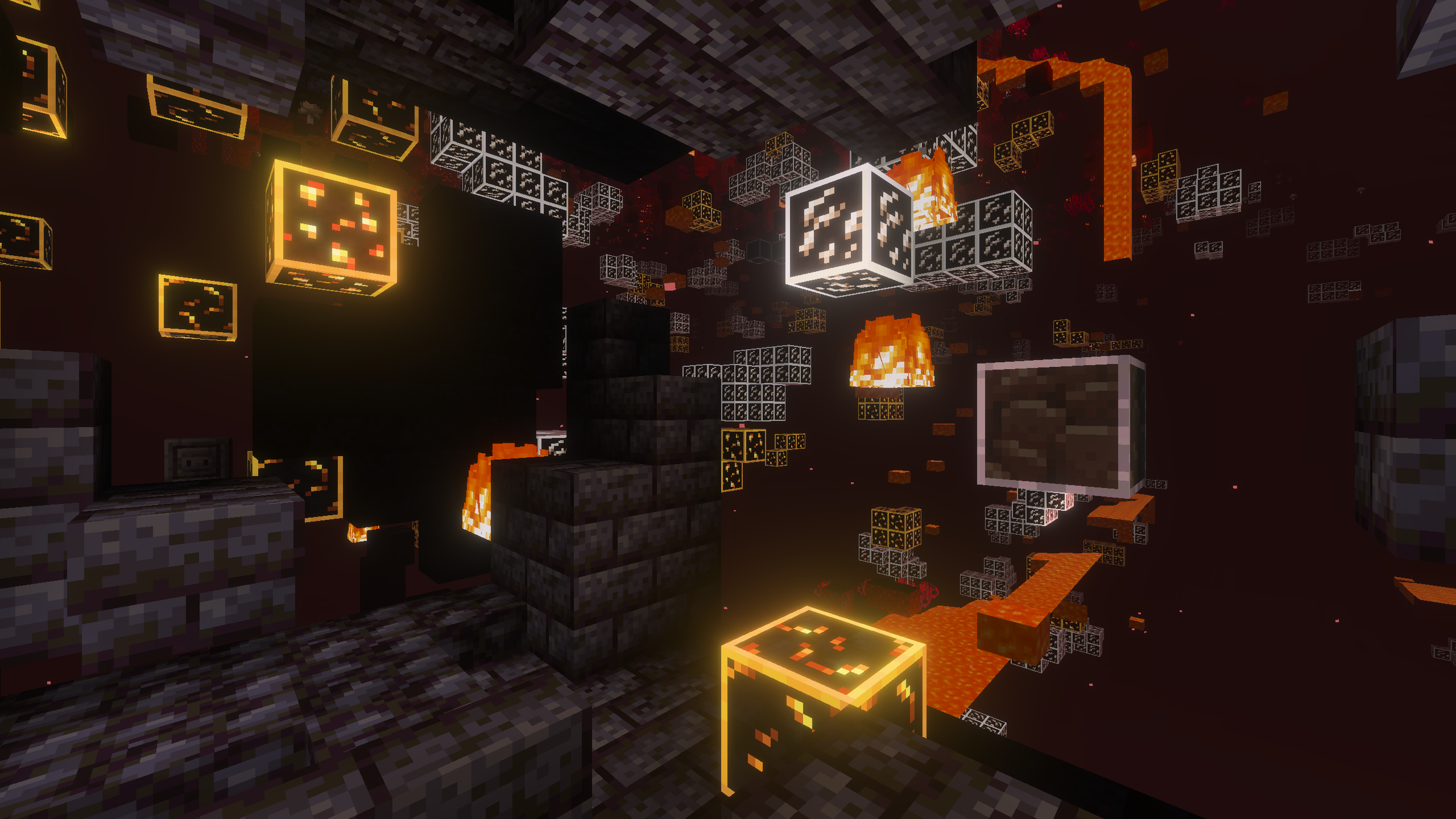 |
Ores
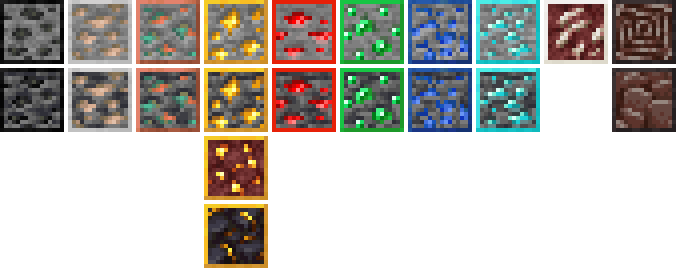
This resource pack adds colored outlines to all ore blocks in Minecraft, including:
- Coal Ore
- Iron Ore
- Copper Ore
- Gold Ore
- Nether Gold Ore
- Gilded Blackstone
- Redstone Ore
- Emerald Ore
- Lapis Lazuli Ore
- Diamond Ore
- Nether Quartz Ore
- Ancient Debris
All deepslate variants are also included with matching outlines.
- Edition: Minecraft Bedrock
- File type: .mcpack
- Minecraft versions listed: 1.21.130, 1.21.131, 1.21.132
- How to install: Download the .mcpack. → Open it — Minecraft imports it under Resource Packs. → Activate it in Global Resources, or for one world under Resource Packs → Available.
- Where to get it: In MCModsHub, or directly above on this page.
Install steps are the general flow for this file type — How to install Minecraft Bedrock texture packs walks through it step by step.
- Pack type: .mcpack — a single pack
- Complete pack — everything it depends on is inside the file
- Download size: 48 KB
- Download link checked 3 Aug 2026 — working
These come from our own check of the pack file, not from the source page.