No Fog Ultra
Bedrock texture pack listed for Minecraft 1.21–26.x. File opened and checked on 21 Sep 2026; installs from the MC Bedrock Mods app on Android.
With No Fog Texture Pack, fog is removed to boost visibility, improve PvP awareness, and make distant areas clearer even on low render distance.
⬇ DownloadThe author built this one for Minecraft 1.21–26.50. On other versions it may install and then do nothing.
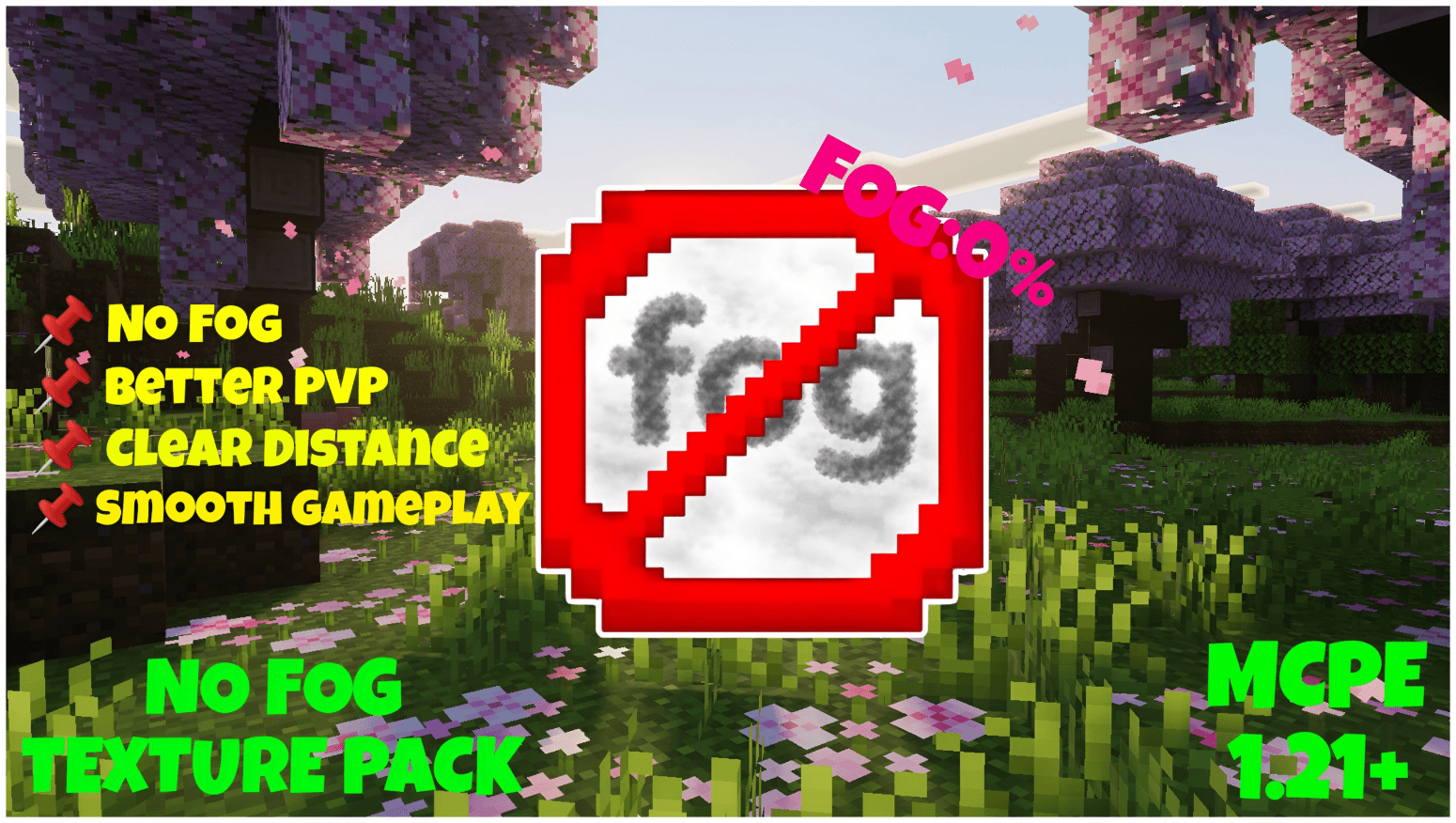
with No Fog Texture Pack, fog is completely removed to give you maximum visibility across all environments, making distant terrain clear even at lower render distances. This improves PvP by helping you spot players and mobs faster without any visual obstruction, giving you a strong advantage. It also enhances exploration and building with a clean, distraction-free view while remaining lightweight and performance-friendly.

With No Fog underwater fog is removed to give clear vision while swimming, helping you spot mobs, structures, and terrain easily even at low render distance.
New update: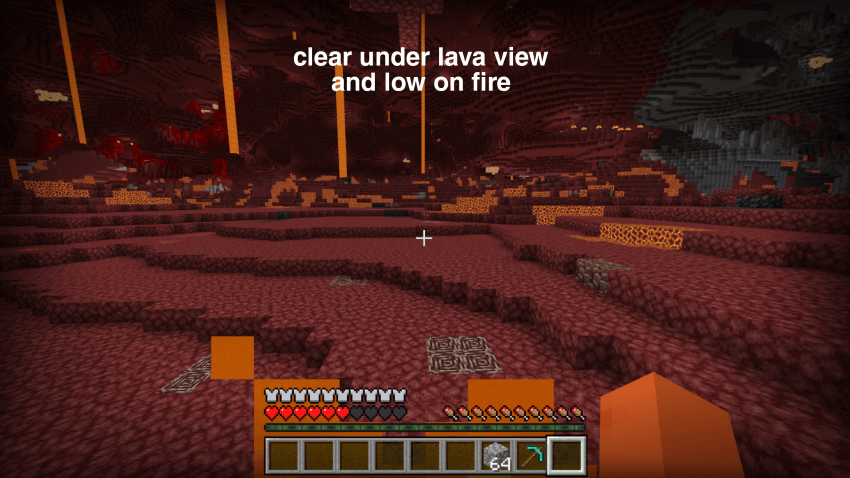
Key features
- No Fog ultra– Completely removes fog in all biomes and dimensions.
- Improves visibility at low render distances.
- Better PvP awareness by making players and mobs easier to spot.
- Clear view for exploration, building, and navigation.
- Lightweight and smooth, no performance impact.
- Keeps the game authentic and achievement-safe (no behaviour pack needed).
Recommended settings
- Use lower or medium render distance for best performance and clarity.
- Graphics mode can be Simple or Fancy — the pack supports both.
Install
- Place the resource pack in your resource_packs folder / import it in-game.
- Edit or create a world → Resource Packs → enable No Fog Texture Pack.
No Fog Ultra Texture Pack
- Edition: Minecraft Bedrock
- File type: .mcpack
- Minecraft versions listed: 1.21.20, 1.21.101, 1.21.82
- How to install: Download the .mcpack. → Open it — Minecraft imports it under Resource Packs. → Activate it in Global Resources, or for one world under Resource Packs → Available.
- Where to get it: In MCModsHub, or directly above on this page.
Install steps are the general flow for this file type — How to install Minecraft Bedrock texture packs walks through it step by step.
- Pack type: .mcpack — a single pack
- Complete pack — everything it depends on is inside the file
- Download size: 913 KB
- Download link checked 25 Aug 2026 — working
These come from our own check of the pack file, not from the source page.