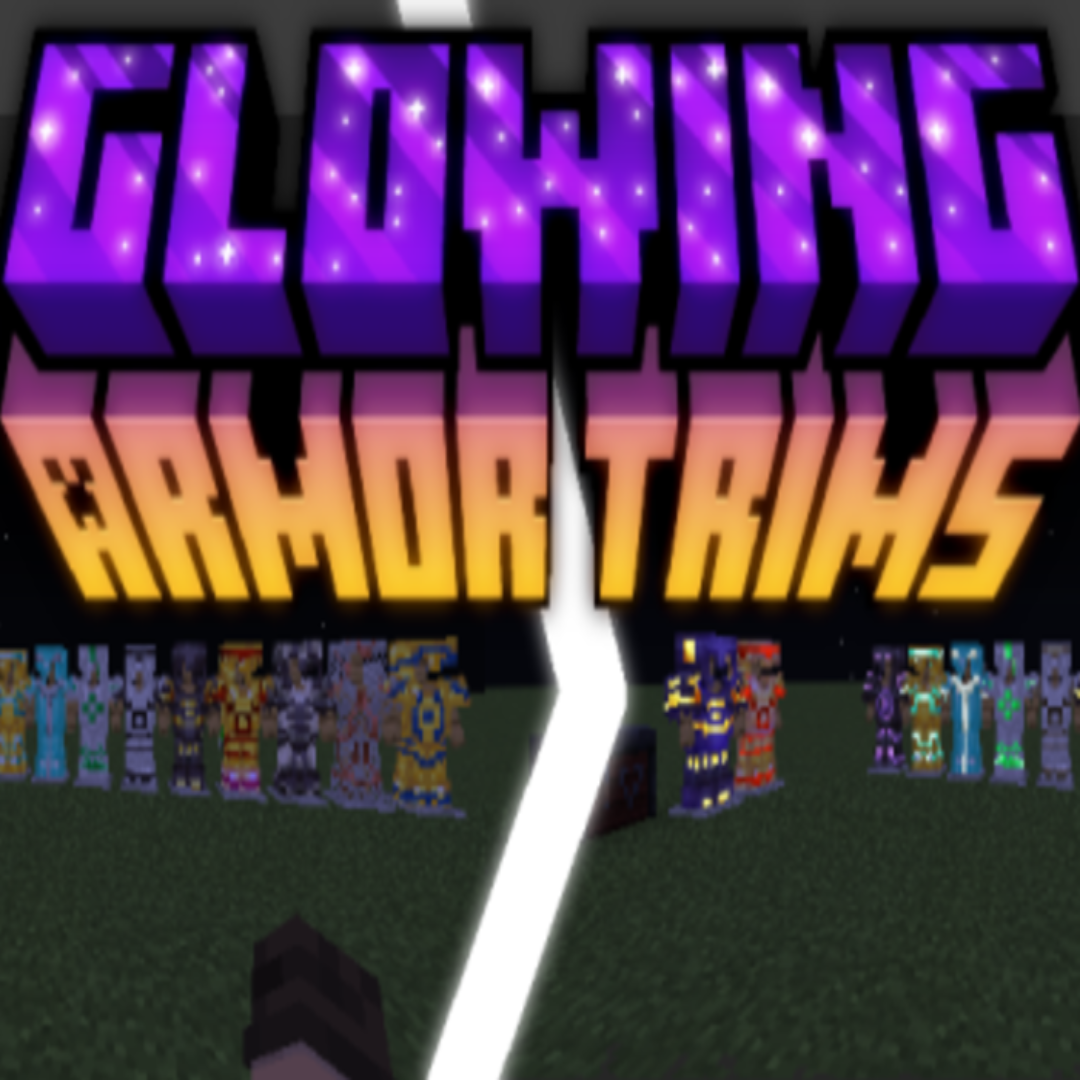
Glowing Armor Trims
Bedrock texture pack listed for Minecraft 1.20–1.21. File opened and checked on 19 Sep 2026; installs from the MC Bedrock Mods app on Android.
I don't know my version
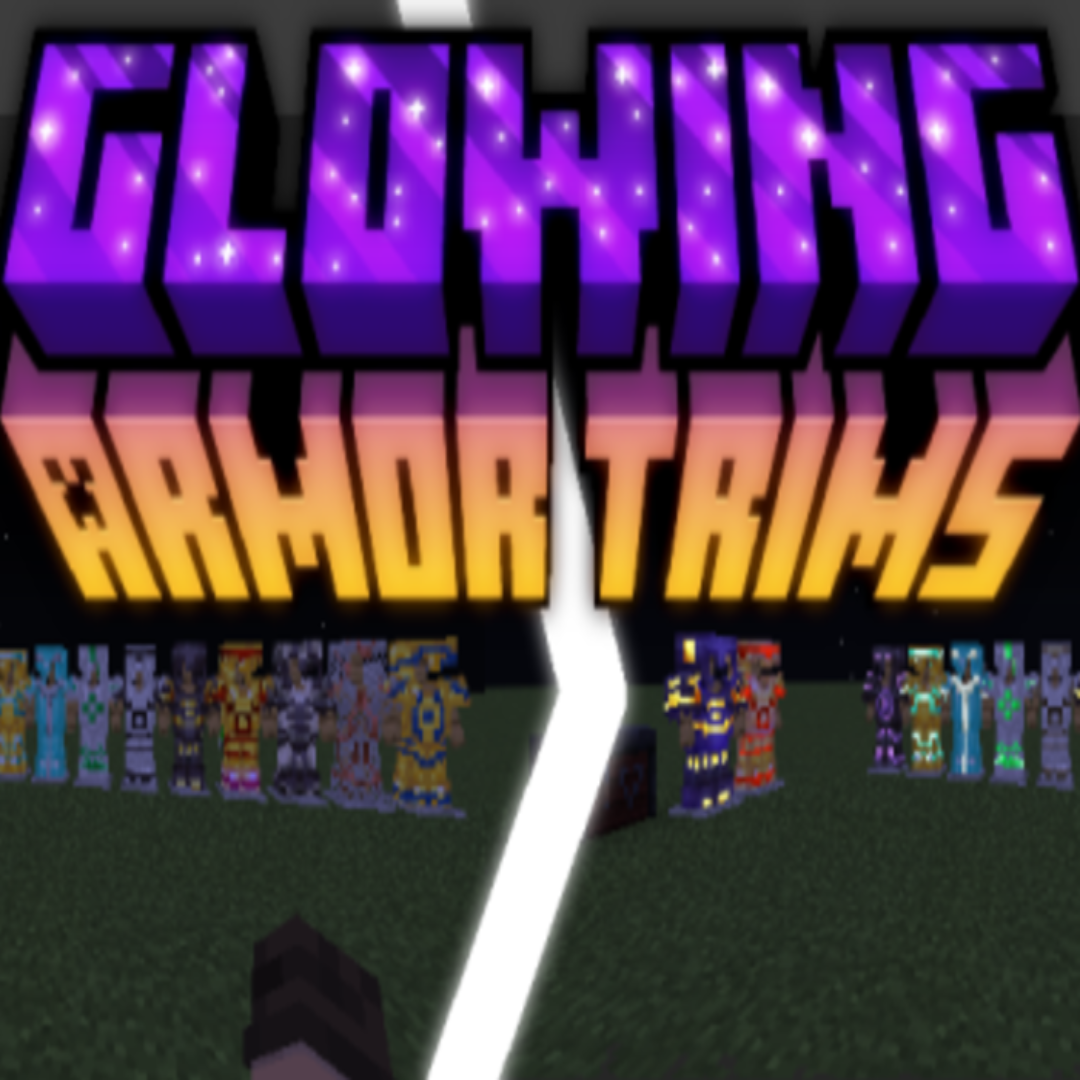
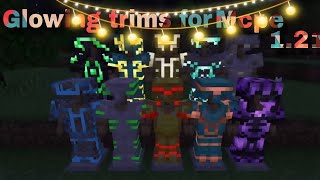
Do you think that Armor Trims look very dull and non-shiny. As the name suggests 'Armor Trims', there should be some glow according to the material used to make the trim. Here it is! Glowing Armor Trims is a Resource Pack (Not Shader!) which makes every type of trim made with any material or template, have a glow! It is a better way to show off your good looking trims!
Not:
- Leather Armors do not glow because of some material glitch.
- Some armors trims may look dark because they use a darker color palette as their texture.
- Icons of armors with trims look same as the ones without trims, so please adjust with that!
In-game screenshots:
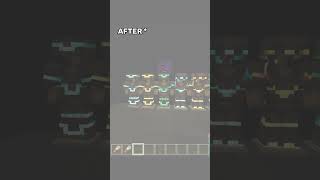
Without pack enabled:

With Pack enabled:
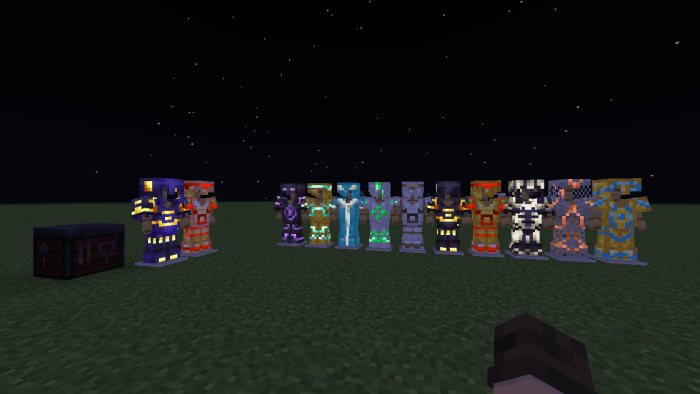
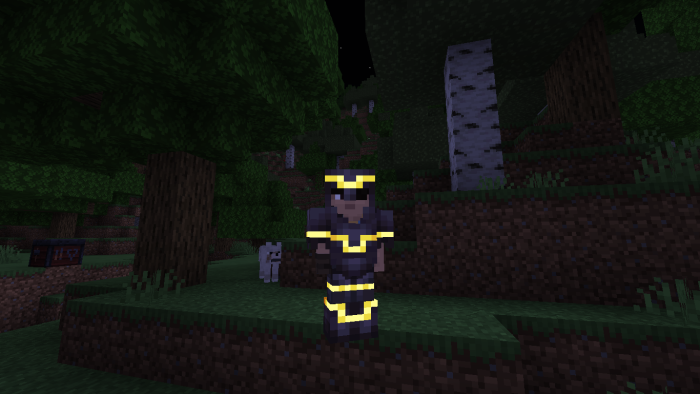
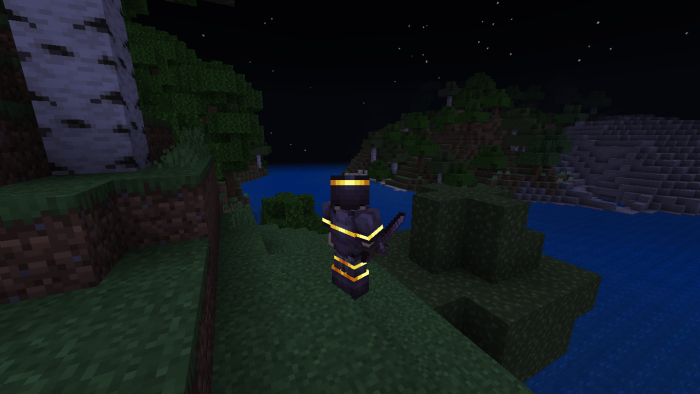
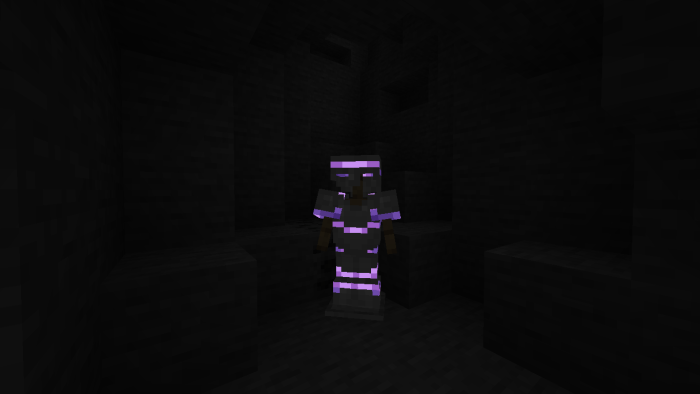
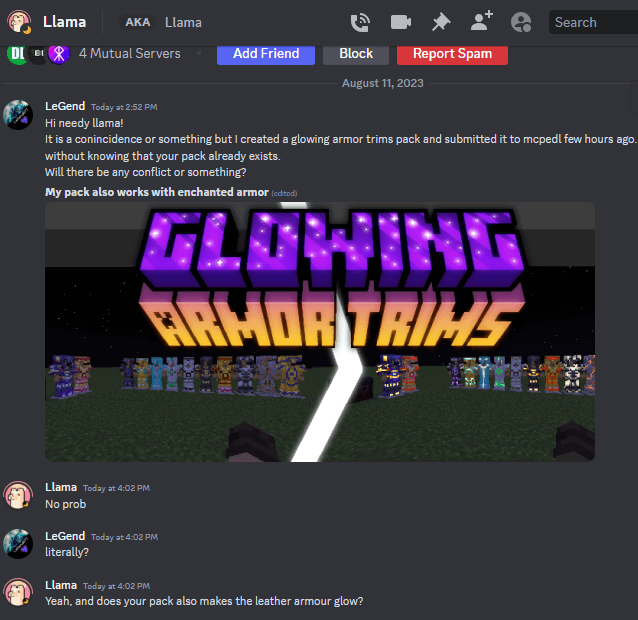
A pack similar to mine already existed...
Permission to publish similar pack to theirs:
Link: https://mcpedl.com/glimmering-armour-trims-resource-pack
- Edition: Minecraft Bedrock
- File type: .mcpack
- Minecraft versions listed: 1.21.130, 1.21.131, 1.21.132
- How to install: Download the .mcpack. → Open it — Minecraft imports it under Resource Packs. → Activate it in Global Resources, or for one world under Resource Packs → Available.
- Where to get it: Opens on CurseForge — not every file is mirrored on our own servers.
Install steps are the general flow for this file type — How to install Minecraft Bedrock texture packs walks through it step by step.
- Save it as glowarm.mcaddon before opening — it downloads as .mcpack, but it is a .mcaddon pack
- Manifest requires Minecraft 1.20.0 or newer
- Complete pack — everything it depends on is inside the file
- Download size: 51 KB
- Download link checked 26 Oct 2026 — working
These come from our own check of the pack file, not from the source page.