Texture packsBedrock
Lunar Shader
Bedrock texture pack listed for Minecraft 1.20–26.x. File opened and checked on 15 Oct 2026; installs from the MC Bedrock Mods app on Android.
I don't know my version
Open Minecraft and look at the bottom-left corner of the main screen — the version is printed there, like v1.26.30.
The game writes a 1. in front; the buttons above leave it off. v1.26.30 in the game is 26.30 here.
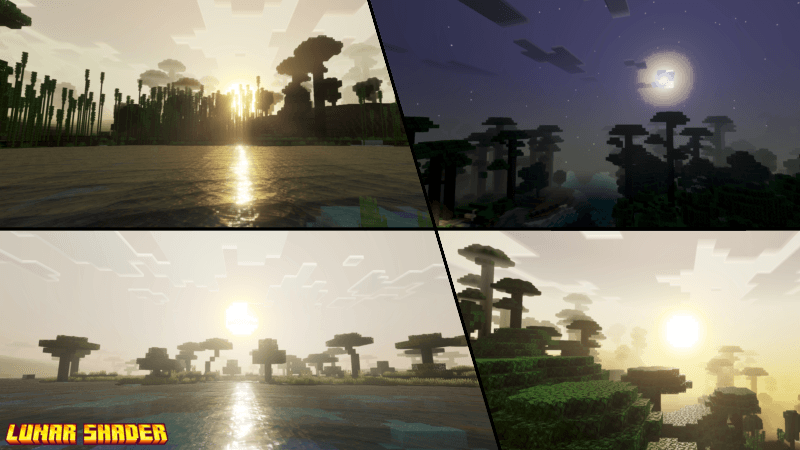
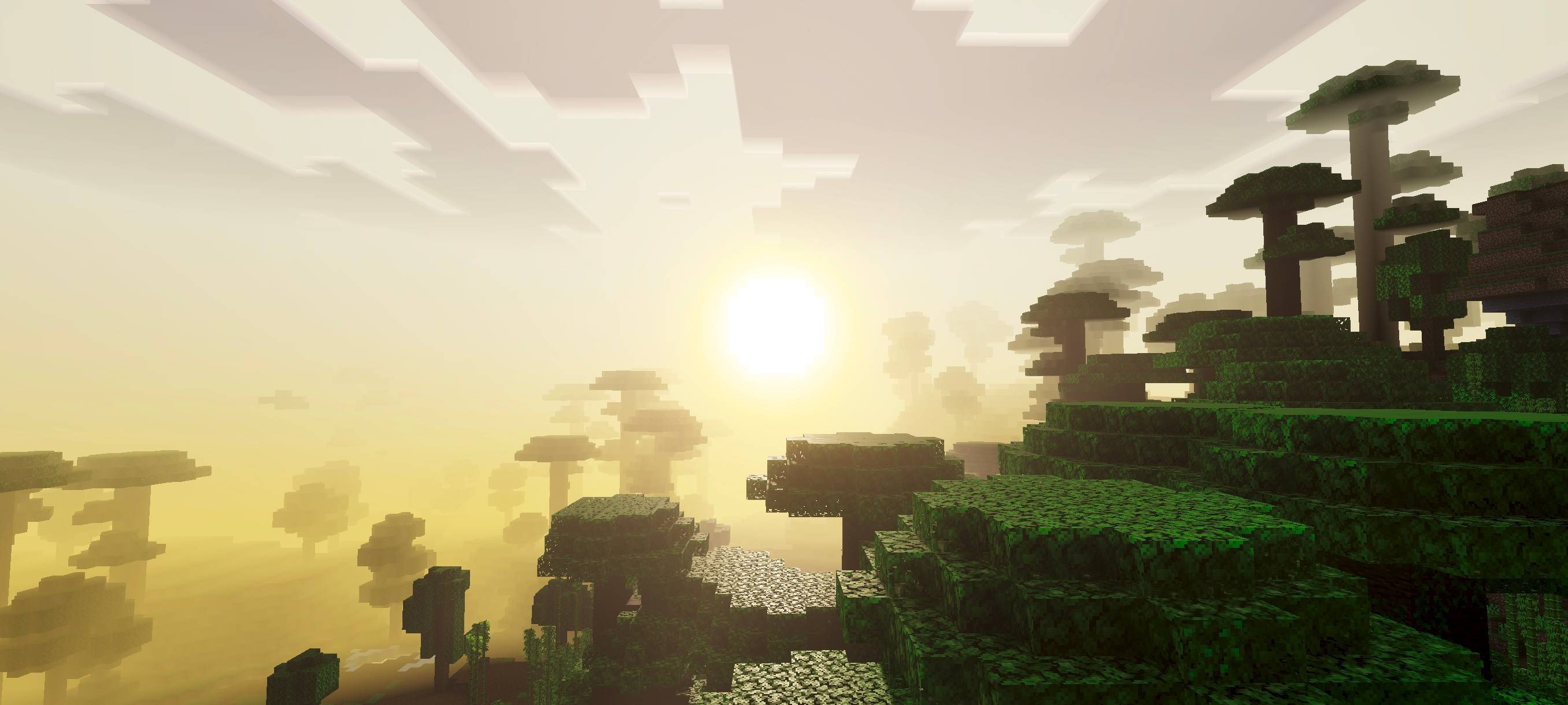
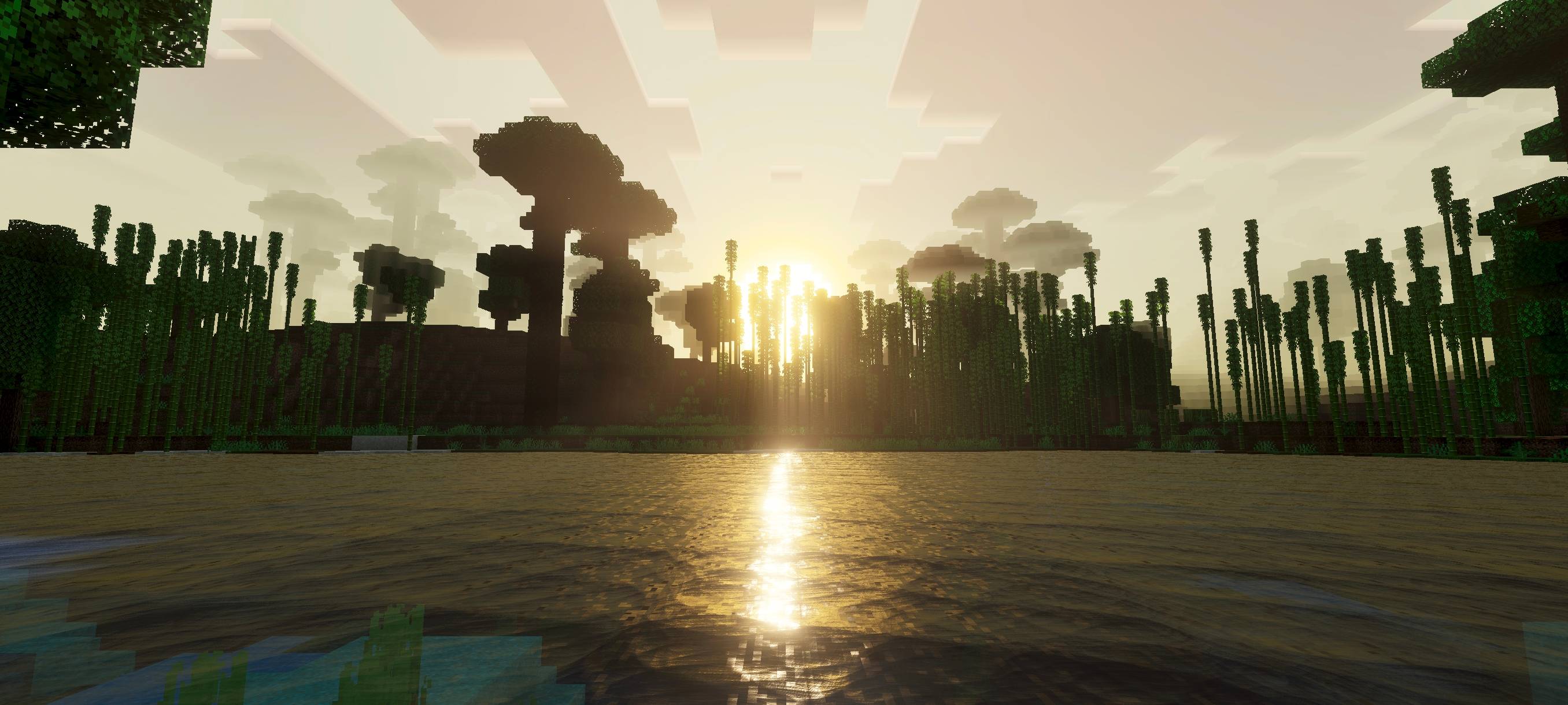
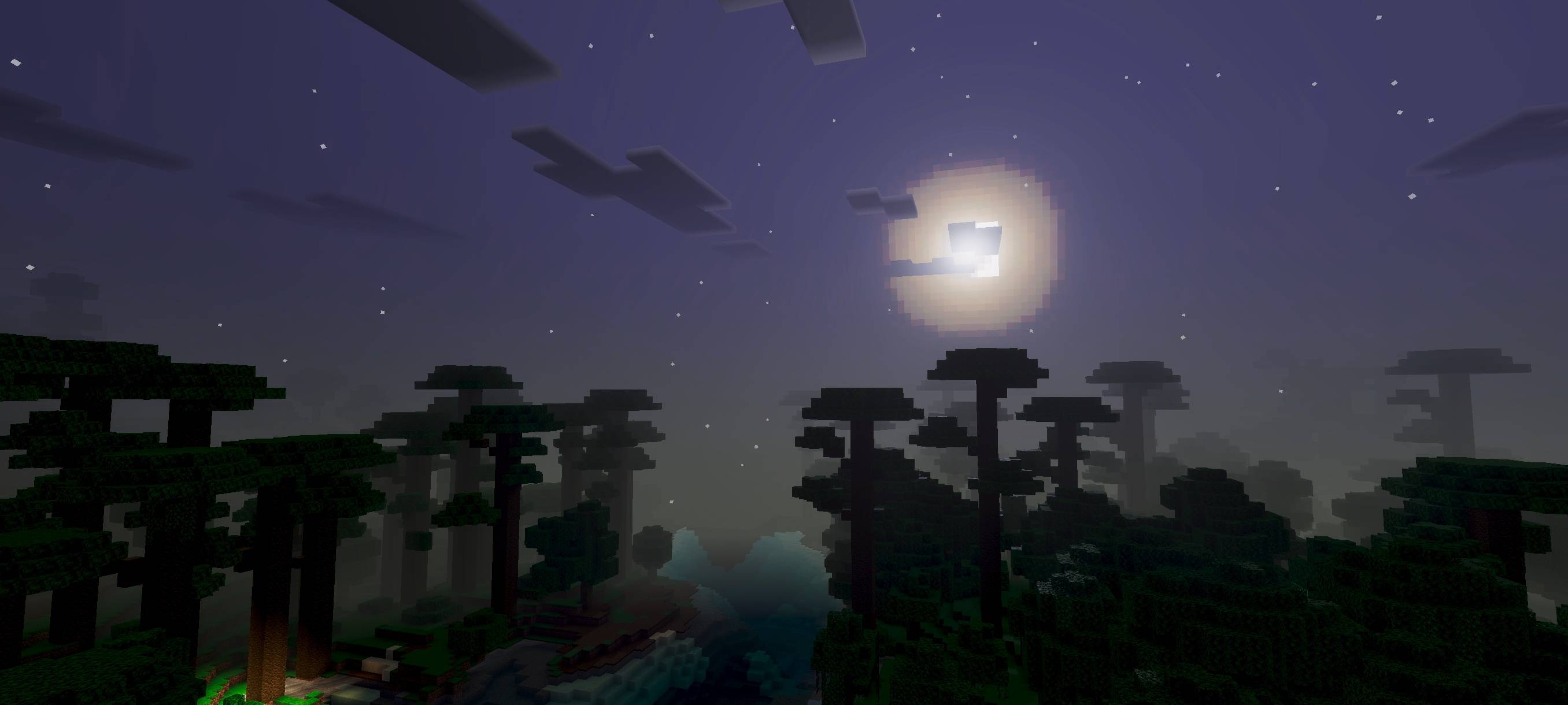
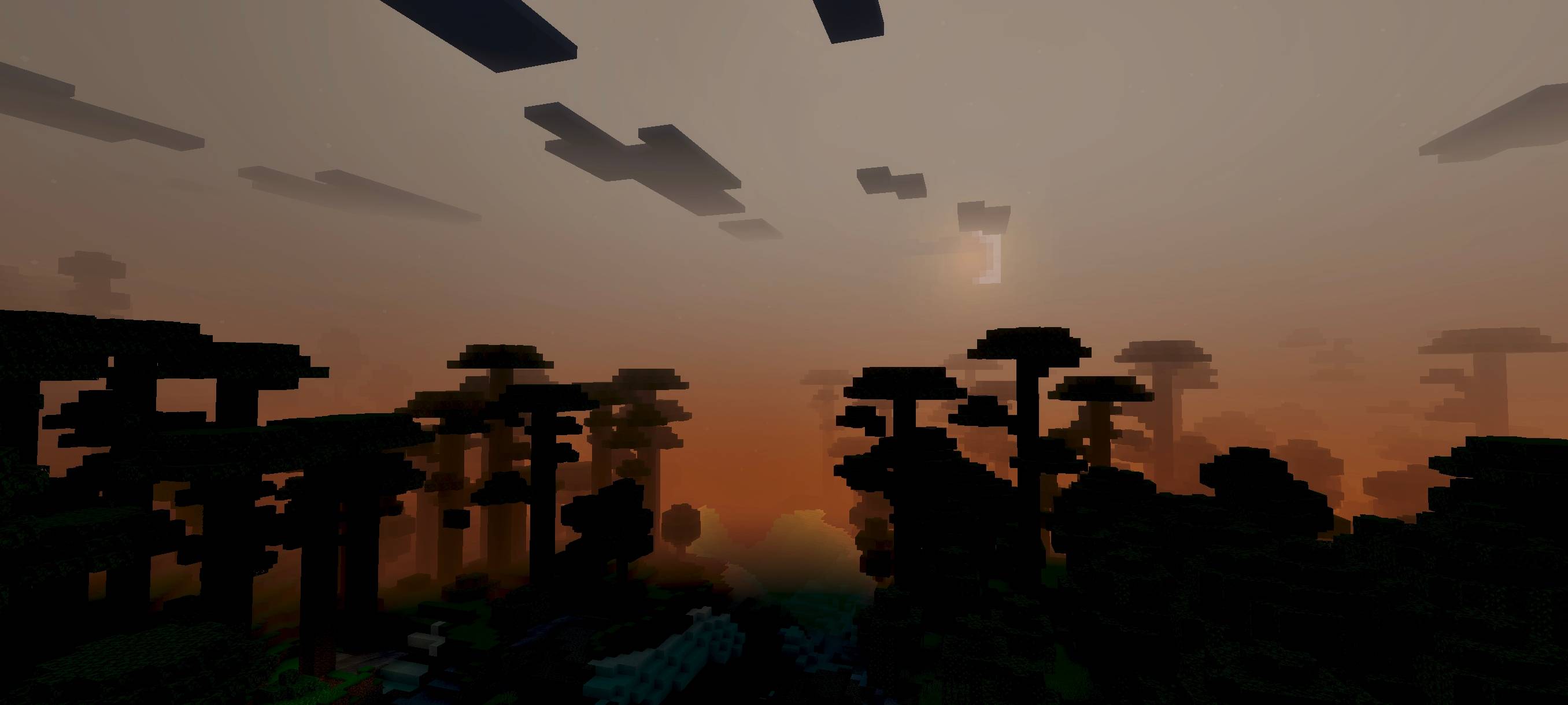
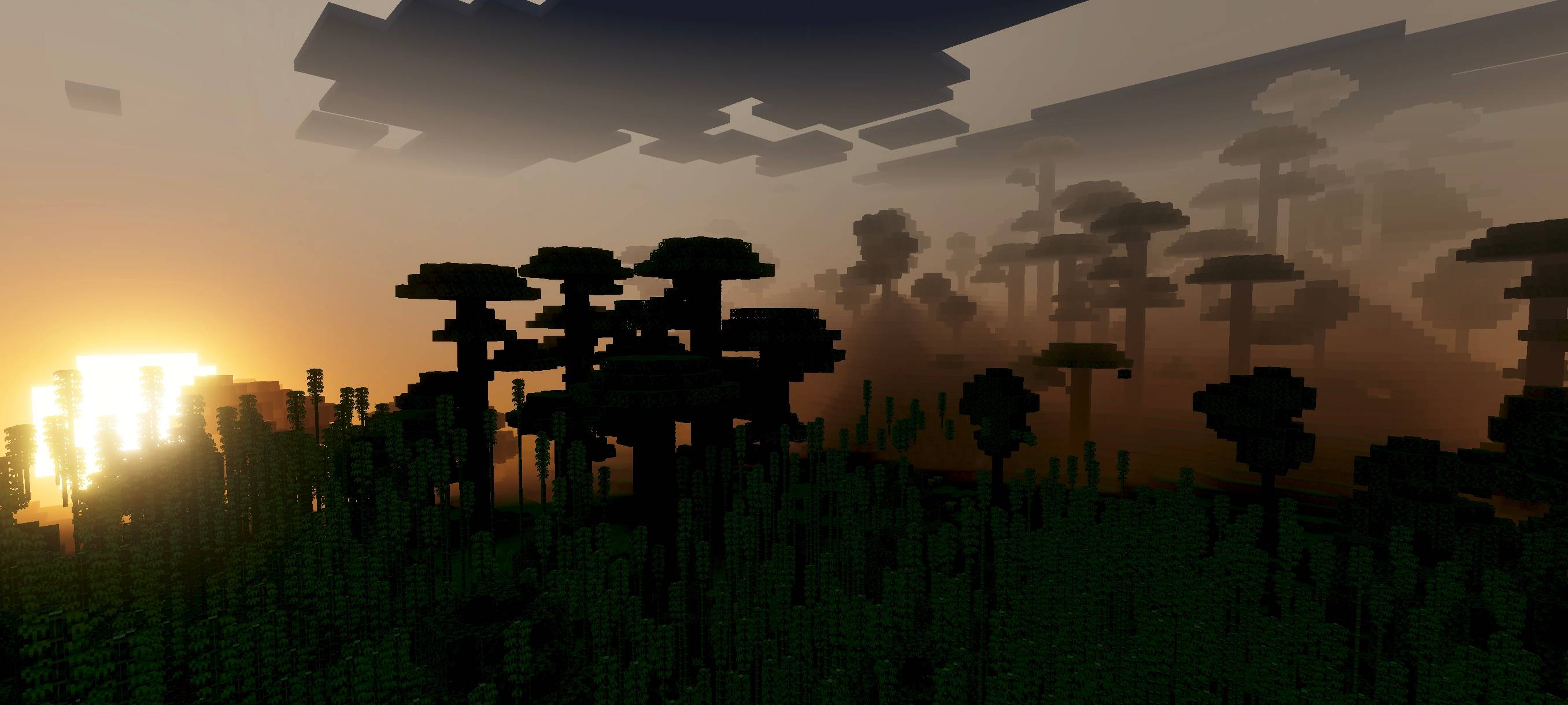
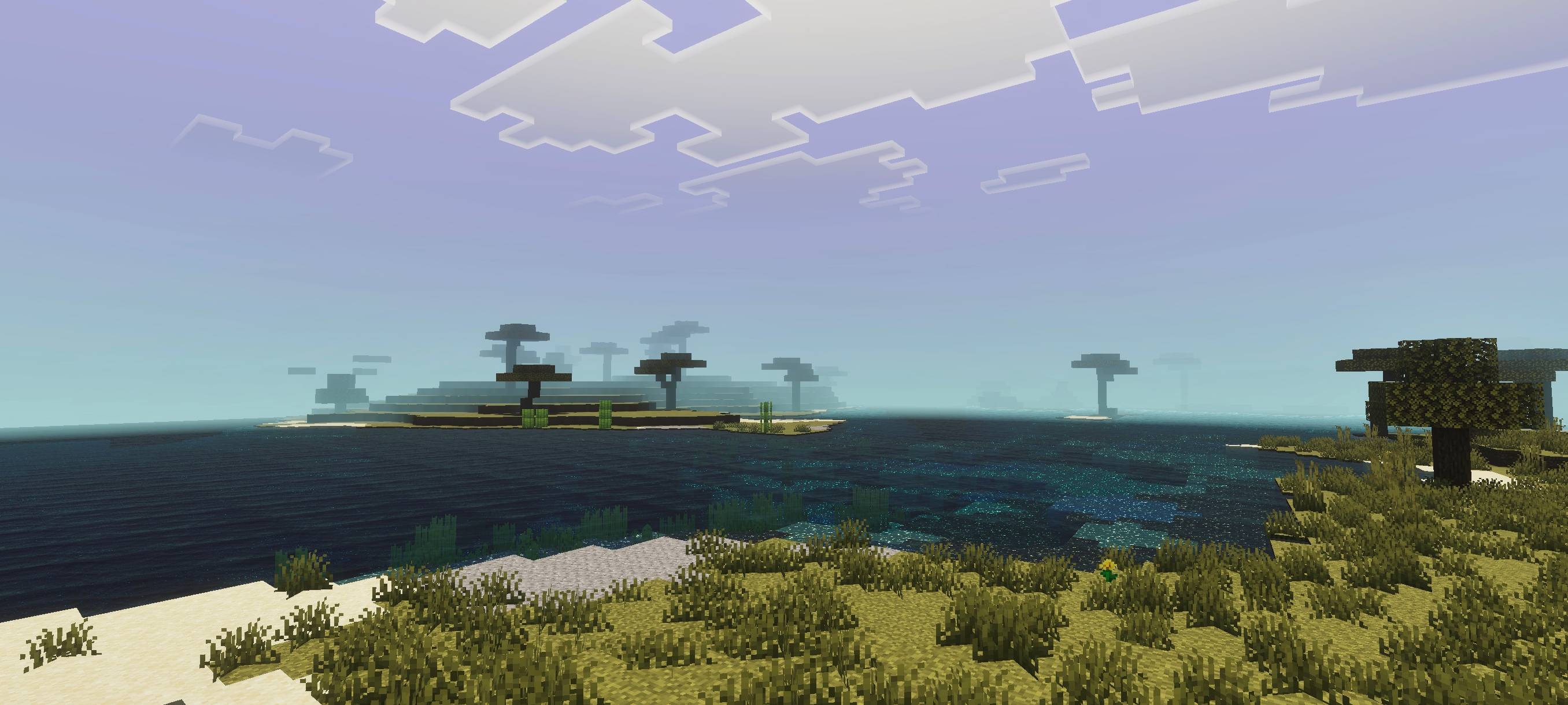
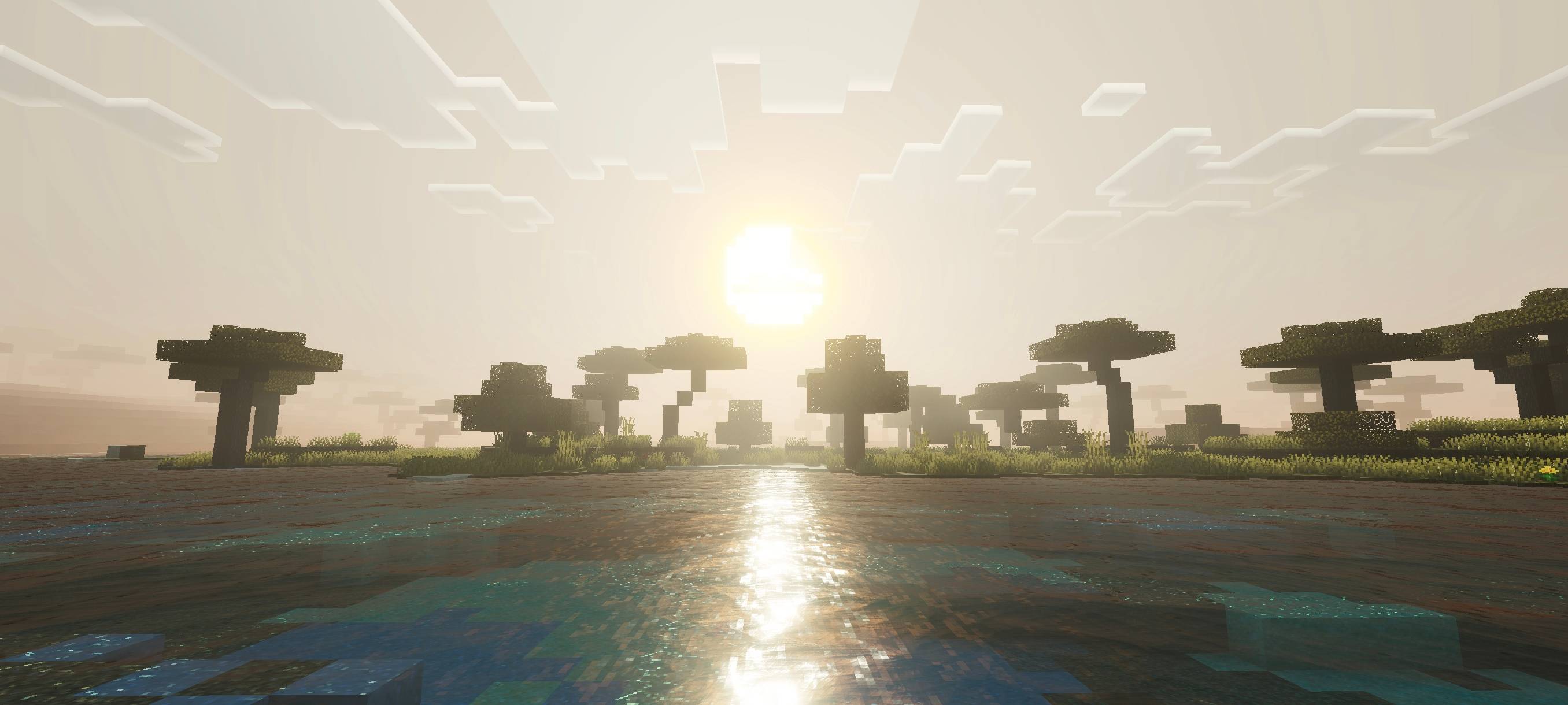
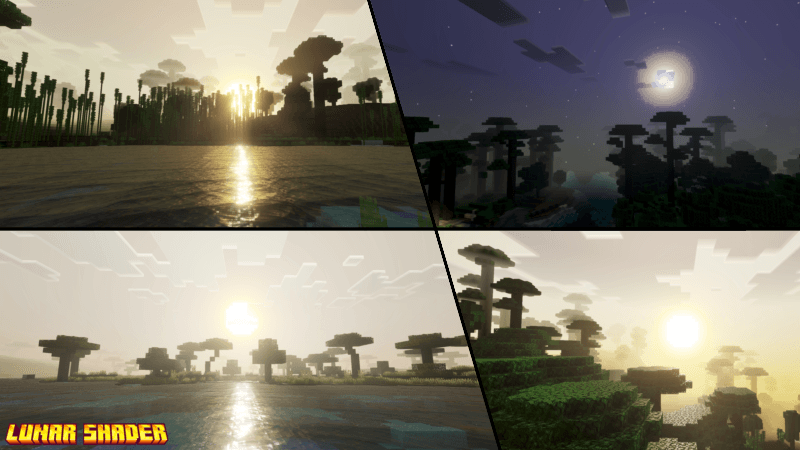
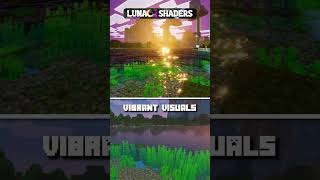
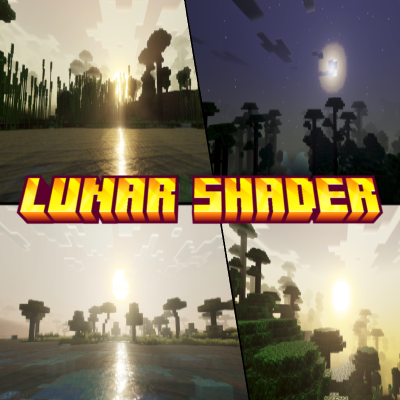
With this Lunar Shader, your world visuals will look more realistic, vibrant, and dynamic. This shader also includes a circular sun and dynamic visual effects. Please enable Vibrant Visuals to activate this shader and ensure it works properly.
You can see in-game screenshots showing how this addon’s features look in your game.
JOIN DISCORD
Quick facts
- Edition: Minecraft Bedrock
- File type: .mcpack
- Minecraft versions listed: 26.30, 26.50, 26.10
- How to install: Download the .mcpack. → Open it — Minecraft imports it under Resource Packs. → Activate it in Global Resources, or for one world under Resource Packs → Available.
- Where to get it: Opens on CurseForge — not every file is mirrored on our own servers.
Install steps are the general flow for this file type — How to install Minecraft Bedrock texture packs walks through it step by step.
File checked by MCModsHub
- Save it as lunar shader 1.9.mcaddon before opening — it downloads as .mcpack, but it is a .mcaddon pack
- Manifest requires Minecraft 1.20.30 or newer
- Complete pack — everything it depends on is inside the file
- Download size: 328 KB
- Download link checked 5 Oct 2026 — working
These come from our own check of the pack file, not from the source page.