
Sulfur FPS booster
Bedrock texture pack listed for Minecraft 1.20–26.x. File opened and checked on 19 Sep 2026; installs from the MC Bedrock Mods app on Android.
Sulfur FPS Booster is a lightweight performance pack designed to improve FPS by reducing unnecessary particles, animations, and visual effects—perfect for…
⬇ Download on CurseForge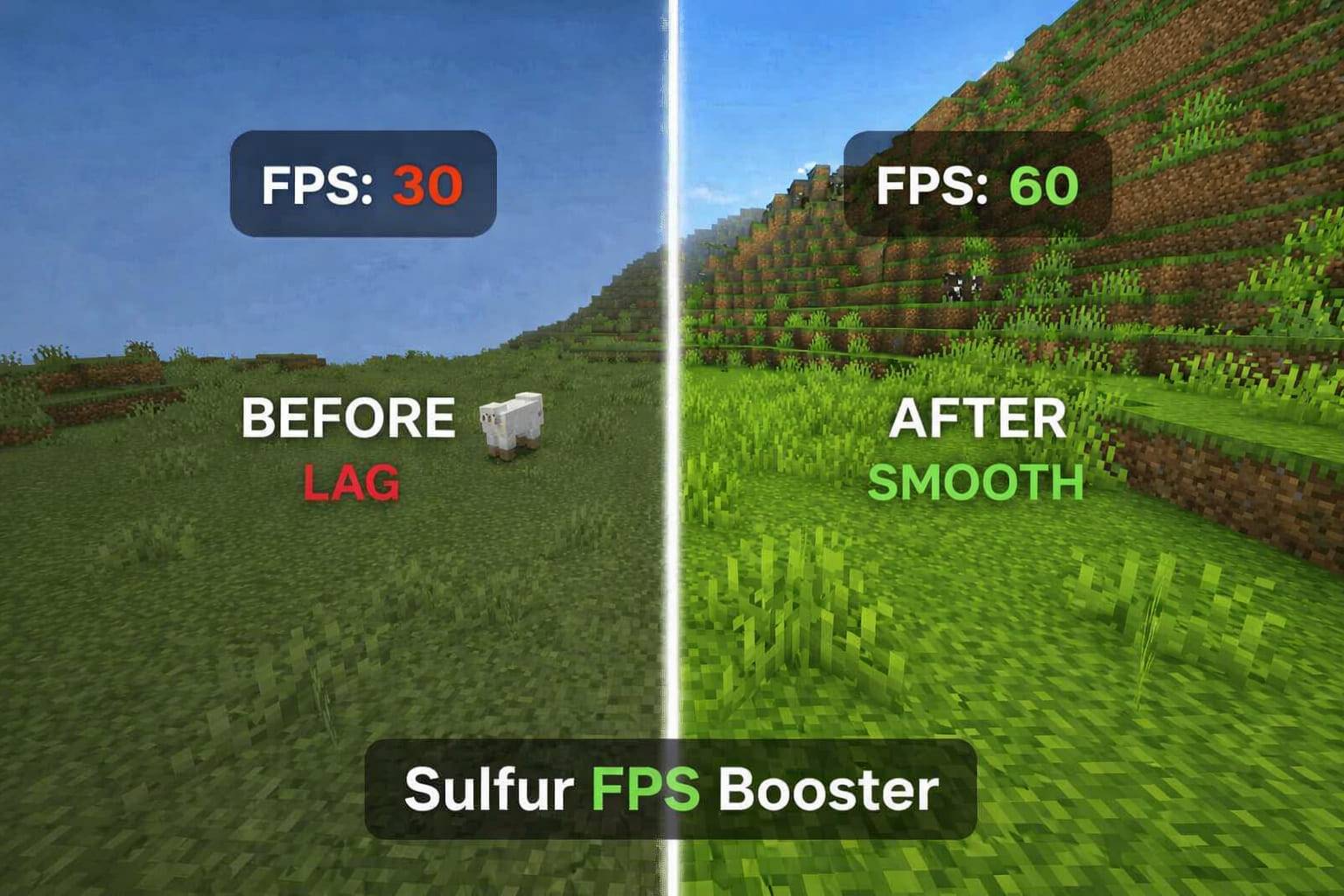

Sulfur FPS Booster is built to enhance your Minecraft performance without completely removing the visual experience. It focuses on optimizing in-game elements that commonly cause lag, resulting in smoother and more stable gameplay.
This pack reduces heavy particles, simplifies animations, and cleans up unnecessary visual effects to boost FPS, especially in laggy environments like dense forests or high-entity areas.
⚡ Key Features:
✔ Improves FPS stability
✔ Reduces lag spikes and stuttering
✔ Provides smoother gameplay experience
- Reduced particles for better performance
- Optimized animations to minimize lag
- Clean and minimal visual style
- Improved FPS in heavy biomes (Jungle, Dark Oak Forest, etc.)
- Lightweight and compatible with most devices
If you're looking for a balance between performance and visuals, Sulfur FPS Booster is a great choice.
- Edition: Minecraft Bedrock
- File type: .mcpack
- Minecraft versions listed: 26.0.02, 26.0, 26.3
- How to install: Download the .mcpack. → Open it — Minecraft imports it under Resource Packs. → Activate it in Global Resources, or for one world under Resource Packs → Available.
- Where to get it: Opens on CurseForge — not every file is mirrored on our own servers.
Install steps are the general flow for this file type — How to install Minecraft Bedrock texture packs walks through it step by step.
- Save it as Sulfur_FPS_booster_2_1_6.mcaddon before opening — it downloads as .mcpack, but it is a .mcaddon pack
- Manifest requires Minecraft 1.20.0 or newer
- Complete pack — everything it depends on is inside the file
- Download size: 20.3 MB
- Download link checked 5 Oct 2026 — working
These come from our own check of the pack file, not from the source page.
