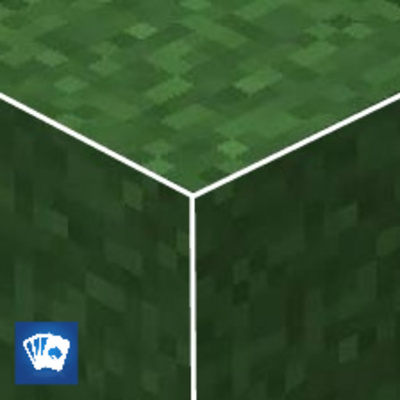
White Outline & Full Grass
Bedrock texture pack listed for Minecraft 1.20–26.x. File opened and checked on 16 Oct 2026; installs from the MC Bedrock Mods app on Android.
White Outline & Full Grass - Visual Enhancement Pack Improve your world's aesthetics with the White Outline & Full Grass pack. This resource pack focuses…
⬇ Download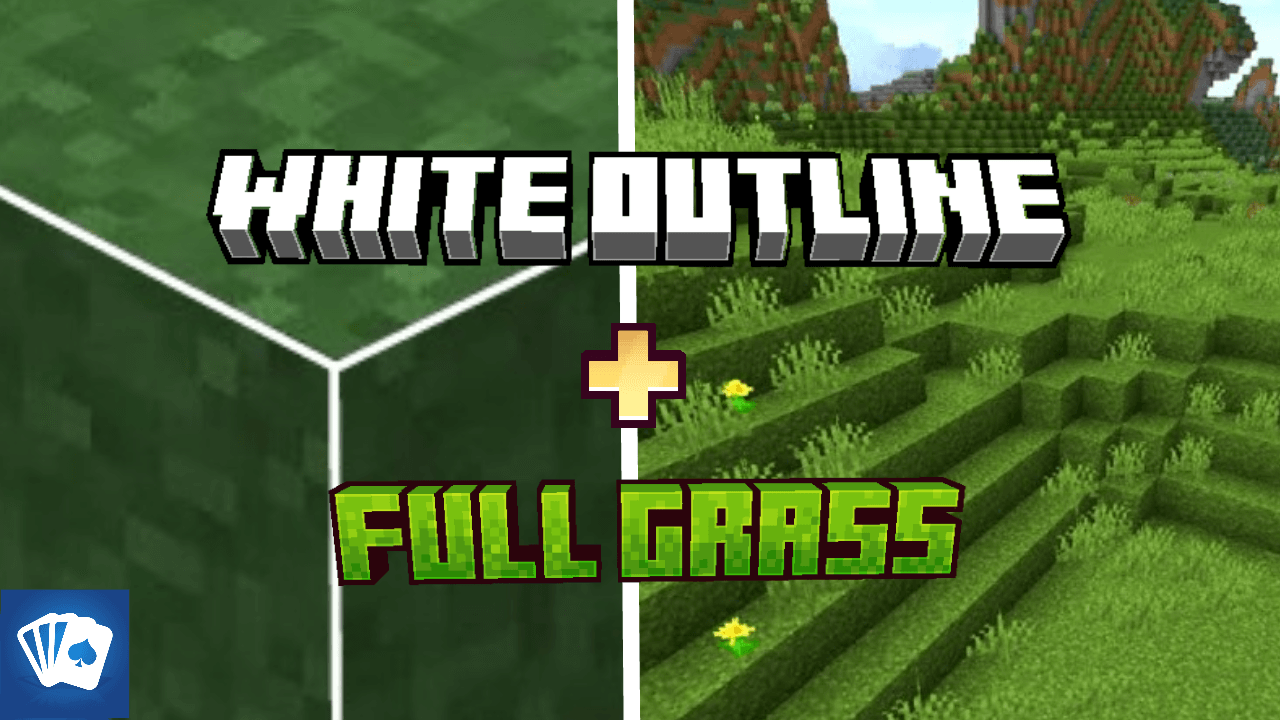
White Outline & Full Grass - Visual Enhancement Pack
Improve your world's aesthetics with the White Outline & Full Grass pack. This resource pack focuses on cleaning up block textures and adding a modern, sharp look to your Minecraft environment, making it perfect for both builders and PvP players.
✨ Key Features:
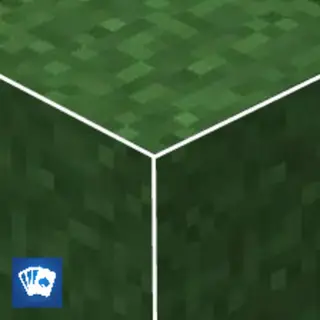
Full Grass Blocks: All grass blocks now have grass textures on all sides, removing the dirt look for a cleaner, more lush green landscape.
White Outline Selection: The selection box for blocks has been modified with a custom shader, giving you a sharp white outline for better visibility.
Clean Nature Textures: Includes updated textures for Mycelium, Podzol, Nylium, and Grass Paths to ensure a consistent "Full Block" look.
Performance Optimized: Designed to be lightweight, ensuring zero FPS drop while significantly improving your game's visuals.
📥 Installation:
Import the White Outline Full Grass.mcpack into Minecraft.
Go to Settings > Global Resources.
Activate the pack and enjoy your upgraded world!
- Edition: Minecraft Bedrock
- File type: .mcpack
- Minecraft versions listed: 1.20.40, 1.21.30, 1.21.50
- How to install: Download the .mcpack. → Open it — Minecraft imports it under Resource Packs. → Activate it in Global Resources, or for one world under Resource Packs → Available.
- Where to get it: In MCModsHub, or directly above on this page.
Install steps are the general flow for this file type — How to install Minecraft Bedrock texture packs walks through it step by step.
- Pack type: .mcaddon — behaviour and resource pack in one file
- Complete pack — everything it depends on is inside the file
- Download size: 75 KB
- Download link checked 18 Jun 2026 — working
These come from our own check of the pack file, not from the source page.