Pixel Edge Visuals
Bedrock texture pack listed for Minecraft 1.21–26.x. File opened and checked on 19 Sep 2026; installs from the MC Bedrock Mods app on Android.
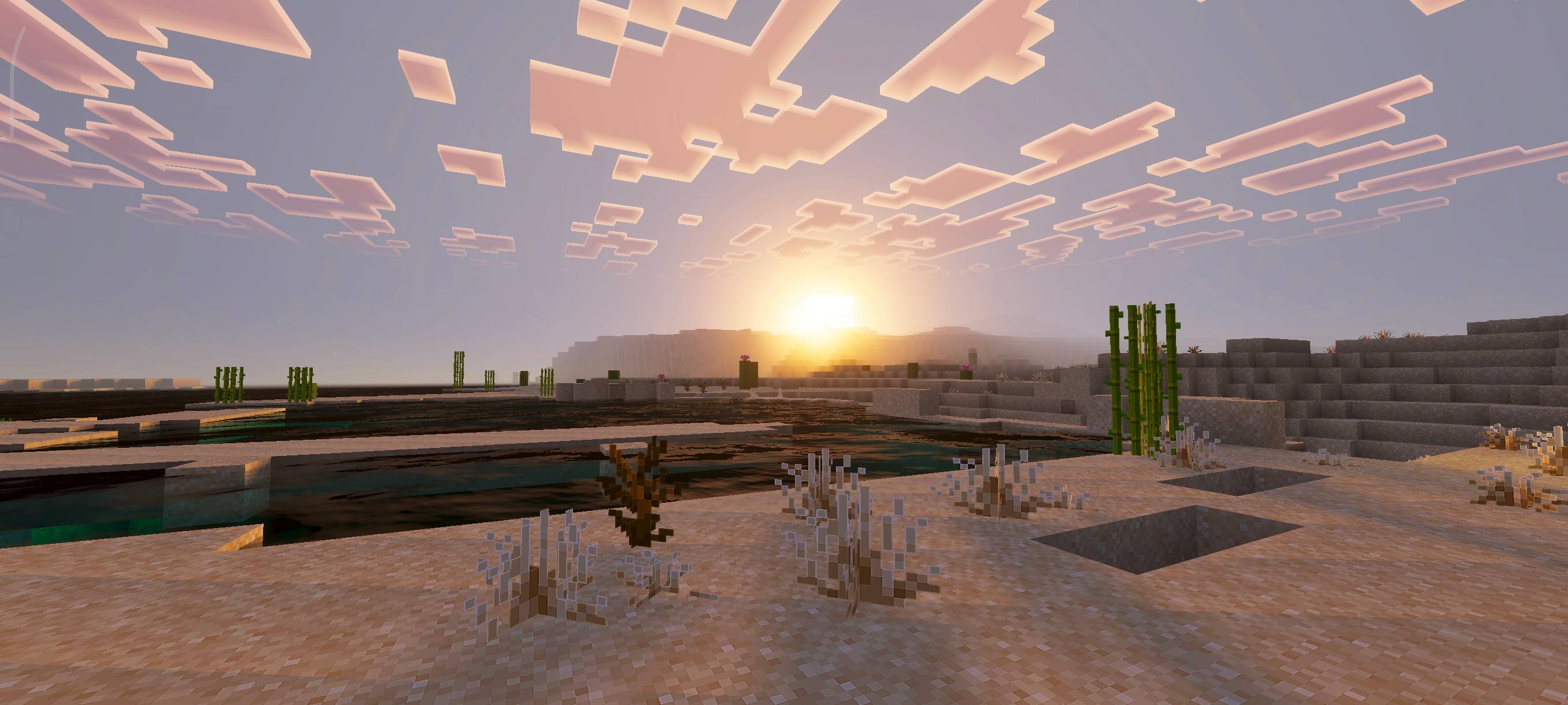
Pixel Edge Visuals adds light, subtle outlines to blocks for a cleaner and more polished look. Works best with shaders, improving clarity without heavy…
I don't know my version
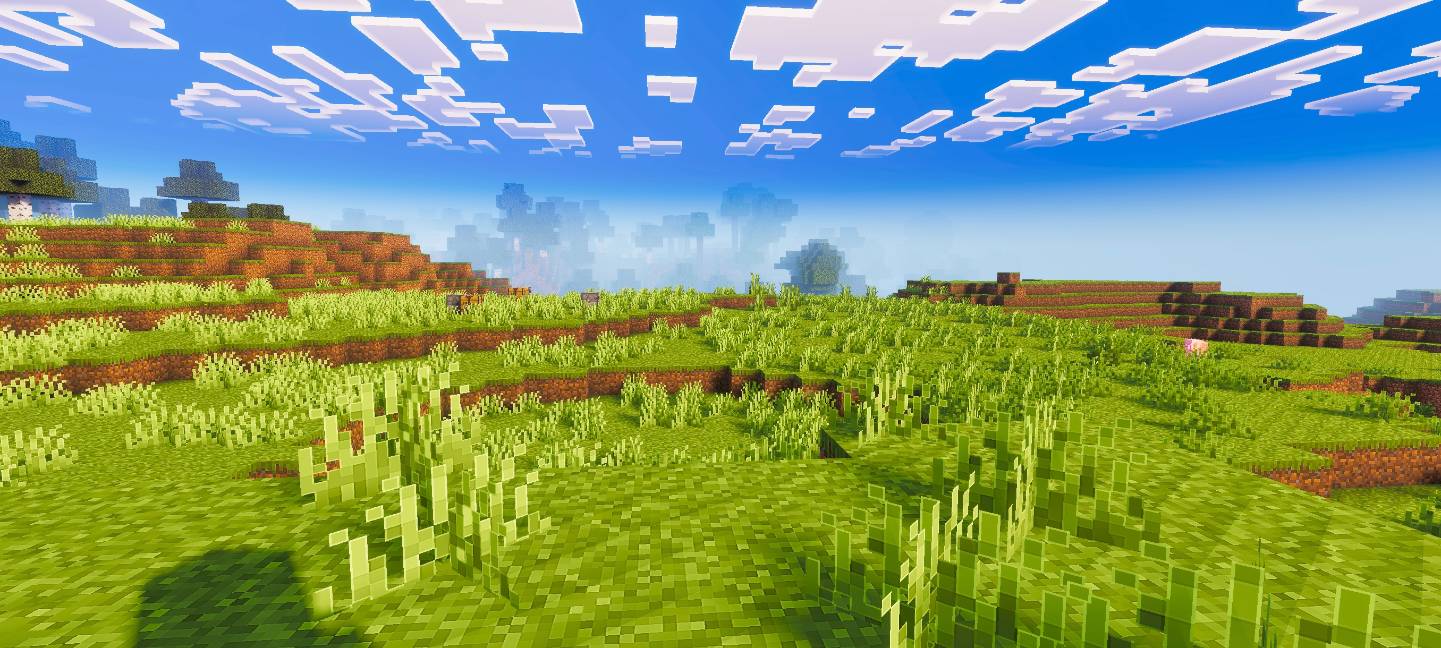
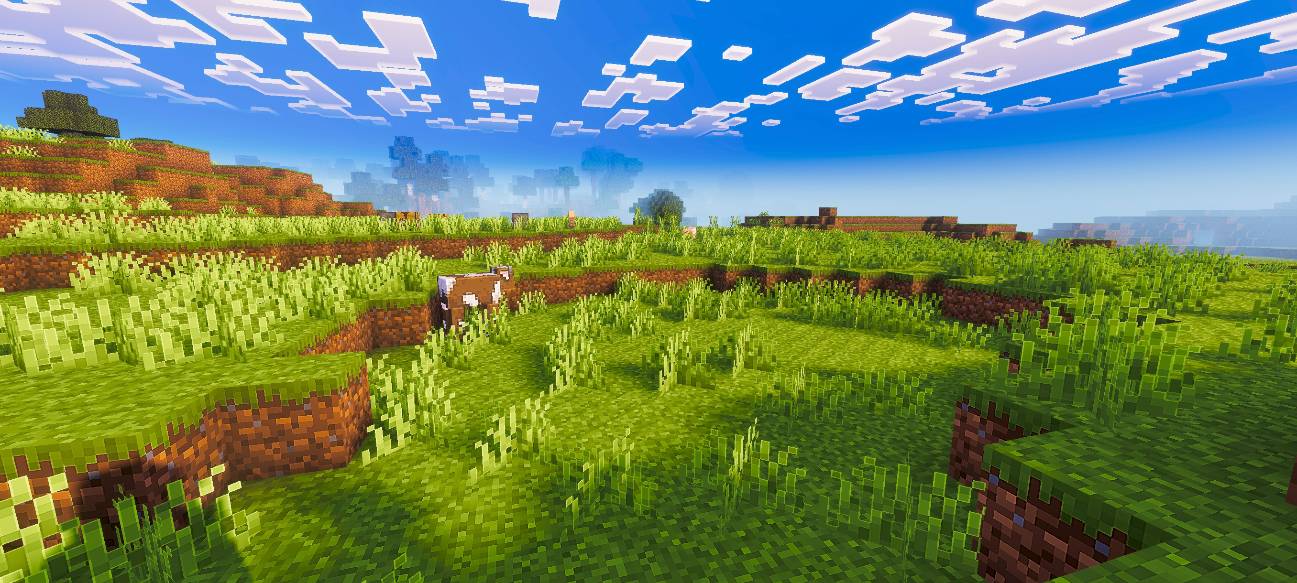
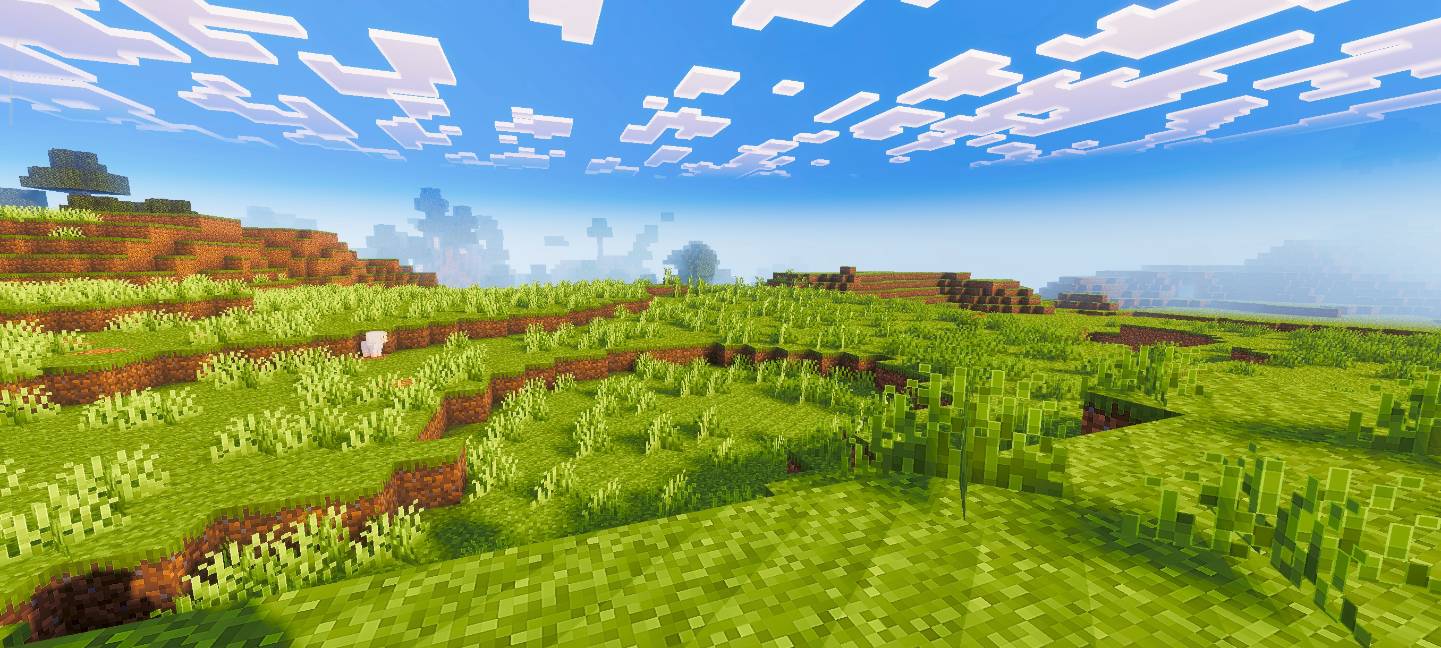
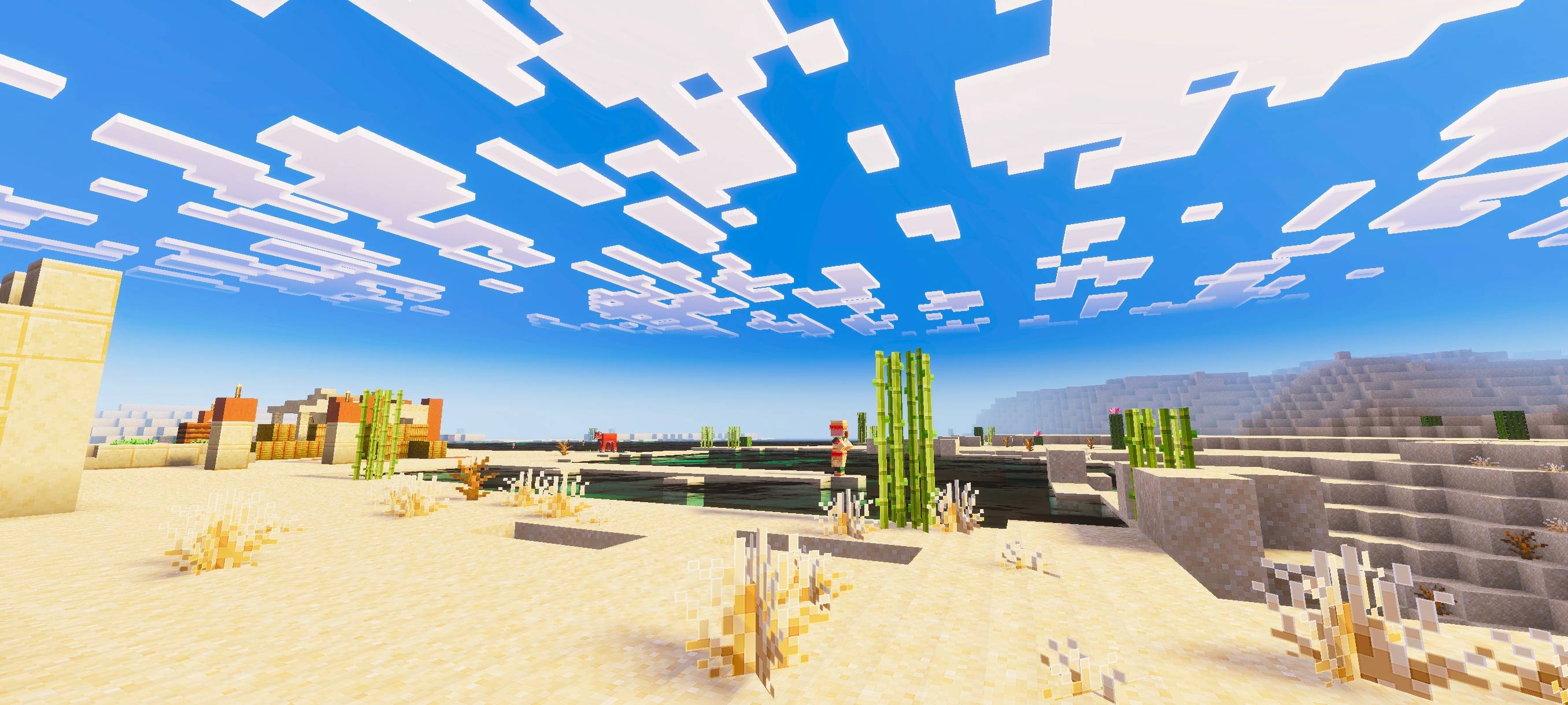
Pixel Edge Visuals

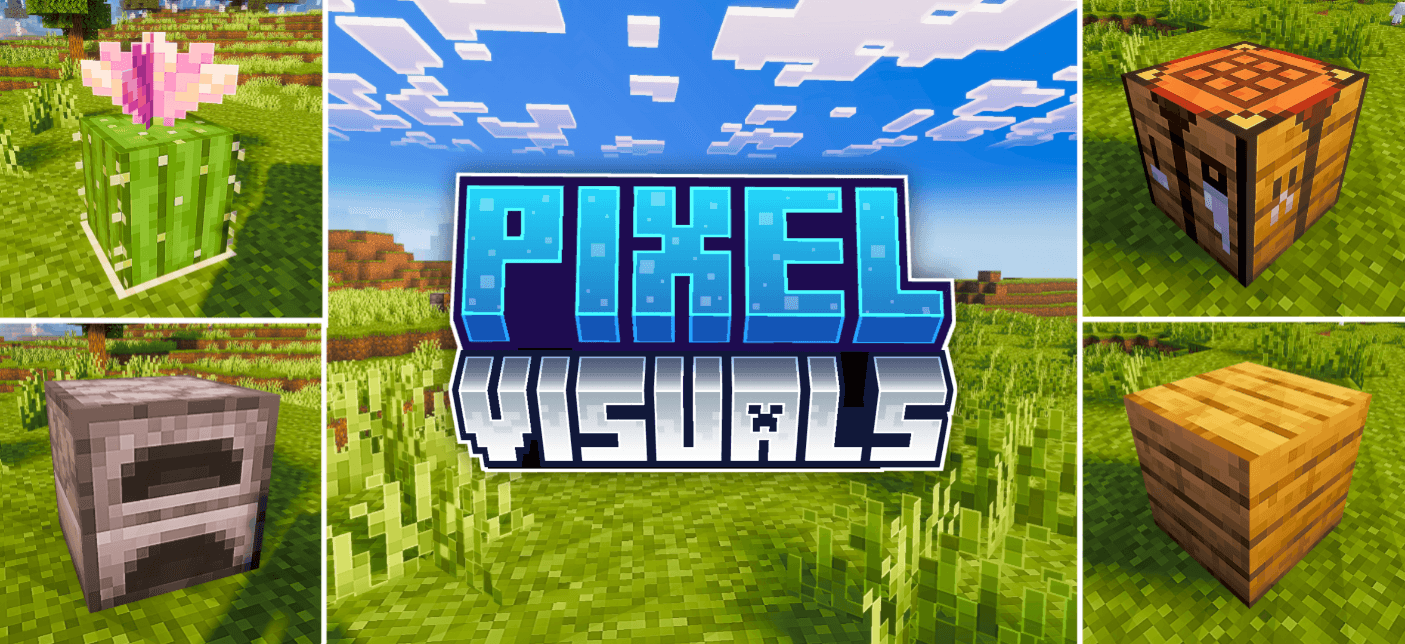
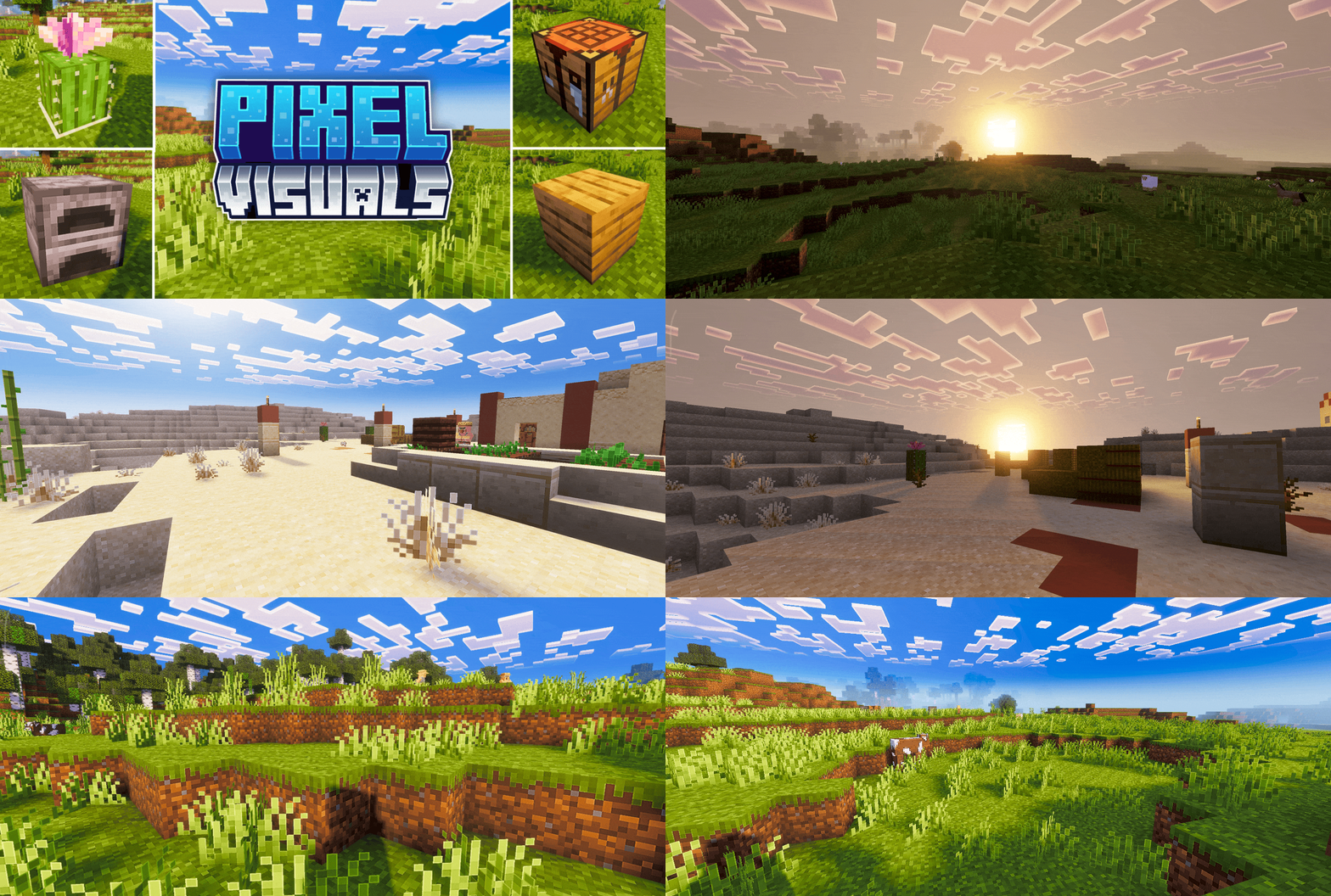
This pack upgrades Minecraft’s visuals by improving atmosphere, lighting, water, fog, and overall color balance. It also adds smooth, subtle outlines to blocks and other textures, making the world look cleaner and more refined without being too strong. The softer edges make gameplay visually pleasing while keeping a natural look.
If you want the standalone pixel edge only version, download Pixel Edge Texture Pack.
- Edition: Minecraft Bedrock
- File type: .mcpack
- Minecraft versions listed: 26.3, 26.0.02
- How to install: Download the .mcpack. → Open it — Minecraft imports it under Resource Packs. → Activate it in Global Resources, or for one world under Resource Packs → Available.
- Where to get it: Opens on CurseForge — not every file is mirrored on our own servers.
Install steps are the general flow for this file type — How to install Minecraft Bedrock texture packs walks through it step by step.
- Save it as Pixel-Edge-Visuals-Medium.mcaddon before opening — it downloads as .mcpack, but it is a .mcaddon pack
- Manifest requires Minecraft 1.21.0 or newer
- Complete pack — everything it depends on is inside the file
- Download size: 18.8 MB
- Download link checked 5 Oct 2026 — working
These come from our own check of the pack file, not from the source page.


![How to fix lag in Vibrant Visuals Minecraft PE 1.21+ ☠️🔥 [LAG FIX]](https://i.ytimg.com/vi/cT5HHIOB8qg/mqdefault.jpg)
