Vibrant Shader (Vibrant Visuals)
Bedrock texture pack listed for Minecraft 1.21–26.x. File opened and checked on 25 Sep 2026; installs from the MC Bedrock Mods app on Android.
ADS Vibrant Visuals bridges the gap. It’s carefully designed to look eye-catching and colorful while running smoothly even on low-end devices.
⬇ Download on CurseForge
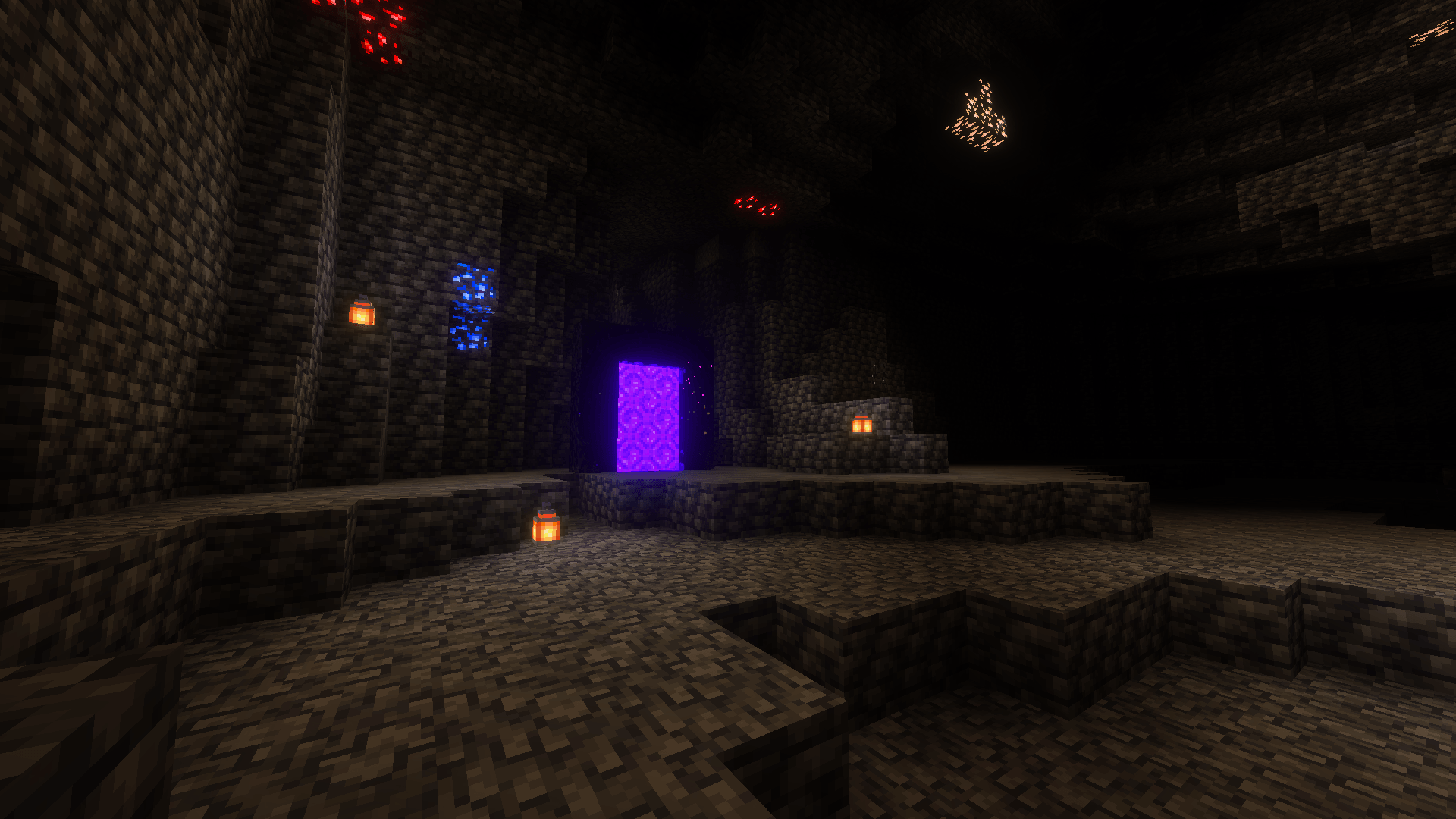
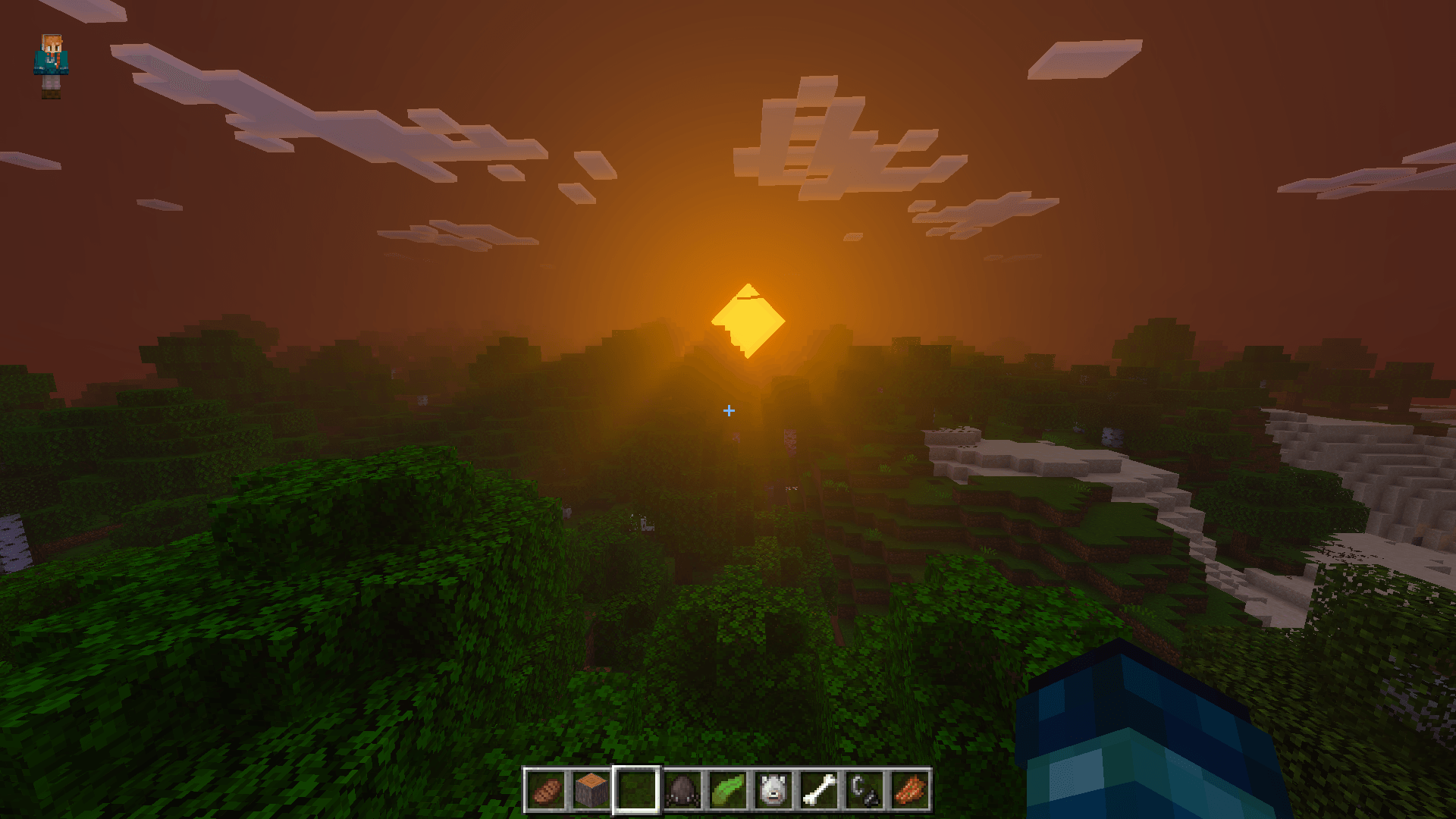
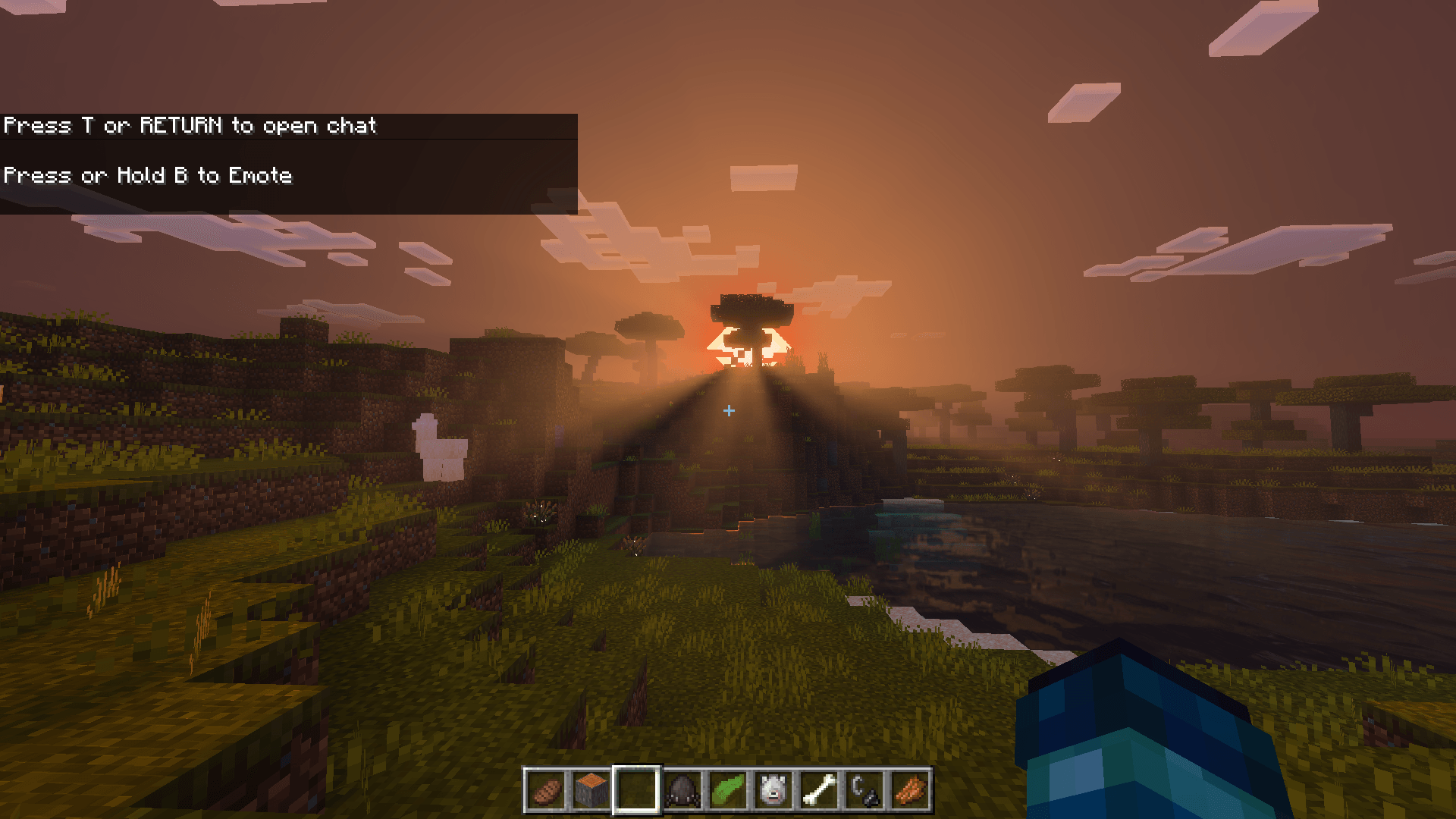
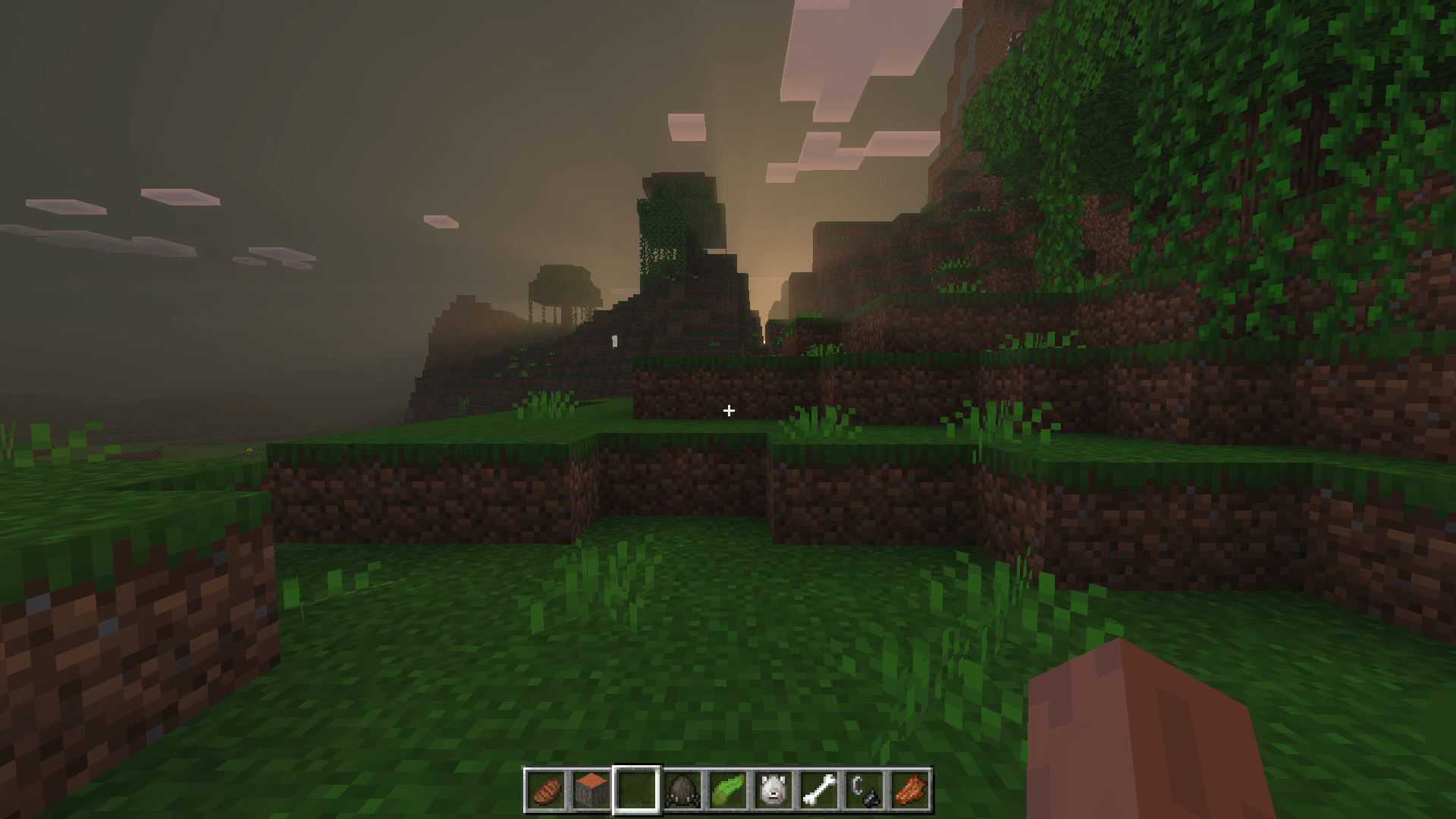
Discord
ADS Vibrant Visuals (VV) gives Minecraft Bedrock a clean, colorful, and more realistic look — without hurting performance.
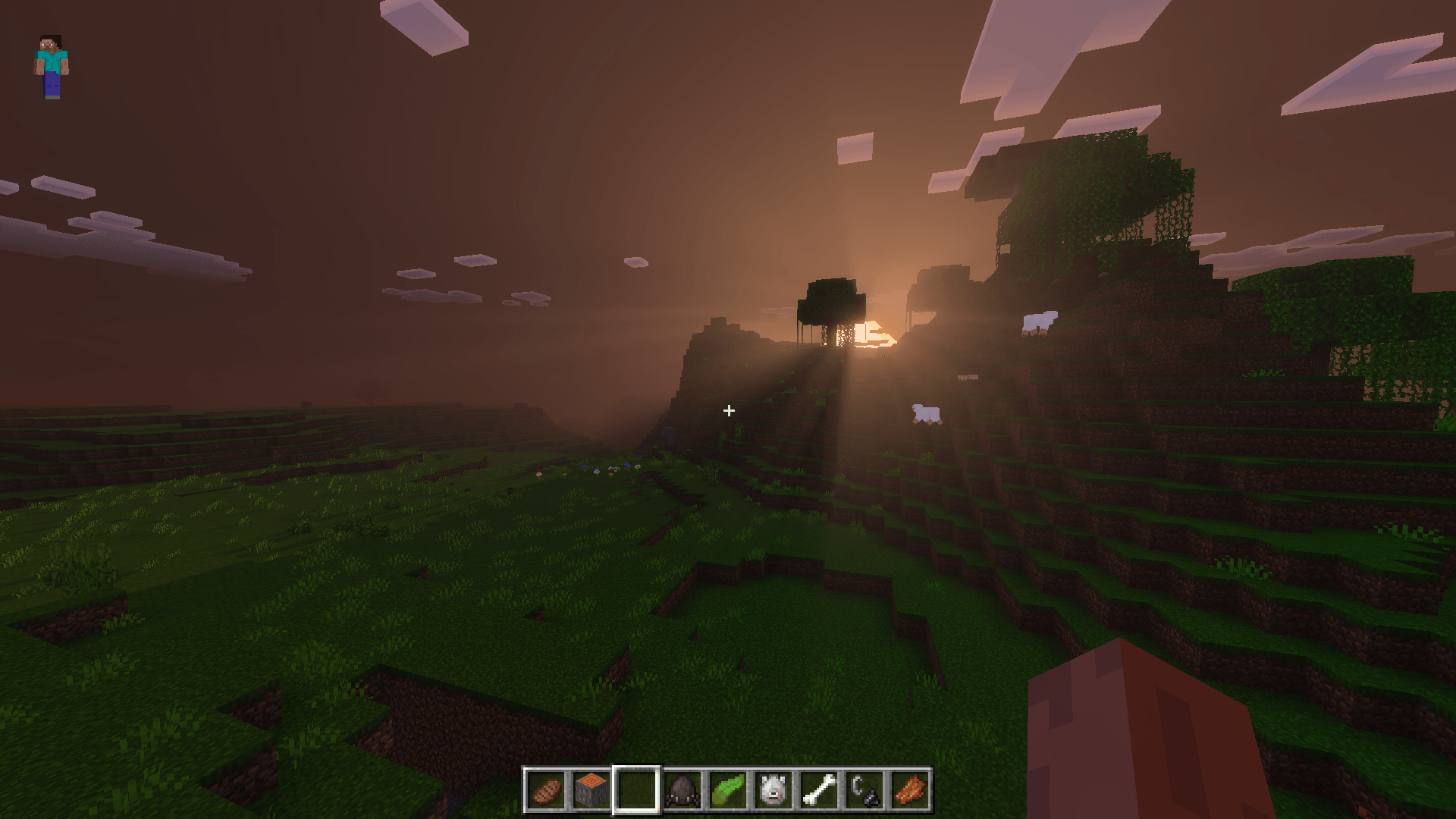
This update adds beautiful godrays and more optimization, so it runs smoother than ever on both mobile and PC.
If you want your game to look fresh, bright, and natural, this pack is for you.
Godrays
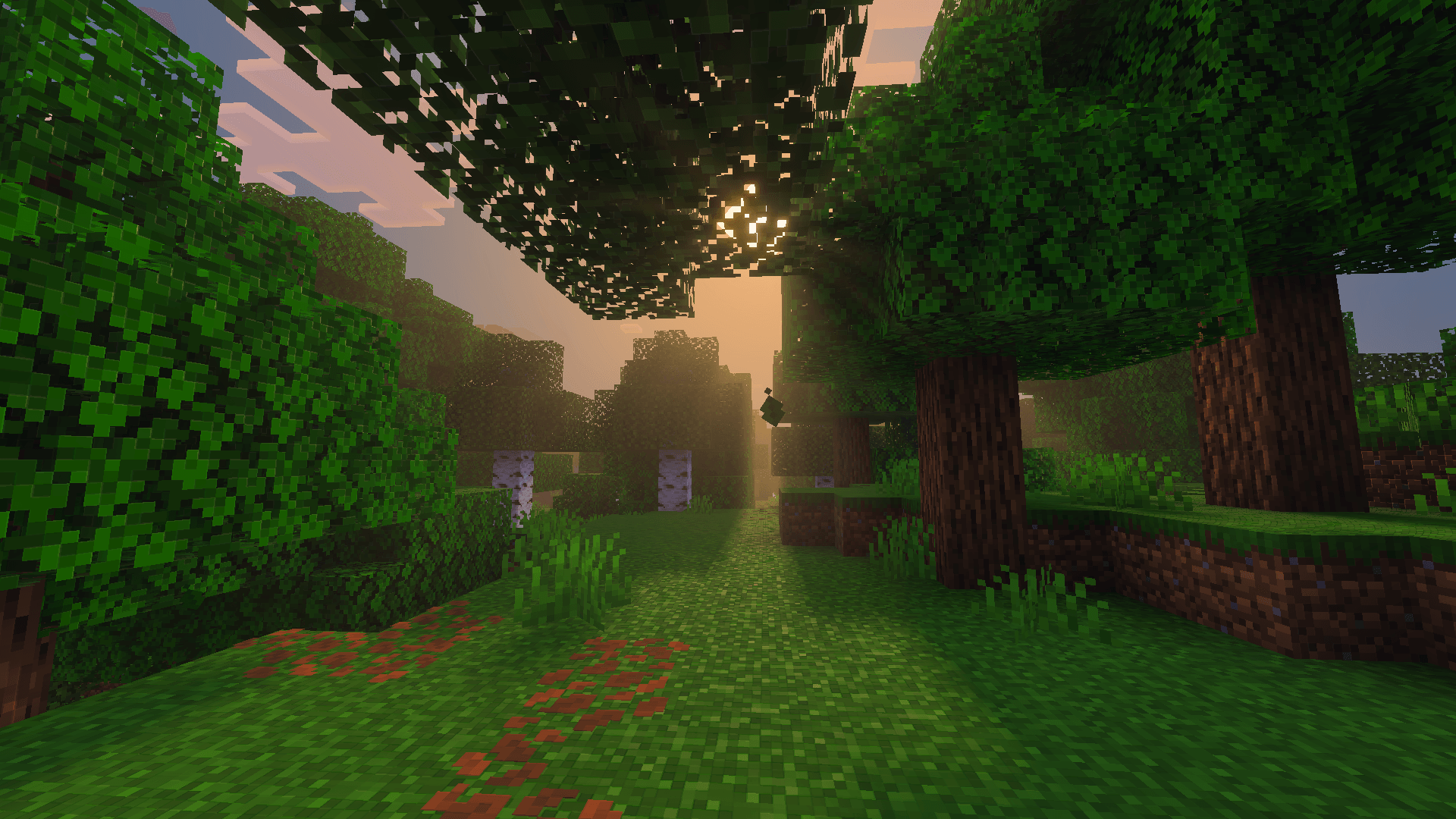
Now sunlight shines through trees and terrain, adding a soft, natural glow.
It looks great during sunrise and sunset — and still runs smoothly.
Better Optimization
I reworked some lighting and color settings to improve FPS.
You’ll notice faster loading and less lag on most devices.
Main Features
- Smooth and bright skies with natural colors
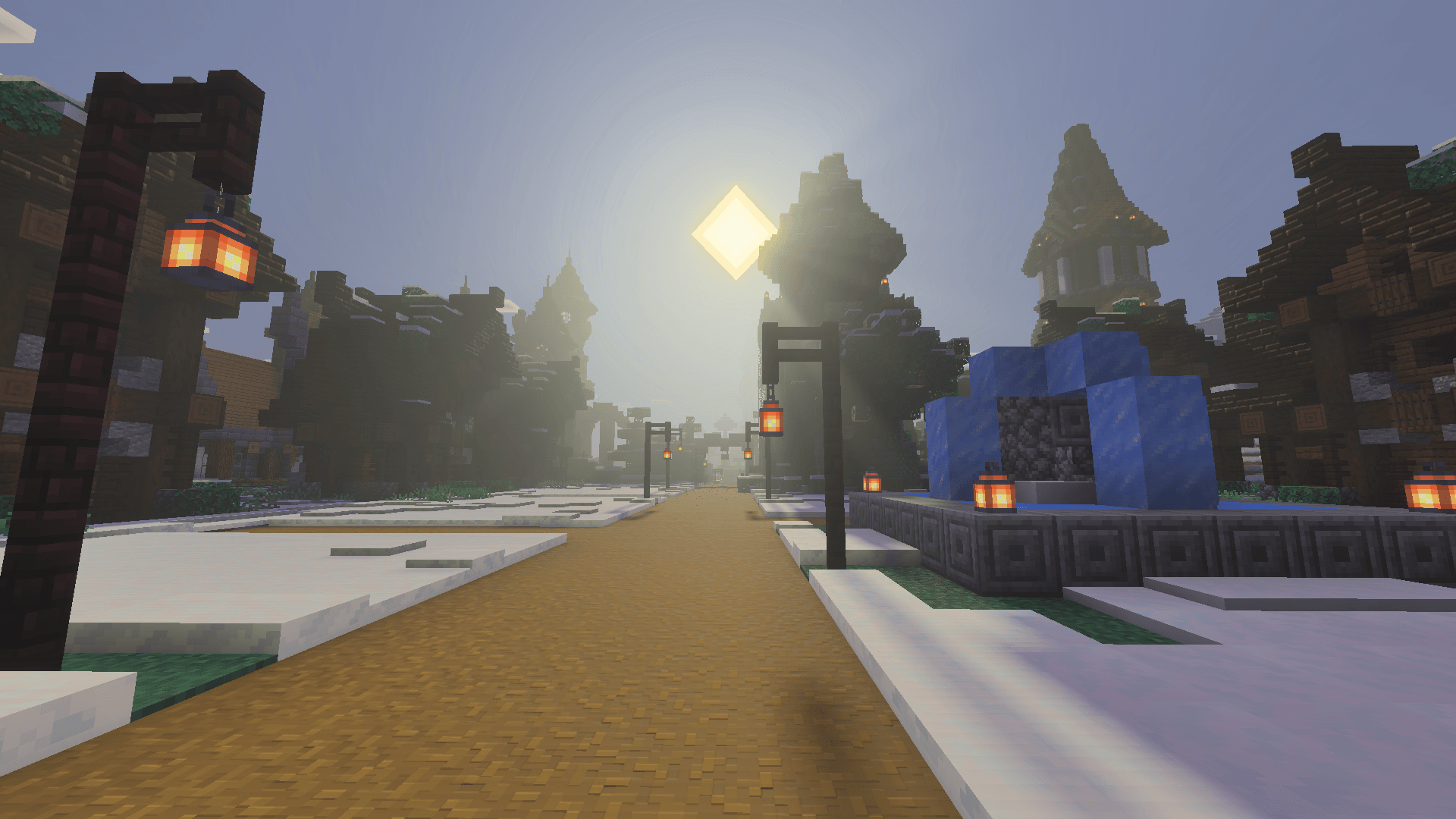
- Clear, realistic lighting day and night
- Cleaner water with light reflections and better visibility
- More colorful biomes — greener forests, brighter crops, richer flowers
- Warmer torch and lantern glow for caves and builds
- Balanced nights — darker, but still easy to play in
Works on Everything
- 📱 Android & iOS
- 💻 Windows 10/11 Bedrock Edition
- ⚡ Lightweight and shader-free
You don’t need a high-end device to enjoy better visuals.
Extra FPS
Use AD FPS Booster with this pack for even smoother gameplay.
They’re made to work together — stack them however you like.
Recommended Brightness
For the best look, set your in-game brightness like this:.png)
All screenshots are from in-game — no filters or edits.
How to Install
- Download the pack
- Import it into Minecraft Bedrock
- Turn it on under Settings → Resource Packs
- (Optional) Add AD FPS Booster for higher performance
- Enjoy your more vibrant world!
About Me
Hi, I’m BUDGETGAMER1503.
I make simple, lightweight packs that improve Minecraft’s look without lag.
If you like this one, check out my other projects or join the Discord for updates.
In Short
ADS Vibrant Visuals (VV) = beautiful colors, better lighting, smooth performance, and new godrays.
Perfect for players who want Minecraft to look good and run fast.
- Edition: Minecraft Bedrock
- File type: .mcpack
- Minecraft versions listed: 1.21.93, 1.21.90, 1.21.101
- How to install: Download the .mcpack. → Open it — Minecraft imports it under Resource Packs. → Activate it in Global Resources, or for one world under Resource Packs → Available.
- Where to get it: Opens on CurseForge — not every file is mirrored on our own servers.
Install steps are the general flow for this file type — How to install Minecraft Bedrock texture packs walks through it step by step.
- Pack type: .mcaddon — behaviour and resource pack in one file
- Manifest requires Minecraft 1.26.0 or newer
- Complete pack — everything it depends on is inside the file
- Download size: 3.8 MB
- Download link checked 5 Oct 2026 — working
These come from our own check of the pack file, not from the source page.


