Luma Shade Visuals
Bedrock texture pack listed for Minecraft 1.21–26.x. File opened and checked on 5 Sep 2026; installs from the MC Bedrock Mods app on Android.
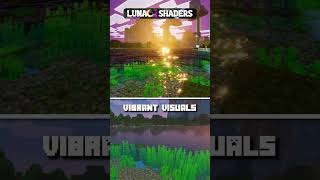
LumaShade transforms Minecraft with soft bloom, warm lighting and gentle fog for a smooth, immersive visual experience, built for Vibrant Visuals.
⬇ Download
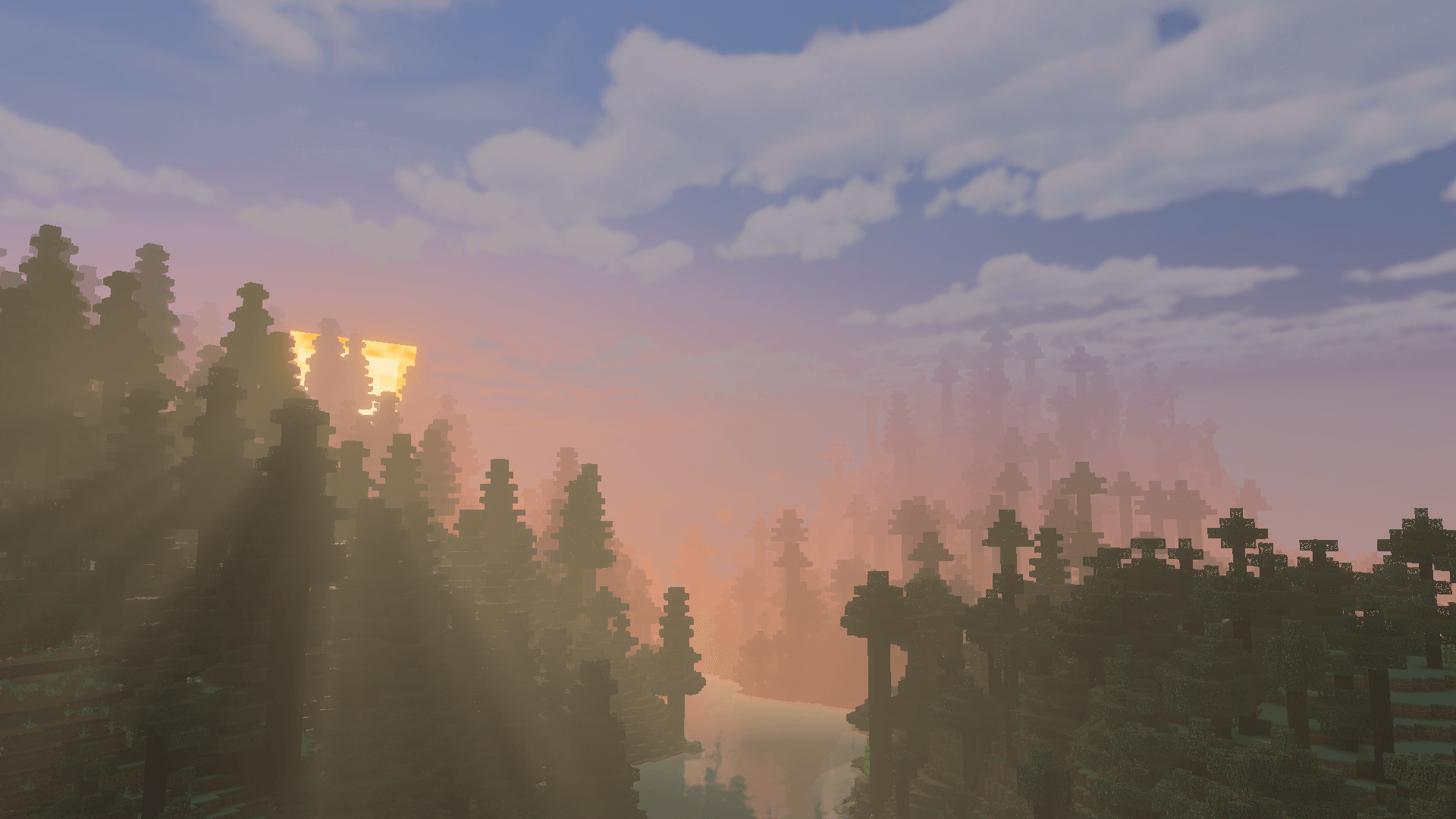
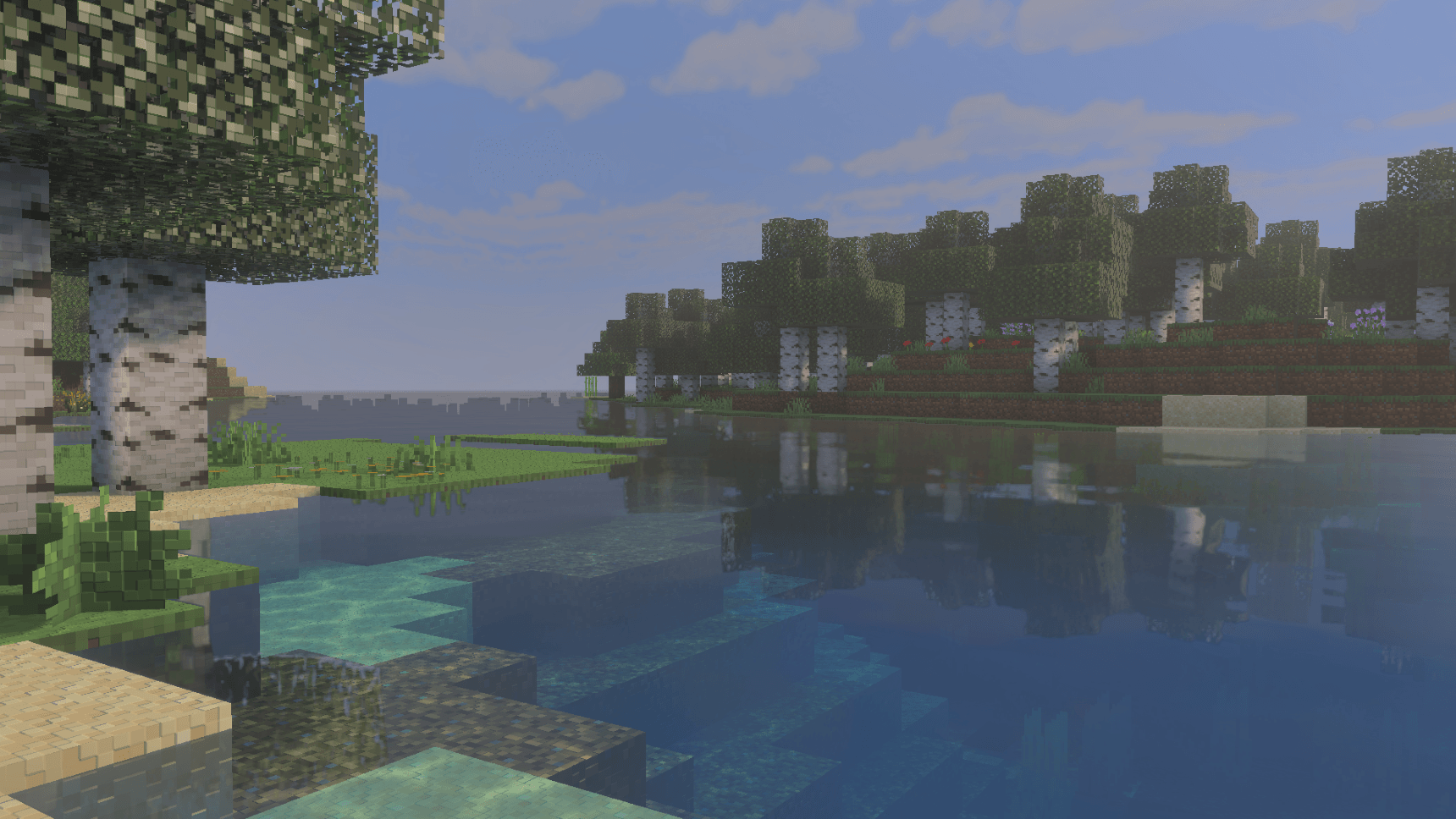
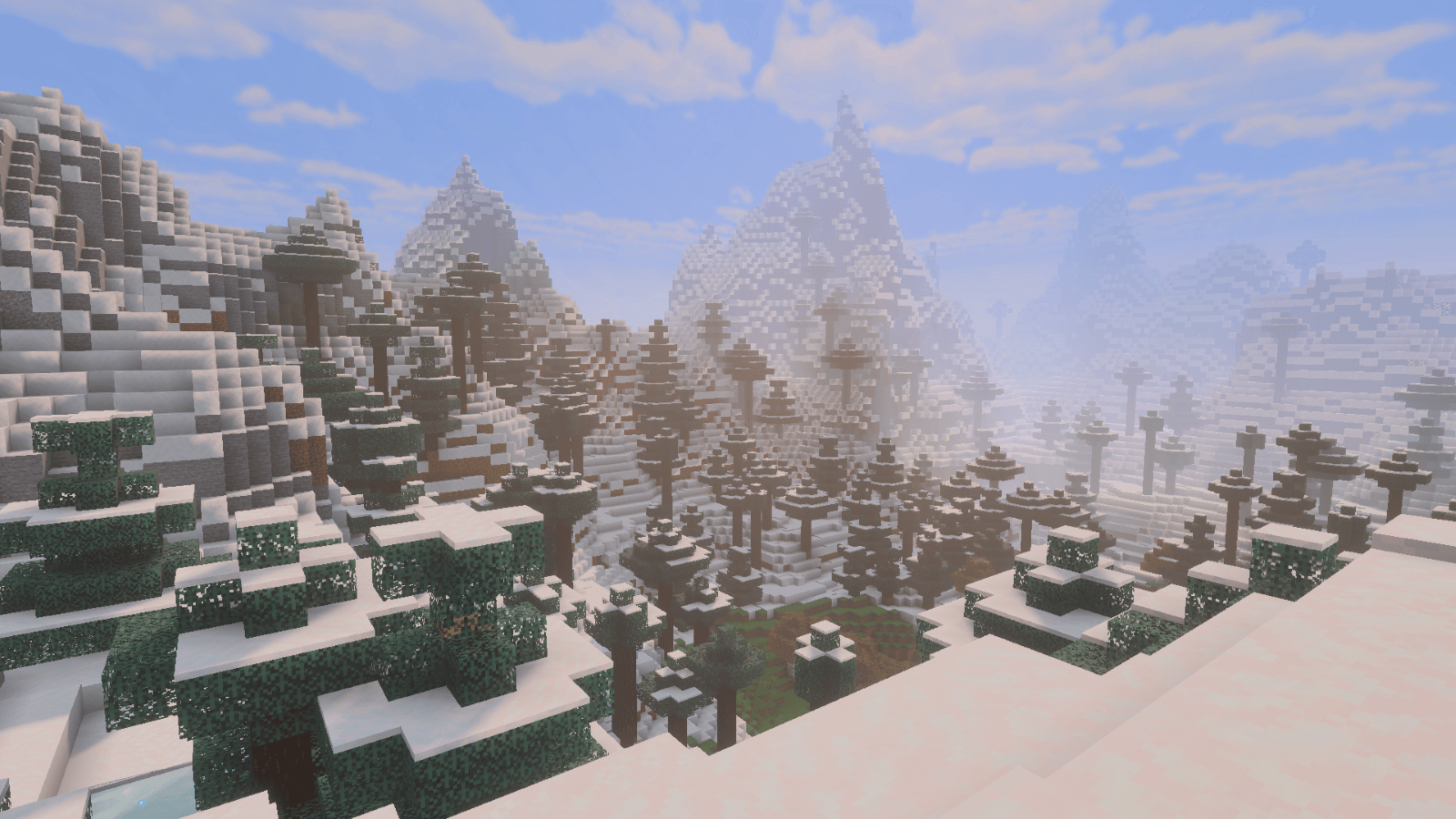
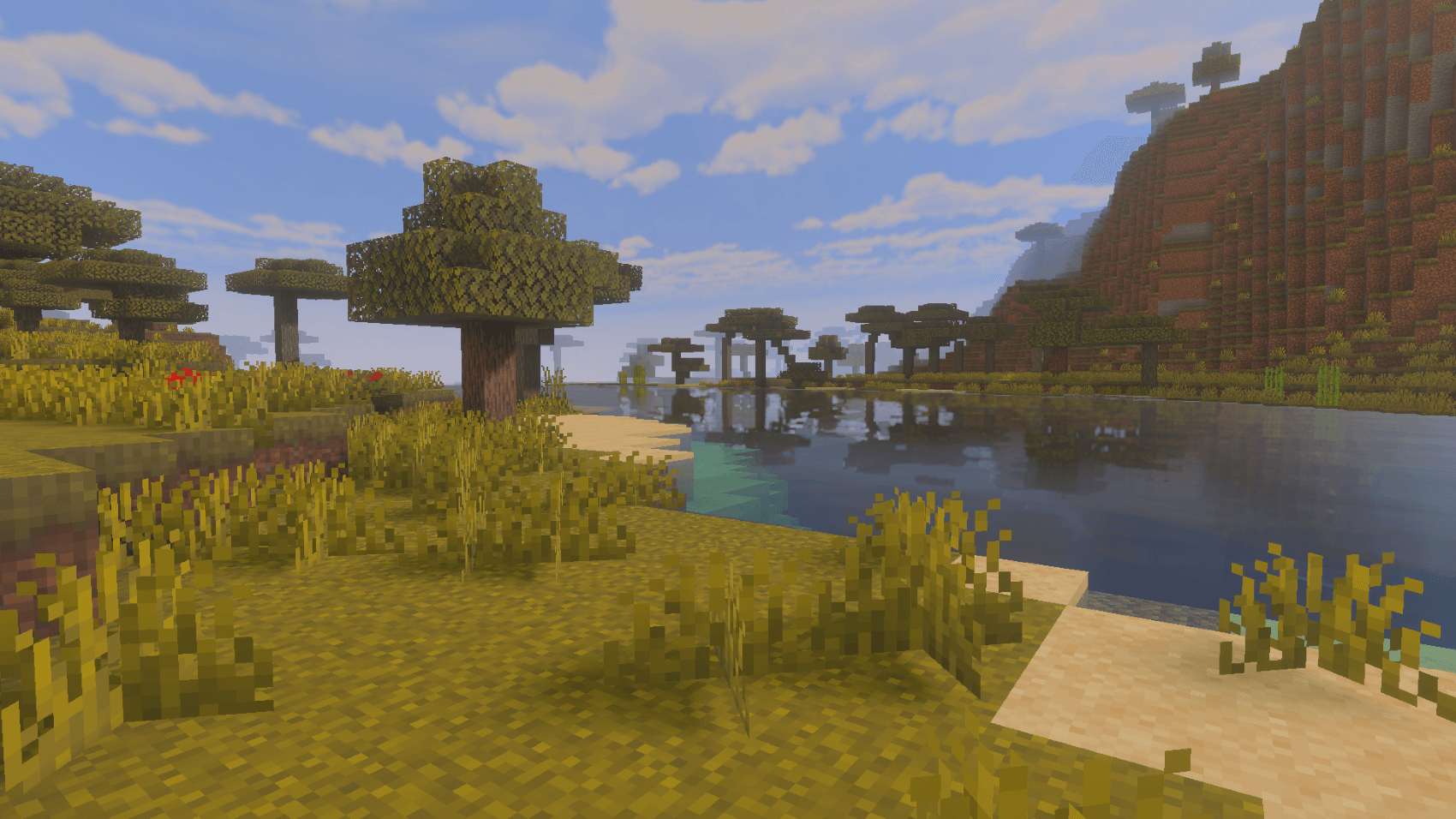
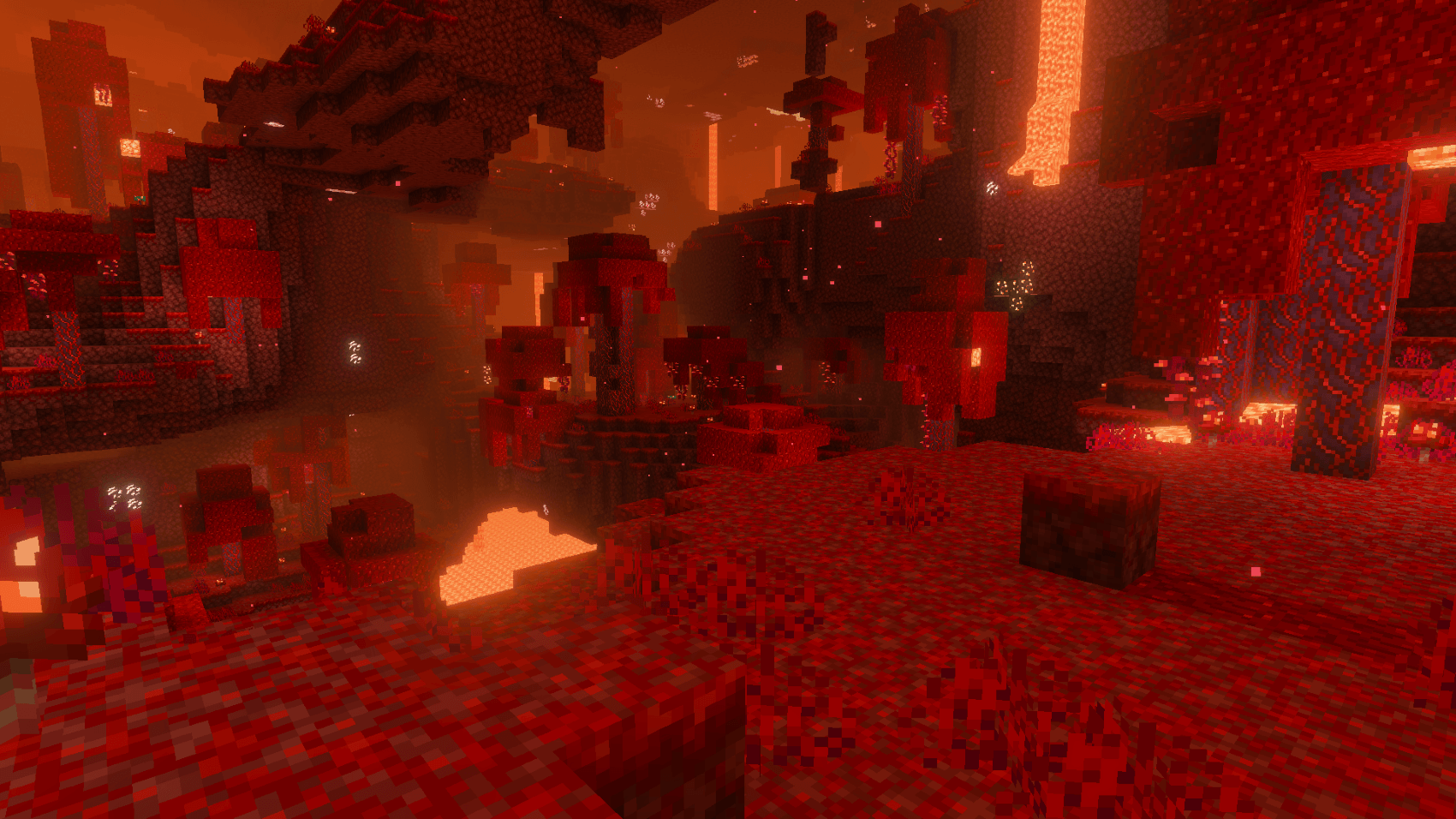
LumaShade is a soft cinematic bloom shader pack built for the new Vibrant Visuals rendering mode in Minecraft Bedrock. Designed to deliver warm lighting, gentle fog, and atmospheric godrays for a cinematic experience.
LumaShade – A soft cinematic bloom shader pack for Minecraft Bedrock, wrapping every scene in smooth bloom, gentle haze, and warm atmospheric glow.
Luma Shade is made for new Vibrant Visuals and will work on IOS, Android, Xbox, PlayStation and Windows.
For the best experience, it's suggested you use the following brightness.
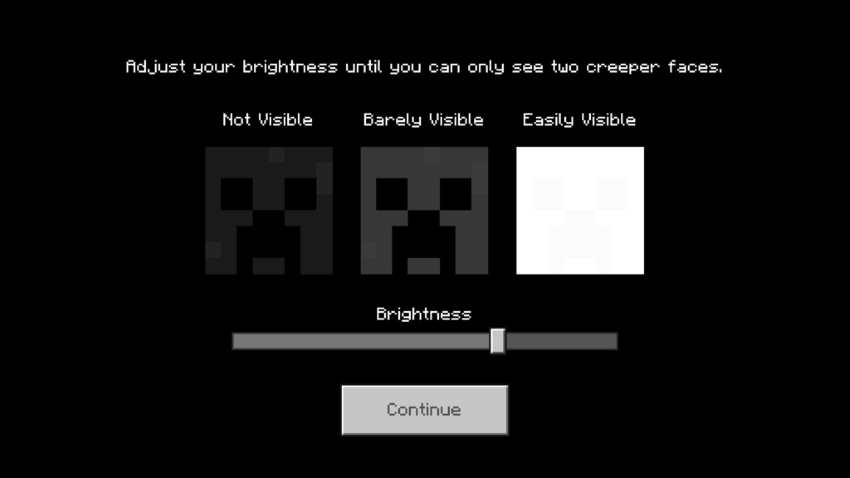
What LumaShade Changes:
Sky & Atmosphere - Zenith and horizon colours hand-tuned across sixteen points of the day cycle • Rayleigh and Mie scattering shaped separately for sun and moon, so dawn and dusk each get their own character • Sun glare shaping for soft, wide godrays through gaps and foliage •
Fog - Seventeen fog profiles mapped across all eighty-eight biomes • Birch, cherry, jungle, taiga, savanna, mesa, desert, swamp, snow and pale garden all read differently • Dedicated fog for the Nether's crimson, warped, soul sand and basalt regions, plus the End
Lighting - Seven lighting, one global, tuned passes for every Nether variant and the End • Soft shadows • Coloured local lights, so torches, lanterns and fire each cast their own warm tone rather than one flat glow
Colour - Separate highlight, midtone and shadow grading with per-channel contrast, saturation, gain, offset and gamma • Its own grading pass for the End • Custom colourmaps for grass, foliage, birch, evergreen, swamp and mangrove
Extras - PBR fallback values for blocks, entities, particles.
Installation:
1.Download the .mcpack 2.Open to import 3.Enable the LumaShade 4.Turn on Vibrant Visuals
- Edition: Minecraft Bedrock
- File type: .mcpack
- Minecraft versions listed: 1.21.120, 1.21.122, 1.21.121
- How to install: Download the .mcpack. → Open it — Minecraft imports it under Resource Packs. → Activate it in Global Resources, or for one world under Resource Packs → Available.
- Where to get it: In MCModsHub, or directly above on this page.
Install steps are the general flow for this file type — How to install Minecraft Bedrock texture packs walks through it step by step.
- Pack type: .mcpack — a single pack
- Complete pack — everything it depends on is inside the file
- Download size: 7.7 MB
- Download link checked 25 Aug 2026 — working
These come from our own check of the pack file, not from the source page.