White 3D Outline
Bedrock texture pack listed for Minecraft 1.21–26.x. File opened and checked on 3 Oct 2026; installs from the MC Bedrock Mods app on Android.
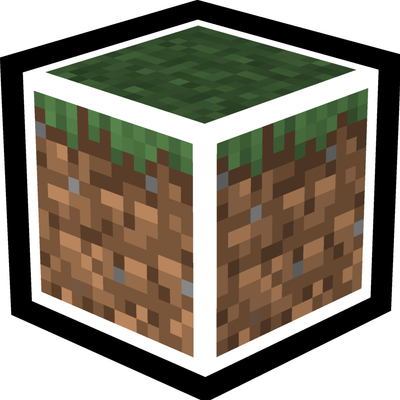
Replace the default black selection box with a clean white 3D outline for Minecraft Bedrock Edition. — gives every block and item a stylish glowing edge!
I don't know my version
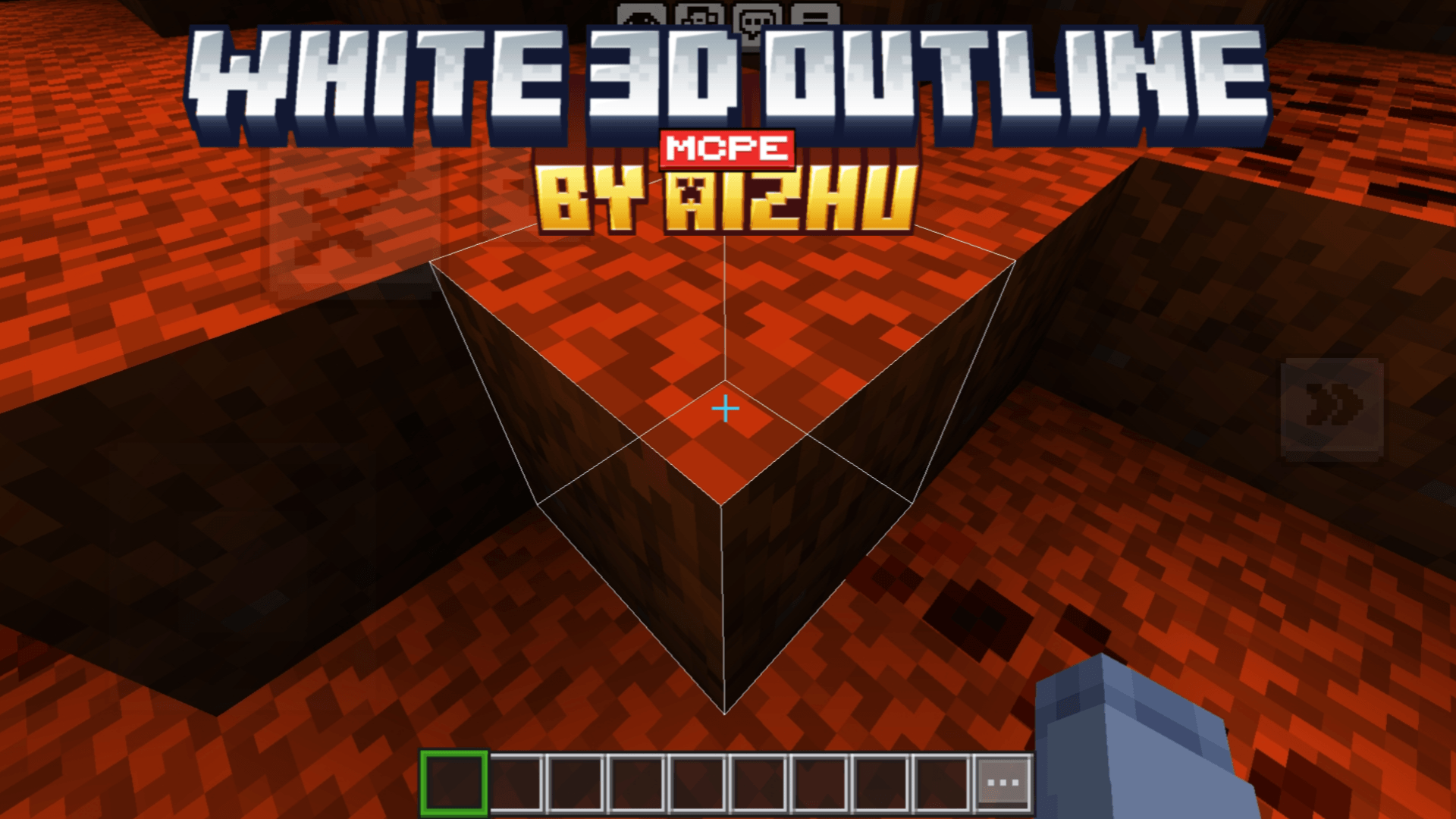
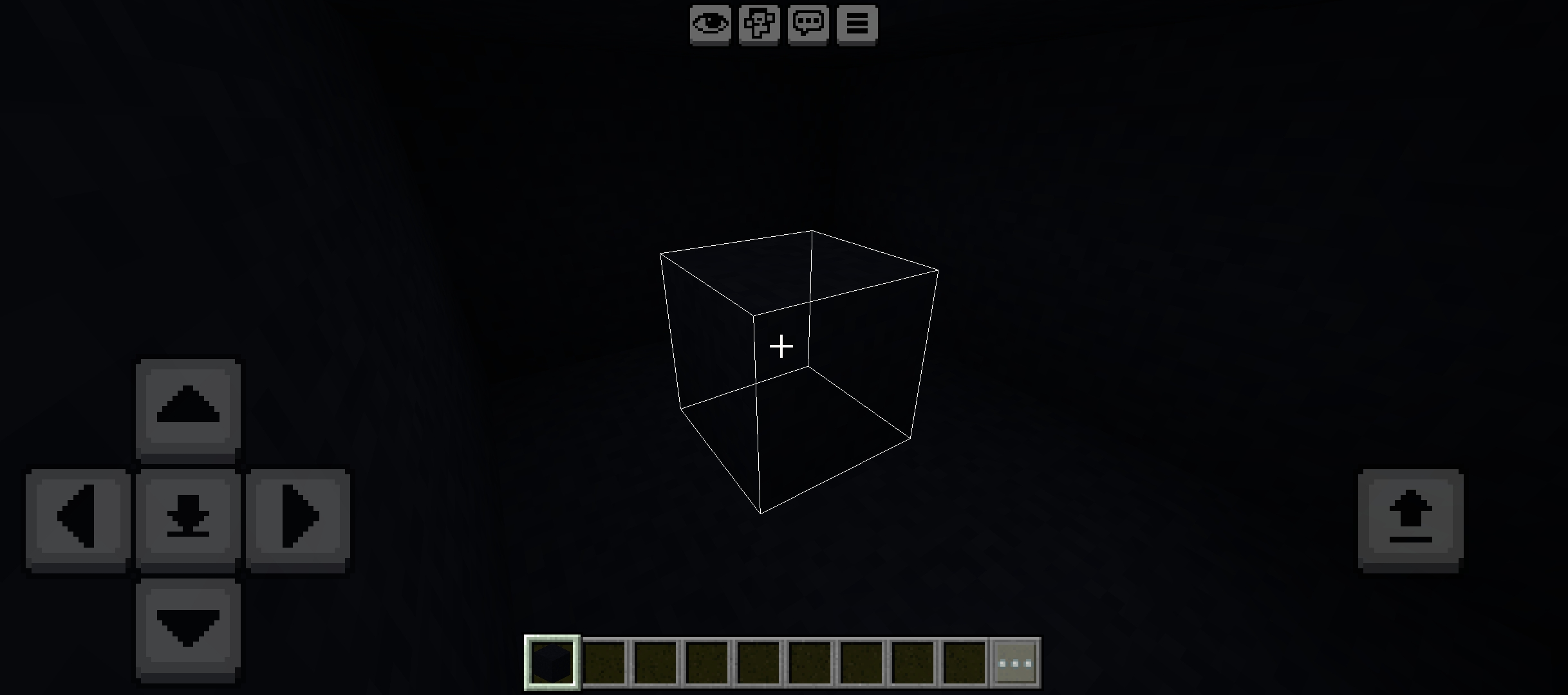
White 3D Outline (Selection Box)
Upgrade Minecraft Bedrock's default black selection box with a clean and immersive White 3D Outline.
This texture pack replaces the default black selection box with a smooth white 3D outline, improving block visibility while preserving the vanilla experience. Lightweight, simple, and fully compatible with the latest Minecraft Bedrock versions.
Features
- Clean White 3D Selection Box
- Improved Block Visibility
- Lightweight & Vanilla Friendly
- No Behavior Pack Required
- RenderDragon Compatible
- Supports the Latest Minecraft Bedrock Versions
Compatibility
- Minecraft Bedrock Edition
- Supports Minecraft 1.26+
- Compatible with the latest Minecraft Bedrock updates
- Multiplayer Friendly
- Server Friendly
- Realms Compatible
- RenderDragon Compatible
- No Behavior Pack Required
- Safe for achievement
Preview
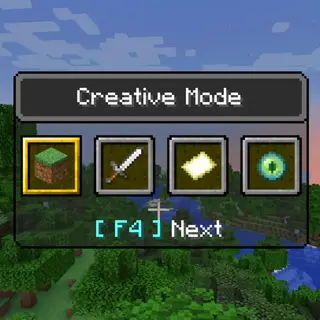
Preview images are available below.
Support
YouTube: @siaizhu
TikTok: @siiaizhu
Donate:
Discord Community: Aizhu comunity
More addons and texture packs: https://legacy.curseforge.com/members/aizhu/projects
If you enjoy this addon, consider following me on CurseForge so you don't miss future updates and new projects.
- Edition: Minecraft Bedrock
- File type: .mcpack
- Minecraft versions listed: 26.50, 26.40, 26.11
- How to install: Download the .mcpack. → Open it — Minecraft imports it under Resource Packs. → Activate it in Global Resources, or for one world under Resource Packs → Available.
- Where to get it: Opens on CurseForge — not every file is mirrored on our own servers.
Install steps are the general flow for this file type — How to install Minecraft Bedrock texture packs walks through it step by step.
- Pack type: .mcpack — a single pack
- Manifest requires Minecraft 1.21.80 or newer
- Complete pack — everything it depends on is inside the file
- Download size: 196 KB
- Download link checked 26 Oct 2026 — working
These come from our own check of the pack file, not from the source page.