
✦ Zero Deferred ✦
Bedrock texture pack listed for Minecraft 1.21. File opened and checked on 19 Sep 2026; installs from the MC Bedrock Mods app on Android.
I don't know my version
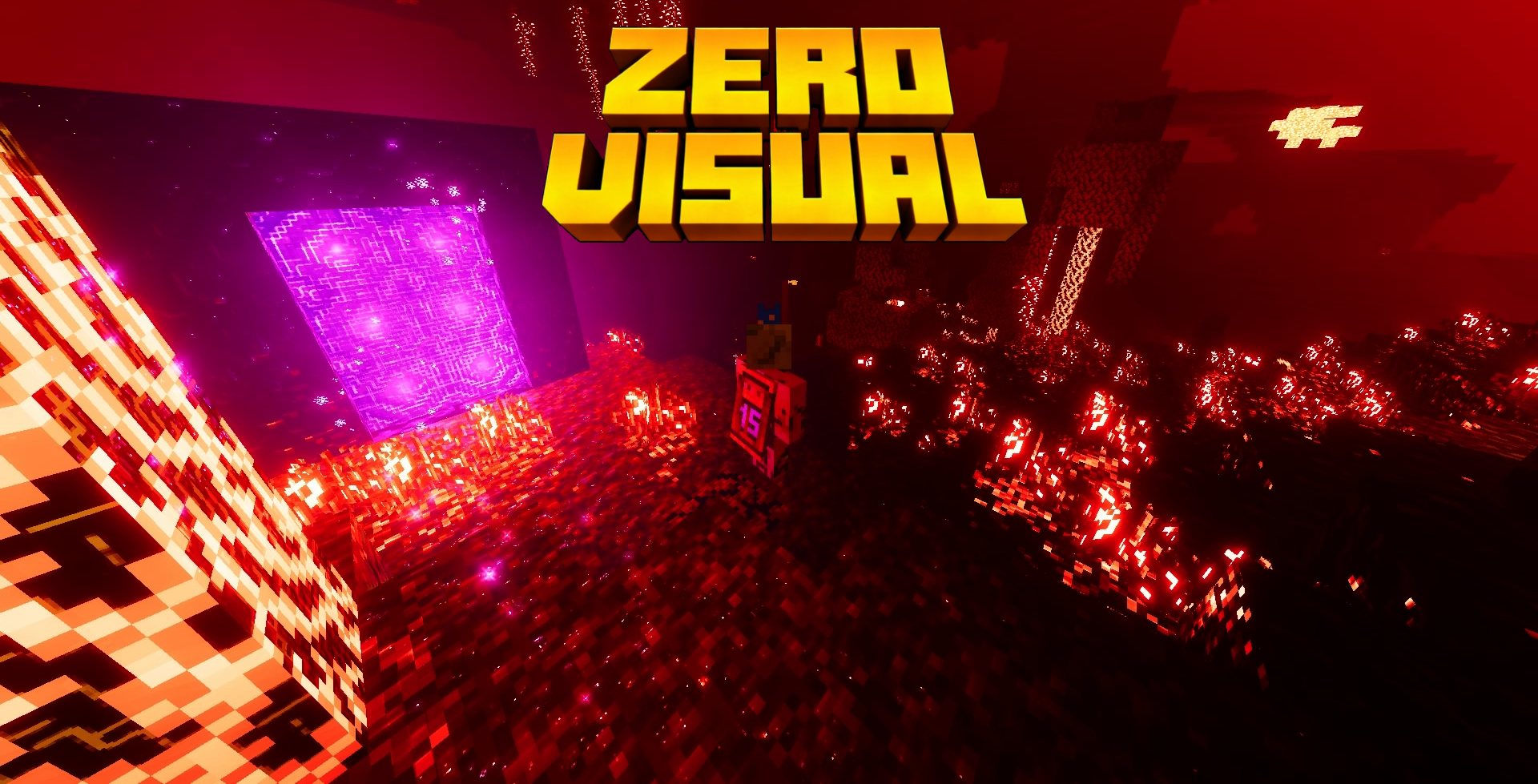
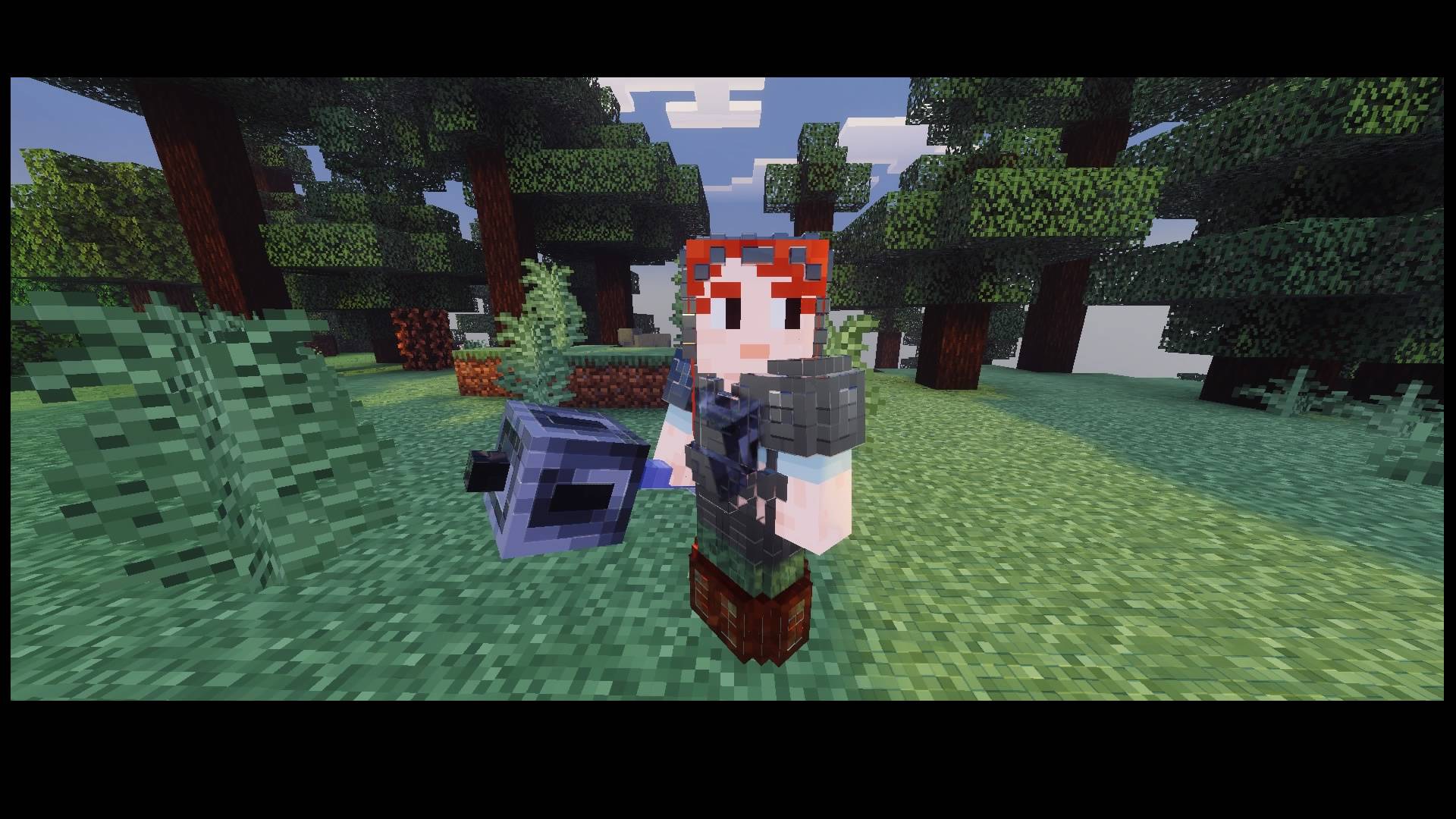
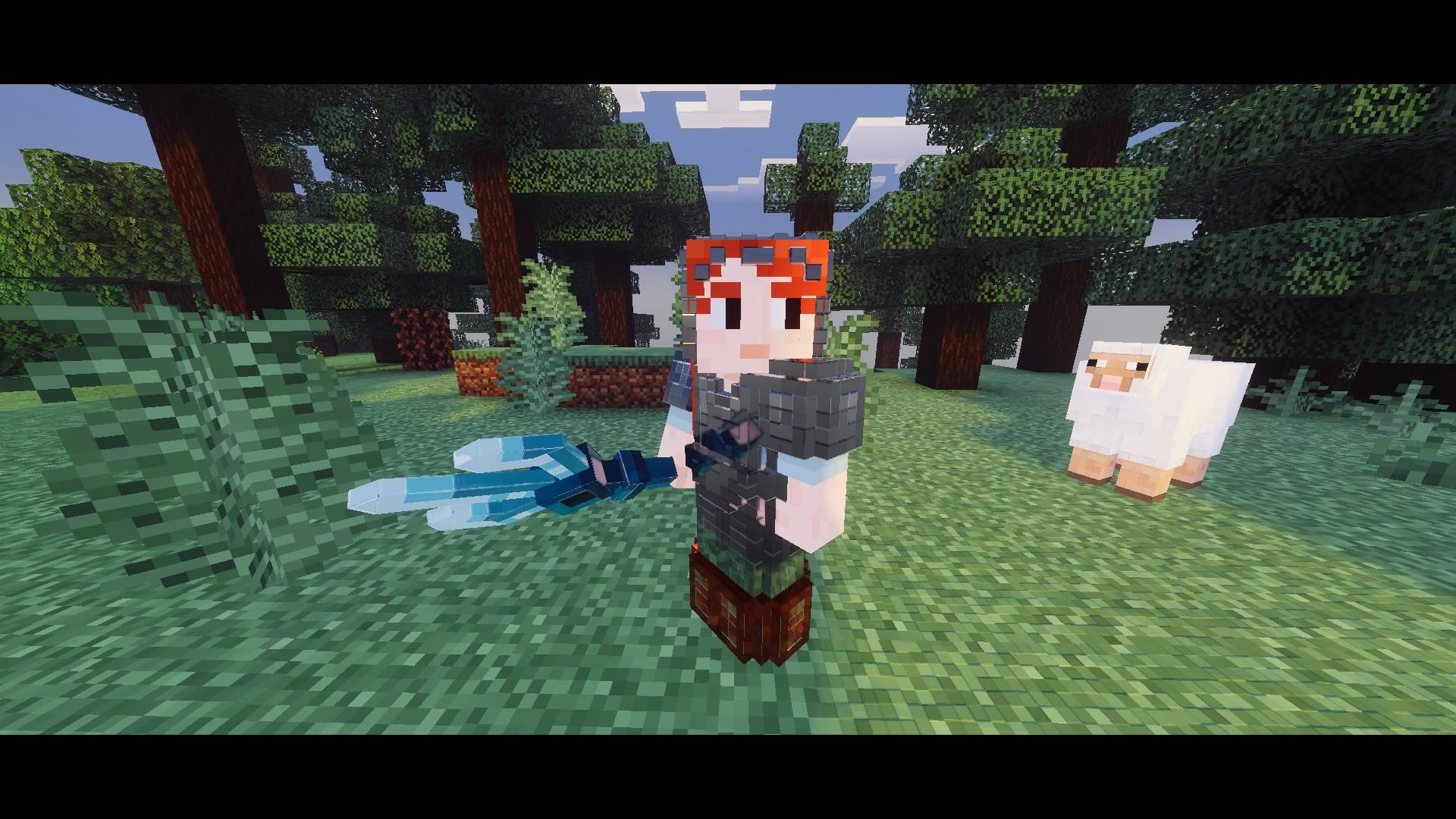
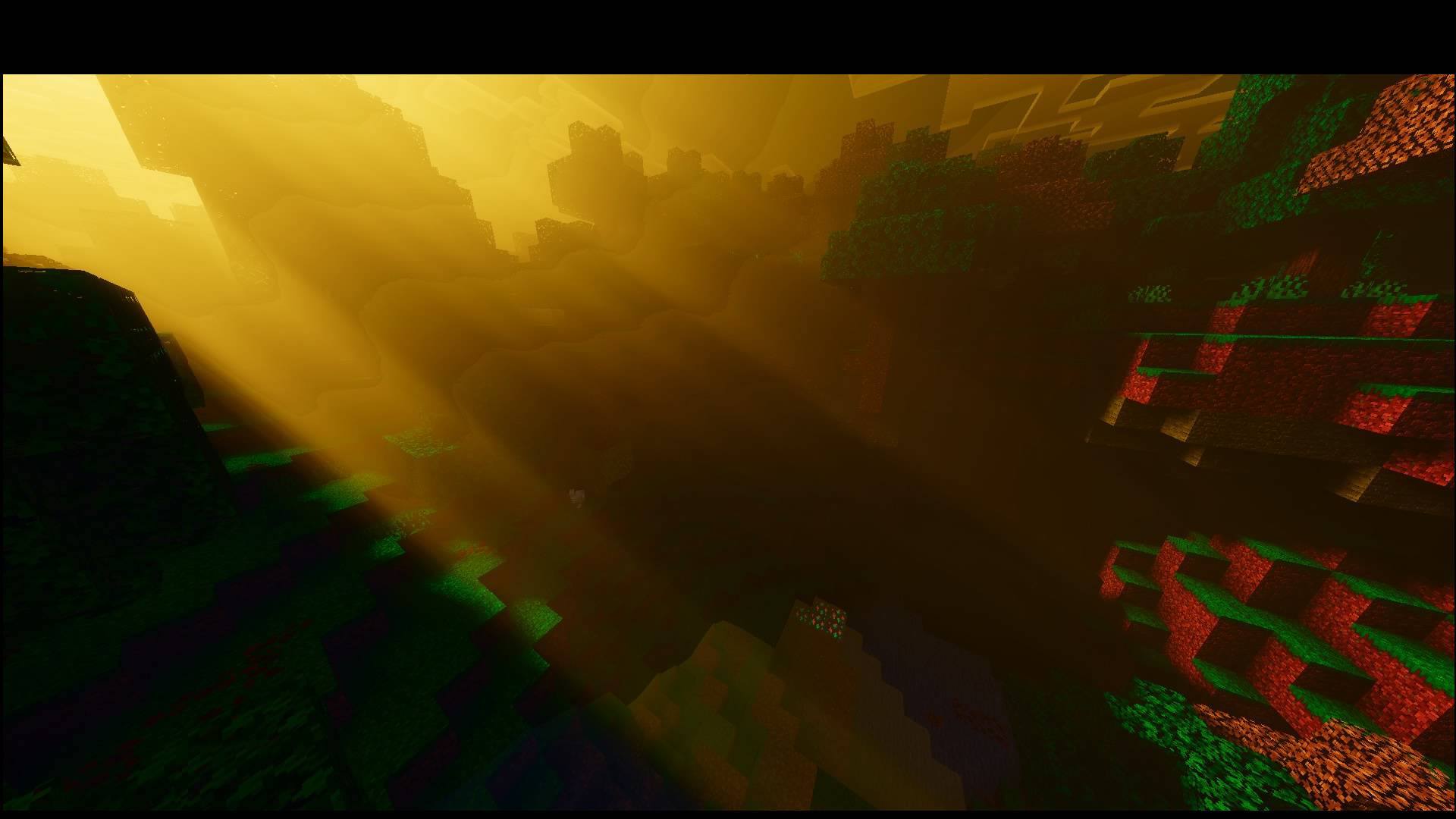
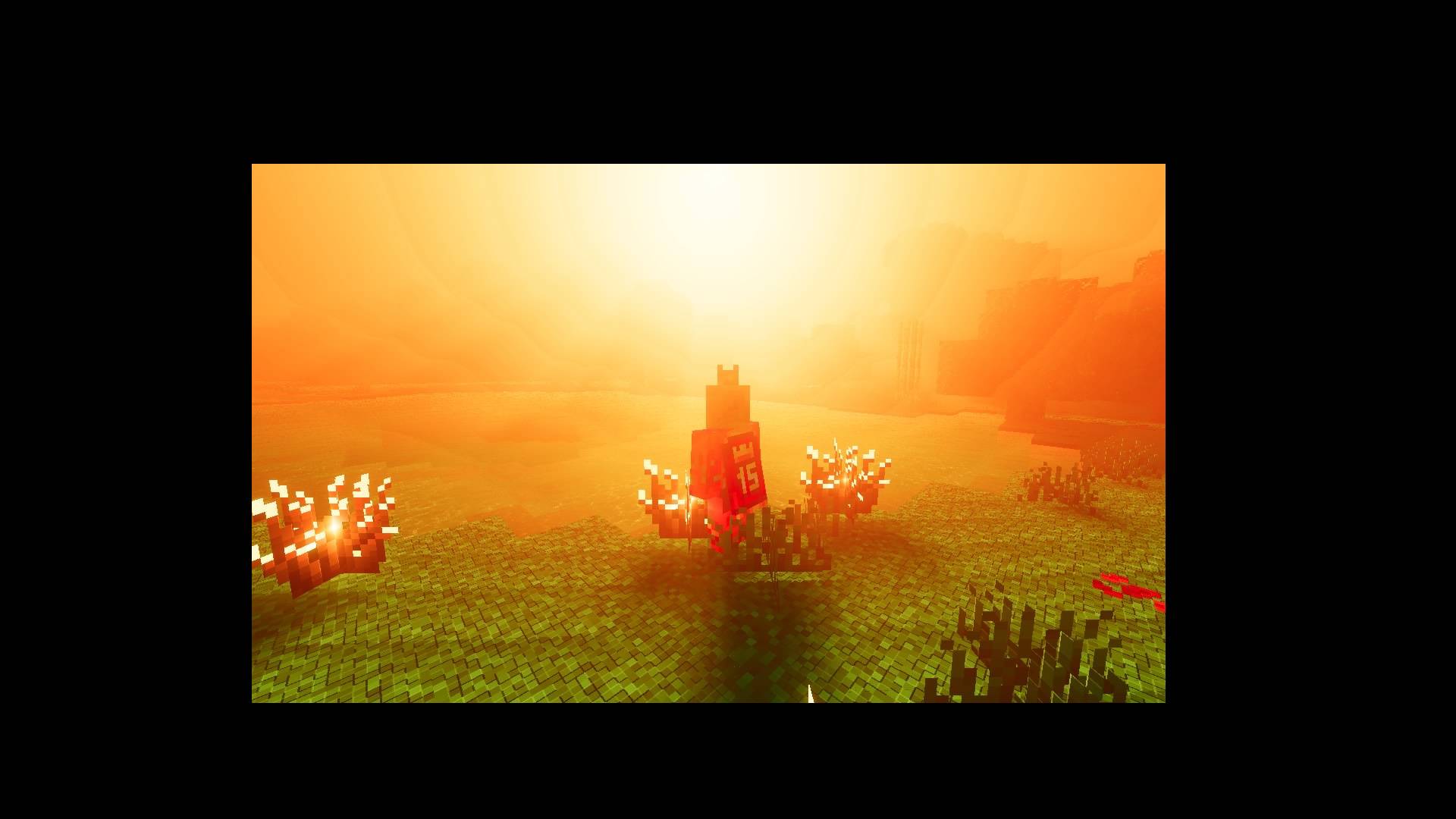
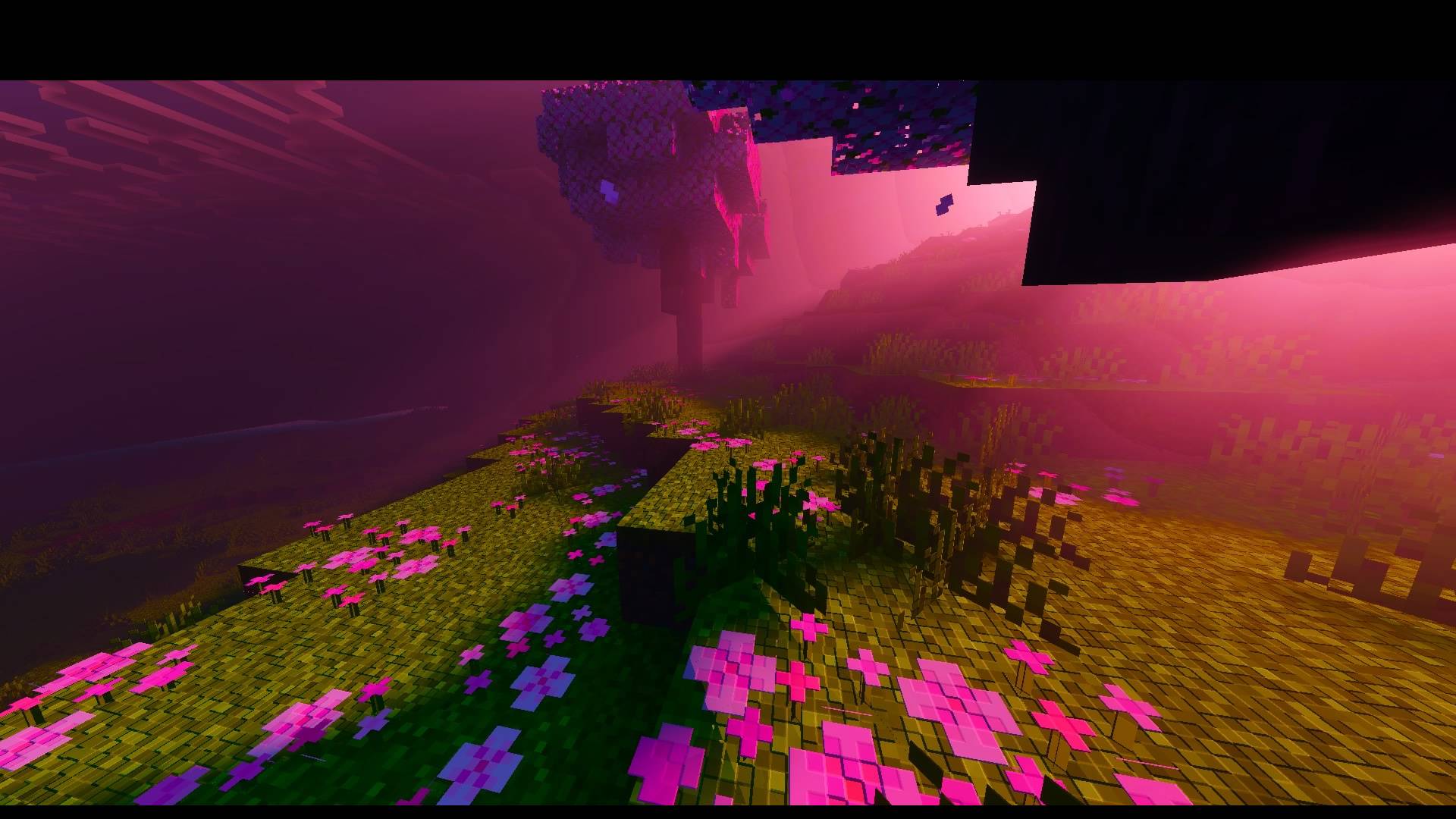
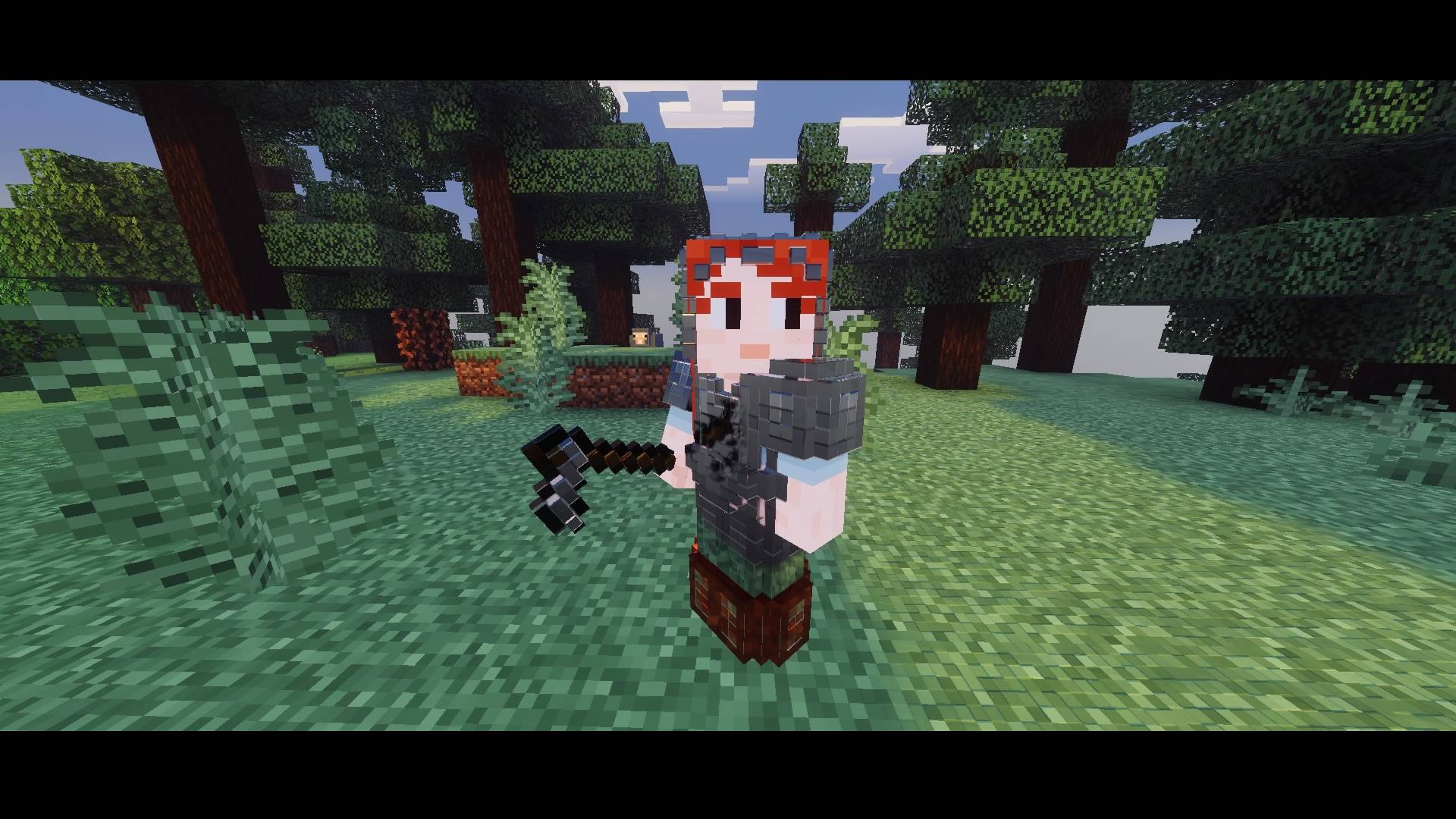
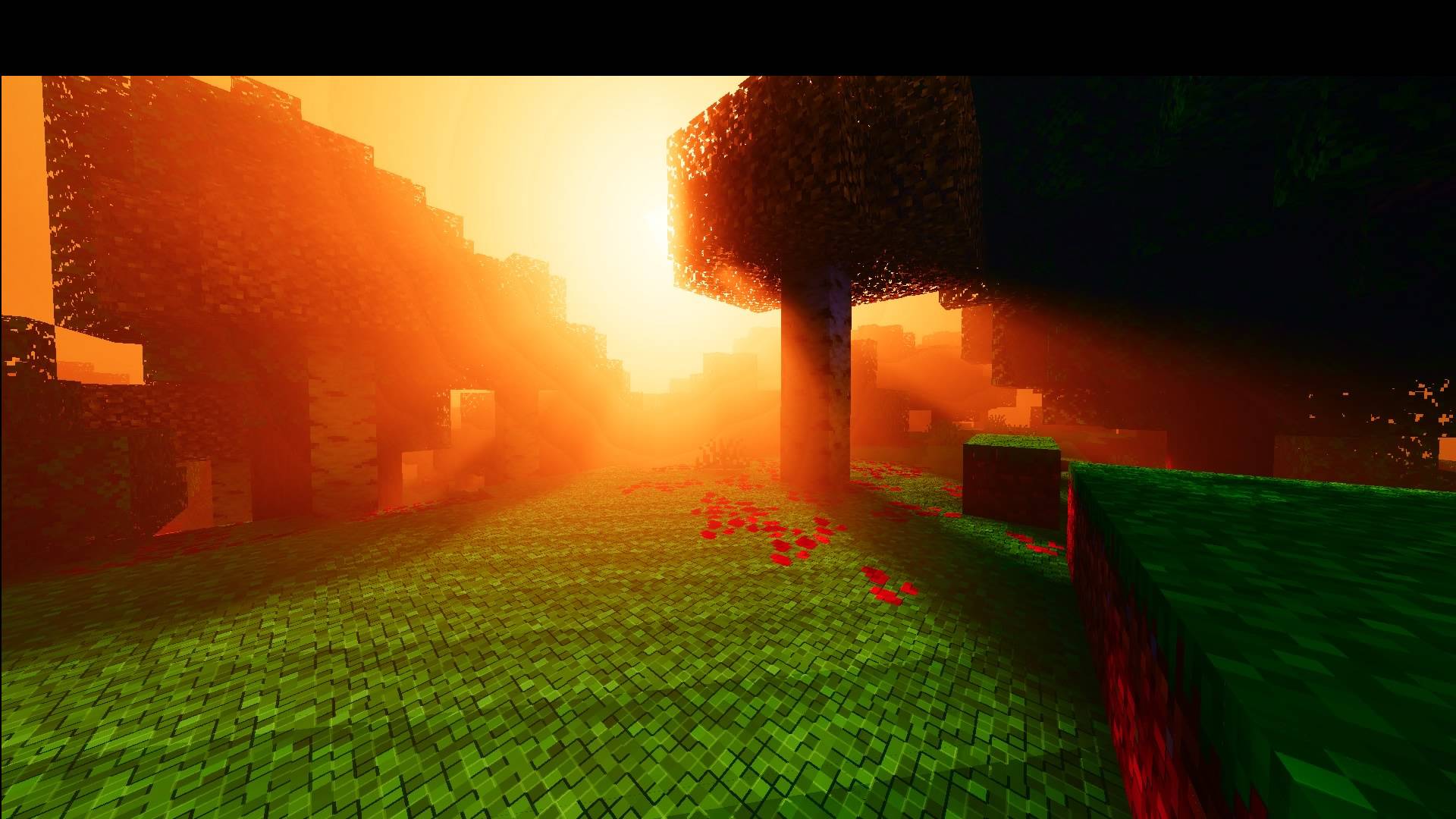
Zero Deferred, a demanding mid-range, high-performance solution, includes the new implementation of local lighting for the Minecraft Beta and Preview (26.0.25/26).
We have added local lighting so it can be enabled and used in your world, previously known as light points. This is the modern lighting system we will be using from now on.
This Deferred is not my own idea; it has been recreated from scratch using the new configuration and will receive continuous updates.
- Edition: Minecraft Bedrock
- File type: .mcpack
- Minecraft versions listed: 1.21.120, 1.21.122, 1.21.121
- How to install: Download the .mcpack. → Open it — Minecraft imports it under Resource Packs. → Activate it in Global Resources, or for one world under Resource Packs → Available.
- Where to get it: In MCModsHub, or directly above on this page.
Install steps are the general flow for this file type — How to install Minecraft Bedrock texture packs walks through it step by step.
- Pack type: .mcaddon — behaviour and resource pack in one file
- Complete pack — everything it depends on is inside the file
- Download size: 69.2 MB
- Download link checked 18 Jun 2026 — working
These come from our own check of the pack file, not from the source page.