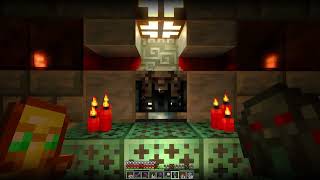
Vanilla RTX Opus
Bedrock texture pack listed for Minecraft 1.21–26.x. File opened and checked on 25 Sep 2026; installs from the MC Bedrock Mods app on Android.
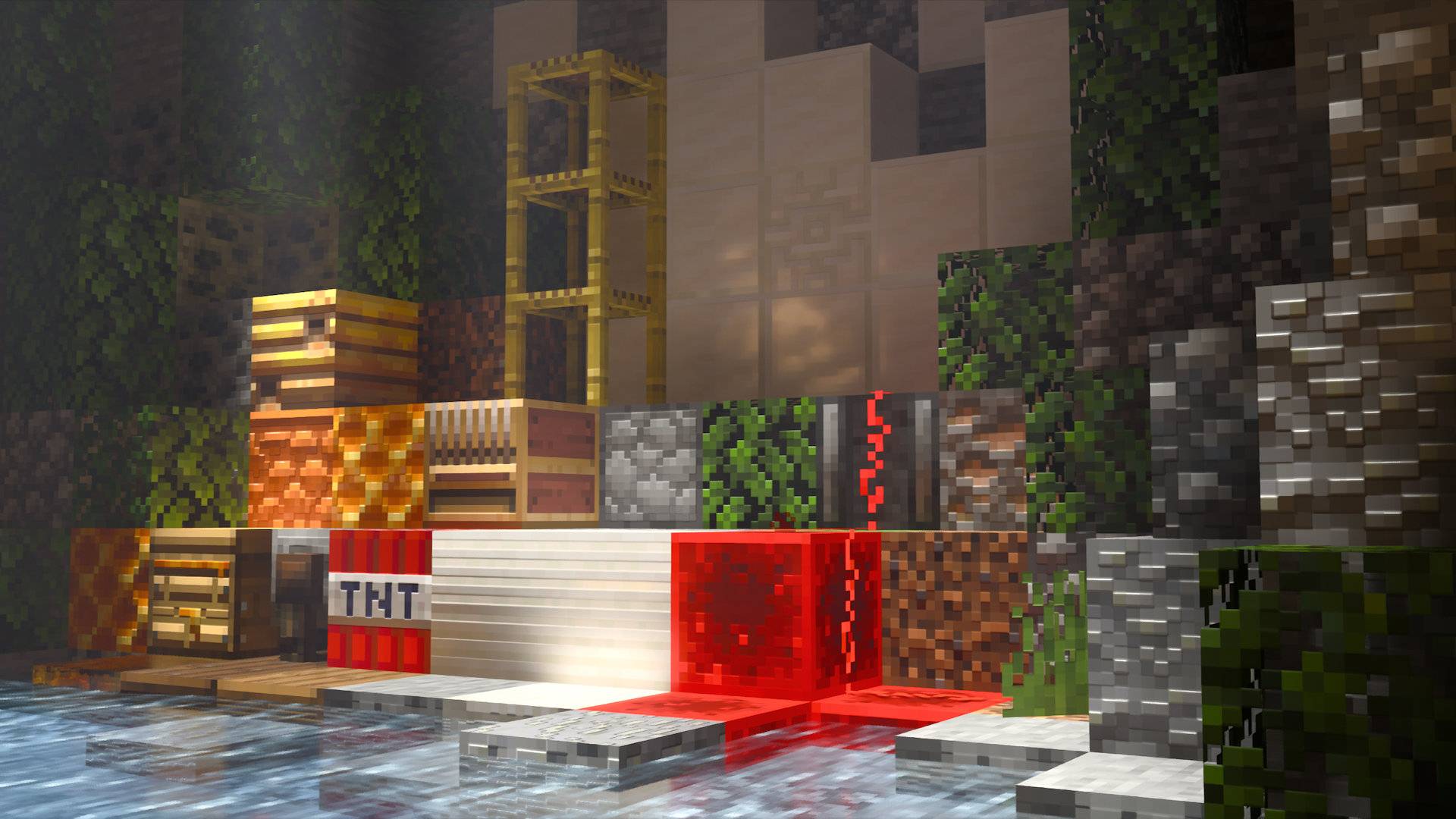
The ultimate ray-traced Minecraft graphics, featuring unprecedented level of detail with 96x normal maps! – Vanilla Resources Made Available for Minecraft…
I don't know my version
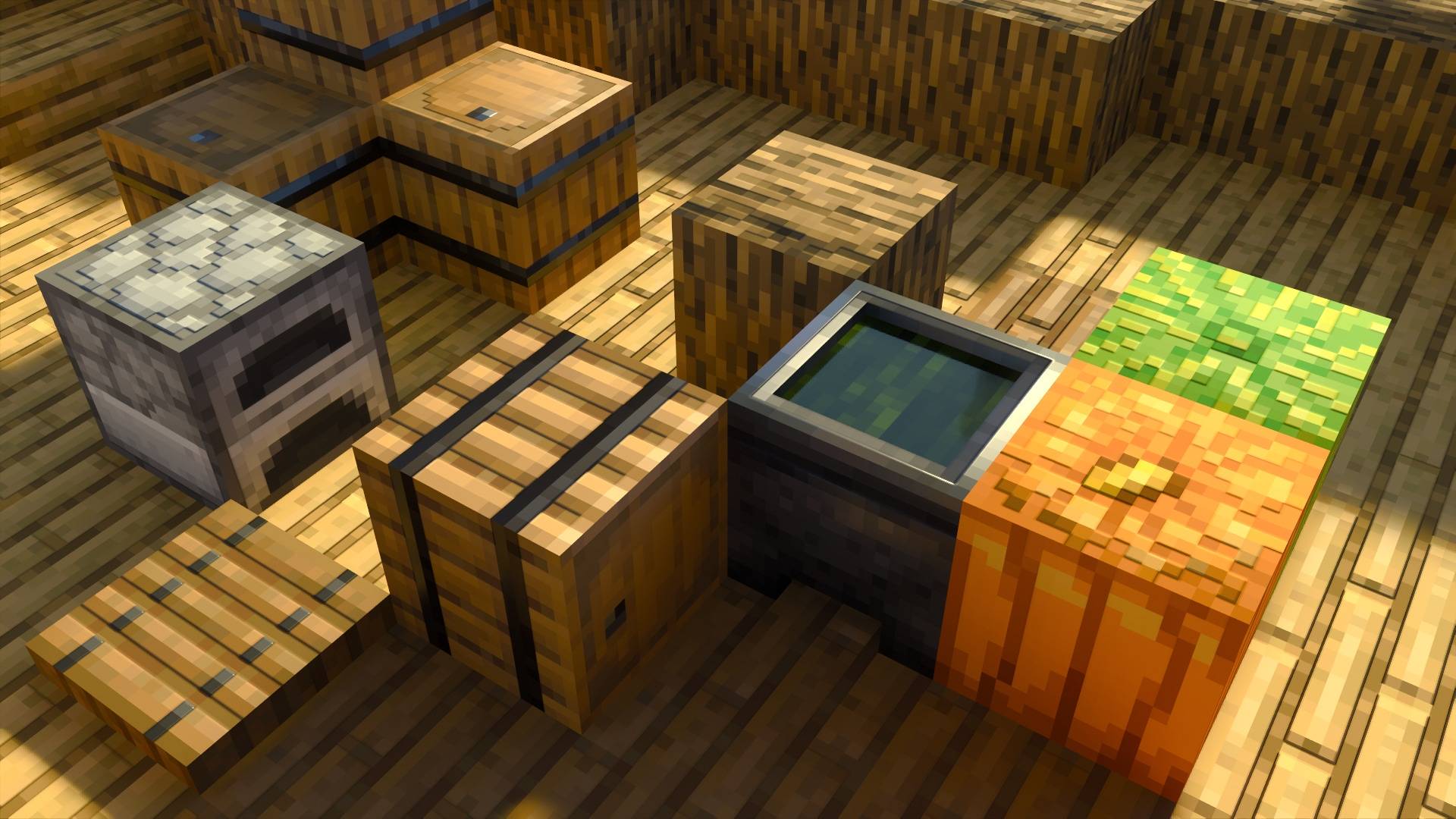
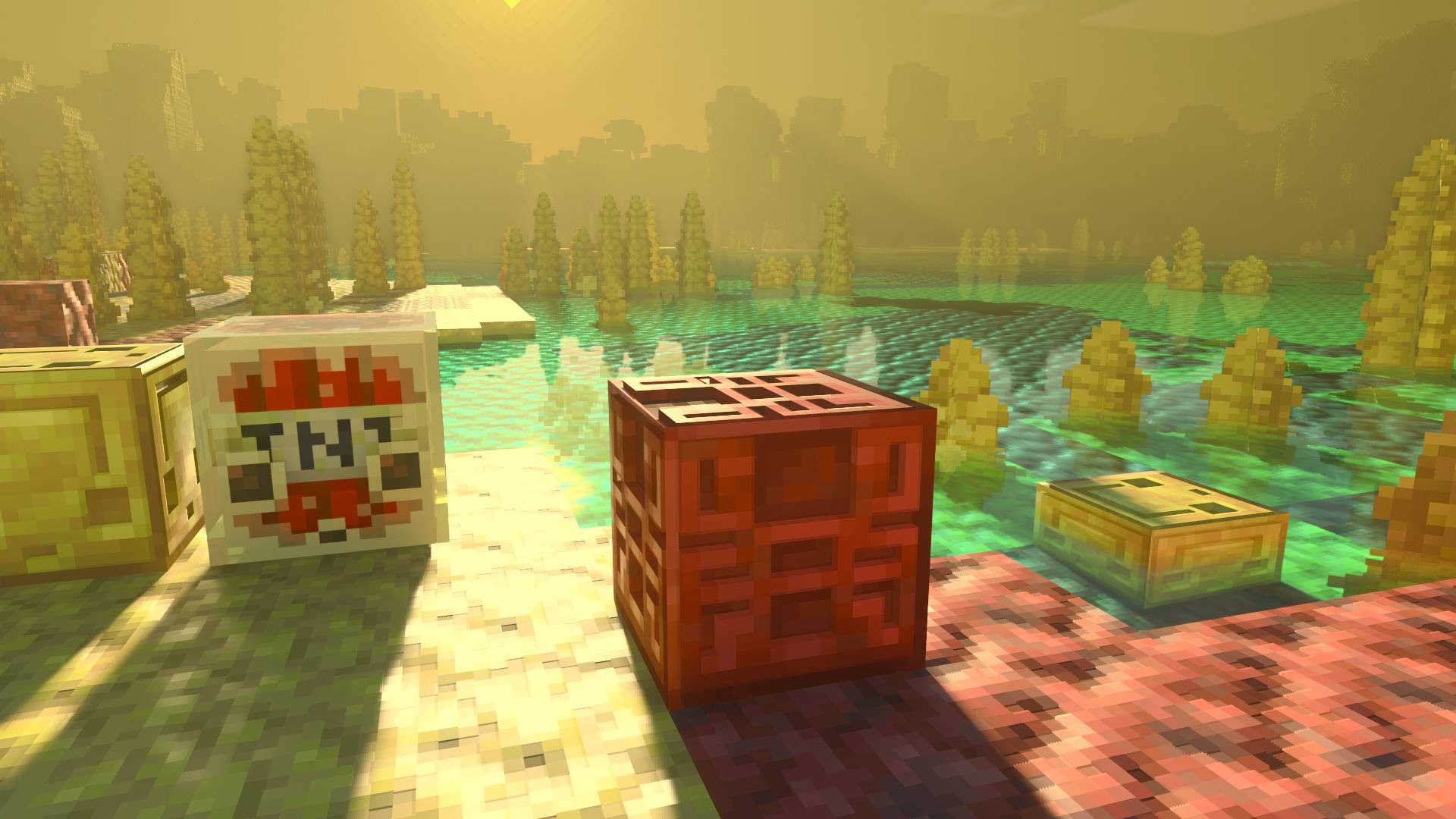
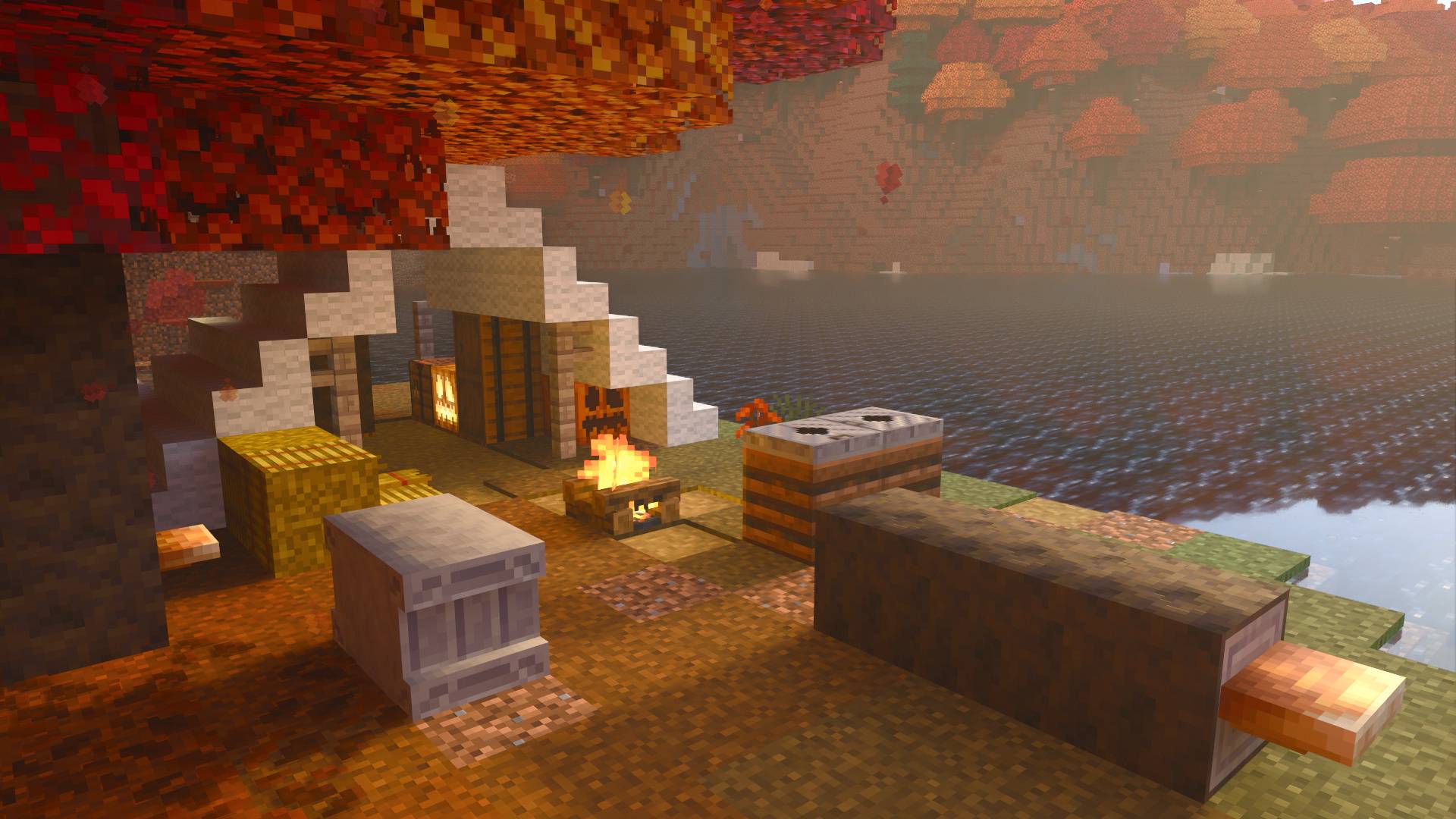
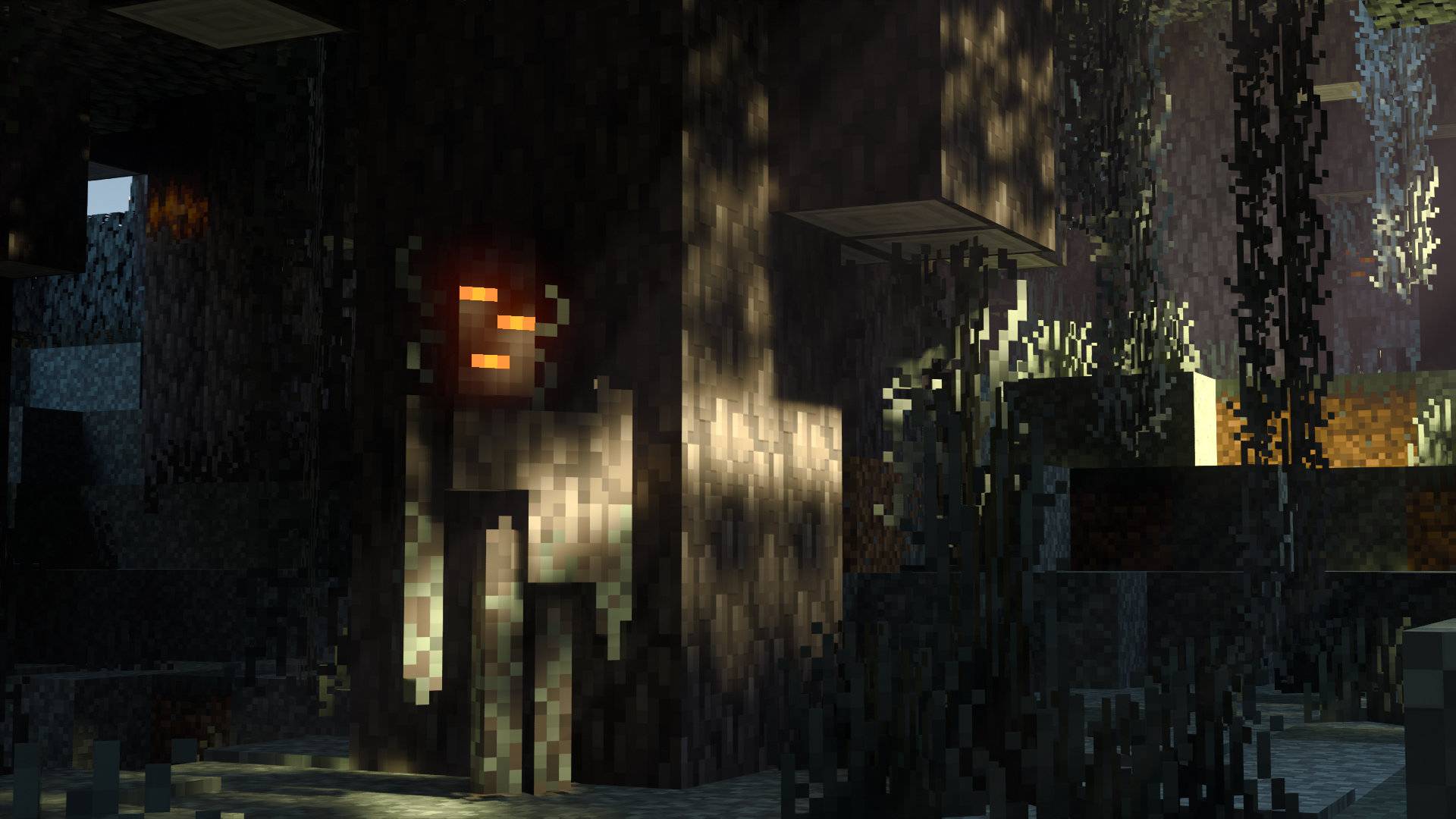
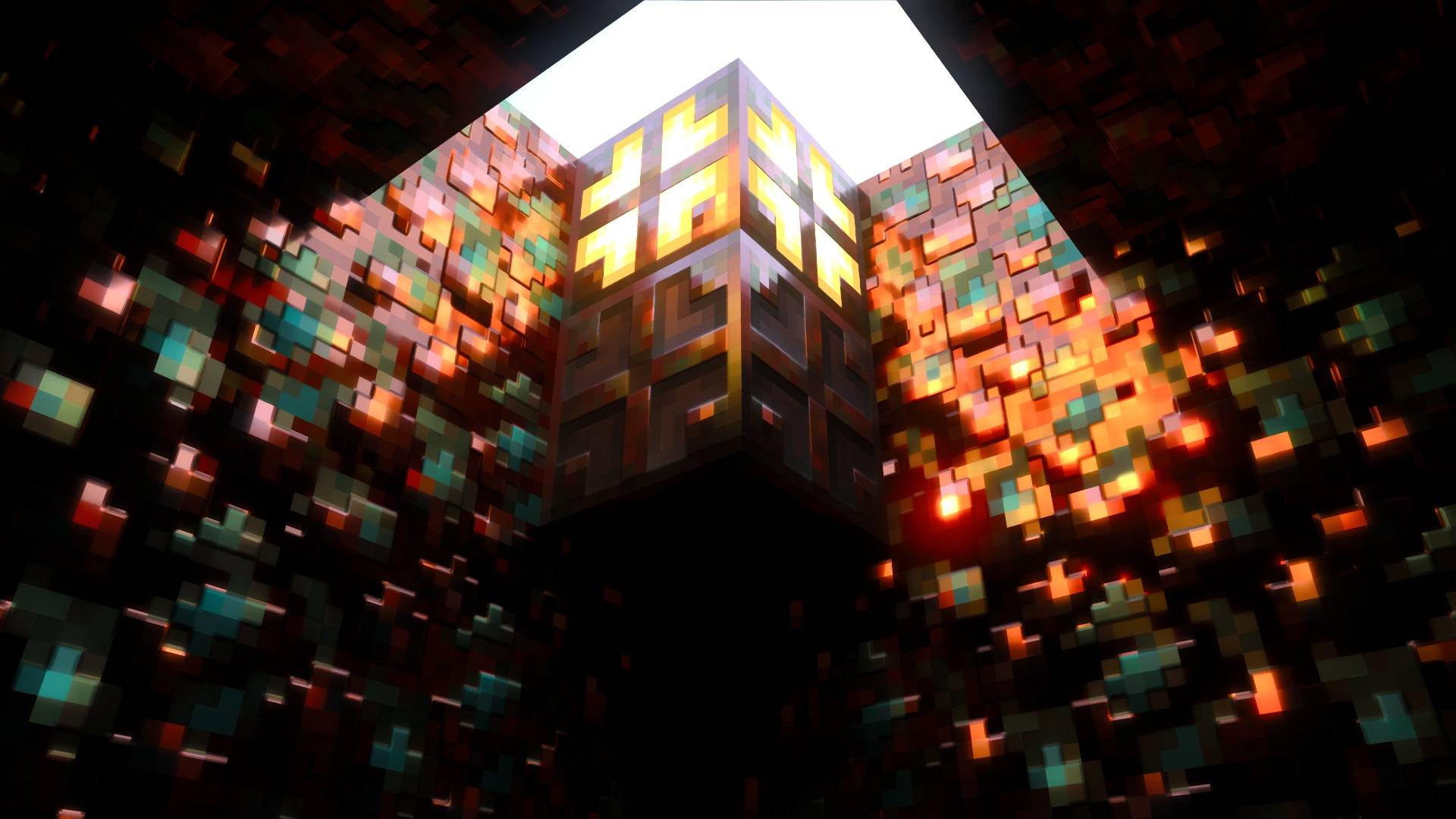
Vanilla Resources Made Available for Minecraft with RTX
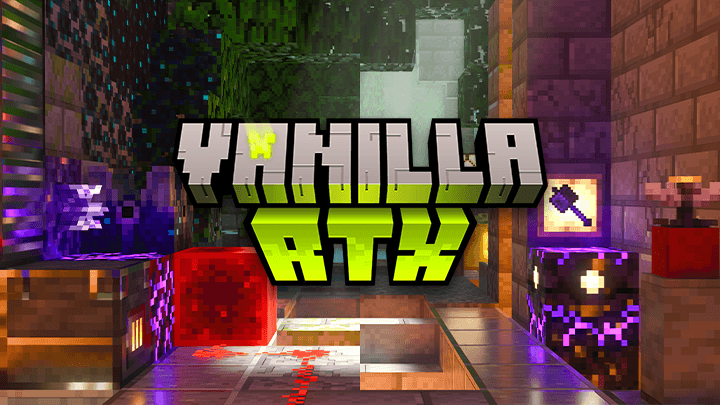
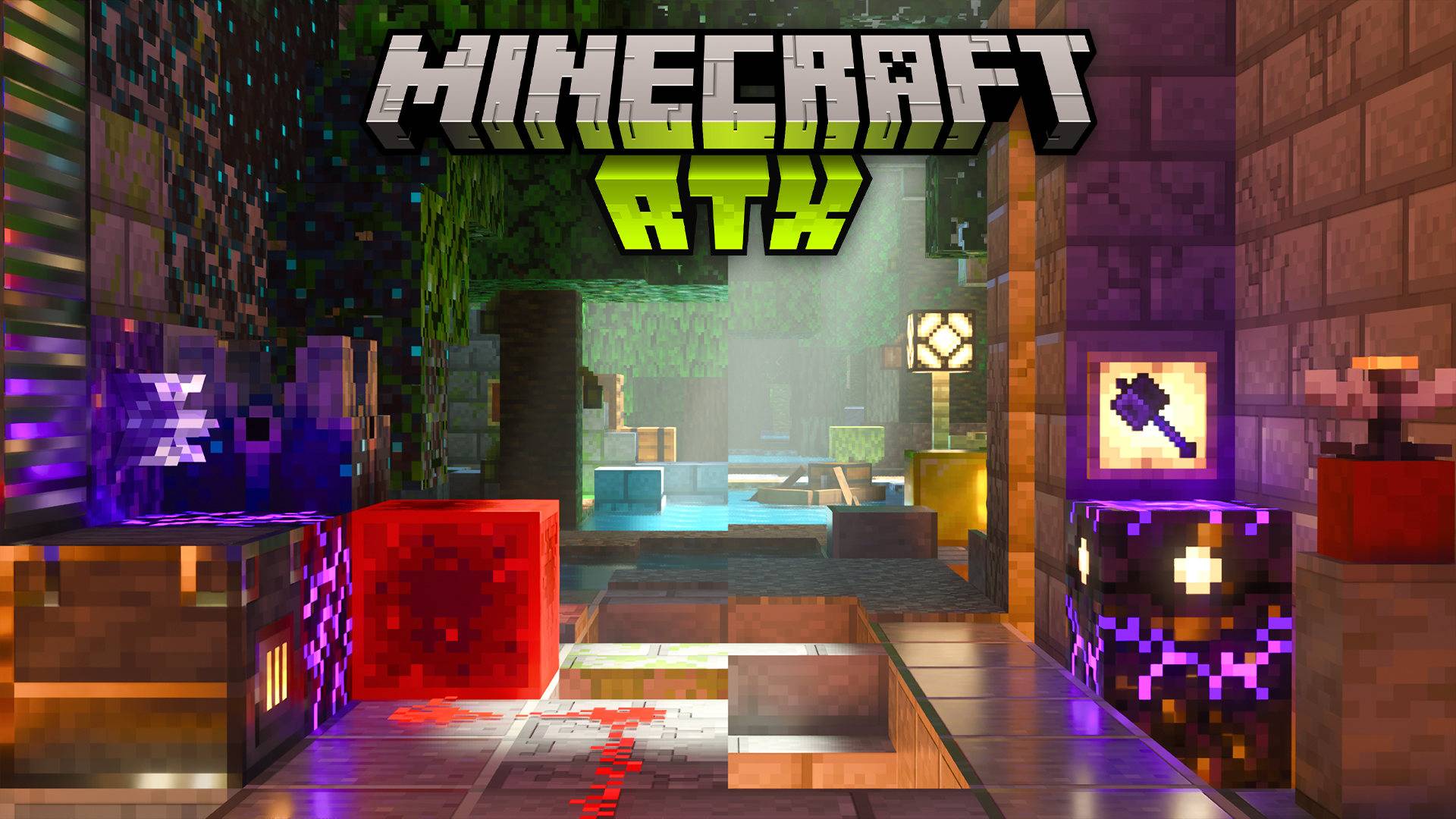
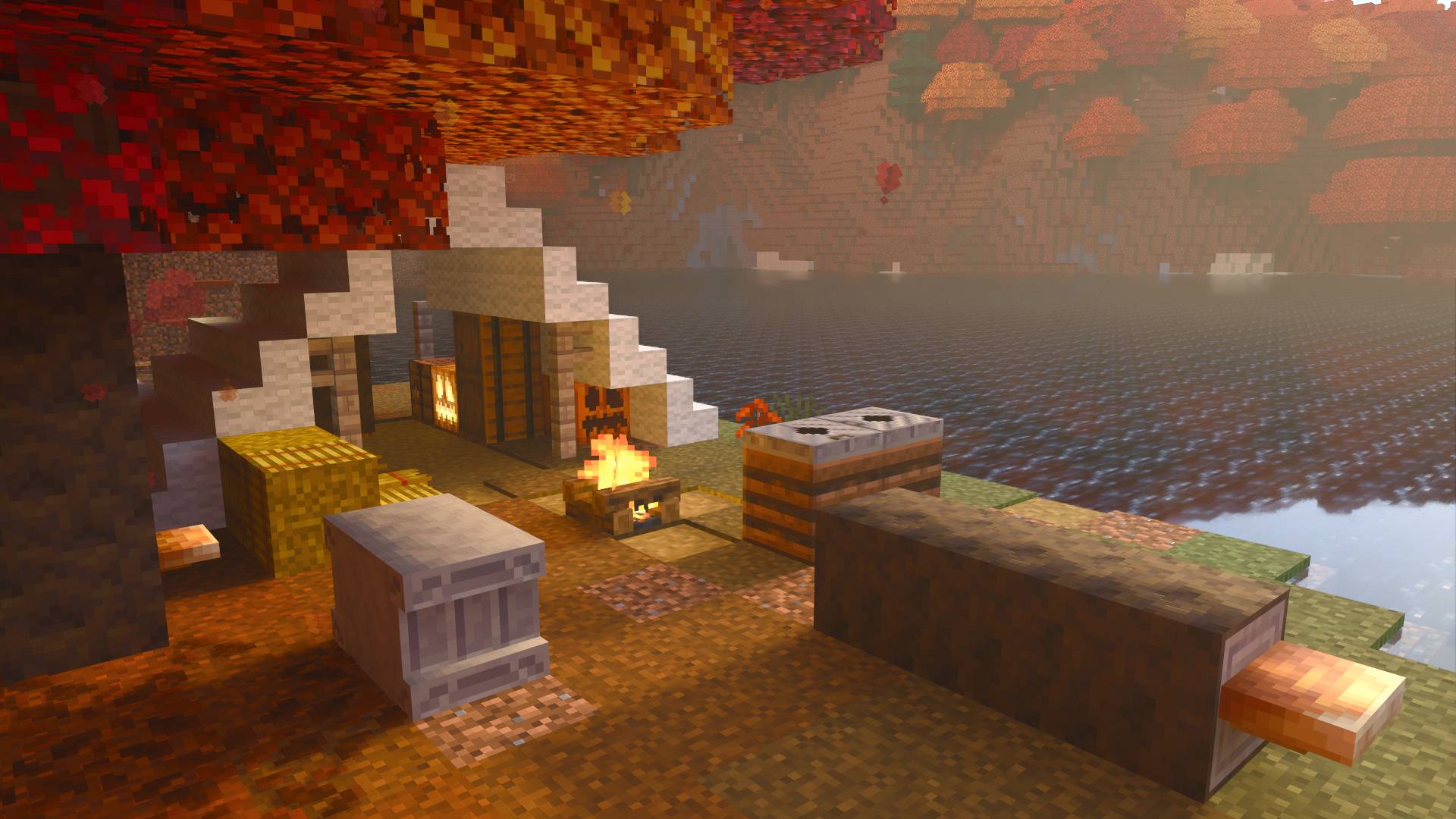
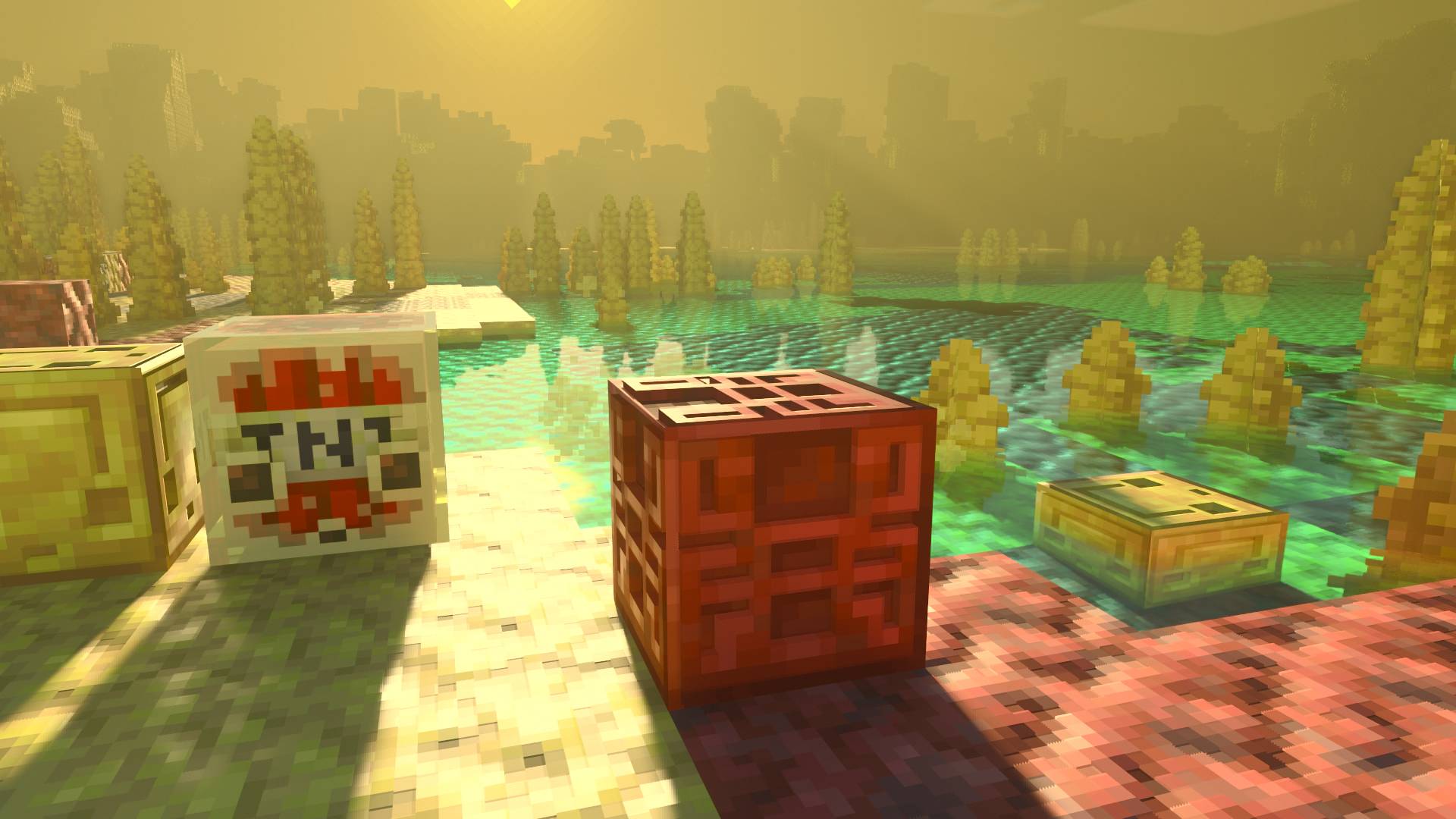
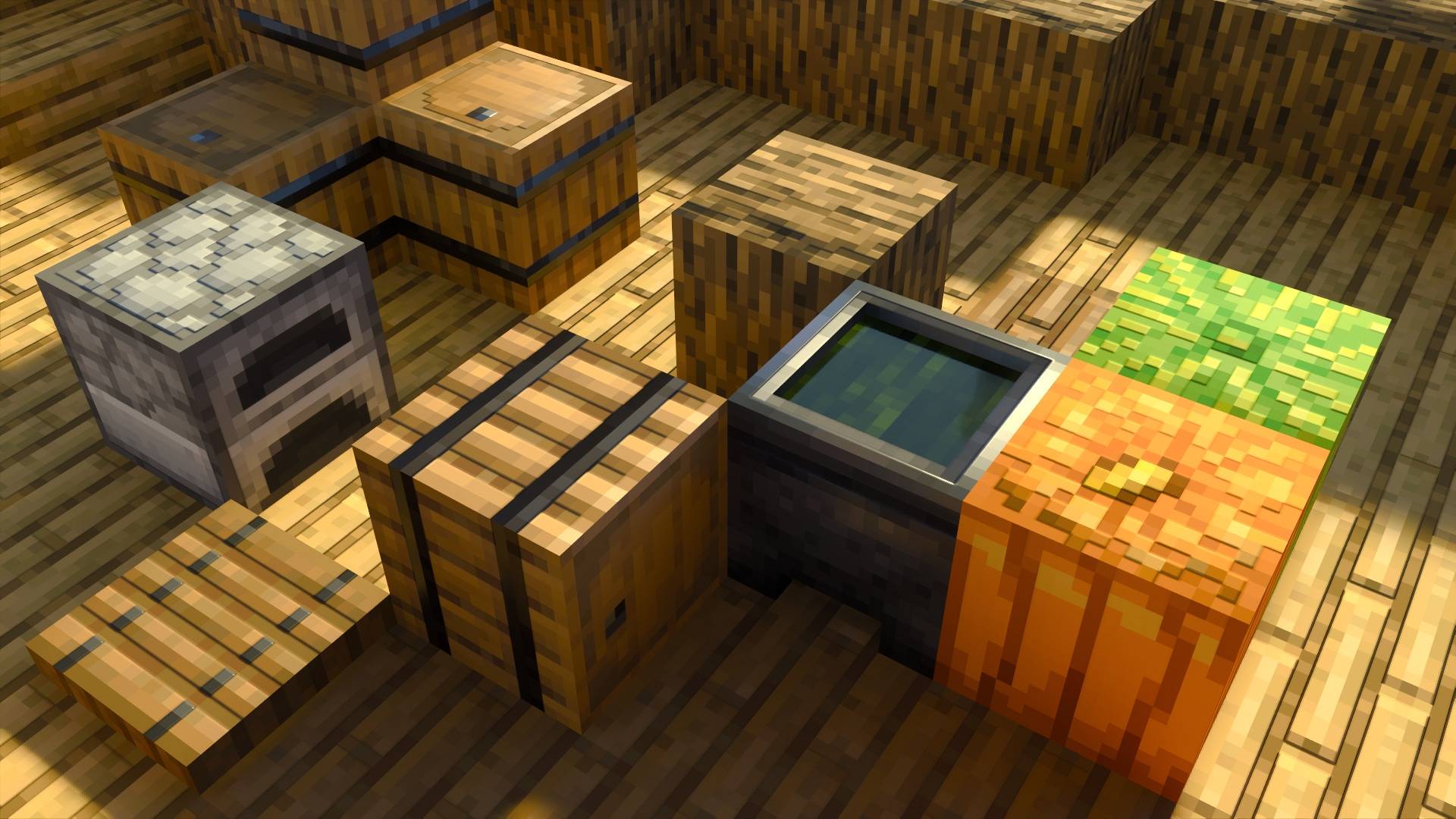
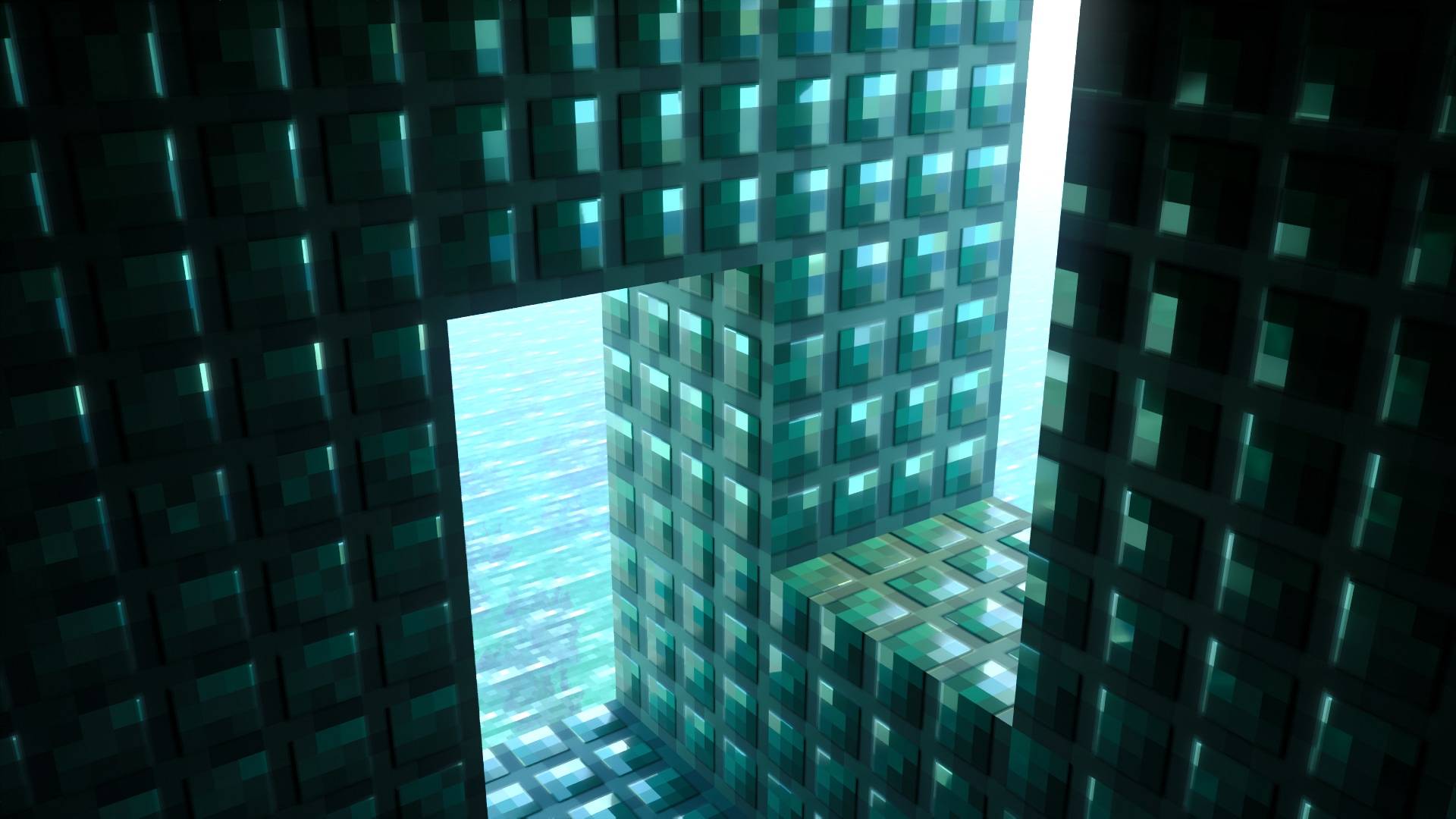
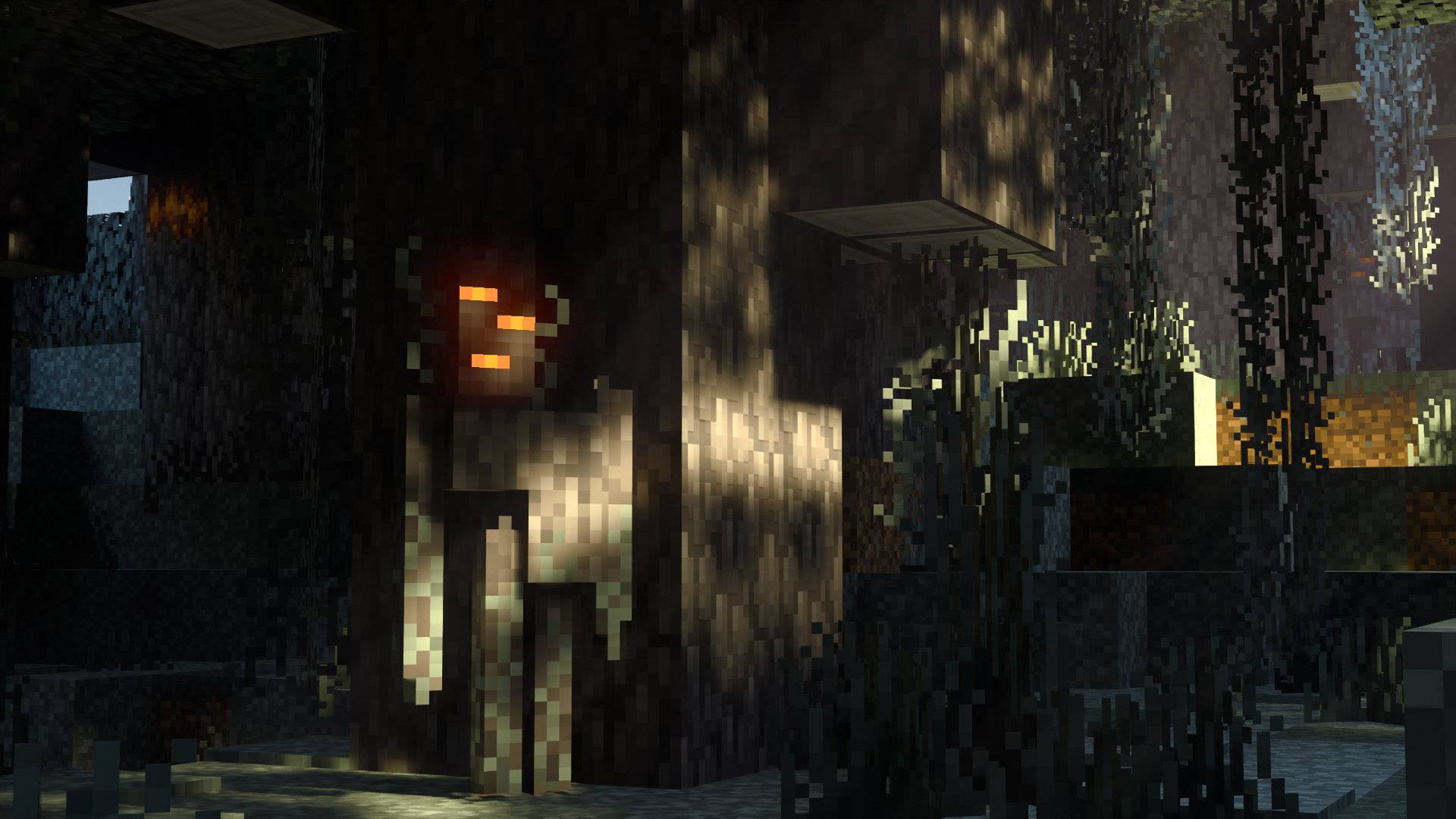
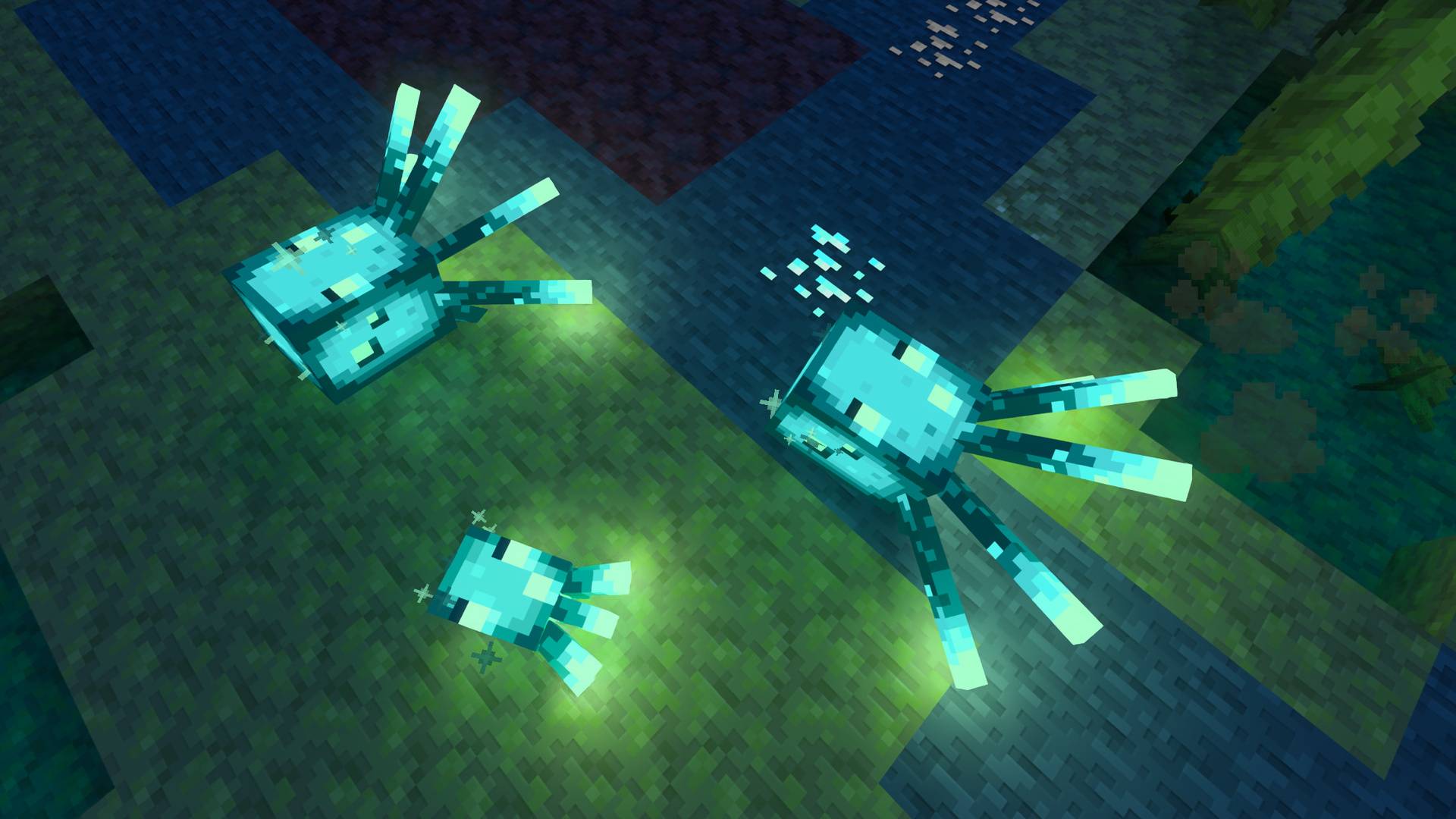
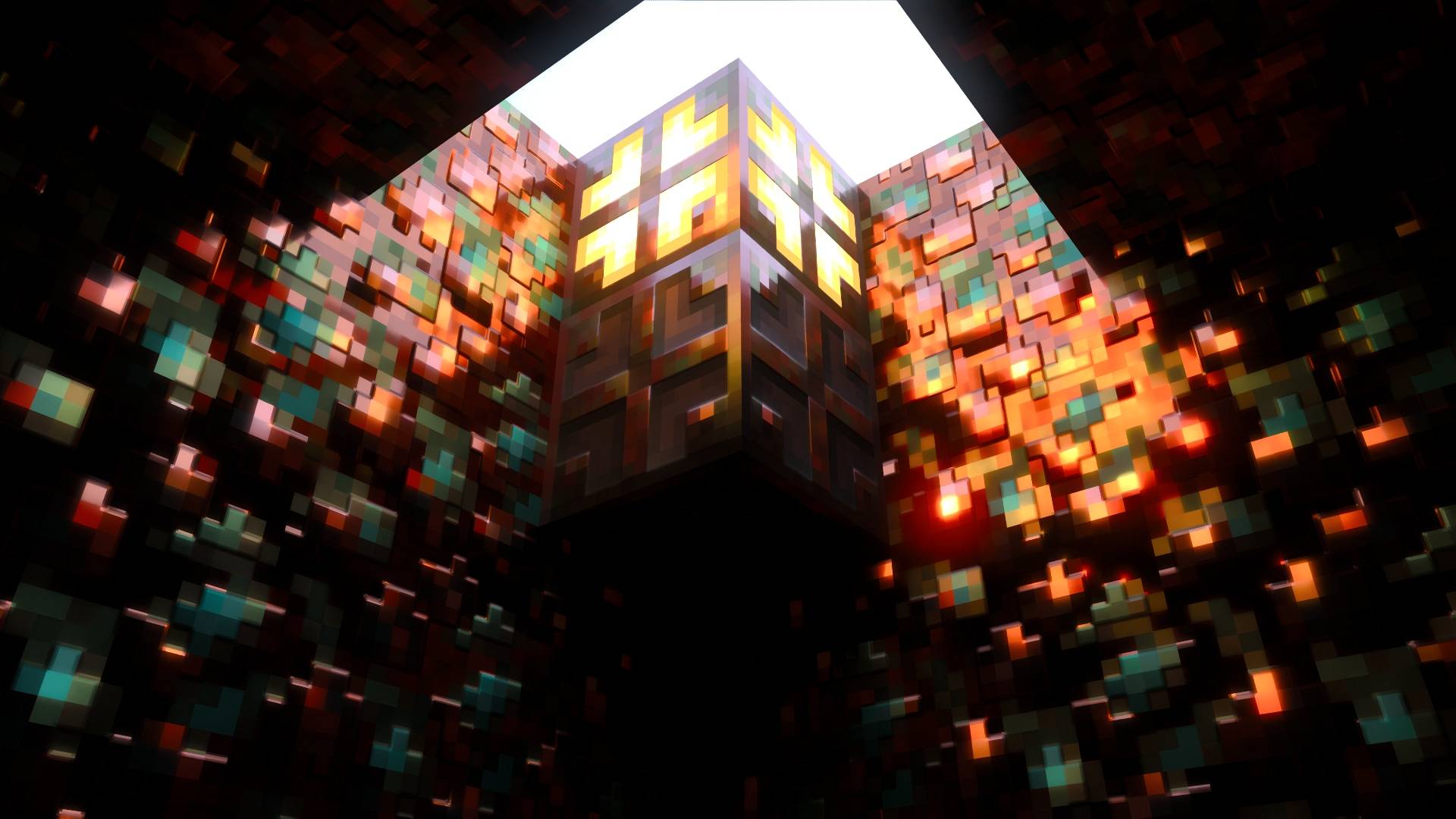
Vanilla RTX Opus is the composition of both Vanilla RTX & Vanilla RTX Normals, giving each block an unprecedented level of detail and depth by bringing the designs from both packs together in one larger package with 96x normal maps!
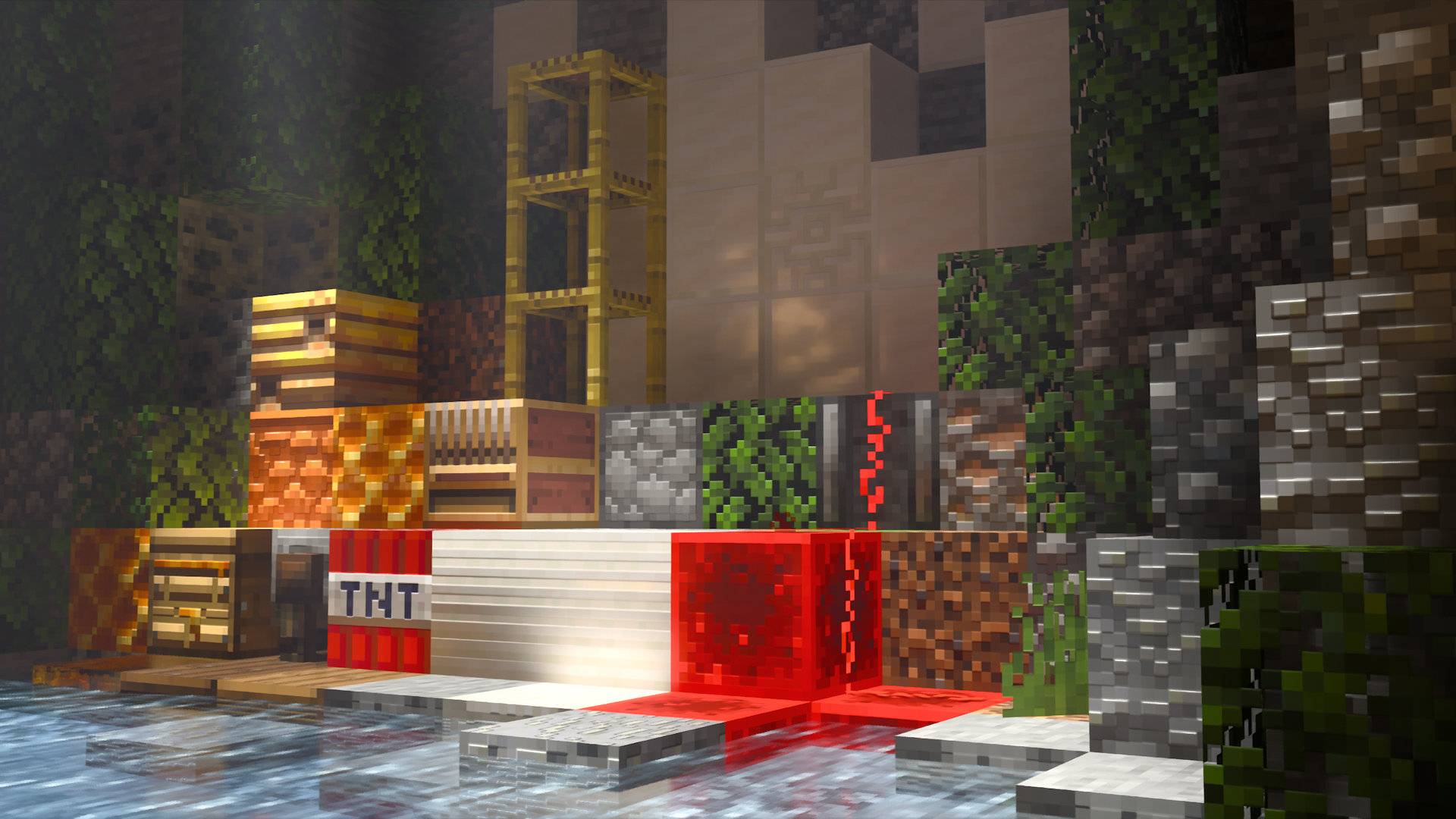
Vanilla RTX is the go-to ray tracing resource pack for Minecraft RTX, bringing together a cohesive art direction for default ray-traced Minecraft graphics since 2020 – Enabling players to use Minecraft's ray tracing features in any world or servers by adding thoughtfully-crafted materials and configurations to the base game without altering the vanilla experience, delivering complete ray tracing support for Minecraft in a manner that integrates seamlessly and maintains a native look and feel.
- Every possible vanilla block is supported, even secret or unobtainable blocks.
- All blocks feature highly detailed, unique material designs that remain consistent across different blocks made of similar materials.
- Every material has been carefully designed to give each block the character it deserves while preserving its original style and functionality – without diverging from the artist's intent inherent in the texture.
- Everything has been fine-tuned for Minecraft's ray tracing.
- Compatibility errors of vanilla resources with ray tracing are resolved through Enhancements
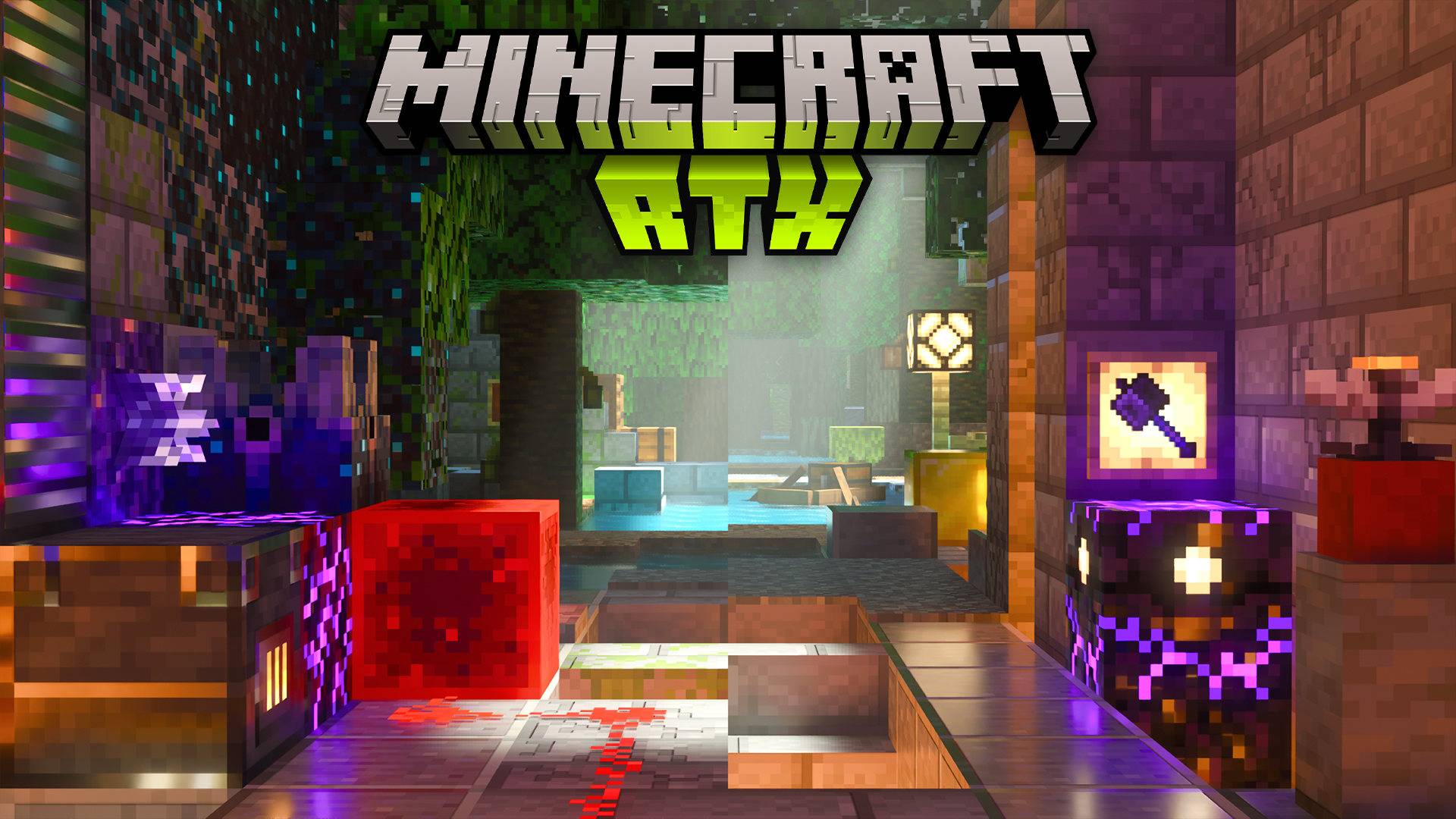

Main Resource Packs:
- Vanilla RTX uses 16x heightmaps which define depth on blocks.
- Vanilla RTX Normals features handcrafted 16x normal maps instead, which simulate curvature by defining the direction each pixel in the texture is facing.
- Vanilla RTX Opus is the composition of both Vanilla RTX & Vanilla RTX Normals, featuring higher resolution normal maps with an unprecedented level of detail.
Related Projects:
- Vanilla RTX App is an installable tool that lets you launch Minecraft RTX without issues in one click, customize fog, lighting or materials in Vanilla RTX, recieve updates automatically, upgrade DLSS, and more...
- Vanilla RTX Add-Ons are a series of smaller packages that give certain blocks interesting properties!
- Chemistry RTX packs are optional extensions to extend support to Minecraft: Education Edition Chemistry content.
- Creative RTX HD Material Pack features a collection of exotic high definition materials for creative builds with ray tracing.
Installation guide:
- Download the .mcpack file and import to Minecraft.
- Launch Minecarft using the Launch Minecraft RTX button inside the Vanilla RTX App.
- Activate Vanilla RTX Opus.
- Join your world with ray tracing now enabled properly.
For more usage tips, visit the CurseForge page of regular Vanilla RTX. Almost everything there applies here.
- Edition: Minecraft Bedrock
- File type: .mcpack
- Minecraft versions listed: 26.50, 26.40, 26.0.02
- How to install: Download the .mcpack. → Open it — Minecraft imports it under Resource Packs. → Activate it in Global Resources, or for one world under Resource Packs → Available.
- Where to get it: In MCModsHub, or directly above on this page.
Install steps are the general flow for this file type — How to install Minecraft Bedrock texture packs walks through it step by step.
- Pack type: .mcpack — a single pack
- Complete pack — everything it depends on is inside the file
- Download size: 3.8 MB
- Download link checked 25 Aug 2026 — working
These come from our own check of the pack file, not from the source page.