Clear Pixels
Bedrock texture pack listed for Minecraft 1.21. File opened and checked on 10 Oct 2026; installs from the MC Bedrock Mods app on Android.
Clear Pixels sharpens and cleans Minecraft's default textures while keeping the original look and feel. All textures are upscaled to 128×128 so you get a…
⬇ Download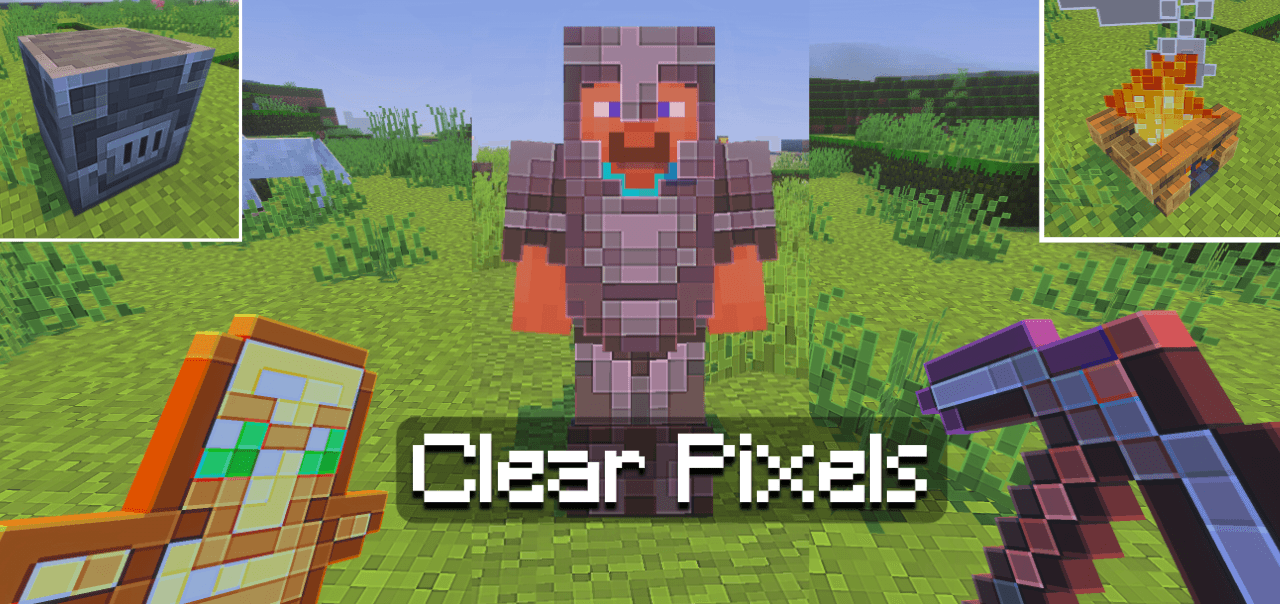
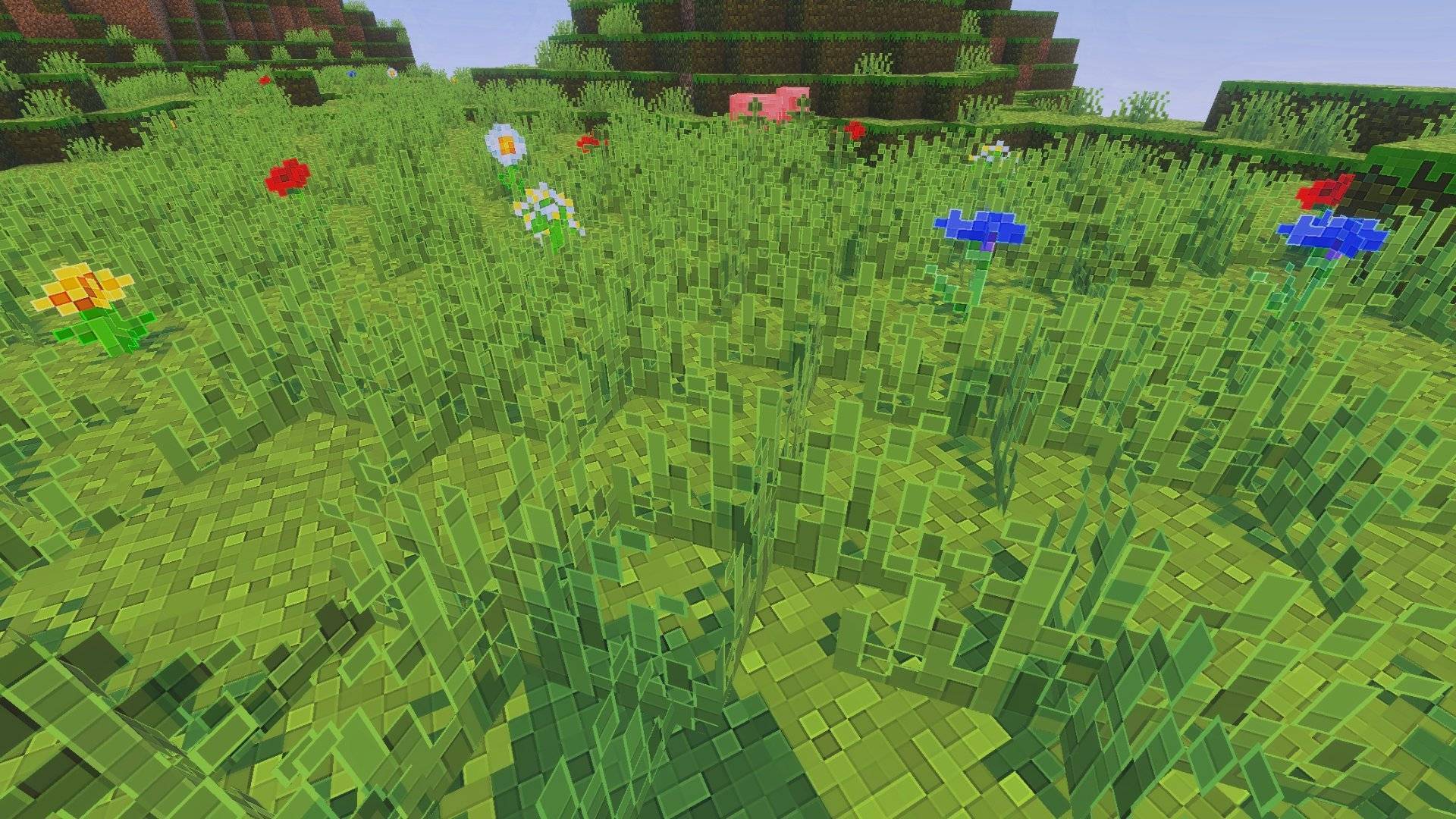
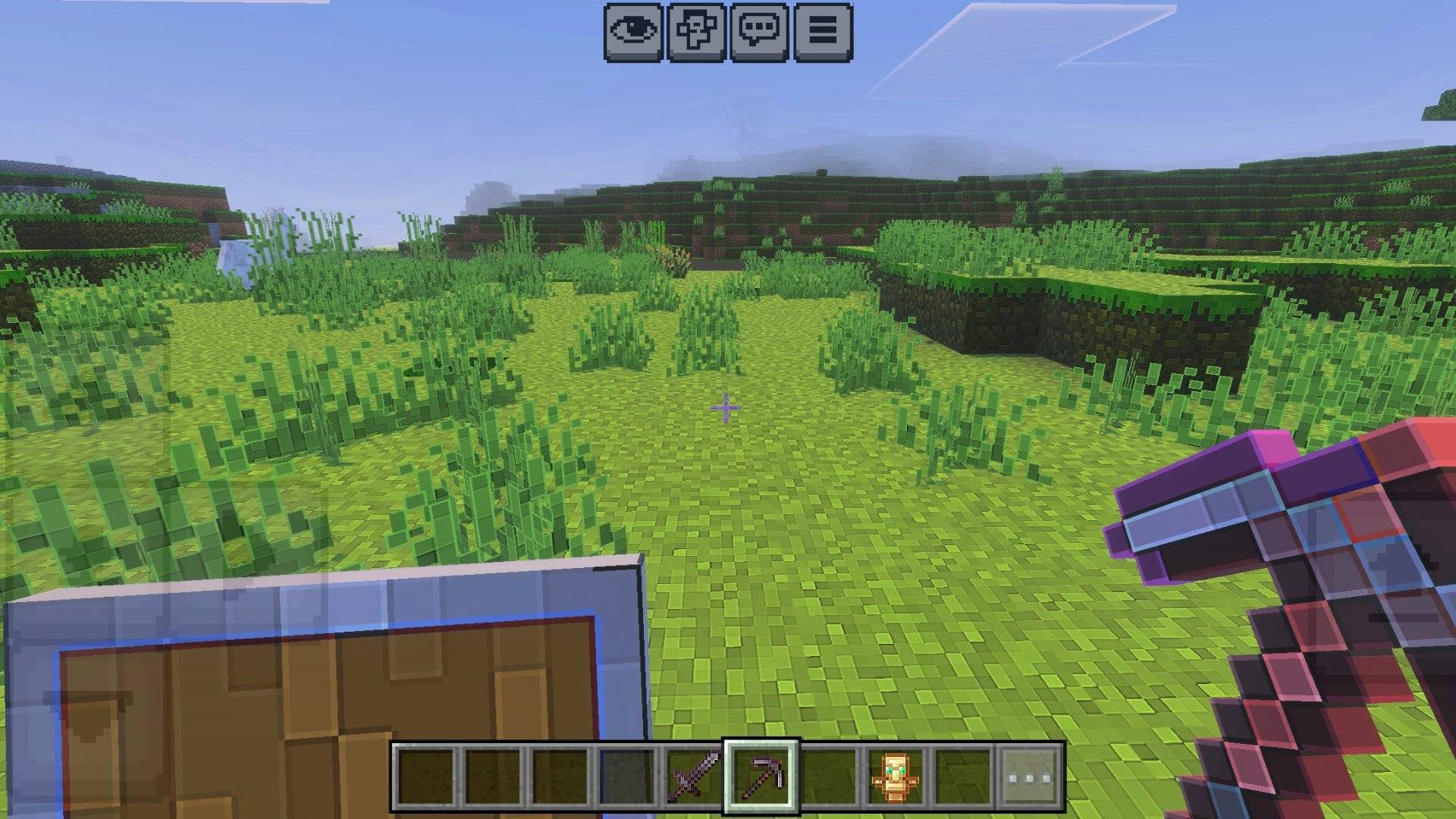
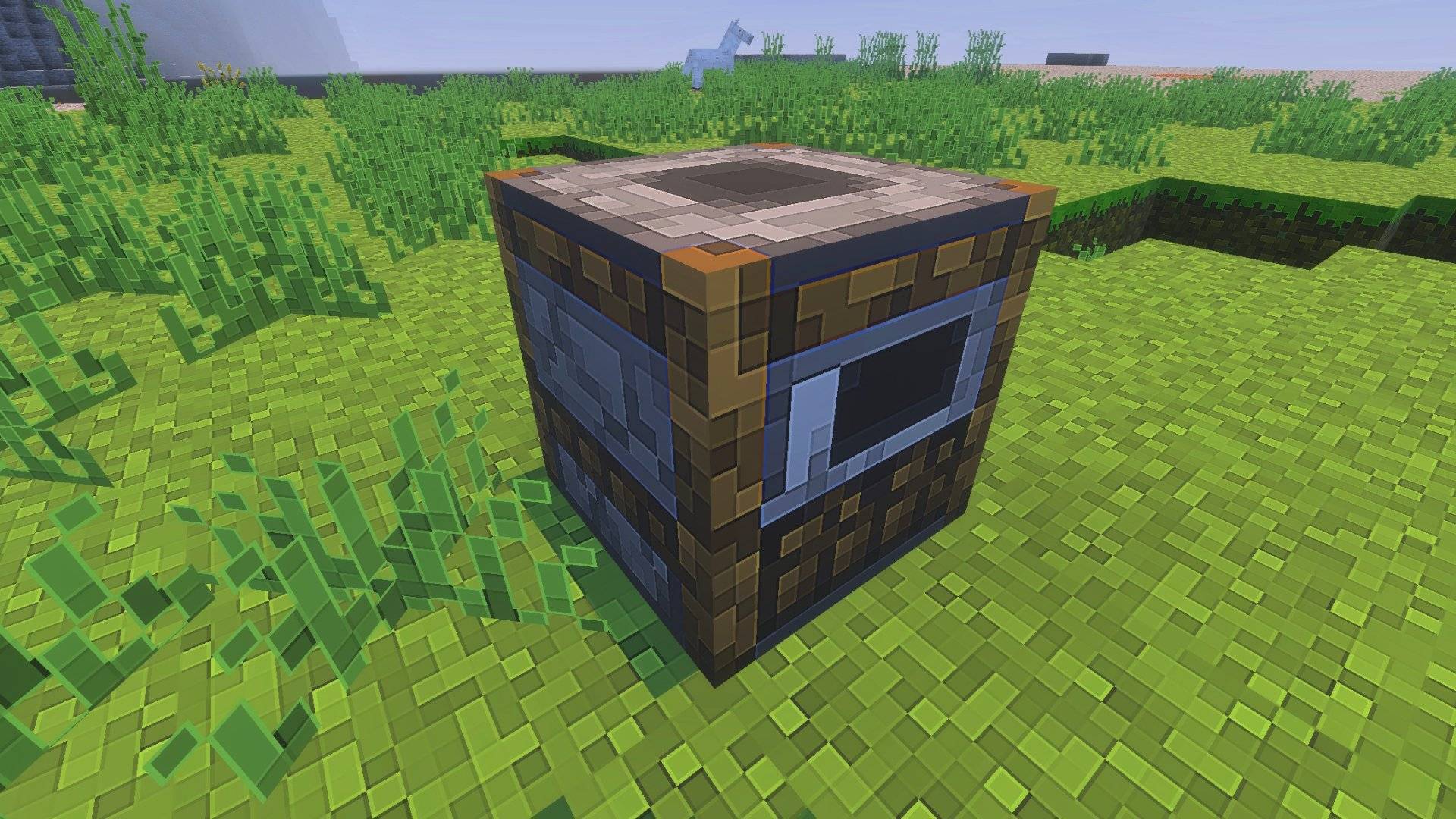
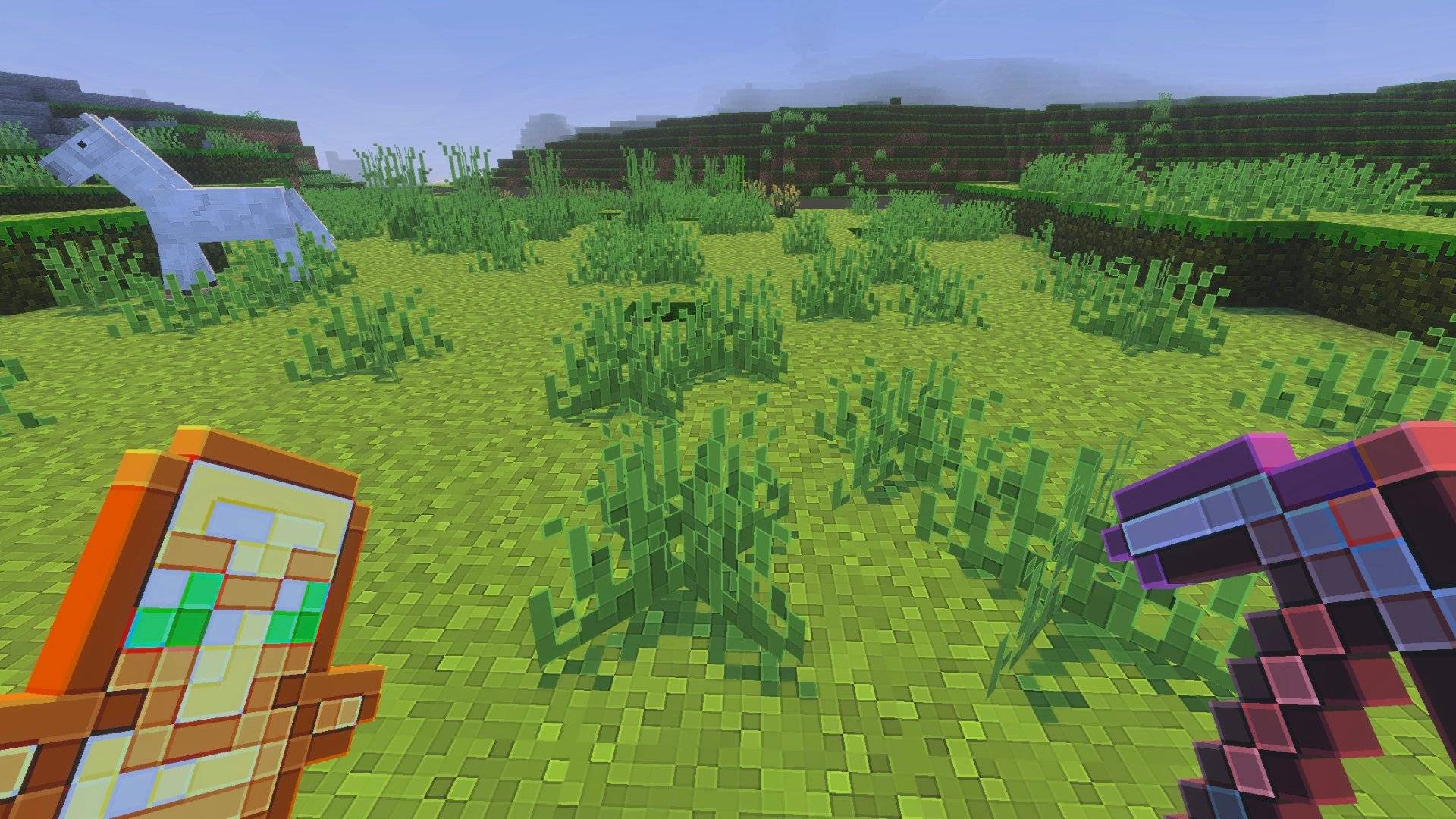
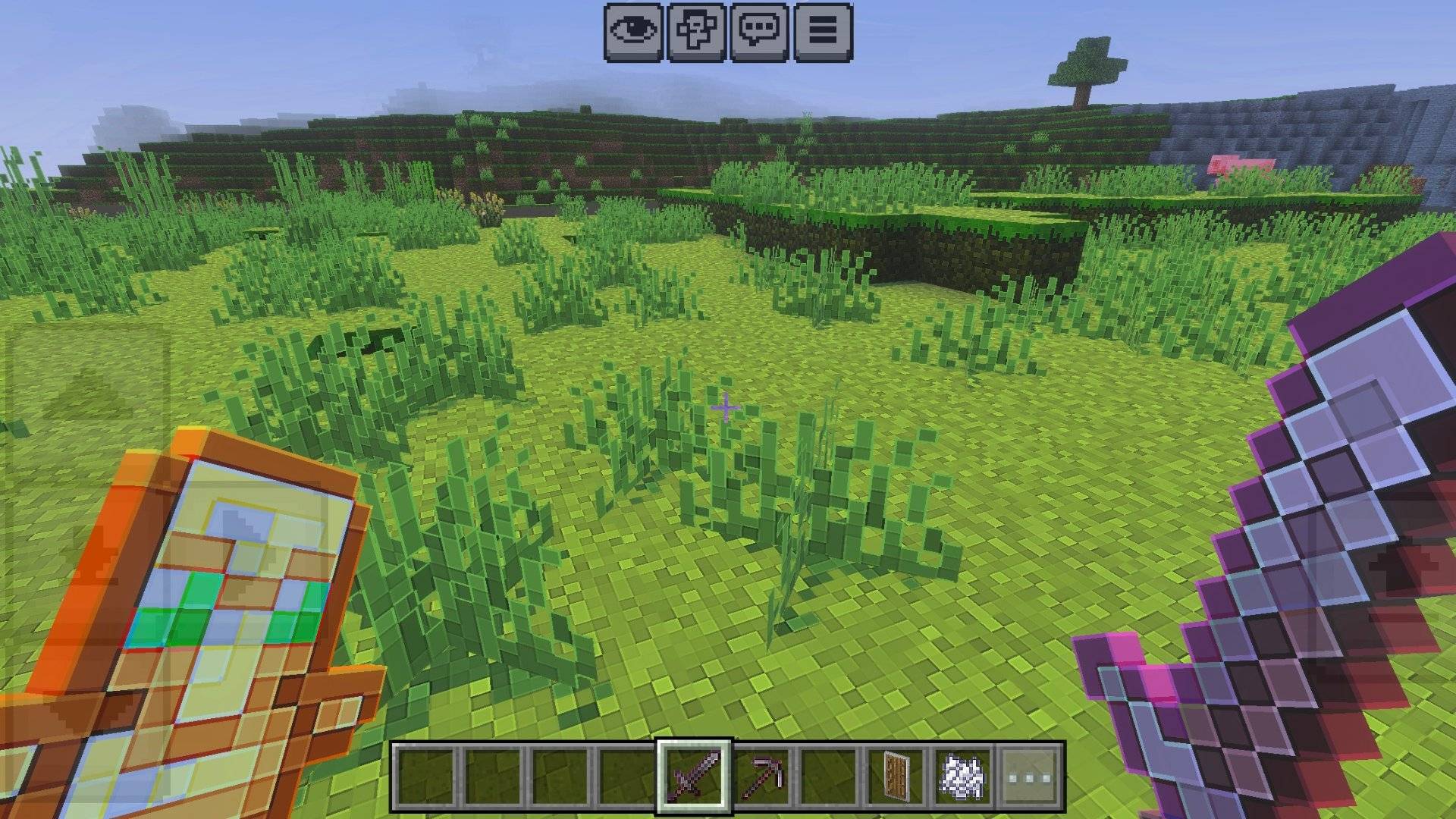
Clear Pixels — 128×128 HD Texture Pack
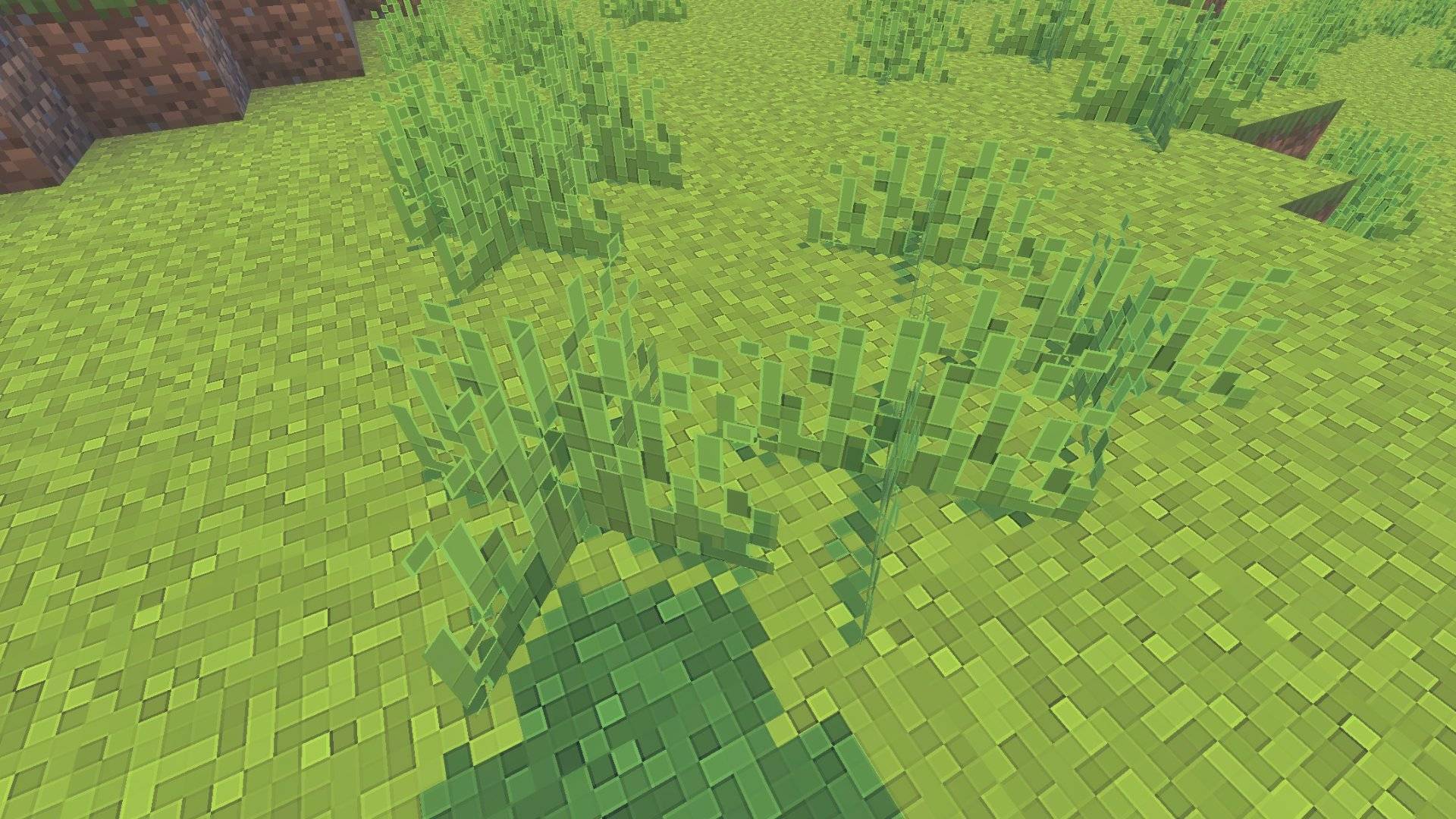
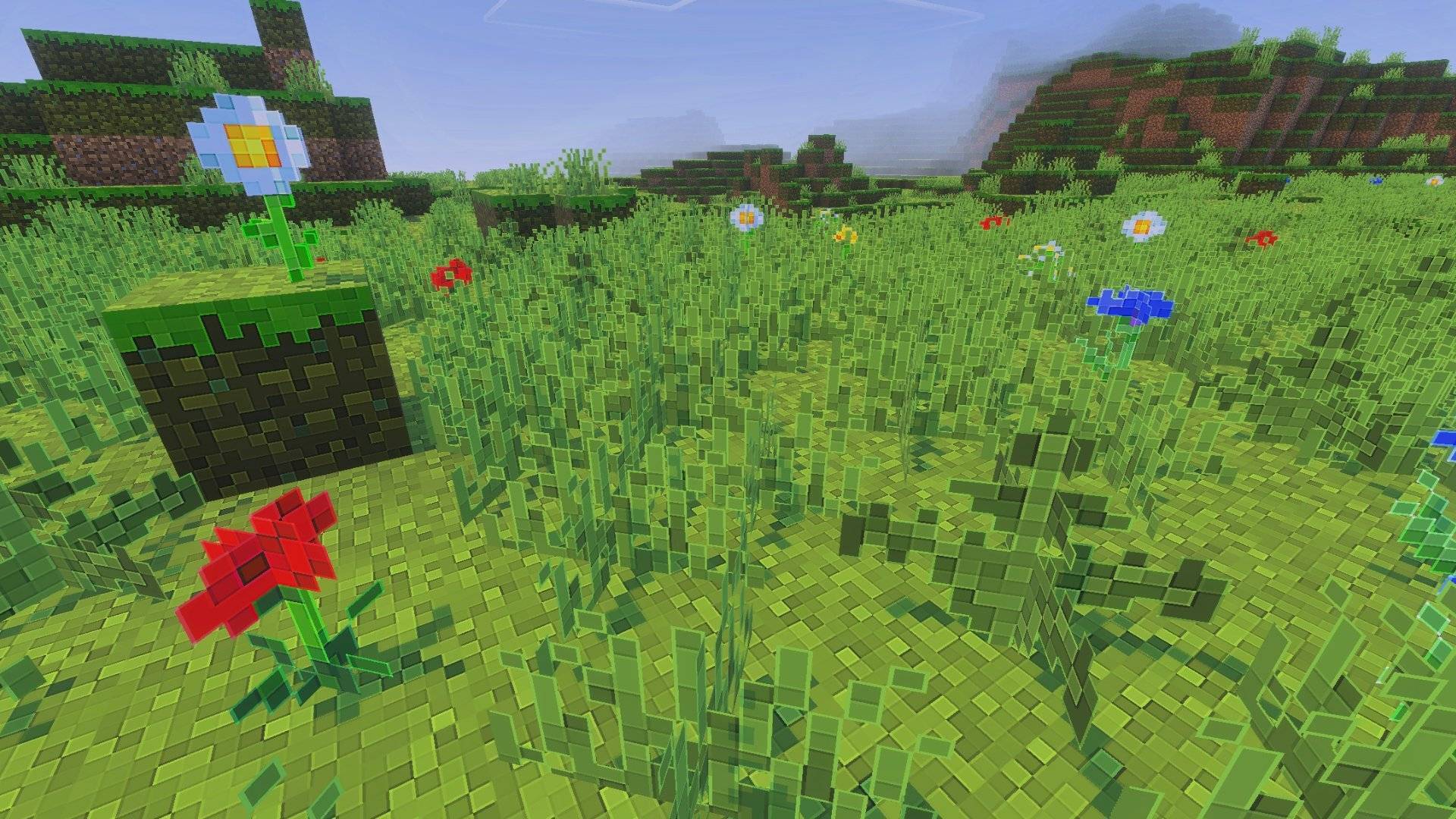
Clear Pixels sharpens and cleans Minecraft's default textures while keeping the original look and feel. All textures are upscaled to 128×128 so you get a crisp, HD appearance that works smoothly on most devices.
- Preserves Minecraft's original style — only higher detail and clarity.
- All textures resized to 128×128 for consistent HD quality.
- Optimized for performance — made to run on a wide range of devices.
💡 Suggestion: Use this pack with any shader to make it look even better. (In the preview, I’ve used the default Minecraft shaders.)
If you find any bugs or something that needs fixing, please comment on this post — I will fix it ASAP.
- Edition: Minecraft Bedrock
- File type: .mcpack
- Minecraft version listed: 1.21.122
- How to install: Download the .mcpack. → Open it — Minecraft imports it under Resource Packs. → Activate it in Global Resources, or for one world under Resource Packs → Available.
- Where to get it: In MCModsHub, or directly above on this page.
Install steps are the general flow for this file type — How to install Minecraft Bedrock texture packs walks through it step by step.
- Pack type: .mcpack — a single pack
- Complete pack — everything it depends on is inside the file
- Download size: 37.9 MB
- Download link checked 3 Aug 2026 — working
These come from our own check of the pack file, not from the source page.
