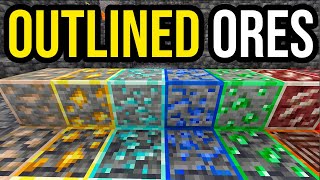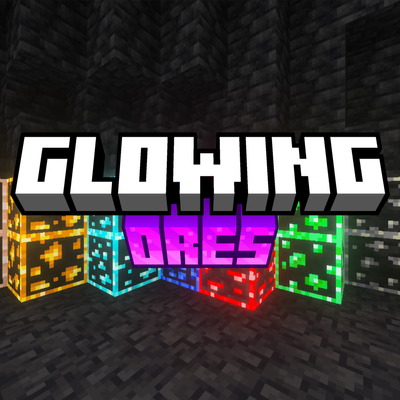
Outlined & Glowing Ores
Bedrock texture pack listed for Minecraft 1.17–26.x. File opened and checked on 21 Sep 2026; installs from the MC Bedrock Mods app on Android.
⬇ Download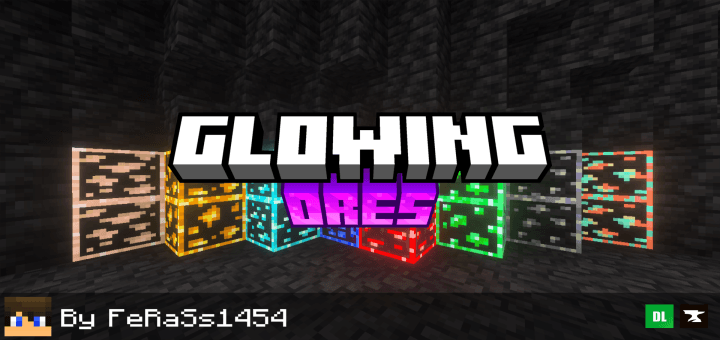
 About:
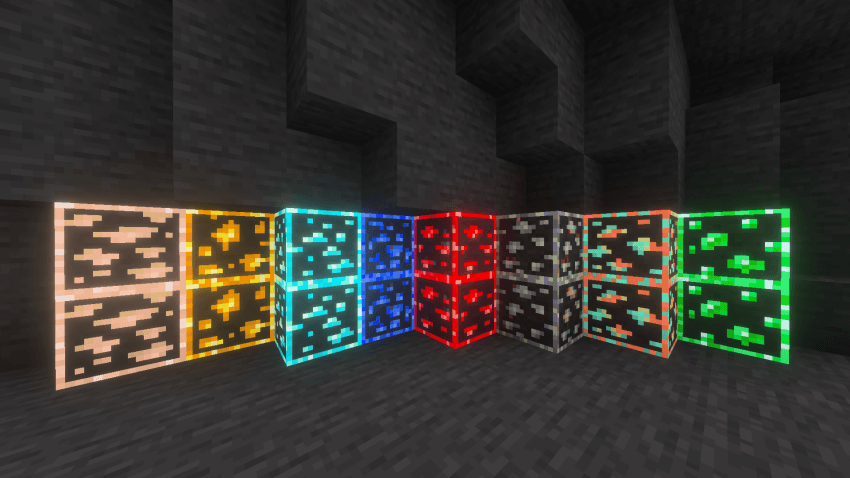
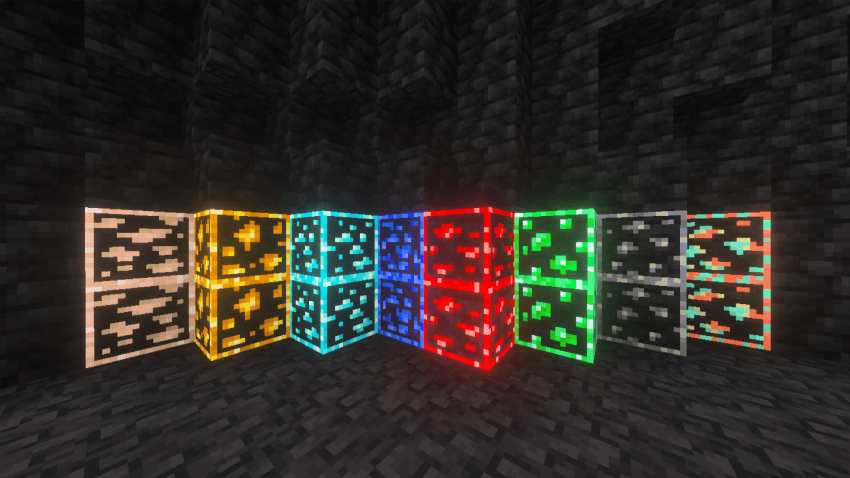
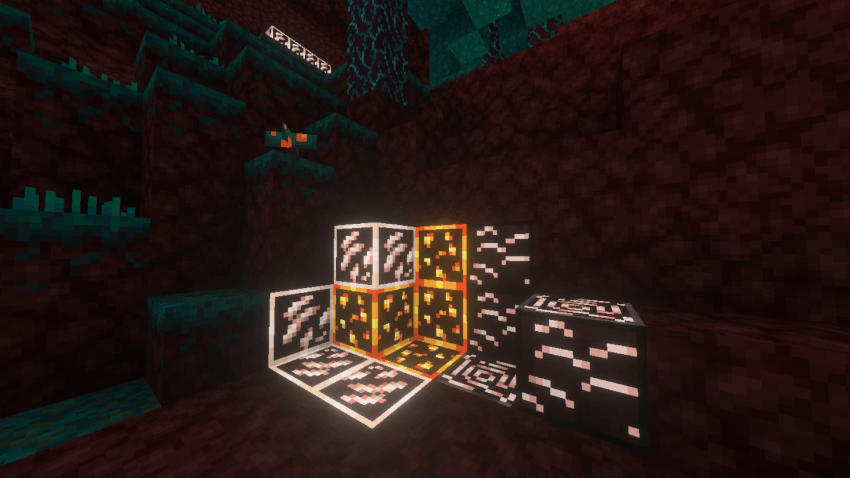
Are you tired of complicated searches for ores? Outlined Glowing Ores is a pack that improves ore visibility and appearance, making it easier to locate ores with this pack and making your collecting journey easier.
Features:
- Makes ores glowing and more visible
- Making it easier to locate ore
Note:
- If you are using another resource or texture pack, make sure you are activating the pack above the resource or texture pack
- Make sure you download the latest version for a better experience
Required Settings:
- Make sure you activate the "vibrant visuals" feature and "turn off reflections" before using the pack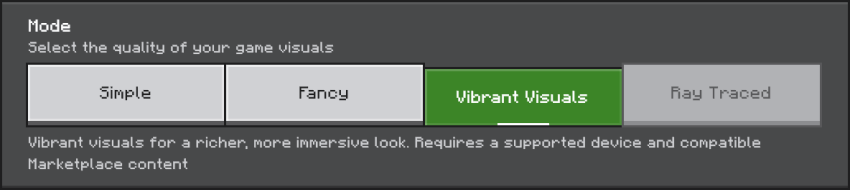


Join our Discord for more support [Discord]
- Edition: Minecraft Bedrock
- File type: .mcpack
- Minecraft versions listed: 1.18, 1.19, 1.20
- How to install: Download the .mcpack. → Open it — Minecraft imports it under Resource Packs. → Activate it in Global Resources, or for one world under Resource Packs → Available.
- Where to get it: In MCModsHub, or directly above on this page.
Install steps are the general flow for this file type — How to install Minecraft Bedrock texture packs walks through it step by step.
- Pack type: .mcpack — a single pack
- Complete pack — everything it depends on is inside the file
- Download size: 702 KB
- Download link checked 3 Aug 2026 — working
These come from our own check of the pack file, not from the source page.