MONSTER SHADER
Bedrock texture pack listed for Minecraft 1.20–26.x. File opened and checked on 8 Oct 2026; installs from the MC Bedrock Mods app on Android.
Monster Shader makes your world look more colorful, saturated, beautiful, and very natural, like 1000 years ago.
I don't know my version
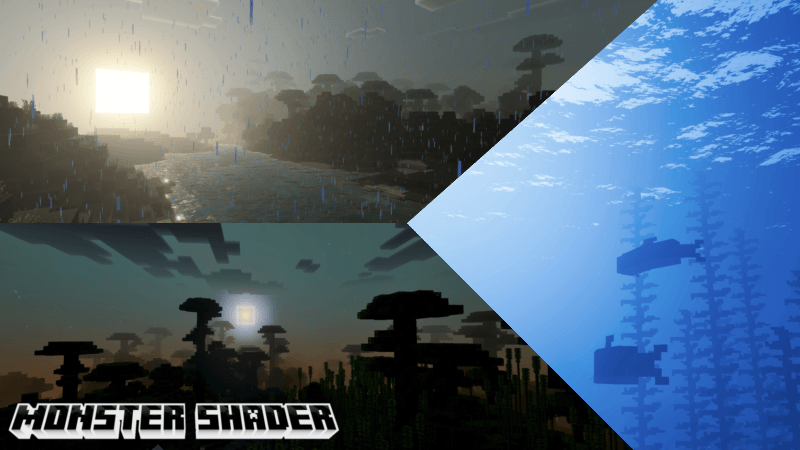
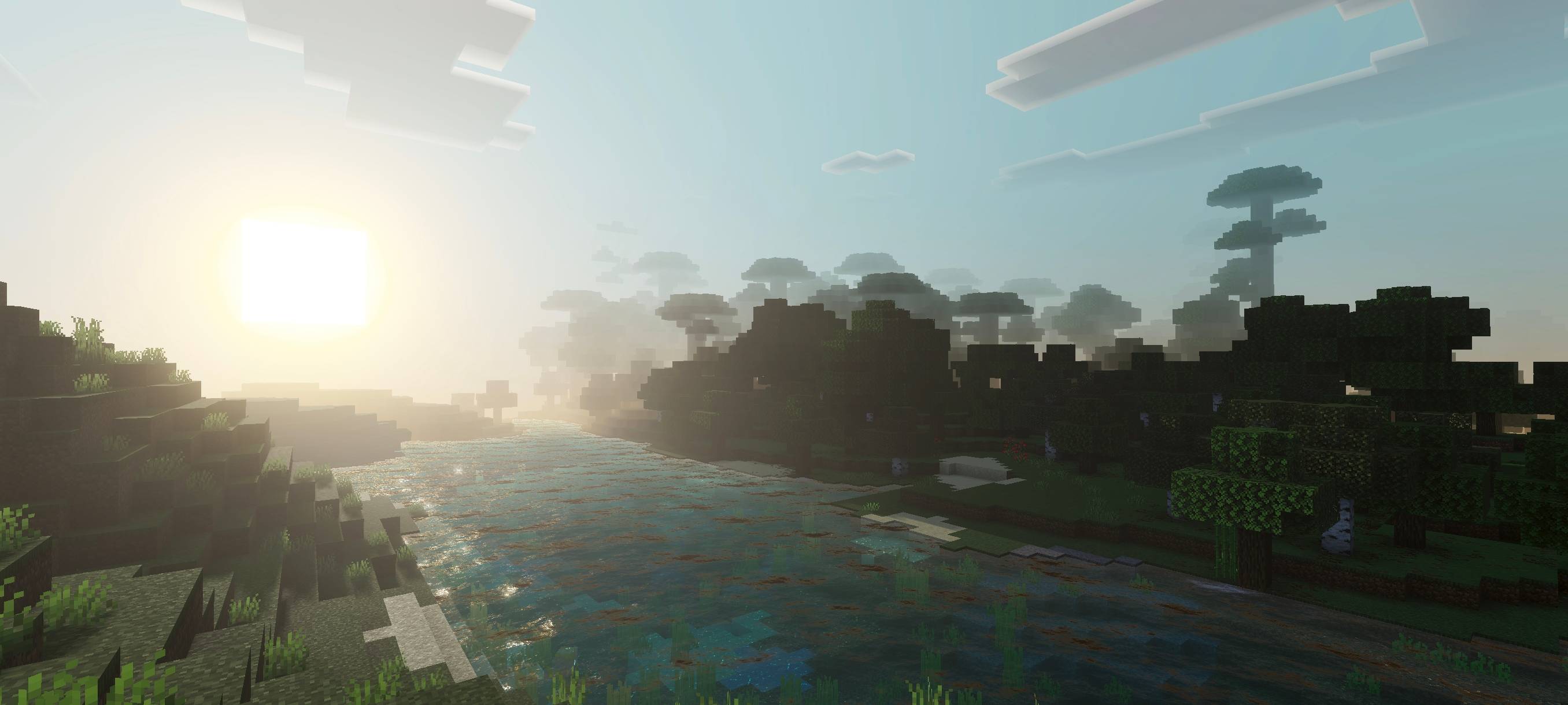
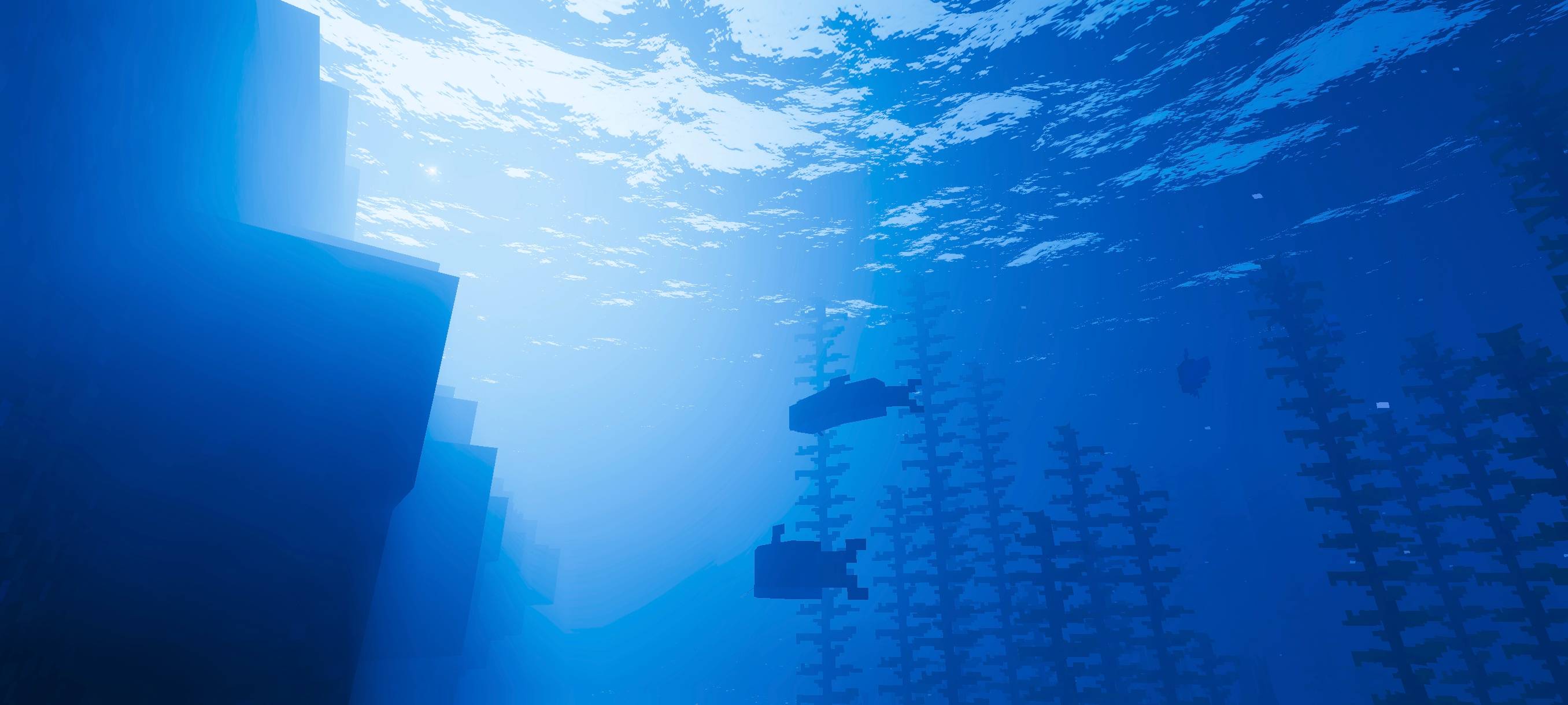
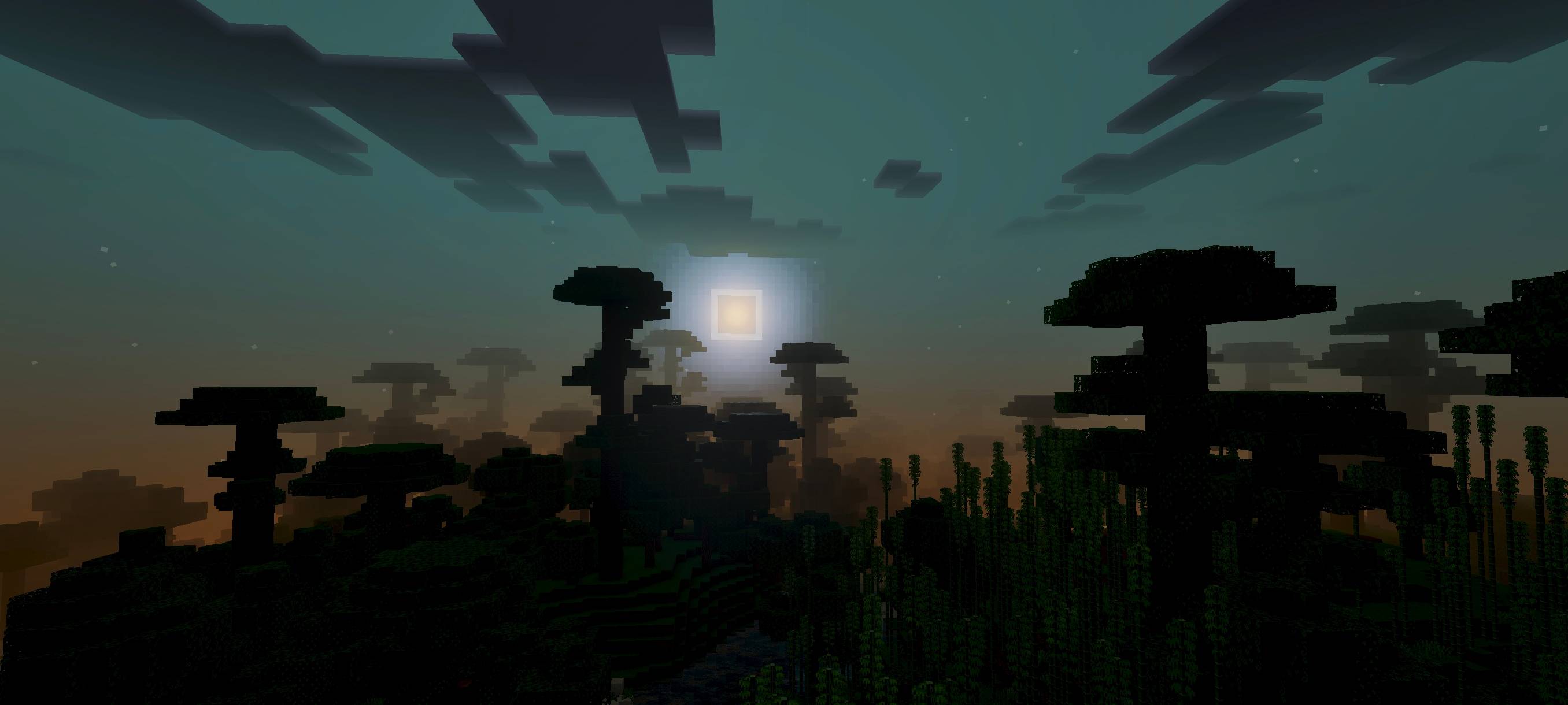
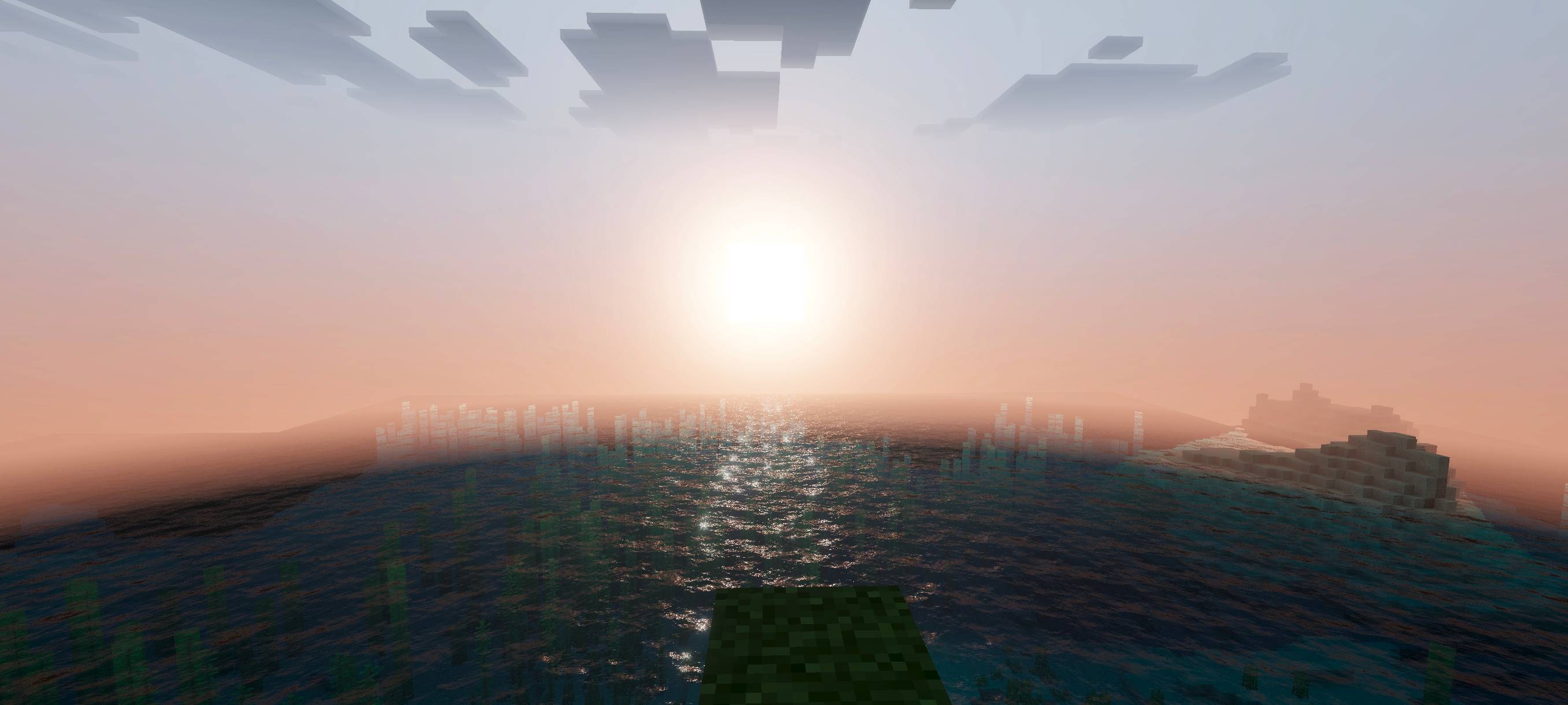
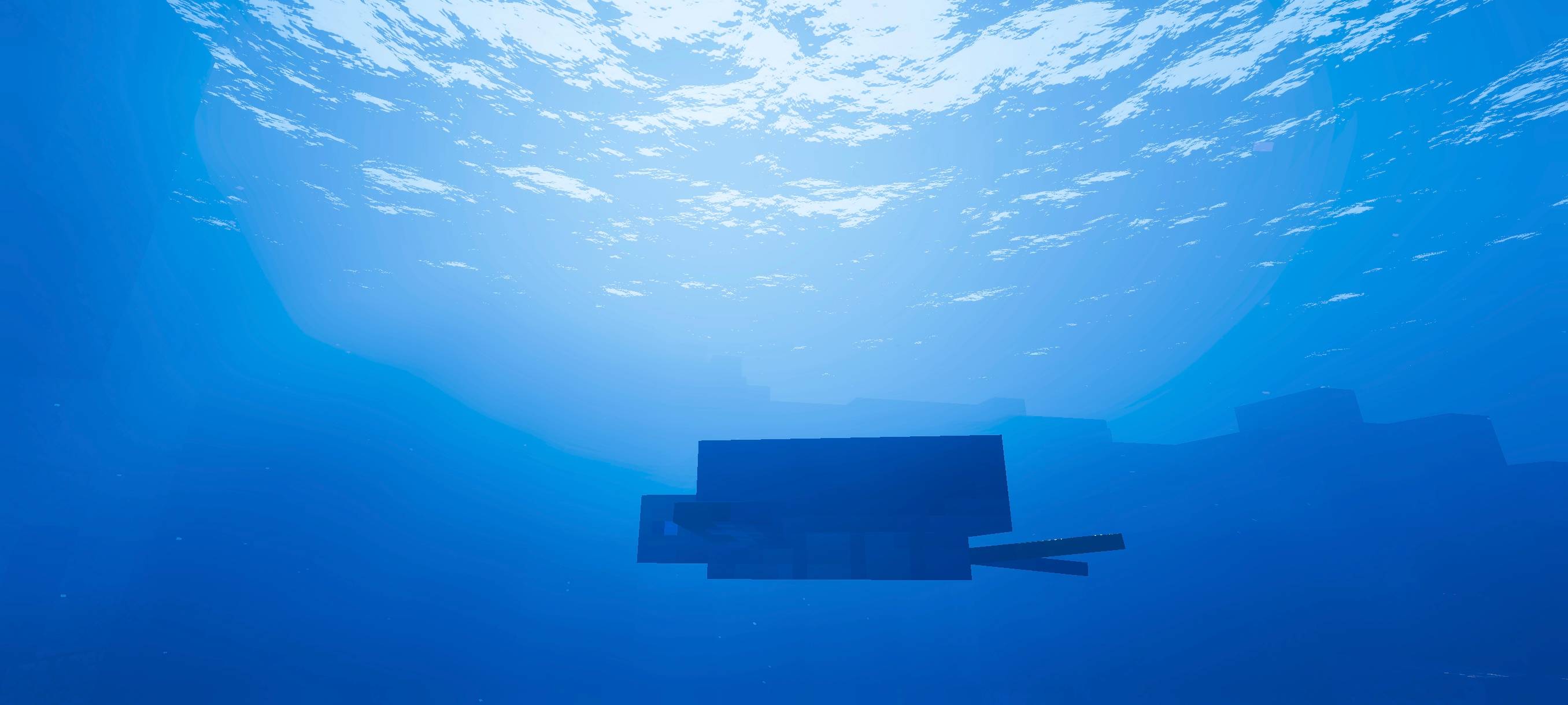
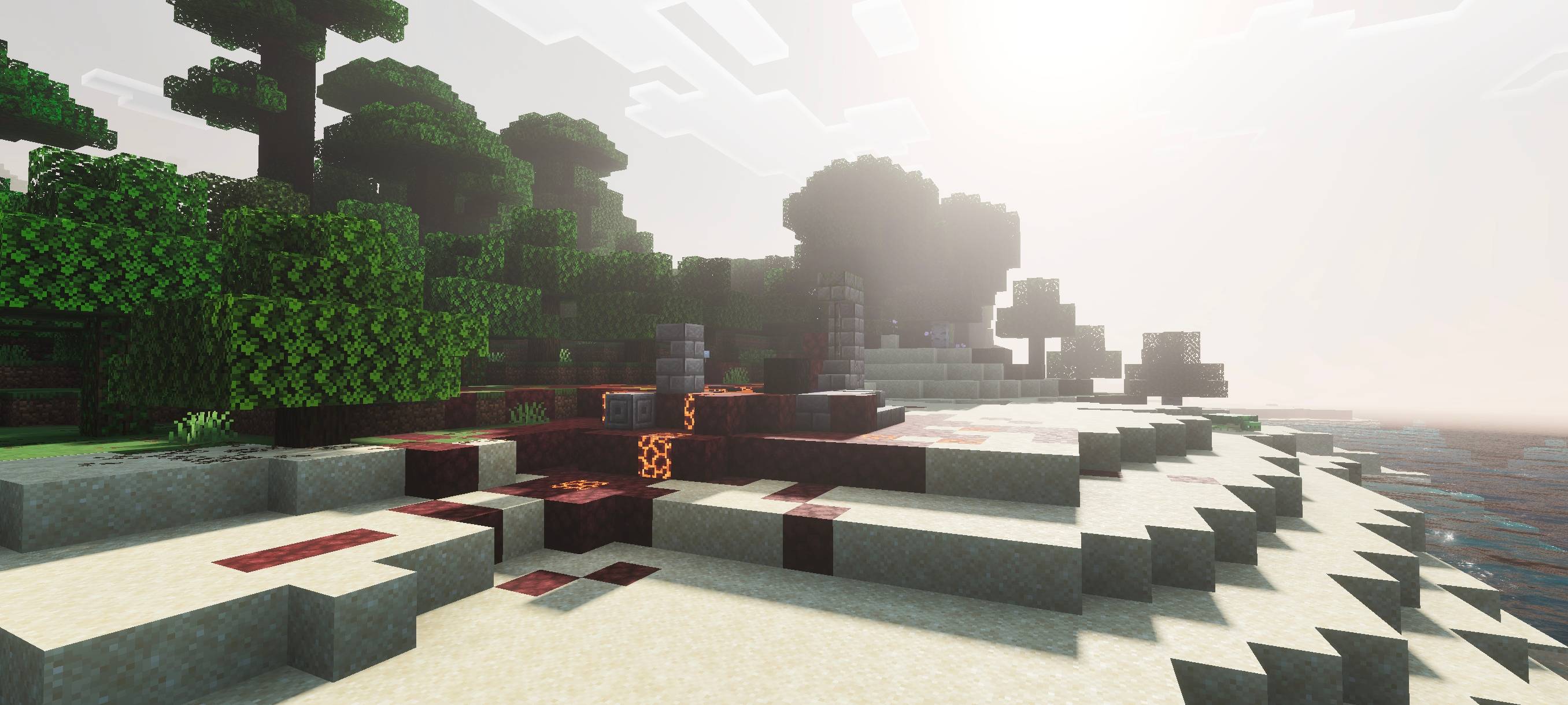
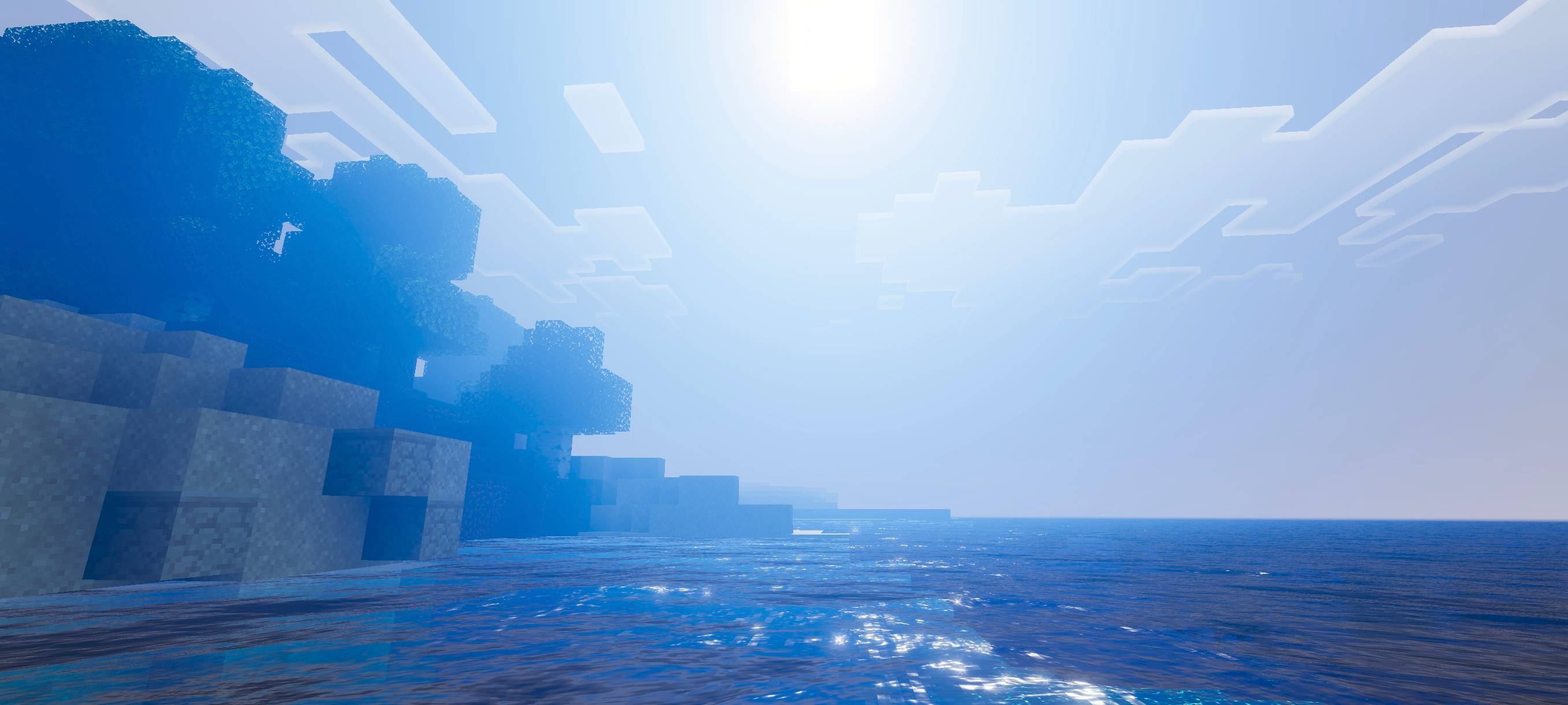
Monster Shader provides a warm atmosphere during sunrise, a magical feel at sunset, and an epic vibe at night. It makes the ocean look deep blue while still crystal clear. It also makes your gameplay more moody, making you want to stay and keep playing Minecraft.
Monster Shader is owned by Monster Expansion.
By using this add-on, you agree not to repost, remake, showcase without proper credit, or use it on a server without credit. (you can get my perms on discord only)
See all my portfolio below:
- Edition: Minecraft Bedrock
- File type: .mcpack
- Minecraft versions listed: 26.40, 26.50, 26.20
- How to install: Download the .mcpack. → Open it — Minecraft imports it under Resource Packs. → Activate it in Global Resources, or for one world under Resource Packs → Available.
- Where to get it: Opens on CurseForge — not every file is mirrored on our own servers.
Install steps are the general flow for this file type — How to install Minecraft Bedrock texture packs walks through it step by step.
- Save it as monster shader 1.12.mcaddon before opening — it downloads as .mcpack, but it is a .mcaddon pack
- Manifest requires Minecraft 1.20.30 or newer
- Complete pack — everything it depends on is inside the file
- Download size: 274 KB
- Download link checked 5 Oct 2026 — working
These come from our own check of the pack file, not from the source page.


