Skye Graphics Shader (1.26+) – Support Render Dragon
Bedrock texture pack listed for Minecraft 1.13–26.x. File opened and checked on 20 Sep 2026; installs from the MC Bedrock Mods app on Android.
⬇ Download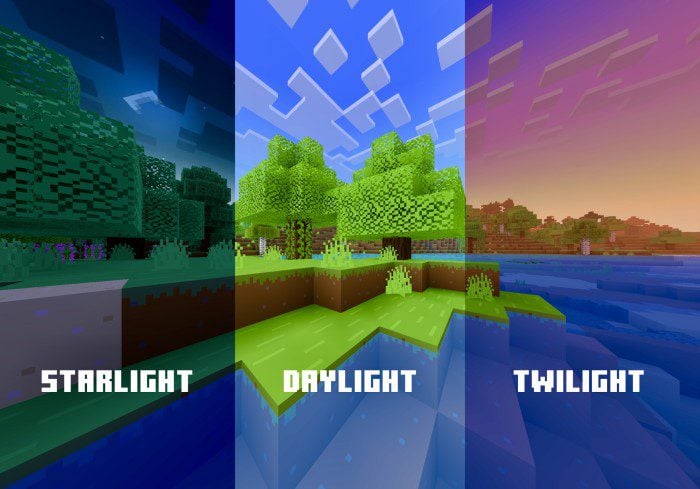
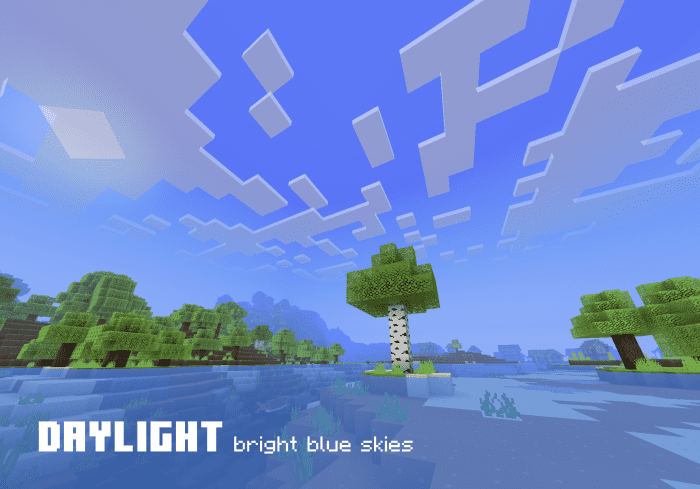
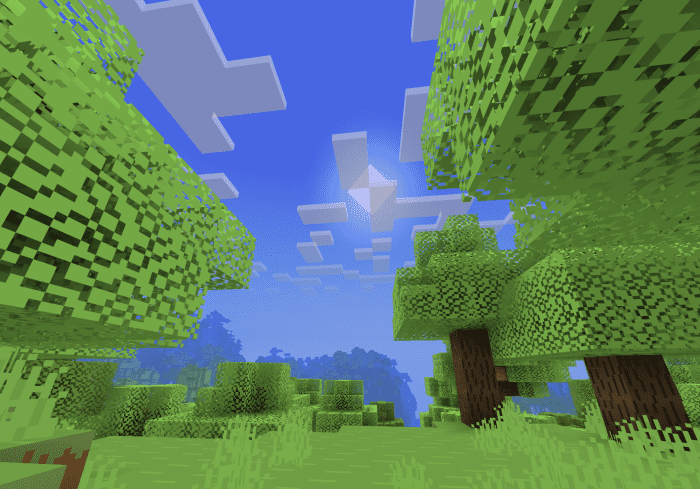
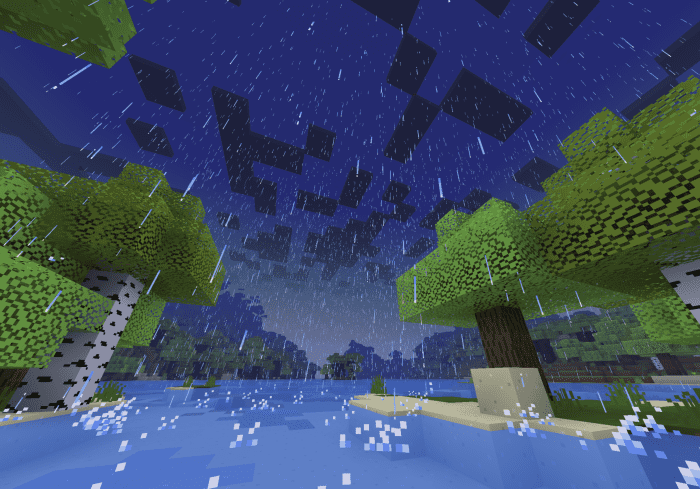
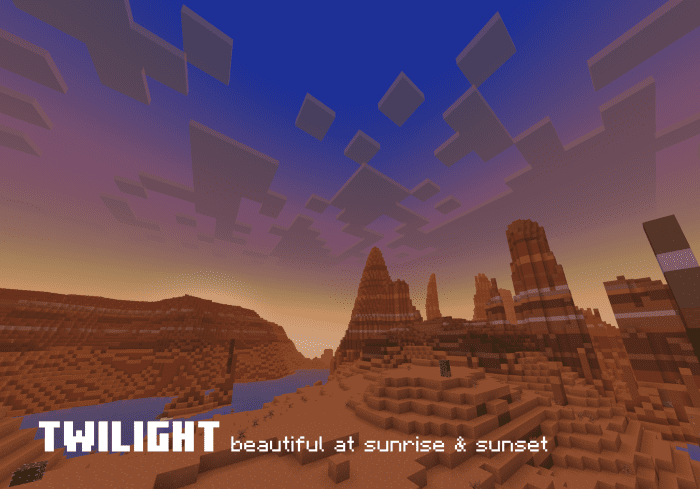
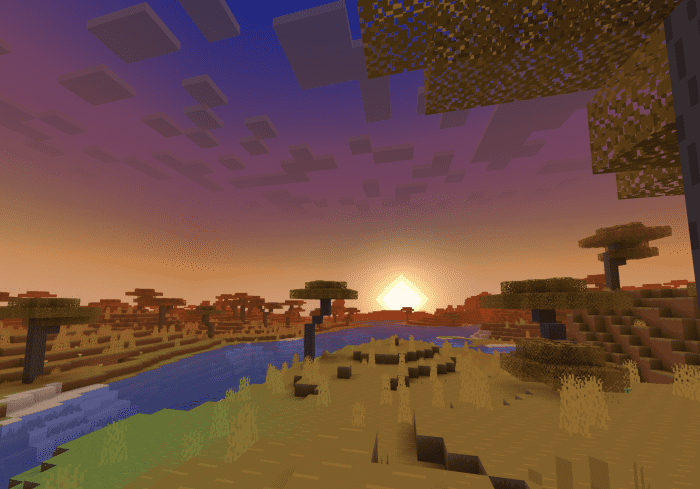
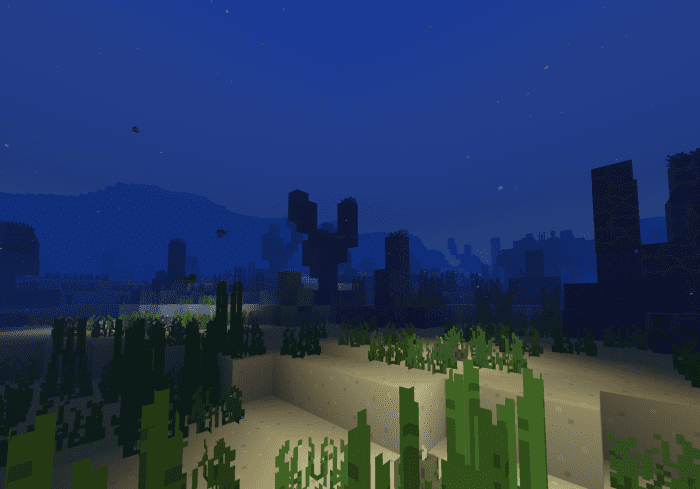
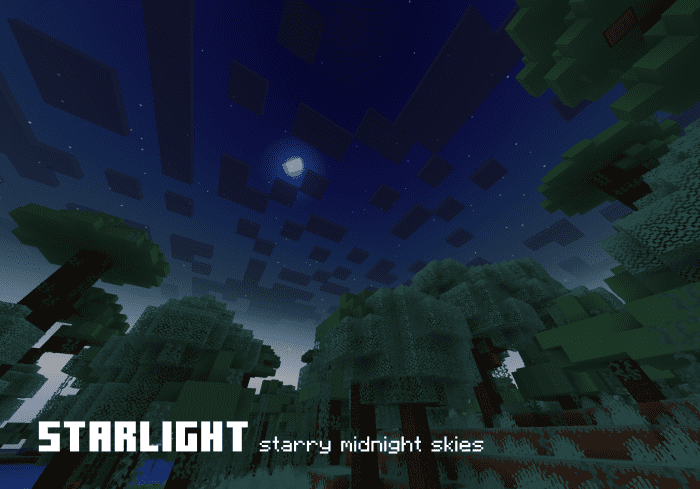
Skye Graphics Shader is a simple yet transformative graphics pack for Minecraft. It enhances the game’s visual experience by introducing unique skies, clouds, sun, moon, and bright blue water across all biomes. The pack also includes atmospheric fogs in the Overworld, Nether, and End, and improved fog for weather and underwater conditions.
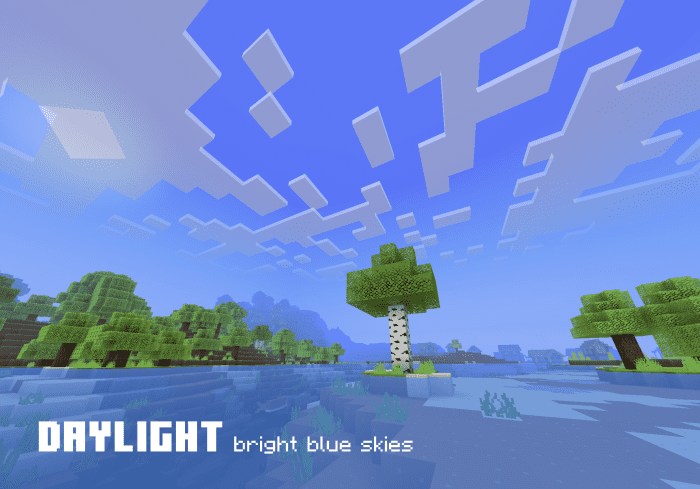
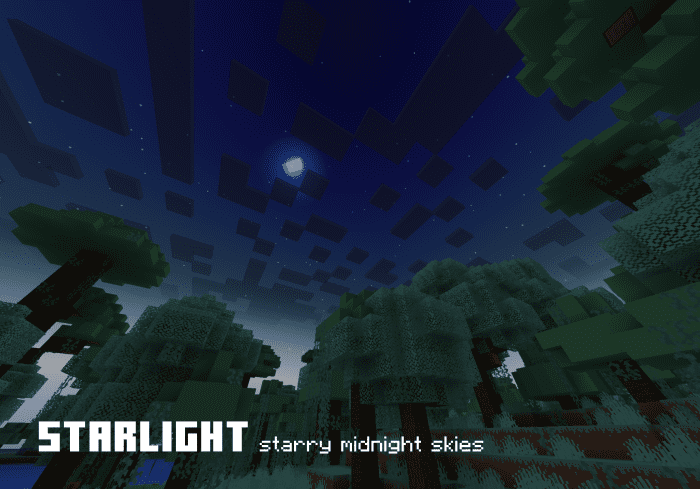
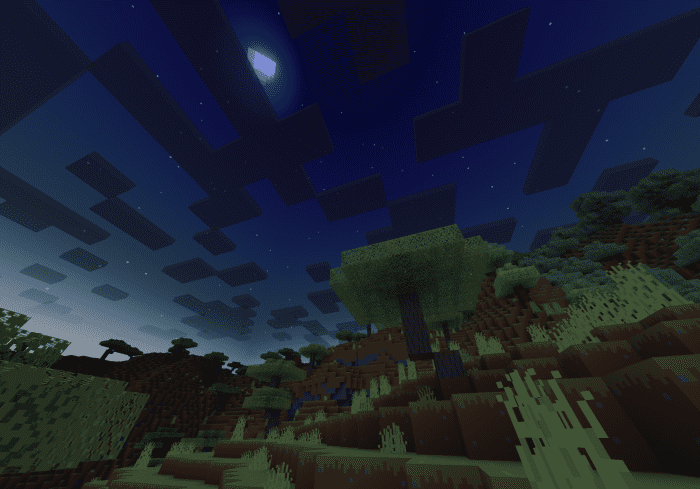
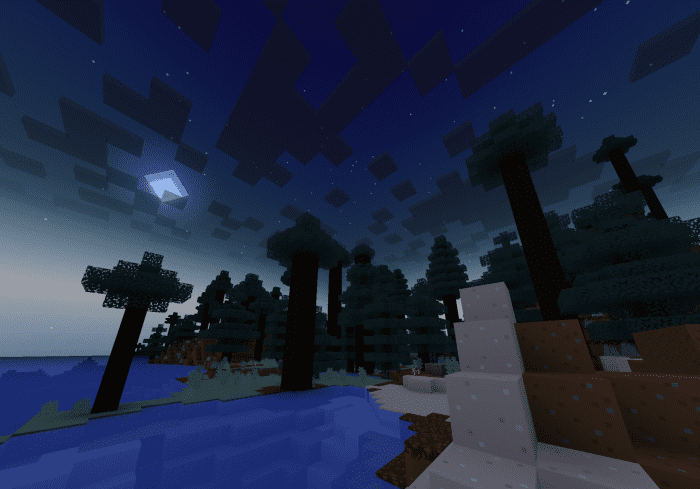
The pack offers three distinct modes: Daylight, Twilight, and Starlight, each providing a unique atmosphere. It is designed to work seamlessly with the Bare Bones and New Horizon texture packs, but it is also compatible with any other texture pack or shader, including vanilla Minecraft.
Features:
Skye Graphics gives you a simpler, brighter, and cleaner Minecraft. Choose from three different modes to change the mood of your world. Whether you use Bare Bones, New Horizon, or any other texture pack or shader (or none at all), Skye Graphics will work with them. This resource pack is compatible with Render Dragon and Minecraft: Bedrock Edition 1.19+ on all devices, including Windows, iOS, Android, and console.
- Unique sky, clouds, sun, and moon
- Bright blue water in all biomes
- Lighter, more vibrant colormaps for grass and leaves
- Atmospheric fogs in the Overworld, Nether, and End
- Water splash, weather, and smoke particles
- Improved fog for weather and underwater
- Brighter fire and lava
- Three (3) modes (Daylight, Twilight, and Starlight)
- Looks great with the Bare Bones and New Horizon texture packs
- Minimal retexturing maximizes compatibility with other texture packs
🎛️ Compare Bedrock Shaders Side by Side →
Drag across real in-game scenes — find YOUR perfect MCPE shader.
Screenshots:
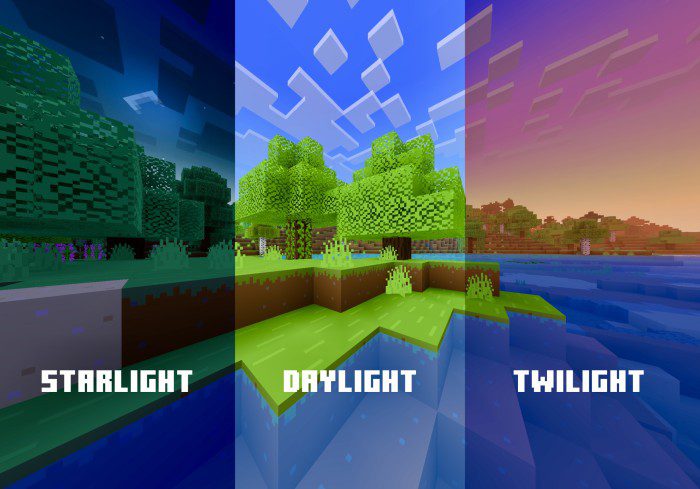
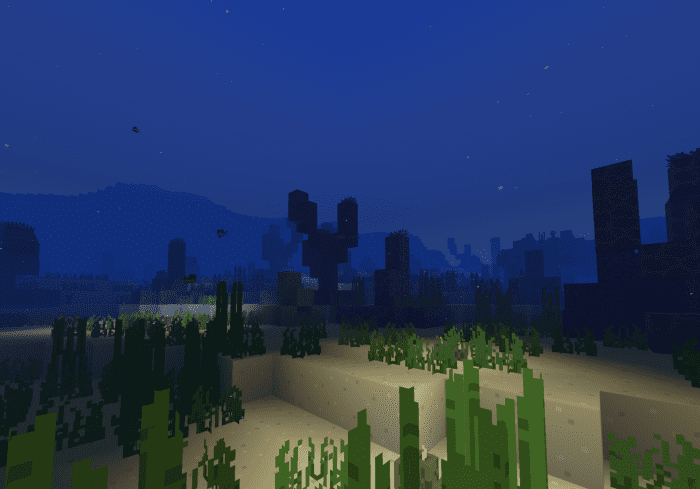
Daylight Mode:
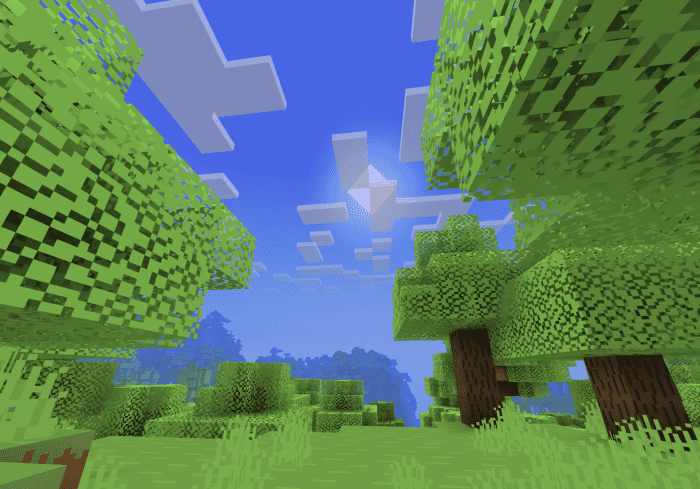
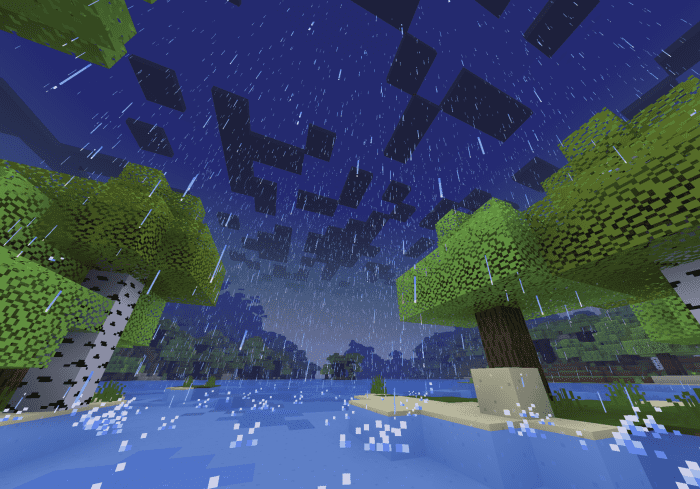
Twilight Mode:
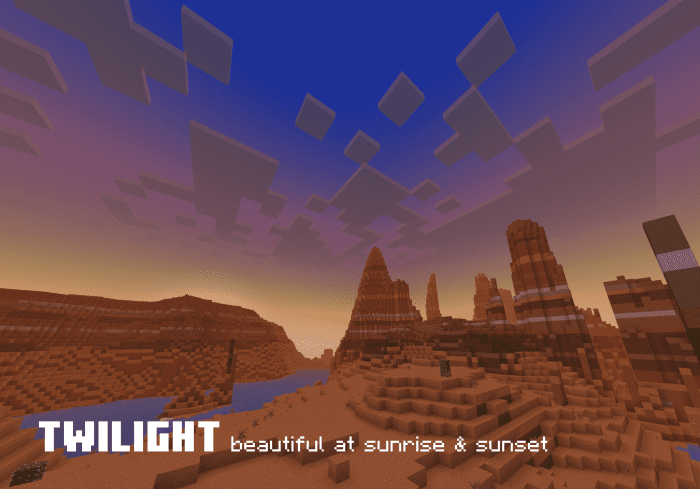
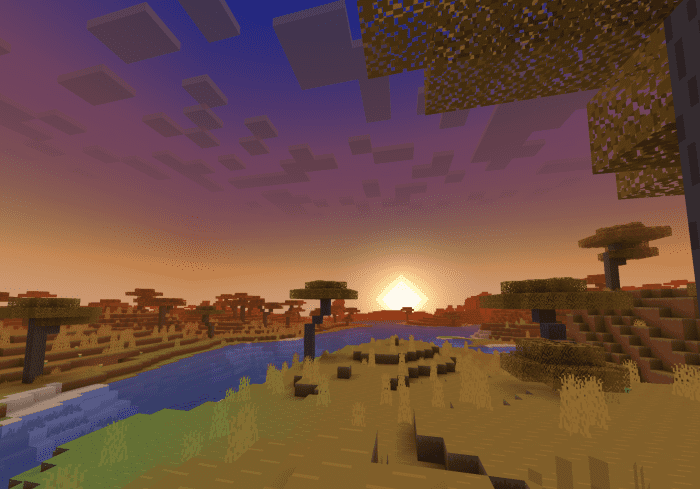
Starlight Mode:
Installation Note:
- Download, install, and apply Skye Graphics (.mcpack) in Global Resources on top of the other resource packs.
- The graphics should now work in all your worlds, multiplayer, and servers.
- To change modes, select Skye Graphics under Global Resources and press the settings gear icon. Slide the bar to choose a mode (Daylight, Twilight, or Starlight). Then, quit and restart Minecraft. The settings should now be updated.
To enhance your experience further, try out these great texture packs:
Recommended Settings (turn on):
- Render clouds
- Beautiful Skies
- Smooth lighting
- Fancy Graphics
- Brightness: 100
Skye Graphics Shader Download Links
You may also like
For Minecraft PE/Bedrock 1.20
Skye Graphics: Download from server 1 – Download from server 2
Cherry Skye Graphics: Download from server 1 – Download from server 2
Daylight Skye Graphics: Download from server 1 – Download from server 2
Leafier Leaves: Download from server 1 – Download from server 2
For Minecraft PE/Bedrock 1.19, 1.18
Skye Graphics Full: – Download from server 2
- Edition: Minecraft Bedrock
- File type: .mcpack
- Minecraft version listed: 1.26
- How to install: Download the .mcpack. → Open it — Minecraft imports it under Resource Packs. → Activate it in Global Resources, or for one world under Resource Packs → Available.
- Where to get it: In MCModsHub, or directly above on this page.
Install steps are the general flow for this file type — How to install Minecraft Bedrock texture packs walks through it step by step.
- Pack type: .mcaddon — behaviour and resource pack in one file
- Manifest requires Minecraft 1.13.0 or newer
- Complete pack — everything it depends on is inside the file
- Download link checked 17 Jun 2026 — working
- Mirrored on our own servers — the download does not depend on the original host
These come from our own check of the pack file, not from the source page.