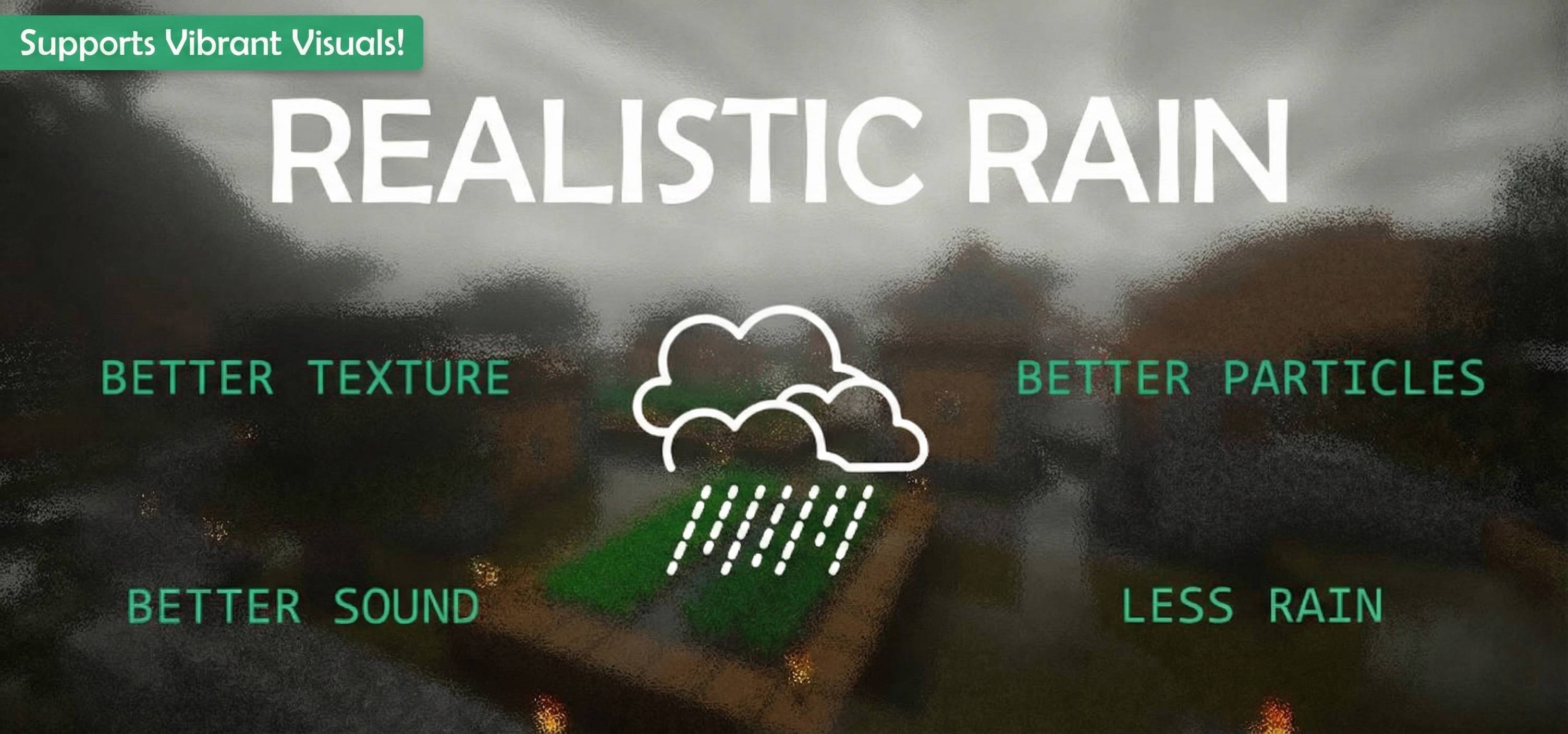
Better Rain pack | Realistic rain! Vibrant Visuals! Less rain! Better rain sound!
Bedrock texture pack listed for Minecraft 1.18–26.x. File opened and checked on 28 Aug 2026; installs from the MC Bedrock Mods app on Android.
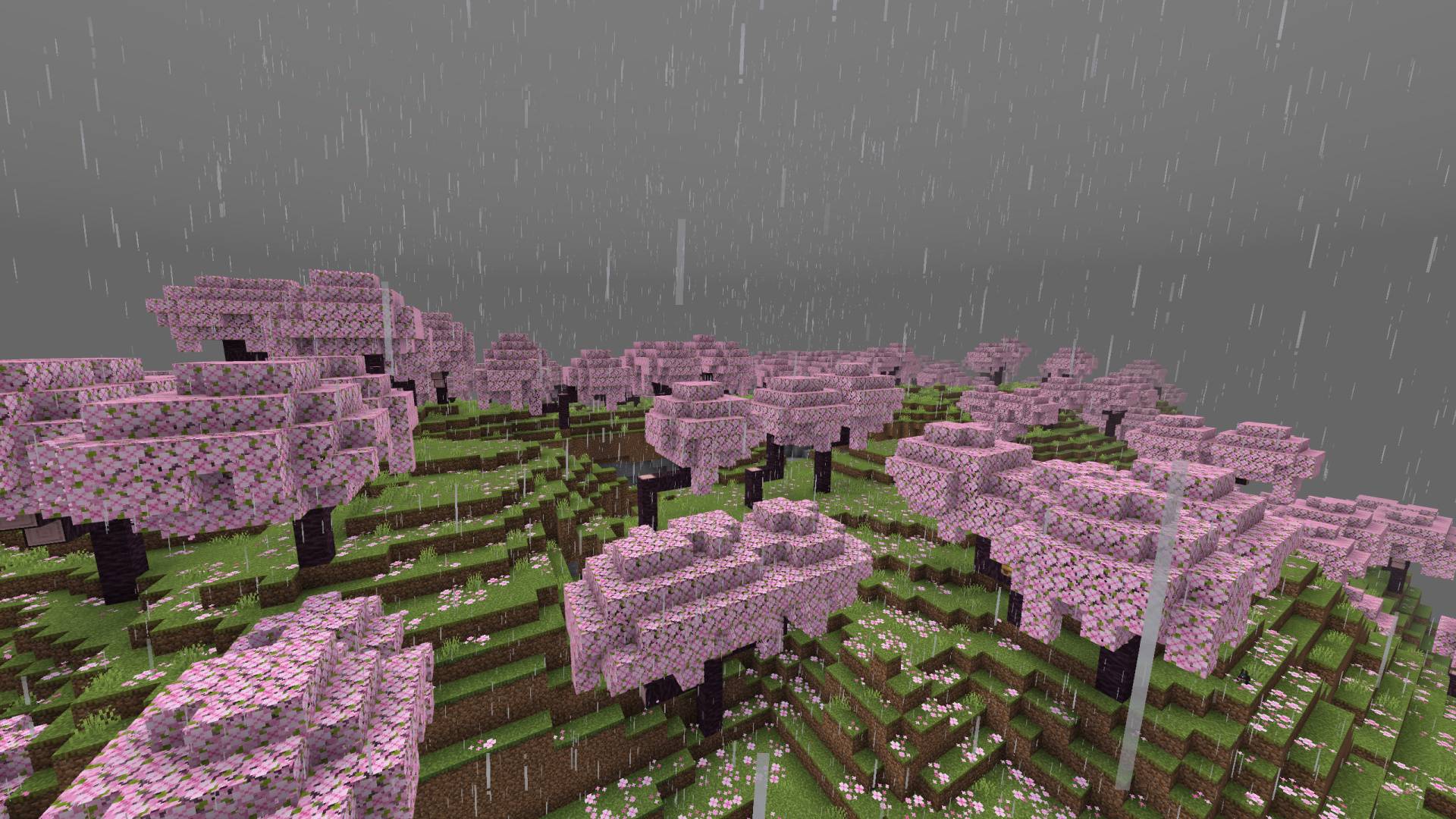
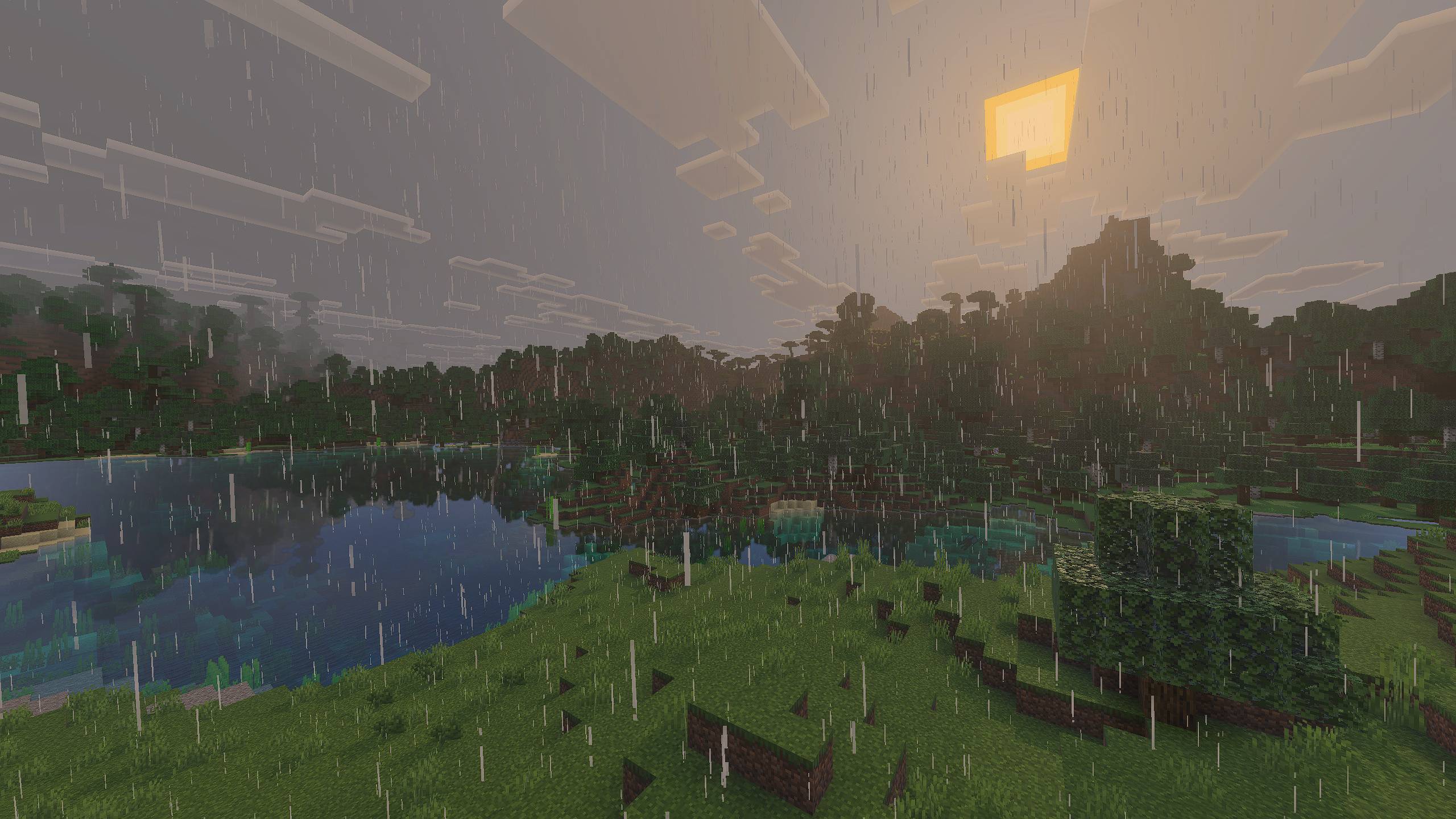
Enhanced rain graphics, particles, environment with better sounds! This pack improves rain visuals while optimizing performance for a smoother experience.
I don't know my version
Want to host a powerful and reliable Minecraft or Hytale server?
Get started with Godlike click here
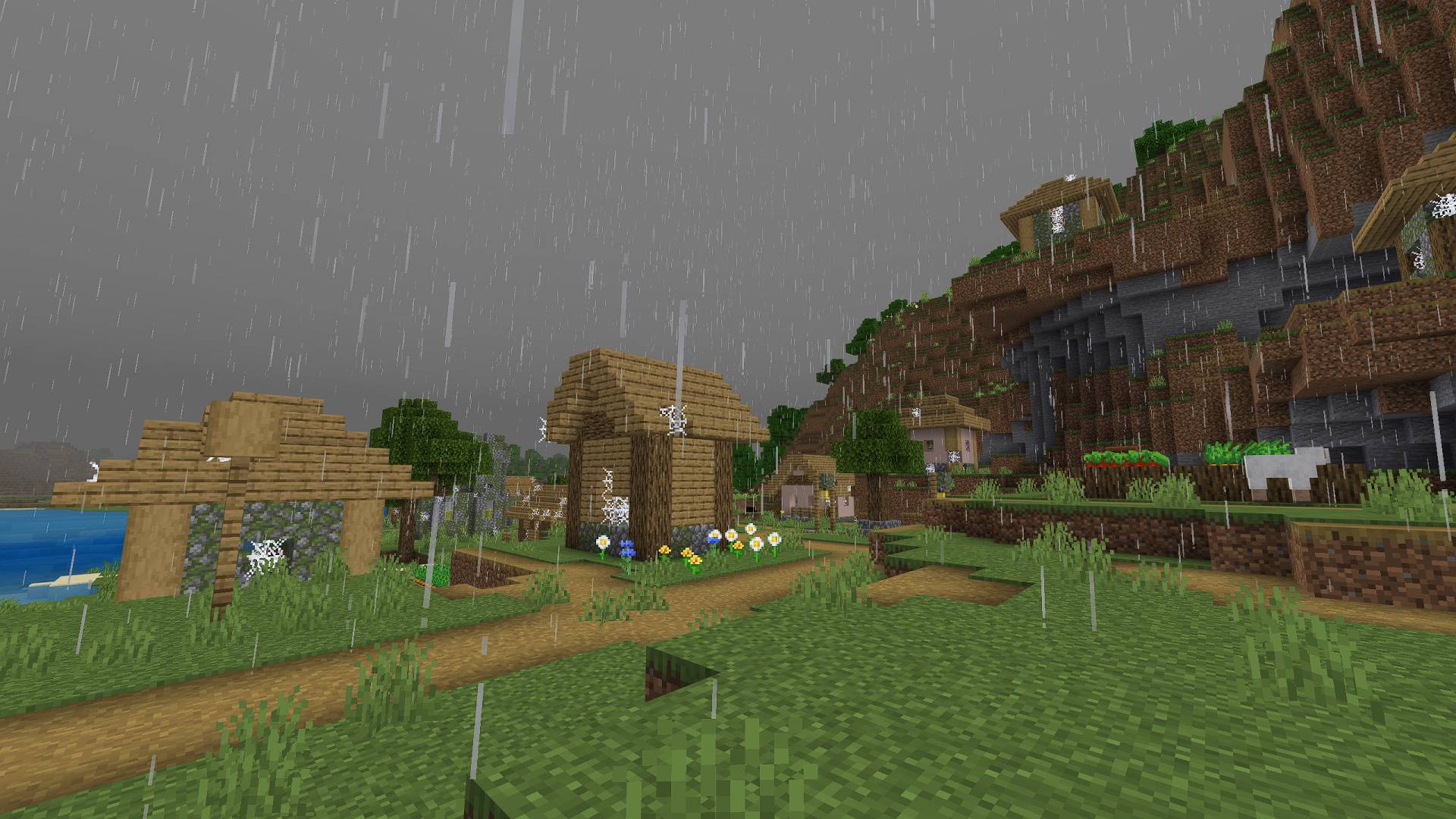
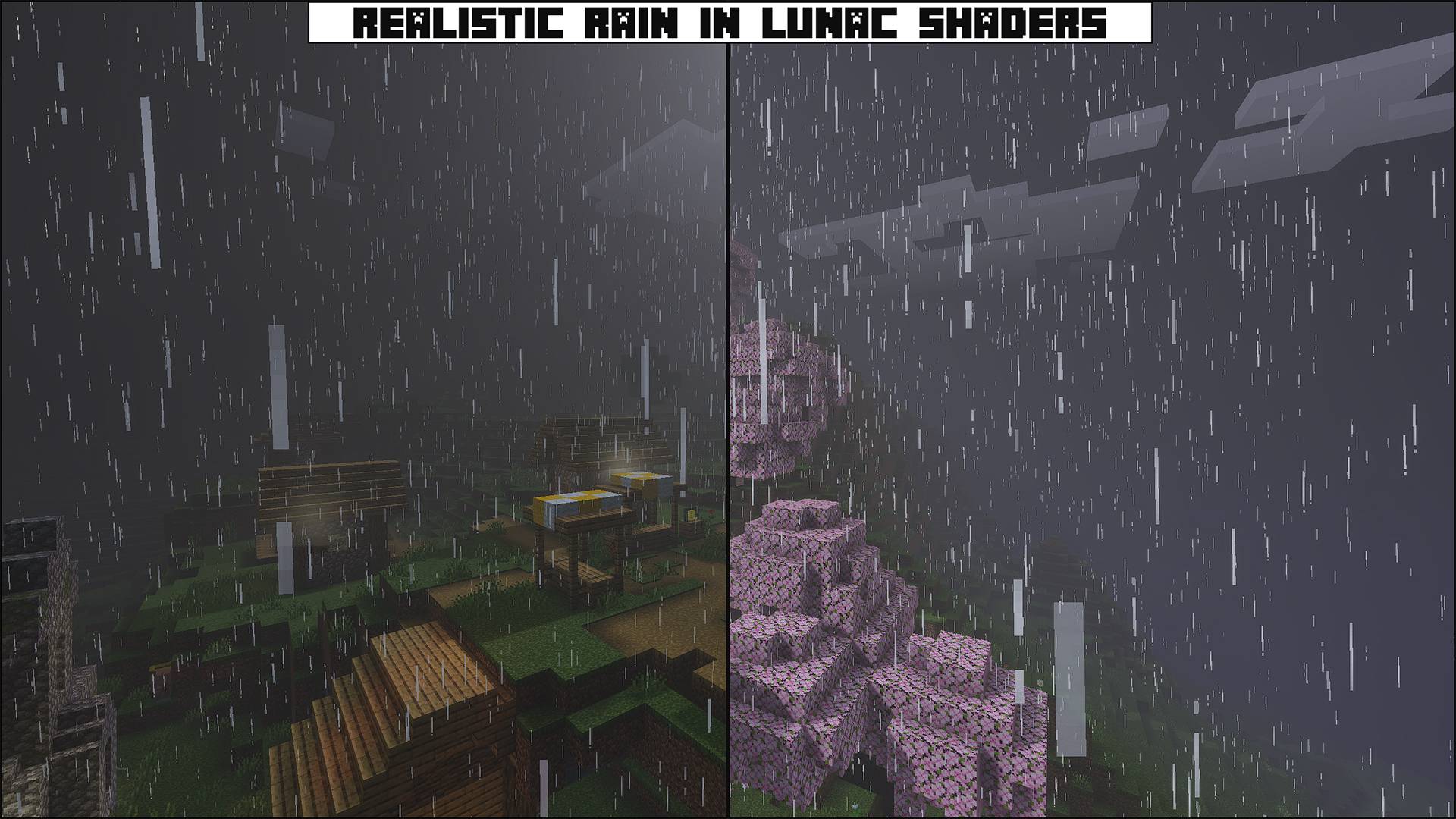
It adds a real rain sound pack replacing the default rain sound which was like FM radio. Also changes the texture of the rain making it look more real. decreasing the amount of rain which not just look good but also improves performance. It also disables Ground rain splash particle which improves performance drastically… Also it is fully compatible with all other packs just place it above all packs.
What It does?
Better Textures
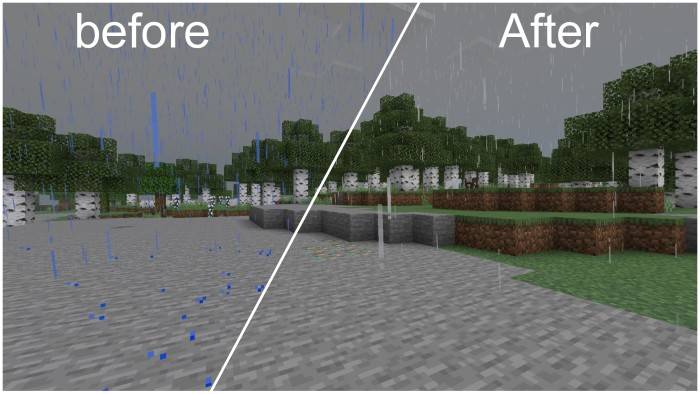
To make rain look more realistic and better, I worked on the textures. It enhances the textures of rain particles and splash particles (raindrops). This makes the rain look more aesthetic.
Better Particles/Less Particles - Configurable
Not only are the particle textures enhanced, but their properties as well. To make the rain more pleasing, I had to make it less annoying. Unlike before, you won't feel irritated by the rain. In fact, I got the idea to make this texture pack because I used to change the weather whenever it started to rain on my server. Then I realized not only is that cheating, but it's also the opposite of how I behave in real life. I love rain in real life, so I thought if I made rain more realistic, it would feel better and it worked for me! ;)
Less Rain
Ahhh, why does it always rain so heavily that it feels like you're taking a shower in blue-colored water?? Well, I fixed it. The sea or ocean may look blue, but we know it's not definitely not while it's raining. Anyway, I've adjusted the color of the rain, and it looks great now!
Better Sound - Configurable
I think sound is a crucial part of enhancing the rain experience, so I added a real rain sound to the Minecraft sound effects. It gives off different vibes, light, aesthetic, and soothing. I hope you like it.
Player Skin Effects - Configurable
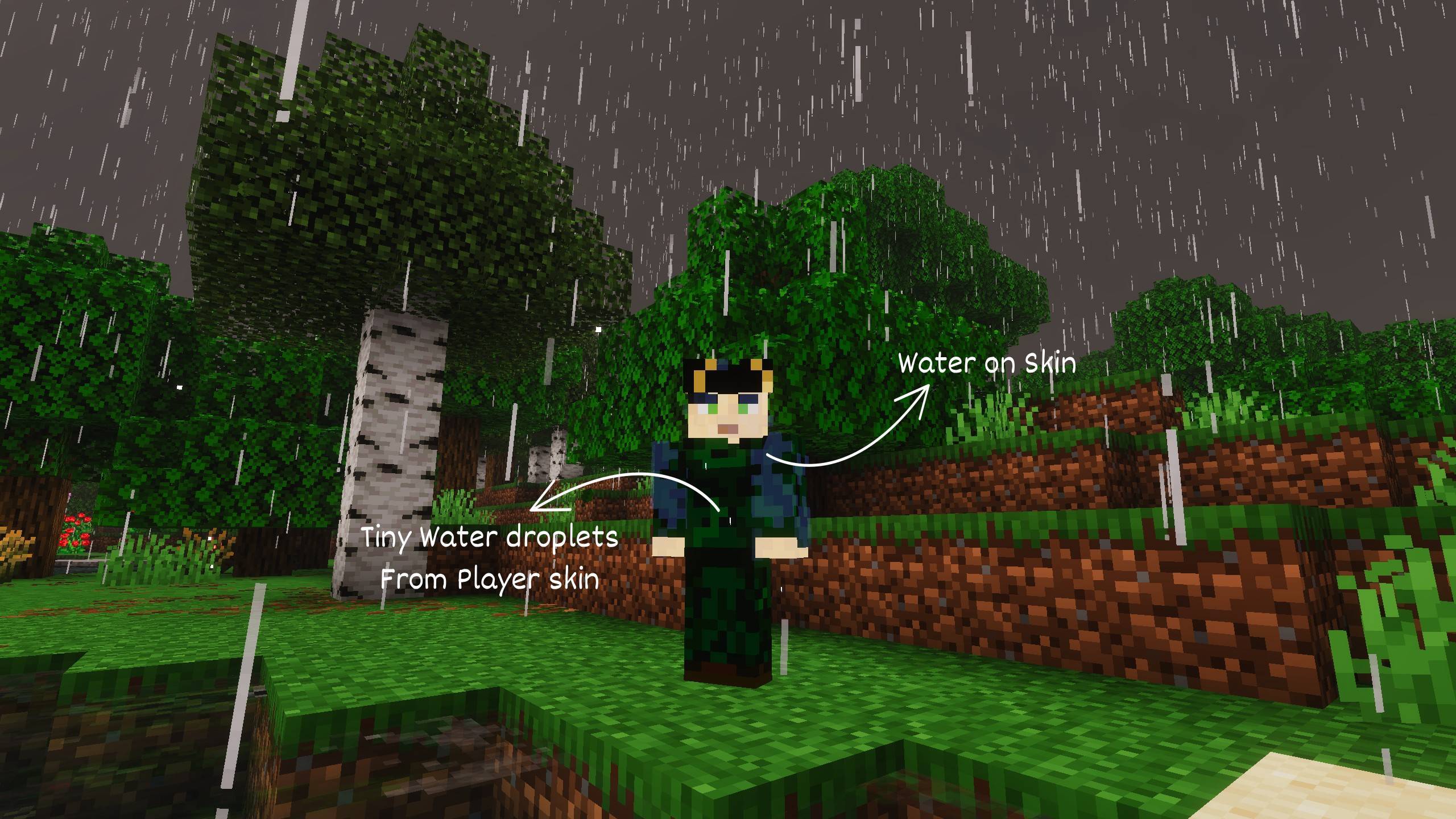
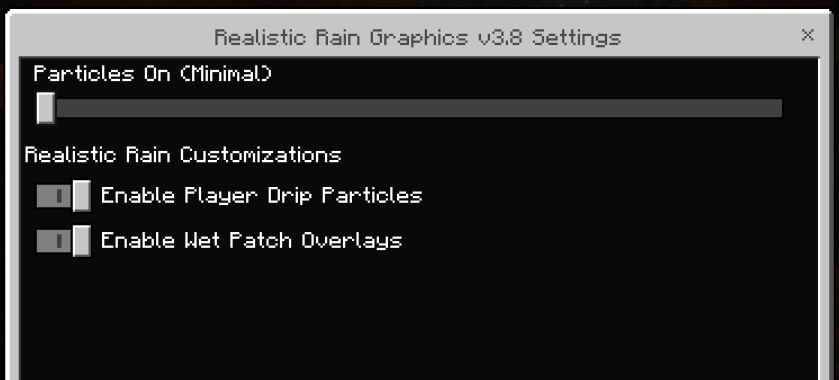
When you're in rain, you'll notice the player skin gets patches of water on it. This is the new we player skin feature. You'll also notice tiny droplets coming from the player skin, another new feature. both of these interesting features don't require behaviour and are fully covered by the resource pack.
Do You Want the Best Experience?
What's better than listening to music while it's raining and you're enjoying your favorite snack? I can't get you a snack (though maybe you could get one for me through Ko-Fi :)), but I can give you music. Check out the latest Chillcraft Music Pack. Don't worry, it's not heavy rock, metal, or hip-hop. Instead, it contains enhanced versions of classic Minecraft music that sound amazing in the game, and with the texture pack, it's absolutely fire.
I've Kept the volume of sound little high as it can be controlled by "Sound" in audio settings.
Compatibility: It doesn't require any additional resources or power from your computer to run. Your game will work just as how it used to work by default. Works On every device like android, ios and windows as long as you have minecraft bedrock installed. It will work with every texture pack which does not interfere with rain, rain weather sounds, rain particles (You can also keep this one at the top to avoid any resource pack overriding it). Also make sure You are installing this texture pack "Global resource packs".
video showcase
Pack setting options (subpack settings menu):
1. You are allowed to make video on the addon but give credits in video description.
2. You are allowed to use it in your project, but only with my permission. Join the discord server to communicate.
3. You are not allowed to publish the texture on any other website and claim it as yours.
Join My Discord Server: https://discord.gg/Wvst4znsgk
Download the New Bedrock Manager application to easily install and manage your minecraft addons, worlds and more!
Download Now! (Windows only, android in future) 
Enjoy!
 👉 Click the banner or [start here] to get going. Use code MODMCPE40 for 40% off!
💬 Curious what players think? Check out the community discussion on [Best Minecraft Server Hosting].
- Edition: Minecraft Bedrock
- File type: .mcpack
- Minecraft versions listed: 1.21.101, 1.21.100, 1.21.111
- How to install: Download the .mcpack. → Open it — Minecraft imports it under Resource Packs. → Activate it in Global Resources, or for one world under Resource Packs → Available.
- Where to get it: Opens on CurseForge — not every file is mirrored on our own servers.
Install steps are the general flow for this file type — How to install Minecraft Bedrock texture packs walks through it step by step.
- Pack type: .mcpack — a single pack
- Manifest requires Minecraft 1.21.100 or newer
- Complete pack — everything it depends on is inside the file
- Download size: 2.6 MB
- Download link checked 5 Oct 2026 — working
These come from our own check of the pack file, not from the source page.