Enchantment Icons
Bedrock texture pack listed for Minecraft 1.20–26.x. File opened and checked on 7 Oct 2026; installs from the MC Bedrock Mods app on Android.
⬇ Download on CurseForge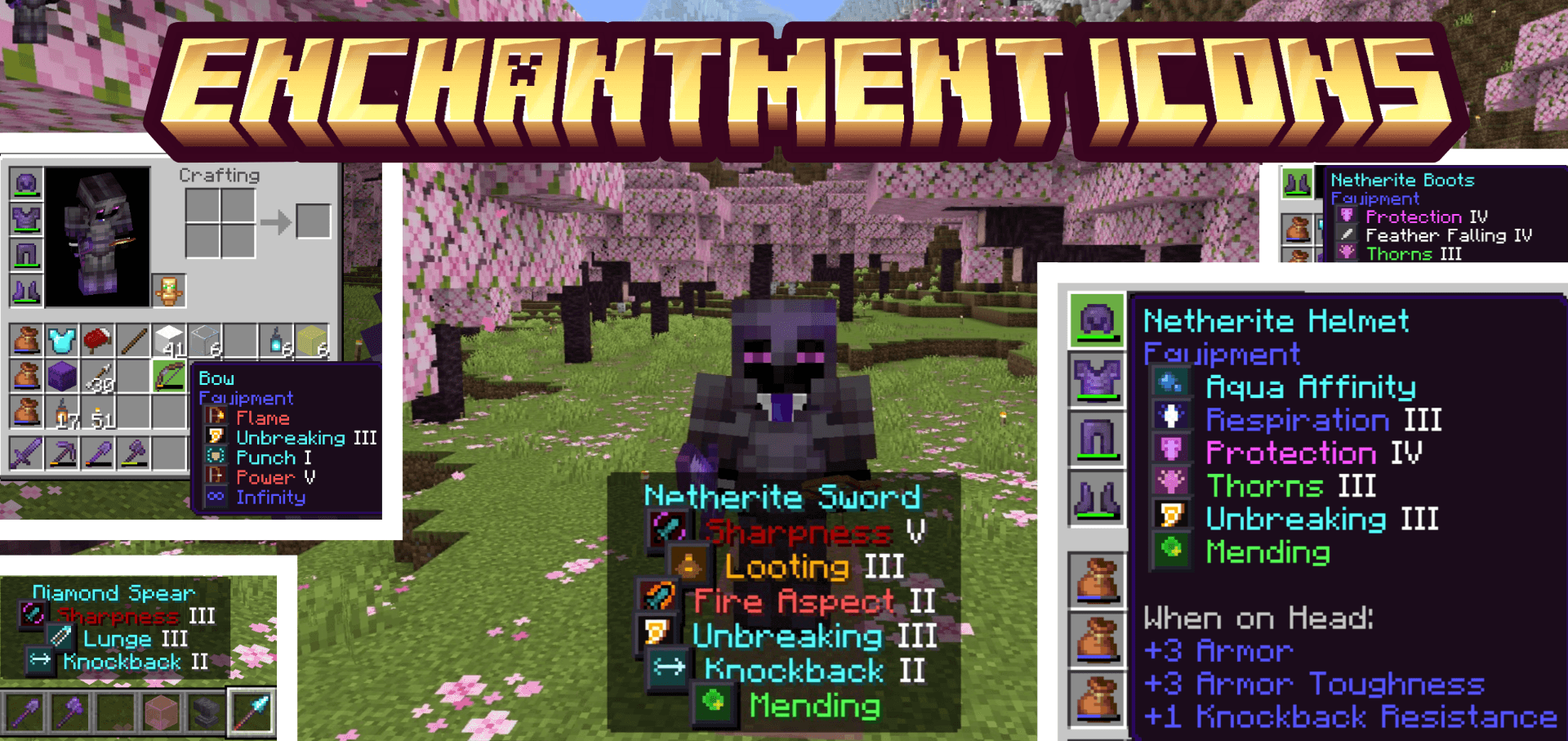
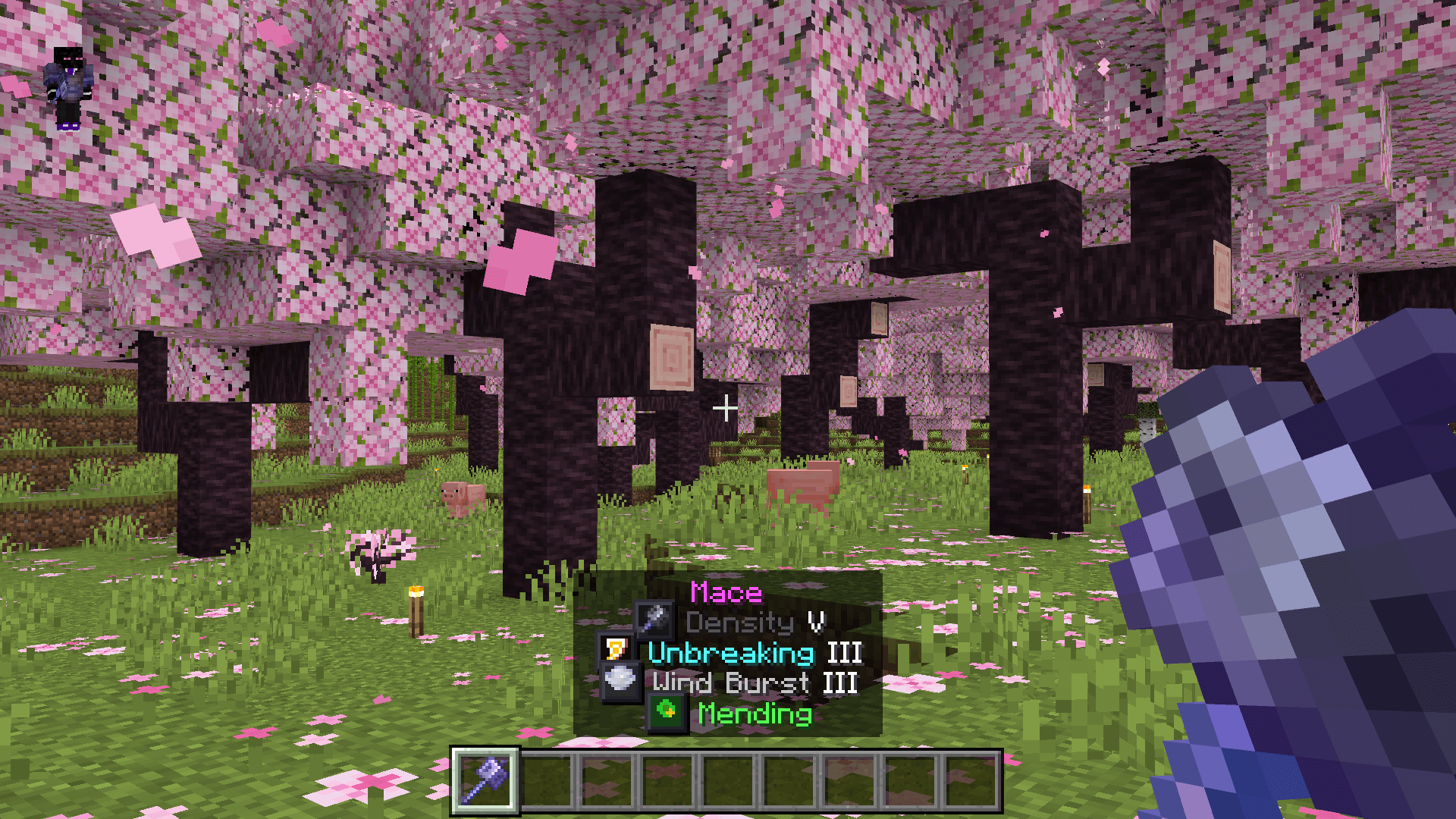
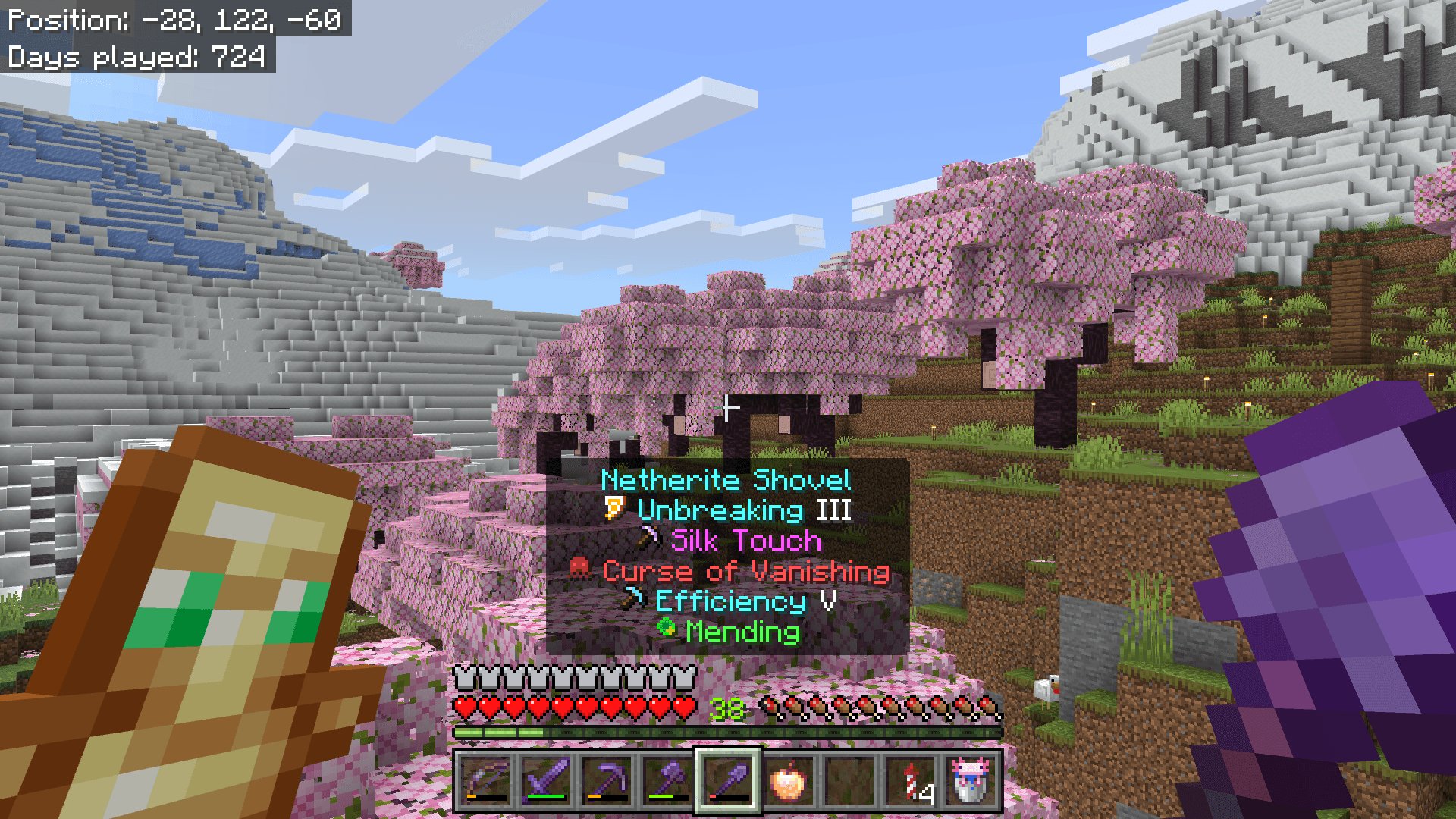
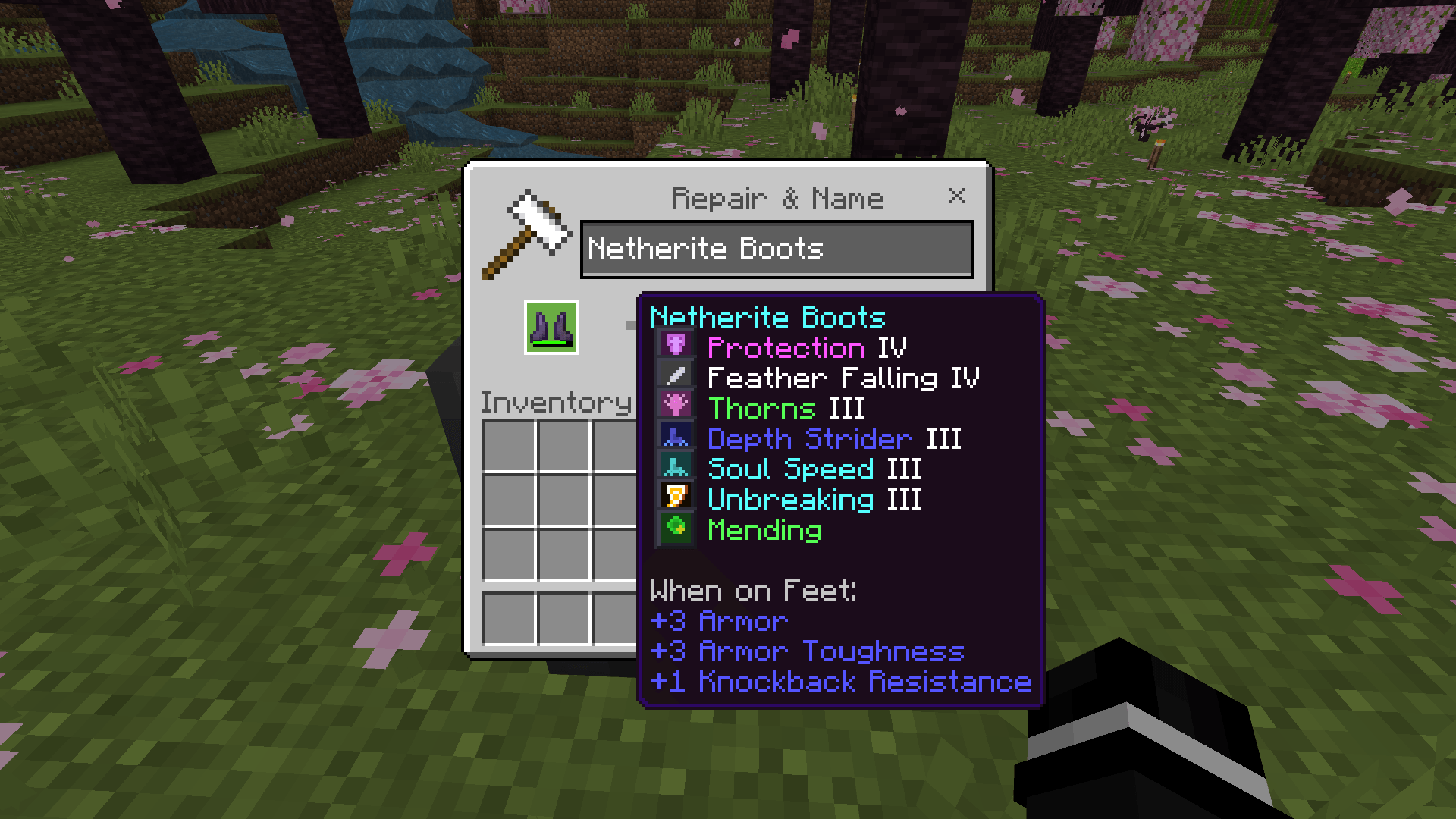
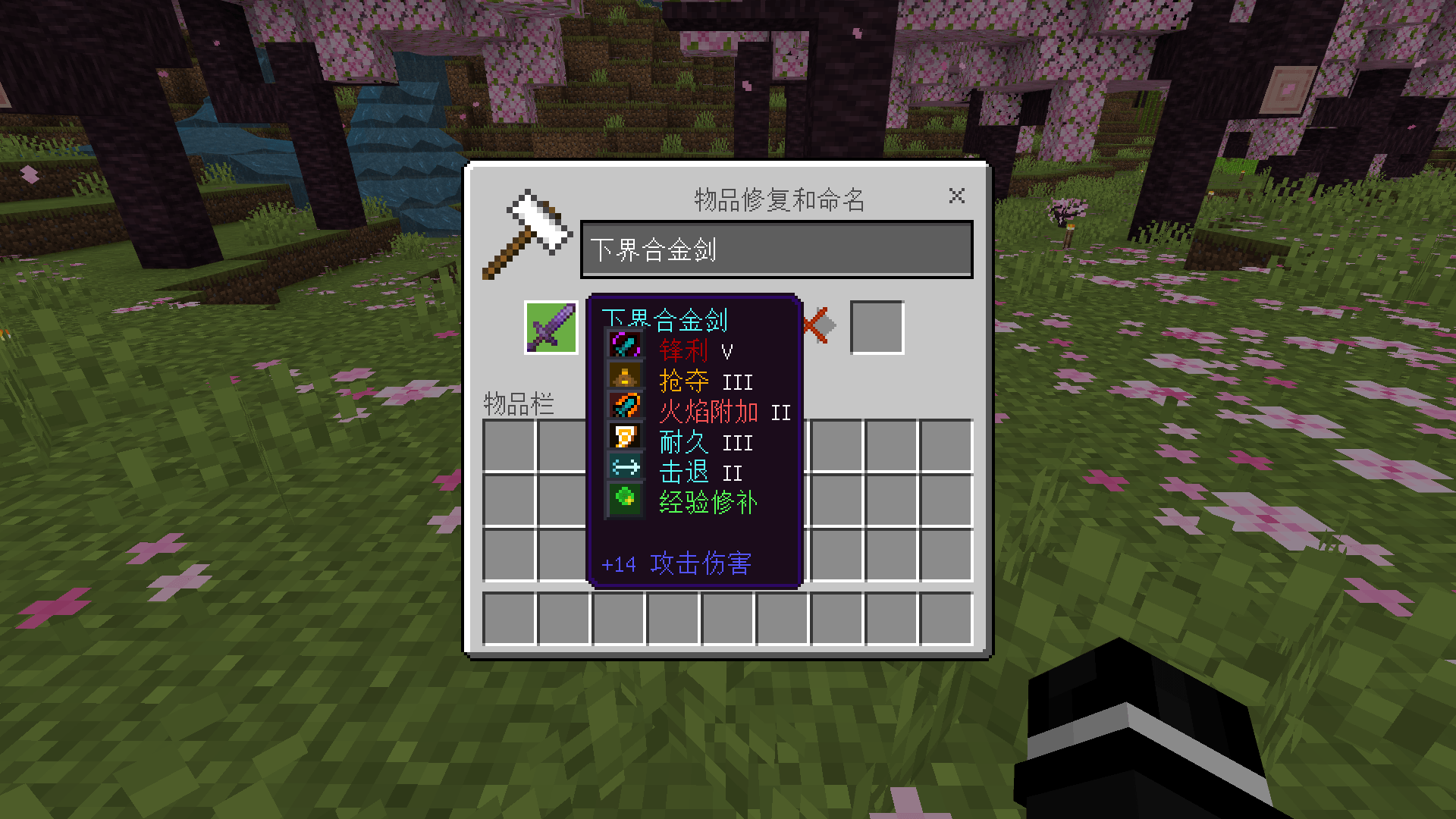
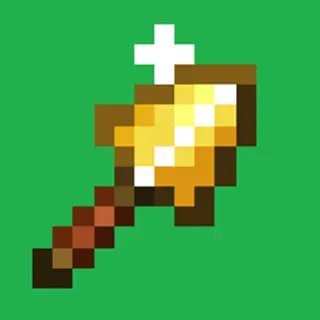
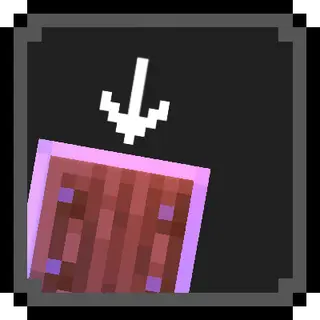
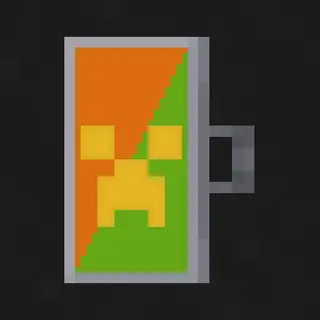
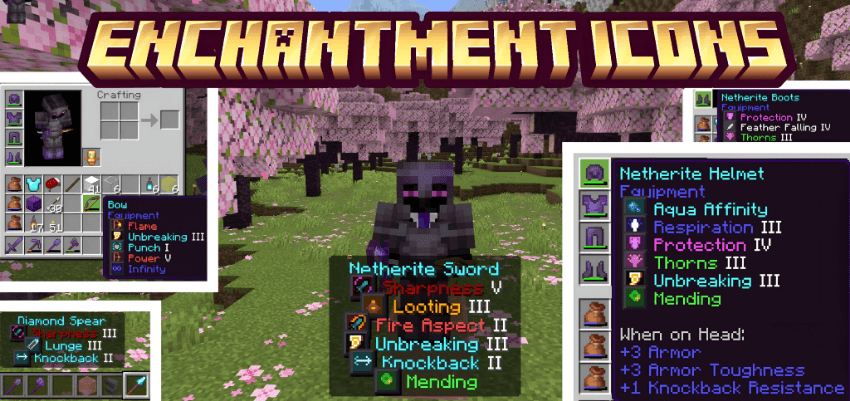
Enchantment Icons adds unique colored pixel-art icons next to every enchantment name in your inventory tooltips. No more reading through walls of text, just glance at the icon and instantly know what each enchantment is.
What's New:
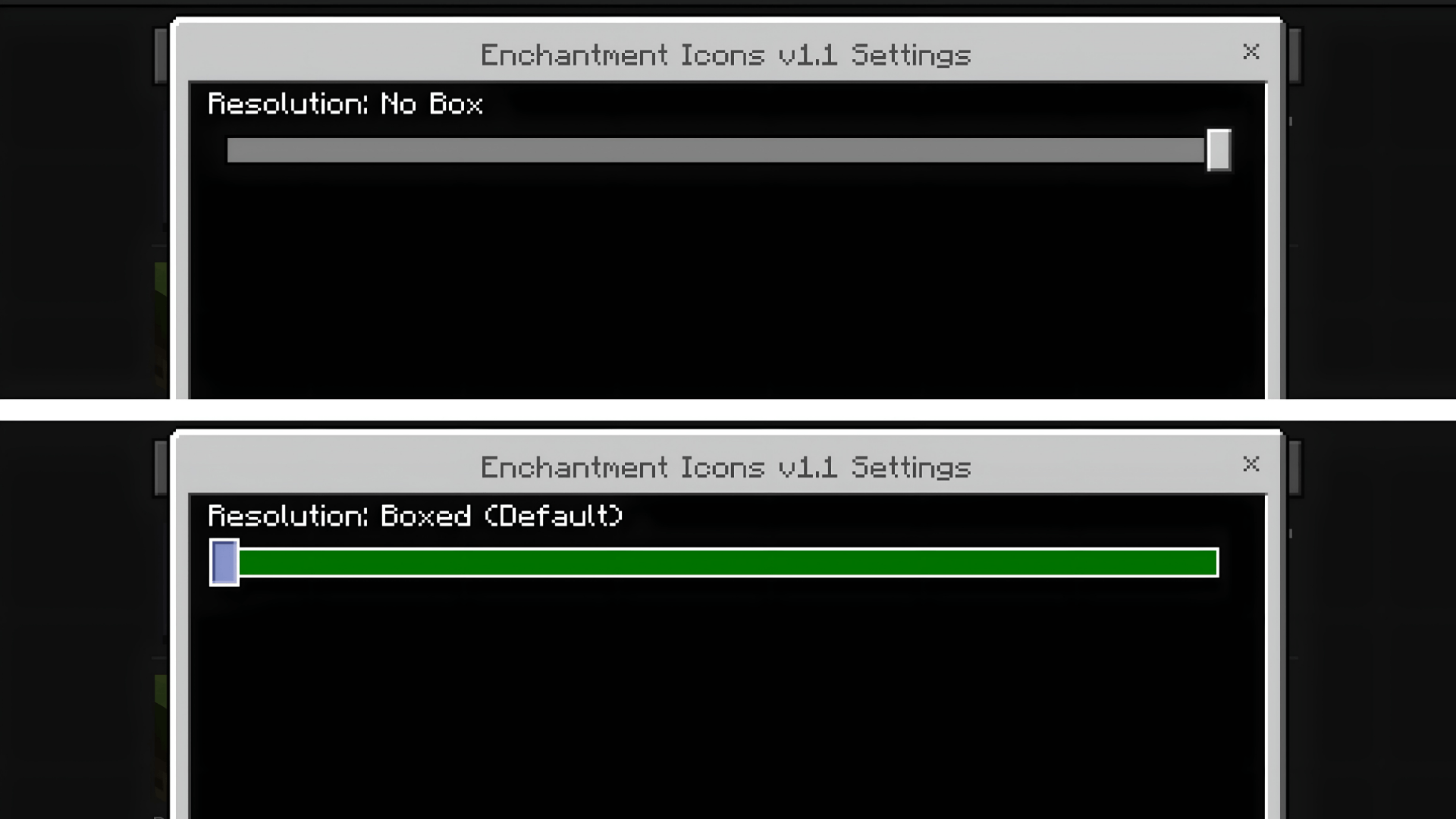
- Added a No Box subpack variant, clean pixel-art icons without the dark background boxes
- Switch between Boxed (Default) and No Box styles right from the pack settings screen, no need to download separate packs
What's Included:
- 42 pixel-art icons covering every enchantment in the game
- Two style variants: Boxed (classic look with dark borders) and No Box (clean, transparent icons)
- Each icon is color-coded to match its enchantment type, swords, bows, armor, tridents, and more
- Supports all enchantments up to the latest update including Density, Breach, Wind Burst, and Lunge
Supported Languages: English, German, Spanish, French, Italian, Portuguese, Russian, Japanese, Korean, Chinese, Hindi, Polish, Dutch, Swedish, Danish, Norwegian, Finnish, Hungarian, Czech, Slovak, Turkish, Greek, Bulgarian, Ukrainian, Vietnamese, Indonesian, and more — 31 languages in total.
How It Works: The pack uses custom glyph icons mapped to enchantment names through language files. Just activate it in your Global Resources, pick your preferred style in the pack settings, and you're good to go. Icons will automatically appear next to enchantment names in item tooltips. No behavior packs, no add-ons, no dependencies — it's a standalone resource pack.
How to Switch Styles:
- Apply the pack in Global Resources (or to your world)
- Tap the gear icon next to the pack name
- Choose Boxed (Default) or No Box
Compatibility:
- Minecraft Bedrock 1.20 and above, 26.0+
- Works on all platforms, mobile, console, and PC
- Safe to use alongside other texture packs
If you have any suggestions or want an icon changed, feel free to leave a comment!
- Edition: Minecraft Bedrock
- File type: .mcpack
- Minecraft versions listed: 1.20.40, 1.21.30, 1.21.50
- How to install: Download the .mcpack. → Open it — Minecraft imports it under Resource Packs. → Activate it in Global Resources, or for one world under Resource Packs → Available.
- Where to get it: Opens on CurseForge — not every file is mirrored on our own servers.
Install steps are the general flow for this file type — How to install Minecraft Bedrock texture packs walks through it step by step.
- Pack type: .mcpack — a single pack
- Manifest requires Minecraft 1.20.0 or newer
- Complete pack — everything it depends on is inside the file
- Download size: 571 KB
- Download link checked 26 Oct 2026 — working
These come from our own check of the pack file, not from the source page.