AziFy Revive Shader | AFR
Bedrock texture pack listed for Minecraft 1.21–26.x. File opened and checked on 11 Oct 2026; installs from the MC Bedrock Mods app on Android.
I don't know my version
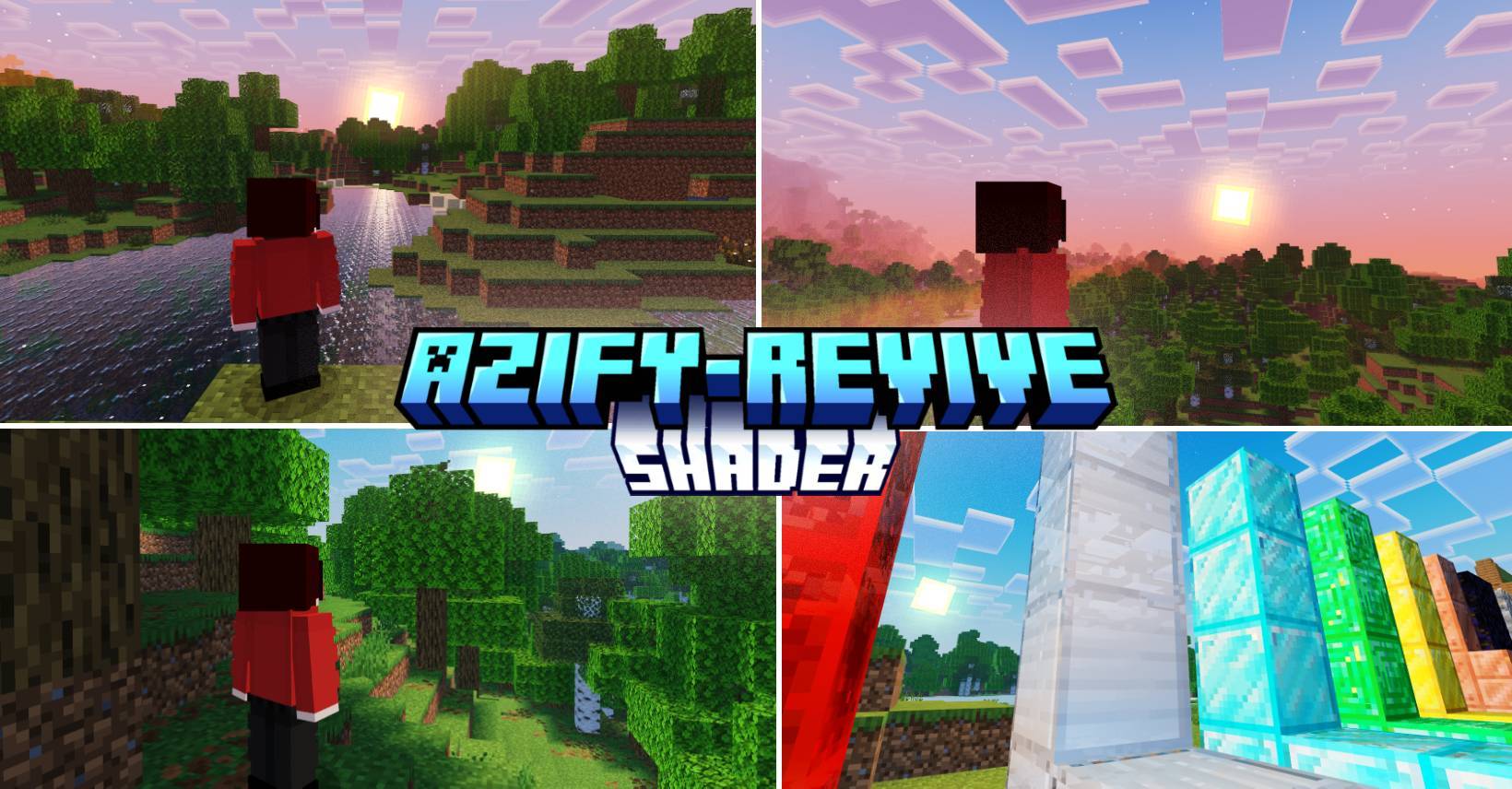

Supports 26.30+
For "Windows, Android and iOS" Download from the link provided!
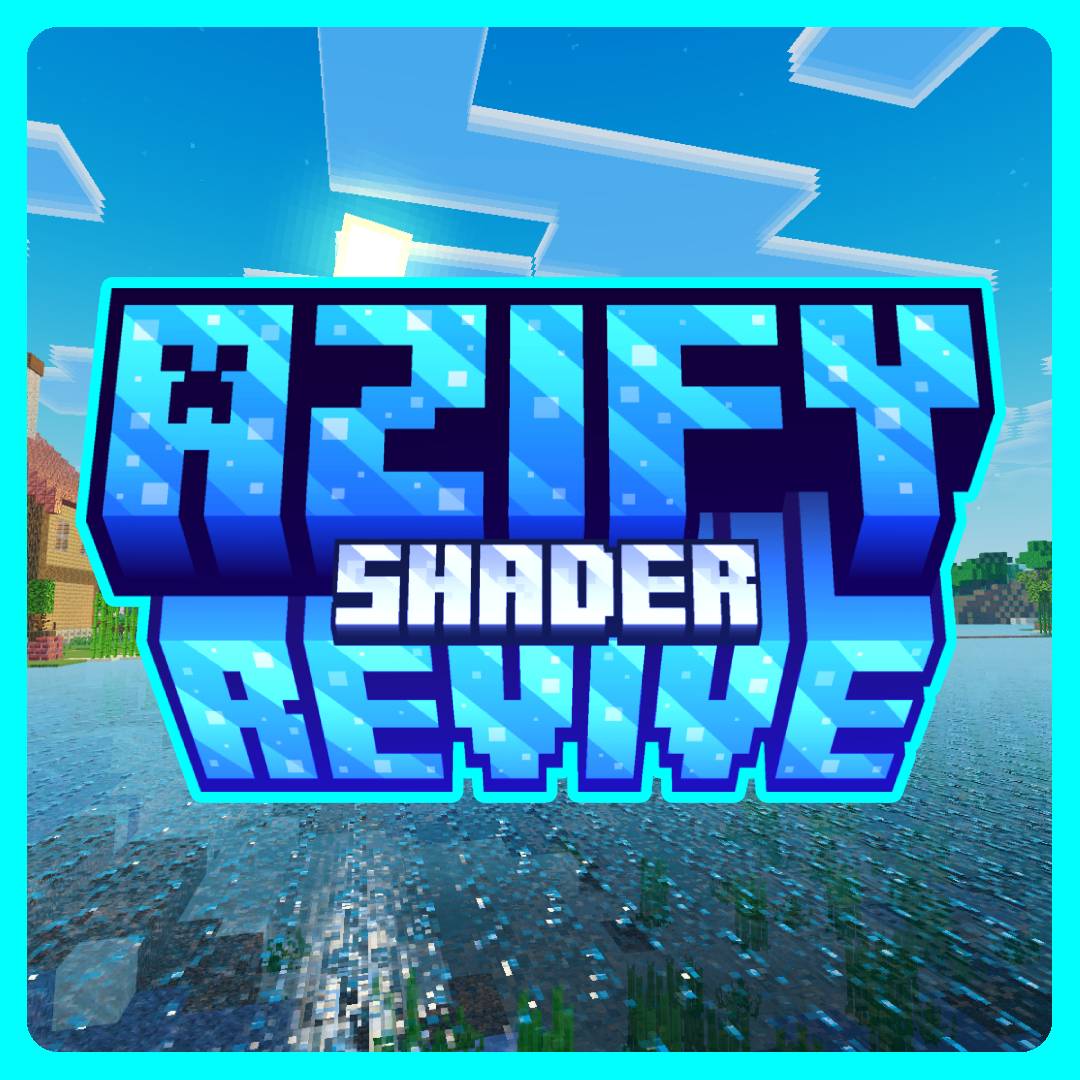
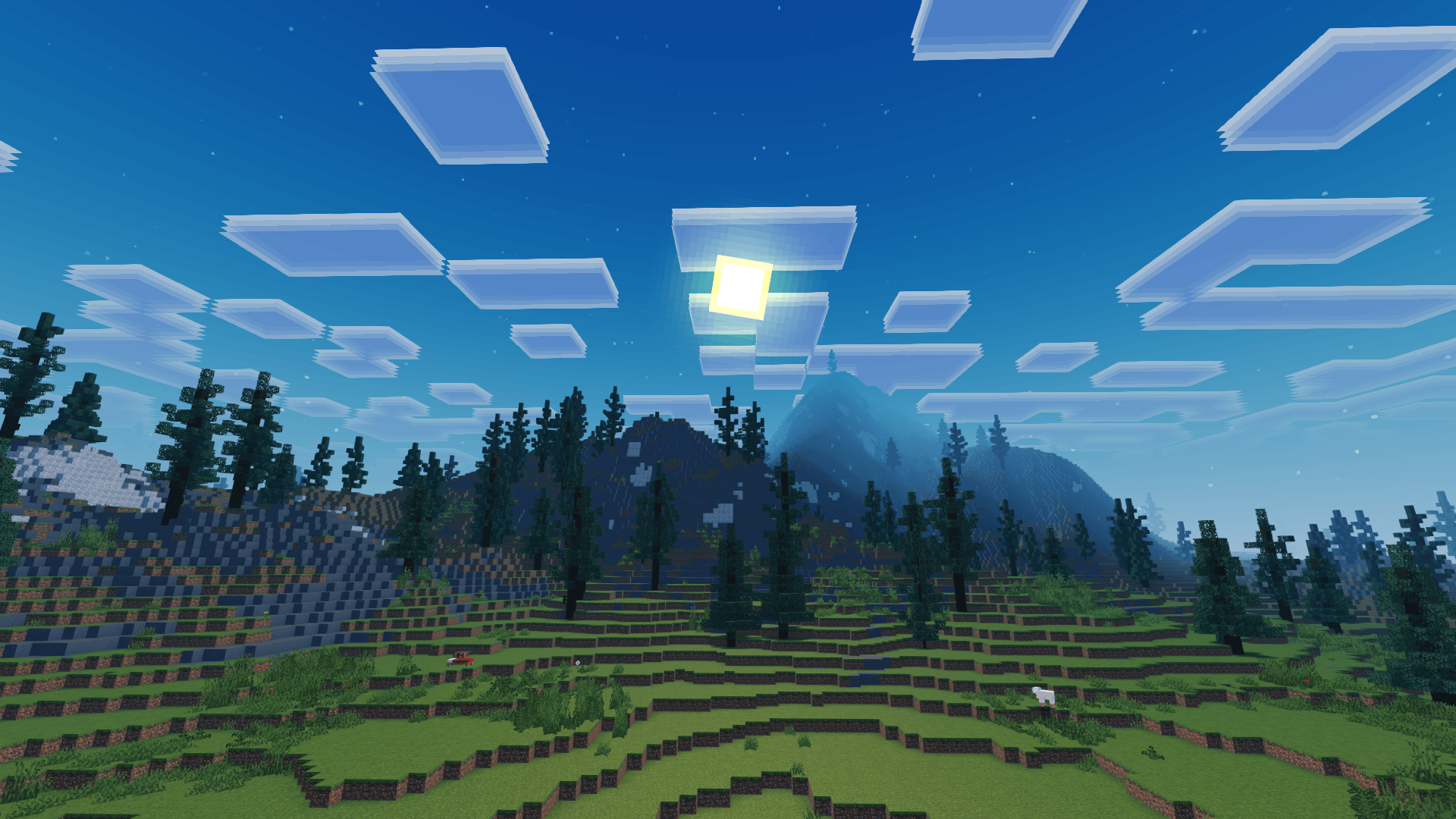
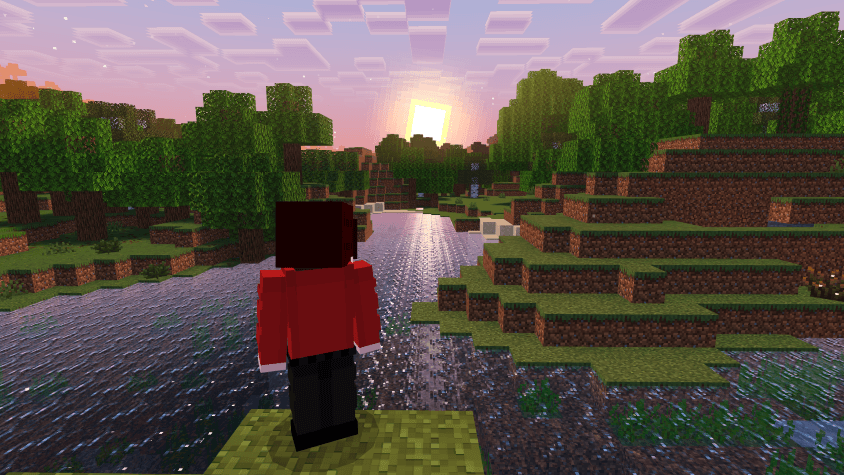
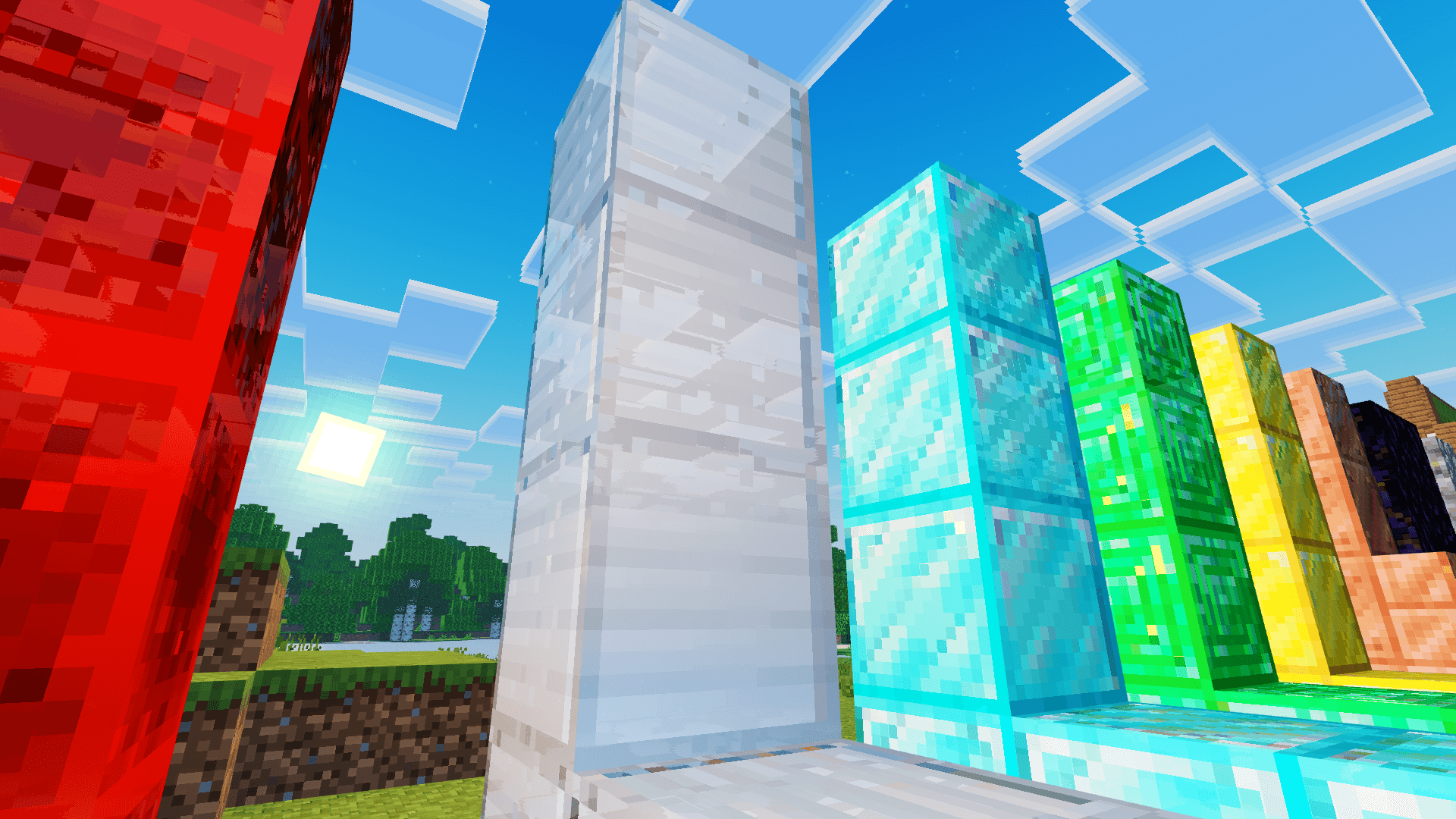
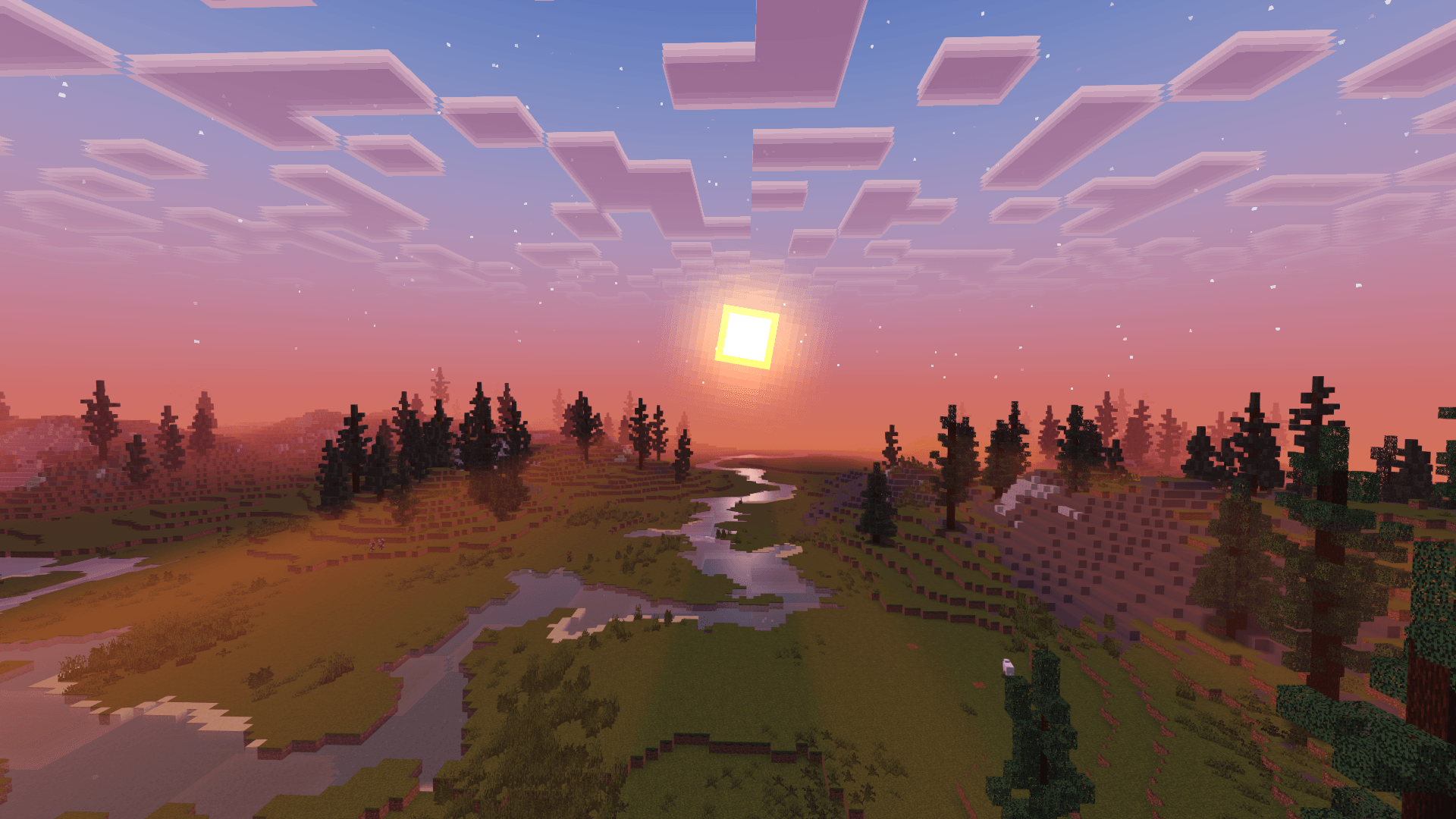
Experience Minecraft like never before with Azify Revive, a realistic Bedrock shader for Android, iOS, and Windows that completely transforms your world with an insane water revamp, high-quality sun bloom, sharper shadows, and vibrant color enhancements, while adding dynamic clouds, glowing ores, waving plants, and realistic metallic reflections to the Overworld, Nether, and End.
This shader will not work without using required patches! Please read the installation guide before downloading.
Watch Introduction Video
HOW TO USE (Installation Guide)
Disclaimer: Minecraft Bedrock does not officially support loading custom shaders. The following are unofficial methods for loading shaders.
CLICK ME TO REDIRECT TO TUTORIAL!
For "Windows, Android and iOS" Download from the link provided!
Downloads:
NOTE: MERGED - means it contains ios, android and windows in one file.
Search terms: realistic shader mcpe, best shaders, shaders, shader, mcpe, rtx, no lag
- Edition: Minecraft Bedrock
- File type: .mcpack
- Minecraft versions listed: 26.40, 26.50, 26.30
- How to install: Download the .mcpack. → Open it — Minecraft imports it under Resource Packs. → Activate it in Global Resources, or for one world under Resource Packs → Available.
- Where to get it: In MCModsHub, or directly above on this page.
Install steps are the general flow for this file type — How to install Minecraft Bedrock texture packs walks through it step by step.
- Pack type: .mcpack — a single pack
- Complete pack — everything it depends on is inside the file
- Download size: 5.5 MB
- Download link checked 3 Aug 2026 — working
These come from our own check of the pack file, not from the source page.