Texture packsBedrock
Durability Tools Viewer
Bedrock texture pack listed for Minecraft 1.21. File opened and checked on 20 Sep 2026; installs from the MC Bedrock Mods app on Android.
⬇ Download on CurseForge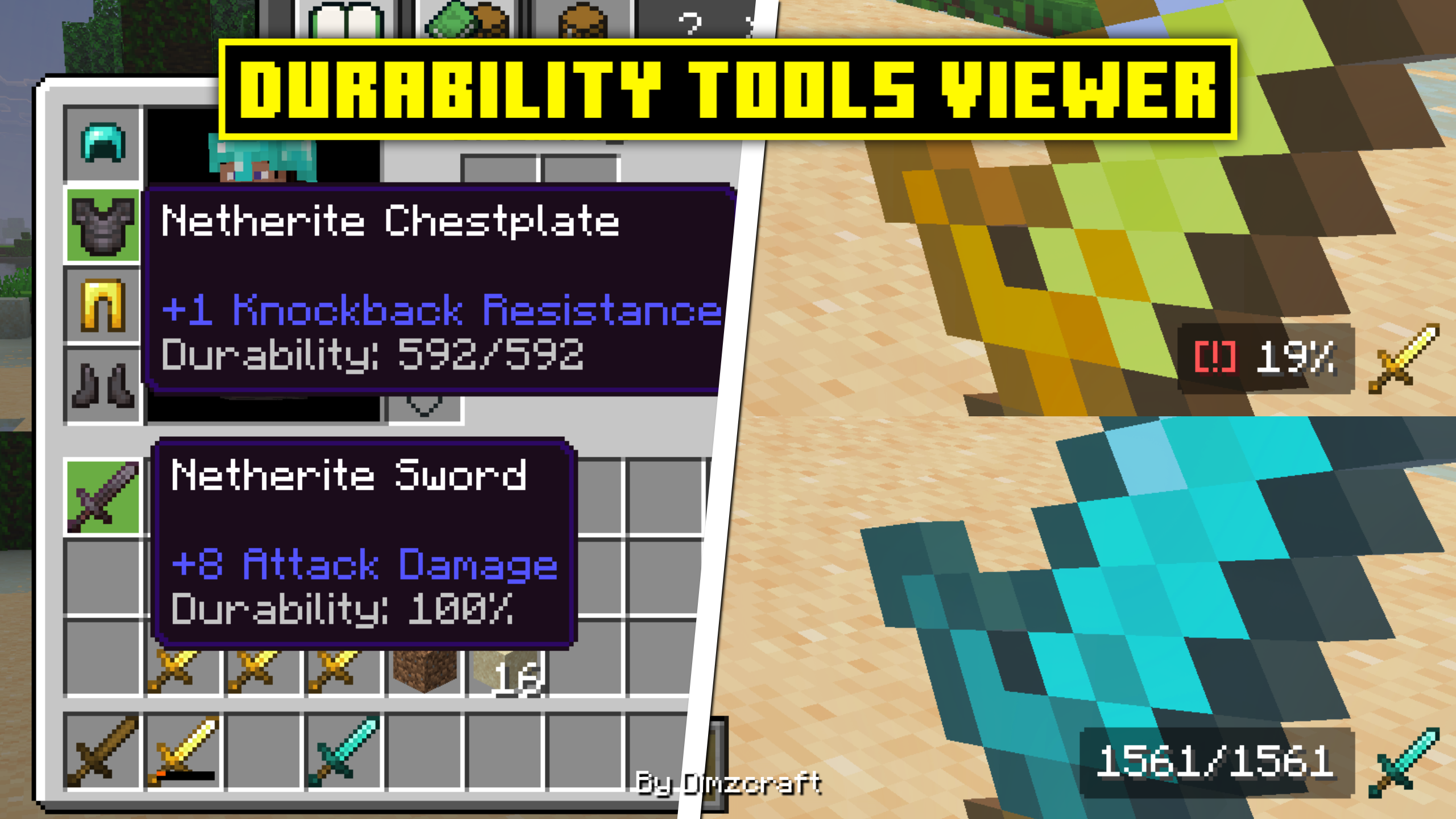
For those of you who want to share this, please use this page link: https://www.curseforge.com/minecraft-bedrock/texture-packs/durability-tools-viewer/download It leads directly to the latest file, so there's no need to use Mediafire, onegaii~
Join our community below!
DIscord Server | Telegram Group | Whatsapp Group(+62 only)
Showcase(old videos)
Feature:
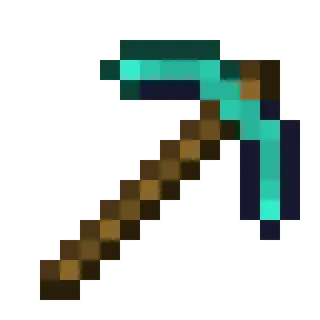
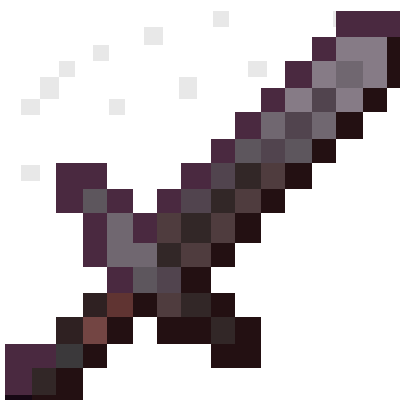
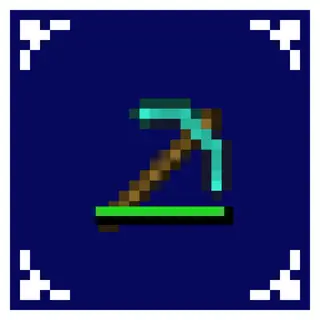
In HUD the durability text is in the bottom right, and the item tooltip is in the item description, in the HUD if the item has a durability below 20% then the warning text [!] will appear
Info:
Subpacks:
- number
- percentage
Settings needed: -
Known Issue: -
Quick facts
- Edition: Minecraft Bedrock
- File type: .mcpack
- Minecraft versions listed: 1.21.30, 1.21.50, 1.21.20
- How to install: Download the .mcpack. → Open it — Minecraft imports it under Resource Packs. → Activate it in Global Resources, or for one world under Resource Packs → Available.
- Where to get it: Opens on CurseForge — not every file is mirrored on our own servers.
Install steps are the general flow for this file type — How to install Minecraft Bedrock texture packs walks through it step by step.
File checked by MCModsHub
- Save it as Durability Tools viewer v2.0.0.mcaddon before opening — it downloads as .mcpack, but it is a .mcaddon pack
- Manifest requires Minecraft 1.21.0 or newer
- Complete pack — everything it depends on is inside the file
- Download size: 20 KB
- Download link checked 5 Oct 2026 — working
These come from our own check of the pack file, not from the source page.