
Vanilla Vibrant Visuals (Graphics Pack)
Bedrock texture pack listed for Minecraft 1.21–26.x. File opened and checked on 19 Sep 2026; installs from the MC Bedrock Mods app on Android.
The default, done right! Vanilla Vibrant Visuals enhances Minecraft Bedrock Edition with refined assets and configurations, correcting the artistic…
I don't know my version
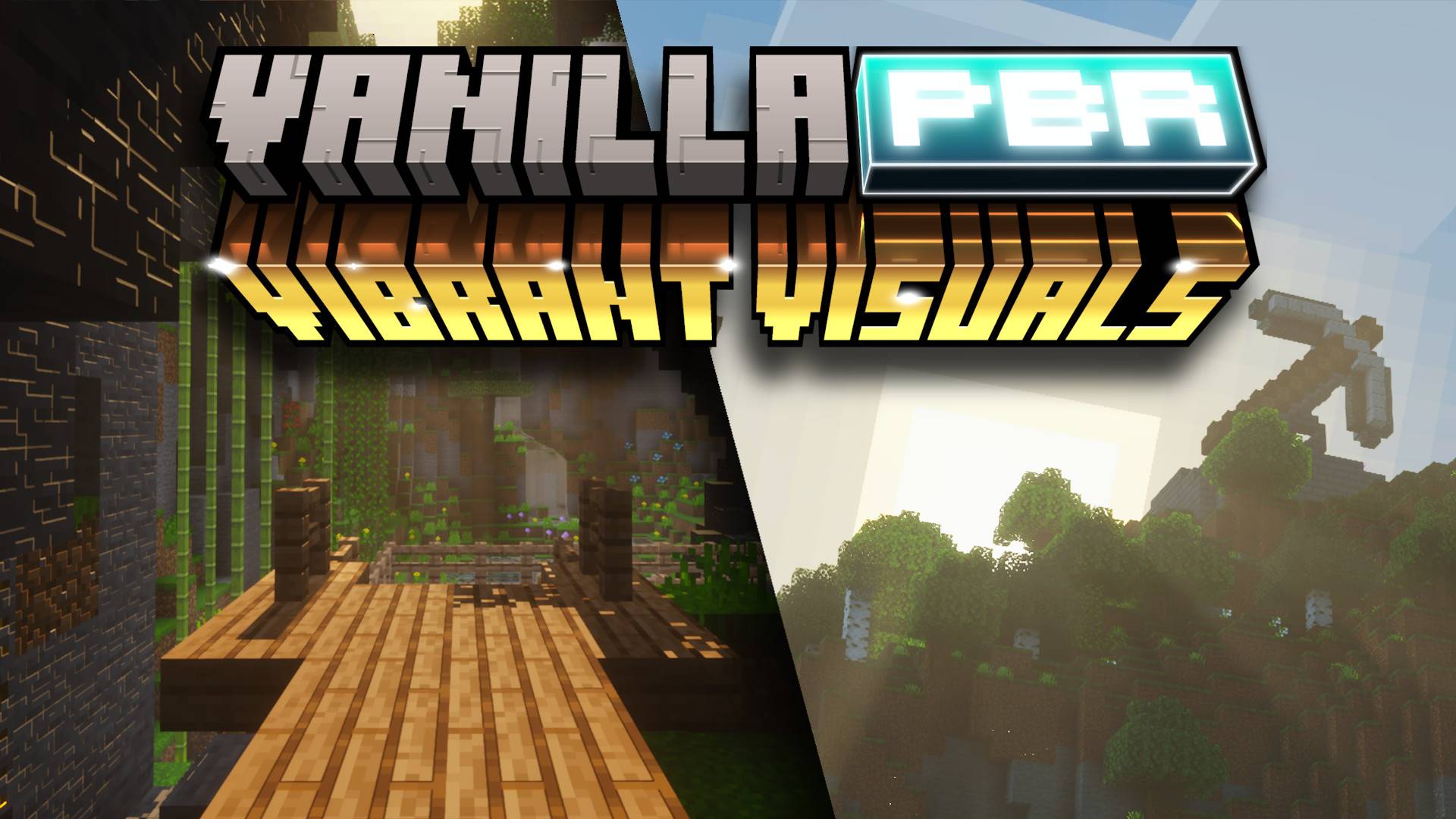
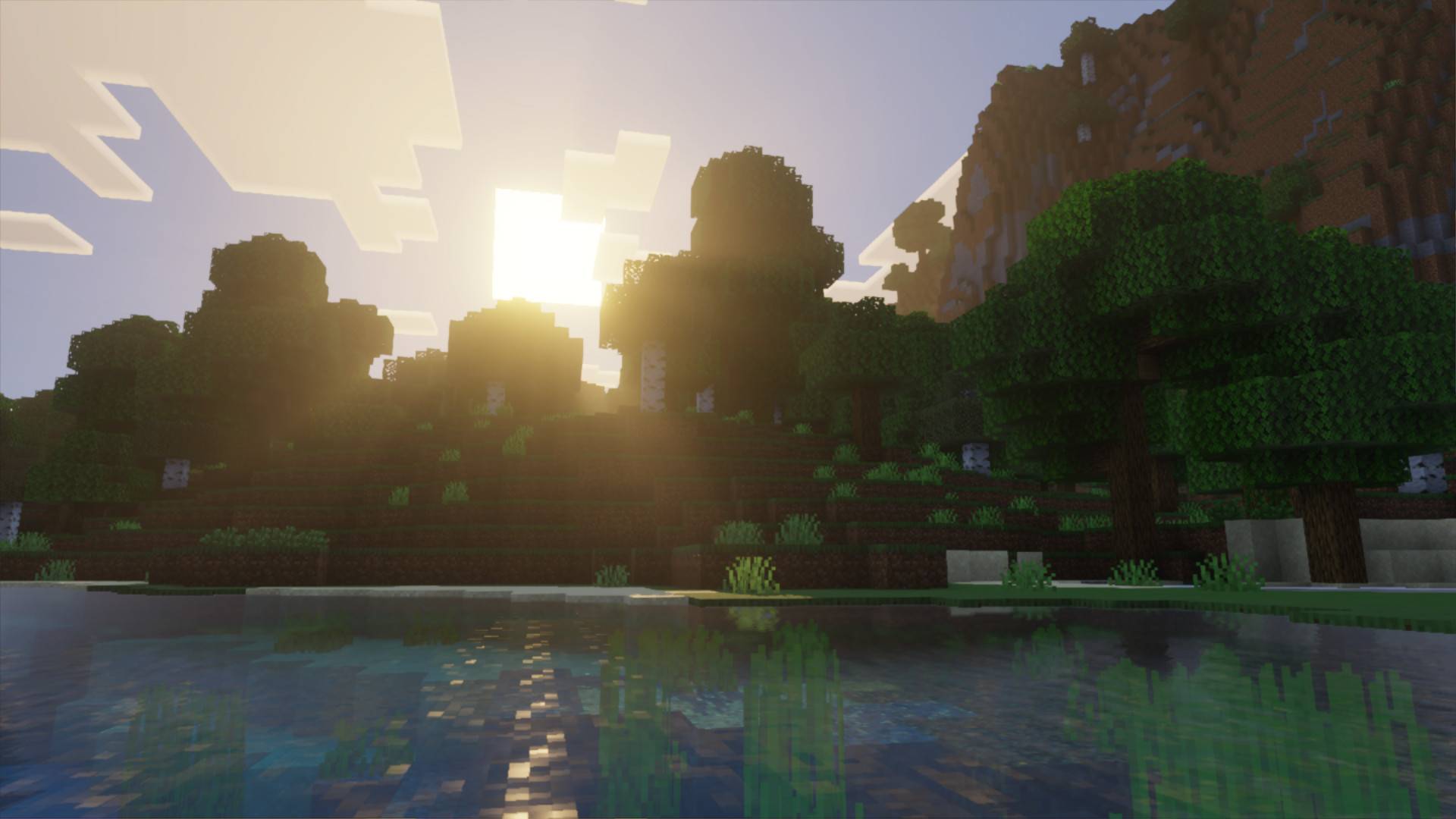
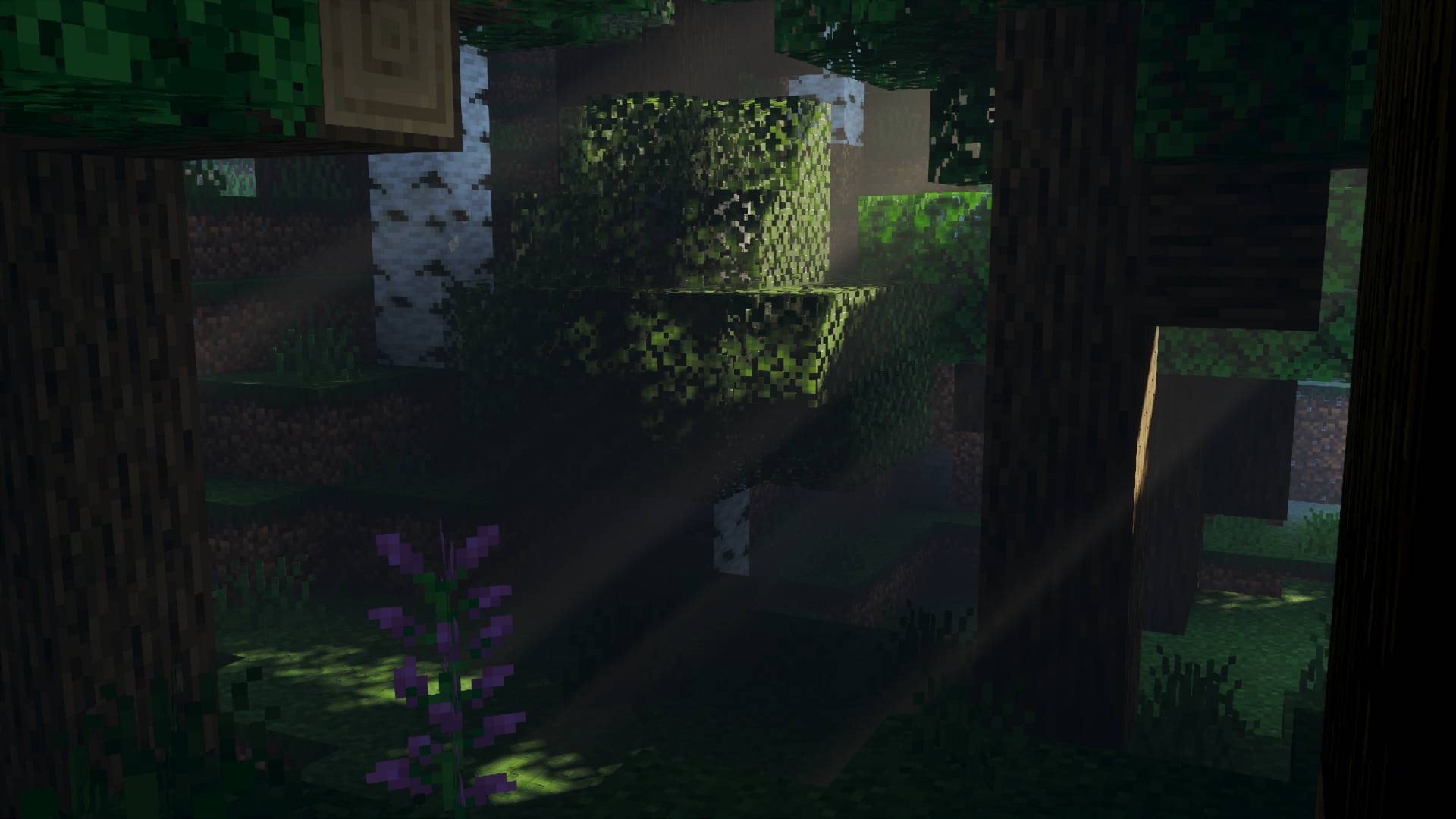
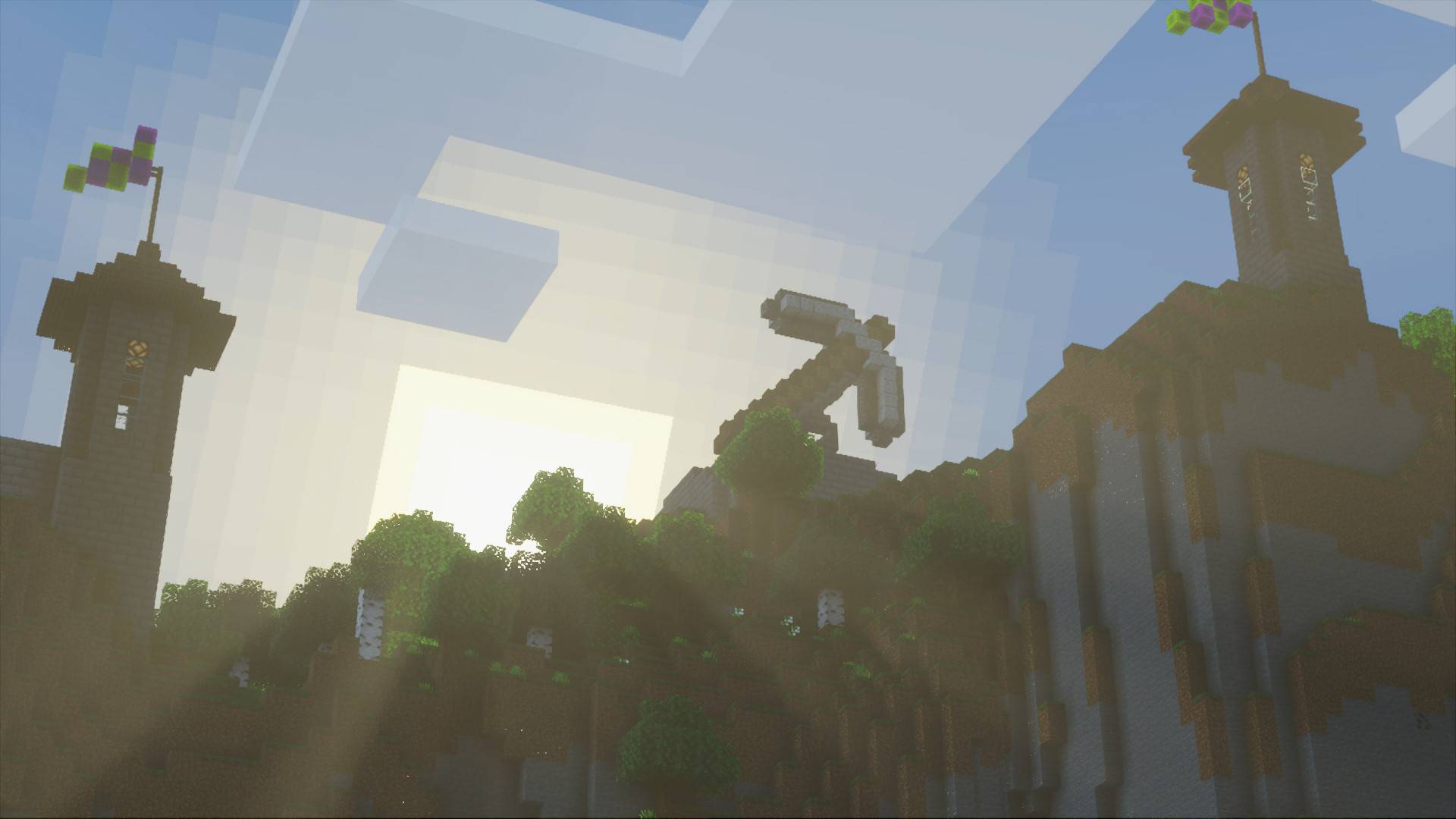
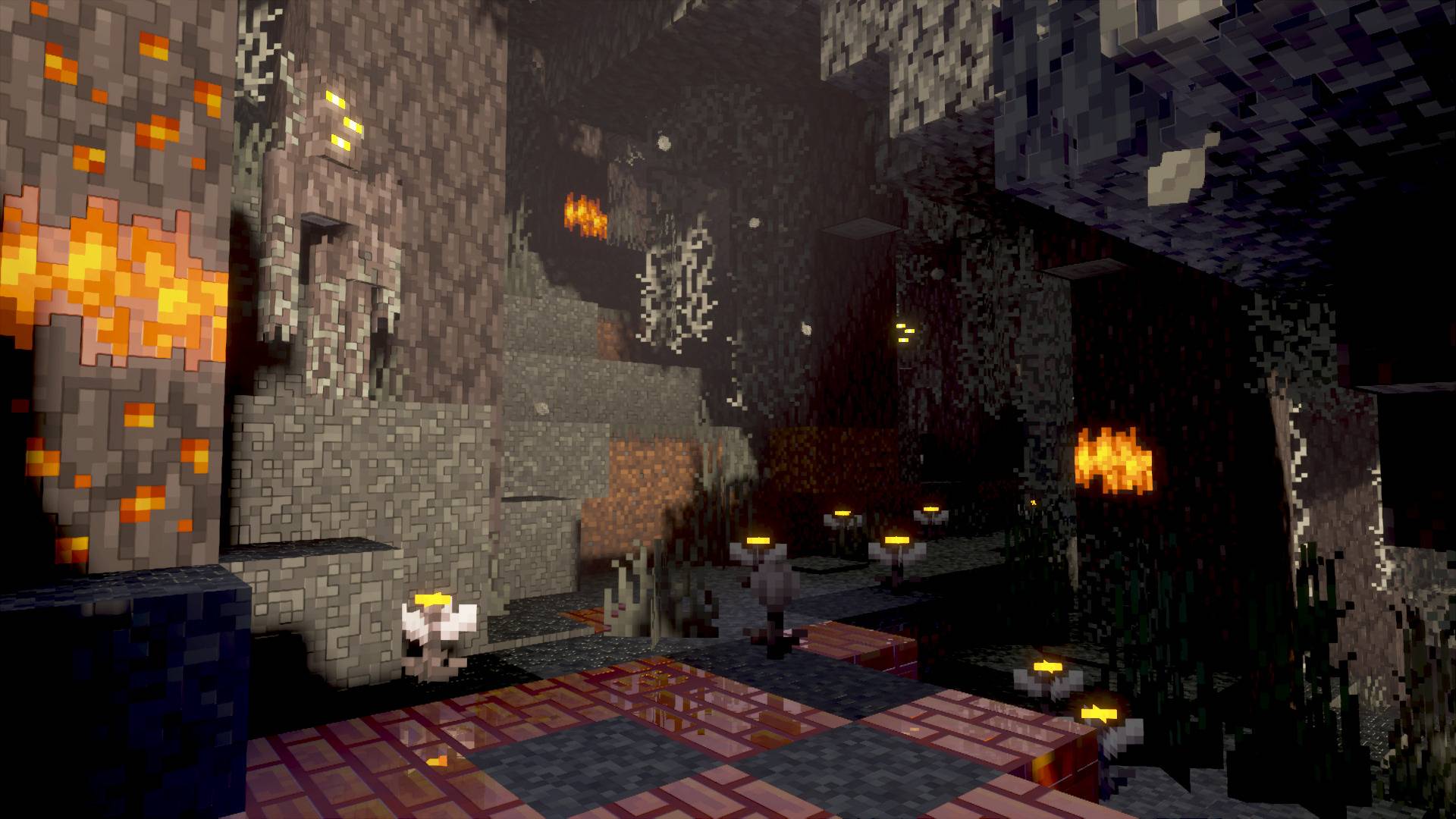
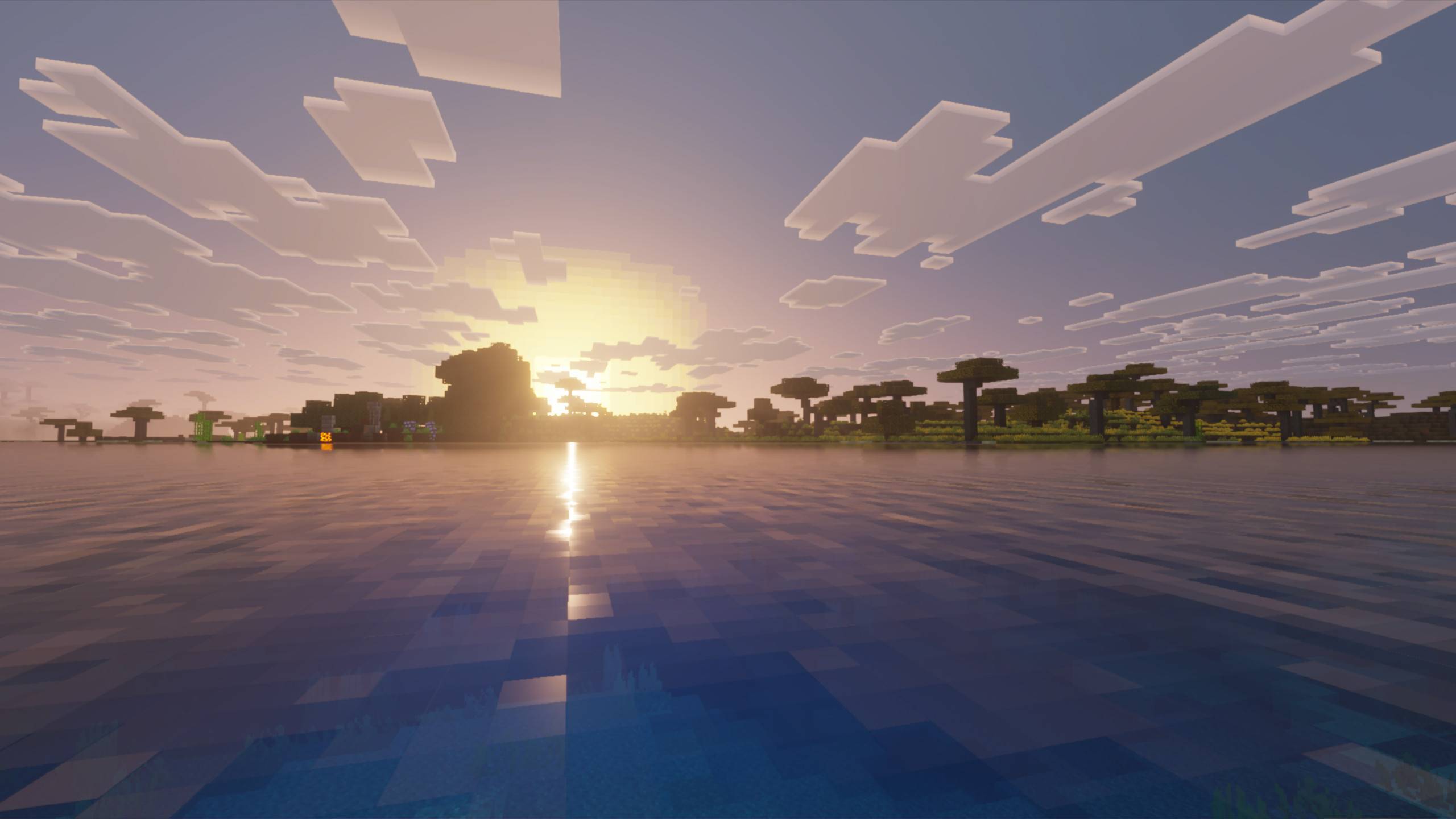
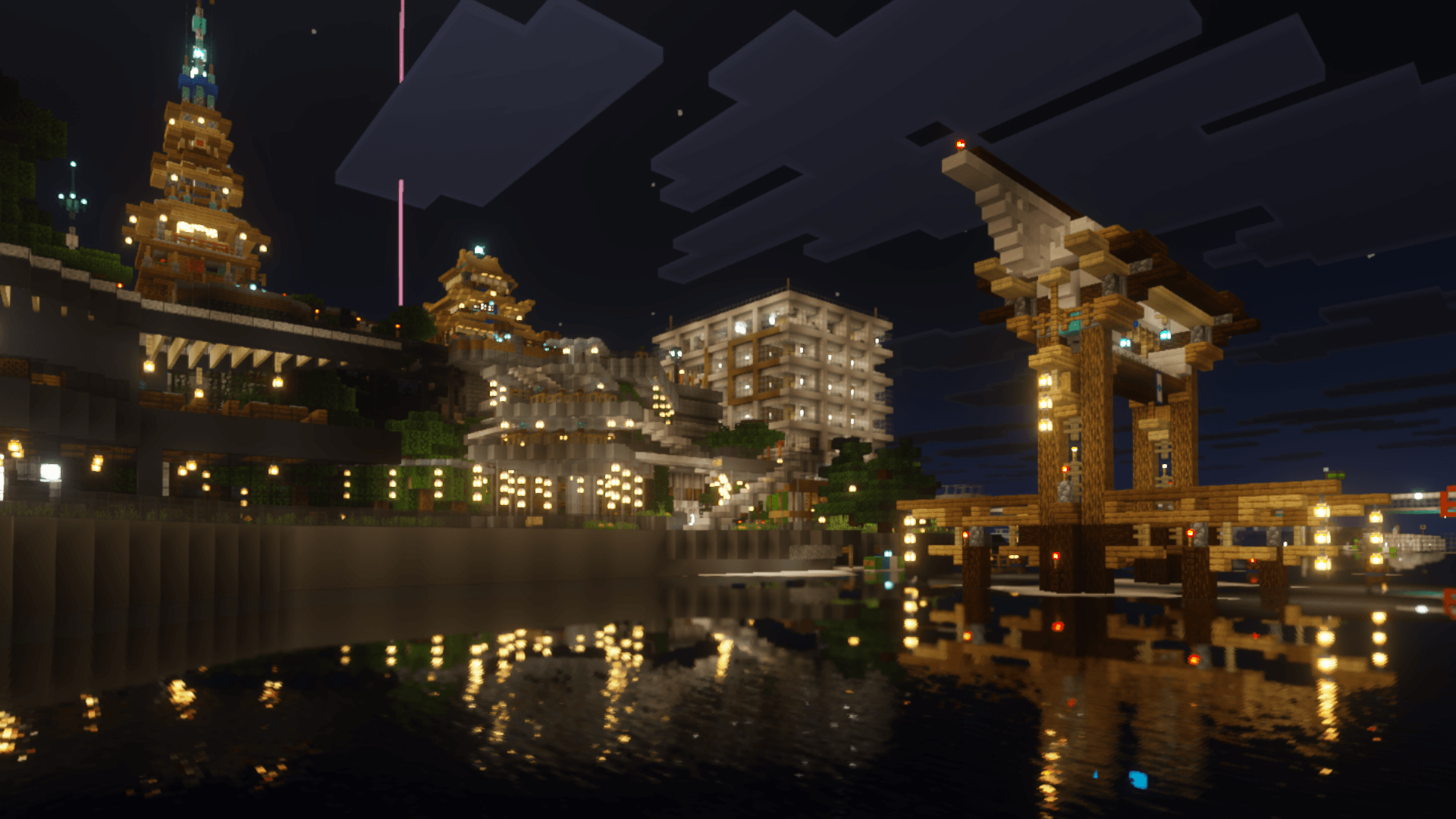
The default, done right! Reintroducing Vanilla PBR for Vibrant Visuals (or Vanilla Vibrant Visuals for short)
If you're looking for a corrected, definitive vanilla Vibrant Visuals experience, this pack is for you.
Vanilla Vibrant Visuals provides Minecraft Bedrock Edition with enhanced resources and better-tuned configurations, addressing oversteps and misfires of the default Vibrant Visuals graphics.
The result is a more grounded version that vastly improves Vibrant Visuals while retaining its core style and identity.
Great news! Vanilla RTX Normals also now has a dedicated Vibrant Visuals version! Find Vibrant Normals at: curseforge.com/minecraft-bedrock/texture-packs/vibrant-normals
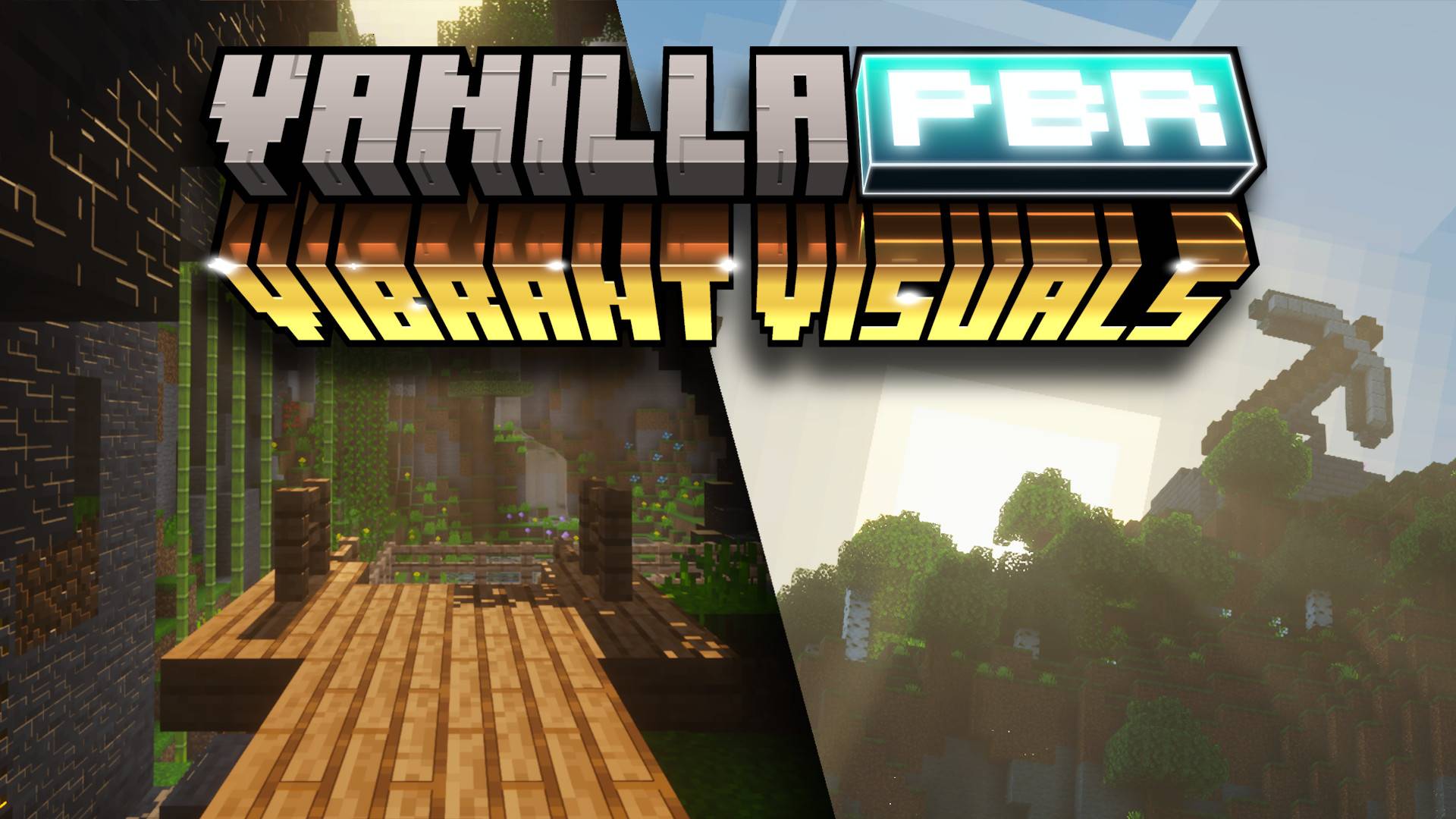 Watch the release trailer for direct comparisons and a demonstration of the PBR textures:
It is noteworthy that these textures build on the same PBR work as Vanilla RTX which has been honed and refined for five years and formed the complete reference vanilla materials for Minecraft Bedrock Edition.
The pack also revises default Vibrant Visuals with greater restraint and artistic discipline, keeping it rich in detail, yet consistent and still grounded in the style of Minecraft.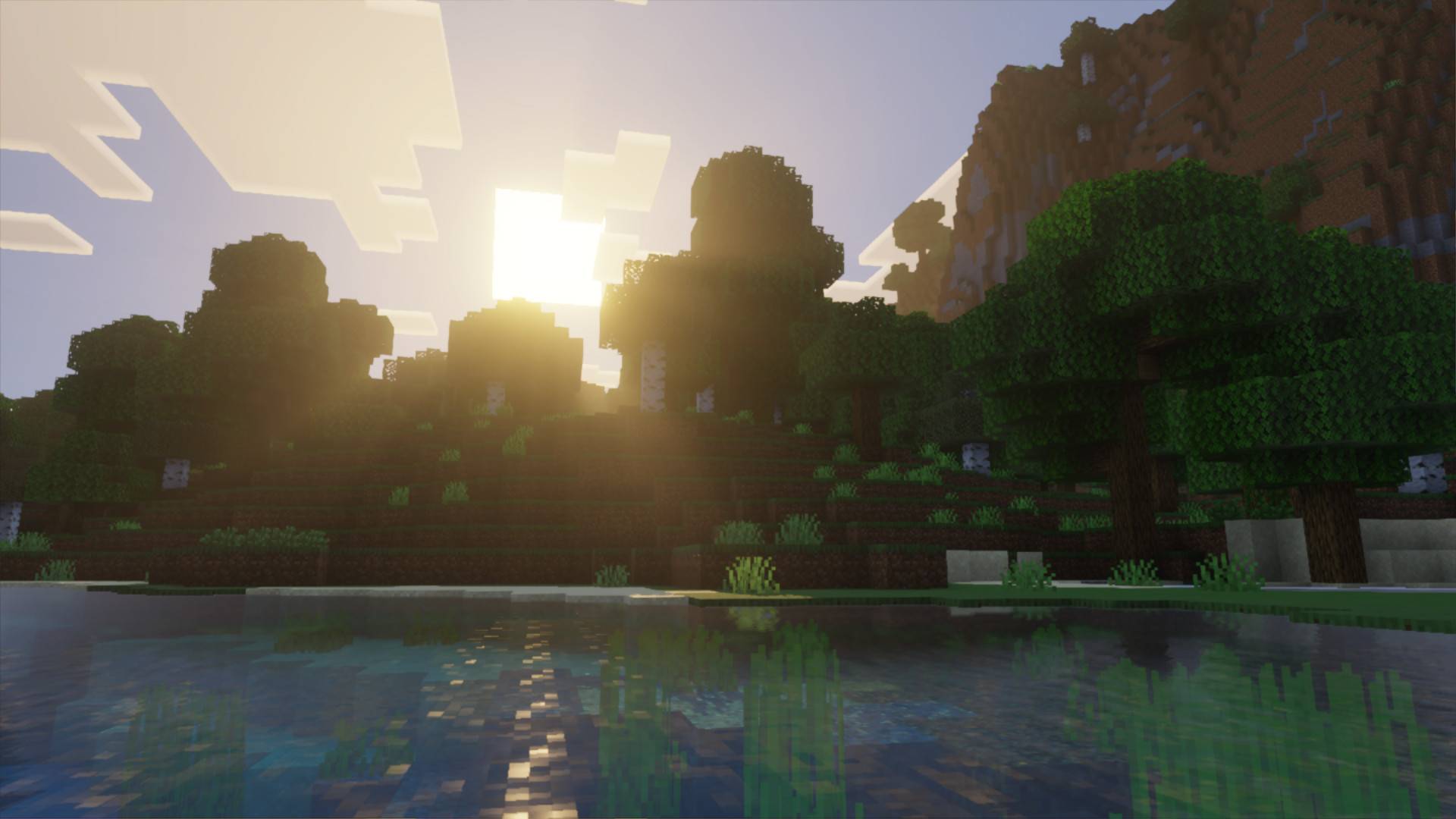
Optional High Resolution Lighting Patch
Activate over the main pack for high definition caustics, water waves, lighting and tilted sun.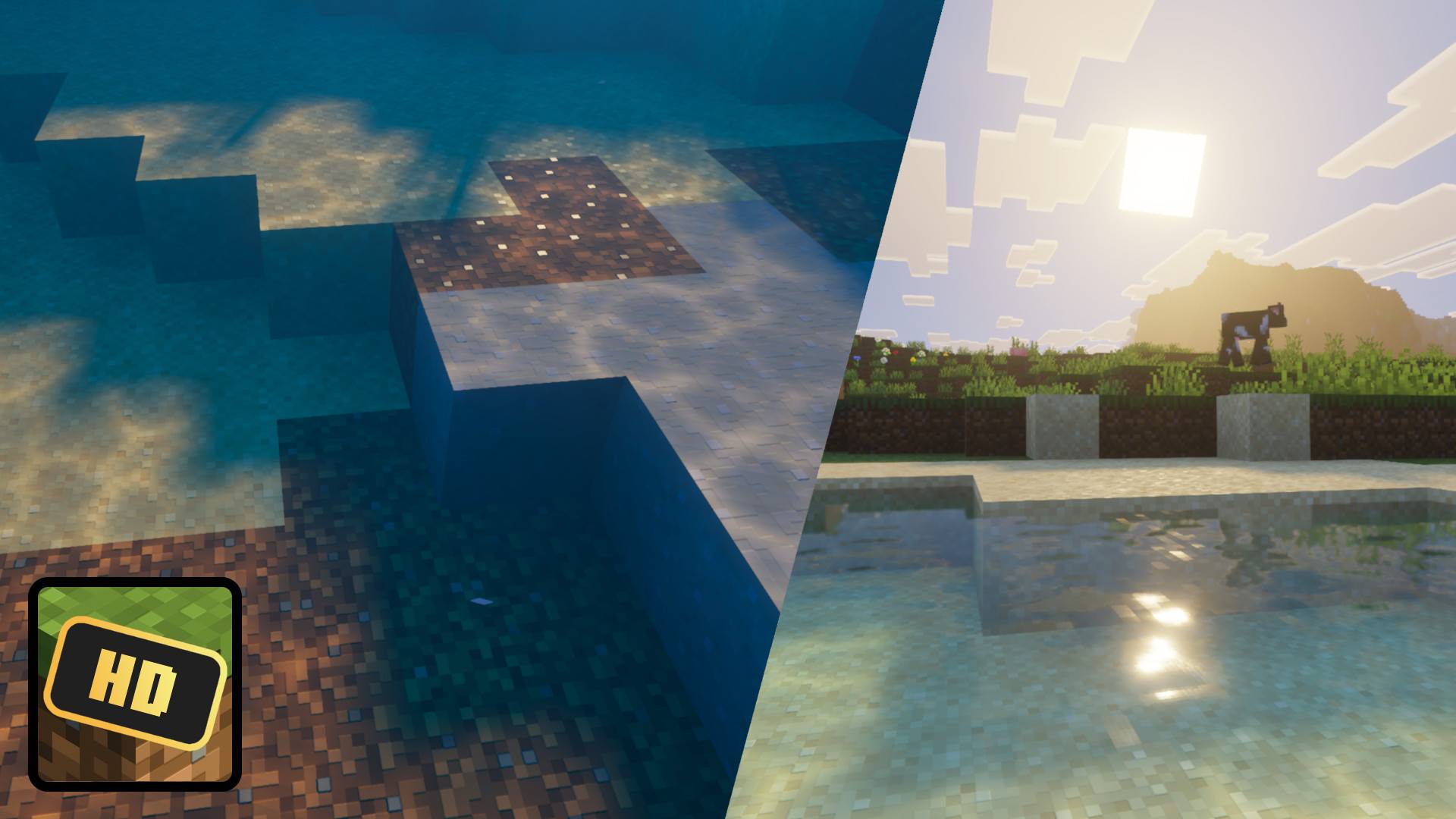
Installation Guide:
- Download the latest release from this page.
- Make sure you are using at least Minecraft 1.21.90 or higher on a device that is supported by Vibrant Visuals (Requirements)
- (Optional) If using Minecraft Preview, enable "Render Dragon Features for Creators" from experiments section.
- Activate Vanilla Vibrant Visuals in your world or global resource packs.
- Join any world, if Vibrant Visuals isn't enable it, check your video settings, scroll down and look for "Graphics Mode"
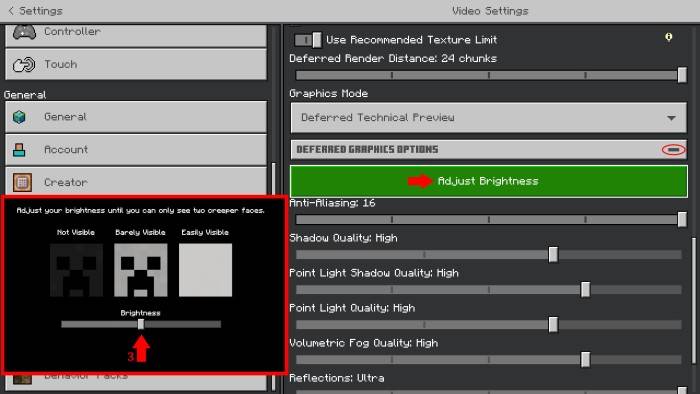
- Set Graphics Mode to "Vibrant Visuals" from the menu, calibrate your brightness settings if needed and go back to your world, have fun!
By default, use a gamma setting close to 50%
Comment your issues & suggestions below, you can also find help over at the Vanilla RTX Discord server
License: Vanilla-RTX/LICENSE.txt at master · Cubeir/Vanilla-RTX
GitHub: Cubeir/Vanilla-Vibrant-Visuals: An offshoot of Vanilla RTX for Vibrant Visuals graphics mode
- Edition: Minecraft Bedrock
- File type: .mcpack
- Minecraft versions listed: 1.21.120, 1.21.122, 1.21.121
- How to install: Download the .mcpack. → Open it — Minecraft imports it under Resource Packs. → Activate it in Global Resources, or for one world under Resource Packs → Available.
- Where to get it: Opens on CurseForge — not every file is mirrored on our own servers.
Install steps are the general flow for this file type — How to install Minecraft Bedrock texture packs walks through it step by step.
- Pack type: .mcpack — a single pack
- Manifest requires Minecraft 1.21.100 or newer
- Complete pack — everything it depends on is inside the file
- Download size: 4.2 MB
- Download link checked 26 Oct 2026 — working
These come from our own check of the pack file, not from the source page.


