Pixel Edge
Bedrock texture pack listed for Minecraft 1.16–26.x. File opened and checked on 20 Sep 2026; installs from the MC Bedrock Mods app on Android.
Pixel Edge enhances Minecraft’s visuals with HD clarity and sharp pixel borders, giving every texture a crisp, clean, and beautifully defined look while…
I don't know my version
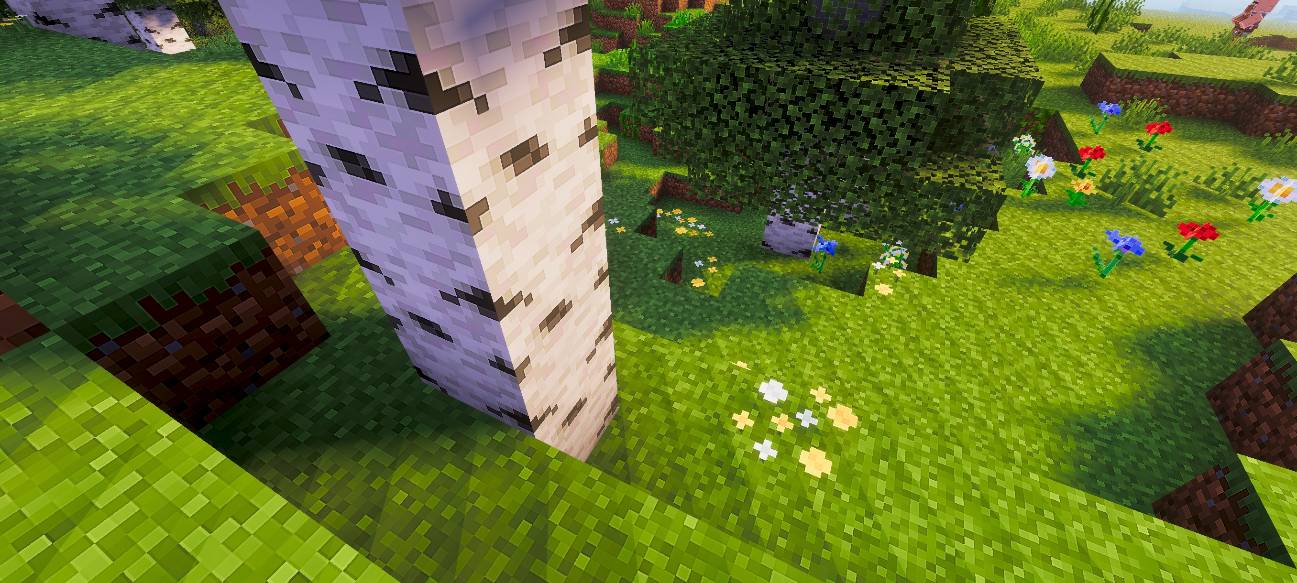
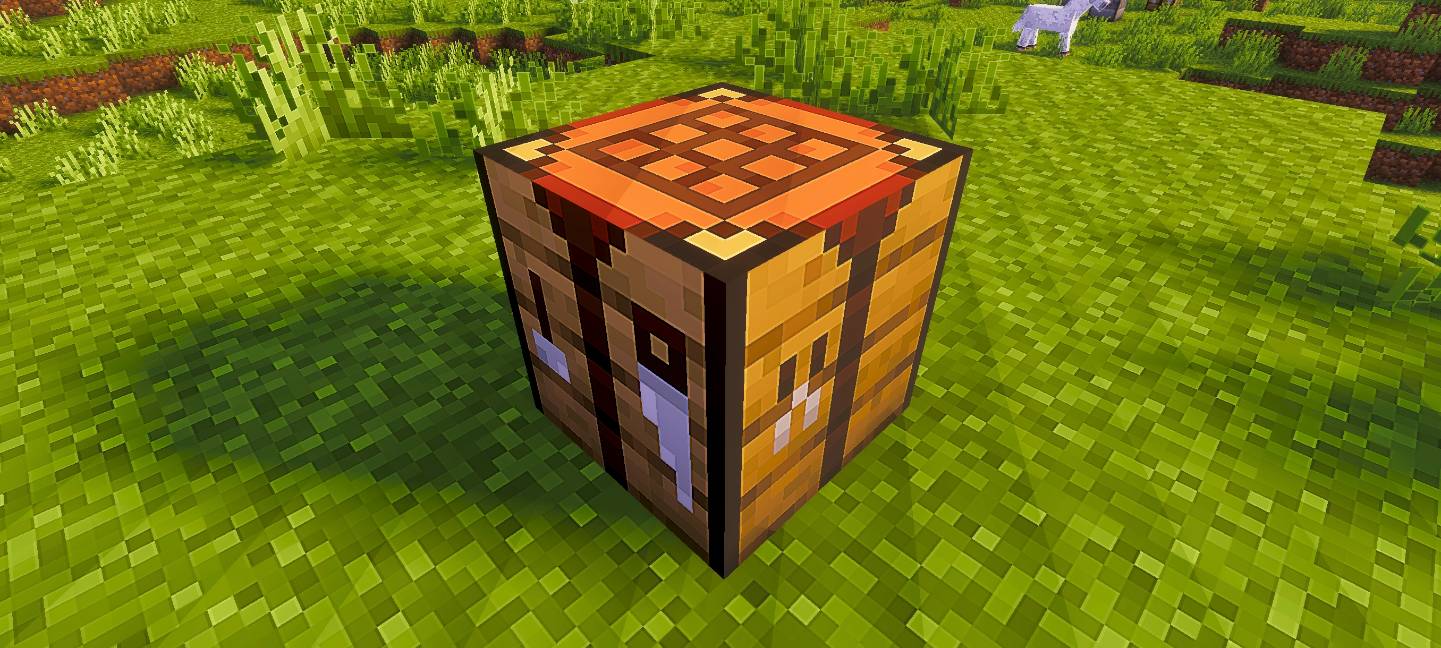
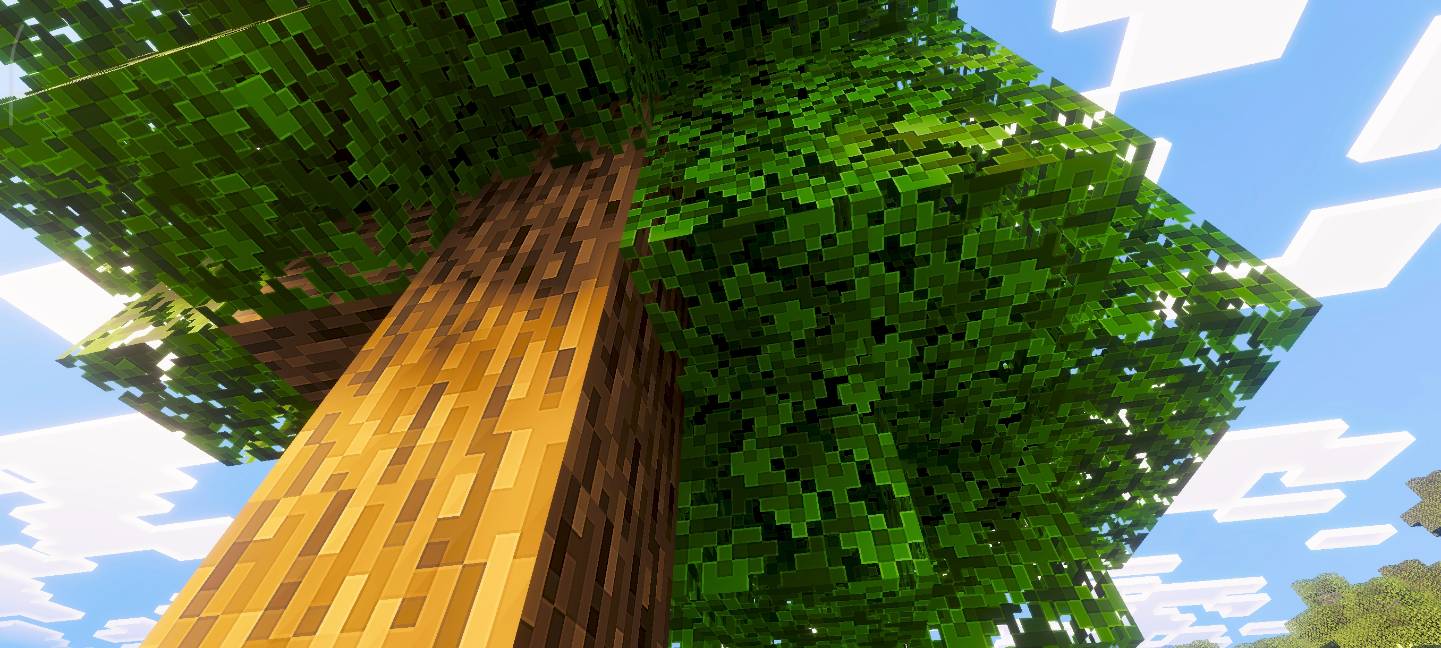
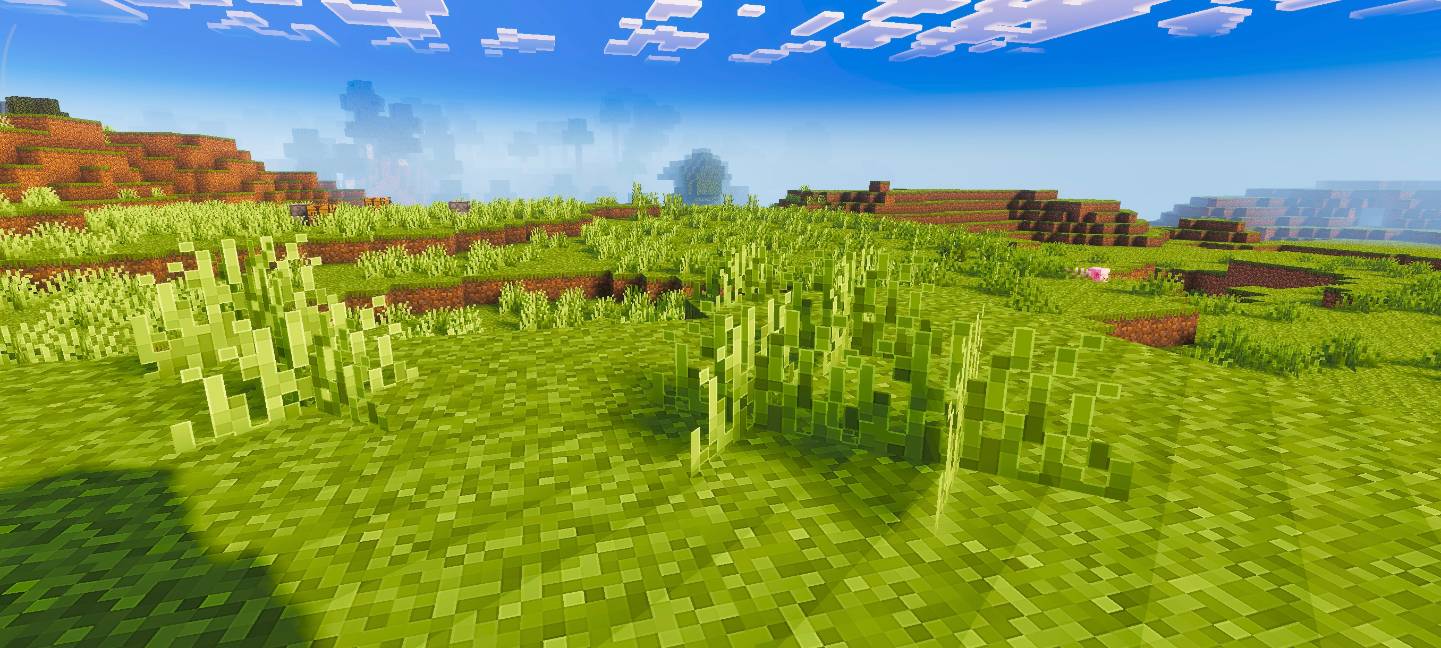
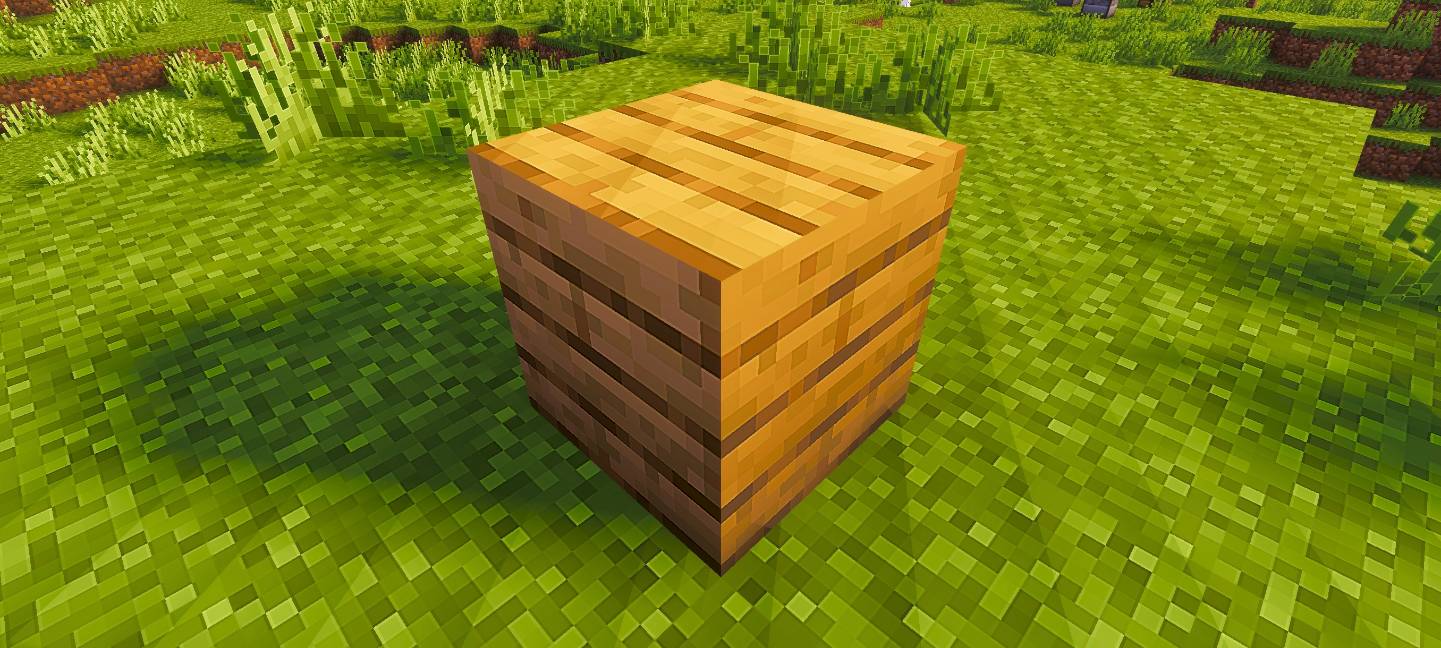
Pixel Edge
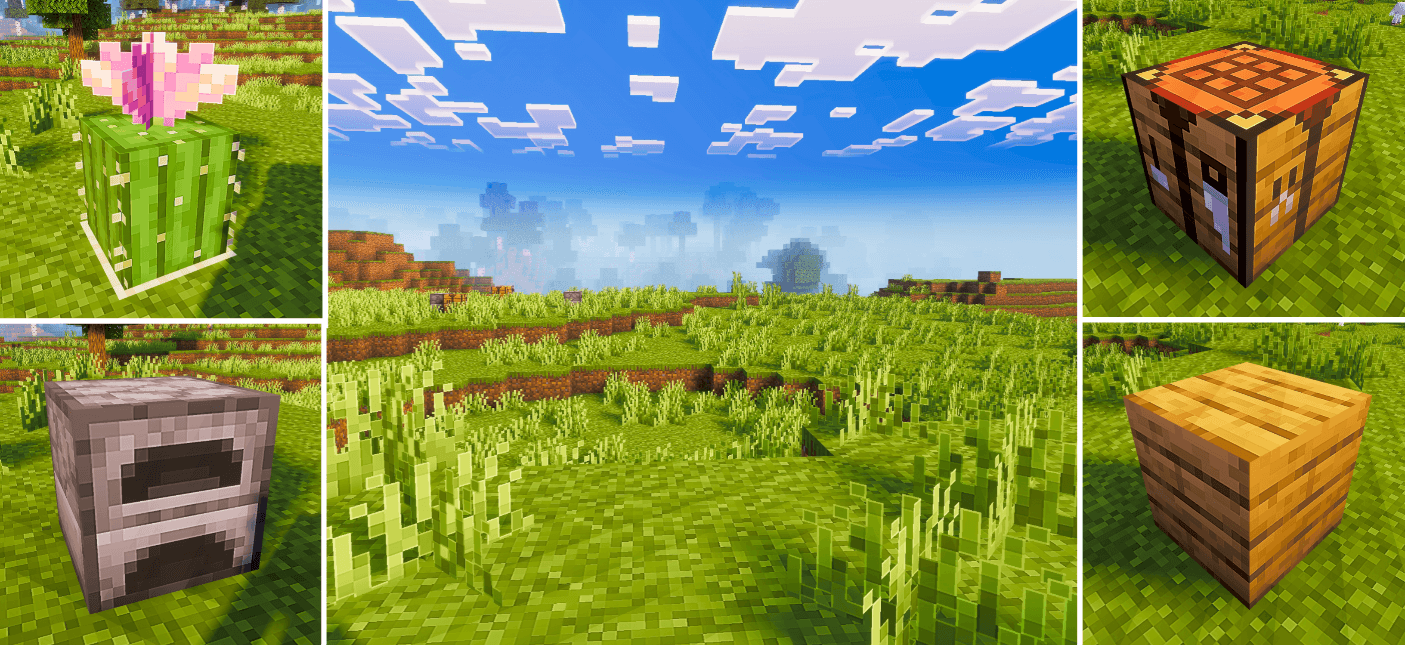
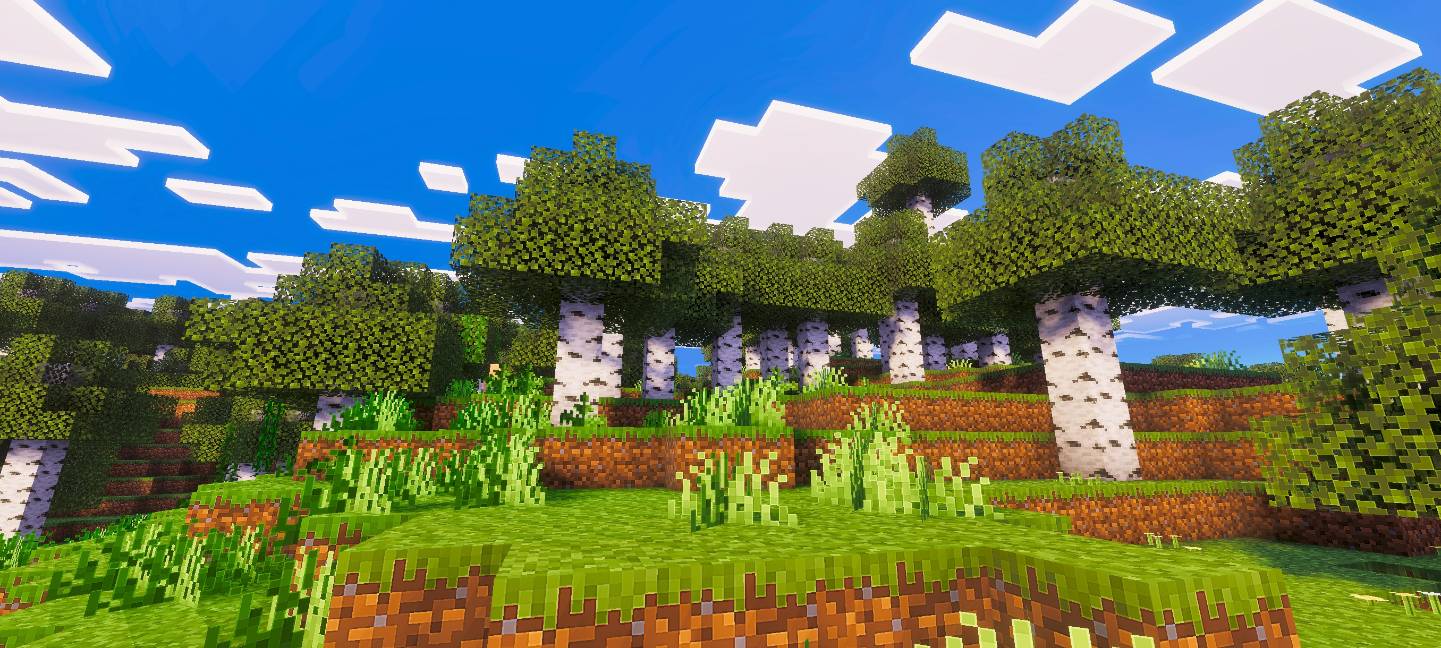
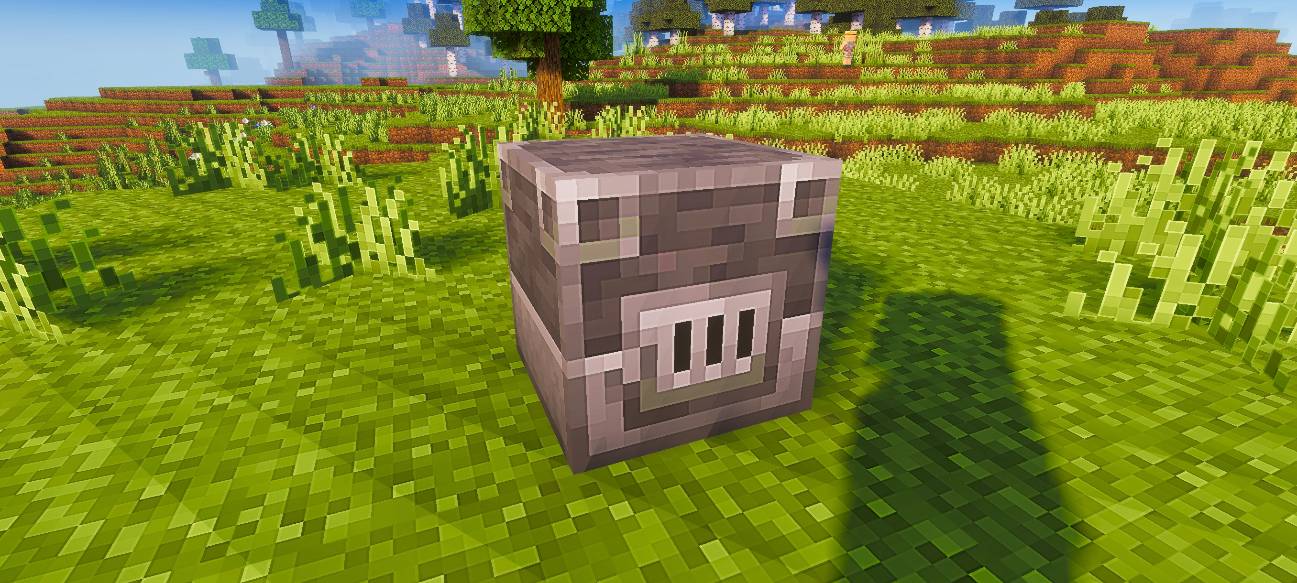
Pixel Edge enhances Minecraft’s visuals with HD clarity and sharp pixel borders, giving every texture a crisp, clean, and well-defined look while keeping the original vanilla style intact.
Future Updates
This pack is currently available in 128x resolution. More resolutions will be added soon.
Recommendation
For the best visual experience, use this pack with a shader. In the preview images, I used Relta Visuals for enhanced lighting and overall appearance.
- Edition: Minecraft Bedrock
- File type: .mcpack
- Minecraft versions listed: 26.30, 26.10, 1.21.130
- How to install: Download the .mcpack. → Open it — Minecraft imports it under Resource Packs. → Activate it in Global Resources, or for one world under Resource Packs → Available.
- Where to get it: Opens on CurseForge — not every file is mirrored on our own servers.
Install steps are the general flow for this file type — How to install Minecraft Bedrock texture packs walks through it step by step.
- Save it as Pixel-Edge-128x-v1.1.3.mcaddon before opening — it downloads as .mcpack, but it is a .mcaddon pack
- Manifest requires Minecraft 1.16.0 or newer
- Complete pack — everything it depends on is inside the file
- Download size: 19.9 MB
- Download link checked 26 Oct 2026 — working
These come from our own check of the pack file, not from the source page.