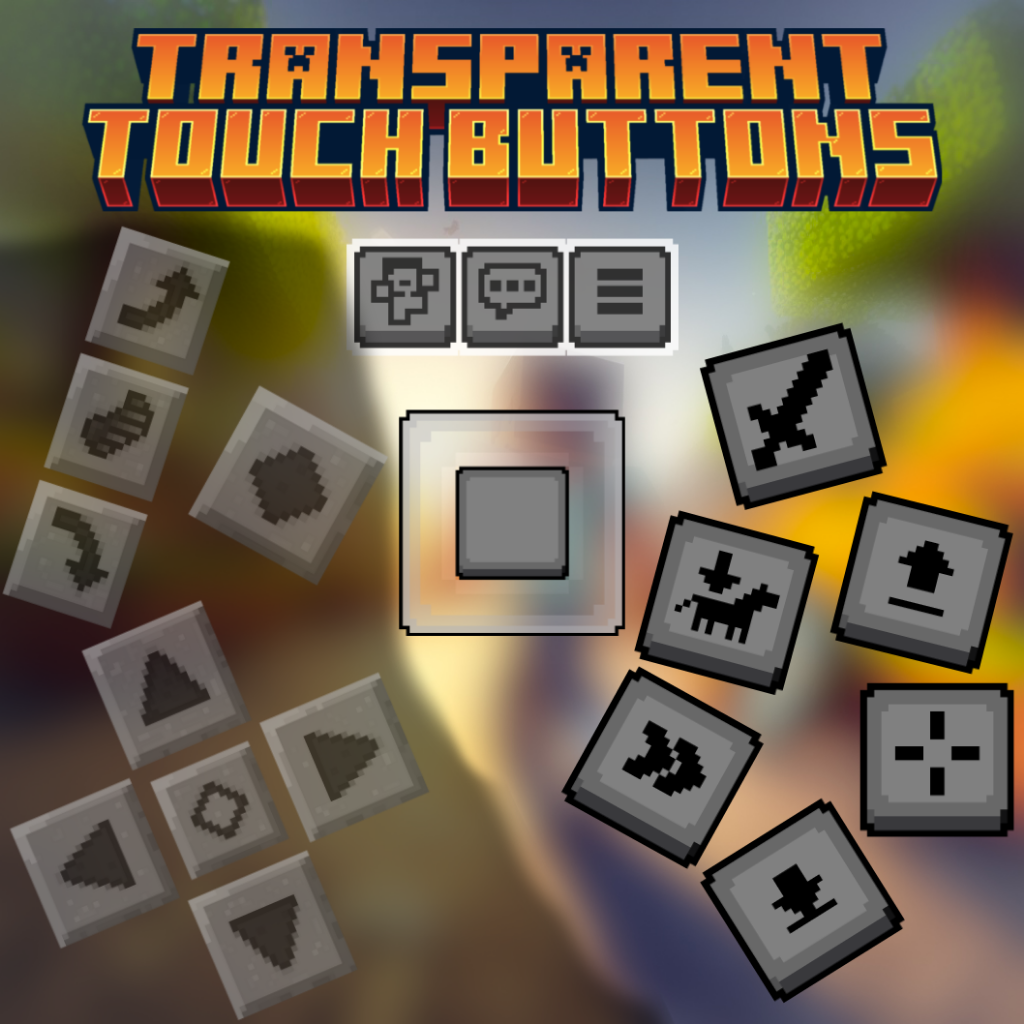
Transparent Touch Buttons (Resource Pack for MCPE)
Bedrock texture pack listed for Minecraft 1.20–1.21. File opened and checked on 19 Sep 2026; installs from the MC Bedrock Mods app on Android.
I don't know my version
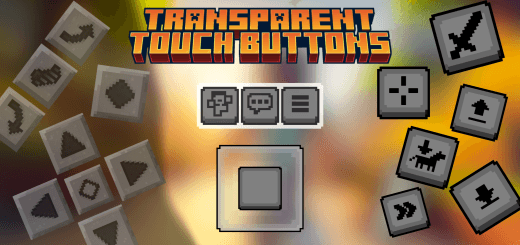
This resource pack hides all touch buttons (such as D-pad, joystick, chat, emote, menu, jump, crouch, atack, interact……,etc.)
If you don't like, how touch button reduce your visibility in Minecraft PE, then this pack is for you
- You can use this pack is servers, SMP's
- Works with other packs
- Survival world friendly (it's an RP)
- Hides every single touch button
- Has setting options for customisation
Why you use this pack in 1.20+ ?
As you know, that we can Customise touch controls in 1.20, but in that way we cannot make buttons 100% transparent, and it only works for few buttons, that's why you should use this pack even in 1.20+, because this pack makes all buttons transparent (such as chat, emote & menu buttons)
Note:-This pack only makes buttons transparent, which means all buttons will perfectly work and you can use them normally.
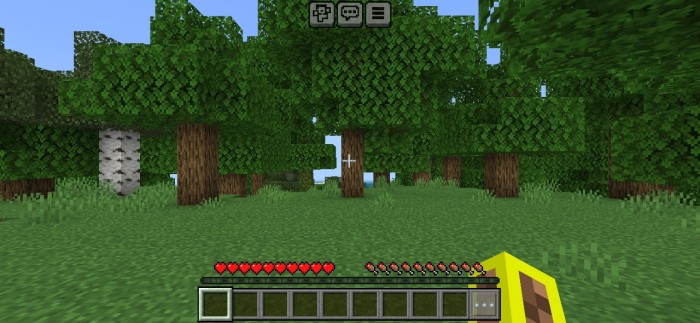
Preview of pack
- With Pack (Default Settings)
- [Every Touch Button Transparent]
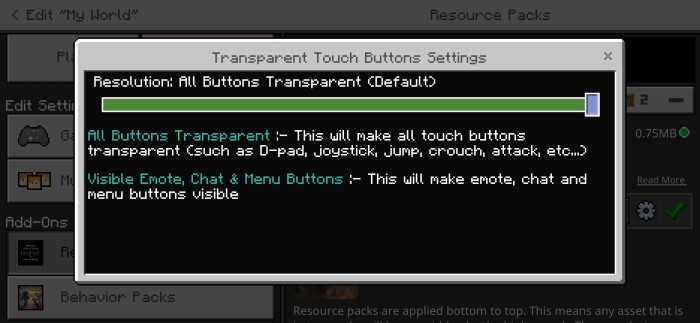
Touch control 1
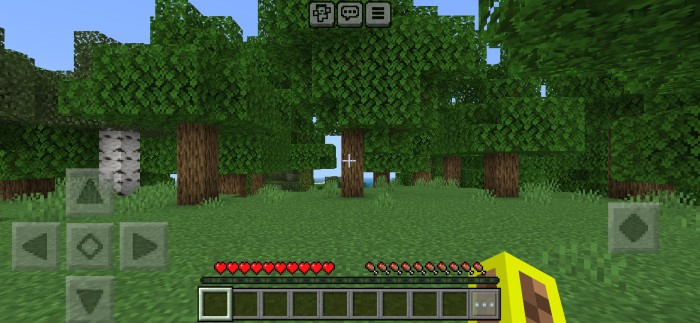

Touch control 2
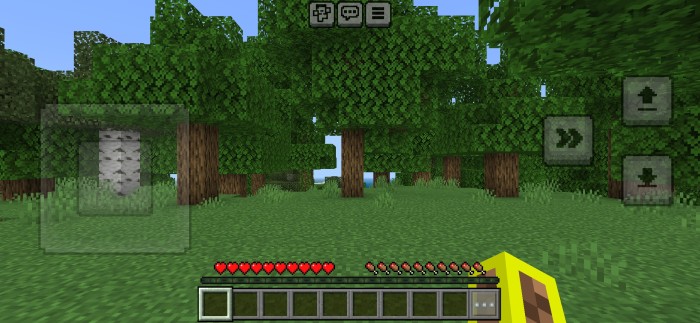
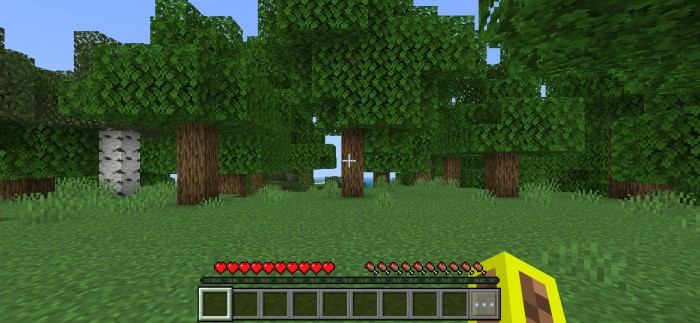
Touch control 3

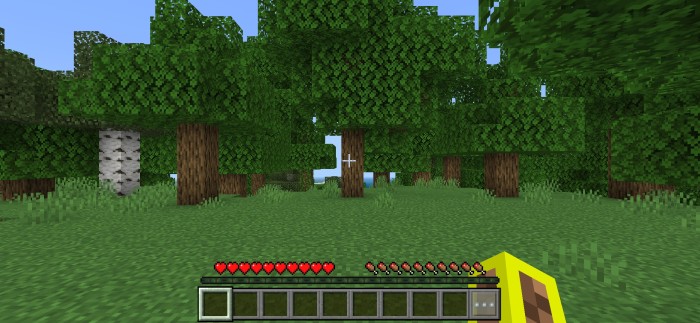
- With Pack (Second setting)
- [Emote, Chat & Menu Buttons Visible]
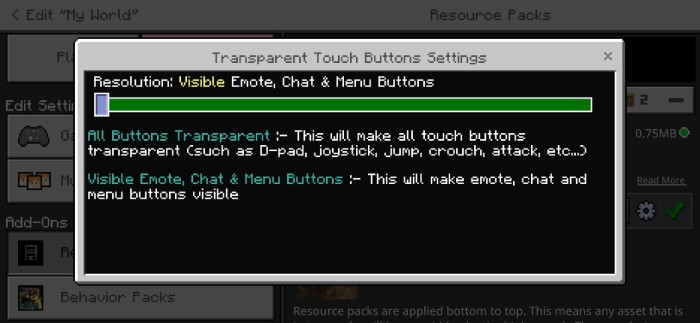
Touch control 1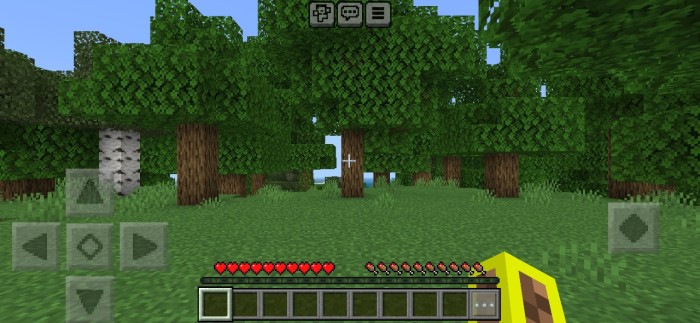
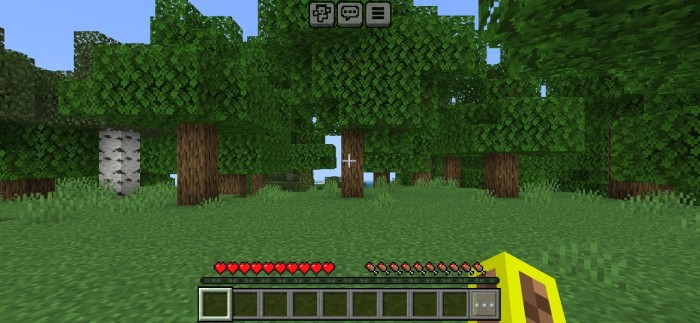
Touch control 2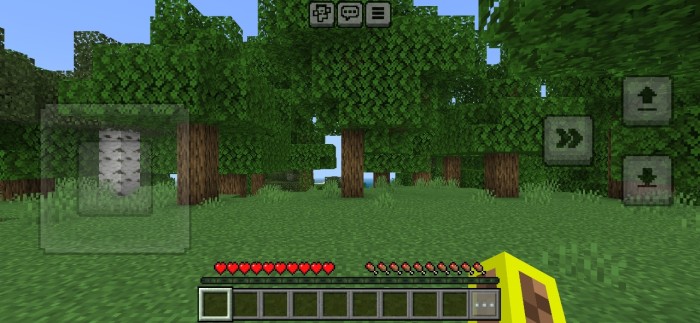
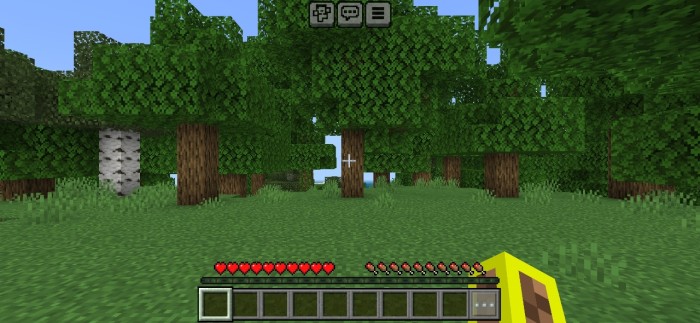
Touch control 3 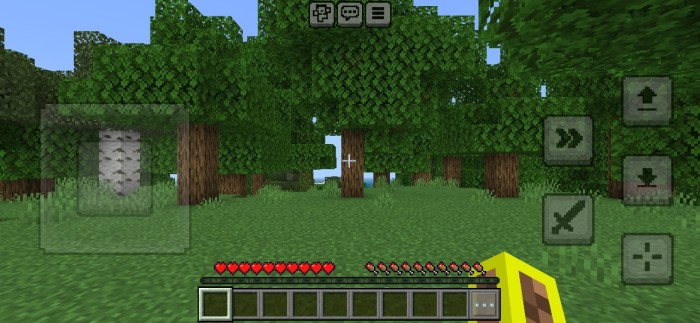
Download & Support Me!
Direct download is available but if you want to support me, you can download from here:
Download & Support Me
Feel free to directly download, but if you like it feel free to donate & support me:
Donate Here
- Edition: Minecraft Bedrock
- File type: .mcpack
- Minecraft versions listed: 1.21.70, 1.21
- How to install: Download the .mcpack. → Open it — Minecraft imports it under Resource Packs. → Activate it in Global Resources, or for one world under Resource Packs → Available.
- Where to get it: Opens on CurseForge — not every file is mirrored on our own servers.
Install steps are the general flow for this file type — How to install Minecraft Bedrock texture packs walks through it step by step.
- Save it as Transparent Touch Buttons v1.0.3.mcaddon before opening — it downloads as .mcpack, but it is a .mcaddon pack
- Manifest requires Minecraft 1.20.40 or newer
- Complete pack — everything it depends on is inside the file
- Download size: 866 KB
- Download link checked 26 Oct 2026 — working
These come from our own check of the pack file, not from the source page.