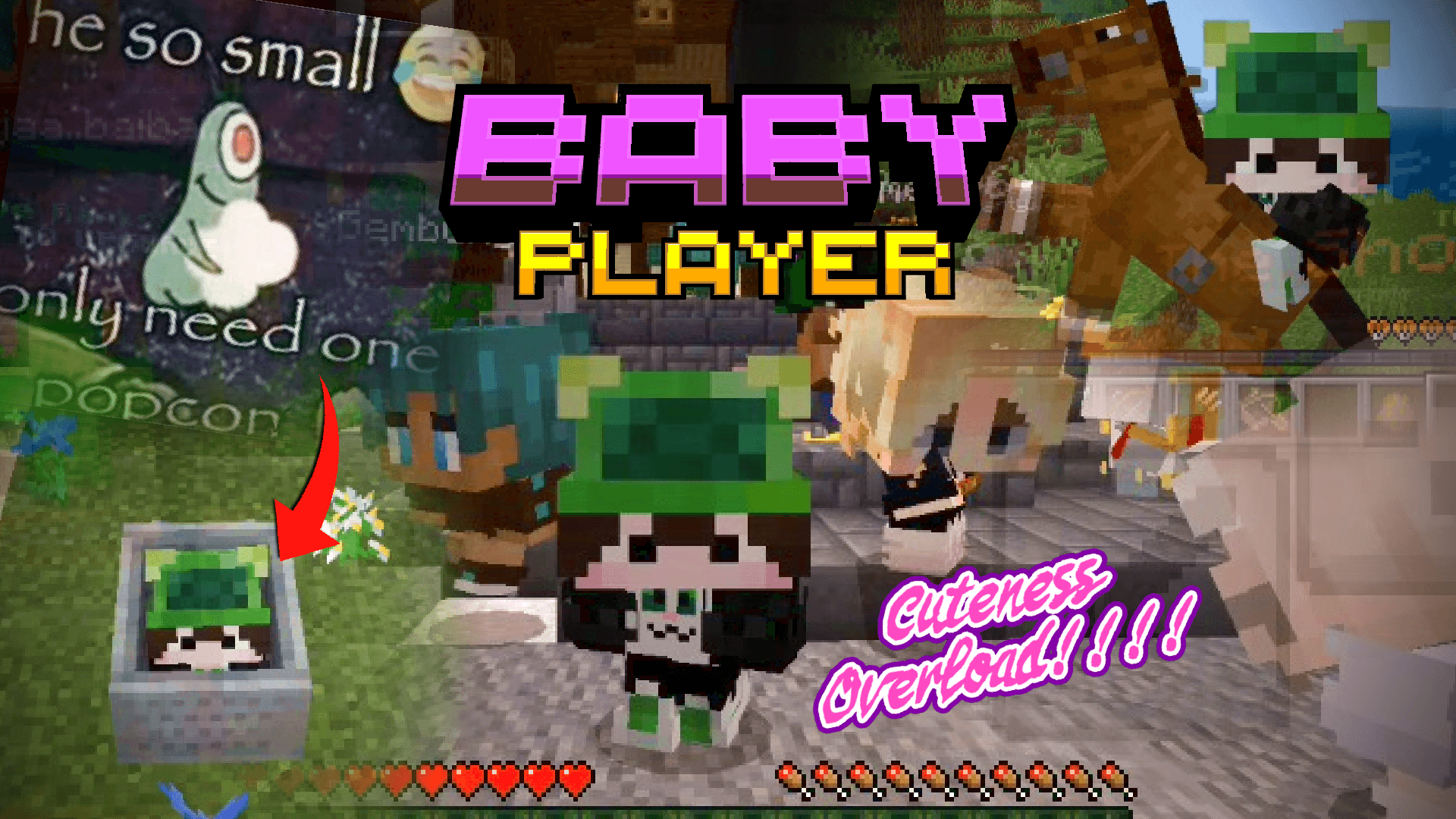
Baby Player v2 | Tiny Takeover
Bedrock texture pack listed for Minecraft 1.21–26.x. File opened and checked on 19 Sep 2026; installs from the MC Bedrock Mods app on Android.
⬇ Download on CurseForge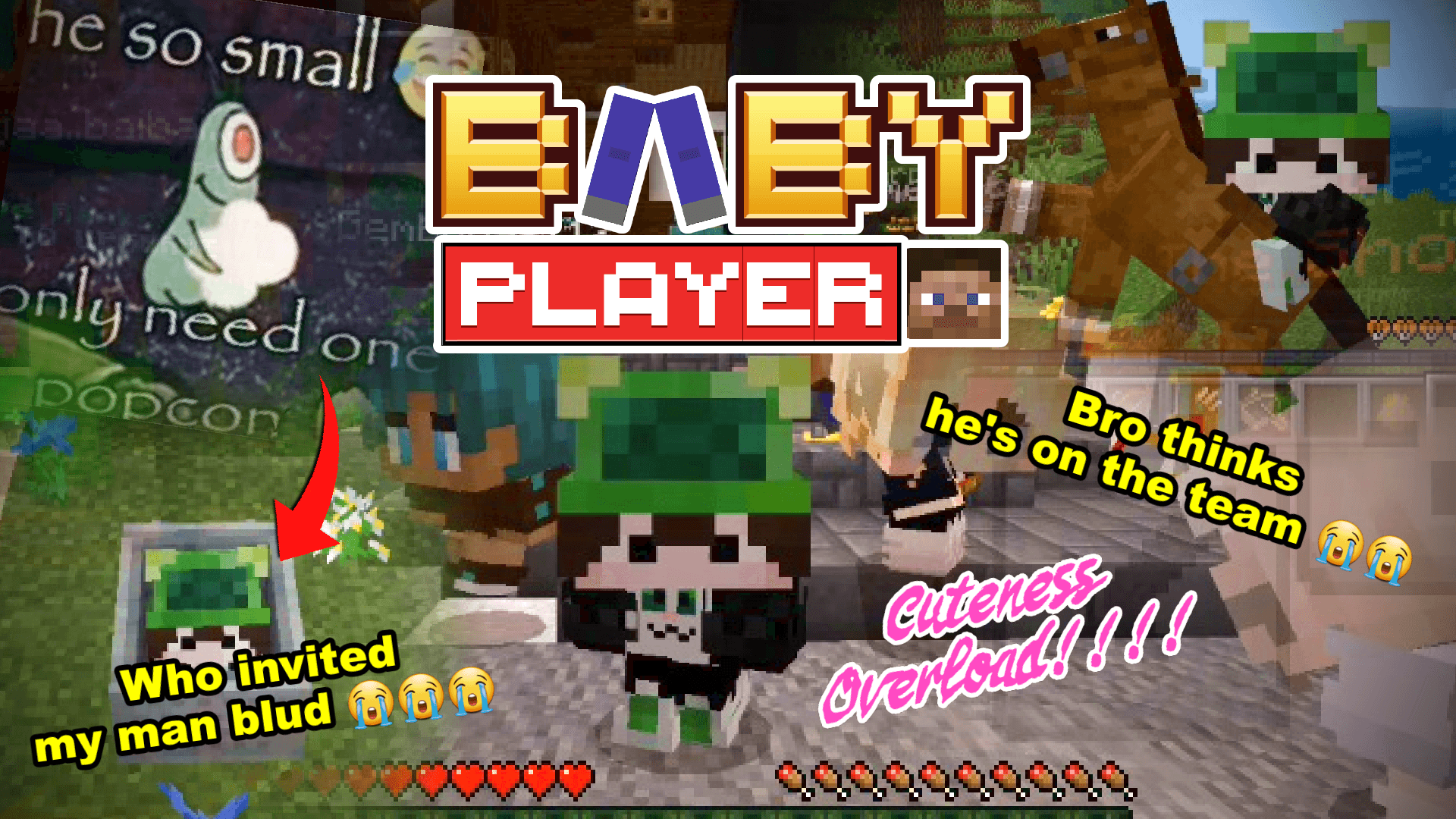
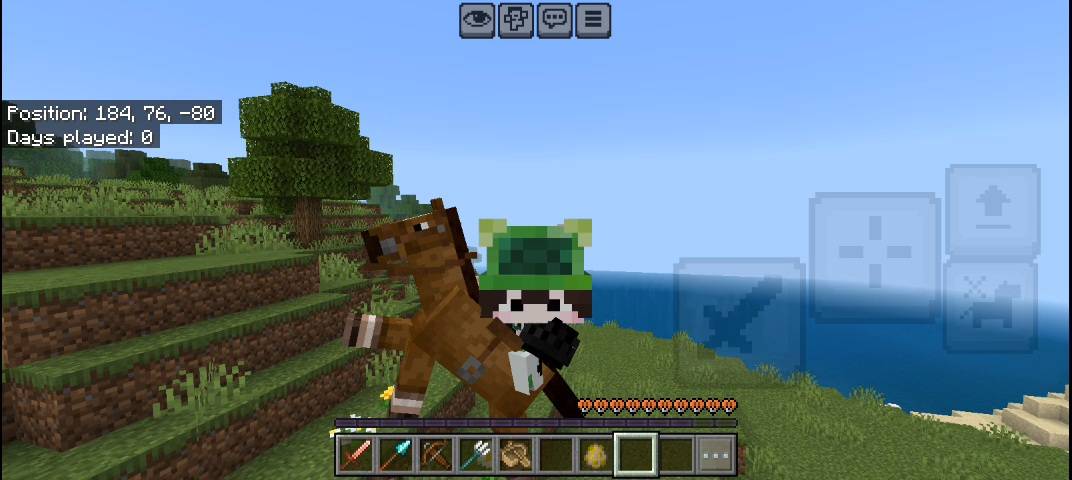
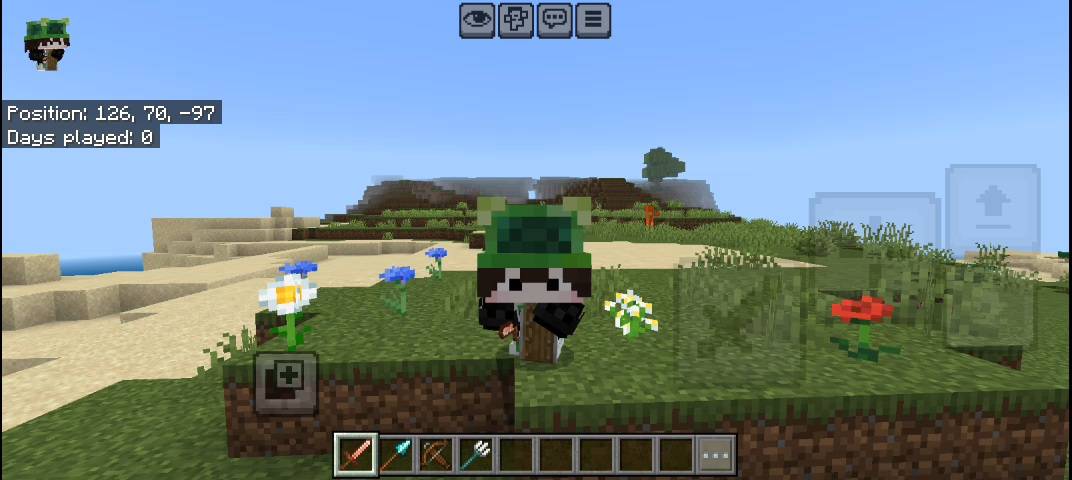

| Information : |
Since minecraft v26.32 release, there's a bug that makes the game can't read specific file from the pack, i've waited for a couple update to see if they're already fix this bug but they didn't. so i update the pack so you can use it in the newest version of the game |

| Changelog : |
Summary : new subpacks, new settings button and sliders to change player model and remove unnecessary things
|
what a coincidence!! XD
you know that in this update, Minecraft introducing baby update :p
so, i bring back my old project from 2024.
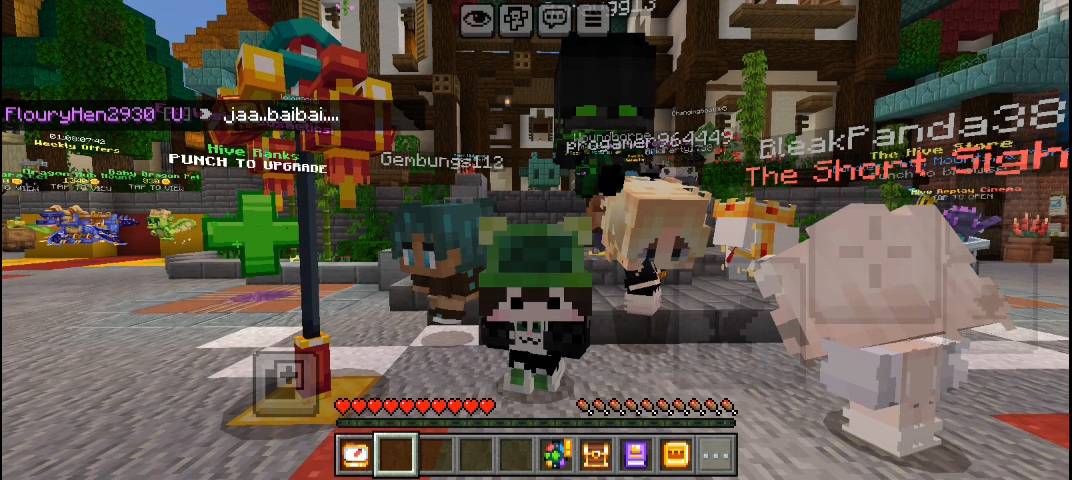
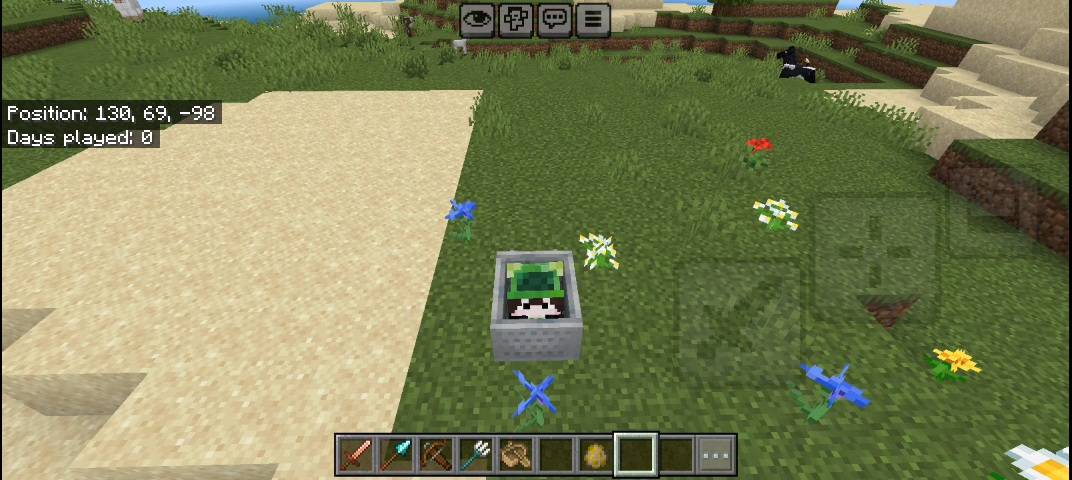
the cuteness of that style making me wanted to get it inside minecraft itself. but, mojang has been limiting us from editing player model. so, after soo many trial n error to make it compatible with custom skin and make it compatible when player using an armor, it's finally done ;) yippie.
|
SUBPACKS
|
DESCRIPTION
|
| Custom Settings | Customize the player model as small or as big as you wants |
| Custom Settings [AnS] | same as above, but for Action n Stuff |
| Player Mobvote | Change the model of the player (not customizable) |
| Player Mobvote [Action n Stuff] | same as above, but for Action n Stuff |
|
SETTINGS
|
DESCRIPTION
|
| Player Size | Set the Player size smaller or bigger [default is 50] |
| Player Head | Set the Player Head Size [deafult is 100] |
| Player Arms | Set the Player both Arms Size [deafult is 100] |
| Player Legs | Set the Player both Legs Size [deafult is 100] |
| Stretch Player Arms | Stretch the Player Arms Size downward [deafult is 100] |
| Stretch Player Legs | Stretch the Player Legs Size downward [deafult is 100] |
| Stretch Player Legs | Stretch the Player Legs Size downward [deafult is 100] |
| Split Head Control | Turn on Advanced Control for you to set the player head more flexible [deafult is off] |
| Stretch Player Head Sideways | Stretch the Player Head Size Sideways [deafult is 100] |
| Stretch Player Head Down/Upward | Stretch the Player Head Size up/downward [deafult is 100] |
| Stretch Player Head Back/Forward | Stretch the Player Head Size back/forward [deafult is 100] |
Changing to a different Subpacks or Variant
if you're new in Minecraft, and don't know what the subpacks is. please scroll down at the bottom of this Description, and read the FAQ below → you'll find "Pack Settings & Subpacks" section
Set Custom Subpacks
below subpack slider, there's a lot of customization you can set. i separate them so you can choose either setting up the size of the head part of the hand or the legs.
How to Control it?
- Make sure you've set the subpack to "CUSTOM"
- Below it, there are some sliders
- you can see the text above the slider that describe what it can do.
- just slide to any number number, then you're done :)
- Even you can change this settings while playing the game
Customizable Settings
- Since the "body" bone is the parent for everything else. i can't set that bone setting for you. if i do, it's just gonna change the whole player body
Player MobVote's Subpacks
this limitations list below only for you who choose Player MobVote Subpacks
- This pack can only use 2D custom skin. it CAN'T use skin from character creator, also some of skin from marketplace having an UV error, so it'll look weird. if you're choosing skin from character creator, even from the base one, it'll change it to steve skin
- if you're using any other pack that's contain or change Player Entity, this pack won't work or the other way around, their pack won't work but this pack will work. one must be sacrifice
- Armor not gonna work in ACTION & STUFF. i can't find a way to make it compatible. they (oreville) just make it hard for another pack overriding their pack.
- Alot of action & stuff animation from player entity will disappear or not working :p this is just common problem when you're using a pack that's modify player entity
- Some item in player hand first person view will disappear or placed lower than it's should be. that's because you're smoll XD
- ✔ Edit this pack for your private/personal use
- ✔ Make videos & media content with this pack as long as you leave a link to my CurseForge or MCPEDL page
- ✔ Distribute the pack using your own or new download link (this pack already using direct link that's safe)
- ✖ Monetise the pack download. Doing so will result in a copyright takedown.
If you have encountered any issues, i'm open to any of your feedbacks and suggestions. it would be soo useful so i can be better and better next time.
You can leave any feedback in the comment of my page (Curseforge/MCPEDL) or Youtube video. or else, you can also join my Discord Server by clicking the discord logo button down there
 |
 |
 |
 |
 |
| Global Resources Pack | Local Packs | ||
 |
|
||
| Game settings |
|
||
| can be use everywhere in the game [both local world & server] |
|
||
| Support achievement |
|
||
| only you and anyone who activate the pack that can see the modification |
|


Subpacks allow you to select between different add-on 'configurations'. it's located inside pack settings.
- first of all, you can only change the subpacks from an active pack.

/ 
Activate button on Old UI
Activate button on New UI
- To change the subpack, go to settings.

/ 
Global Resources Settings
Local World Settings
- Find the active pack you wanted to change it's settings.
- Tap the pack and Press the
gear/settings icon.
/ 
Pack settings button on Old UI
Pack settings button on New UI
- then slide the slider at the top to change the subpack.

→ 

→ 
- As far as i know, in MCPEDL all of the files located at the bottom of the pack page description. i don't really know if its having all of the pack version or not
- So, I recommend you to go to CurseForge web. if you're currently in MCPEDL, you can scroll at the top, there's a CurseForge button of this pack.
- if you've already in Curseforge page. at the top of the page, there's a tab called 'Files'.
- there you can find another version or Variations of the pack
[i made this tutorial for user that's on mobile. if you have no idea about this at all, i recommend you to install zArchiver app first].
Sometimes i made a pack that have a lot of variation, and i think making them to be in a subpacks is not a good idea.

I wrapped them into one file, so you can choose which one you like. You just need to extract the files, in some files i told you to change its extension name to a .zip. here's how :
- First, open zArchiver or something similar
- Find the pack file
- Long press and choose 'Rename'

- at the end of it's name you'll find one of the words
'.Mcpack/.Mcaddon/.Skinpack/.mctemplate/.mcworld'

- Change it to
.Zip[don't forget to add the .period] After you Rename it. Tap again the file.

- choose
'Extract'or'Extract to <archive name…>'

- either all of the files inside it pops up in your current folder, or it'll make a new folder with its file name.

→ 
- there you have it. just install it as usual.
→ 
-
Adding 2 or more Packs
when you're put 2 or more packs that requires to change
.entity, .animation, .geo,
           .render_controllers.json file
, having a high risk for not working as intended.because, they'll overlapping to each other, where the last pack you add will be the most functional pack in the game.
-
ACTION & STUFF [AnS]
nowadays it's really hard to make a texture pack that's also support AnS. they obfuscate the code making it even harder to read h4h4.
if something related to any variations of entity animation, model and texture that requires to change entity file, it's
hard to change.yet you can still use any pack that only change the textures that
doesn't require any .entity, .geo, .render_controllers file modification. -
Pack Order
when you add 2 or more packs, the game will read or use the most top order.

/ 
Pack order button on Old UI
Pack order button on New UI
as example:
    you add 2 packs that'll change the grass texture.
    call it Pack A [that turn grass to bread]
    and Pack B [that turn the grass to a ball].

    if you put Pack A [bread] on top of Pack B,
    the game will choose Pack A texture.
    n so either the other way.

    but then, if you add more pack
    [Pack C that'll change grass to a Car]
    on top of pack B and pack A.
    The game will choose Pack C [car].

    so, the game will only read or use the most top pack.
    note that this might will makes any other stuff
    from pack B and pack A being glitched,
    not working or disappear.
    defend of the pack order.
so, choose wisely of your pack order :p
- Edition: Minecraft Bedrock
- File type: .mcpack
- Minecraft versions listed: 1.21, 26.0.02, 26.0
- How to install: Download the .mcpack. → Open it — Minecraft imports it under Resource Packs. → Activate it in Global Resources, or for one world under Resource Packs → Available.
- Where to get it: Opens on CurseForge — not every file is mirrored on our own servers.
Install steps are the general flow for this file type — How to install Minecraft Bedrock texture packs walks through it step by step.
- Pack type: .mcpack — a single pack
- Manifest requires Minecraft 1.21.0 or newer
- Complete pack — everything it depends on is inside the file
- Download size: 66 KB
- Download link checked 5 Oct 2026 — working
These come from our own check of the pack file, not from the source page.