
Food Stats
Bedrock texture pack listed for Minecraft 1.21–26.x. File opened and checked on 26 Sep 2026; installs from the MC Bedrock Mods app on Android.
⬇ Download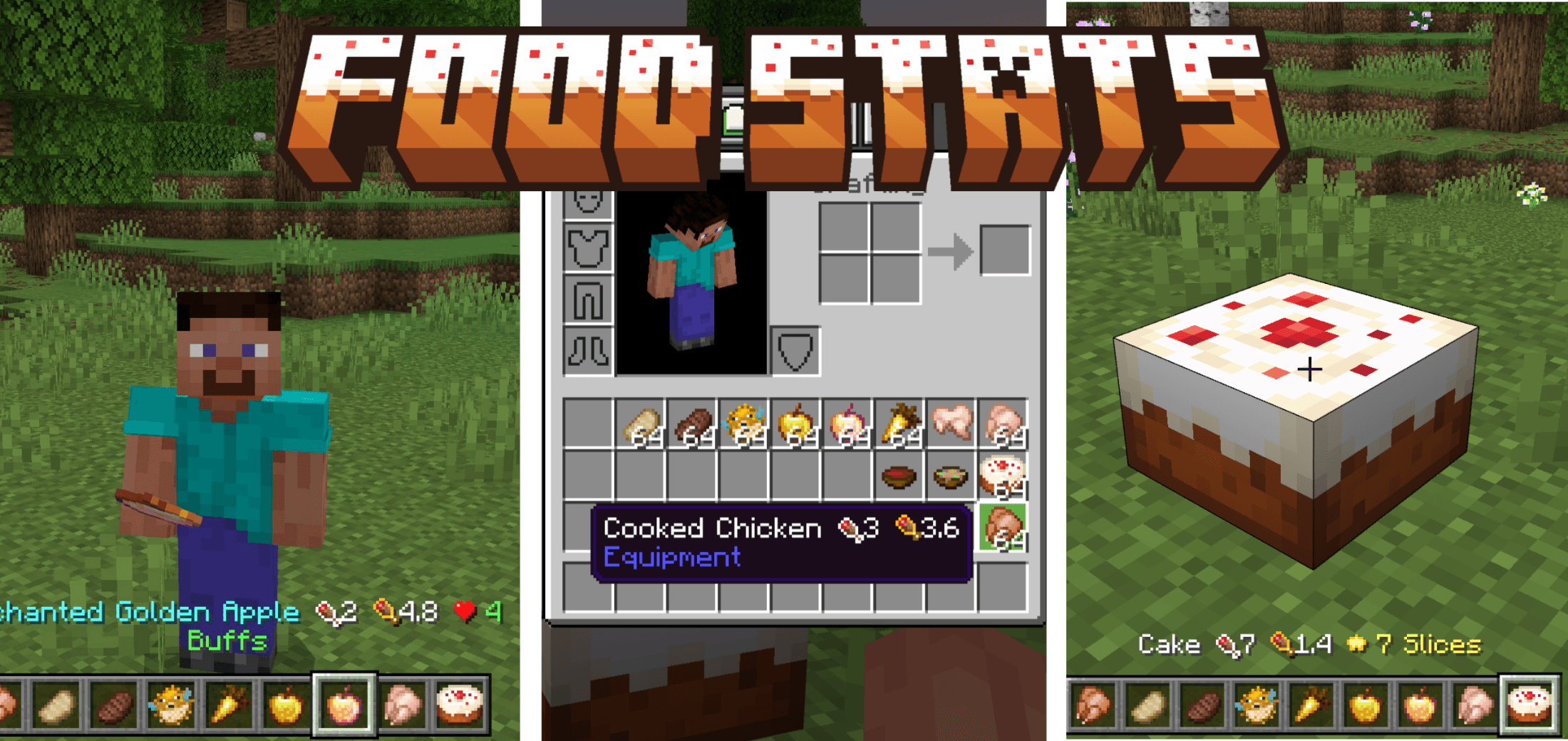
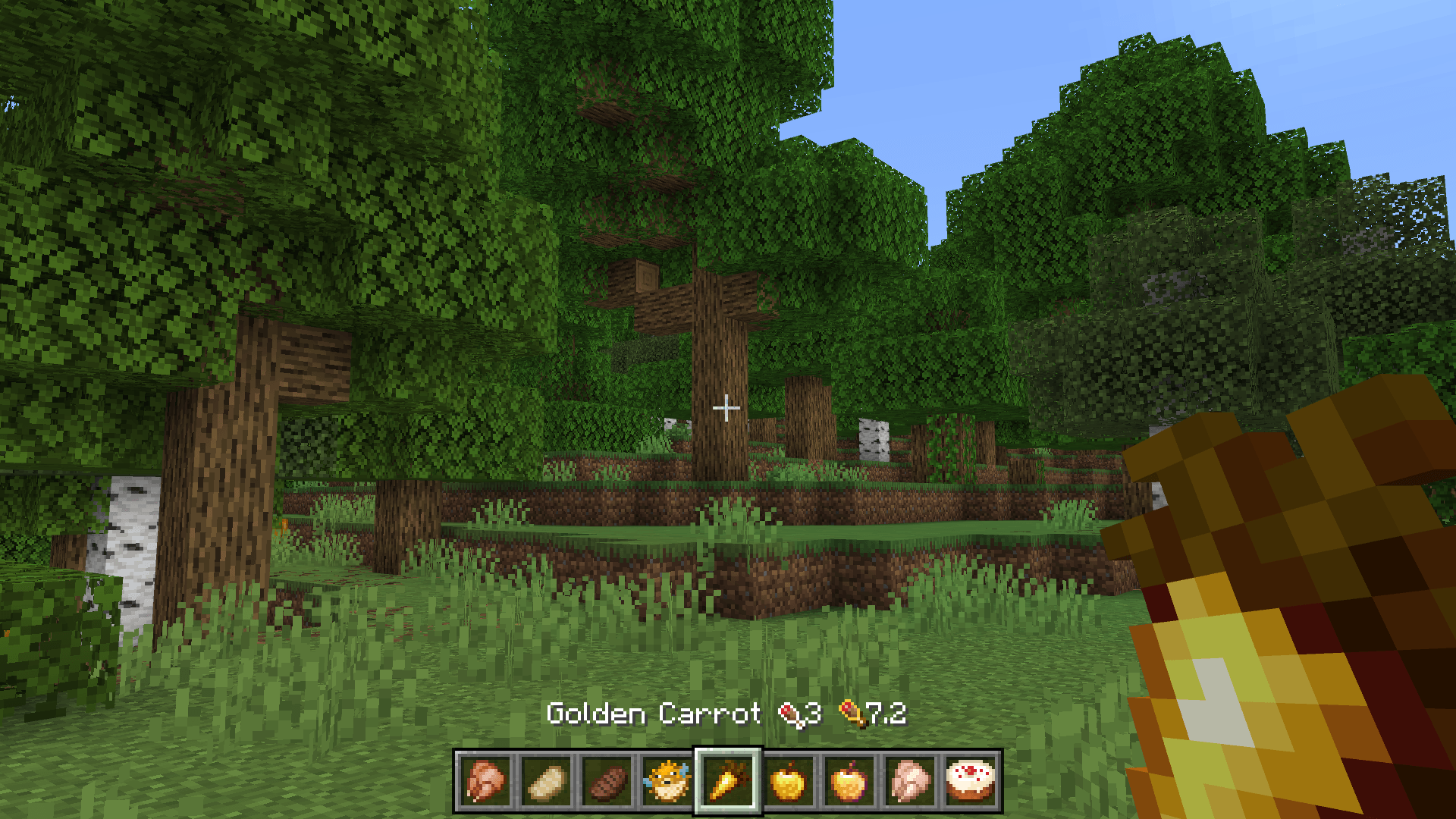
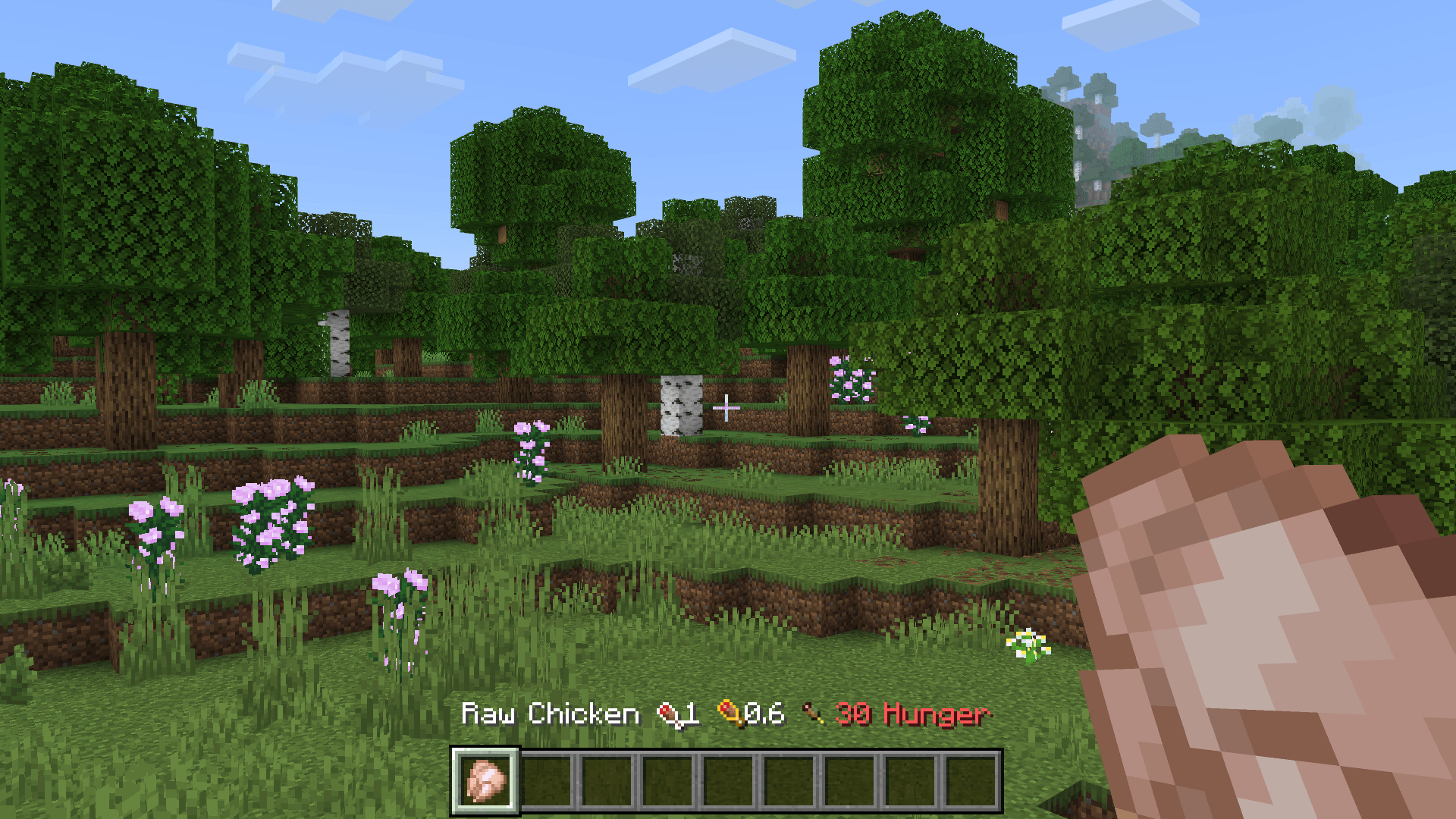
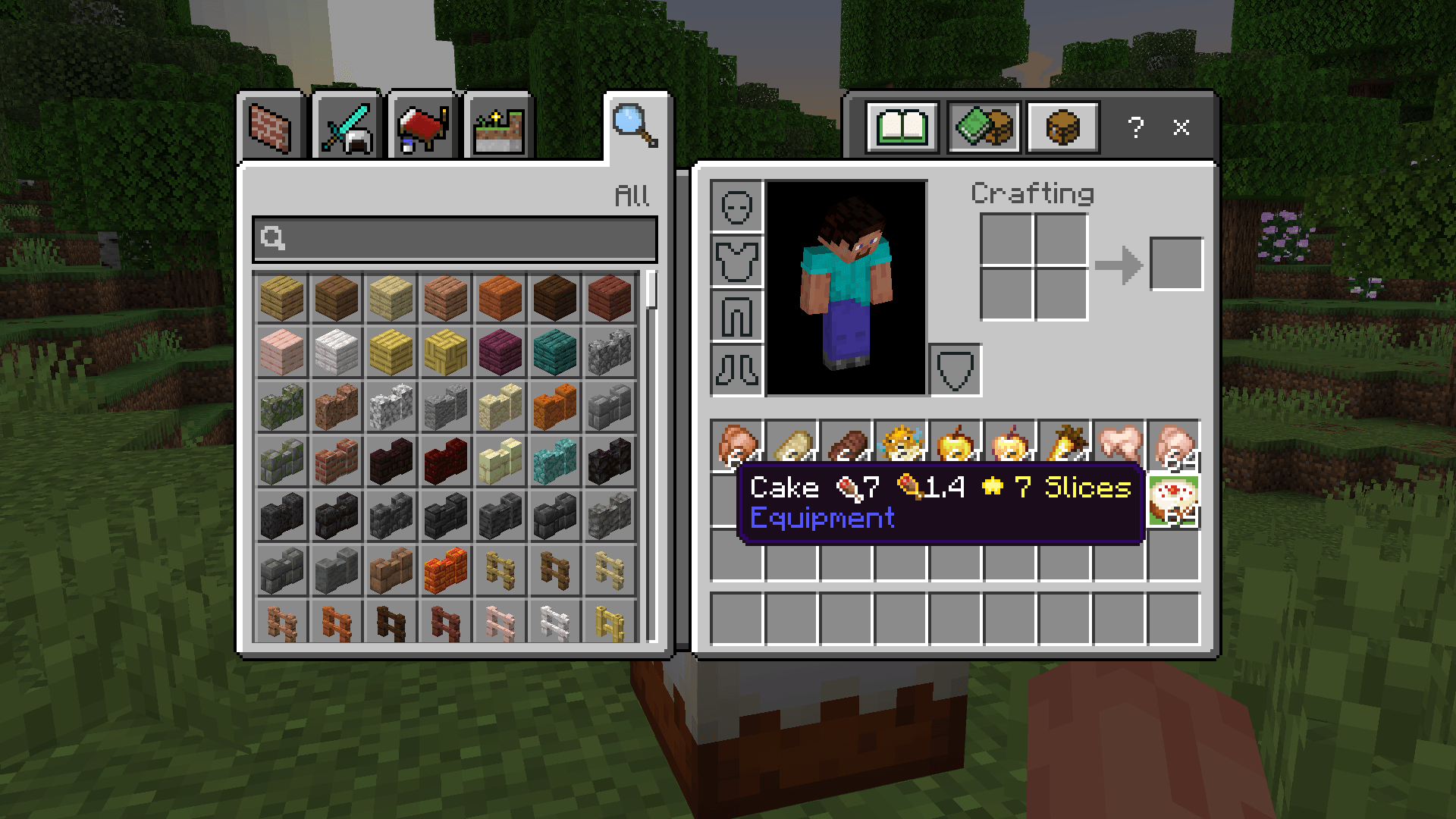

Ever picked up a random food item and wondered if it's worth eating? Food Stats takes the guesswork out of Minecraft's food system by displaying hunger points, saturation values, and status effects directly in item names.
Just glance at any food in your hotbar or inventory, no need to pause the game or check the wiki. Everything you need to know is right there.
What it shows:
- Hunger points restored
- Saturation value
- Negative effects like Poison, Hunger, and Nausea with chance percentages
- Positive buffs like Regeneration, Absorption, and Fire Resistance
- Special info like Cake slices, Chorus Fruit teleportation, and more
Why use it:
- Perfect for survival players who want to make smart food choices
- Great for newer players still learning the food system
- Useful in hardcore mode where every food decision matters
- Clean and lightweight, uses only font and language files, no behavior packs required
New:
- Added thirst stat display with a custom water droplet icon
- Expanded compatibility with popular survival and food addons, stats now appear on supported custom foods and drinks too
- Cleaner language files and refreshed manifest
Compatibility note: For stats to appear on custom foods from other addons, place Food Stats above those packs in your world's resource pack list. Global resource packs are the lowest priority in Bedrock, so activating Food Stats in-world is required for addon foods to display correctly.
Supports 31 languages including English, Hindi, Spanish, French, German, Japanese, Korean, Chinese, Russian, Portuguese, and many more.
Works on Minecraft Bedrock Edition. Just drop it into your resource packs and you're good to go.
- Edition: Minecraft Bedrock
- File type: .mcpack
- Minecraft versions listed: 1.21.30, 1.21.50, 1.21.20
- How to install: Download the .mcpack. → Open it — Minecraft imports it under Resource Packs. → Activate it in Global Resources, or for one world under Resource Packs → Available.
- Where to get it: In MCModsHub, or directly above on this page.
Install steps are the general flow for this file type — How to install Minecraft Bedrock texture packs walks through it step by step.
- Pack type: .mcpack — a single pack
- Complete pack — everything it depends on is inside the file
- Download size: 317 KB
- Download link checked 25 Aug 2026 — working
These come from our own check of the pack file, not from the source page.






![The BEST FOOD and DRINKS Addon for Minecraft Bedrock Edition [Celebration Food Review]](https://i.ytimg.com/vi/J5vviuYdMoE/mqdefault.jpg)

