Texture packsBedrock
FullBright RD
Bedrock texture pack listed for Minecraft 26.x. File opened and checked on 27 Aug 2026; installs from the MC Bedrock Mods app on Android.
I don't know my version
Open Minecraft and look at the bottom-left corner of the main screen — the version is printed there, like v1.26.30.
The game writes a 1. in front; the buttons above leave it off. v1.26.30 in the game is 26.30 here.
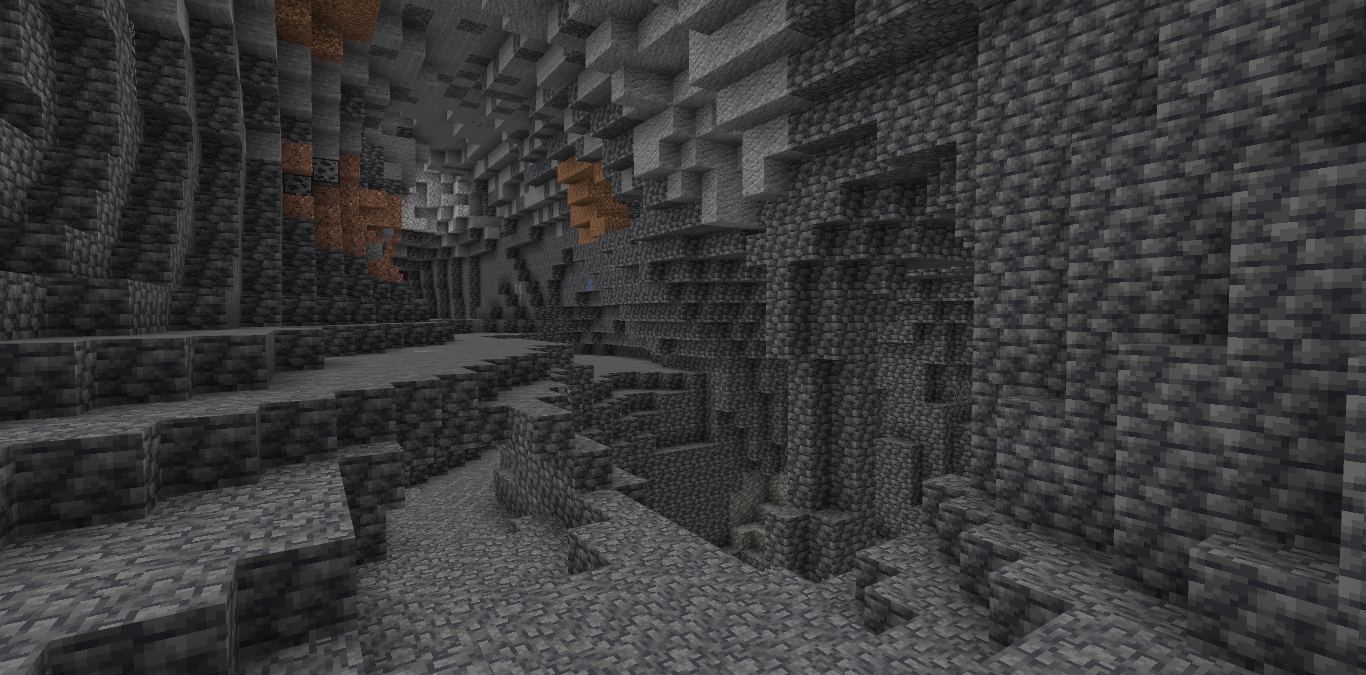
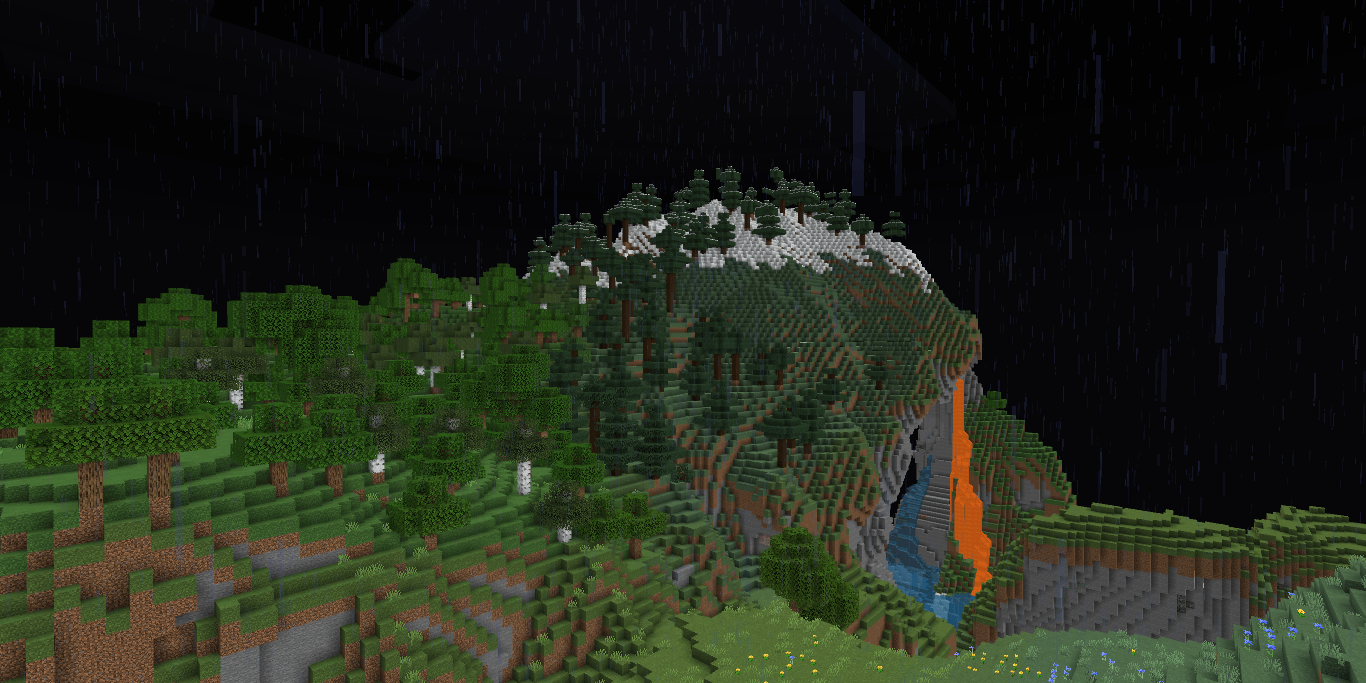
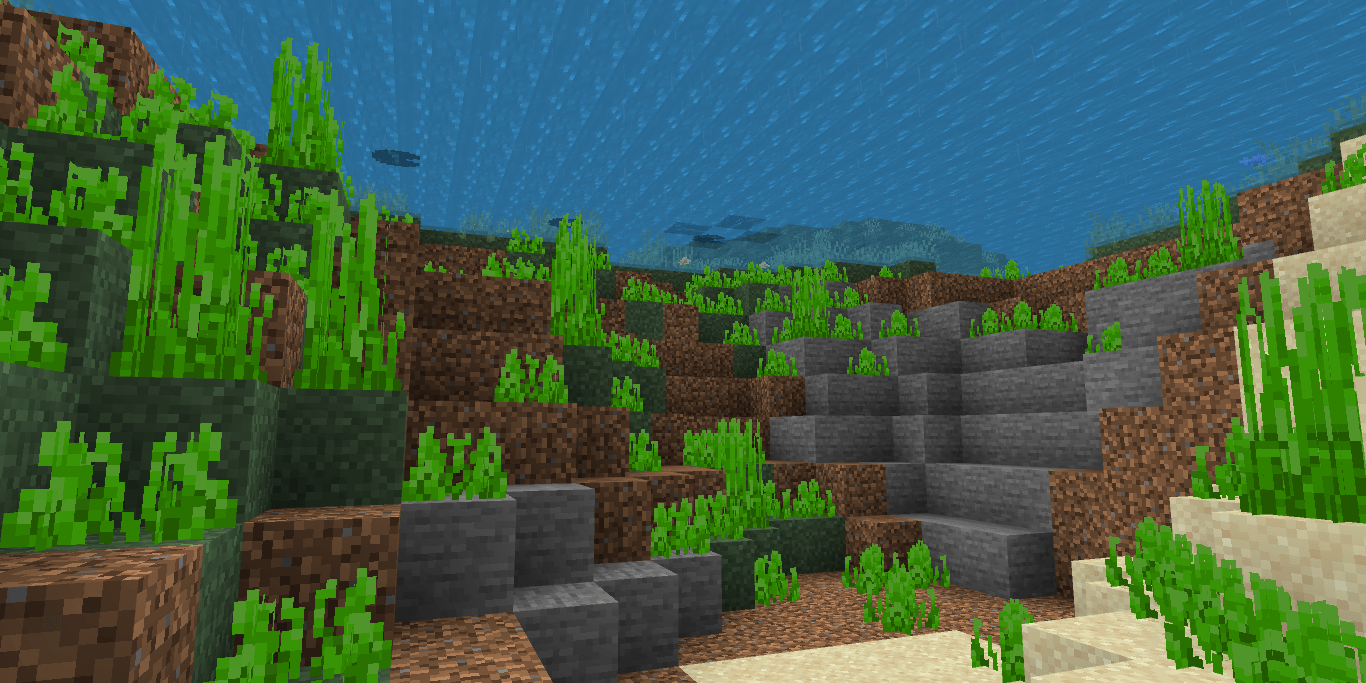
A utility shader for RenderDragon that makes the game bright like night vision.
Installation
Disclaimer: Minecraft Bedrock does not officially support loading custom shaders. The following are unofficial ways to load shaders.
Android
- Install MB Loader app from playstore.
- Import the resource pack to Minecraft and activate it in global resources.
- Launch Minecraft through MB Loader app.
Windows 1.BetterRenderDragon
2.Matject
3.Manual Replacement
- Extract the .mcpack
- Go to renderer/materials
- Copy the files
- Go to "C:\XboxGames\Minecraft for Windows\Content\data\renderer\materials". Note: Most people have Minecraft installed in C:, if you have it elsewhere then go there.
- Back up the files in a safe place.
- Paste the files you copied from the mcpack in "C:\XboxGames\Minecraft for Windows\Content\data\renderer\materials"
- To go back to vanilla, paste the backed up materials or files back.
iOS
- Sorry. There isn't an easy method to install shaders on iOS devices. You either require jailbreak or would have to install an untrusted IPA.
If you are having trouble following this guide, you can ask for support in Newb discord server.
Quick facts
- Edition: Minecraft Bedrock
- File type: .mcpack
- Minecraft versions listed: 26.50, 26.40, 26.30
- How to install: Download the .mcpack. → Open it — Minecraft imports it under Resource Packs. → Activate it in Global Resources, or for one world under Resource Packs → Available.
- Where to get it: In MCModsHub, or directly above on this page.
Install steps are the general flow for this file type — How to install Minecraft Bedrock texture packs walks through it step by step.
File checked by MCModsHub
- Pack type: .mcpack — a single pack
- Complete pack — everything it depends on is inside the file
- Download size: 383 KB
- Download link checked 25 Aug 2026 — working
These come from our own check of the pack file, not from the source page.


