Reefy's Better PvP
Bedrock texture pack listed for Minecraft 1.21–26.x. File opened and checked on 26 Sep 2026; installs from the MC Bedrock Mods app on Android.
⬇ Download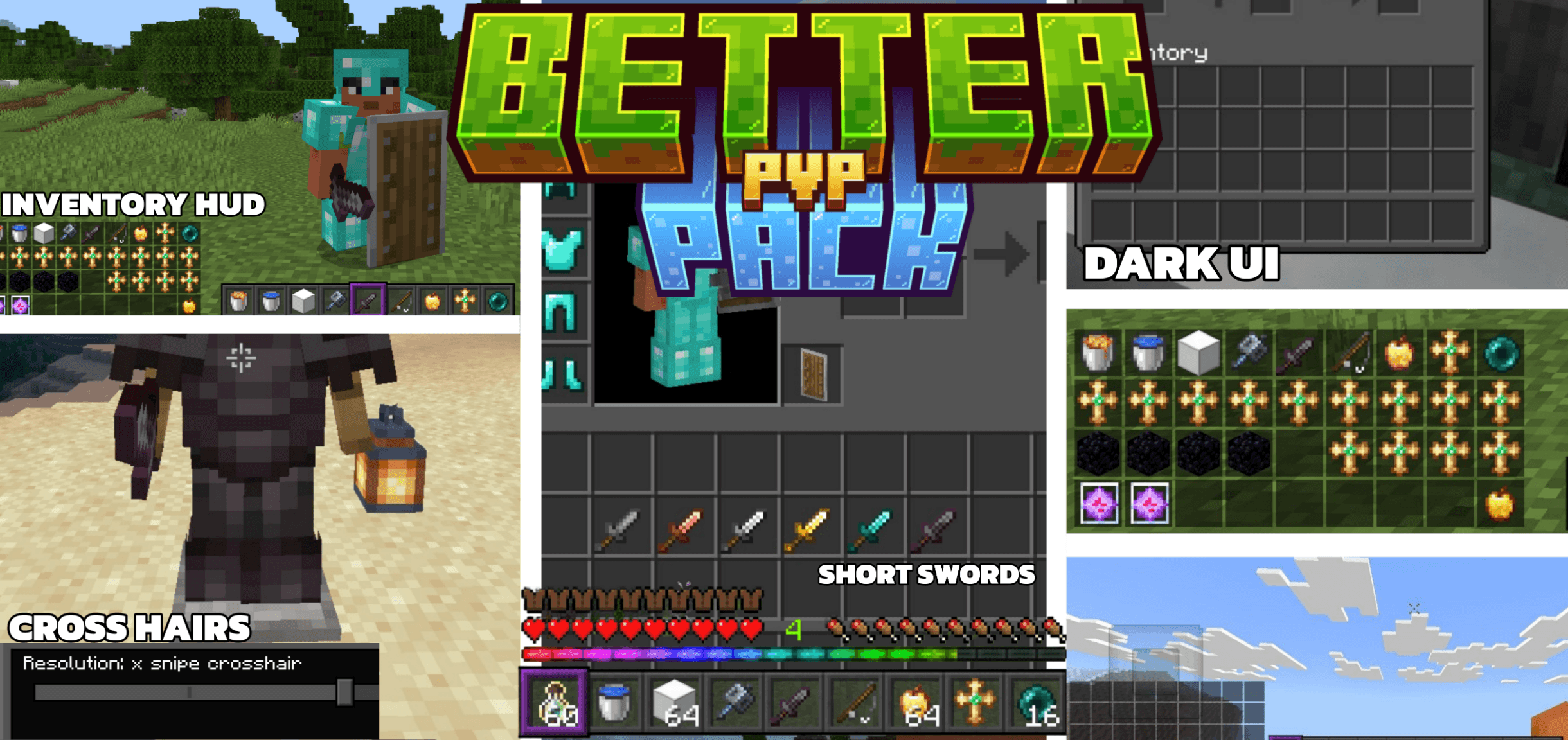
Better PvP Pack – A Bedrock resource pack designed for competitive play. Features retextured swords and weapons, shorter fire animations, optimized shield animations, a custom inventory HUD, no fog across all biomes, reduced ambient sounds, solid wool colors, chat tweaks, and 3 selectable crosshair styles.
✦ Features:
*Retextured Swords & Weapons — Clean, sharp redesigns for all swords (wood through netherite), the mace, and more, so your weapons look as deadly as they perform.
*Items — Retextured apples (regular & golden), totem of undying, elytra, and doors for a polished, consistent look.
*Short Fire & Soul Fire — Fire and soul fire animations are redesigned to be shorter and less obstructive, keeping your screen cleaner mid-fight.
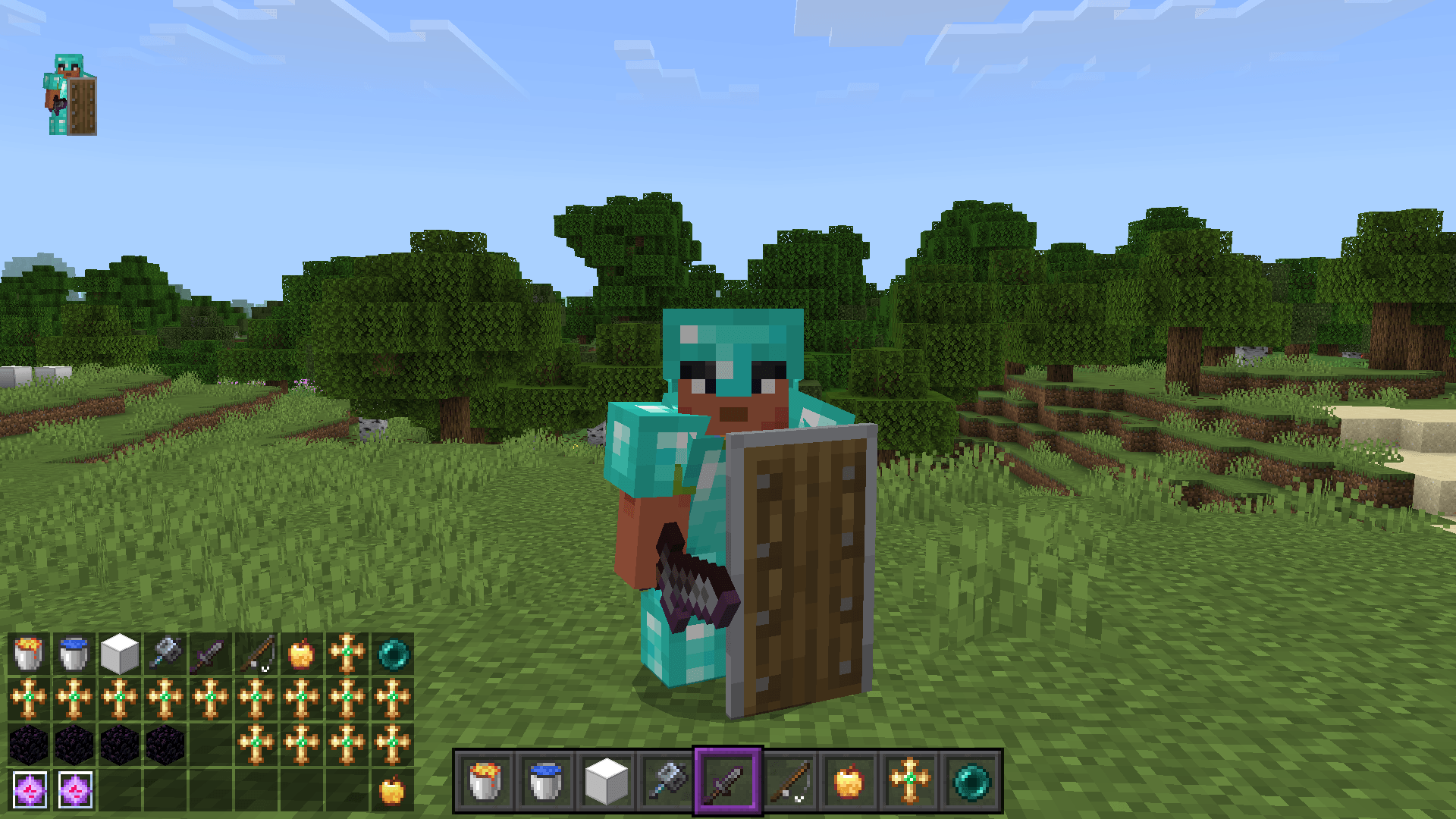
*Optimized Shield Animation — Repositioned and smoother shield positioning in both main hand and off-hand, with a snappy block animation so you know exactly when you're protected.
*Inventory HUD — A custom HUD overlay shows your inventory items on-screen with durability bars and stack counts, so you never lose track of your gear mid-fight.
*No Fog / Clear Biomes — Fog is removed or minimized across every biome, giving you maximum render distance visibility and no screen obstruction.
*Reduced Ambient Sounds — Rain, fire, explosions, portals, and cave sounds are significantly lowered in volume so you can focus on what matters: player movement and combat audio.
🎯 3 Crosshair Options (Subpacks):
- Default Crosshair
- Square Border Crosshair
- X Snipe Crosshair
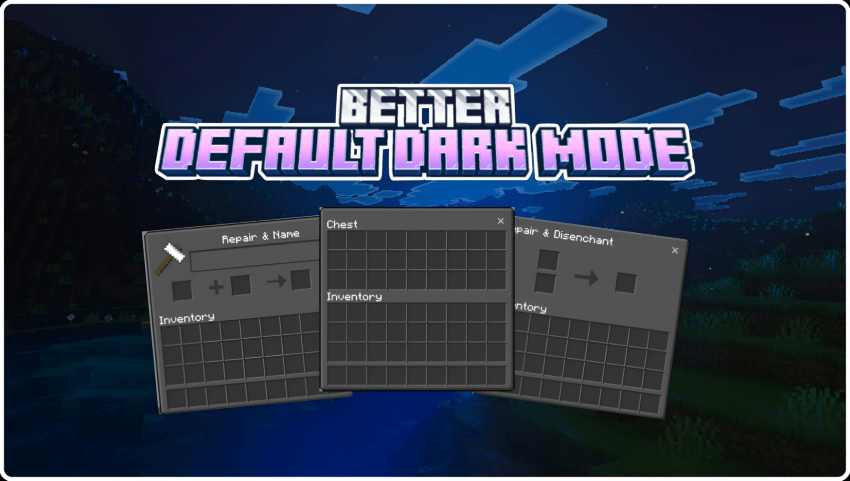
🖤 Dark UI — A sleek, dark-themed interface for a clean, distraction-free look that's easy on the eyes during long sessions.
🎨 Solid Wool Colors — Wool textures replaced with flat, solid colors for easier visual identification of color codes.
- Edition: Minecraft Bedrock
- File type: .mcpack
- Minecraft versions listed: 1.21.93, 1.21.20, 1.21.90
- How to install: Download the .mcpack. → Open it — Minecraft imports it under Resource Packs. → Activate it in Global Resources, or for one world under Resource Packs → Available.
- Where to get it: In MCModsHub, or directly above on this page.
Install steps are the general flow for this file type — How to install Minecraft Bedrock texture packs walks through it step by step.
- Pack type: .mcpack — a single pack
- Complete pack — everything it depends on is inside the file
- Download size: 2.2 MB
- Download link checked 15 Sept 2026 — working
These come from our own check of the pack file, not from the source page.