Mace shockwave | refresh
Bedrock texture pack listed for Minecraft 1.21–26.x. File opened and checked on 28 Aug 2026; installs from the MC Bedrock Mods app on Android.
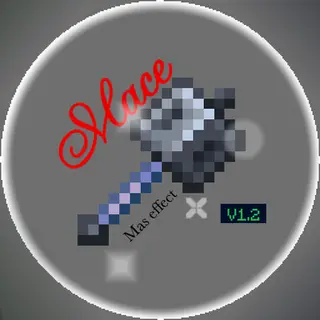
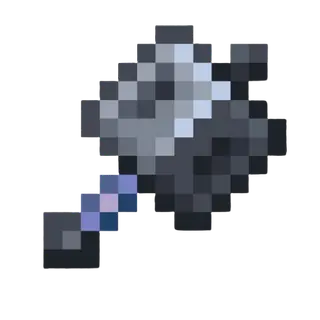
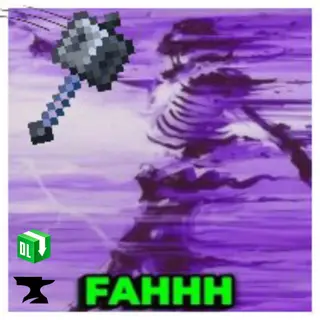
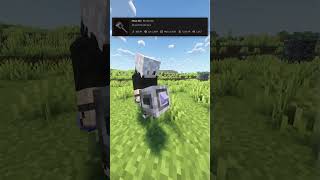
Impressed by "Mas Effects" by MasUN0, this texture pack focus on improving the MACE by adding a new satifying shockwave effect when player do a mace hit
I don't know my version
If you can't get the latest version of this texture pack on MCPEDL, You can try download with Curseforge
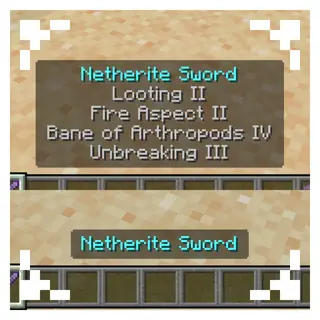
If you are using a "lag fixer" or "no particle" resource pack, you have to activate and put 'Mace mas effect' above on all of them
For example:
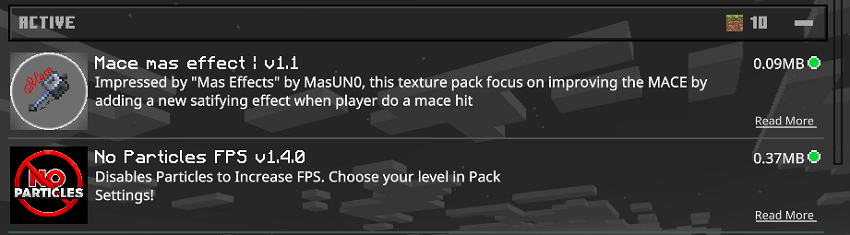
As the description said: this texture pack focuses on enhancing the experience of using the Mace by introducing a brand-new, satisfying impact effect.
Every successful hit now feels more powerful and immersive, with improved visual feedback that emphasizes the strength and impact of the weapon. Whether you're smashing enemies or testing it out for fun, the upgraded effect makes each strike more rewarding and dynamic.
Perfect for players who want their combat to feel heavier, cleaner, and more visually engaging.
✨ Features
simple mace effect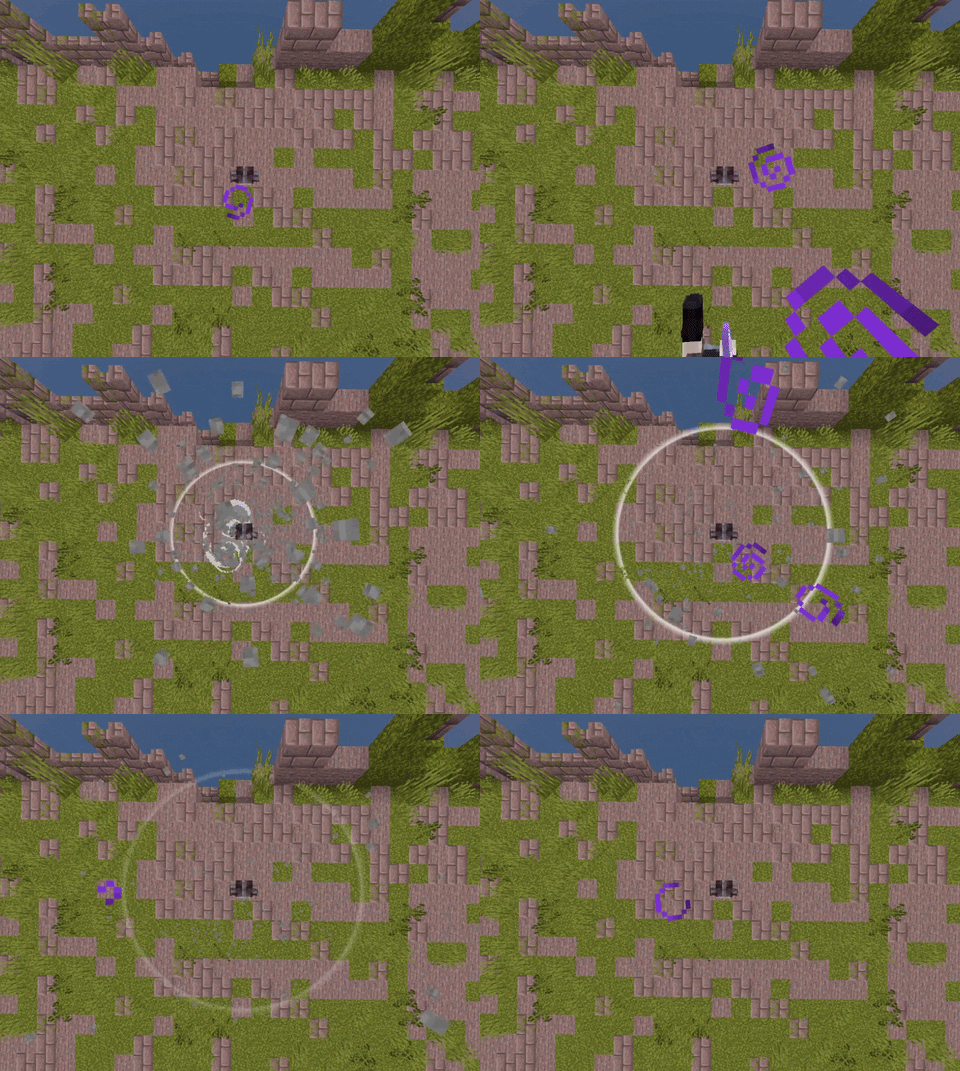
🎨Customizing ability
You can change the circle for effects, style.
I recommend use light colored circle because of the glow in the dark effect
</>Compatibility
- compatible with Action and Stuff
- compatible with Raiyon's Java Combat and Blurry's Java PvP
- useable on any server
🛠️ Installation
- Download the resource pack
- Move it into the '
resource packs'folder - Open Minecraft → Settings → Global Resources
- Activate Mace mas effect
⚠ Disclaimer
This texture pack use ZERO asset or code from the original mod!
respect to the original dev still, they made a good work that my small project can't compare to or replace
💬 Feedback & Support
If you have suggestions, feedback, or encounter any issues, feel free to leave a comment. Your feedback helps improve the pack even further ❤️
Feel free if you want to use this in your texture pack and post it on curseforge or somewhere, I would very appreciate if you give me a proper credit.
- Edition: Minecraft Bedrock
- File type: .mcpack
- Minecraft versions listed: 1.21.130, 26.0, 26.3
- How to install: Download the .mcpack. → Open it — Minecraft imports it under Resource Packs. → Activate it in Global Resources, or for one world under Resource Packs → Available.
- Where to get it: In MCModsHub, or directly above on this page.
Install steps are the general flow for this file type — How to install Minecraft Bedrock texture packs walks through it step by step.
- Pack type: .mcpack — a single pack
- Complete pack — everything it depends on is inside the file
- Download size: 190 KB
- Download link checked 25 Aug 2026 — working
These come from our own check of the pack file, not from the source page.